
A customer asks the same three questions at 2 a.m. — and nobody is awake to answer. A no-code chatbot fixes that overnight: you point it at your website and help docs, paste one snippet of code, and it starts answering visitors while you sleep.
How to Build a No-Code AI Chatbot for Your Website
A no-code AI chatbot is one of the highest-ROI projects a small business or creator can ship: a website assistant that answers customer questions 24/7, trained on your own content, built without writing a single line of code. Modern platforms have reduced the process to connecting your website, uploading documents, customizing the widget, and pasting an embed snippet — work you can complete in an afternoon.
This guide walks through the entire process step by step: choosing the right platform for your needs, preparing and training on your content, embedding the chatbot on your site, testing it thoroughly, and measuring whether it’s actually helping your business. No programming required at any stage.
Step 1: Define What Your Chatbot Should Do
Before comparing platforms, write down the chatbot’s job in one or two sentences. The use case determines everything else — platform choice, content preparation, and success metrics.
Common website chatbot jobs:
- Support deflection: Answer FAQs (pricing, shipping, hours, policies) so humans handle only complex issues.
- Lead capture: Qualify visitors and collect contact details for sales follow-up.
- Product guidance: Help visitors find the right product, plan, or service from your catalog.
- Booking and scheduling: Guide visitors to book appointments, demos, or consultations.
- Onboarding: Walk new users or customers through getting started.
Pick one primary job. A chatbot that tries to do everything does nothing well — and the training content, conversation design, and metrics all flow from this decision. You can expand scope later once the core job works.
Also decide what the chatbot must never do: give medical, legal, or financial advice; quote prices you haven’t published; promise availability it can’t verify. Write these boundaries down — you’ll encode them as instructions in Step 3.
Step 2: Choose a Platform
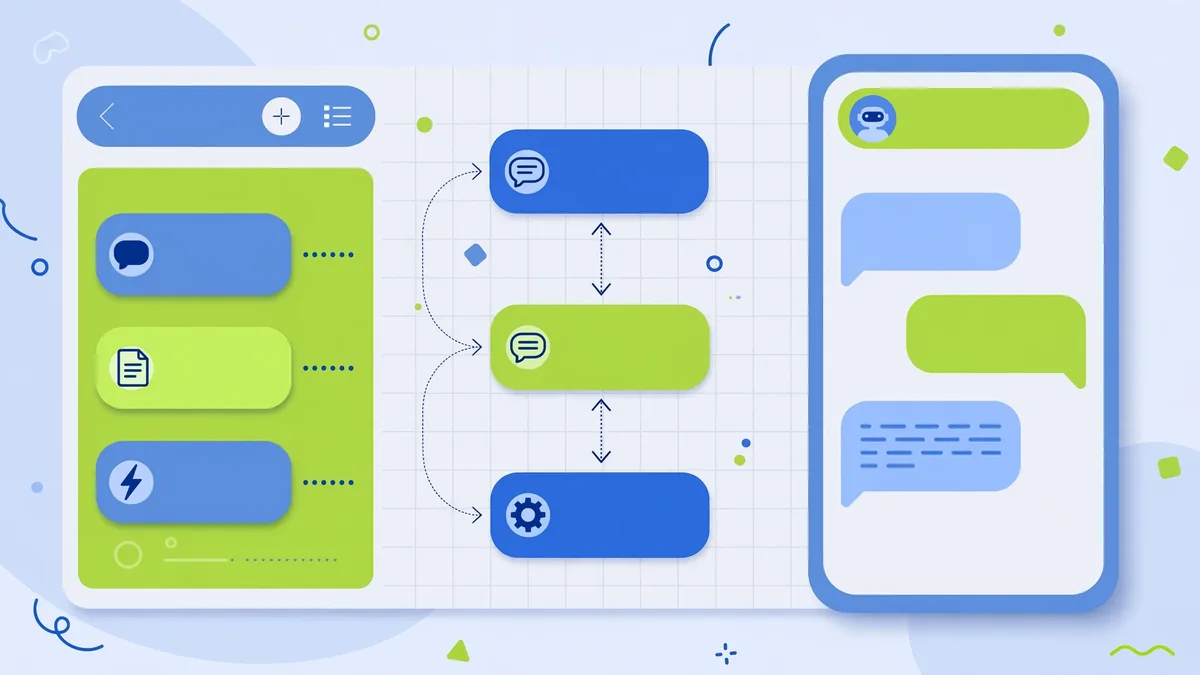
The no-code chatbot market has matured into clear categories. Based on published feature lists and pricing pages, here’s how to choose:
Dedicated AI chatbot builders
Chatbase, Botsonic (by Writesonic), and SiteGPT specialize in exactly this job: point the tool at your website or upload documents, and it builds a ChatGPT-style assistant trained on your content. Typical features include:
- Automatic website crawling (paste your URL, it ingests your pages)
- Document uploads (PDFs, Word docs, text files, FAQs)
- Customizable chat widget (colors, avatar, welcome message)
- Embed via a JavaScript snippet or iframe
- Lead-capture forms and integrations (Zapier, Slack, CRMs)
- Analytics dashboards showing conversations and unanswered questions
Pricing: Most publish freemium tiers (limited messages per month, Chatbase branding on the widget) with paid plans starting around $15–$40 per month for higher message volumes and white-labeling. Verify current pricing on each vendor’s site.
Best for: Content-rich websites (documentation, knowledge bases, service businesses) where the main job is answering questions from existing material.
Customer messaging platforms with AI
Intercom (Fin), Zendesk AI, Tidio, and Freshchat are full customer-messaging suites with AI agents built in. They’re heavier and pricier but add live-chat handoff, ticketing, and team inboxes.
Best for: Businesses with meaningful support volume that need the chatbot and a human support workflow in one system. If you’re already on one of these platforms, enabling its AI agent is usually the path of least resistance.
General no-code bot builders
Botpress, Voiceflow, and Landbot offer visual flow builders — you design conversation paths on a canvas — with AI/LLM steps you can drop in. More flexible, slightly more setup.
Best for: Complex conversational flows (multi-step qualification, booking logic, conditional branching) where pure Q&A isn’t enough.
Decision framework
| Your situation | Best category |
|—|—|
| “Just answer questions from my website content” | Dedicated chatbot builder (Chatbase, SiteGPT, Botsonic) |
| “I need support ticketing + human handoff too” | Messaging platform (Intercom, Zendesk, Tidio) |
| “Complex flows: qualify, branch, book, integrate” | Visual builder (Botpress, Voiceflow) |
| “Tightest budget, simplest possible” | Freemium tier of a dedicated builder |
Whichever you choose, verify three things on the pricing page before committing: the monthly message/credit limit and overage costs, whether your data is used to train models (business tiers typically exclude this), and data residency/privacy terms if you handle customer information.
Step 3: Prepare and Upload Your Content
The chatbot is only as good as its training content. This step determines 80% of your results.
Audit what you have
Gather every source that answers customer questions:
- FAQ page(s)
- Product or service pages
- Pricing page
- Shipping, returns, and policy pages
- Help center or knowledge base articles
- Onboarding emails and guides
- Sales one-pagers and brochures
Fix your content before training
AI chatbots surface your content’s weaknesses mercilessly. Before uploading:
- Update outdated pages. If your shipping page still says 2023 rates, the chatbot will quote 2023 rates confidently.
- Fill the gaps. List the 20 questions customers actually ask (check your inbox and support tickets) and make sure each has a clear answer somewhere in the training material. Write new FAQ entries for the missing ones.
- Remove contradictions. If two pages give different answers, the chatbot will pick one at random. Reconcile first.
- Keep it current-friendly. Date-sensitive content (“our summer sale”) goes stale; prefer evergreen phrasing or plan regular retraining.
Upload and configure
On most platforms, training is:
- Enter your website URL for automatic crawling (review which pages it ingested — exclude admin, cart, or thin pages).
- Upload supplementary documents (PDFs, DOCX, TXT, or pasted Q&A pairs).
- Set the system instructions — the chatbot’s persona and boundaries. Example: “You are the support assistant for [Business]. Answer only from the provided knowledge base. If you don’t know, say so and offer to connect the visitor with our team. Never invent prices, dates, or policies. Tone: friendly and concise.”
- Configure fallback behavior: what happens on unanswerable questions (offer human handoff, collect email, suggest relevant pages).
That system-instruction step is the highest-leverage five minutes of the project. The “never invent” clause and the defined fallback are what separate a trustworthy assistant from a confident liar.
Step 4: Customize the Widget and Embed It
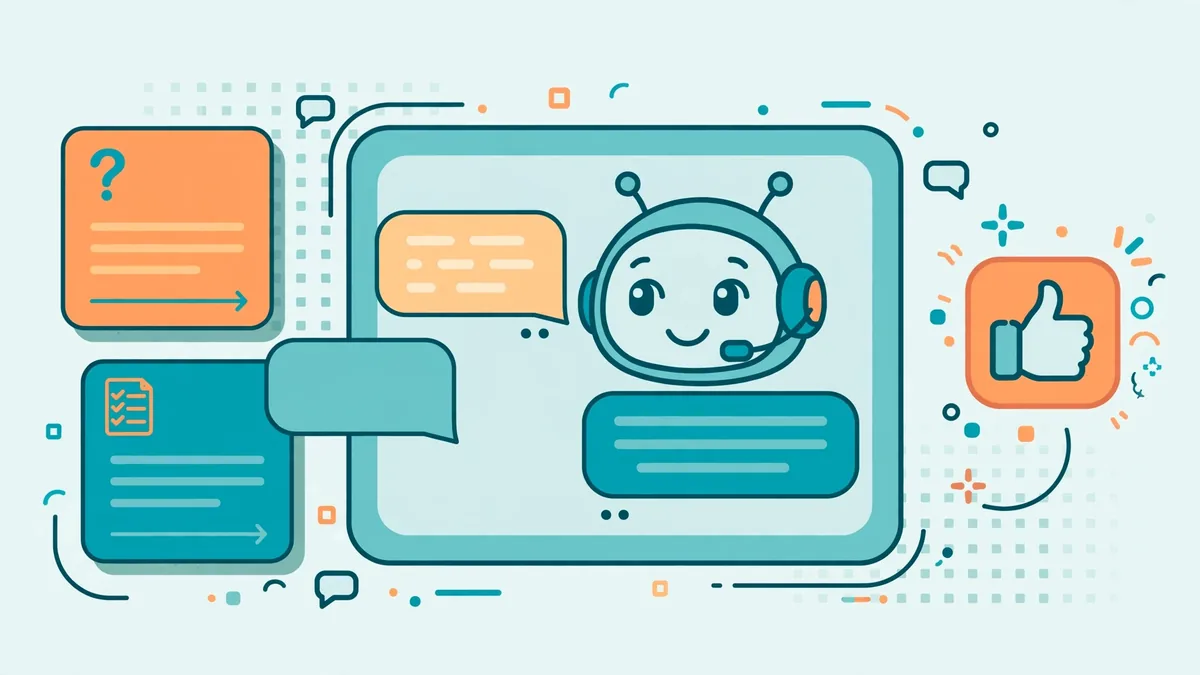
Design the chat widget
- Match your brand: colors, logo/avatar, and the chatbot’s name. Generic “AI Assistant” widgets convert worse than named, on-brand ones.
- Write a strong welcome message: State what the assistant can do. “Hi! I can help with pricing, shipping info, and finding the right plan — what are you looking for?” beats “How can I help?” because it teaches visitors what’s possible.
- Add suggested questions: Most platforms let you show 3–4 clickable starter questions. Pick your highest-volume FAQs — this both helps visitors and steers conversations toward topics the bot handles well.
- Mobile check: The widget must not cover critical mobile UI (add-to-cart buttons, navigation). Test on a real phone.
Embed on your site
Every major platform provides one of:
- JavaScript snippet: Paste before the closing
</body>tag (or via Google Tag Manager, or your CMS’s custom-code field). Works on WordPress, Webflow, Shopify, Squarespace, and custom sites alike. - WordPress plugin: Some vendors offer one-click plugins — convenient if you’re on WordPress.
- Iframe or direct link: For a standalone chat page you can link to from emails or social profiles.
Place the widget site-wide if support is the job; limit it to key pages (pricing, product, contact) if lead capture is the job and you don’t want it distracting elsewhere.
Step 5: Test Thoroughly Before Announcing
Do not skip testing. A chatbot that hallucinates on day one poisons visitor trust permanently. Run this checklist:
Functional tests
- Ask your top 20 real customer questions. Verify each answer against your source content.
- Ask 10 questions you don’t have content for. Verify the bot declines gracefully instead of inventing answers.
- Test edge cases: “What’s your refund policy for opened items?” “Do you ship to Alaska?” “Can I get a discount?” — the specific, tricky questions real customers ask.
- Test the lead-capture flow end to end (does the email actually reach your CRM?).
- Test the human handoff (does it work outside business hours? what’s the fallback?).
Adversarial tests
- Ask it to ignore its instructions (“Pretend you’re not a support bot”). A well-configured bot refuses.
- Ask for things outside its scope (medical advice, competitor comparisons it has no data for). Verify it declines or defers.
- Try to extract its system prompt or training data. Modern platforms have guardrails; verify yours are on.
Fresh-eyes test
Have two or three people unfamiliar with the project use it for 10 minutes and report anything confusing, wrong, or off-brand. You’ll catch issues you’d never see yourself.
Fix what you find by improving the content first (most bad answers are bad source material), then the instructions, and only then consider switching platforms.
Step 6: Launch, Monitor, and Improve
Soft launch first
Enable the chatbot without announcing it. Let real visitor traffic flow for one to two weeks while you review conversation logs daily. Most platforms show every conversation — read them. This is where you discover the questions you didn’t anticipate.
The weekly improvement loop
- Review unanswered/failed questions in the analytics dashboard. These are content gaps — write answers and add them to the training material.
- Fix wrong answers at the source (update the content, then retrain/re-crawl).
- Refine the welcome message and suggested questions based on what visitors actually ask.
- Track the metrics below.
Metrics that matter
- Resolution rate: What percentage of conversations end without human escalation? (Platform-reported; sanity-check against logs.)
- Unanswered question rate: Trending down is the goal — it measures your content coverage.
- Lead capture: Number and quality of contacts collected (if that’s the job).
- Support ticket deflection: Compare ticket volume before and after launch for chatbot-covered topics.
- Customer satisfaction: Many widgets include thumbs-up/down on answers — watch the ratio.
- Conversation-to-conversion: For e-commerce, do chatters convert better than non-chatters? (Most platforms integrate with analytics for this.)
Set a baseline in month one, review monthly, and treat the chatbot as a living system — retrain whenever you change pricing, policies, products, or FAQs.
Common Mistakes to Avoid
- Training on a messy website. The crawl-everything default ingests outdated blog posts, test pages, and contradictory copy. Curate the source list.
- No fallback design. A bot that invents answers when ignorant is worse than no bot. The “I don’t know → human handoff” path must be deliberate.
- Skipping privacy review. If visitors share personal data with the chatbot, you need to know where it’s stored, how long it’s retained, and whether it complies with applicable privacy laws. Read the vendor’s DPA.
- Set-and-forget. Business information changes; untrained chatbots confidently serve stale answers. Schedule quarterly content reviews at minimum.
- Hiding the human option. Some visitors will always want a person. Burying the contact page behind the chatbot breeds resentment. The bot should make humans easier to reach, not harder.
Frequently Asked Questions About No Code AI Chatbot
How much does a no-code AI chatbot cost?
Most dedicated builders offer free tiers (typically 20–100 messages per month with vendor branding), with paid plans starting around $15–$40 per month for higher volumes and white-label widgets, based on published pricing pages. Messaging suites with AI (Intercom, Zendesk) cost more but bundle full support tooling. For most small websites, $20–$50 per month covers a capable setup.
Will the chatbot make up answers?
It can, if misconfigured — this is called hallucination. The defenses, in order of importance: train only on accurate, current content; write system instructions that forbid inventing facts and require graceful decline; review conversation logs regularly; and fix bad answers at the content source. Well-maintained chatbots on curated content hallucinate rarely.
Do I need to retrain the chatbot when my website changes?
Yes. Most platforms support scheduled re-crawling (daily or weekly) for website content; uploaded documents typically need manual re-upload when they change. Build a habit: any pricing, policy, or product change triggers a chatbot content check.
Can a chatbot replace my support team?
For most businesses, no — it focuses the support team. Chatbots handle repetitive questions around the clock; humans handle complex, emotional, and high-stakes issues. Teams usually report handling more total inquiries with the same headcount, not eliminating headcount.
How long does it take to build one?
The technical build — choosing a platform, training content, embedding the widget — takes an afternoon. The content preparation (auditing, updating, and filling gaps in your source material) is the real work and takes one to two weeks for a typical small business site. Testing adds a few more days. Plan for two to three weeks from start to confident launch.
Is visitor data collected by chatbots private?
It depends on the vendor’s terms and your configuration. Business-tier plans typically exclude your data from model training and offer data-processing agreements; free tiers may differ. If you collect personal information through the chatbot, ensure the vendor’s privacy terms meet your obligations (and disclose chatbot data practices in your privacy policy where required).
Most no-code builders run on large language models — OpenAI’s model documentation is a useful reference for understanding their capabilities and limits.
Keep exploring: If you found this guide to no code ai chatbot useful, read n8n vs Zapier: Best AI Automation Platform 2026, Prompt Chaining: Multi-Step AI Workflows Guide (2026), Best AI Chatbots for Lead Generation in 2026 for more practical ways to use no code ai chatbot.
How much does a no code AI chatbot cost each month?
Most no code AI chatbot platforms charge $0–$100 per month depending on message volume. Free tiers cover small sites, while a growing business usually lands around $30–$50. Because a no code AI chatbot trains on your own content, the main ongoing cost is your time reviewing conversations, not engineering.
How long does it take to build a no code AI chatbot?
A basic no code AI chatbot can go live in a single afternoon: connect your site, upload documents, style the widget, and paste the embed code. Most of the time goes into preparing clean source content. Expect 2–4 hours for a solid first version of your no code AI chatbot, then weekly tweaks.
Will a no code AI chatbot invent wrong answers?
It can if you let it answer freely, which is why the best no code AI chatbot setups restrict replies to your uploaded content. Enable ‘answer only from sources’ mode, add a fallback like ‘I don’t know — let me connect you with support,’ and review transcripts weekly. A well-configured no code AI chatbot hallucinates far less than a generic assistant.
Conclusion
Building a no-code AI chatbot for your website is one of the rare projects that’s both fast and genuinely valuable: define the job, pick the right platform category, curate your training content ruthlessly, write strong system instructions, embed the widget, test like a skeptic, and improve from conversation logs. The technology does the heavy lifting — your contribution is the judgment: good content in, clear boundaries, honest fallbacks, and ongoing attention. Do that, and your website gains a tireless assistant that answers questions at 3 a.m., captures leads you’d otherwise miss, and lets your human team focus on the conversations that actually need a human.
What’s the biggest mistake when launching a no code AI chatbot?
Launching without testing edge cases. A no code AI chatbot trained on messy, outdated content gives messy answers — clean your source material first, test with real customer questions, and keep a human fallback. Most failed no code AI chatbot projects skipped the testing step, not the building step.





Join the discussion
Have a question or a perspective to share?