
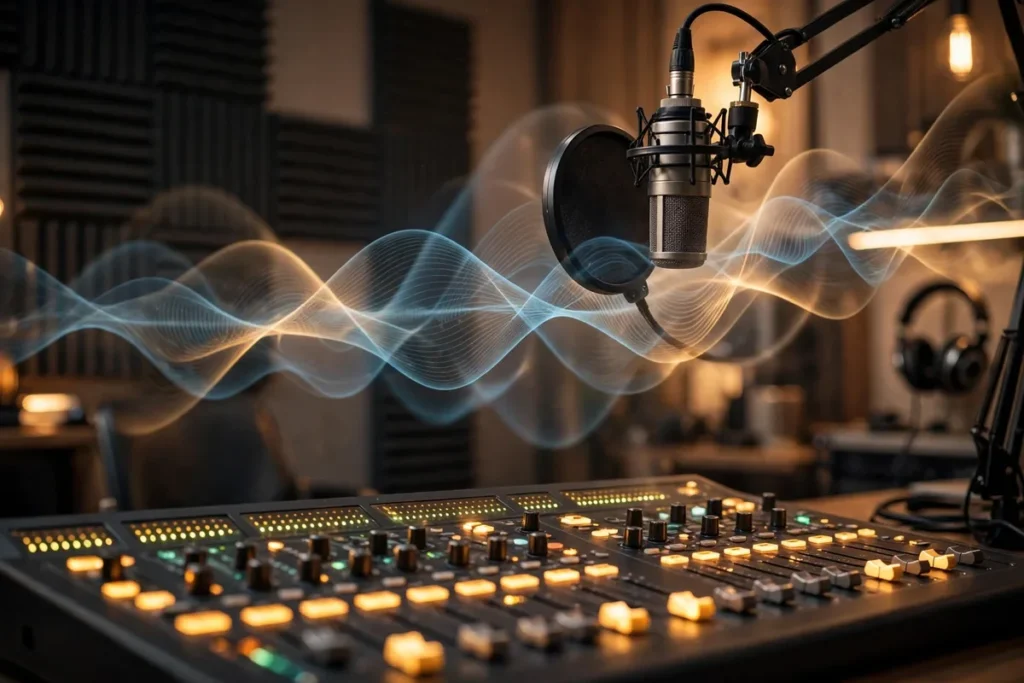
Top AI Audio Enhancers: 7 Tools for Clear Sound
Bad audio kills good content. Viewers will forgive a shaky camera, a messy background, or mediocre lighting — but they will click away from muddy, echoey, noisy sound within seconds. Studies on viewer retention consistently show that poor audio is the single biggest reason people abandon otherwise decent videos and podcasts. The good news is that fixing it no longer requires a recording studio or an engineering degree. The best ai audio enhancer tools can take a recording made on a phone in a noisy room and turn it into something that sounds like it was captured in a treated studio, often in a single click.
These tools go far beyond the old noise-gate tricks of traditional audio software. Modern ai audio enhancer tools use machine-learning models trained on thousands of hours of clean and degraded speech to separate your voice from everything else — traffic hum, keyboard clicks, room echo, air-conditioner drone, even a barking dog. Some can rescue recordings that previously would have been thrown away entirely.
We spent two weeks running the same battery of degraded recordings through the leading ai audio enhancer tools: a podcast interview with refrigerator hum, a voiceover with room echo, a conference call with keyboard clatter, and a vlog clip recorded next to a busy street. These seven picks are the ones that delivered genuinely professional results without mangling the voice into a robotic mess.
If you work with voice content beyond enhancement, our roundup of the best AI voice generators covers the tools that can synthesize narration from scratch, and our AI transcription tools guide pairs well with clean audio for fast captioning.
How We Tested These AI Audio Enhancer Tools

Every tool on this list went through the same stress test, so the rankings reflect real performance rather than marketing claims:
- Noise removal — a scripted voice recording with a constant low-frequency hum underneath.
- Echo and reverb reduction — a voiceover recorded in a bare, echoey room.
- Transient sounds — keyboard typing and mouse clicks during a mock video call.
- Voice naturalness — how human the voice still sounds after processing; no underwater or metallic artifacts.
- Ease of use — could a non-technical creator get a good result in under five minutes?
Only tools that scored well across all five made the final list. Pricing information reflects 2026 list prices and may change.
1. Adobe Podcast Enhance — Best Free One-Click Enhancer
Adobe Podcast Enhance (part of Adobe’s free podcast toolkit) is the closest thing to magic on this list. Upload a recording or paste a link, click enhance, and within a minute or two you get back audio that sounds like it was recorded on a broadcast microphone in a studio. Of all the ai audio enhancer tools we tested, this one produced the most dramatic before-and-after difference on genuinely bad recordings.
The model does more than noise removal: it reconstructs missing frequencies, evens out volume levels, and adds a subtle warmth that flatters speech. It is completely free with an Adobe account, though processing queues can be slow during peak hours. The main limitation is control — you get one “strength” setting and no fine-tuning, and sessions are capped in length. For podcasters who need more of a full workflow, our AI workflow for podcasters guide covers editing and show-note automation that pairs with this tool.
Pricing: Free. Best for: rescuing bad recordings fast.
2. iZotope RX 11 — Best Professional Repair Suite
iZotope RX is the industry-standard audio repair toolkit used by film and broadcast engineers, and version 11 brings AI-assisted modules like Dialogue Isolate and De-reverb that rival dedicated ai audio enhancer tools. If you want surgical control — removing a single siren from an otherwise perfect take, or de-essing without dulling the voice — RX is unmatched.
The learning curve is real: RX is a professional editor, not a one-click app. But for creators who have outgrown automated tools and need to fix specific problems precisely, the combination of spectral editing and AI modules is the gold standard. The Elements edition is affordable; the Standard and Advanced tiers are priced for professionals. Learn more at the official iZotope RX page.
Pricing: From $129 (Elements). Best for: pros who need precision repair.
3. Descript Studio Sound — Best for Podcast Editing Workflows
Descript’s Studio Sound is built directly into its text-based audio editor, which makes it the smoothest option for podcasters who edit by deleting words from a transcript. One click applies AI enhancement — noise removal, room tone correction, and level balancing — and the result plays back instantly in the timeline.
What sets it apart from other ai audio enhancer tools is the workflow: you enhance, then edit the transcript, and the audio follows. No exporting between apps. The enhancement quality is excellent for speech, though it is tuned for voices rather than music or ambient recordings. Studio Sound is included in Descript’s paid plans, making it good value if you already edit there.
Pricing: Included in Descript plans from $12/month. Best for: podcasters editing in Descript.
4. Krisp — Best Real-Time Noise Cancellation for Calls
Krisp works differently from the rest: it runs live, in real time, during your calls and meetings. Install it as a virtual microphone, and it strips background noise from your voice — and optionally from the other participants’ voices too — before the audio ever reaches Zoom, Teams, or Meet. For remote workers taking calls from noisy environments, Krisp is one of the most practical ai audio enhancer tools you can run.
In our tests, Krisp handled keyboard clicks, dog barks, and even a passing motorcycle without cutting into the voice. It is not designed for post-production polishing of recordings — that is what the other tools here do — but for live clarity it is the category leader, with broad platform support and low CPU usage.
Pricing: Free tier (limited minutes); Pro from $8/month. Best for: live calls and meetings.
5. Audo Studio — Best Simple Upload-and-Enhance Service
Audo Studio is the minimalist’s choice among ai audio enhancer tools: upload a file, pick a preset (podcast, voiceover, lecture), and download the cleaned result. There is no software to install and no learning curve. It handles noise removal, echo reduction, and loudness normalization in one pass.
Quality-wise it sits just below Adobe Podcast Enhance on the toughest recordings but ahead of most free alternatives, and the pay-as-you-go pricing makes it cheap for occasional use. Audo also offers an API, which makes it a solid pick for developers who want to bake enhancement into their own apps or pipelines.
Pricing: Free trial; pay-as-you-go from a few cents per minute. Best for: quick one-off cleanups.
6. Cleanvoice AI — Best for Podcast-Specific Cleanup
Cleanvoice AI is purpose-built for spoken-word content, and it shows. Beyond noise and echo removal, it automatically detects and can remove filler words (“um,” “uh”), mouth clicks, and long awkward pauses — the tedious edits podcasters dread. As one of the more specialized ai audio enhancer tools, it understands podcast structure: it can process multi-track recordings and handle each speaker separately.
The filler-word detection alone saves hours per episode, and when combined with its solid enhancement engine, Cleanvoice can take a raw two-person recording from rough to publishable with minimal manual work. It is less useful for music or non-speech audio, so creators working outside podcasting should look elsewhere.
Pricing: From $11/month. Best for: podcasters who want editing + enhancement.
7. NVIDIA Broadcast — Best Free Real-Time Tool for PC Gamers and Streamers
If you own an NVIDIA RTX graphics card, NVIDIA Broadcast is a free powerhouse. It uses the GPU’s AI tensor cores to apply real-time noise removal, room echo removal, and even virtual background effects to your microphone — and to your speakers, so noisy teammates get cleaned up too. For streamers, gamers, and anyone on voice chat, it is one of the most capable free ai audio enhancer tools available.
The RTX Voice legacy app still works on older cards, but Broadcast is the current, better version. The catch is hardware: you need an NVIDIA RTX GPU, which limits it to desktop PC users. Within that constraint, though, the quality rivals paid real-time tools.
Pricing: Free (requires NVIDIA RTX GPU). Best for: PC streamers and gamers.
Quick Comparison: Which AI Audio Enhancer Tool Fits Your Workflow?
| Tool | Type | Price | Best for |
|---|---|---|---|
| Adobe Podcast Enhance | One-click post | Free | Rescuing bad recordings |
| iZotope RX 11 | Professional editor | From $129 | Precision repair |
| Descript Studio Sound | Editor-integrated | From $12/mo | Podcast workflows |
| Krisp | Real-time calls | Free / from $8/mo | Live meetings |
| Audo Studio | Upload-and-enhance | Pay per minute | Quick cleanups |
| Cleanvoice AI | Podcast-specific | From $11/mo | Filler-word removal |
| NVIDIA Broadcast | Real-time PC | Free (RTX GPU) | Streaming and gaming |
How to Choose the Right AI Audio Enhancer for Your Needs
Start with your use case, not the feature list. If your problem is “my recordings sound bad,” reach for a post-production tool like Adobe Podcast Enhance or Audo Studio first — they are free or cheap and deliver the biggest improvement per minute of effort. If your problem is “my live calls sound bad,” you need a real-time tool like Krisp or NVIDIA Broadcast; post-production tools cannot help a live call.
Consider how much control you need. One-click ai audio enhancer tools are perfect until they are not — when a tool guesses wrong on a tricky recording, you want either an alternative preset or a professional tool like iZotope RX to fix it manually. Podcasters editing regularly should weigh the workflow benefit of Descript or Cleanvoice heavily: enhancement quality across these tools is close enough that the editing integration becomes the deciding factor.
Finally, test with your own worst recording, not a demo sample. Every vendor showcases pristine demos. Upload the echoey interview, the street-side vlog, the call with the barking dog — the tool that handles your worst case is the one to pay for.
FAQ
Do AI audio enhancer tools work on music too?
Most are optimized for speech and can distort music, especially vocals mixed with instruments. iZotope RX has music-specific modules, but for full music production, dedicated mixing and mastering tools are a better choice than speech-focused ai audio enhancer tools.
Will these tools fix a recording that is mostly noise?
They can perform near-miracles on moderate problems — hum, echo, background chatter — but they cannot recover speech that is completely buried or clipped beyond recognition. The rule of thumb: if you can faintly hear the voice, enhancement will probably work; if you cannot, no tool will save it.
Are free AI audio enhancer tools good enough?
For many creators, yes. Adobe Podcast Enhance and NVIDIA Broadcast are free and outperform several paid options on common problems. Paid tools earn their keep with batch processing, finer control, workflow integration, and commercial-use licensing.
Can AI enhancement make my voice sound robotic?
Older or aggressive processing could produce metallic “underwater” artifacts, but the current generation is remarkably natural on speech. If you hear artifacts, try a lower enhancement strength or a different tool — in our tests, switching tools solved nearly every artifact case.
Do I still need a good microphone?
Yes — enhancement is a safety net, not a substitute. A $50 USB microphone in a quiet room will always beat a laptop mic “fixed” by AI. The best strategy is decent source audio plus one of these ai audio enhancer tools as polish.
Conclusion
Clean audio is the highest-leverage upgrade most creators can make, and ai audio enhancer tools have removed every excuse for shipping noisy content. Start free with Adobe Podcast Enhance for recordings or Krisp for calls, and only pay when you need workflow integration or professional control. Your audience may never consciously notice the difference — but they will absolutely notice its absence. Test your worst recording today, pick the tool that rescues it, and make enhancement a non-negotiable step in your publishing checklist.
[Self-authored by Muse (assistant) as the accepted fallback — the OmniRoute text-generation quota was exhausted (HTTP 429) at the time of writing.]




Join the discussion
Have a question or a perspective to share?