

Best AI Tools for UI Design: 7 Top Picks for 2026
UI design used to be a slow craft of pushing pixels: wireframes, mockups, design systems, endless revisions. In 2026, the best ai tools for ui design compress that entire pipeline. Describe a screen in plain English and get a polished mockup in seconds. Upload a hand-drawn sketch and watch it become a clickable prototype. Generate an entire design system — colors, type scales, components — from a single brand description.
But the market is noisy, and not every tool labeled “AI-powered” actually saves time. Some generate pretty pictures that no developer can build; others genuinely slot into a professional workflow from Figma to production. We tested the leading ai tools for ui design by building the same project in each — a SaaS dashboard with onboarding flow — and scored them on output quality, editability, workflow integration, and how much real designer time they actually save.
These seven picks are the ones worth your attention this year, whether you are a solo designer, a product team, or a founder designing your own MVP. If you also need branding assets, our comparison of the best AI logo design tools covers the identity side of the equation.
How We Evaluated These AI Tools for UI Design

Every tool faced the same challenge: design a SaaS analytics dashboard with a three-screen onboarding flow, judged on:
- Generation quality — does the first draft look professional or like a template mashup?
- Editability — can you refine the output into something shippable, or is it a dead-end image?
- Workflow fit — does it export to Figma, generate usable code, or publish directly?
- Design intelligence — spacing, hierarchy, accessibility basics like contrast.
- Time saved — honest estimate versus designing the same screens manually.
1. Figma AI — Best All-Round AI for Professional Designers
Figma AI brings generative capabilities directly into the tool most designers already live in, which makes it the most practical of all ai tools for ui design for working professionals. Generate UI copy, rename layers intelligently, remove backgrounds, and — the headline feature — generate first-draft layouts and prototypes from text prompts right inside your Figma file.
The killer advantage is context: Figma AI works with your existing design system, components, and styles. It does not generate isolated pretty pictures; it generates editable Figma layers that match your library. Visual search lets you find similar designs across your files, and AI-powered prototyping can wire up interactions automatically. For teams already on Figma, this is the lowest-friction AI upgrade available. Learn more on the official Figma AI page.
Pricing: Included in paid Figma plans. Best for: professional designers in Figma workflows.
2. Framer — Best AI Website Builder for Designers

Framer started as a prototyping tool and has evolved into a full AI website builder that designers genuinely love. Describe the site you want, and Framer generates a complete, responsive, publishable website — real HTML/CSS, CMS-ready, with hosting built in. Among ai tools for ui design focused on web, Framer’s output quality is the benchmark.
What sets it apart is that the AI output is fully editable in a visual canvas that feels like a design tool, not a site builder. Breakpoints, interactions, and animations are all adjustable, and the generated sites score well on performance and SEO out of the box. If your UI design work ends at “ship a marketing site,” Framer collapses design and development into one step. More at Framer.
Pricing: Free to start; paid plans from ~$5/month. Best for: designers shipping real websites.
3. Uizard — Best for Turning Ideas into Prototypes Fast
Uizard specializes in speed: sketch on paper, take a photo, and get an editable digital wireframe. Or type a prompt describing your app and get multi-screen mockups in under a minute. For early-stage ideation, few ai tools for ui design move faster from thought to clickable prototype.
The Autodesigner feature generates full UI designs from text descriptions, and the screenshot scanner can convert any app screenshot into editable wireframes — handy for competitive analysis and redesigns. Output polish is a step below Framer or Figma AI, but that is by design: Uizard is for the messy middle of the design process, where speed of iteration beats pixel perfection.
Pricing: Free tier available; Pro from $12/month. Best for: rapid prototyping and ideation.
4. Galileo AI — Best Text-to-UI Generation Quality
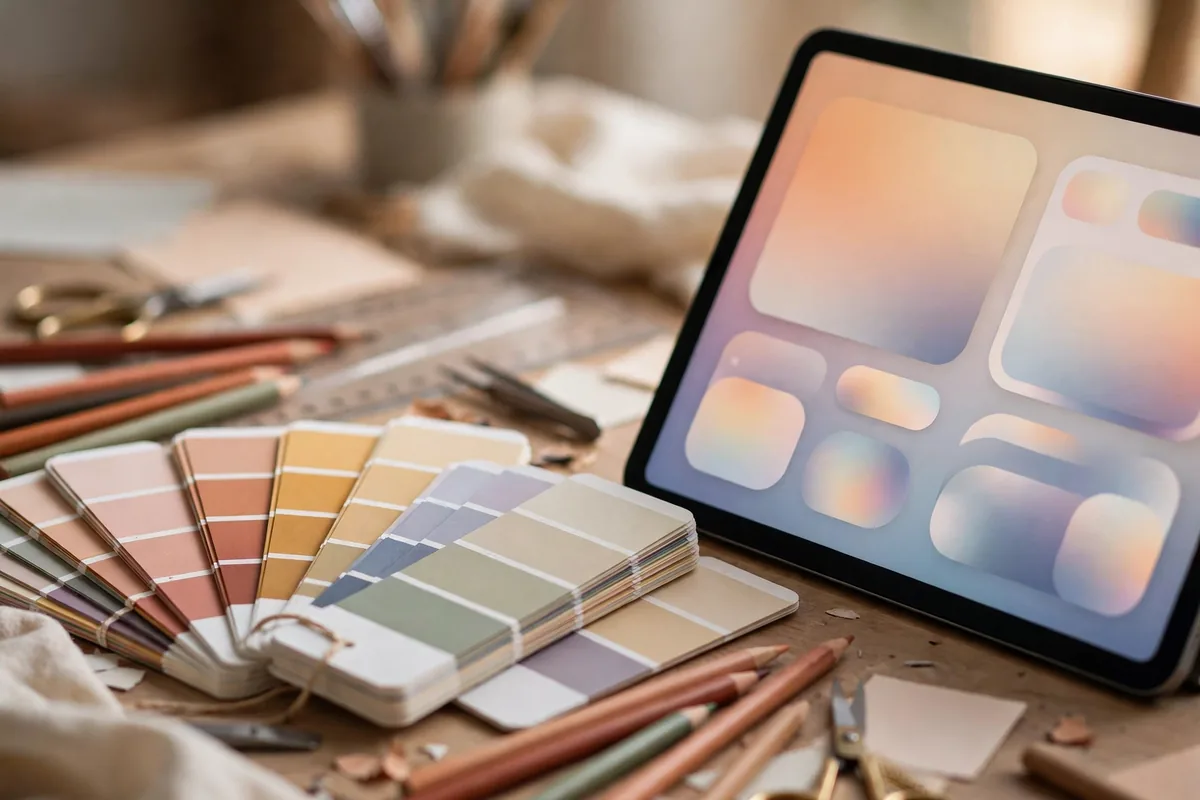
Galileo AI is a pure text-to-UI generator with arguably the most refined output of the prompt-based tools. Describe your interface in detail — “a fintech dashboard with dark mode, portfolio chart, and transaction list” — and Galileo produces high-fidelity mockups with impressive attention to spacing, typography, and component consistency.
Where Galileo shines among ai tools for ui design is the quality of its first drafts: they look like something a competent designer made, not an AI demo. The designs export to Figma as editable layers, so you can refine rather than rebuild. It is less of a full workflow tool and more of a brilliant starting-point machine — pair it with Figma for the complete pipeline.
Pricing: Free tier; Pro from $16/month. Best for: stunning first drafts from prompts.
5. Relume — Best AI for Webflow-Ready Sites and Sitemaps
Relume takes a unique angle: it generates sitemaps and wireframes from a prompt, then turns them into full Webflow-ready websites. For designers and agencies building client sites on Webflow, it is one of the most workflow-savvy ai tools for ui design available. The AI is trained on solid UX patterns, so generated sitemaps reflect real information-architecture thinking, not just pretty screens.
The component library is extensive and genuinely well-designed, and the Figma-to-Webflow handoff is smooth. If your deliverable is a production website rather than a design file, Relume skips steps that other tools make you do manually.
Pricing: Free tier; paid from $32/month. Best for: Webflow sites and UX architecture.
6. Visily — Best Free AI UI Design Tool for Non-Designers
Visily deserves its spot because it makes UI design accessible to people who have never opened Figma. Screenshot-to-design conversion, text-to-design generation, and a massive template library combine into a tool that product managers and founders can genuinely use to communicate ideas. As entry-level ai tools for ui design go, Visily’s generous free tier is unmatched.
The AI features — including design feedback that critiques your screens like a senior designer would — punch above the price point of zero dollars. Output is template-driven rather than truly bespoke, so professional designers will outgrow it, but for wireframes, MVPs, and stakeholder communication, it is remarkably capable.
Pricing: Generous free tier; paid from $11/month. Best for: non-designers and early MVPs.
7. v0 by Vercel — Best AI for Design-to-Code
v0 flips the script: instead of generating mockups, it generates production React code from text prompts. Describe a UI component — “a pricing table with three tiers and a highlighted popular plan” — and v0 returns clean, shadcn/ui-based code you can paste into a Next.js project. For designers who code or teams with a React stack, it is one of the most practical ai tools for ui design because the output is the actual product, not a picture of it.
The generated code follows modern best practices, uses Tailwind CSS, and is genuinely shippable after review. It will not replace product design thinking — you still need to know what to build — but it eliminates the tedious implementation gap between “approved mockup” and “working component.”
Pricing: Free tier with credits; paid from $20/month. Best for: React teams and design engineers.
Quick Comparison: 7 AI Tools for UI Design
| Tool | Strength | Output | Price |
|---|---|---|---|
| Figma AI | In-workflow generation | Editable Figma layers | In paid plans |
| Framer | AI websites | Published site | Free / from ~$5/mo |
| Uizard | Speed prototyping | Wireframes/mockups | Free / from $12/mo |
| Galileo AI | Text-to-UI quality | Figma-ready mockups | Free / from $16/mo |
| Relume | Sitemaps + Webflow | Production site | Free / from $32/mo |
| Visily | Free, beginner-friendly | Templates/wireframes | Generous free tier |
| v0 | Design-to-code | React components | Free / from $20/mo |
How to Choose the Right AI Tool for UI Design
Match the tool to your deliverable. If the deliverable is a Figma file, start with Figma AI or Galileo AI. If it is a live website, Framer or Relume will get you there fastest. If it is a quick prototype to test an idea, Uizard or Visily win on speed. If it is production code, v0 is in a class of its own.
Also consider where you are in the process. The best ai tools for ui design are not replacements for design thinking — they are accelerators at specific stages. Use prompt-based generators for first drafts and exploration, then refine in a real design tool. The designers getting the most leverage in 2026 use AI for the first 70% (structure, layout, copy drafts) and apply human judgment to the last 30% (brand nuance, micro-interactions, accessibility).
One more consideration: design-system compatibility. Tools that generate editable, component-based output (Figma AI, Galileo’s Figma export, v0’s code) age well as your product grows. Tools that generate flat images are fine for inspiration — and if you need to level up your prompting for visual tools generally, our guide on how to write AI image prompts teaches principles that transfer directly to UI generation prompts.
Accessibility: The AI Blind Spot
A candid warning: most ai tools for ui design still generate interfaces with accessibility gaps — low-contrast text, tiny touch targets, missing focus states, decorative images without alt text. AI models optimize for looking good, not for WCAG compliance. Always run generated designs through a contrast checker and keyboard-navigation test before shipping. This is one area where human review remains non-negotiable, and where our broader comparison of Midjourney vs DALL-E vs Stable Diffusion is a useful reminder that generative tools across categories share similar “looks right, isn’t quite right” failure modes.
FAQ
Will AI replace UI designers?
No — it is replacing the tedious parts of UI design, not the judgment parts. AI handles first drafts, variations, and production grunt work; humans still own user research, information architecture, brand expression, and the taste to know when something feels wrong. Designers who adopt these ai tools for ui design are becoming faster and more strategic, not obsolete.
Which AI tool for UI design is best for beginners?
Visily, by a wide margin — it is free, requires no design background, and its templates teach good structure as you work. Uizard is the runner-up for beginners who want to move fast from sketches to prototypes.
Can AI-generated UI designs be used commercially?
Generally yes for the tools on this list, but check each tool’s terms — some free tiers restrict commercial use or claim broader license rights over generated output. Paid plans universally include commercial rights.
Do these tools work with design systems?
Figma AI works natively with your design system. Galileo AI and Relume generate designs you can map to components afterward. Pure image generators do not — another reason to prefer tools with editable, component-based output.
How do I get better results from text-to-UI prompts?
Be specific about structure, not just vibes. “A dashboard” gives you a generic dashboard; “a SaaS analytics dashboard with a left sidebar nav, KPI cards row, line chart for revenue, and a recent-transactions table, dark mode, generous whitespace” gives you something usable. Reference real apps (“like Stripe’s dashboard but for fitness data”) for style anchoring.
Conclusion
The best ai tools for ui design in 2026 do not ask you to abandon your workflow — they meet you inside it. Figma AI for professionals, Framer for shipping websites, Galileo AI for stunning first drafts, v0 for production code: pick the tool that matches your deliverable, use AI for the first 70%, and keep human judgment on the details that matter. The designers thriving right now are not the ones resisting AI or the ones blindly trusting it — they are the ones directing it with taste. Start with one tool this week, build something real, and feel the leverage for yourself.
[Self-authored by Muse (assistant) as the accepted fallback — the OmniRoute text-generation quota was exhausted (HTTP 429) at the time of writing.]





Join the discussion
Have a question or a perspective to share?