
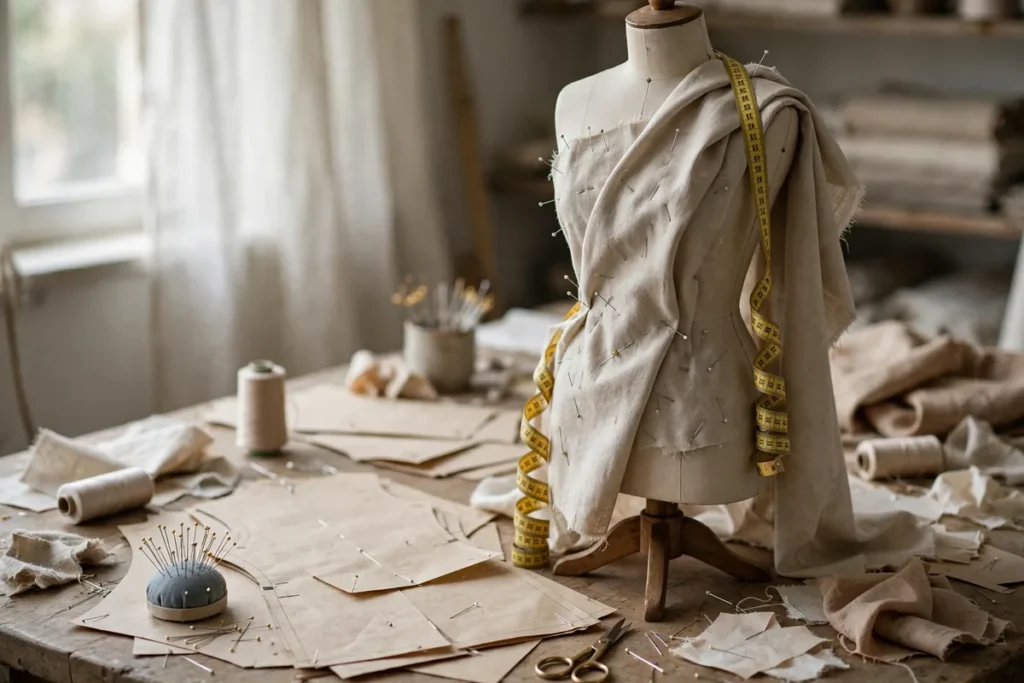
Introduction: The New Era of AI-Driven Fashion
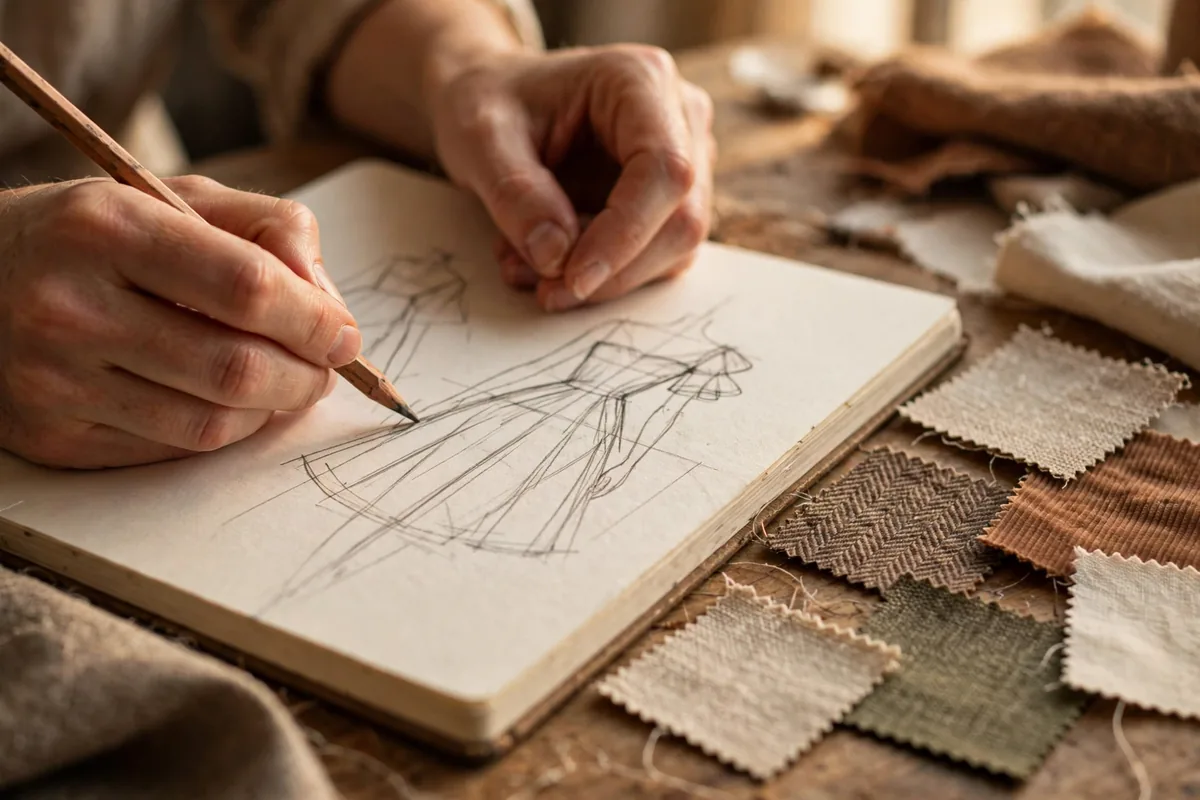
The fashion industry has always rewarded speed, but generative AI has rewritten the rules entirely. For designers, the critical skill in 2026 is learning how to use AI for fashion design to compress a process that once took weeks into days — from the first spark of an idea to a photoshoot-ready garment. AI now assists with sketching, fabric simulation, print creation, tech packs, and even virtual modeling, giving independent designers capabilities that once required an entire studio team.
This guide walks you through six professional workflows showing exactly how to use AI for fashion design at every stage of development. Each workflow includes concrete steps, the tools to use, and pro tips from early adopters. Whether you run a small label or design as a freelancer, these techniques will help you iterate faster, cut sampling costs, and present collections that look like they came from a house ten times your size.
Why AI Changes the Fashion Workflow in 2026
Fashion has always been a race against the calendar. Traditional development cycles demand physical samples, fabric sourcing trips, and expensive photoshoots — each step slow and costly. AI collapses that timeline. Designers who master how to use AI for fashion design now generate dozens of viable concepts in an afternoon, test them in 3D before cutting a single pattern, and shoot campaign imagery without booking a studio.
The economics are just as dramatic. A single physical sample can cost hundreds of dollars; an AI-generated 3D prototype costs pennies. Virtual try-on and AI model photography have slashed lookbook budgets for emerging brands. Perhaps most importantly, AI democratizes trend intelligence — analytics tools now surface emerging silhouettes and color stories from social data, insight that was once locked inside expensive forecasting agencies.
None of this replaces the designer’s eye. AI proposes; the designer disposes. The winners in 2026 are creatives who treat AI as a tireless junior assistant — brilliant at execution, still needing direction.
Workflows Overview
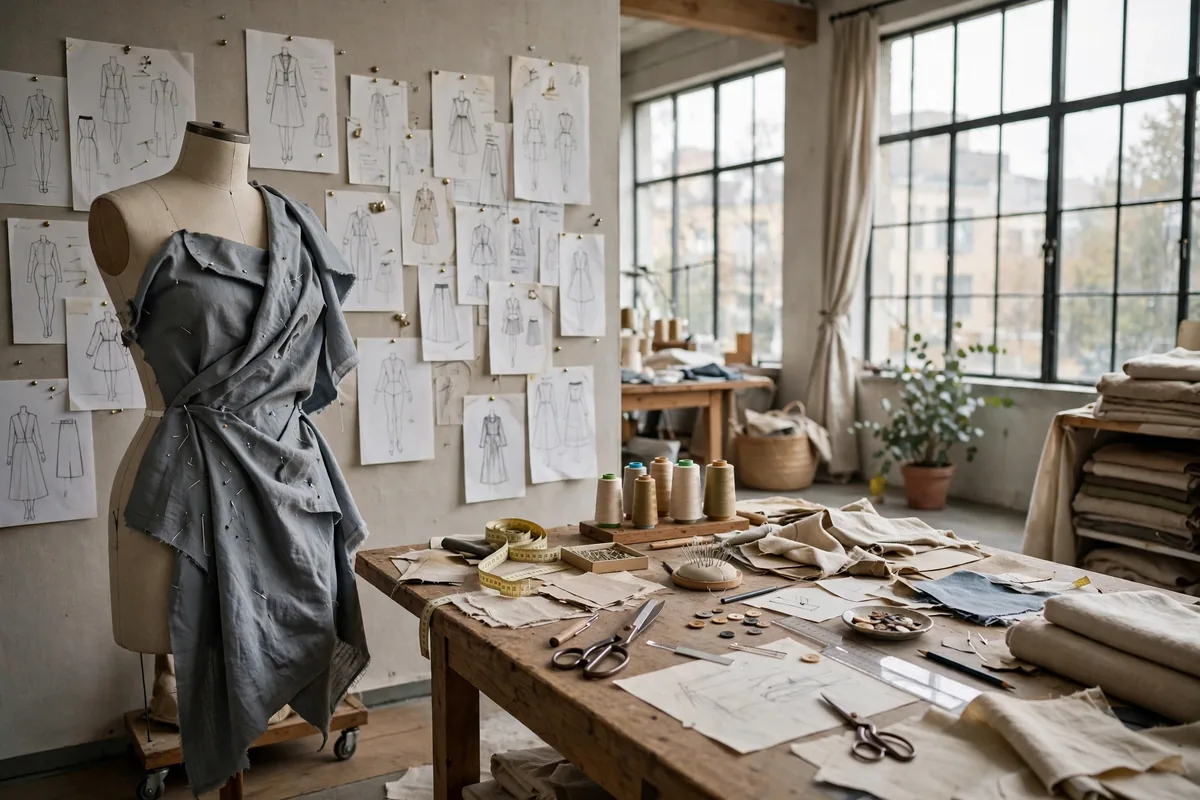
- Conceptualization: Turning Mood Boards into Sketches
- Digital Prototyping: 3D Visualization of Patterns
- Textile Innovation: Creating Custom AI Prints
- Technical Documentation: Automating Spec Sheets
- Virtual Photoshoot: AI Models and Backgrounds
- Trend Forecasting: Data-Driven Design
Workflow 1: Conceptualization — Turning Mood Boards into Sketches
Every collection starts with a feeling. This workflow converts that feeling into concrete visual direction fast.
- Build a text brief. Write 200 words describing your collection’s mood, era references, color story, and target customer. Feed it to an LLM and ask for ten distinct design directions.
- Generate sketch concepts. Use an image generator (Midjourney, Stable Diffusion, or Leonardo) with prompts like “fashion technical sketch, women’s draped evening gown, art deco influence, clean line work.” Generate in batches of twenty.
- Curate ruthlessly. Pick the five strongest silhouettes. Ask the LLM to describe what makes each one work — this sharpens your own design vocabulary.
- Refine by hand. Trace the winning concepts and adjust proportions, seam lines, and details manually. AI gives you the starting point; your hand gives it intent.
Pro tip: Keep a “reject pile” folder. Concepts that don’t fit this collection often become the seed of the next one.
Workflow 2: Digital Prototyping — 3D Visualization of Patterns
Before spending a dollar on fabric, see your garment in three dimensions.
- Prepare flat sketches. Export your refined sketches as clean PNGs with transparent backgrounds.
- Build in CLO3D or Marvelous Designer. Import the sketches as reference and draft digital patterns, or use AI-assisted pattern tools to generate base blocks from your measurements.
- Simulate fabric. Apply fabric presets (silk charmeuse, wool crepe, denim) and run the drape simulation. Adjust fit issues digitally — this is where you save the most money.
- Render turnarounds. Export front, back, and detail views for your line sheet. These renders are good enough for buyer presentations.
Pro tip: Render your 3D garments on simple avatar poses first; fancy poses hide fit problems.
Workflow 3: Textile Innovation — Creating Custom AI Prints
Original prints are a brand signature. AI makes bespoke textile design accessible to everyone.
- Define the print story. Decide on motif (botanical, geometric, abstract), scale, and repeat size. Write it as a detailed prompt.
- Generate seamless tiles. Use pattern-focused generators or tile your favorite generations in Photoshop with the offset filter. Test the repeat at full scale before committing.
- Mock it on garments. Apply the print to your 3D prototypes from Workflow 2 to check scale and placement — a print that looks great flat can overwhelm a small garment.
- Prepare print files. Export at 300 DPI in the color mode your printer requires, with a test swatch printed before the full run.
Pro tip: Generate prints in grayscale first to judge composition, then colorize the winners — it is twice as fast.
Workflow 4: Technical Documentation — Automating Spec Sheets
Tech packs are the unglamorous backbone of production. AI drafts them in minutes.
- Photograph or render the garment. Use your 3D turnarounds or flat sketches from earlier workflows.
- Prompt an LLM for the spec. Upload the images and ask for “a complete tech pack description: garment type, construction details, stitch types, measurements table with tolerance, bill of materials, and labeling instructions.”
- Verify every number. AI-generated measurements are estimates, not gospel. Cross-check against your actual pattern blocks and adjust.
- Standardize the format. Save the output as a reusable template so every style in the collection follows identical documentation.
Pro tip: Build a measurement library of your standard blocks and paste it into the prompt — the LLM’s specs get dramatically more accurate.
Workflow 5: Virtual Photoshoot — AI Models and Backgrounds
Campaign imagery without the campaign budget — this is where emerging brands level the playing field.
- Prepare garment visuals. Use your 3D renders or flat product shots on clean backgrounds.
- Choose a virtual model platform. Tools like Botika or Flair.ai place your garments on diverse AI-generated models; pick models matching your target customer.
- Art-direct the scene. Write detailed scene prompts: location, lighting mood, time of day, and styling notes. Generate multiple options per look.
- Retouch the selects. Fix hands, fabric edges, and shadows manually. AI model shots need the same quality control as real photography.
Pro tip: Disclose AI-generated imagery where your market expects it — transparency builds trust, and many customers find the tech story compelling.
Workflow 6: Trend Forecasting — Data-Driven Design
Stop guessing what next season wants; let data inform your instincts.
- Pick your signals. Use AI analytics tools to track runway coverage, street-style feeds, and social commerce data for your category.
- Extract patterns. Ask the tool (or an LLM fed with the data) to summarize: which silhouettes are accelerating, which colors dominate, which details are fading.
- Cross-check with your brand. Trends are raw material, not orders. Filter every signal through your aesthetic — adopt what strengthens your identity, ignore the rest.
- Document the rationale. Save the data snapshot with your collection notes. When buyers ask “why this direction,” you will have an answer backed by evidence.
Pro tip: Revisit your forecasts after the season and score your accuracy. Your forecasting instincts compound like interest.
How to Use AI for Fashion Design: Essential Tools Compared
Knowing how to use AI for fashion design starts with picking the right stack. Here is how the key categories compare:
| Tool | Role in the workflow | Cost |
|---|---|---|
| Midjourney / Stable Diffusion | Concept sketches, print generation | $10–60/mo |
| CLO3D / Marvelous Designer | 3D prototyping, fit simulation | $50+/mo or subscription |
| Claude / GPT-4o | Tech packs, trend summaries, prompts | Free–$20/mo |
| Botika / Flair.ai | Virtual model photography | Usage-based, from ~$30/mo |
| Trend analytics platforms | Forecasting signals | $50–500/mo |
Designers assembling their first AI-assisted process often start with an image generator and an LLM — that combination alone covers four of the six workflows above. For broader creative inspiration, our roundup of AI-powered design tools covers the image-generation side in depth, and the data habits behind trend forecasting overlap with AI-driven data workflows.
Common Mistakes to Avoid
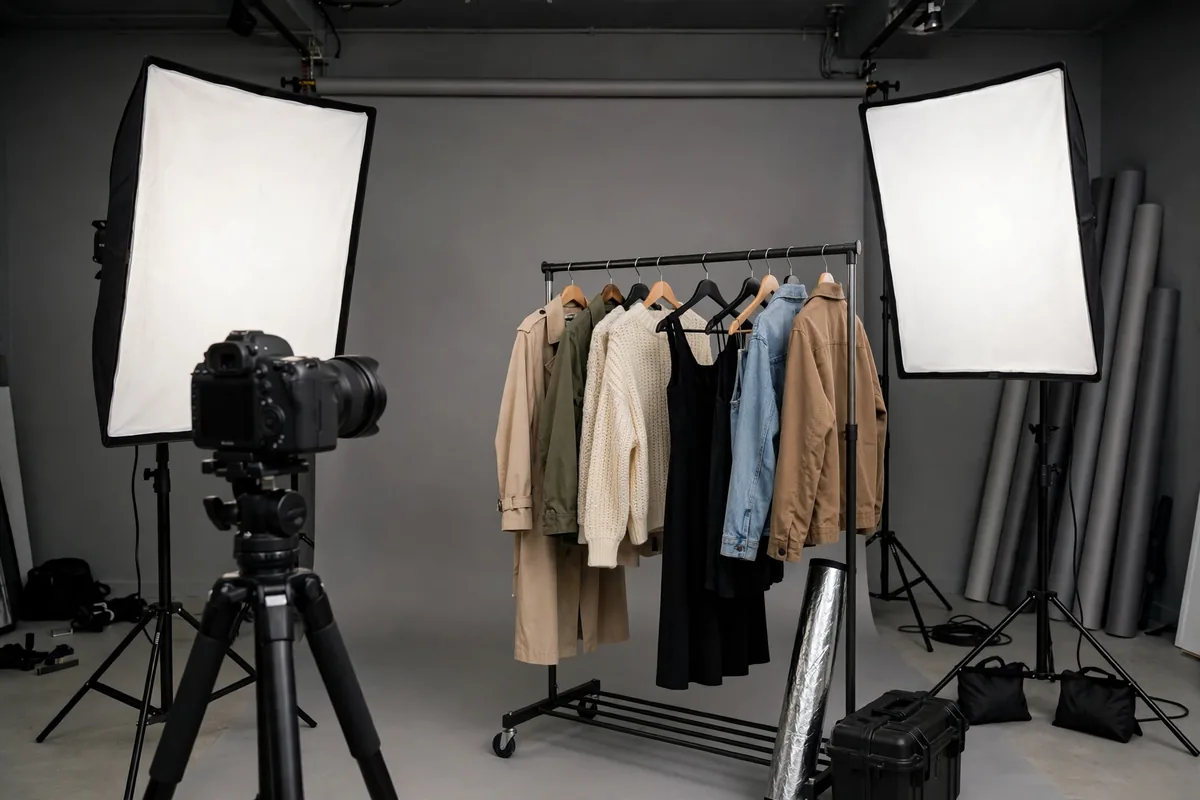
Learning how to use AI for fashion design comes with traps. Sidestep these:
- Shipping unedited AI output. Generated sketches have wrong proportions; AI model photos have mangled hands. Every AI artifact needs a human quality pass before it represents your brand.
- Ignoring copyright and training-data issues. Some generators’ outputs closely mimic existing designers’ work. Run important pieces past a reverse-image check and favor tools with clear commercial licensing.
- Designing for the render, not the body. 3D simulations flatter garments. Always sanity-check ease, movement, and real fabric behavior before finalizing — the uncanny perfection of a render hides fit sins.
- Skipping physical samples entirely. AI reduces sampling; it rarely eliminates it. One physical prototype per key style catches what no simulation will.
- Chasing every trend signal. Data-driven design fails when designers abdicate taste to dashboards. Use forecasts as input, not autopilot — a lesson anyone studying workflow automation with AI learns quickly.
- Under-budgeting the learning curve. The tools are easy to demo and harder to master. Give yourself one full collection cycle to integrate each workflow properly.
For foundational reading on the creative platforms behind these workflows, Adobe’s design resources and CLO’s 3D fashion documentation are authoritative starting points.
Pro Tips to Level Up
- Build a house prompt library. Save every prompt that produced great results, tagged by collection and garment type. Your future self will thank you.
- Standardize your 3D avatars. Use consistent measurement sets across collections so fit comparisons are meaningful season to season.
- Shoot real + virtual hybrids. Many brands now mix one real photoshoot day with AI-generated extensions — the authenticity anchor makes the virtual shots more believable.
- Version your prints. Save every print iteration; clients and buyers often circle back to an earlier option.
- Track cost per style. Measure what AI actually saves you per garment. Hard numbers justify the subscriptions and guide where to invest next.
FAQ
How long does it take to learn how to use AI for fashion design?
Expect one full collection cycle — roughly six to eight weeks of regular use — to become genuinely fluent. Individual tools take days to learn; the real skill is orchestrating them into a smooth pipeline.
Do I need expensive software to start?
No. An image generator subscription and a capable LLM cover most of these workflows for under $50 a month. Add 3D software when you are ready for digital prototyping; many offer trial periods.
Who owns the copyright on AI-generated fashion designs?
It depends on your jurisdiction and the tool’s terms. In the US, purely AI-generated imagery generally cannot be copyrighted, but designs you substantially modify and develop typically can be protected as your own work. Read each platform’s commercial terms and consult an IP attorney for collection-critical pieces.
Will AI replace fashion designers?
No — it replaces fashion drudgery. Understanding how to use AI for fashion design makes designers more valuable: they produce more options, iterate faster, and spend their time on creative direction instead of repetitive production tasks. Taste, brand vision, and customer understanding remain irreducibly human.
Can small brands really compete using these workflows?
That is exactly who benefits most. A two-person label can now produce lookbooks, tech packs, and trend research at a level that once required a mid-size company. The playing field has never been more level.
Conclusion
Mastering how to use AI for fashion design is not about any single tool — it is about rebuilding your development pipeline around speed and iteration. Sketch with AI, prototype in 3D, document automatically, shoot virtually, and forecast with data. Keep your taste firmly in charge at every step.
The designers winning in 2026 are not the ones with the biggest teams; they are the ones with the smartest workflows. Pick one technique from this guide, apply it to your current project, and measure the difference. Then add the next.
META_TITLE: How to Use AI for Fashion Design: 6 Workflows (2026)
META_DESCRIPTION: Learn how to use AI for fashion design with 6 pro workflows — sketching, 3D prototyping, prints, tech packs, virtual shoots, forecasting.
TAGS: AI fashion design, fashion workflows, AI for designers





Join the discussion
Have a question or a perspective to share?