
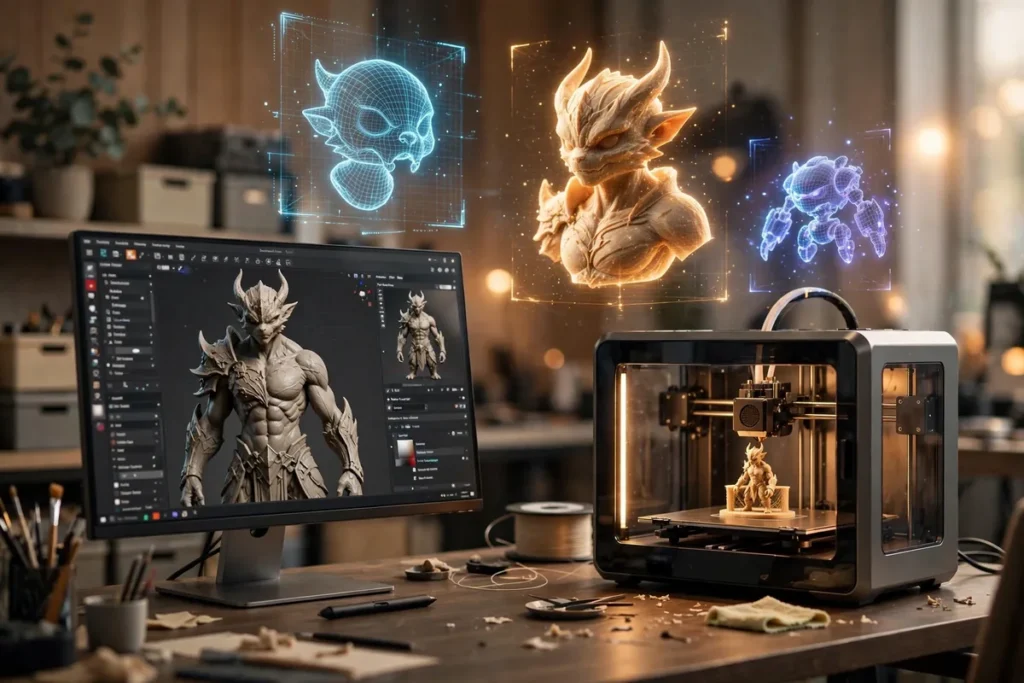
Top AI 3D Model Generators: 6 Picks for Designers
The best ai 3d model generators have quietly solved one of the hardest problems in digital design: turning a sentence — or a single reference photo — into a usable three-dimensional asset. What used to take a skilled artist an afternoon of box modeling, sculpting, and UV unwrapping can now be prototyped in under a minute. For product designers mocking up concepts, game developers blocking out levels, and marketers who need 3D product shots without a render farm, these tools have moved from novelty to genuine workflow staples in 2026.
But not every generator is worth your time. Output quality varies wildly, mesh topology ranges from “clean enough to rig” to “a melted blob with textures,” and pricing models are all over the map. We spent two weeks stress-testing the leading ai 3d model generators with the same set of prompts — a stylized game character, a modern armchair, a sneaker, and a low-poly environment prop — to find the ones that actually deliver professional-grade results. These six picks are the ones we would trust in a real production pipeline.
If you are new to generative visuals in general, our roundup of free AI image generation tools is a good warm-up for understanding how text-to-image prompting works — many of the same principles apply when you move into the third dimension.
How We Picked These AI 3D Model Generators
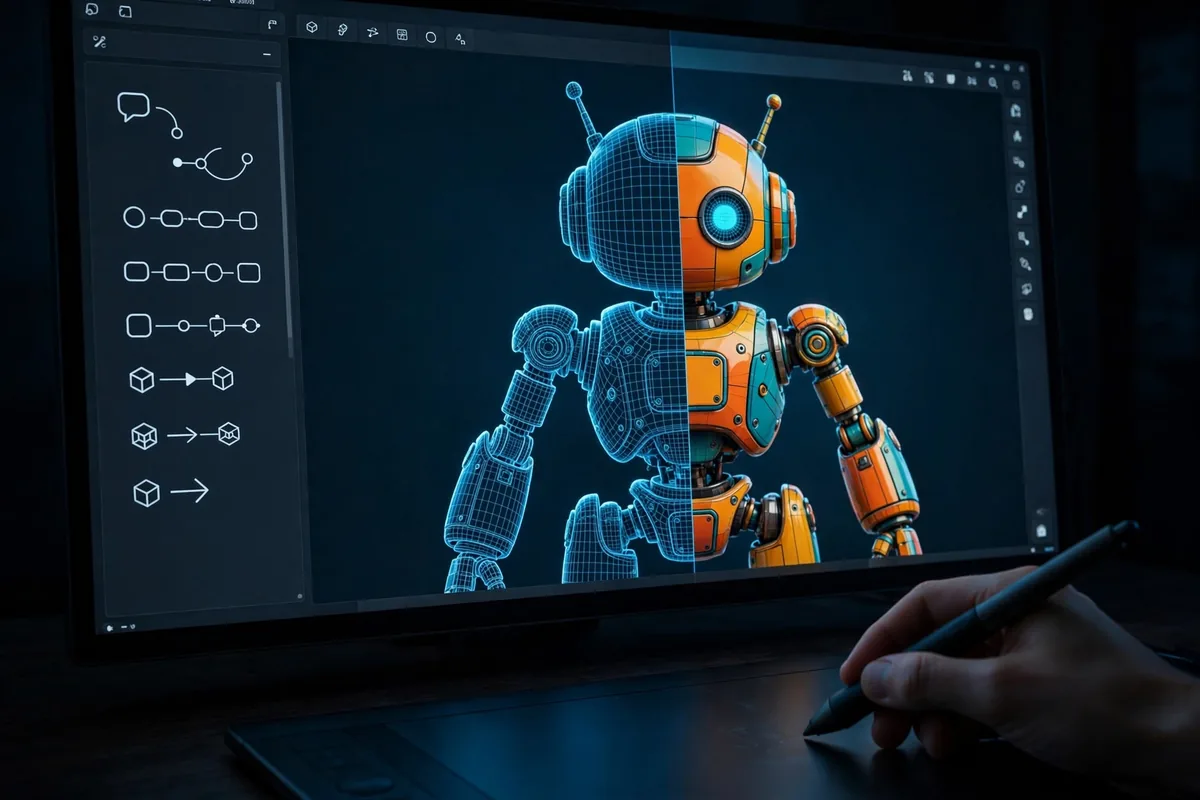
Every tool on this list was judged against the same five criteria, using identical test prompts so the comparison stays honest:
- Geometry quality — Is the mesh watertight? Does it hold up from multiple angles, or does it fall apart the moment you rotate it?
- Texture fidelity — Do the generated PBR-style textures look believable, or are they smeared and inconsistent across the model?
- Usability — Can a designer with modest 3D experience get good results, or does the tool demand deep technical knowledge?
- Export flexibility — Does it output standard formats (GLB, FBX, OBJ, USDZ) that drop straight into Blender, Unity, or Unreal?
- Value — Does the free tier or entry price give you enough generations to actually evaluate and use the tool?
We also checked turnaround speed, since “AI fast” should mean minutes, not hours. Any tool that consistently took longer than 10 minutes per generation was penalized.
The 6 Best AI 3D Model Generators in 2026
1. Meshy — Best for Game-Ready Assets
Meshy has become the default recommendation in game-dev circles, and our testing confirmed why. Its text-to-3D pipeline produces models with surprisingly clean topology — quads where it matters, sensible edge flow on characters — and the auto-rigging feature means a generated character can be posed in minutes rather than hours. Text-to-texture mode is equally strong: feed it an existing untextured mesh and a style prompt, and it paints coherent, seam-aware textures that hold up in-engine.
In our tests, the sneaker prompt came back with believable stitching, sole tread detail, and materials that read correctly under studio lighting in Blender. The armchair was similarly solid, though thin legs occasionally needed a manual fix. Meshy’s free tier gives you a limited number of monthly credits — enough to test seriously — with paid plans unlocking higher-poly outputs and commercial licensing. For indie developers and asset flippers, Meshy is currently the safest bet among ai 3d model generators.
2. Luma AI (Genie) — Best Text-to-3D Quality
Luma’s Genie model produces some of the most visually impressive raw generations we have seen. Where competitors output rough approximations, Genie frequently delivers models that look near-final at thumbnail scale: crisp silhouettes, rich surface detail, and textures with convincing material response. The trade-off is topology — meshes tend to be dense triangle soups that need retopology before they are animation-ready.
That makes Genie ideal for concept visualization, marketing renders, and background props where the mesh never gets rigged. Our stylized character test produced a genuinely charming result that needed zero cleanup for a turntable render. Luma also offers excellent image-to-3D, which pairs beautifully with 2D concept art: sketch a character, generate the orthographic views, and convert. If your end goal is a beautiful render rather than a rigged asset, start here. Learn more about the ecosystem at Luma Labs.
3. Tripo AI — Best Free Option
Tripo (built on the open TripoSR research) deserves attention for one simple reason: its free tier is genuinely generous, and the output quality punches far above its price of zero. Text-to-3D and image-to-3D both work well, with multi-view consistency that beats several paid competitors. Export to GLB and OBJ is straightforward, and the built-in viewer makes it easy to inspect generations before downloading.
Our low-poly environment prop test was Tripo’s standout — clean, stylized geometry that dropped directly into a Unity scene with no fixes. Complex organic shapes (the game character) were rougher, with occasional asymmetry in faces and hands, but acceptable for background NPCs and rapid prototyping. For students, hobbyists, and anyone validating whether ai 3d model generators fit their workflow, Tripo is the zero-risk starting point.
4. Spline AI — Best for Designers
Spline is already a beloved browser-based 3D design tool, and its AI features feel native rather than bolted on. The text-to-3D generation integrates directly into Spline’s scene editor, so you can generate a base model, then refine it with familiar modeling tools, materials, and lighting — all in the browser. This generate-then-refine loop is exactly how most designers actually want to work: AI does the tedious blocking-out, humans do the art direction.
The output quality sits a notch below Meshy and Genie for raw fidelity, but the workflow advantage is enormous for web designers, product mockups, and interactive 3D web experiences. Spline’s real-time collaboration also means a team can iterate on AI-generated scenes together. If your deliverable is a web embed or a client presentation rather than a game asset, Spline’s AI toolset is purpose-built for you.
5. Alpha3D — Best for E-Commerce and AR
Alpha3D takes a narrower, sharper approach: it converts 2D product photos into 3D models optimized for e-commerce and AR. Upload a few product shots, and you get a lightweight, web-ready model suitable for Shopify 3D viewers, AR try-on, and interactive product pages. The specialization pays off — for catalog-style products (shoes, furniture, electronics), results are consistently cleaner than general-purpose ai 3d model generators attempting the same task.
Our sneaker test through a photo-to-3D workflow produced a model that looked great in a web viewer, with accurate proportions and believable materials. The catch is scope: Alpha3D is not trying to generate fantasy creatures from text prompts. But if you run an online store and want 3D/AR product views without hiring a scanning studio, this is the most direct path from product photography to interactive 3D.
6. Blender + AI Add-Ons — Best Open-Source Workflow
No roundup is complete without the open-source path. Blender itself is free and remains the industry-standard DCC for indie 3D work — grab it at Blender if you somehow do not have it yet. What is new in 2026 is the maturing ecosystem of AI add-ons that bring generation inside Blender: text-to-mesh tools, AI texture painters, and auto-retopology assistants that clean up the triangle soup other generators produce.
This route demands more technical comfort — you are assembling a pipeline, not clicking “generate” — but it offers unmatched control and zero subscription fees. Our recommended stack: generate base meshes with Tripo or Meshy, import to Blender, run an AI retopology pass, then use AI-assisted texture tools for final polish. For technical artists who want generation as one stage of a serious pipeline rather than a magic button, this is the most powerful (and cheapest) option.
AI 3D Model Generators Compared
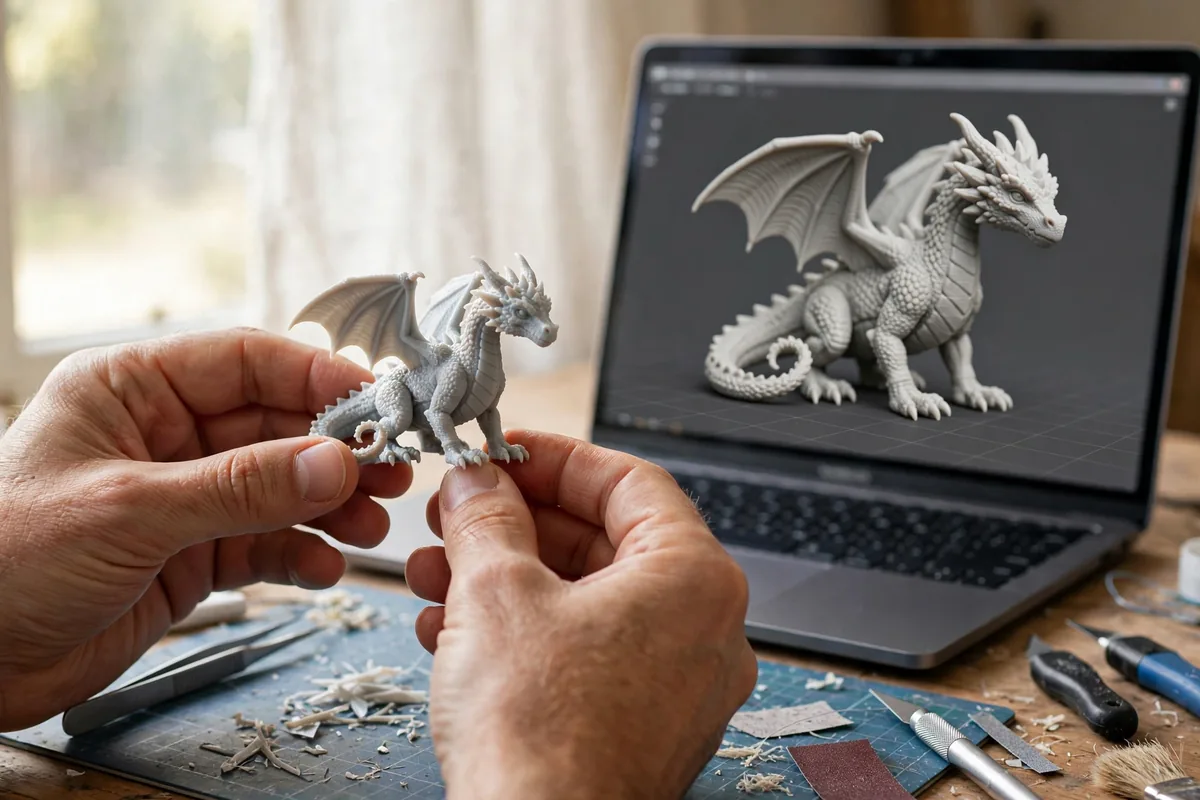
| Tool | Best For | Input Types | Export Formats | Free Tier |
|---|---|---|---|---|
| Meshy | Game-ready assets, rigging | Text, image | GLB, FBX, OBJ, USDZ | Limited monthly credits |
| Luma Genie | High-fidelity renders, concepts | Text, image | GLB, OBJ | Trial generations |
| Tripo AI | Free prototyping, stylized props | Text, image | GLB, OBJ | Generous free tier |
| Spline AI | Web 3D, product mockups | Text | GLB, USDZ | Free with limits |
| Alpha3D | E-commerce, AR product views | Product photos | GLB, USDZ | Demo conversions |
| Blender + AI add-ons | Full-control pipelines | Varies by add-on | All standard formats | Completely free |
Pricing changes frequently in this space, so treat the table as a starting snapshot and check each vendor’s current plans before committing. Most paid tiers land in the $15–$40/month range for individual creators.
What to Look For in AI 3D Model Generators
Output topology and polygon count
Pretty renders can hide ugly meshes. Before committing to a tool, download a sample and inspect the wireframe: look for even polygon distribution, minimal non-manifold edges, and sensible density. If you plan to rig or animate, quad-dominant topology saves hours of retopology.
Texture quality and PBR support
The best tools generate full PBR texture sets (albedo, roughness, normal, sometimes metallic) rather than a single baked color map. Seams should be invisible, and textures should stay consistent when the model rotates — flickering or swimming textures are a sign of weak multi-view consistency.
Export formats and pipeline fit
GLB is the universal interchange format for web and real-time engines; FBX remains king for animation pipelines; USDZ matters for Apple AR. Make sure your pick exports what your downstream tools actually consume. A gorgeous model you cannot import is a paperweight.
Commercial licensing
Free tiers often restrict commercial use. If you are selling assets, client work, or games, verify that your plan includes a commercial license — the fine print varies dramatically between vendors.
Generation speed and consistency
Test the same prompt three times. The best ai 3d model generators produce consistent quality across runs; flaky tools waste credits on duds. Also note queue times during peak hours — some services slow to a crawl when everyone is generating at once.
Practical Tips for Better 3D Generations
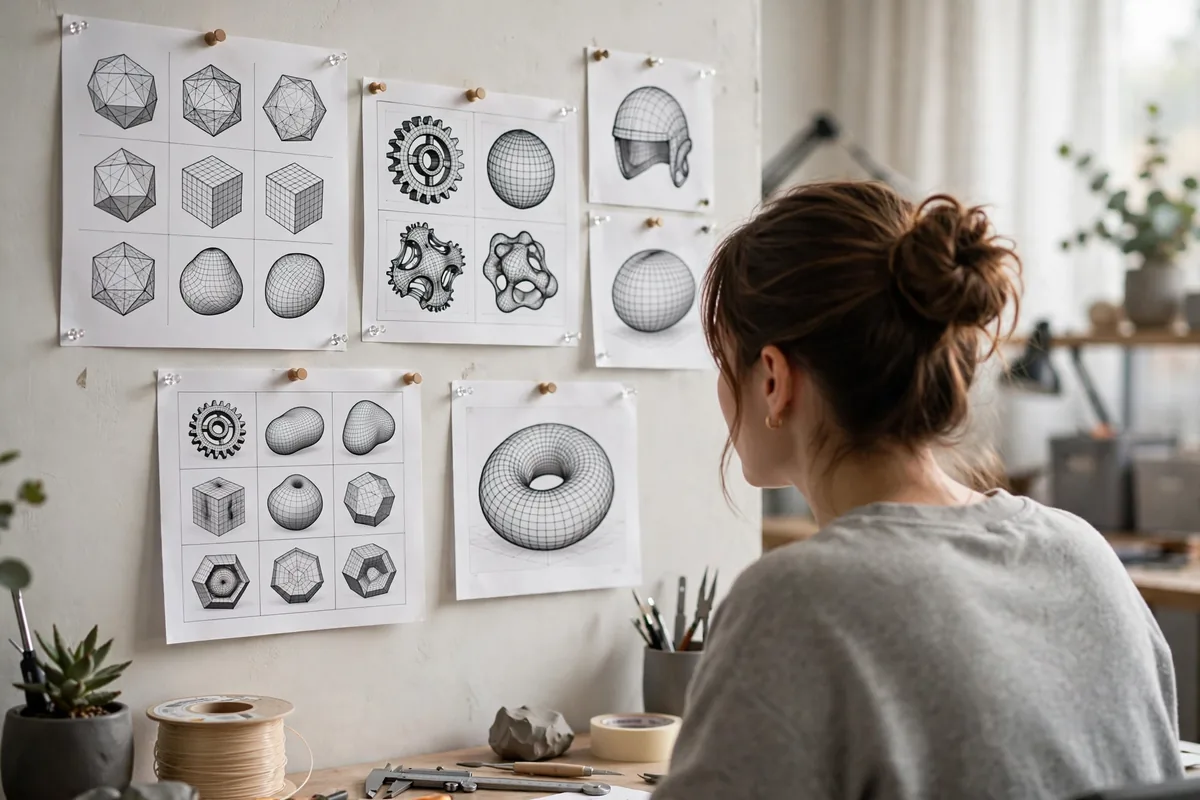
- Write prompts like a modeler, not a poet. “Low-poly stylized orc warrior, game-ready, symmetrical, T-pose” beats “a fierce green warrior of legend.” Specify style, pose, and intended use.
- Use image input when precision matters. A simple orthographic sketch or reference photo constrains the generator far better than text alone.
- Generate at higher settings, decimate later. It is easier to reduce a dense mesh than to add detail to a sparse one — if the tool offers quality tiers, use the highest for hero assets.
- Plan a cleanup pass. Even the best generations benefit from 15 minutes in Blender: fixing normals, merging stray vertices, and tightening UVs. Budget this time upfront.
- Batch variations, pick winners. Generate 3–4 variants of important assets and keep the best. Credit costs are trivial compared to artist hours.
For designers choosing between 2D image tools first, our Midjourney vs Stable Diffusion comparison breaks down the image side of the generative stack — useful context before you add the third dimension.
FAQ
Are AI 3D model generators good enough for professional work?
Increasingly, yes — with caveats. For concept art, previz, marketing renders, background props, and rapid prototyping, current tools are genuinely production-viable. For hero characters that will be rigged and animated in a AAA pipeline, AI output is best treated as a starting point that a human artist refines. The honest answer: AI handles the first 70% of modeling work brilliantly; the final 30% of polish still rewards human skill.
Do I need 3D modeling experience to use these tools?
No — that is the point. Text-to-3D tools are designed so beginners can generate usable models with plain-language prompts. That said, basic familiarity with a tool like Blender multiplies what you can do: cleanup, retexturing, and combining generated parts into original compositions all require modest 3D literacy. Beginners should also check our AI image generators for beginners guide to build prompting intuition first.
Who owns the rights to AI-generated 3D models?
It depends on the platform’s terms of service, and this is genuinely important. Most paid tiers grant you commercial rights to your generations, while free tiers may retain broader rights for the vendor or restrict commercial use. Some jurisdictions are still evolving their stance on AI-generated work copyright. Always read the licensing terms, and for client work, prefer tools with explicit commercial-use grants in writing.
Can AI 3D models be used in Unity and Unreal Engine?
Yes. Export as FBX or GLB and import directly — both engines handle these formats natively. For best results, check polygon counts against your target platform (mobile vs. PC/console), verify that textures import with correct color spaces, and run a quick lighting test before committing a generated asset to a level.
How much do AI 3D model generators cost?
Free tiers exist for most tools (Tripo and Blender add-ons cost nothing at all), and paid individual plans typically run $15–$40 per month with credit-based generation limits. Heavy users — studios generating hundreds of assets — should look at API pricing, which is usually pay-per-generation. Start free, measure your actual usage for a month, then buy the tier that matches.
Conclusion
The ai 3d model generators worth your attention in 2026 are not magic wands — they are power tools. Meshy leads for game-ready assets, Luma Genie wins on raw visual quality, Tripo is the free-tier champion, Spline owns the designer workflow, Alpha3D dominates product-to-3D for commerce, and the Blender-plus-AI stack gives technical artists total control at zero cost. Pick the one that matches your deliverable, write specific prompts, budget a short cleanup pass, and you will wonder how you ever blocked out scenes without them. The designers gaining the most from this wave are not the ones waiting for perfect one-click generation — they are the ones building generate-then-refine into their process today.





Join the discussion
Have a question or a perspective to share?