
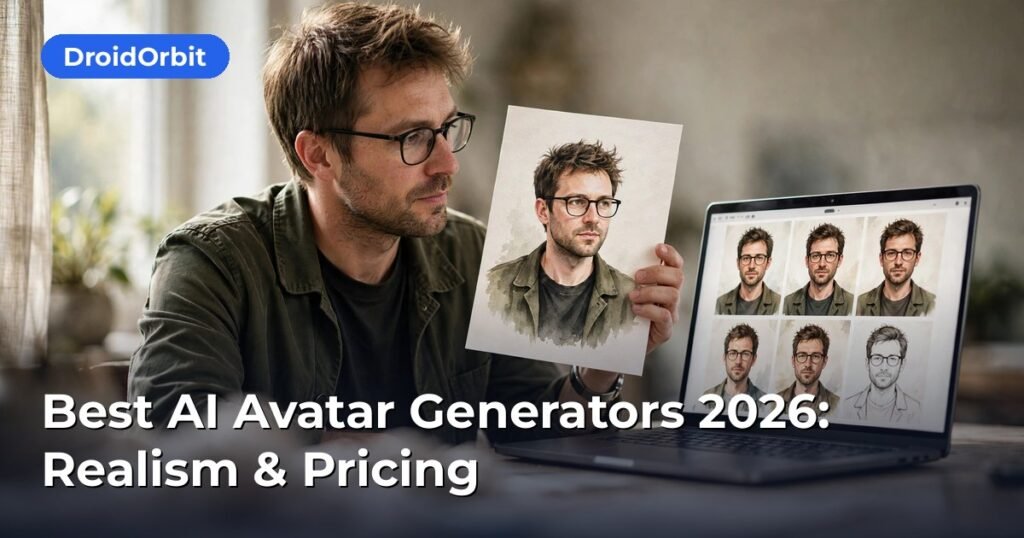
A stylized portrait for your profile and a talking video presenter are sold under the same ‘AI avatar’ label — and they’re completely different products. Buying the wrong one is the expensive mistake.
Best AI Avatar Generators 2026: Realism & Pricing
AI avatar generators have split into two distinct product categories, and confusing them is the most common buying mistake. Profile avatar generators turn your selfies into stylized portraits for LinkedIn, gaming, or social profiles. Talking-head avatar generators create photorealistic video presenters that speak your script — used for training videos, marketing, and faceless YouTube channels. The best AI avatar generators in each category are compared below on realism, pricing, and commercial use rights, based on published pricing, feature documentation, and license terms from the vendors.
The Two Kinds of AI Avatars (Know Which You Need)
Before comparing tools, decide your use case:
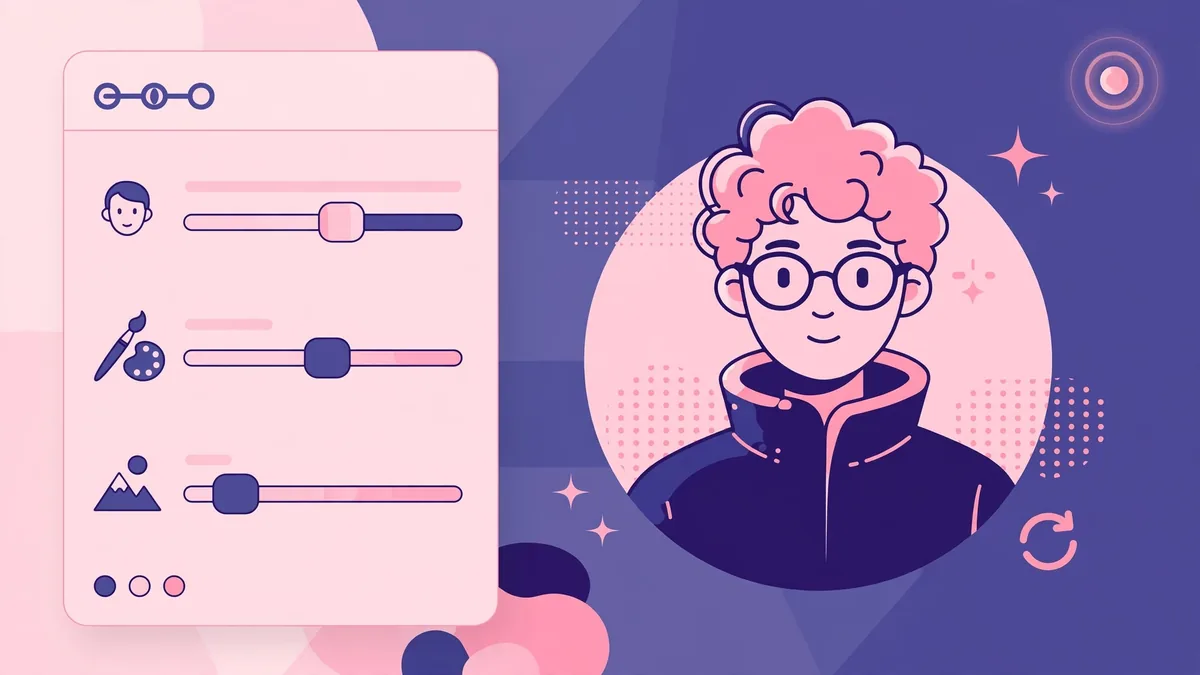
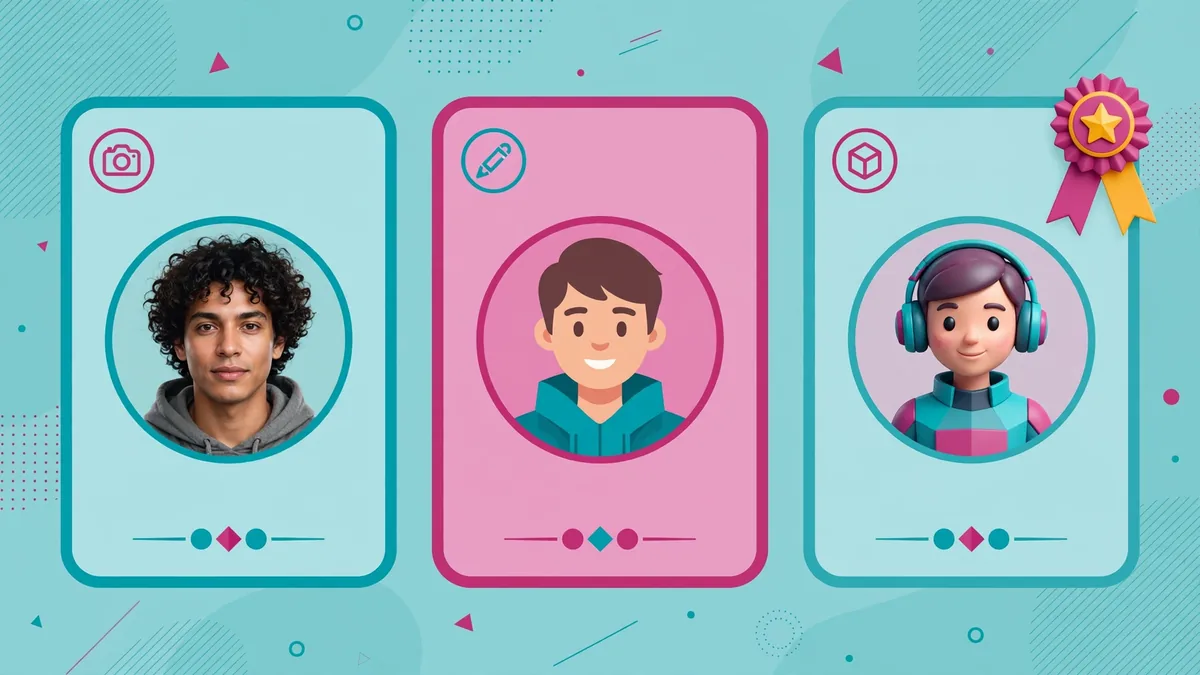
- Static profile avatars: one-time generation from selfies; output is images. Typical uses: professional headshots, social profiles, dating apps, gaming personas.
- Talking-head video avatars: script-to-video; output is MP4 with lip-synced speech. Typical uses: corporate training, product explainers, course lessons, localized marketing videos.
Some platforms do both, but most specialize. This roundup covers the leaders in each lane.
Best Profile Avatar Generators
1. Remini-style enhancers and headshot specialists
The professional-headshot segment is dominated by tools that generate studio-quality portraits from casual selfies. Leading options include HeadshotPro, Aragon AI, and Secta AI. The workflow is consistent across them: upload 10–20 selfies, wait 30–120 minutes, receive 40–200 headshots in various styles and backgrounds.
- Pricing: typically $25–$40 for a one-time headshot pack; some offer subscriptions around $10–$15/month.
- Realism: high for standard business portraits; hands, glasses, and unusual angles remain weak spots across all vendors.
- Commercial rights: generally included for personal branding and business use on paid tiers — verify each vendor’s current license, because “commercial use” definitions vary (some exclude resale of the images as stock).
Based on published sample galleries and user reviews, these tools now pass the “LinkedIn test” — most viewers cannot tell the headshot is AI-generated — but they still struggle with exact likeness for people with distinctive features.
2. Stylized avatar creators (Lensa, Reface, and peers)
For artistic and social avatars, Lensa (Prisma Labs) remains the reference product after its viral 2022 “Magic Avatars” moment, alongside competitors like Reface and Photoleap. These produce illustrated, anime, or fantasy versions of you rather than realistic headshots.
- Pricing: usually $4–$8 per avatar pack or $30–$50/year subscriptions.
- Realism: intentionally not realistic — evaluated on style quality and likeness instead.
- Commercial rights: typically personal use only on consumer tiers; business use requires checking the specific terms.
These are entertainment products first. Do not use them for professional headshots or ID-adjacent purposes.
3. Free and open-source options
Stable Diffusion-based workflows (via interfaces like Fooocus or ComfyUI) can generate avatars free on your own hardware, and several web apps offer limited free tiers. Quality depends heavily on the model checkpoint and your prompting skill. For a one-off profile picture, free tiers of commercial apps are usually the better time investment; open-source pays off if you generate avatars regularly or need full control over the training data.
Best Talking-Head Video Avatar Generators
4. Synthesia
Synthesia is the enterprise leader for AI presenter videos. You type or paste a script, pick from 200+ stock avatars (or create a custom avatar of yourself), choose a voice, and get a studio-style video.
- Pricing: published plans start around $18–$29/month for starter tiers; Creator and Enterprise plans scale into hundreds per month with more video minutes, custom avatars, and collaboration features.
- Realism: among the best for corporate presenters; gestures are still slightly stiff, and emotional range is limited.
- Commercial rights: business plans include commercial use; custom personal avatars require identity verification and consent — a meaningful anti-deepfake safeguard.
- Languages: 140+ languages with localized voices, a genuine differentiator for global training content.
Synthesia’s strength is the boring-but-valuable enterprise checklist: SSO, security certifications, brand kits, and templates that let non-video people produce consistent training libraries.
5. HeyGen
HeyGen targets creators and marketers more than enterprises, with faster generation, a larger template library for social content, and competitive avatar quality.
- Pricing: free tier with limited credits; paid plans from around $24–$29/month up to higher tiers with more minutes and API access.
- Realism: very strong facial realism and lip-sync; widely considered the leader for short-form marketing avatars.
- Commercial rights: commercial use included on paid plans; the free tier watermarks videos and restricts commercial use.
- Standout features: voice cloning, avatar “looks” (multiple outfits for one avatar), and a solid API for programmatic video generation.
For YouTubers and course creators producing talking-head content at volume, HeyGen’s price-to-quality ratio is hard to beat based on current published plans.
6. D-ID
D-ID pioneered the “animate a still photo” approach and remains strong for turning a single image into a speaking video, plus full presenter avatars.
- Pricing: trial credits free; paid plans from around $5–$6/month for light use up to pro tiers.
- Realism: good for photo-animation; full-body presenter quality trails Synthesia and HeyGen slightly.
- Commercial rights: commercial use on paid plans per published terms.
- Best for: animating existing photos (historical figures for education, “bring a portrait to life” marketing) and API-driven use cases.
7. Colossyan
Colossyan positions between Synthesia and HeyGen: workplace learning focus, scenario-based templates, and interactive video elements.
- Pricing: from around $19–$28/month starter tiers; enterprise quotes for scale.
- Realism: solid presenter quality; differentiates on learning-specific features (quizzes, branching scenarios) rather than raw avatar fidelity.
- Commercial rights: included on paid plans.
If your use case is employee training with assessments, evaluate Colossyan alongside Synthesia rather than choosing on avatar realism alone.
8. Elai.io and the value tier
Elai.io and similar value-tier tools offer talking-head generation from roughly $23/month with generous minute allowances. Avatar quality is a step below the leaders but acceptable for internal training and drafts. Worth considering when you need volume on a budget — but check output samples against HeyGen before committing annually, because the quality gap is visible.
Comparison Table: Key Dimensions
| Tool | Type | Starting price | Realism | Commercial rights | Best for |
|—|—|—|—|—|—|
| HeadshotPro / Aragon | Profile photo | ~$25 one-time | High (photos) | Paid tiers, verify terms | LinkedIn headshots |
| Lensa | Stylized | ~$4/pack | Stylized | Personal use typical | Social/fun avatars |
| Synthesia | Talking head | ~$18–29/mo | Excellent | Business plans | Enterprise training |
| HeyGen | Talking head | ~$24–29/mo | Excellent | Paid plans | Creators, marketing |
| D-ID | Talking head | ~$5–6/mo | Good | Paid plans | Photo animation, API |
| Colossyan | Talking head | ~$19–28/mo | Good | Paid plans | Learning scenarios |
| Elai.io | Talking head | ~$23/mo | Fair–good | Paid plans | Budget volume |
Prices are published list prices and change frequently; confirm on the vendor’s pricing page before purchasing.
Commercial Use Rights: Read the Fine Print
Avatar licensing has three layers, and all three matter:
- Output license: can you use the generated avatar/video in commercial projects? Most paid tiers say yes; free tiers usually say no or require attribution.
- Likeness rights: for custom avatars of yourself, you grant the platform rights to synthesize your likeness — understand what happens if you cancel (most vendors delete your avatar data on request; confirm the process).
- Third-party likeness: generating avatars that resemble real people (celebrities, colleagues) without consent can violate right-of-publicity laws and platform policies. Reputable vendors require consent verification for custom avatars; treat any tool that does not as a red flag.
For client work, keep a record of which tool and plan generated each asset and screenshot the license terms at time of purchase. Terms change; your receipt is your evidence.
Realism Check: What Still Gives AI Avatars Away
Based on published samples and technical analyses, current tells include:
- Hands and arms in wider shots — still the number one artifact source.
- Eye behavior — slightly too-steady gaze or unnatural blinking in some engines.
- Emotional flatness — avatars deliver information well but underperform on humor, empathy, or urgency.
- Repetitive gestures — stock avatars cycle through a limited motion library; viewers notice on videos longer than 2–3 minutes.
- Lip-sync on fast speech — most engines are tuned for moderate pacing; rapid delivery degrades sync.
Practical mitigations: keep talking-head segments under 90 seconds, vary avatars and camera framing, write scripts at a measured pace, and use B-roll over long explanations.
Pricing Strategy: How to Buy Without Overpaying
- One-off headshots: buy the one-time pack, not a subscription. You will use 2–3 images and never open the app again.
- Ongoing video content: calculate cost per finished minute. A $29/month plan with 30 video minutes ($1/minute) beats a $15 plan with 5 minutes ($3/minute) if you actually produce volume.
- Annual billing typically saves 15–25%, but only commit annually after a one-month trial on real scripts.
- API users: compare per-minute API pricing separately — it often differs from the studio plan math.
How to Choose: A Buyer’s Decision Framework
With the categories clear, run through this five-question filter before paying:
- What is the deliverable — image or video? Image-only needs (headshots, profile pictures) should never pay for a video-avatar subscription. Video needs should never settle for animated slideshows when real talking-head tools are comparably priced.
- Who is the audience? Internal training tolerates slightly stiff avatars; customer-facing marketing does not. Match realism spend to audience scrutiny.
- How many minutes per month? Under 10 minutes, pay per project or use starter tiers. Over 30 minutes, calculate per-minute cost and consider annual billing — this single number usually picks the winner.
- Whose face is it? Your own face on a reputable platform with consent verification and deletion rights: fine. Someone else’s face, a celebrity, or a “realistic random person” for deceptive content: do not proceed — this is where avatar tools become deepfake tools, legally and ethically.
- What happens when you cancel? Confirm in writing (support chat transcript or help-center article) that your custom avatar model and training images are deleted on request. Vendors with clear deletion flows earn trust; vendors that dodge the question do not.
Run every shortlisted tool through these five questions and the choice is usually obvious — most buyers discover they were comparing tools from different categories, and the framework eliminates the mismatch.
Frequently Asked Questions About Best AI Avatar Generators
Can I use AI avatar videos for YouTube monetization?
YouTube’s policies focus on originality and value rather than banning AI presenters outright, but repetitive, low-value AI-generated content can face monetization limits. Channels that add genuine scripting, research, and editing generally fare better than bulk-generated uploads. Review YouTube’s current monetization policies before building a channel around avatar videos.
Do I own the avatar created from my face?
You retain rights to your likeness, but the platform’s terms govern the generated assets and the stored avatar model. Reputable vendors let you delete your custom avatar and associated training data. Read the data-deletion clause before uploading selfies to any service.
Which avatar generator is most realistic in 2026?
For talking-head video, Synthesia and HeyGen lead on published sample quality and independent reviewer assessments, with HeyGen often preferred for marketing content and Synthesia for enterprise training. For still headshots, dedicated headshot services (HeadshotPro, Aragon, Secta) outperform general image generators on professional portraits.
Are free AI avatar generators safe?
Free tiers from established vendors are generally safe but come with watermarks, usage caps, and restricted commercial rights. Be cautious with obscure free apps that request broad photo-library access or unclear data rights — your face is biometric data, so the vendor’s privacy policy matters more than the price.
Can AI avatars speak multiple languages?
Yes — leading talking-head platforms support 100+ languages with native-sounding voices, and some offer automatic video translation that preserves your voice and lip-sync. This is one of the strongest legitimate use cases: localizing training or marketing videos without re-shooting.
How do I disclose AI-generated avatars?
Platform norms are converging on disclosure: YouTube and Meta both offer AI-content labels/toggles, and several jurisdictions are legislating disclosure for synthetic media. Best practice is to label AI-presenter videos in the description and use the platform’s AI disclosure toggle where available.
For artistic style inspiration, browse the community gallery at Midjourney before generating your own set.
Keep exploring: If you found this guide to best ai avatar generators useful, read Best AI Image Generators for Beginners (2026 Guide), Best AI Logo and Brand Design Tools Compared (2026), AI for Podcasters: Editing to Show Notes in 2026 for more practical ways to use best ai avatar generators.
How do the best AI avatar generators work?
The best AI avatar generators train on 10–20 of your selfies, learning your facial features, then render you in hundreds of styles. The best AI avatar generators need varied, well-lit photos — sunglasses and group shots produce worse results, so curate your uploads.
Are the best AI avatar generators’ photos realistic?
The top tier is strikingly realistic — the best AI avatar generators now fool casual viewers, especially for LinkedIn-style headshots. Inspect hands and backgrounds closely; the best AI avatar generators still occasionally glitch on fine details, so pick your favorites carefully.
What happens to my photos with the best AI avatar generators?
Policies vary: the best AI avatar generators delete training photos after processing, while others retain them. Read the privacy policy — with the best AI avatar generators, look for explicit deletion timelines and opt-outs from model training before uploading selfies.
Conclusion
The best AI avatar generators in 2026 are specialists, not generalists: dedicated headshot services for professional profile photos, and Synthesia or HeyGen for talking-head video, chosen by use case (enterprise training vs. creator marketing). Realism is now good enough for mainstream business use, with hands, emotional range, and long-segment repetitiveness as the remaining tells. The decision that matters most is not which engine renders the prettiest face — it is the license: confirm commercial rights, understand likeness-data deletion, and keep records. Buy one-time packs for one-off headshots, calculate cost per finished video minute for ongoing production, and trial for a month before any annual commitment.





Join the discussion
Have a question or a perspective to share?