
Forget abstract benchmarks: if your day runs on Gmail, Docs, and Sheets, the winner is the assistant that actually lives inside them. That’s the lens this comparison uses — not which chatbot is cleverer, but which one fits a Workspace life.
Gemini vs ChatGPT for Google Workspace Users (2026)
If your workday lives inside Gmail, Google Docs, Sheets, and Drive, the Gemini vs ChatGPT question is not really about which chatbot is smarter in the abstract. It is about which assistant actually reaches into your Workspace, drafts your documents, summarizes your threads, and does it without creating a privacy or admin headache. Based on published specs, pricing pages, and official documentation from both Google and OpenAI, this guide compares the two from a Google Workspace user’s point of view — integration depth, plan costs, and how each one treats your business data.
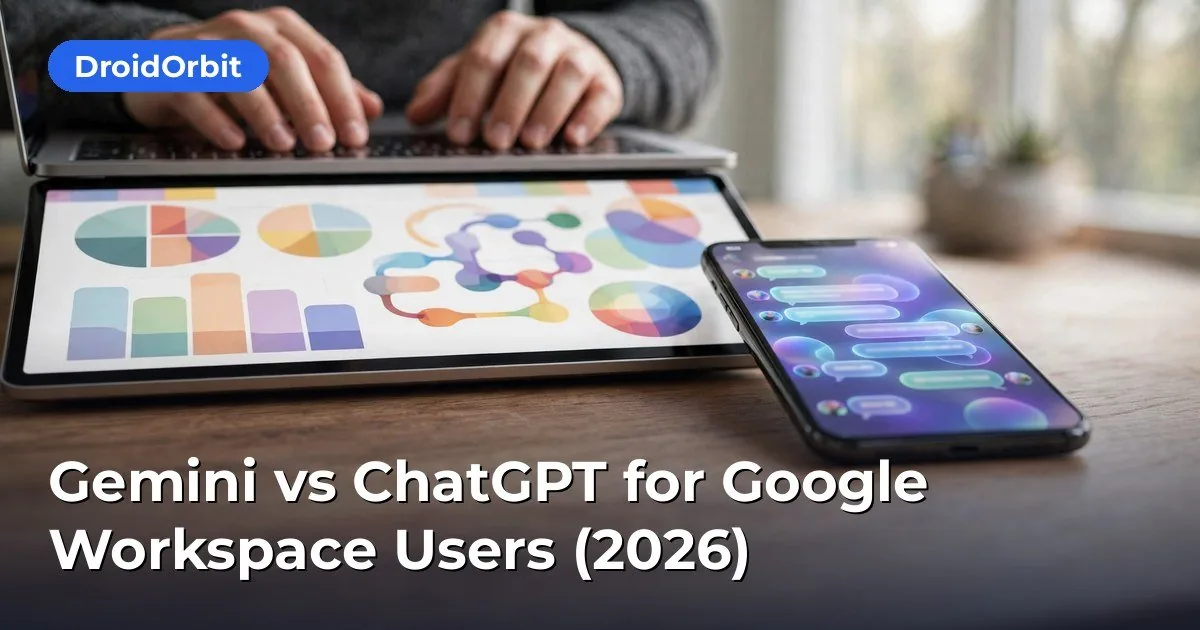
How Gemini Is Built Into Google Workspace
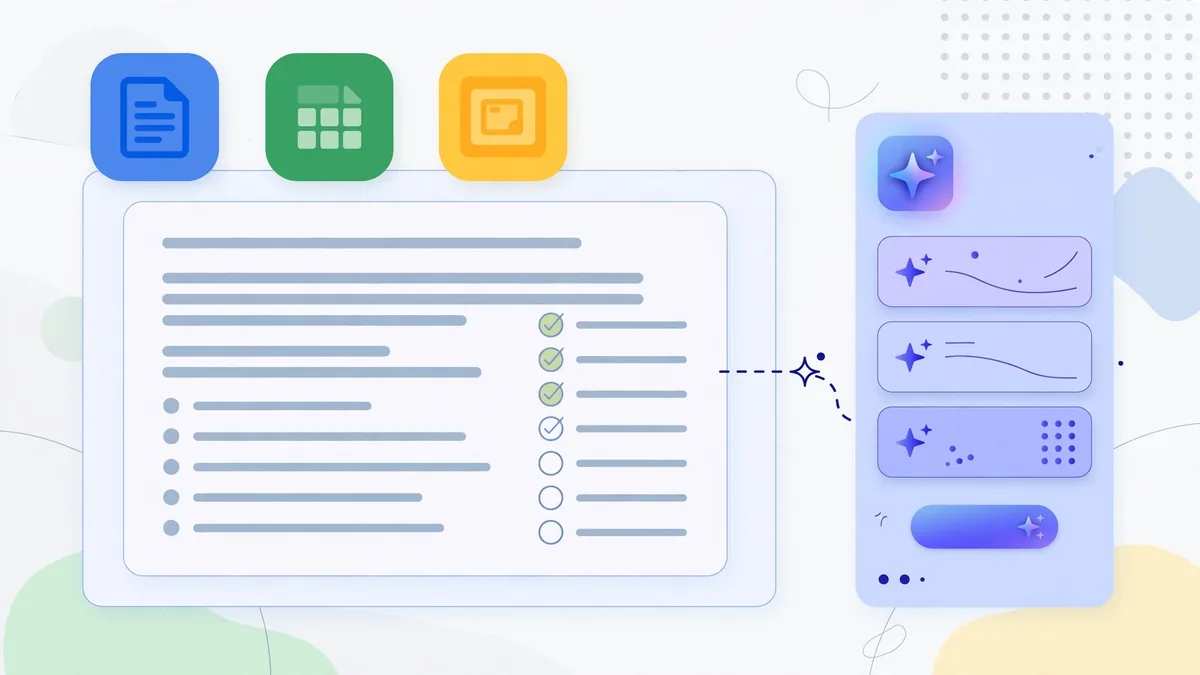
Gemini is Google’s native AI, and inside Workspace it is no longer a side panel you visit occasionally. It is embedded directly into the apps you already use:
- Gmail: Draft replies, summarize long threads, search mail with natural language, and generate “suggested replies” based on your inbox context.
- Google Docs: “Help me write” generates drafts, rewrites tone, and summarizes long documents; in 2025–2026 Google expanded inline editing commands.
- Google Sheets: Formula assistance, data cleanup suggestions, “Help me organize” templates, and natural-language queries over tables.
- Google Drive: Search and summarize across your files — ask “find the contract terms from last quarter” and get answers grounded in your documents.
- Slides and Meet: Slide generation from a prompt, and in Meet, automated notes and summaries.
For consumers, many of these features now come free with a Google account on the higher-capability models, while businesses get Gemini through Google Workspace plans. The Business Standard and Business Plus plans include Gemini for Workspace features for eligible editions; Google moved away from a separate “Gemini for Workspace” add-on in 2025, folding core AI into Workspace plans at adjusted list prices. Always check the current Workspace pricing page before budgeting, because Google has changed this packaging twice in two years.
The strategic point: because Gemini runs on Google’s infrastructure, its context is your Workspace itself. It reads your Drive, your emails, your calendar. That is both its biggest advantage and the first question IT should ask about.
How ChatGPT Connects to Google Workspace
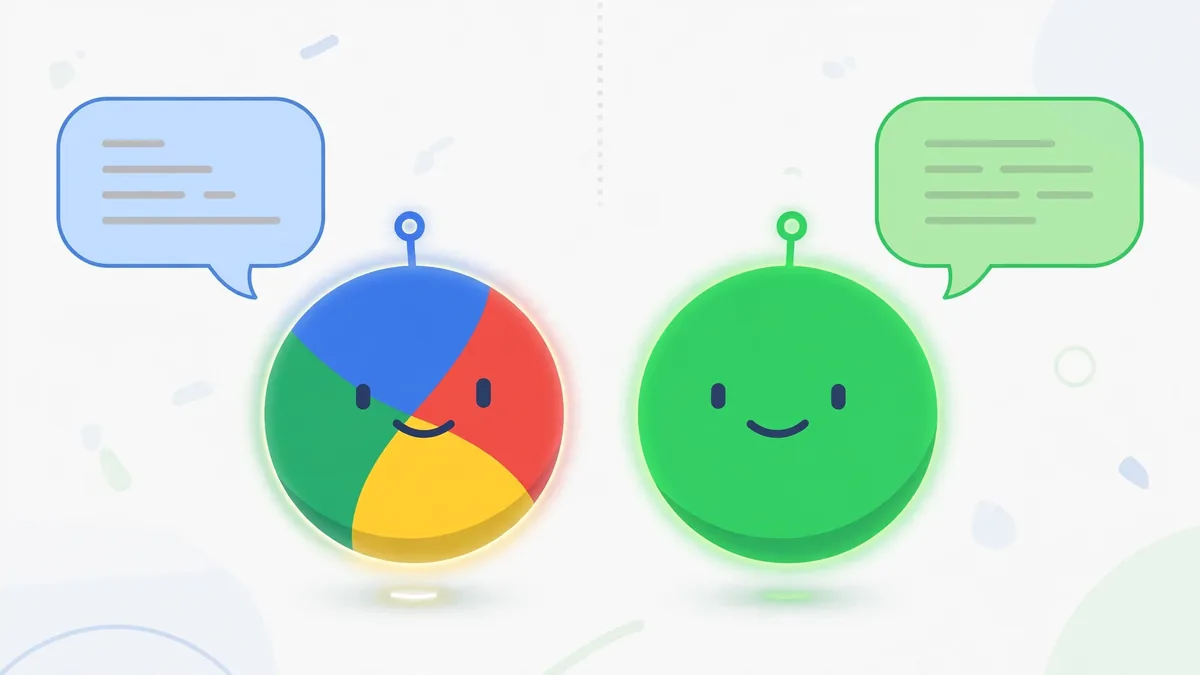
ChatGPT is not native to Google Workspace, but OpenAI has built several bridges:
- ChatGPT with Google Drive and Gmail connectors (beta/paid): Team and Enterprise users can connect Google Drive and Gmail so ChatGPT can search files, summarize documents, and pull context into conversations.
- Canvas: OpenAI’s editing workspace lets you draft and iterate on documents and code with the model, then copy out into Docs.
- Custom GPTs and the API: Businesses can build internal assistants that query their data via APIs, including Workspace data through Google’s APIs — but this requires development work and admin setup.
- Third-party add-ons: Chrome extensions and Workspace marketplace add-ons (from independent developers) promise “ChatGPT inside Docs,” but these vary wildly in quality and security posture.
In practice, ChatGPT for Workspace users means either the official Drive/Gmail connectors on Team/Enterprise plans, or a copy-paste workflow: draft in ChatGPT, paste into Docs. That second workflow is extremely common, but it is manual and it means your document content leaves Google’s boundary and enters OpenAI’s systems — which matters for the privacy discussion below.
Integration Depth: Where Each One Actually Works
Gmail
Gemini wins on depth here, with one caveat. Inside Gmail’s interface, Gemini can draft replies using your thread history, summarize conversations inline, and power natural-language search (“find emails about the Denver contract”). It works in the Gmail mobile apps too.
ChatGPT’s Gmail access comes only through its connector on paid team plans, and it happens inside ChatGPT’s interface — not inside Gmail. You ask ChatGPT to search your email; you get results in ChatGPT. For heavy Gmail users, this is a meaningful workflow difference: Gemini meets you where you work; ChatGPT asks you to come to it.
Docs and Slides
Gemini’s “Help me write” is one click inside Docs, and it can generate a full draft from a prompt, adjust tone, and build Slides from an outline. The output stays inside your document with version history intact.
ChatGPT plus Canvas produces strong drafts — many writers prefer GPT-4-class models for long-form quality — but getting that text into Docs is a manual step. If you iterate heavily (five rounds of revision), the copy-paste tax adds up. Some teams solve this with the API: a custom internal tool that sends Docs content to OpenAI and writes back. That works, but it is an engineering project, not a feature.
Sheets
This is closer than people expect. Gemini’s Sheets features (formula help, data organization, table insights) are genuinely useful for routine analysis. ChatGPT’s advantage is reasoning over complex problems: paste a messy dataset into ChatGPT (or upload the file) and ask for a multi-step analysis, and its structured problem-solving is often stronger. But again — upload means your data goes to OpenAI. For sensitive financial models, that alone decides the question.
Drive-wide search and grounding
Gemini’s Drive integration lets you ask questions across your files: “What did we commit to in the Q3 planning docs?” It cites sources. ChatGPT’s Drive connector offers similar file search on Team/Enterprise. Both depend on your permission structure — neither gives you files you cannot already access. Tie here, with Gemini having the edge in mobile availability and in how results link back into native Google apps.
Pricing and Plans for Business Users
Gemini / Google Workspace pricing
- Business Starter: around $7/user/month — limited Gemini features on the entry tier.
- Business Standard: around $14/user/month — includes core Gemini for Workspace AI features.
- Business Plus: around $22/user/month — includes advanced Gemini features plus enhanced security (Vault, DLP, endpoint management).
These are list prices; Google offers annual-commit discounts and promos. Note the key change: Google folded AI into Workspace plans in 2025 rather than selling a separate $20/user/month add-on, which made Gemini the cheapest way to get AI across an entire team — because most teams already pay for Workspace.
ChatGPT pricing
- Plus: $20/user/month (individual).
- Team: $25/user/month (or $30 month-to-month), minimum seat counts apply — includes the Drive/Gmail connectors, shared workspaces, and admin controls.
- Enterprise: custom pricing — SSO, advanced admin, audit logs, higher limits.
For a 20-person team already on Workspace Business Standard, Gemini AI is effectively bundled at $14/user/month, while ChatGPT Team would be an additional $25/user/month on top. That is a ~$500/month difference that scales fast. The honest question: does ChatGPT’s model quality justify a second subscription? For teams whose work is mostly writing, email, docs, and spreadsheets — usually no. For teams doing heavy technical work (code, complex analysis), many buy both: Gemini for Workspace integration, ChatGPT for reasoning power.
Privacy and Data Handling: The Section to Read Twice
How Gemini handles Workspace data
Google states that Workspace customer data is not used to train Gemini models, and enterprise-grade protections apply: data stays within your Workspace boundary, subject to your organization’s admin controls, retention policies, and regional data residency options. Admins can control Gemini availability per organizational unit, and audit logs track AI feature usage. For regulated industries (healthcare, finance, education), Google offers Workspace editions with compliance certifications (HIPAA via BAA, SOC 2/3, ISO 27001).
Caveats: consumer Gmail accounts do not get the same contractual protections as Workspace business editions — if you are on a free Gmail account using Gemini features, read the consumer privacy terms separately. And “not used for training” applies to the Workspace business products as documented; always verify the current terms with your Google rep.
How ChatGPT handles business data
OpenAI’s data policy: on the API and on Business products (Team, Enterprise, Edu), data is not used for training by default. Free and Plus accounts historically have training enabled unless the user opts out in settings (consumers can opt out; check the current settings path). Enterprise adds zero-data-retention options on eligible agreements.
The practical risk with ChatGPT + Workspace is not the policy — it is the workflow. When employees paste customer contracts into chatgpt.com on free accounts, that content may be used for training and is outside your organization’s control. This is the number one AI data leak pattern in small businesses. If your team uses ChatGPT with business data, the minimum safeguards are: paid Team/Enterprise plans with training off, a written AI-use policy, and connectors rather than copy-paste where possible.
The short version for decision-makers
If your business data is regulated or simply sensitive: Gemini inside Workspace Business Plus gives you AI with your existing DLP, Vault, and audit controls — the path of least resistance. ChatGPT can be made safe, but it requires deliberate configuration (Team/Enterprise, connectors, policy enforcement). Do not let employees use free-tier chatbots on customer data. That sentence alone is worth more than this entire comparison.
Model Quality and Everyday Performance
As of 2026, both flagship models are excellent and the gap is narrow. Published benchmarks and independent evaluations show:
- Writing and summarization: both strong; ChatGPT’s GPT-class models have a slight edge in long-form structure and tone control per many reviewer assessments, while Gemini excels at summaries grounded in your own documents.
- Coding: ChatGPT historically leads on complex coding tasks; Gemini has closed the gap significantly and its integration with developer tools (Android Studio, Colab) is a plus for Google-stack teams.
- Multimodal (images, video, audio): Gemini’s native multimodality is a real strength — analyzing images, video, and audio in one model without bolt-on tools.
- Factuality: both hallucinate; neither should be trusted for legal citations, medical facts, or anything you cannot verify. Grounding in your own Drive files reduces but does not eliminate errors.
For a Workspace user doing marketing copy, emails, reports, and spreadsheet analysis, model-quality differences are rarely the deciding factor. Integration and price decide.
The Hybrid Setup Many Teams Actually Use
The most common real-world answer is not either/or:
- Gemini for everything inside Workspace — email drafting, doc summarization, Sheets help, meeting notes. It is bundled, native, and governed by your admin controls.
- ChatGPT for the hard reasoning tasks — complex analysis, code, creative brainstorming, and anything where its model strengths matter — on a smaller number of Team seats.
- Clear policy on what data goes where, reviewed quarterly as both products change.
This is also the answer OpenAI and Google’s own enterprise guidance converges on: use the native tool for native workflows, the frontier model for frontier tasks.
Migration and Lock-in Considerations
Switching costs matter. Gemini’s lock-in is your Workspace itself — you are already there. ChatGPT’s lock-in is lighter (it is just a subscription), but its connectors create dependency on OpenAI’s product roadmap, which has shifted connector features between plans before.
One practical test before committing: run a two-week pilot with both on real work. Measure time saved on email triage, document drafting, and spreadsheet tasks — not benchmark scores. The tool that saves your specific team more time wins, regardless of what reviews say.
Frequently Asked Questions About Gemini vs ChatGPT
Is Gemini free with Google Workspace?
Core Gemini features are now included in Workspace Business Standard and Business Plus plans rather than sold as a separate add-on. Business Starter has limited AI features. Consumer Google accounts get many Gemini features free with usage limits. Check Google’s current Workspace pricing page, since packaging has changed before.
Can ChatGPT access my Google Drive files?
On ChatGPT Team and Enterprise plans, official Google Drive and Gmail connectors let ChatGPT search and summarize your files. Free and Plus users do not get these connectors; they can upload individual files to a conversation manually instead.
Which is safer for confidential business documents?
Within its business editions, Gemini for Workspace keeps data inside your Google admin boundary with DLP, Vault, and audit controls. ChatGPT Team/Enterprise offers no-training data handling and admin controls, but copy-paste workflows on free tiers are the common leak risk. For regulated data, either can work — but Gemini’s native controls are easier to administer if you already run Workspace.
Do I need both Gemini and ChatGPT?
Many teams use both: Gemini for native Workspace tasks (email, docs, sheets, meeting notes) and ChatGPT for heavier reasoning, code, and creative work. If budget is tight, start with whichever is bundled (usually Gemini) and add ChatGPT seats only for roles that need its strengths.
Does Gemini use my emails to train its models?
Google states that Workspace business customer data is not used to train Gemini models. This protection applies to paid Workspace editions under their terms — consumer Gmail accounts have different terms, so verify which applies to you.
Can admins control or disable AI features in Workspace?
Yes. Google Workspace admins can enable or disable Gemini features by organizational unit, and usage appears in admin audit logs. OpenAI’s Team/Enterprise plans offer workspace admin controls including member management and (on Enterprise) advanced audit features.
Compare current plans and feature lists on Gemini’s official site before deciding which assistant fits your workflow.
Keep exploring: If you found this guide to gemini vs chatgpt useful, read Claude vs ChatGPT vs Gemini: The 3-Way Comparison, Best Free AI Browser Extensions for Productivity 2026, Best AI Research Tools: Perplexity vs Consensus vs Elicit for more practical ways to use gemini vs chatgpt.
Is Gemini vs ChatGPT even close for Workspace users?
For Workspace users it’s genuinely close: in the Gemini vs ChatGPT debate, Gemini’s native Docs, Sheets, and Gmail integration is its killer advantage. The Gemini vs ChatGPT choice for heavy Workspace users often comes down to whether deep integration beats ChatGPT’s broader plugin ecosystem.
Which wins Gemini vs ChatGPT for writing?
ChatGPT generally produces more polished long-form prose, while Gemini excels at concise, factual drafting inside your documents. In the Gemini vs ChatGPT writing matchup, try both on your actual work — the Gemini vs ChatGPT winner depends heavily on your specific writing tasks.
Can I use Gemini vs ChatGPT together?
Many professionals do exactly that: the Gemini vs ChatGPT combo means Gemini inside Workspace for daily work plus ChatGPT for heavy reasoning and coding. Treating Gemini vs ChatGPT as ‘both, for different jobs’ is often more productive than picking a single winner.
Conclusion
For Google Workspace users, Gemini vs ChatGPT for Google Workspace is decided less by model benchmarks and more by where your work happens. Gemini is native, bundled into the plans you already pay for, and governed by the admin controls you already have — for email, docs, sheets, and drive-wide search, it is the path of least resistance. ChatGPT brings frontier reasoning, strong long-form writing, and coding ability, at an additional per-seat cost and with data workflows you must deliberately secure. Most productive teams end up with both, each doing what it does best — but if you must pick one for a Workspace-first team, Gemini’s integration and pricing make it the default choice in 2026.



Join the discussion
Have a question or a perspective to share?