
The channels posting three times a week aren’t working three times harder than you. They’ve moved the repetitive middle of video production — research, scripting, rough edits — onto AI and kept the creative decisions for themselves.
AI for YouTubers: The Complete Script-to-Publish Workflow
AI for YouTubers is no longer a futuristic concept — it is the quiet infrastructure behind thousands of channels publishing consistently in 2026. The modern creator’s bottleneck was never ideas; it was throughput. Researching topics, writing scripts, recording voiceovers, editing footage, designing thumbnails, and optimizing metadata used to consume days per video. AI compresses each stage from hours to minutes while leaving creative direction firmly in human hands. This guide walks through the complete end-to-end workflow — ideation to publishing — showing exactly where AI fits at each stage, which tool categories handle what, and how to use it all without sacrificing the authenticity viewers reward. Everything described here reflects publicly documented tool capabilities and YouTube’s published policies, not personal testing claims.
Stage 1: Ideation — Finding Videos Worth Making
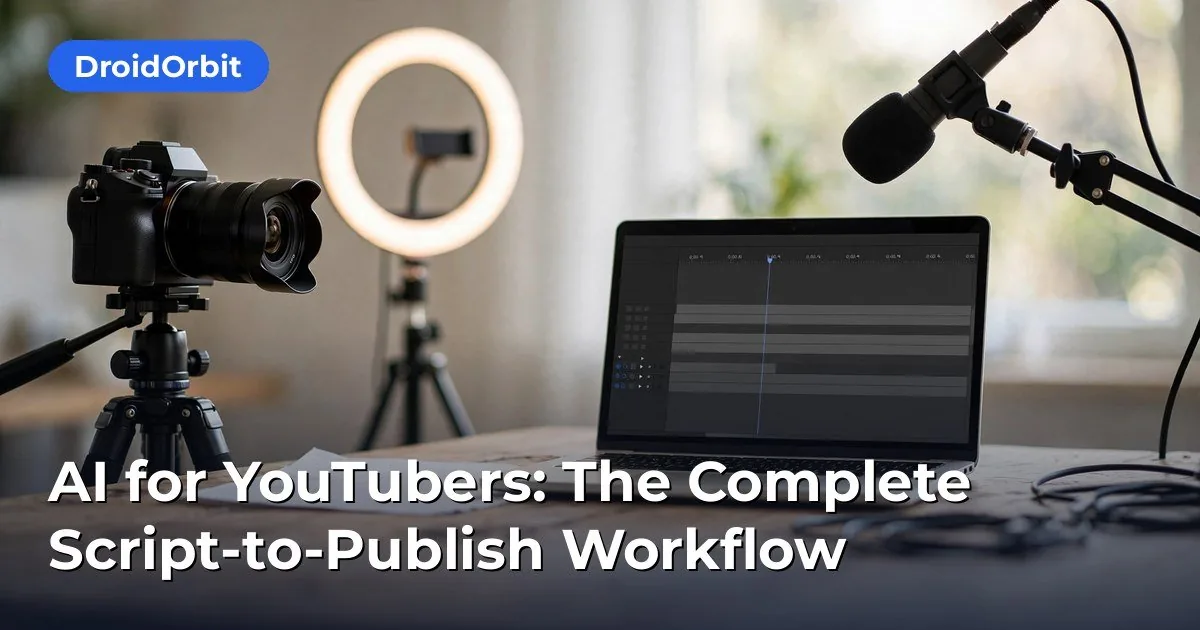
Most failed videos fail at the idea stage: a topic nobody searches for, or a saturated angle with nothing new to say. AI accelerates the research without replacing judgment.
Trend and Keyword Research
Start with data, not vibes. AI-assisted research workflows include:
- Search-demand analysis. Tools in the vidIQ/TubeBuddy category surface search volume, competition scores, and trending topics in your niche. AI features summarize which angles are underserved — for example, “beginner drone tutorials” may show high demand and low competition while “cinematic drone reels” is saturated.
- Competitor gap analysis. Feed AI a list of competitor channels and ask it to identify topics they cover shallowly, questions their comment sections keep asking, and formats they have not tried. The comment-section mining is particularly valuable: hundreds of viewers literally telling you what video to make next.
- Outlier detection. AI can scan your niche for videos dramatically outperforming their channel’s average — the classic signal of a topic-format combination worth adapting.
Packaging Ideas Early
Experienced creators know the title and thumbnail concept should come before the script, not after. Use AI to brainstorm packaging:
- Generate 20 title variations for one topic, then shortlist using curiosity-gap and clarity criteria.
- Draft thumbnail concepts as text briefs (“split-screen: messy desk vs. clean desk, bold 3-word text”) before any design work begins.
- Test the “would I click this?” question honestly. AI generates options; you apply taste.
A practical cadence: maintain an AI-assisted idea bank with 30+ validated concepts, scored on demand evidence, competition, and your enthusiasm. Never start production without a full bank — running dry mid-week is how consistency dies.
Stage 2: Outlining and Scripting
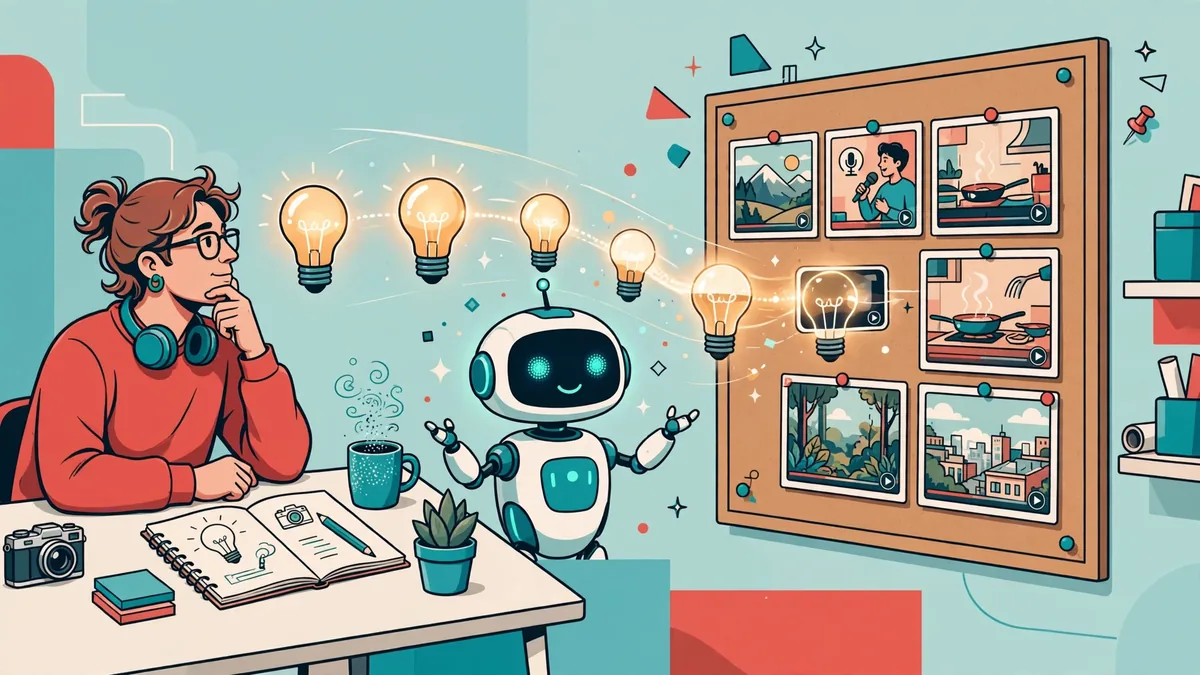
Scripting is where AI delivers its biggest time savings — and where undisciplined use produces the generic, forgettable content flooding the platform.
The Structured Workflow
- Brief the AI like a writer’s room. Provide the topic, target viewer, desired length, tone references (“like a knowledgeable friend, not a lecture”), and the key points the video must cover. Vague prompts produce vague scripts.
- Generate the outline first. Review and rearrange the structure before any prose exists. This is the highest-leverage review step — fixing structure at the outline stage takes minutes; fixing it in a finished script takes hours.
- Draft section by section. Generate the hook, then each main section, then the conclusion separately. Section-by-section drafting keeps quality consistent and lets you inject personal stories, opinions, and examples — the elements AI cannot supply.
- Write the hook last (or rewrite it most). The first 15–30 seconds determine retention. Draft five hook variants and pick the strongest: a bold claim, a surprising statistic, a relatable problem, or a curiosity gap — never “hey guys welcome back to my channel.”
Keeping Scripts Human
YouTube’s algorithm and audience both punish content that feels mass-produced. Protect authenticity with these rules:
- Add what AI cannot know: your experiences, your mistakes, your opinions, your specific examples. These are the differentiators.
- Read every script aloud before recording. AI prose often reads fine silently but sounds robotic spoken. Cut anything you would not naturally say.
- Vary sentence rhythm. AI defaults to uniform sentence length. Short punchy lines mixed with longer explanatory ones sound human.
- Fact-check every claim. AI confidently invents statistics, quotes, and “studies.” Verify each factual assertion against a real source before it reaches your audience — your credibility is the asset.
Script Formats by Video Type
- Tutorials: step-by-step with clear transitions; AI is excellent at structuring these from a rough procedure.
- Commentary/opinion: bullet talking points rather than word-for-word scripts, preserving natural delivery.
- Listicles: AI drafts the entries; you add the ranking logic and personal takes that justify the order.
- Storytelling/documentary: detailed scripts with B-roll cues and pacing notes; AI helps structure the narrative arc.
Stage 3: Voiceover — Your Voice or AI Voice
Audio quality matters more than video quality for retention — viewers forgive shaky footage but abandon bad audio in seconds.
Recording Your Own Voice (Recommended)
Your voice is a competitive moat: it is unmistakably yours, builds parasocial connection, and cannot be cloned by competitors using the same tools. AI still helps:
- Script-to-teleprompter apps with AI pacing guidance keep delivery natural.
- AI audio cleanup (Adobe Podcast Enhance, Descript’s Studio Sound, and similar) removes room echo, background noise, and levels volume — making a $50 microphone sound like a $300 one.
- Filler-word removal tools cut ums and long pauses automatically, tightening delivery without re-recording.
- Voice consistency tools can smooth volume across sessions recorded on different days.
AI Voiceover (Text-to-Speech)
AI narration has legitimate use cases: faceless channels, multilingual dubs, rapid prototyping, and accessibility. Modern neural voices are dramatically better than the robotic TTS of a few years ago. If you go this route:
- Choose a voice with natural prosody and test it on your actual script — not the demo paragraph.
- Add SSML-style pacing controls (pauses, emphasis) where your tool supports them; flat delivery is the giveaway.
- Consider voice cloning of your own voice (with proper consent and platform compliance) for the best of both worlds — your vocal identity at AI speed.
- Disclose appropriately. YouTube’s policies require disclosure of realistic AI-generated content in certain contexts (see the policy section below). Beyond compliance, audiences increasingly value transparency.
Multilingual Expansion
One of AI’s most underused creator superpowers: dubbing. AI dubbing tools can translate your videos into Spanish, Hindi, Portuguese, and other languages with lip-sync and voice matching, opening audiences multiples larger than your original market. YouTube’s own multi-language audio track feature lets you publish these dubs on the same video. For channels with evergreen content, dubbing back-catalog videos can be the highest-ROI AI application available.
Stage 4: Editing Assistance

Full AI video editing is not yet reliable enough to trust blindly, but AI-assisted editing removes the most tedious parts:
- Silence and filler removal. Tools like Descript, Opus Clip, and built-in editor features cut dead air automatically — often removing 10–20% of runtime.
- Text-based editing. Edit the transcript like a document; the video follows. Rearranging a section becomes drag-and-drop instead of timeline surgery.
- Auto-captions and subtitles. AI captioning is now accurate enough for most content, with manual correction for names and technical terms. Captions boost retention and accessibility — and many viewers watch muted.
- Clip extraction for Shorts. AI identifies the most engaging 30–60 second moments in a long video and reframes them vertically. This is the single best discovery engine for small channels: every long video becomes 3–5 Shorts driving traffic back.
- B-roll suggestions. Some tools suggest stock footage matching your script’s topics, accelerating the visual layer of faceless or documentary content.
Keep a human in the final review pass. AI edits optimize for engagement patterns; you optimize for meaning. Watch the final cut at full speed before publishing — every time.
Stage 5: Thumbnails — Planning With AI, Designing With Judgment
Thumbnails drive click-through rate, and CTR drives everything else. AI’s role here is ideation and acceleration, not replacement of design judgment.
The AI Thumbnail Workflow
- Concept generation. From your title and video topic, generate 5–10 thumbnail concepts as text briefs or AI image drafts. Explore contrasting approaches: emotional face vs. object focus, minimal vs. busy, question vs. statement text.
- Reference analysis. Study the top-performing thumbnails in your niche — what colors, expressions, and compositions recur? AI vision tools can summarize patterns across dozens of thumbnails.
- Design execution. Build the final thumbnail in your editor of choice (Photoshop, Canva, Figma), using AI-generated imagery as elements where appropriate — backgrounds, objects, textures — while keeping text and composition under your control.
- A/B testing. YouTube’s built-in “Test & Compare” feature lets you trial up to three thumbnails per video. This is the highest-leverage optimization most creators ignore: let real viewer behavior pick the winner.
Thumbnail Principles AI Cannot Apply for You
- Three-second readability. If the concept is not instantly clear at small size on a phone, it fails — regardless of how impressive the AI art is.
- Curiosity without clickbait. The thumbnail must promise what the video delivers. Mismatched expectations destroy retention and trust.
- Brand consistency. Recurring visual motifs (color palette, layout, typography) make your videos recognizable in a crowded feed. AI generates variety; you enforce consistency.
Stage 6: Titles, Descriptions, Chapters, and Metadata
Metadata is unglamorous and decisive. AI handles the drafting; you handle the strategy.
Titles
Generate 15–20 options per video across different psychological angles (curiosity, benefit, urgency, contrarian), then select using two filters: would your target viewer click this, and does it accurately represent the video? Front-load the most important keywords naturally — not stuffed, just present.
Descriptions
The first two lines appear in search results — make them count with a clear value proposition and primary keyword. Below that, AI can draft: a fuller summary, timestamped chapters, links to resources mentioned, social links, and standard disclosure text. Chapters deserve special attention: AI can generate them from your transcript in seconds, and they improve both viewer navigation and search visibility (Google sometimes shows video chapters directly in results).
Tags and Hashtags
Tags carry less weight than they once did, but they still help with misspellings and niche categorization. A few relevant hashtags in the description are worthwhile; tag-stuffing is not.
End Screens and Cards
Plan these during scripting, not after upload: the natural “next video” recommendation, the subscribe prompt placement, and any linked resources. AI can suggest the optimal next-video pairing based on topic similarity.
Stage 7: Publishing, Scheduling, and Analytics
The Pre-Publish Checklist
Run this before every upload:
- [ ] Title finalized and keyword-checked
- [ ] Thumbnail uploaded and mobile-previewed
- [ ] Description complete with chapters and links
- [ ] AI-content disclosure set correctly (see below)
- [ ] Audience setting (“made for kids” or not) correct
- [ ] Captions reviewed for accuracy
- [ ] End screens and cards configured
- [ ] Playlist assignment done
- [ ] Premiere or scheduled publish time set for your audience’s peak hours
YouTube’s AI Disclosure Requirements
YouTube requires creators to disclose when they have created altered or synthetic content that appears realistic — including realistic AI-generated visuals, synthetic voices, or manipulated footage of real events or people. The disclosure appears as a label on the video. Requirements evolve, so check YouTube’s current help documentation before publishing AI-heavy content. Beyond the legal requirement, transparency builds audience trust: viewers accept AI assistance far more readily when creators are upfront about it.
Analytics-Driven Iteration
AI analytics assistants (built into tools like vidIQ or YouTube Studio’s evolving features) help interpret performance data:
- Retention graphs show exactly where viewers leave — AI summaries can pinpoint patterns across videos (intros too long, mid-video tangents).
- Traffic source analysis reveals whether search, suggested, or browse drives your views — informing whether to optimize for keywords or packaging.
- Audience overlap data guides collaboration and topic choices.
The iteration loop: publish → measure (48 hours for initial data, 28 days for mature data) → identify the one biggest lever (packaging, retention, topic) → apply to the next video. AI accelerates the analysis; the discipline of acting on it remains human.
Putting It Together: A Weekly Workflow Example
For a creator publishing two videos per week, the AI-assisted schedule might look like this:
- Monday: AI-assisted ideation and packaging session — 10 concepts scored, 2 selected with titles and thumbnail briefs. Outline both videos.
- Tuesday: Script drafting (AI draft → human rewrite with personal material) for video 1. Record voiceover; AI cleanup.
- Wednesday: Edit video 1 with AI assistance (silence removal, captions, B-roll). Design thumbnail; finalize metadata. Schedule publish.
- Thursday: Repeat scripting and recording for video 2.
- Friday: Edit and package video 2. Extract 3–5 Shorts from both videos with AI clipping. Review analytics from previous uploads; feed insights into next week’s ideation.
Total: roughly 15–20 focused hours for two polished videos plus Shorts — a workload that previously demanded 40+ hours or a small team.
Pitfalls: Where AI Hurts Creators
- Generic content at scale. If your AI workflow removes everything distinctive about you, you become interchangeable with ten thousand identical channels. The algorithm increasingly rewards originality signals.
- Repetitious content policy risk. YouTube’s policies target mass-produced, low-originality content. Channels publishing barely-differentiated AI output risk demonetization or reduced distribution. Genuine commentary, original research, and personal experience are your protection.
- Voice cloning ethics. Cloning someone else’s voice without consent — or failing to disclose synthetic voices where required — creates legal and trust risks. Clone only your own voice or properly licensed voices.
- Thumbnail-title mismatch. AI makes it easy to generate sensational packaging disconnected from the video. Short-term CTR gains traded for retention collapse and audience distrust.
- Skipping the human review. Every AI stage in this workflow includes a human checkpoint for a reason. The creators who get burned are the ones who automate the checkpoints away.
Frequently Asked Questions About AI for YouTubers
Can I run a YouTube channel fully automated with AI?
Technically you can generate scripts, voiceovers, visuals, and metadata with AI — but fully automated “faceless” channels face serious headwinds: YouTube’s policies against repetitious mass-produced content, audience preference for authenticity, and intense competition from identical AI workflows. The creators succeeding with AI use it to amplify their judgment and personality, not replace them. Treat AI as a production team, not a channel owner.
Do I need to disclose AI-generated content on YouTube?
YouTube’s policies require disclosure for realistic altered or synthetic content — such as AI-generated visuals depicting realistic scenes, synthetic voiceovers presented as real, or manipulated footage. The platform provides a disclosure checkbox during upload, and requirements are updated periodically in YouTube’s help documentation. When in doubt, disclose: transparency costs nothing and protects your channel.
What are the best AI tools for YouTube scripting?
Rather than a single “best” tool, creators typically combine: a general AI writing assistant (ChatGPT, Claude, or similar) for drafting and outlining, a YouTube-specific tool (vidIQ, TubeBuddy) for title ideation and keyword validation, and teleprompter/audio tools for delivery. The workflow matters more than the tool — structured prompting with outlines-first drafting produces far better scripts than one-shot generation regardless of platform.
How much does an AI workflow for YouTube cost?
A functional AI creator stack can start free: free tiers of writing assistants, YouTube’s built-in captioning and Test & Compare, and free editing software. A serious setup — paid AI subscriptions, a YouTube optimization tool, AI voiceover or dubbing credits, and thumbnail design software — typically runs $50–$150/month. Compare that against the alternative: editing software alone used to cost more, and freelance editors charge hundreds per video.
Will viewers know if I use AI in my videos?
They will notice low-effort AI use — flat voiceovers, generic scripts, mismatched visuals — because audiences have developed strong pattern recognition. They generally do not notice (or care about) well-integrated AI: cleaned-up audio, smart captions, researched scripts in your voice, tested thumbnails. The line is not “AI vs. no AI” but “effortful vs. lazy.” Disclosure where required, quality everywhere.
How do I avoid my AI-assisted videos looking generic?
Inject the three things AI cannot generate: your lived experience (stories, mistakes, lessons), your opinions (takes, rankings, predictions), and your specificity (exact numbers, named tools, real examples). Structure prompts around these inputs — “here is what happened to me; help me structure this into a compelling narrative” beats “write a video about productivity” every time. Review every output asking: could ten other channels publish exactly this? If yes, add what only you can add.
Review YouTube’s current policies on AI-generated content before publishing anything made with AI assistance.
Keep exploring: If you found this guide to ai for youtubers useful, read AI for Podcasters: Editing to Show Notes in 2026, How to Use AI to Summarize a YouTube Video, Best Free AI Browser Extensions for Productivity 2026 for more practical ways to use ai for youtubers.
How are creators using AI for YouTubers’ scripts?
AI for YouTubers typically starts with scriptwriting: hooks, outlines, and full drafts from a topic. Smart AI for YouTubers workflows use AI for the first draft and human judgment for pacing and personality — viewers subscribe for your voice, and AI for YouTubers works best amplifying it, not replacing it.
Can AI for YouTubers handle thumbnails and titles?
Yes — AI for YouTubers tools generate thumbnail concepts and A/B-test title variations. The highest-performing AI for YouTubers setups treat AI suggestions as starting points, then apply proven CTR principles. AI for YouTubers packaging tools save hours of design iteration weekly.
Will viewers know I’m using AI for YouTubers tools?
Only if the output feels generic. AI for YouTubers tools are invisible when you edit ruthlessly and inject personal stories. Disclose AI use where platforms require it, and remember: the best AI for YouTubers content still sounds unmistakably like you.
Conclusion
AI for YouTubers is not about replacing creators — it is about removing the production bottlenecks that kept good creators from publishing consistently. The end-to-end workflow is clear: AI-assisted ideation grounded in real demand data, structured scripting with your personal material at the center, your voice (cleaned by AI) or transparent AI narration, AI-accelerated editing and Shorts extraction, AI-brainstormed thumbnails refined by your judgment, and metadata drafted in minutes. Run the weekly cadence, honor the human checkpoints, disclose where required, and let analytics guide iteration. Creators who master this workflow do not just publish faster — they publish better, because the hours AI saves get reinvested in the two things no model can provide: original thinking and genuine connection with an audience.
What’s the biggest mistake creators make with AI for YouTubers tools?
Publishing unedited AI scripts. AI for YouTubers tools write competent but generic scripts — your personality is the differentiator. Use AI for YouTubers tools for structure and research, then rewrite in your voice before recording.





Join the discussion
Have a question or a perspective to share?