
The best code review happens before a human ever opens the pull request. AI reviewers read every diff the second it’s pushed — flagging the security hole at 1 a.m. that a tired teammate would have missed.
AI Code Review Tools for Developers: 2026 Guide
AI code review tools have moved from novelty to everyday infrastructure in modern software teams. These tools connect to your Git hosting platform, read pull requests as they open, and leave line-by-line comments on bugs, security flaws, style issues, and architectural concerns — in seconds, before a human reviewer has even clicked through. Based on published specs, pricing pages, and official documentation from the vendors themselves, this guide compares the leading options, explains how they fit into continuous integration pipelines, and lays out the limitations every team should know before adopting one.
How AI Code Review Tools Actually Work
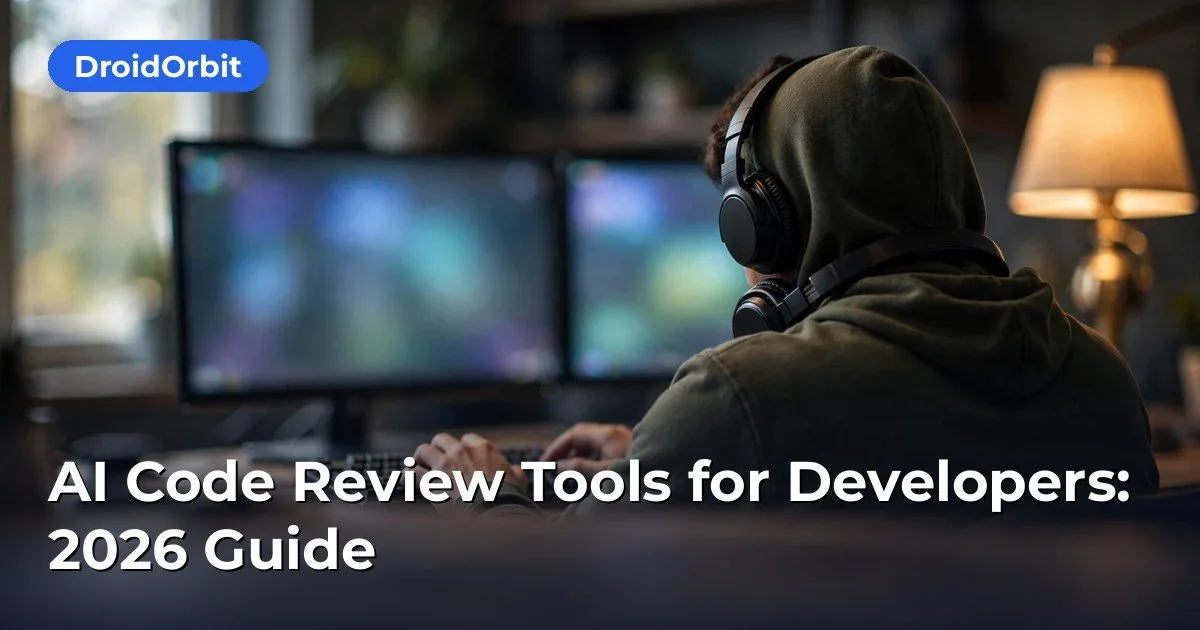
At a high level, most AI code review tools follow the same architecture: they install as a GitHub App, GitLab integration, Bitbucket plugin, or Azure DevOps extension; they subscribe to pull request events; and when a PR opens or updates, they fetch the diff, pass it (with repository context) to a large language model, and post the model’s findings back as review comments.
The key differences between tools are in the details:
- Context handling. Simple tools feed only the diff to the model. Better ones also pull in surrounding files, import graphs, test files, and PR metadata so findings are grounded in how the code is actually used.
- Review granularity. Some tools comment on every minor style nit; others are tuned to flag only substantive issues — bugs, security vulnerabilities, and logic errors — leaving style to linters.
- Learning from feedback. Several platforms let you mark comments as helpful or not, mark false positives as resolved, or write custom review rules in plain language that the tool applies to future reviews.
- CI integration. The best tools can post a review status check to your CI pipeline, so a PR can be blocked from merging when the AI flags a critical issue — the same way a failing test suite blocks a merge.
Understanding these dimensions makes comparison shopping much easier than reading marketing claims alone.
The Leading Tools Compared
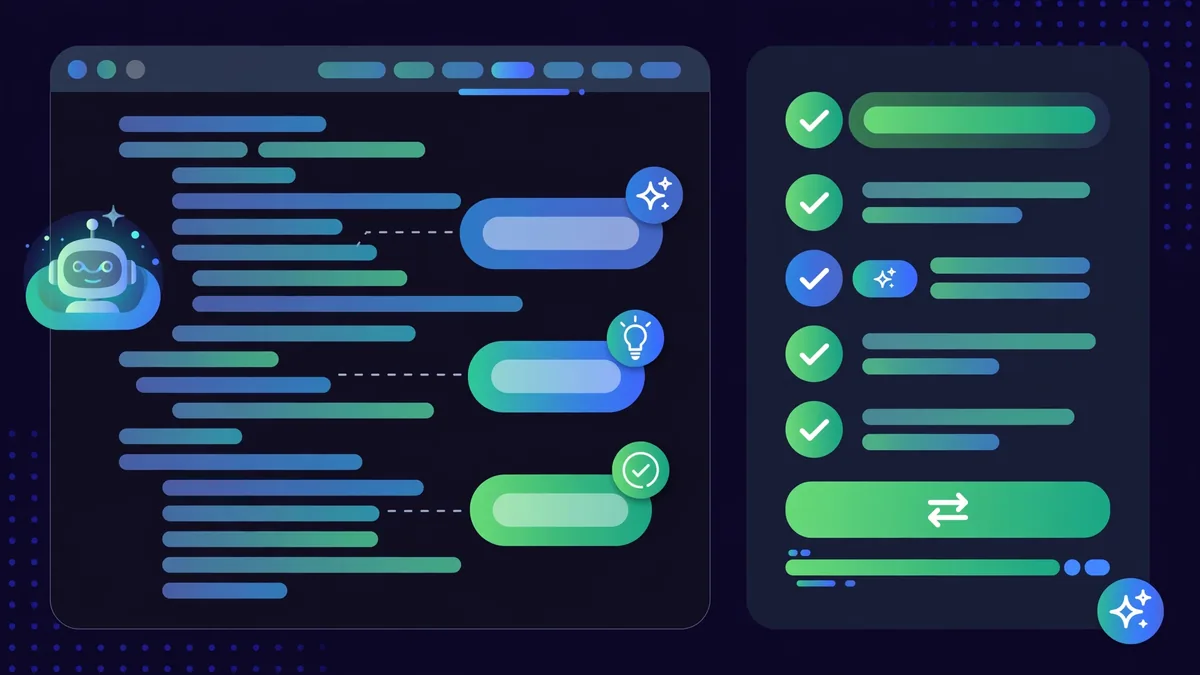
CodeRabbit
CodeRabbit is one of the most widely adopted AI reviewers, with published integrations for GitHub, GitLab, Bitbucket, and Azure DevOps. It reviews entire PRs rather than individual files, which gives it context across the changeset. Notable features from its documentation include:
- PR summaries and walkthroughs that explain what changed and why, useful for reviewers who inherit unfamiliar code.
- Custom review rules (“Path Instructions”) so teams can encode their own conventions — for example, “always require zod validation on new API routes.”
- Poem-free, configurable chattiness, letting teams dial comment volume from “everything” to “critical issues only.”
- Issue resolution tracking that reports which flagged issues were fixed in follow-up commits.
Pricing: CodeRabbit publishes a free tier for open-source repositories, with paid plans starting around $12 per user per month (annual billing) for private repos, based on its published pricing page. Team and enterprise plans add SSO, self-hosted LLM options, and priority support.
GitHub Copilot (Pull Request Reviews)
GitHub’s Copilot now includes automated code review features beyond code completion. According to GitHub’s documentation, Copilot can review pull requests, suggest code improvements, and its review functionality integrates natively into the GitHub pull request UI with no extra installation.
Strengths: zero setup for GitHub-native teams, comments appear inline in the familiar diff view, and review suggestions can be applied as commits directly from the UI. It also draws on the broader Copilot ecosystem — code completion, chat, and CLI assistance.
Pricing: Copilot plans are published on GitHub’s pricing page: Copilot Individual starts at $10 per month, Copilot Business at $19 per user per month, and Copilot Enterprise adds more (roughly $39 per user per month) with features like knowledge bases. Review features are bundled into these plans rather than sold separately.
Considerations: Teams on GitLab, Bitbucket, or other platforms get no benefit here — it is GitHub-only. And because it shares the Copilot brand, some teams assume review is “free if we already have completion”; the review features roll out through the same paid tiers.
Qodo (formerly CodiumAI)
Qodo positions itself as a quality platform spanning code generation, test generation, and PR review. Its PR agent posts reviews, generates PR descriptions, and can be invoked interactively in comments (e.g., asking it to explain a specific change or generate tests for a function).
Strengths: The interactive layer is genuinely useful — instead of a static comment dump, developers can have a back-and-forth with the agent about a specific line. It also integrates test generation, which many reviewers treat as a separate chore.
Pricing: Qodo publishes a free tier with limited usage, plus per-user paid plans. Exact figures change frequently, so check its current pricing page; the structure is per-developer monthly billing with team tiers for higher limits and organization features.
SonarQube / SonarCloud with AI Features
Sonar has been in the code-quality business for over a decade, and its cloud product SonarCloud plus self-hosted SonarQube have added AI-assisted features, including AI-generated fix suggestions and, in newer releases, AI-assisted code review capabilities layered on top of its deterministic static analysis engine.
Strengths: The deterministic analysis underneath is the differentiator — Sonar’s rule engine catches well-defined bug patterns, security hotspots, and code smells with high precision, and the AI layer explains and fixes them. This two-layer design tends to produce fewer hallucinations than pure-LLM reviewers. Self-hosting options appeal to teams with strict data-residency requirements.
Pricing: SonarCloud publishes per-lines-of-code-based pricing for private projects with a free tier for small projects and open source; SonarQube Server (self-hosted) is licensed separately. Review the current pricing page for exact bands.
Amazon Q Developer (formerly CodeWhisperer)
Amazon Q Developer includes automated code review features, particularly strong for teams in the AWS ecosystem. Per AWS documentation, it can scan code for security vulnerabilities and code quality issues, and its IDE integrations make review findings available during development as well as at PR time.
Strengths: Deep AWS integration — it understands IAM, Lambda, and AWS SDK usage patterns better than generalist reviewers. It also offers a free tier for individual developers, which is generous by market standards.
Pricing: AWS publishes a free individual tier; Q Developer Pro is around $19 per user per month with identity management (IAM Identity Center), organizational policy controls, and higher limits.
Snyk (AI-assisted Security Review)
Snyk started as a dependency vulnerability scanner and has expanded into AI-assisted code review focused on security. Its tools scan open-source dependencies, container images, infrastructure-as-code, and first-party code for known vulnerabilities, and its AI features help prioritize and fix findings.
Strengths: If your primary concern is security — CVEs in dependencies, secrets in code, insecure patterns — Snyk’s database-driven approach plus AI triage is hard to beat. It integrates into PR workflows with fix pull requests.
Pricing: Snyk publishes a free tier for limited use, with team and enterprise plans priced per developer. Security-focused teams often pair Snyk with a generalist reviewer like CodeRabbit or Copilot.
Other Notable Mentions
- DeepCode (now part of Snyk): pioneered semantic analysis for bug detection; its technology lives on inside Snyk’s products.
- Mutable.ai: focuses on AI-assisted refactoring and code transformation alongside review features.
- CodeScene: takes a behavioral-code-analysis approach, mapping code health to team dynamics and flagging “hotspots” where risky code meets high churn — a genuinely different and useful lens.
- Codacy: combines automated review with coverage and duplication tracking; popular with teams that want one dashboard for code health metrics.
Feature-by-Feature Comparison
| Dimension | CodeRabbit | GitHub Copilot | Qodo | SonarCloud | Amazon Q | Snyk |
|—|—|—|—|—|—|—|
| GitHub support | Yes | Native | Yes | Yes | Yes | Yes |
| GitLab/Bitbucket support | Yes | No | Yes | Yes | Limited | Yes |
| PR summaries | Yes | Yes | Yes | Partial | Partial | No |
| Custom review rules | Yes | Limited | Yes | Yes (rule packs) | Limited | Limited |
| Security focus | Moderate | Moderate | Moderate | Strong | Strong (AWS) | Very strong |
| Free tier | OSS only | No | Limited | Limited | Individual | Limited |
| Self-host / on-prem | Enterprise | No | Enterprise | Yes | No | Enterprise |
Prices and feature details shift often in this market — treat this table as a starting framework and verify current specifics on each vendor’s pricing and documentation pages before committing.
Fitting AI Review Into Your CI Pipeline
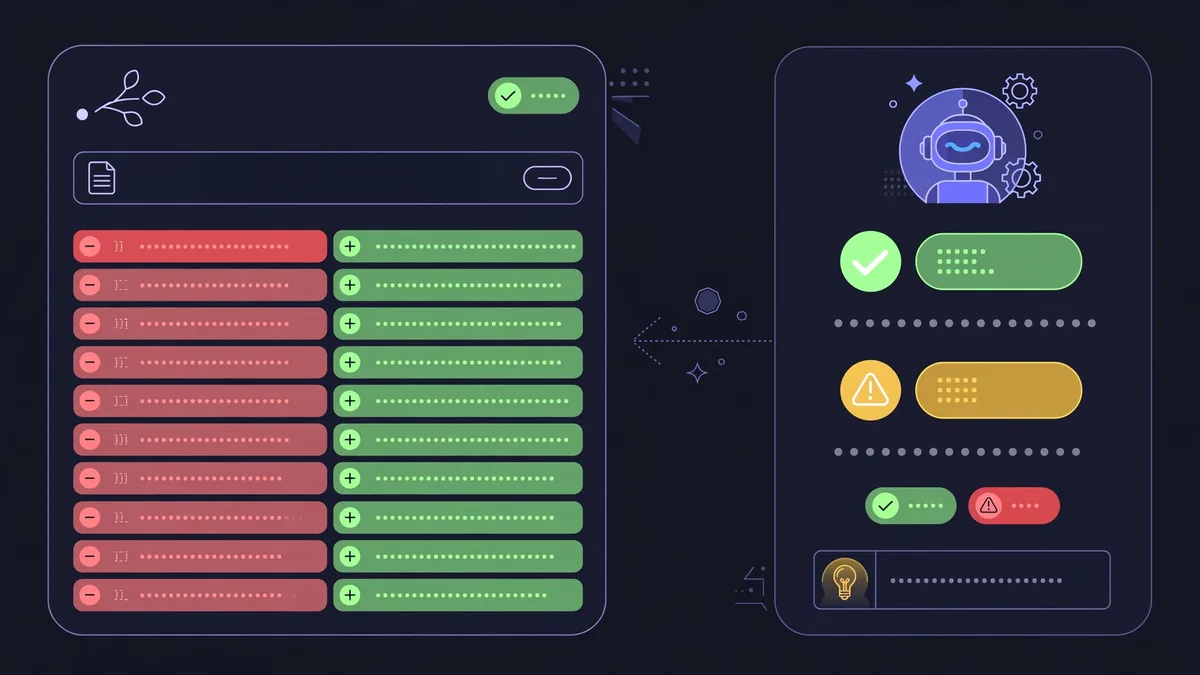
An AI reviewer is only as useful as its position in your workflow. Based on published integration docs, here is a practical rollout pattern:
- Start in advisory mode. Install the tool but configure it to comment only — no blocking status checks. Let the team calibrate for two to four weeks: tune chattiness, write custom rules, and mark false positives.
- Measure signal quality. Track what fraction of AI comments lead to code changes versus being dismissed. A healthy range, based on vendor-published case studies and engineering blogs, is roughly 30–60% of substantive comments resulting in fixes. Below that, tune rules or consider a different tool.
- Add blocking checks selectively. Once tuned, promote the reviewer to a required status check — but only for critical categories (security, correctness), not style. Style belongs to deterministic linters like ESLint, Ruff, or Prettier, which never hallucinate.
- Layer tools, don’t stack them. A common production pattern is: linters for style, Sonar/Snyk for security, and one LLM reviewer for logic and maintainability. Running three LLM reviewers on the same PR just multiplies noise.
- Review the reviewer in retrospectives. AI tools update their models frequently; comment quality can drift. Revisit calibration quarterly.
A note on data and privacy
Every one of these tools sends your code — or at minimum your diffs — to the vendor’s infrastructure (and often to a third-party model provider). Before adopting, verify: whether the vendor offers zero-data-retention terms, whether training on customer code is excluded by contract, and whether a self-hosted or bring-your-own-model option exists. Regulated industries and companies with strict IP policies should treat this as a procurement question, not an afterthought.
Limitations You Should Know
AI code reviewers are genuinely useful, but they have failure modes that marketing pages underplay:
- Hallucinated issues. LLM-based reviewers sometimes flag “bugs” that don’t exist — misreading control flow, inventing APIs, or misunderstanding project-specific patterns. This is why advisory-mode calibration matters.
- Missed context. A reviewer that only sees the diff can miss bugs that require understanding runtime configuration, database migrations, or deployment topology. Whole-repo context helps but doesn’t eliminate this.
- Security theater risk. An AI reviewer is not a substitute for security audits, penetration testing, or threat modeling. It catches common patterns; determined attackers exploit uncommon ones.
- Reviewer fatigue. If comment volume is too high, developers start ignoring the tool entirely — including the 20% of comments that matter. Fewer, higher-quality comments always beat more comments.
- Language and framework unevenness. Mainstream languages (Python, JavaScript/TypeScript, Java, Go) get the best results because models have seen the most code in them. Niche languages and proprietary frameworks get noticeably weaker reviews.
- No accountability. An AI reviewer cannot be paged at 3 a.m. Humans remain responsible for what ships. The tool is an assistant to reviewers, not a replacement for them.
Which Tool Should You Choose?
- GitHub-only team wanting minimal friction: GitHub Copilot’s review features — you’re already in the ecosystem.
- Multi-platform team wanting the most mature standalone reviewer: CodeRabbit.
- Team that wants interactive, conversational review plus test generation: Qodo.
- Security-first team or regulated industry: Snyk for vulnerabilities plus SonarCloud/SonarQube for deterministic quality gates.
- AWS-heavy team: Amazon Q Developer, especially with the generous free individual tier.
- Team that cares about code health trends, not just PR comments: CodeScene.
Most teams end up with two tools at most — one generalist reviewer and one security specialist — plus their existing linters. That combination covers the vast majority of what automated review can usefully catch.
Frequently Asked Questions About AI Code Review Tools
Can AI code review tools replace human reviewers?
No. Based on how these tools are designed and documented, they are assistants that catch common issues early and speed up human review — they do not understand business logic, product requirements, or architectural intent the way a human reviewer does. Teams that treat AI review as a replacement tend to see subtle logic bugs slip through. Keep humans as required approvers.
Do AI code review tools work with GitLab and Bitbucket?
Most standalone tools — CodeRabbit, Qodo, SonarCloud, Snyk — support GitLab and Bitbucket in addition to GitHub, per their published integration lists. GitHub Copilot’s review features are GitHub-only, and Amazon Q Developer’s review capabilities are strongest within GitHub and AWS-integrated workflows.
Will these tools train on my proprietary code?
Policies vary by vendor and plan. Most vendors state that paid/team plans exclude customer code from model training, while free tiers may differ. This is a contract question: read the data-processing terms for the specific plan you’re buying, and ask the vendor directly if the documentation is ambiguous.
How much do AI code review tools cost for a team of 10?
Roughly speaking, based on published pricing pages: expect $100–$250 per month for a generalist reviewer at 10 developers (CodeRabbit’s ~$12/user/mo puts it near $120; Copilot Business at $19/user/mo is ~$190). Security-focused tools like Snyk and SonarCloud add their own per-developer or usage-based fees on top.
Can AI reviewers block a pull request from merging?
Yes — most support posting status checks to your CI system (GitHub checks, GitLab pipelines), which can be configured as required. The recommended practice is to block only on critical categories like security findings, after a calibration period in advisory mode.
Do AI code review tools work for small personal projects?
They can, but the value is highest on team projects with meaningful PR volume. Solo developers often get more value from AI code completion (Copilot, Q Developer’s free tier) plus a good linter setup than from a full PR review bot.
Most of these tools plug into pull-request workflows on GitHub, so check the marketplace listing for your specific stack.
Keep exploring: If you found this guide to ai code review tools useful, read Best AI Coding Assistants in 2026: Compared and Ranked, How to Write Better AI Prompts: A Practical Guide, n8n vs Zapier: Best AI Automation Platform 2026 for more practical ways to use ai code review tools.
What do AI code review tools actually check?
Modern AI code review tools flag bugs, security vulnerabilities, and style violations, and suggest refactors before human review. The best AI code review tools integrate with pull requests, commenting inline so feedback lands where developers already work.
Can AI code review tools replace human reviewers?
No — AI code review tools catch the mechanical issues (null checks, injection risks, dead code) so humans can focus on architecture and intent. Teams get the most from AI code review tools by treating them as a first pass that makes human review faster and sharper, not optional.
How accurate are AI code review tools?
Accuracy varies, but leading AI code review tools catch 60–80% of common defects in benchmarks. False positives happen, so configure severity thresholds and let the team tune rules. Well-tuned AI code review tools earn trust quickly; noisy ones get ignored.
Conclusion
AI code review tools have earned a place in the modern development workflow — not as replacements for human judgment, but as tireless first-pass reviewers that catch bugs, security issues, and maintainability problems before they cost reviewer time. The market has matured enough that the choice is less about which tool is “smartest” and more about fit: your Git platform, your security requirements, your tolerance for comment volume, and your budget. Start in advisory mode, calibrate ruthlessly, layer one generalist reviewer with one security specialist, and keep humans firmly in the approver seat. Teams that do this consistently report faster reviews and fewer escaped defects — which is exactly what the technology is for.





Join the discussion
Have a question or a perspective to share?