
Selling is conversations; everything around it is homework. AI gives reps the homework back — researched accounts, drafted outreach, enriched CRM rows — so the calendar fills with calls instead of admin.
AI for Sales Teams: Prospecting and Outreach in 2026
Sales has always been a research-and-writing job disguised as a talking job. Reps spend the majority of their week not selling but preparing: finding accounts, researching contacts, personalizing emails, updating the CRM, and prepping for calls. AI for sales teams attacks exactly this overhead — lead research, personalized outreach drafts, CRM data enrichment, and call prep workflows — freeing reps to spend their hours on conversations. This guide covers what works, based on published product capabilities, vendor documentation, and widely reported sales-operations practices, plus where AI outreach crosses into spam and how to stay on the right side.
The Math That Justifies AI in Sales
Consider a typical B2B account executive’s week: industry surveys consistently report that sellers spend roughly two-thirds of their time on non-selling activities — research, admin, internal meetings, CRM updates — leaving a minority of hours for actual customer interaction. Every hour AI reclaims from research and drafting is an hour returned to conversations. The teams winning with AI are not replacing reps; they are giving each rep the research capacity of three.
The four workflows below are ordered by ROI: start with prospecting research, then outreach, then enrichment, then call prep.
Workflow 1: AI-Powered Lead Research and Account Prioritization
Building better target account lists
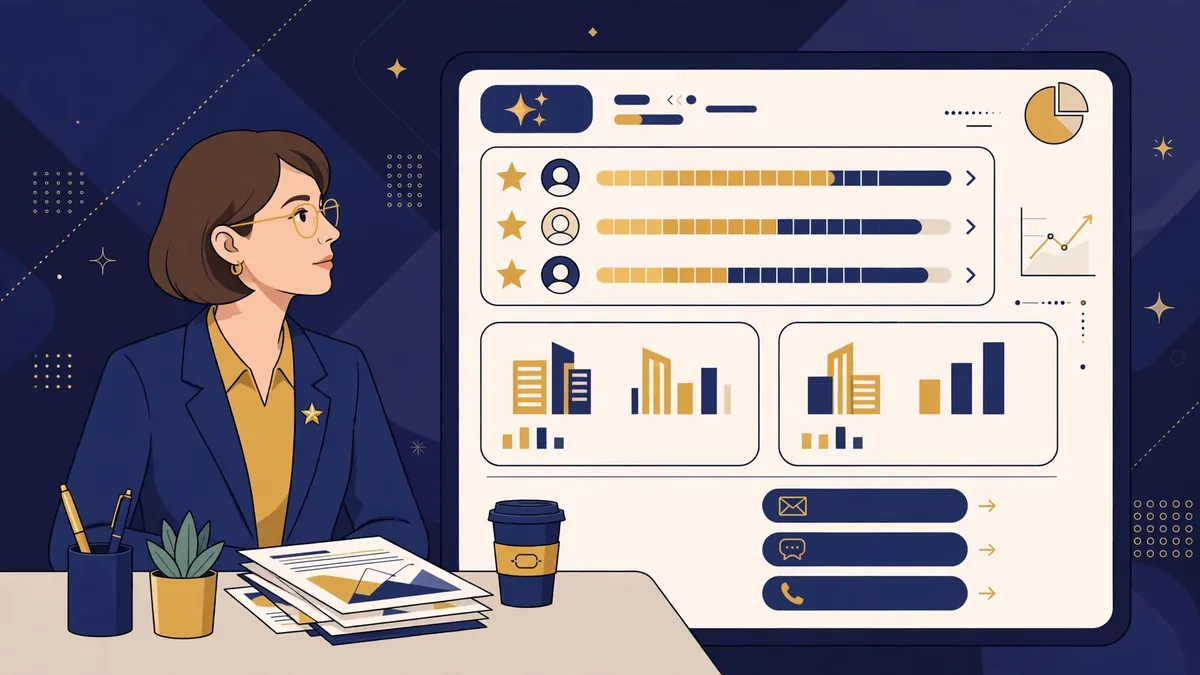
Traditional list-building pulls firmographic filters (industry, headcount, location) from a data provider. AI adds the layer filters cannot: buying signals. Modern approaches combine:
- Firmographic fit — company size, industry, tech stack, geography from providers like Apollo, ZoomInfo, or Clearbit-style enrichment.
- Signal detection — funding announcements, leadership hires, expansion news, job postings for roles your product serves. AI can monitor and summarize these at scale.
- Prioritization scoring — rank accounts by fit × signal × timing so reps work the hottest accounts first.
Practical implementation: have AI summarize the last 90 days of news for each target account into a 5-line brief (funding, hires, launches, pain indicators). A rep can review 30 briefs in the time it used to take to deeply research 5 accounts — and the briefs surface the personalization hooks for outreach.
Contact research at scale
For each priority account, reps need: who owns the problem, what they care about, and a reason to talk now. AI accelerates each step:
- Summarize the contact’s public professional footprint (role history, published content, company announcements) into talking points.
- Identify likely pain points from the company’s job postings and earnings language.
- Draft the “reason for outreach” — the one sentence that makes this email about them, not you.
Caution: verify titles and facts before outreach. AI can confidently misstate someone’s role or conflate people with similar names. One wrong “Congrats on the promotion!” email burns the account.
Workflow 2: Personalized Outreach That Isn’t Spam
The personalization spectrum
Outreach personalization has three levels, and AI’s role differs at each:
- Level 1 — Templated: same email to everyone. AI adds nothing; this is spam with better grammar.
- Level 2 — Segmented: templates with AI-filled variables (industry pain, relevant case study, timely trigger). This is the current best practice for scale.
- Level 3 — 1:1 researched: fully custom emails for high-value accounts, where AI does the research and drafts, and the rep edits heavily.
The mistake teams make is using AI to send Level 1 emails faster. Volume without relevance trains spam filters and burns domains. The winning play is Level 2 at scale plus Level 3 for strategic accounts.
Anatomy of an AI-assisted outreach sequence
A solid 2026 sequence structure:
- Email 1 (Day 1): trigger-based opener — reference the specific signal (funding, hire, launch), connect it to a likely pain, one-sentence value prop, soft CTA (“worth a 15-min chat Thursday?”).
- Email 2 (Day 4): value add — share a relevant insight, benchmark, or case study for their industry. No ask beyond “thought this might be useful.”
- LinkedIn touch (Day 6): connection request with a personalized note referencing the same trigger.
- Email 3 (Day 9): breakup or pivot — “Should I close the loop on this?” or redirect to the right contact.
AI’s job: draft each touch with the account research injected, vary phrasing across the sequence, and keep every email under 120 words. The rep’s job: verify the trigger is real, cut anything that sounds generated, and add one human sentence only they could write.
Deliverability: the unglamorous requirement
AI cannot fix bad sending infrastructure. Before scaling AI outreach:
- Warm up sending domains and keep daily volumes within provider limits.
- Maintain list hygiene — bounce rates above ~2% damage sender reputation.
- Use SPF, DKIM, and DMARC on sending domains.
- Separate outreach domains from your primary corporate domain.
Teams that skip this and blame “AI not working” are misdiagnosing an infrastructure problem.
Workflow 3: CRM Data Enrichment and Hygiene
The CRM decay problem
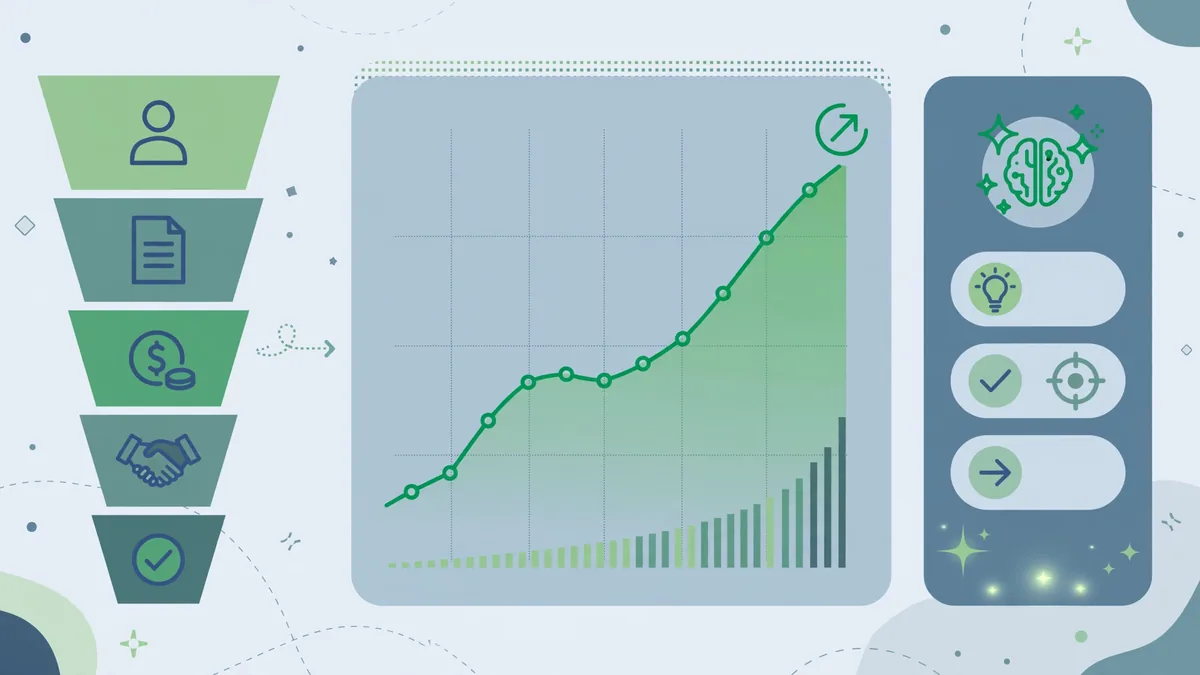
B2B contact data decays fast — industry estimates put annual decay at 20–30% as people change jobs and companies restructure. Stale CRM data means bounced emails, wrong titles, and reps calling people who left two years ago.
AI-assisted enrichment workflows:
- Automated field completion: when a new lead enters, enrichment services fill firmographics, tech stack, and contact details.
- Ongoing refresh: quarterly re-verification of titles, emails, and phone numbers for active pipeline accounts.
- Duplicate detection and merging: AI matching catches “Jon Smith / Jonathan Smith” duplicates that exact-match rules miss.
- Activity summarization: auto-summarize email threads and call notes into CRM fields so the next rep (or manager) gets the story in 30 seconds.
Choosing enrichment tooling
The market splits into data providers (Apollo, ZoomInfo, Cognism) with AI layers, and AI-native prospecting tools (Clay, Common Room) that orchestrate enrichment from multiple sources. Evaluate on: data accuracy in your ICP (test with 100 known records), coverage of your target geographies, compliance posture (GDPR/CCPA, consent basis for EU contacts), and CRM integration depth — enrichment that does not write cleanly to Salesforce or HubSpot creates more work than it saves.
Workflow 4: Call Preparation and Follow-Up
Pre-call briefs
Thirty minutes before a discovery call, the rep should have a one-page brief. AI generates it from the CRM record, account news, and prior conversations:
- Account snapshot: size, industry, tech stack, recent signals
- Contact profiles: roles, tenure, likely priorities
- Conversation history: what was discussed, what was promised, open questions
- Suggested discovery questions tailored to their signals
- Landmines: competitors in use, past churn reasons, sensitive topics
Reps who walk in with this brief ask better questions in the first five minutes — which is when deals are often won or lost.
Post-call automation
After the call: AI summarizes the transcript into MEDDIC/BANT-style qualification notes, extracts action items with owners, drafts the follow-up email, and updates the CRM. The rep reviews and sends — a 45-minute admin block becomes 10 minutes of review. Gong, Chorus, and similar conversation-intelligence platforms have made this standard; verify summary accuracy on technical details before they enter the official record.
Coaching at scale
Conversation intelligence also enables AI coaching: talk ratios, question quality, competitor mentions, next-step setting. Managers get data instead of anecdotes. Use it for coaching, not surveillance — reps who feel monitored game the metrics; reps who feel coached improve them.
The Tool Landscape (2026)
- Prospecting data + AI: Apollo.io, ZoomInfo, Cognism — start here if your data is the bottleneck.
- AI prospecting orchestration: Clay — for teams that want multi-source enrichment and AI research agents; powerful but needs an operator.
- Outreach execution: Outreach.io, Salesloft — sequencing with AI writing assistance built in.
- Conversation intelligence: Gong, Chorus — call recording, summaries, coaching analytics.
- General AI assistants: ChatGPT, Claude, Gemini — for ad-hoc research briefs, email drafts, and objection-handling practice. The flexible layer every rep should know.
Buy in this order: fix data first, then sequencing, then intelligence. AI writing on top of bad data just personalizes emails to the wrong people faster.
Guardrails: Staying Effective and Compliant
- Human review on all outbound. AI drafts; humans send. Unreviewed AI outreach produces the embarrassing errors that end up on LinkedIn.
- Respect opt-outs and regulations. CAN-SPAM, GDPR, and CCPA all apply to AI-generated outreach exactly as they do to human-written outreach. AI does not create a compliance exemption.
- Do not fake personalization. “I loved your recent post about {{topic}}” with an AI-hallucinated topic is worse than no personalization. Every claimed detail must be verifiable.
- Protect prospect data. Customer and prospect lists are business assets — use business-tier AI plans with no-training data policies, not free consumer tiers, for anything touching your CRM.
- Measure reply quality, not just reply rate. AI can inflate open and reply rates with curiosity-gap subject lines while booking zero meetings. Track positive-reply rate and meetings booked per 100 prospects.
Implementation Roadmap: First 90 Days
Days 1–30: Foundation. Audit CRM data quality. Pick one enrichment provider and clean your ICP list. Set up sending infrastructure properly. Write (with AI assistance) 3 segment-level sequences.
Days 31–60: Pilot. Run AI-assisted research + outreach with 2–3 reps. Measure: time saved per rep per week, positive reply rate vs. baseline, meetings booked. Fix the workflow, not just the prompts.
Days 61–90: Scale. Roll out to the full team with documented playbooks. Add conversation intelligence for call summaries. Establish the weekly metrics review: pipeline generated, data quality scores, deliverability health.
Frequently Asked Questions About AI for Sales Teams
Will AI replace SDRs?
No — it is reshaping the role. AI handles research, drafting, and admin; humans handle conversations, judgment, and relationships. Teams are shifting SDR headcount toward fewer, better-equipped reps rather than eliminating the function. The reps at risk are the ones doing purely mechanical list-and-blast work.
How much does AI sales tooling cost?
A typical stack runs $100–$300 per rep per month: data/enrichment ($50–$150), sequencing ($80–$150), conversation intelligence ($100–$160, often annual). AI-native orchestration tools add $100+. Compare against fully-loaded rep cost — if the stack saves 5+ hours per rep per week, the math is straightforward.
Is AI-personalized cold email legal?
Yes, subject to the same laws as any cold outreach: CAN-SPAM in the US (accurate headers, opt-out mechanism, physical address), GDPR’s legitimate-interest or consent basis in the EU, and CASL in Canada. AI changes nothing about compliance obligations — and scraping personal data to fuel personalization can create additional exposure.
How do I prevent AI outreach from sounding robotic?
Three rules: keep emails under 120 words, require one verifiable human detail per email, and have reps edit every draft before sending. The best-performing AI-assisted emails are ones the prospect cannot distinguish from hand-written — which means the human’s 2-minute edit is the most valuable step in the workflow.
What metrics prove AI is working in sales?
Leading indicators: research time per account, emails sent per rep, positive reply rate. Lagging indicators: meetings booked per 100 prospects, pipeline generated per rep, win rate. If leading indicators improve but lagging ones do not, your AI is optimizing activity, not outcomes — revisit targeting and messaging.
Should small sales teams bother with AI tooling?
Yes, with a lighter stack. A 3-person team does not need enterprise conversation intelligence on day one — start with a general AI assistant for research and drafts plus one affordable data provider. The per-rep time savings are proportionally larger for small teams because each rep covers more of the funnel.
For enterprise sales-process context, Salesforce publishes useful research on AI adoption across revenue teams.
Keep exploring: If you found this guide to ai for sales teams useful, read AI for Recruiters and HR Teams: 2026 Playbook, Best AI Chatbots for Lead Generation in 2026, AI for Real Estate Professionals: Practical 2026 Guide for more practical ways to use ai for sales teams.
What is the highest-ROI use of AI for sales teams?
Prospecting research: AI for sales teams can build account briefs, find trigger events, and draft personalized outreach in minutes. Reps using AI for sales teams for research spend more time selling and less time Googling — the top performers treat AI for sales teams as a research assistant, not a replacement.
Can AI for sales teams write cold emails that convert?
It drafts them well; personalization closes them. AI for sales teams generates solid first drafts from prospect data, but the best AI for sales teams workflows add one genuine human insight per email. Pure AI cold outreach underperforms — hybrid wins.
How do I get my team to actually adopt AI for sales teams tools?
Start with one workflow that saves obvious time, like call summaries. Adoption of AI for sales teams fails when tools add friction — pick tools inside your CRM, celebrate early wins publicly, and make AI for sales teams training about their quota, not the technology.
Conclusion
AI for sales teams delivers its ROI in four workflows: prospecting research that surfaces buying signals, outreach personalization at the segment level with human review, CRM enrichment that fights data decay, and call prep and follow-up automation that returns admin hours to conversations. The teams that fail with AI sales tools almost always fail at the unglamorous parts — bad data, bad deliverability, unreviewed sends — not at the AI itself. Start with data quality, pilot with a few reps, measure meetings booked rather than emails sent, and keep humans firmly in the loop on every outbound message. Done right, each rep gets the research capacity of three — and spends the reclaimed hours where they belong: talking to customers.


Join the discussion
Have a question or a perspective to share?