

6 Free AI Interior Design Tools With No Signup (2026)
Introduction to Accessible AI Interior Design
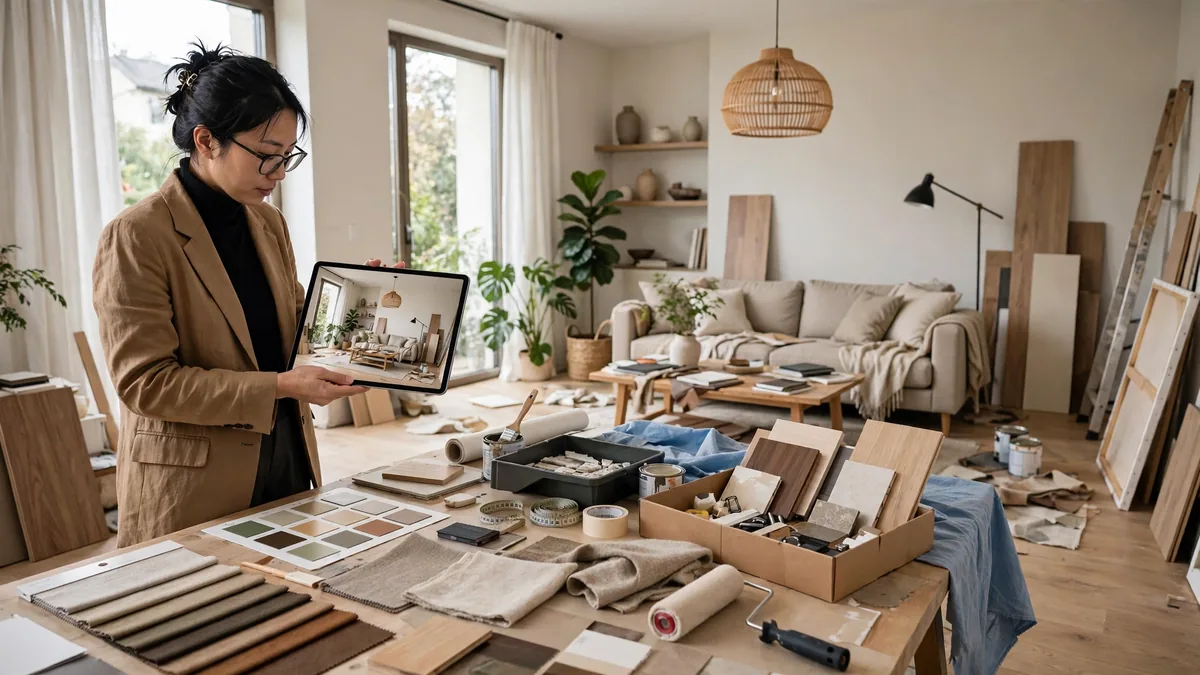
You want to see the living room with the wall gone before you hire the contractor. Free AI interior design tools render that in seconds from a photo — no account, no email, just your room reimagined so you can decide with confidence.
Why No-Signup AI Tools Matter
Privacy is a primary concern for many homeowners testing software. When you use a service that requires an email or credit card, you are effectively paying with your personal data. A browser-based utility allows you to experiment with aesthetic concepts while keeping your inbox free of marketing spam.
Furthermore, these tools are ideal for quick brainstorming. If you are standing in a hardware store and need to see how a specific color palette might look in your living room, you do not have time to go through a multi-step registration process. Speed is the primary advantage of these platforms.
How These Tools Use Generative AI
Most interior design generators rely on Diffusion Models, similar to DALL-E or Midjourney, but fine-tuned for architectural spaces. You upload an image of your existing room, and the AI replaces the contents based on your text prompt. The system analyzes depth, geometry, and light to ensure the newly generated furniture sits realistically within your floor plan.
While these tools are powerful, they are not replacements for professional design software like AutoCAD or SketchUp. They are excellent for inspiration, mood boarding, and color testing. For more professional utility, you may want to check out these Free AI Tools for Business: 10 Picks, No Card Needed to supplement your design workflow.
RoomGPT: The Gold Standard for Fast Iteration
RoomGPT is one of the most recognized names in the sector because of its simplicity. It focuses on taking an uploaded photo of a space and applying specific architectural themes to it. It is arguably the most recognizable free AI interior design tool no signup currently available on the web.
Key Features
- Theme Presets: You can select from styles like Modern, Minimalist, Industrial, or Coastal.
- Photo Processing: The tool preserves the structural elements of your room—like windows and walls—while changing the decor.
- High-Resolution Output: It provides high-fidelity renders that are clear enough for inspiration.
Free Plan / Limits
The “no-signup” version is essentially a trial of the platform’s core capability. You can process a limited number of images per session. Once you exceed the daily limit, the site will prompt you to create an account. However, for a one-off project, the free access is usually sufficient to generate several variants of a single room.
Best for
RoomGPT is best for users who have a specific room photograph and want to see how different design aesthetics would change the “vibe” of that space. It is not designed for structural renovations but for stylistic updates.
PromeAI: Versatile Rendering for Pros and Amateurs
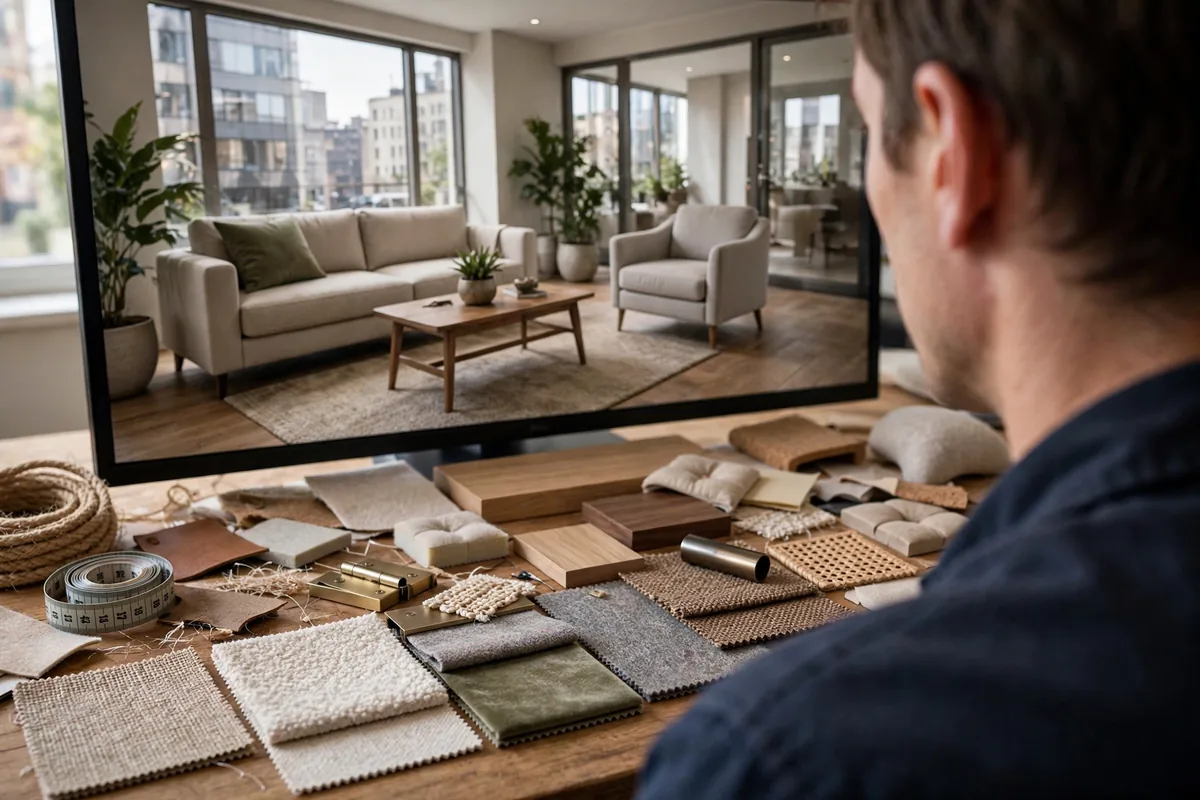
PromeAI offers more robust controls than the average web-based generator. While it has a pro tier, its public-facing interface allows for quick prototyping. It functions as a flexible free AI interior design tool no signup, provided you stay within the constraints of their guest access features.
Key features
- Sketch Rendering: Beyond just photos, PromeAI can turn hand-drawn sketches into photorealistic interior renders.
- Material Replacement: You can select specific areas and define the materials, such as changing a carpet to hardwood or marble.
- Control over Lighting: Users can adjust the time of day to see how natural light affects their design choices.
Free plan / limits
The free access model is somewhat restrictive regarding resolution and daily generation counts. You get a set amount of “coins” or credits when accessing the site via a guest session. Once those are spent, you cannot generate more without creating an account. The processing time can also be longer for guest users during peak hours.
Best for
This tool is best for someone who has a rough hand-drawn sketch or a CAD layout and wants to see what that floor plan would look like as a finished, lived-in space. It bridges the gap between technical planning and final visualization.
Fotor AI Interior Designer
Fotor has long been a staple in the photo editing world, and their AI interior design module is an extension of that expertise. Using a free AI interior design tool no signup like Fotor provides a balanced approach between advanced editing and automated generation.
Key features
- Drag-and-Drop Editor: The interface is familiar to anyone who has used online photo editors.
- Style Mixing: You can combine elements from different interior design styles to create a unique hybrid look.
- Furniture Placement: It suggests layouts that optimize space, which is helpful for smaller studio apartments.
Free plan / limits
Fotor allows for a handful of free generations per day. The images often include a small watermark in the corner if you do not have a paid account. Additionally, you cannot export the high-resolution files without registering, though the low-resolution files are perfectly fine for mood boards and social media sharing.
Best for
Fotor is best for the everyday user who wants to experiment with home decor without learning complex software. If you are looking to create a vision board or share ideas with a contractor or spouse, Fotor’s aesthetic output is consistently polished.
Adobe Firefly (Web Version)

Adobe Firefly serves as a robust generative engine that powers many high-end design workflows. While Adobe often ties its AI to Creative Cloud subscriptions, the web-based version allows for immediate experimentation with generative fill and text-to-image prompts without requiring an account for initial testing.
Key features
The primary strength of Firefly is its “Generative Fill” capability. You can upload a photo of an empty room and use a brush to select specific areas where you want to add furniture, change flooring, or alter wall textures. It uses natural language processing to understand complex prompts like “mid-century modern armchair in olive green.”
Free plan / limits
Adobe offers a “generative credit” system. While the web interface lets you perform initial edits, you will eventually reach a limit that requires a login or a subscription. To keep using it as a free AI interior design tool no signup, you are effectively limited to short, high-impact test sessions. Once your browser session cookies hit the limit, you may be prompted to create an account.
Best for
This tool is best for users who need photorealistic results and have an existing room photo they want to modify. It is less of a room planner and more of a visual manipulation engine. If you are also interested in brand development, you might want to look at our guide on the best AI logo design tools to complement your interior mockups.
Homestyler
Homestyler stands out as a professional-grade 3D design platform that has moved aggressively into AI-assisted staging. It bridges the gap between architectural modeling and simple generative imagery, providing a more structured environment for those who care about room dimensions.
Key features
The platform features an AI-powered “Room Styler” that can automatically decorate a space based on a uploaded photo. You can drag and drop 3D furniture models from a massive catalog directly into your space. The AI assistant can then suggest color palettes or lighting schemes based on the selected furniture.
Free plan / limits
As a free AI interior design tool no signup, the web version allows you to access basic rendering and furniture placement. However, high-resolution exports and advanced ray-tracing features are gated behind a login or premium tier. You can design and view your room in real-time, but downloading your final project usually requires authentication.
Best for
Homestyler is ideal for homeowners who want to verify that a specific piece of furniture will actually fit into their room layout. It is less about artistic hallucination and more about functional design accuracy.
Microsoft Designer
Microsoft Designer leverages the DALL-E 3 engine to provide a seamless generative experience. It is perhaps the most accessible tool for those who prefer working with prompt-based design rather than dragging and dropping 3D assets.
Key features
The tool excels at mood-boarding and conceptualizing aesthetic directions. You can describe a “bohemian loft with industrial accents,” and it will generate several high-quality images. It also includes intuitive editing tools to remove background objects or upscale your results for better resolution.
Free plan / limits
You can generate several images as a free AI interior design tool no signup, provided you do not exceed the daily “boosts” allocated to anonymous users. Once these boosts are exhausted, the generation speed slows significantly, and the platform will persistently ask you to sign in with a Microsoft account to continue your work.
Best for
It is perfect for those in the “inspiration” phase of a project. If you are building a vision board for a renovation, this is your best starting point for creating high-fidelity visual concepts without worrying about complex software tools.
How to Pick the Right Free AI Interior Design Tool No Signup
Assessing Your Aesthetic Goals
Before starting, determine if you need a conceptual mood board or a structural floor plan. If your goal is strictly aesthetic—picking colors or styles—opt for tools like Microsoft Designer or Adobe Firefly. If you are planning an actual renovation involving measurements, prioritize tools like Homestyler that offer 3D spatial awareness. Using the wrong tool will result in frustration, especially when using a free AI interior design tool no signup, where your time is limited by session caps.
Technical Requirements for Output Quality
Most no-signup tools run directly in the browser, meaning your output quality is often tied to your internet stability. High-resolution rendering requires significant data processing. Ensure you are working on a desktop browser rather than a mobile device, as the added screen real estate makes manipulating AI-generated elements much easier. Always check the “Export” settings early in your session to see if the free tier supports high-quality file types like PNG or JPEG.
When to Move Beyond No-Signup Tools
No-signup tools are excellent for quick prototypes, but they lack project management features. If you find yourself repeatedly designing different angles of the same room, you will eventually hit the “cookie wall” where the platform forces a login. Once you have a concrete vision, transition to a registered account or dedicated software. This ensures your work is saved and you can collaborate with contractors or furniture vendors using a consistent design file.
| Tool | Free Plan Limits | Standout Feature | Best For |
|---|---|---|---|
| Adobe Firefly | Generative credit limits | Generative fill | Photorealism |
| Homestyler | Export restrictions | 3D furniture catalog | Spatial planning |
| Microsoft Designer | Daily usage boosts | DALL-E 3 integration | Mood boarding |
Common Pitfalls of AI Design Tools
Hallucinations and Spatial Errors
Even the best free AI interior design tool no signup options suffer from spatial logic failures. AI models are trained on pixel patterns rather than architectural blueprints. Consequently, you will frequently see doors that lead to nowhere, windows floating in the middle of solid walls, or furniture items that defy the laws of physics.
When you use a free AI interior design tool no signup, treat the output as a mood board rather than a floor plan. These systems struggle with depth perception and scale. You might get a beautiful render of a living room, but the AI may place a sofa inside a fireplace. Always cross-reference your AI-generated layout with actual measurements of your room before buying a single piece of furniture.
Privacy and Image Ownership Concerns
When you upload a photo to an AI site without creating an account, your data does not simply vanish. Most platforms process your images on their cloud servers to generate the render. While these sites claim to delete data, the terms of service often grant them a non-exclusive license to use your uploaded content to further train their models.
If you are working on a private space, such as your primary residence, you should avoid uploading high-resolution photos that include sensitive identifying information. Consider building your own local AI tool if you need to keep your image data entirely offline. As with most free services, the “payment” for the convenience of no registration is the data you provide to the platform.
Frequently Asked Questions
Can these tools replace professional interior designers?
No. AI is an effective visualization aid for brainstorming, but it lacks the professional nuance required for a successful renovation. A designer ensures that your lighting, electrical, plumbing, and structural plans meet local building codes. AI simply produces a visually pleasing image. If you are dealing with structural changes, consult a licensed contractor or architect instead of relying solely on an AI-generated JPEG.
Why do some tools eventually require an account?
Developers typically use the “no signup” model as a funnel to demonstrate value before implementing paywalls. Once a tool has achieved sufficient market presence, it will often move to a freemium model. This allows the provider to track user habits, upsell premium high-resolution exports, and prevent server abuse. If you find a specific free AI interior design tool no signup that works for your workflow, prepare for the possibility that it may eventually require a subscription or user login.
Are the generated designs physically buildable?
Almost never. Most AI renders are purely aesthetic. They do not account for load-bearing walls, HVAC ductwork, or electrical panel locations. When you use a free AI interior design tool no signup, you are essentially looking at an artistic representation of a style. Never hand an AI-generated image to a contractor as a blueprint; always have a professional translate the idea into a proper technical drawing that adheres to local safety regulations.
Conclusion: The Future of Instant Visualization
Final Recommendations
Selecting the right tool depends on your specific goal. For quick, high-fidelity room staging, prioritize tools that allow for style-transfer uploads. For those who need to visualize color palettes or furniture arrangement quickly, text-to-image generators are generally more reliable. Always prioritize platforms that offer clear disclosure on data usage, as seen with OpenAI’s data policies.
Refining Your AI Design Workflow
To get the most out of your experiments, start with a high-quality, brightly lit photo of your room. Avoid cluttered shots, as the AI will struggle to distinguish between your furniture and the architecture. By using a reputable free AI interior design tool no signup, you can iterate through dozens of variations in minutes. Save the images that best represent your vision and use them as a “creative brief” when discussing your project with human professionals. This hybrid approach ensures you remain the architect of your own space while utilizing modern tech for inspiration.





Join the discussion
Have a question or a perspective to share?