
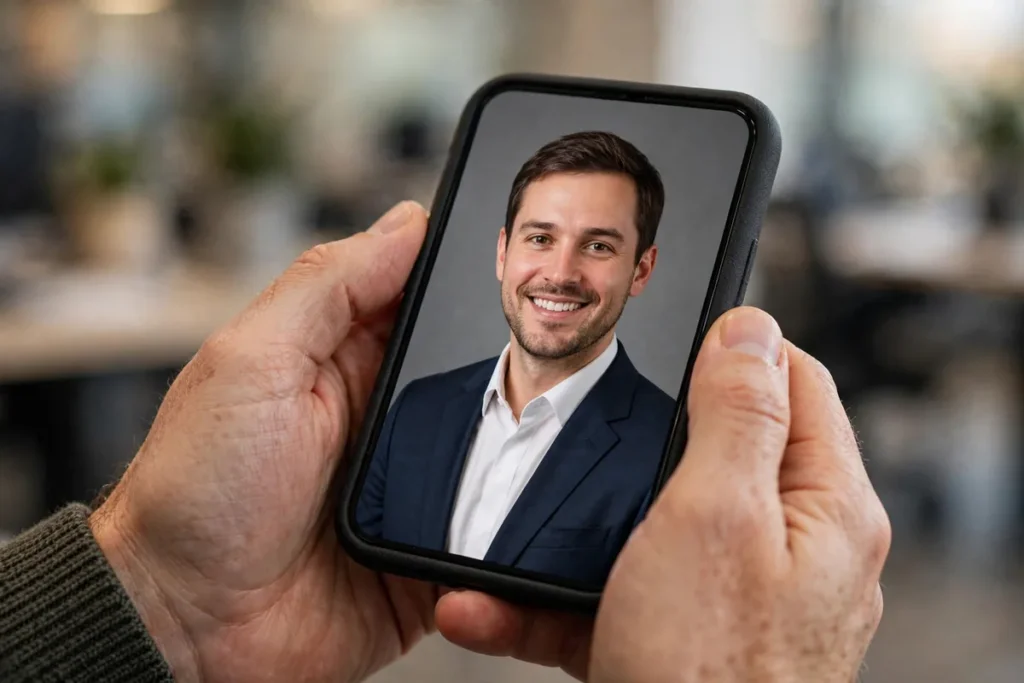
7 Free AI Headshot Generators Worth Trying (2026)
Introduction: Elevating Your Professional Persona with AI
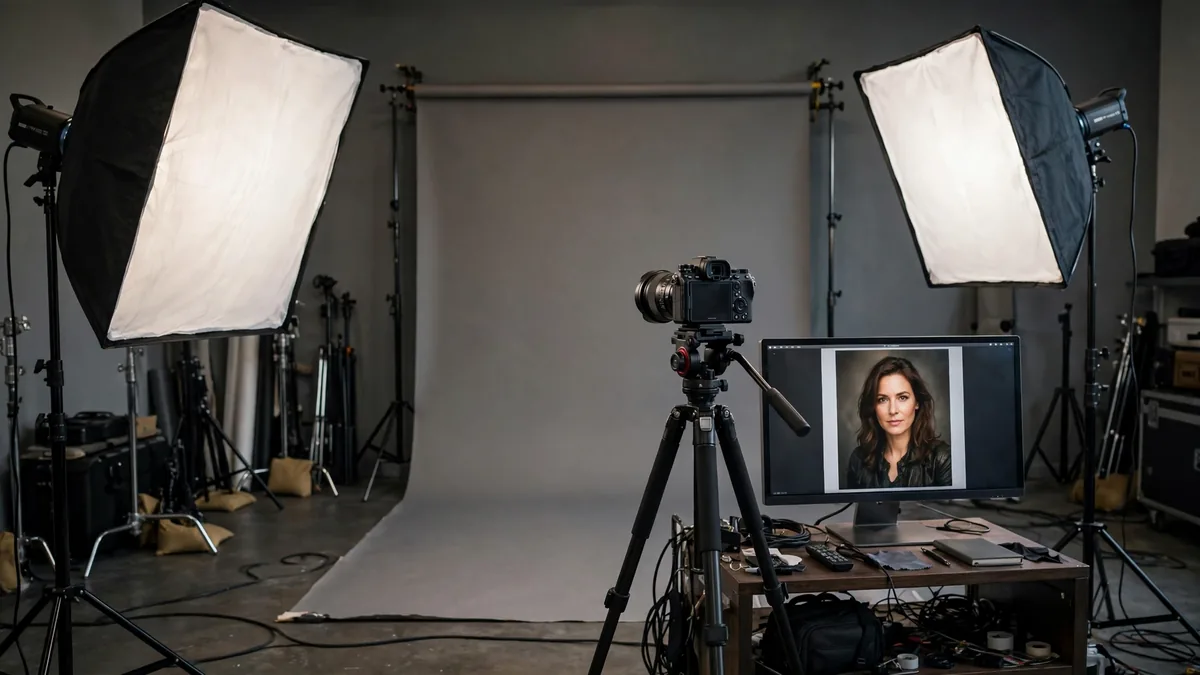
The LinkedIn photo is from 2019 and it shows. A professional shoot costs $300 and a Saturday; free AI headshot generators produce a convincing professional portrait from a selfie in minutes — no account, no awkward posing.
Before you dive into the world of AI, ensure your source photos are up to scratch by checking out our Top 10 Android Apps for Professional Photography. Using a high-quality base image is the secret to getting a realistic result. If you are ready to start generating, the convenience of a free AI headshot generator no signup ensures that you can iterate on your look until you find the perfect match without the headache of data collection or persistent marketing emails.
Why You Should Use a Free AI Headshot Generator No Signup
The “no-account-required” movement in AI tools is more than just a trend; it is a shift toward user-centric privacy. When you use a free AI headshot generator no signup, you eliminate the risk of your data being stored on third-party servers long after you have finished your task.
In 2026, users are increasingly wary of the “signup wall”—that frustrating moment where a tool asks for your email, phone number, and a social media login just to perform a simple task. By skipping this step, you gain three major advantages:
- Total Anonymity: Your email address remains out of marketing databases.
- Rapid Workflow: You can go from an uploaded selfie to a professional headshot in under two minutes without verifying your inbox.
- Low Friction: It is the ideal way to “stress test” an AI model. If the results are poor, you can simply close the browser tab without worrying about deleting an account or opting out of a newsletter.
For professionals, these tools are about efficiency. You need a quick, sharp result for a conference bio or a Slack profile, and you need it now. A free AI headshot generator no signup tool respects your time and your data sovereignty, making it the preferred choice for those who value agility in their digital workflow.
Top 7 AI Headshot Tools for Instant Results
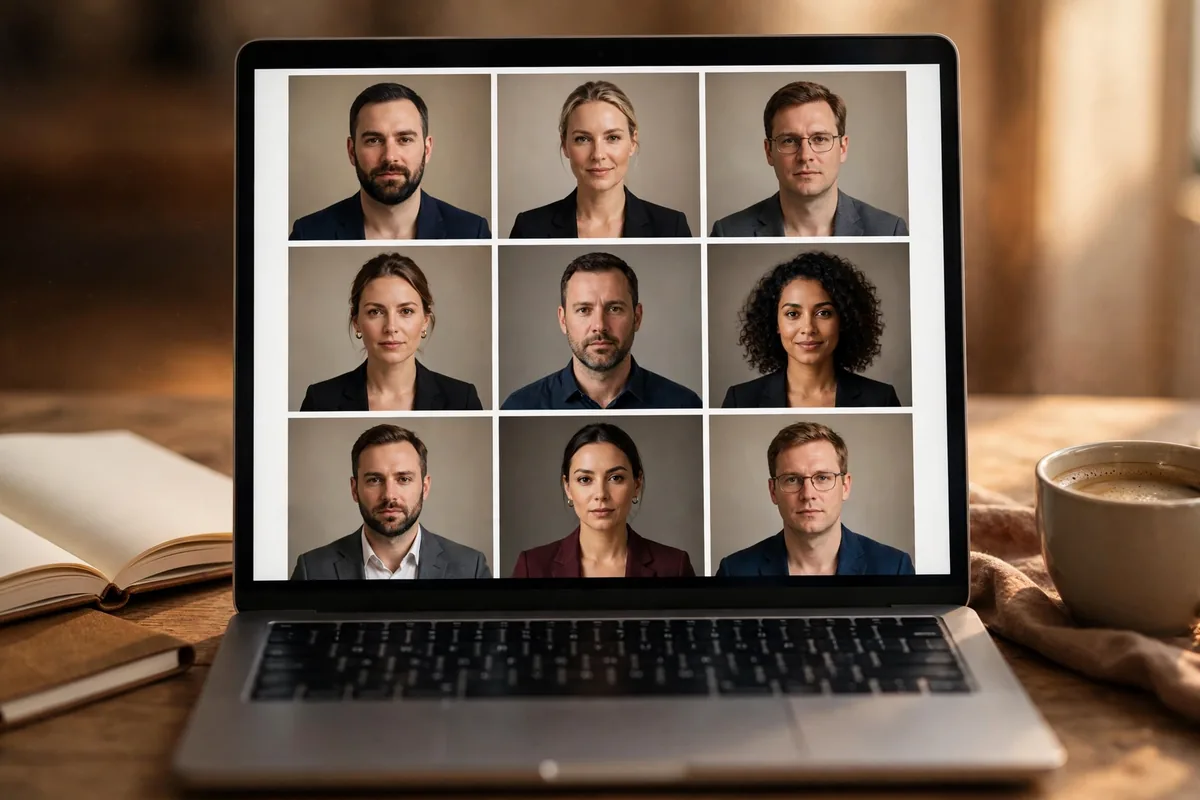
1. InstantPortrait.ai
InstantPortrait.ai excels at converting casual selfies into formal corporate imagery. It leverages advanced facial recognition to retain your unique features while swapping out your background and attire for a studio-quality setup.
* Standout Feature: The browser-based interface allows you to upload and generate in a single click without any authentication hurdles.
* Limitation: The generation speed can fluctuate during peak traffic hours, and you have limited control over the specific “outfit” style chosen by the AI.
* Best For: Individuals needing an immediate, clean, and classic office-style headshot.
2. SnapEdit (Free Version)
SnapEdit has evolved from a basic photo editor into a robust AI portrait suite. Its “headshot” feature uses in-painting technology to realistically reconstruct your head and shoulders, effectively removing distracting backgrounds and lighting artifacts.
* Standout Feature: The “anonymous” mode allows you to process images and download the results immediately without forcing a login.
* Limitation: The free-tier output resolution is often restricted, meaning your final image may look slightly soft when printed or used on high-DPI displays.
* Best For: Users who need to clean up existing photos rather than generating a headshot from scratch.
3. Fotor (Guest Access)
Fotor is a heavyweight in the online editing space, and its guest-access portal provides a surprising amount of power. By using the platform as a guest, you can tap into their sophisticated AI style-transfer models to mimic professional photography lighting.
* Standout Feature: Extremely intuitive UI that allows for quick adjustments to skin tone and background blur even in the guest mode.
* Limitation: Frequent pop-up prompts encourage you to register, which can disrupt the creative flow if you are trying to remain strictly anonymous.
* Best For: Professionals who want a highly customizable look with granular control over lighting and tone.
4. Media.io Headshot Generator
Media.io takes a streamlined approach, stripping away the bloat of traditional editing suites to focus strictly on headshot generation. It uses a specific, clean-room AI that creates “headshot-appropriate” lighting without requiring an account.
* Standout Feature: The output is consistently professional, lacking the “uncanny valley” look often found in less optimized tools.
* Limitation: It is a “one-and-done” tool; you cannot easily go back and tweak the parameters once the image is generated.
* Best For: Busy users who need one solid, reliable option without the need for manual fine-tuning.
Why You Should Use a Free AI Headshot Generator No Signup
In the digital-first professional landscape of 2026, your headshot is often the first handshake a recruiter or client receives. While professional studio sessions remain the gold standard, the speed of modern business often demands an instant, high-quality alternative. Using a free AI headshot generator no signup is not just about saving money; it is about reclaiming your digital sovereignty. In an era where data harvesting is rampant, opting for tools that do not require account registration minimizes your digital footprint significantly.
By avoiding the sign-up process, you eliminate the risk of your personal email being added to marketing lists or, worse, your uploaded biometric data being stored in long-term company databases. For professionals who value privacy, these tools offer a “generate and go” workflow that is perfect for one-off needs. Whether you are exploring Best AI Avatar Generators: 7 Tested for Realism 2026 for a creative project or just need a quick professional update for your LinkedIn profile, anonymity is the ultimate convenience.
How We Tested These free AI headshot generator no signup
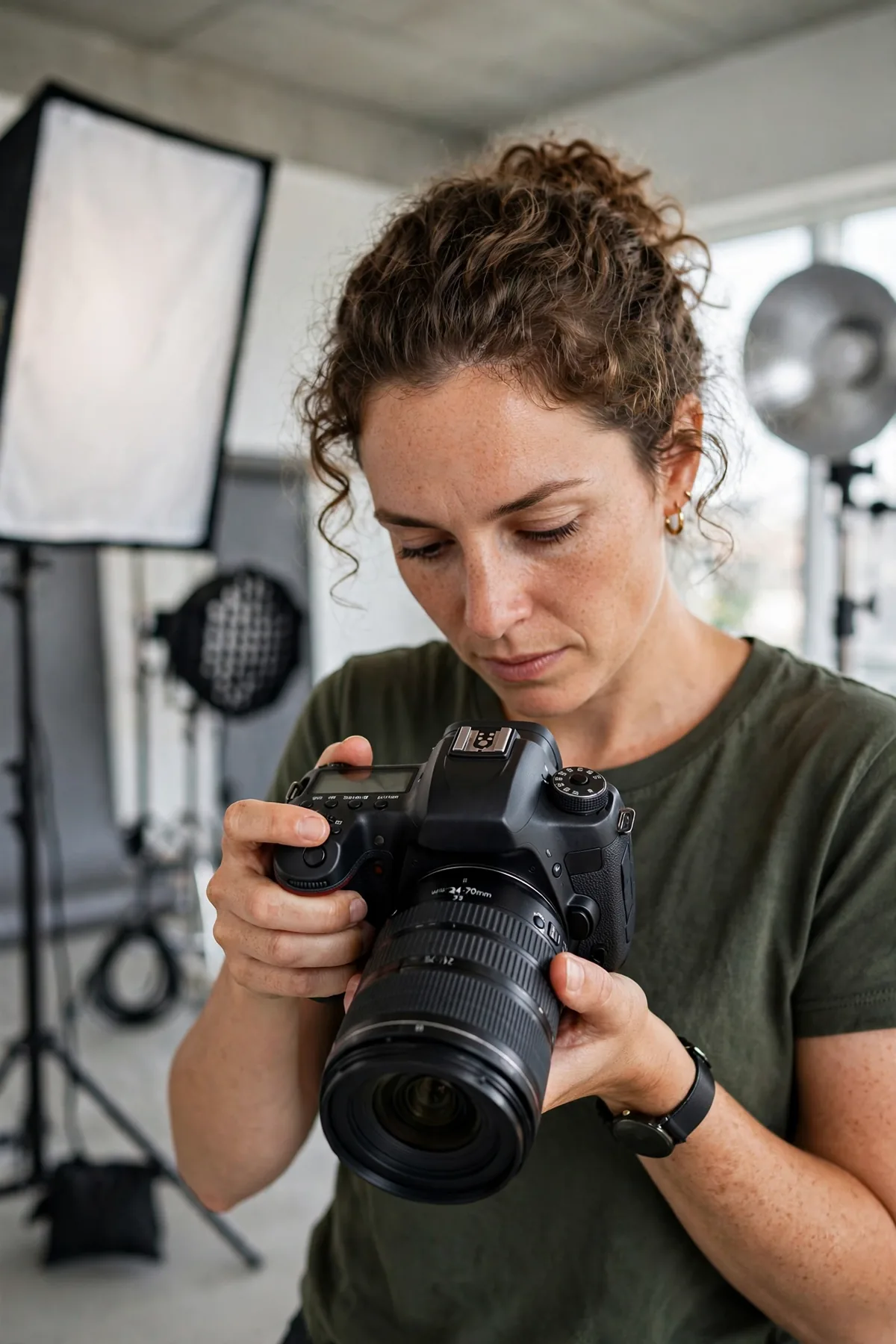
To curate this list, we prioritized platforms that genuinely allow for image generation without requiring a verified account or mandatory login. We tested each tool based on output quality, speed, and whether the “no signup” claim held up under real-world usage. Below is a breakdown of how these tools compare:
| Tool | Best for | Key Limit |
|---|---|---|
| InstantPortrait.ai | Clean, corporate style | Occasional watermarks |
| SnapEdit | Quick background swaps | Low resolution in free mode |
| Fotor | Professional lighting | Limited AI style variety |
| Media.io | Rapid batch-style output | Daily generation caps |
| Cutout.pro | Precise facial refinement | Single-use processing limits |
| VanceAI | Sharp, high-detail edits | Export speed throttling |
| Artguru | Creative, stylized avatars | Heavily restrictive filters |
5. Cutout.pro AI Portrait
Cutout.pro manages to strike a difficult balance: it provides robust, high-end AI processing power while respecting the user’s desire for a quick, anonymous experience. It is particularly effective for those who need to extract a subject from a messy background and place it against a professional studio-style backdrop without navigating a complex dashboard. While many platforms force you into a subscription flow, Cutout.pro allows you to process your image immediately. It is a great alternative if you are also researching tools like AI Voice Generator: 7 Best Text-to-Speech Tools (2026) to build a complete digital presentation suite without managing multiple accounts.
6. VanceAI (Lite Edition)
For users who need a polished look without the commitment of an enterprise-level tool, VanceAI’s Lite version is a standout choice. It focuses on the “fix-it” aspect of portraiture—sharpening features, adjusting skin tones, and improving lighting clarity. Because it operates on a “Lite” model, you won’t find deep configuration settings, but you will find a reliable engine that delivers a cleaner image than your original raw selfie. It is the perfect choice for someone who needs an instant improvement without the hassle of a long-term account commitment.
7. Artguru AI
Artguru takes a more creative approach to the free AI headshot generator no signup category. While some tools on this list strictly stick to corporate aesthetics, Artguru allows for a bit more personality. You can upload an image and let the AI reimagine it in various professional roles or art styles. The interface is incredibly intuitive, making it a favorite for those who are tech-averse. While the free, anonymous version has its limits on resolution, it remains one of the fastest ways to see how AI can transform a casual selfie into a usable business portrait.
When searching for the right free AI headshot generator no signup, remember that the quality of your output is almost entirely dependent on the quality of your input. Even the most powerful algorithm cannot overcome a poorly lit or pixelated source image. Ensure your original photo is taken in natural, front-facing light to get the best results from these platforms.
How to Choose the Right Tool for You
Choosing the right platform depends on your specific professional branding goals. While every free AI headshot generator no signup on our list offers convenience, they aren’t one-size-fits-all. Use this checklist to narrow down your selection:
- Assess the Output Style: Are you aiming for a stiff, corporate look for a legal firm, or a more casual, “creative” aesthetic? Some tools like Artguru lean toward artistic transformations, while others are purpose-built for traditional LinkedIn profile standards.
- Check for Background Customization: If you need a specific office setting or a neutral studio backdrop, ensure the tool offers background replacement features rather than just portrait enhancement.
- Analyze Processing Speed: If you are in a rush to update your profile, prioritize platforms like SnapEdit or Media.io, which are optimized for rapid, one-off results.
- Consider Resolution Requirements: For a professional portfolio, resolution is king. Check if the tool allows for high-definition exports, as some “no-signup” versions strictly cap resolution at standard web quality.
- Evaluate Ethical Compliance: Always review the terms of service (even in guest mode) to understand how the platform handles your uploaded facial data. For more on how major AI providers handle data, you can consult OpenAI’s data usage policies.
Limitations of Free No-Signup AI Tools
While utilizing a free AI headshot generator no signup is an excellent way to save time and money, it is vital to remain aware of the inherent limitations. Most importantly, these tools are “teaser” experiences. You will frequently encounter watermarks on the final image, which can undermine the professional aesthetic you are trying to achieve.
Furthermore, free tiers often impose strict daily usage caps. Once you hit your limit, you may be prompted to register or pay to continue. Privacy is another trade-off; because you aren’t creating an account, you cannot manage or delete your uploaded data after the session ends, which is a consideration for privacy-conscious users. For enterprise-level needs, you might eventually find that AI Customer Service Tools: 7 Best Picks for 2026 offer more robust, secure infrastructure than these lightweight generators.
Tips to Get the Best Results
To maximize the quality of your output, follow these guidelines to ensure the AI understands your facial features:
- Use High-Resolution Inputs: The AI model is only as good as your source material. Always use a clear, high-resolution photo with sharp focus on your eyes.
- Prioritize Natural Lighting: Avoid harsh shadows or backlighting. Soft, even lighting—like what you might find near a window—works best for AI processing.
- Maintain a Neutral Expression: For a professional headshot, ensure your face is clearly visible without heavy filters or extreme angles.
- Consult Expert Guides: To get the best results, study our comprehensive guide on Best AI Image Prompts for Corporate Portraits to learn how to refine your style.
- Review Technical Specs: If the output looks skewed, ensure your original photo is centered and adheres to the standards found in Google’s photography best practices.
FAQ
Is it safe to use a free AI headshot generator no signup?
While these tools provide rapid results without data commitment, you should always treat uploaded photos as public data. Never upload sensitive personal identification documents to these platforms.
Can I use these photos for professional platforms like LinkedIn?
Yes, many users do. However, because a free AI headshot generator no signup may produce watermarks or lower resolutions, ensure the final image looks natural and high-quality before updating your profile.
Why does my image have a watermark?
Watermarks are the standard trade-off for using the free, guest-access tiers of these platforms. They allow the developer to showcase their technology while encouraging users to eventually upgrade to a paid plan.
What is the typical image quality limit?
Most anonymous AI tools cap exports at 720p or 1080p. If you require print-ready quality (300 DPI), you will likely need to explore professional-grade services.
Conclusion: Balancing Convenience and Quality
The landscape of AI headshot generation in 2026 is remarkably accessible. By leveraging a free AI headshot generator no signup, professionals can instantly refresh their online persona without the friction of account creation or monthly subscriptions. These tools serve as a perfect entry point for those testing the waters of AI-assisted branding, providing immediate value for social media or internal company directories.
However, as your professional needs grow, you may find that the convenience of these tools is eventually eclipsed by the demand for higher resolution, customization, and data privacy. If you reach a point where you need consistent, high-fidelity results for enterprise-level branding, we recommend exploring The Best Paid AI Headshot Services for Enterprise Users. Finding the right balance between rapid free tools and robust paid solutions will ensure your professional image always stays ahead of the curve.




Join the discussion
Have a question or a perspective to share?