

Most freelancers do not have a skills problem. They have a pipeline problem: great months followed by dry months, projects that end with no replacement lined up, and a quiet panic every time the inbox goes silent. Referrals are wonderful until they stop coming. When people talk about AI for freelancers’ client acquisition, they usually mean cold outreach — but the workflows that actually win work start much earlier and continue long after the first email.
This guide breaks down six practical workflows where AI helps freelancers win more clients: finding the right prospects, reaching out with messages that feel personal, writing proposals that close, preparing for discovery calls, turning past work into persuasive case studies, and following up like a professional. None of these replace the human relationship at the center of freelancing. They simply remove the busywork that keeps most freelancers from doing consistent business development.
One principle runs through every workflow below: AI drafts, you decide. Every message, proposal, and case study that goes out under your name should carry your judgment. Used that way, AI becomes the most reliable business development assistant you have ever hired — one that works weekends and never misses a follow-up.
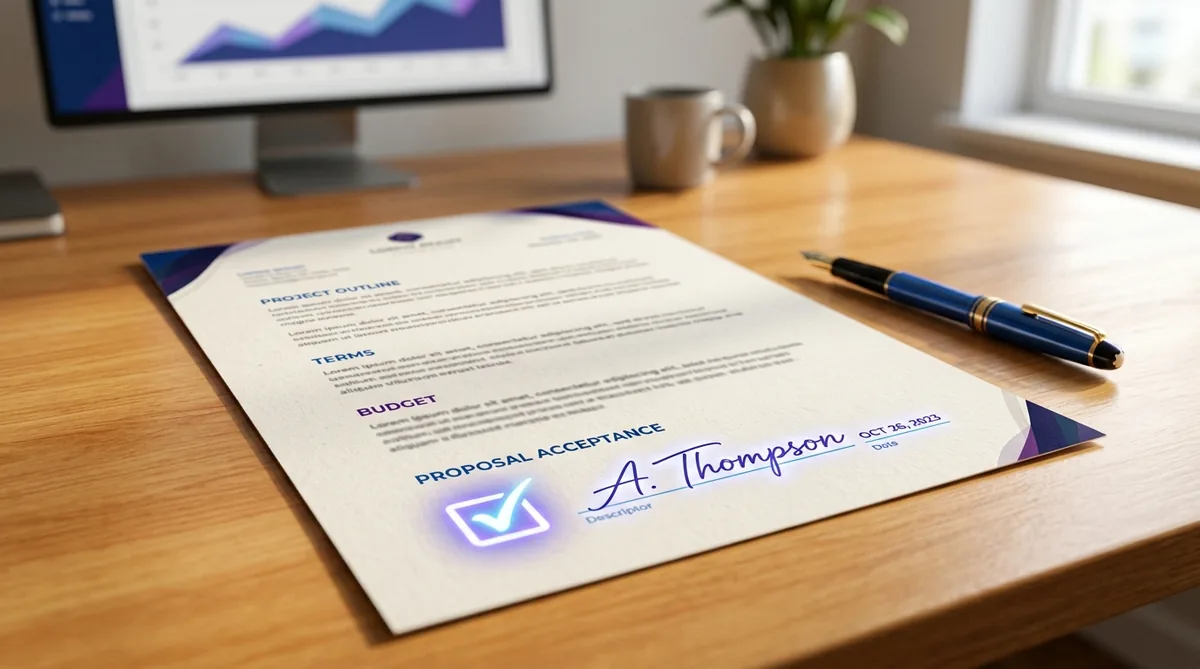
6 AI Workflows for Freelancer Client Acquisition
Run these in order and they form a complete client-acquisition system: research, outreach, proposal, call prep, proof, and follow-up.
Workflow 1: Build a Smarter Prospect List
Random outreach fails because it is random. Before writing a single email, use AI to research where your ideal clients actually are. Feed it a description of your best past clients — industry, company size, the problems you solved — and ask it to identify similar business types, the job titles who hire for your service, and the platforms where those buyers congregate. This turns “I should do outreach” into a concrete list of fifty to a hundred real prospects.
Go deeper with signal-based prospecting. Ask AI to help you define buying signals for your niche: a company that just raised funding, a business with an outdated website, a brand hiring for a role you could fill as a freelancer, a site with broken mobile layout or slow load times. Then use those signals to prioritize your list. Ten well-chosen prospects with a clear reason to talk to you will outperform a hundred cold names every time.
Make it real: end every research session with a spreadsheet — prospect name, company, contact, one specific observation about their business, and the angle you will use. AI fills in the research; you make the judgment calls about who is worth contacting.
Workflow 2: Write Outreach That Feels Personal
The difference between outreach that gets ignored and outreach that gets replies is specificity. Nobody responds to “I loved your website” — everyone responds to a message that proves the sender actually looked. AI makes personalization scalable: for each prospect, feed the model their website, a recent announcement, or a social post, and ask it to draft a short opener referencing something specific, followed by one sentence on the outcome you deliver.
The critical step is the human edit. AI drafts tend to be polished but generic, so your job is to sharpen: cut the flattery, keep the specific observation, and make the call to action small and easy — a fifteen-minute call, not a project commitment. Send in small batches of five to ten per day, and track what gets replies so your prompts improve over time. Quality outreach at this volume is sustainable; mass blasting is not.
Make it real: create one outreach template with three AI-filled slots — the specific observation, the relevant past result, and the low-friction ask. Review every draft before it goes out. Your name is on it, so your standards apply.
Workflow 3: Turn Discovery Notes Into Winning Proposals
Most proposals lose because they describe the freelancer instead of the client’s problem. After a discovery call, feed your notes to AI and ask it to structure a proposal around what the client said: their goals in their words, the recommended scope, the timeline, and the expected outcome. The result reads like it was written by someone who listened — because it was built from actual listening.
Use AI to pressure-test your pricing and scope, too. Describe the project and ask what a thorough professional would include, what risks to flag, and what assumptions to state explicitly. This catches the scope gaps that turn profitable projects into money-losers. Then add the elements AI cannot provide: your specific experience, your process, and your personality. Proposals win on trust, and trust comes from the human parts.
Make it real: build a proposal template with fixed sections — understanding of goals, recommended approach, timeline, investment, and next steps — and let AI fill the draft from your call notes. You refine the voice and the numbers.
Workflow 4: Prepare for Discovery Calls Like a Strategist
Walking into a discovery call unprepared is how freelancers end up competing on price. Before the call, feed AI everything public about the prospect — their website, recent news, their competitors — and ask it to generate three things: five insightful questions that show you understand their business, three likely objections with strong responses, and a one-paragraph summary of how their competitors handle the problem you solve. Fifteen minutes of this preparation changes the entire dynamic of the conversation.
After the call, use AI to summarize your notes into action items and a follow-up email draft while the conversation is fresh. Send that follow-up within a few hours, referencing specific things they said. Prospects consistently choose the freelancer who was the most prepared and the most responsive — and both of those are now systematized.
Make it real: keep a pre-call checklist — prospect research, five questions, objection responses, competitor snapshot — and run it through AI for every serious opportunity. Consistency here compounds.
Workflow 5: Turn Past Projects Into Case Studies That Sell
Your portfolio is a gallery; a case study is an argument. Prospects do not hire you because your work looks nice — they hire you because they believe you can produce a specific result for them. For each past project, feed AI the raw facts (the problem, what you did, the outcome, any metrics) and ask it to structure a concise case study: situation, approach, result. Then tailor the framing for different prospect types — the same project can be a conversion story for one prospect and a speed story for another.
AI can also help you spot the gaps: ask it what a skeptical buyer would still want to know after reading your case study, and fill those holes with details or metrics you can legitimately claim. Never invent numbers — but do the work of finding the real ones, because a single honest metric (“reduced load time from 6 seconds to under 2”) outperforms a paragraph of adjectives.
Make it real: aim for three strong case studies covering your most profitable service lines. Link them in outreach and proposals instead of sending a generic portfolio link.
Workflow 6: Follow Up Systematically and Collect Testimonials
Most freelance work is lost in the follow-up — or rather, in the absence of it. Across sales and business development, the consistent lesson is that most prospects respond only after several touches, yet most freelancers send one message and move on. Build a simple sequence with AI assistance: the initial message, a value-add follow-up a few days later (a relevant insight, not “just checking in”), a case study share, and a final graceful close that leaves the door open. Write the sequence once, personalize the first line for each prospect, and run it consistently.
The same system applies to past clients. After every successful project, ask AI to draft a short testimonial request tailored to the project — specific enough that the client can respond in two minutes. Collect those testimonials, and ask happy clients for one referral introduction per project. A freelancer with a follow-up system and a referral habit rarely has a dry month.
Keep your sequences short and human. Three to four touches over two to three weeks is enough for most freelance services; longer campaigns start to feel like pressure. Each follow-up should add something — a relevant insight, a useful resource, a brief case study — so that even prospects who never reply remember you as helpful rather than persistent.
Make it real: set a weekly thirty-minute block for follow-ups and testimonial requests. AI writes the drafts; you press send. Treat this block as non-negotiable as any client deadline.
Ground Rules: Keep the AI Human
These workflows only work if prospects trust you, so a few boundaries matter. Never let AI fabricate experience, metrics, or portfolio pieces — one invented claim discovered later destroys more credibility than a hundred honest emails build. Disclose AI involvement where it is relevant, keep every outbound message in your own voice after editing, and remember that the relationship still belongs to you: AI can schedule the follow-up, but only you can have the conversation that wins the client.
Also worth noting: these acquisition workflows pair well with delivery-side automation once the work is won. For a broader look at how AI supports the day-to-day running of a freelance business, see our guide to AI tools for freelancers. Winning clients and serving them well are two halves of the same system.
Finally, treat prospect and client data with care when using AI tools. Do not paste confidential client information, private email threads, or unreleased project details into public AI services without checking the tool’s data policies first. A quick habit — anonymizing names and sensitive details before drafting — keeps your workflows both effective and professional. Prospects judge you on how you handle their information before they ever become clients.
Which Workflow Should You Start With?
Six workflows is a system, not a starting point. Begin with the one that matches where your pipeline hurts right now:
- Pipeline is empty or feast-or-famine: start with Workflow 1 (prospect list) and Workflow 2 (outreach). Five specific, well-researched messages a day beats a hundred generic ones.
- Getting conversations but losing on price: start with Workflow 4 (call prep) and Workflow 3 (proposals). Thorough preparation is what moves you from interchangeable vendor to trusted advisor.
- Calls go well, then prospects go quiet: start with Workflow 6 (follow-up). It is the highest-ROI habit on this list and the one most freelancers skip.
- Winning work but struggling to prove it: start with Workflow 5 (case studies). Three strong, metric-backed stories will feed your outreach and proposals for a year.
- Already busy with delivery: still start with Workflow 6. A thirty-minute weekly follow-up block keeps the pipeline warm, so your next gap between projects never becomes a dry month.
Add the next workflow only when the first one runs on autopilot. Consistency in one channel outperforms dabbling in six.

Wrapping Up
That is AI for freelancer client acquisition at its best: not magic outreach, but a consistent system where AI handles the research, drafting, and follow-up mechanics while you bring the judgment and the relationships. Start with one workflow — most freelancers see the fastest return from systematized follow-up — and add the rest as the habit sticks. The freelancers winning the best clients in 2026 are not necessarily the most talented. They are the most consistent, and now consistency has an assistant. Build the habit, trust the system, and the pipeline stops being a source of stress — it becomes the most reliable part of your freelance business.

Frequently Asked Questions
Can AI really help freelancers find clients, or is it just hype?
It helps with the mechanics — research, drafting, personalization, and follow-up — which are the parts most freelancers skip. It does not replace the relationship, the portfolio, or the judgment. Freelancers who treat AI as a business development assistant see real results; those expecting it to win clients on its own will be disappointed.
Will prospects know I used AI in my outreach?
Only if you send drafts unedited. AI-generated text has recognizable patterns, and sharp prospects spot them. The workflow in this guide has you edit every message — keep the research and structure, rewrite the voice. A personally edited AI draft reads like you on a good day.
How much time should freelancers spend on client acquisition each week?
A few focused hours beats a full day of sporadic effort. A weekly rhythm — one session for prospecting and outreach, one short block for follow-ups — keeps the pipeline moving without swallowing your delivery time. Consistency matters more than volume.
Should I disclose that I use AI in proposals?
Disclose what affects the client: if AI will be part of delivering their project, say so. For your own business development process, disclosure is not generally expected — clients care about the quality of your proposal and your work, not which tools helped you draft the email.
What is the single highest-ROI workflow on this list?
Systematic follow-up. Most freelancers give up after one touchpoint while most deals need several. A simple, consistent follow-up sequence — with AI drafting the messages — recovers opportunities you already earned and costs almost nothing to run.



Join the discussion
Have a question or a perspective to share?