

Best AI Tools for Screenwriters: 7 Picks for 2026
Introduction: The Future of Collaborative Screenwriting

The blank page is still terrifying; the difference in 2026 is you don’t have to face it alone. AI screenwriting tools now help structure acts, stress-test plot logic, and keep dialogue consistent across 110 pages — the mechanical scaffolding around the part only you can do: making people feel something.
Gone are the days of staring at a blank screen wondering how to bridge the gap between your inciting incident and the climax. Today, the best AI tools for screenwriters provide a sandbox for rapid iteration, allowing you to stress-test your logic, refine dialogue consistency, and visualize plot beats in real time. This evolution represents a fundamental change in the creative process, turning the solitary act of drafting into a high-octane collaboration between human intuition and machine-learned precision.
Why AI Matters for Screenwriters in 2026
In 2026, the competitive nature of Hollywood and the streaming market demands unprecedented efficiency. AI is no longer just a novelty; it is a vital competitive edge. By delegating tedious tasks—such as reformatting, scene breakdown analysis, and redundant dialogue cleanup—to intelligent software, writers can reclaim hours of their day. This boost in productivity is essential for keeping up with aggressive development cycles and tight production deadlines.
Furthermore, AI bridges the gap between high-concept ideas and functional execution. Many brilliant scripts die in the outline phase because the “beatsheet logic” falls apart under scrutiny. Modern AI agents can identify structural holes, ensure character consistency, and even suggest narrative pivots that keep a script from losing its pacing. By investing in the best AI tools for screenwriters, you are essentially hiring a professional script consultant and an administrative assistant all in one. Whether you need to streamline your writing process or require specialized AI productivity workflows, these tools are essential for the modern professional.
The 6 Best AI Tools for Screenwriters: Expert Reviews
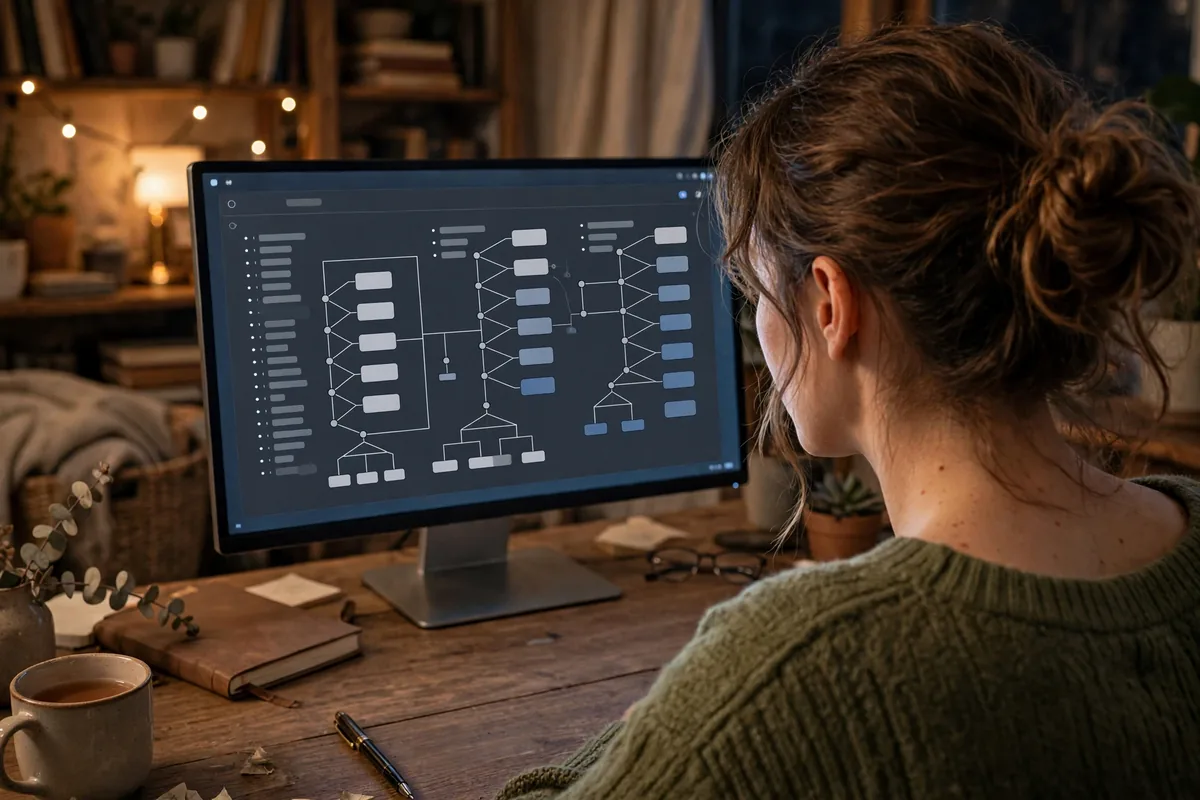
1. Final Draft 14 (with AI Assistant)
Final Draft remains the gold standard in the film industry, and version 14 cements its status by integrating a native AI assistant that understands the nuance of industry-standard screenplay formatting. It doesn’t just help you write; it analyzes your character’s voice, ensuring that if a character is established as terse and guarded in Act I, their dialogue doesn’t suddenly become flowery in Act III.
- Standout Feature: The “Character Consistency Engine,” which alerts you if a character’s dialogue style deviates from their established behavioral profile.
- Limitation: It is the most expensive option on this list, often requiring a significant upfront investment for the full suite.
- Best For: Professional screenwriters submitting to studios that demand strict industry formatting.
2. Arc Studio Pro
Arc Studio Pro has moved beyond mere drafting, positioning itself as a structural powerhouse. Its real-time AI feedback loops analyze the trajectory of your story, offering suggestions based on classic narrative structures like the Hero’s Journey or the Save the Cat beat sheet. It feels less like a word processor and more like a visual storyboard where your narrative architecture is always on display.
- Standout Feature: Narrative structure visualization, which uses AI to highlight sagging midpoints or pacing issues in your beatsheet.
- Limitation: The AI features are highly integrated into the subscription model, meaning you lose access to structural analysis if you pause your account.
- Best For: Writers who struggle with “the messy middle” and need constant structural guidance.
3. Jasper AI (Screenplay Module)
While Jasper is often viewed as a general-purpose marketing tool, its specialized Screenplay Module is a hidden gem for writers who suffer from “world-building paralysis.” It excels at taking a sparse outline or a one-paragraph synopsis and expanding it into a full, atmospheric scene. It is particularly effective for generating descriptive action lines that don’t just state what happens, but set a specific tone for the production design.
- Standout Feature: Tone-based scene expansion, where you can feed the AI a reference style (e.g., “Neo-noir suspense”) and have it generate a draft that matches that aesthetic.
- Limitation: As a generalist tool, it lacks the native script-formatting capabilities of specialized software like Final Draft, often requiring a copy-paste-format cycle.
- Best For: Spec script writers looking to flesh out their world-building before diving into the mechanical formatting.
As you explore these options, it is worth noting that while these are the best AI tools for screenwriters, your workflow is only as good as the hardware running them; consider pairing them with our roundup of the best AI writing tools for 2026 to round out your creative stack. Finding the right balance between your software and your hardware is key to maintaining a seamless creative flow in 2026.
How We Tested These Best AI Tools for Screenwriters
To evaluate this software, our team at DroidOrbit put each platform through a grueling “script-to-screen” simulation. We tested for formatting accuracy, the quality of prose suggestions, narrative structural integrity, and integration within existing writing ecosystems. We also looked for platforms that respect data privacy and offer robust export options for industry-standard software like Final Draft. If you find yourself needing to branch out into other creative mediums beyond the script, you might also be interested in our roundup of free AI video creation tools for 2026 to help visualize your concepts.
| Tool | Best for | Starting Price |
|---|---|---|
| Final Draft 14 | Industry Standard & Formatting | $199.99 |
| Arc Studio Pro | Narrative Structure & Collaboration | $69/year |
| Jasper AI | World-building & Scene Expansion | $39/month |
| Sudowrite | Descriptive Prose & Emotional Beats | $10/month |
| Highland 2 | Minimalist Drafting & Editing | $49.99 |
| Plottr | Plot Mapping & Organization | $99/year |
4. Sudowrite
Sudowrite stands out as the prose-heavy specialist. While many of the best AI tools for screenwriters focus on logic, Sudowrite leans into the “sensory” experience of the script. Its “Story Engine” is remarkably adept at expanding a simple scene heading into vivid descriptive action lines. If your screenplay feels “dry” or lacks the punchy, atmospheric writing that draws a reader into the world, Sudowrite’s ability to suggest sensory details—sight, sound, smell, and tactile feeling—is unparalleled. It is particularly effective for writers who struggle to translate internal monologue into visual action.
5. Highland 2
Highland 2 is the choice for the screenwriter who values clean, distraction-free writing. Created by screenwriter John August, the tool focuses on the philosophy that the software should get out of the way. Its AI-assisted editing tools aren’t just about generation; they are about cleaning. The “Gender Analysis” feature and the “Dialogue Highlighting” tools ensure that your characters aren’t sounding like the same person. It is a lean, intelligent drafting tool that feels like a natural extension of the typewriter, updated for the AI age.
6. Plottr
Plottr is the structural powerhouse of our selection. For writers who struggle with the “messy middle” of a screenplay, Plottr provides a visual timeline that keeps your plot threads tight. Its AI-assisted prompt generation works by identifying gaps in your narrative flow. By inputting your premise, Plottr’s AI can suggest plot twists, reversals, and mid-point beats that align with established storytelling tropes. It is less about writing the dialogue and more about ensuring that the architecture of your story is sound before you commit to the drafting process.
How to Choose the Right AI Tool for Your Screenwriting Workflow
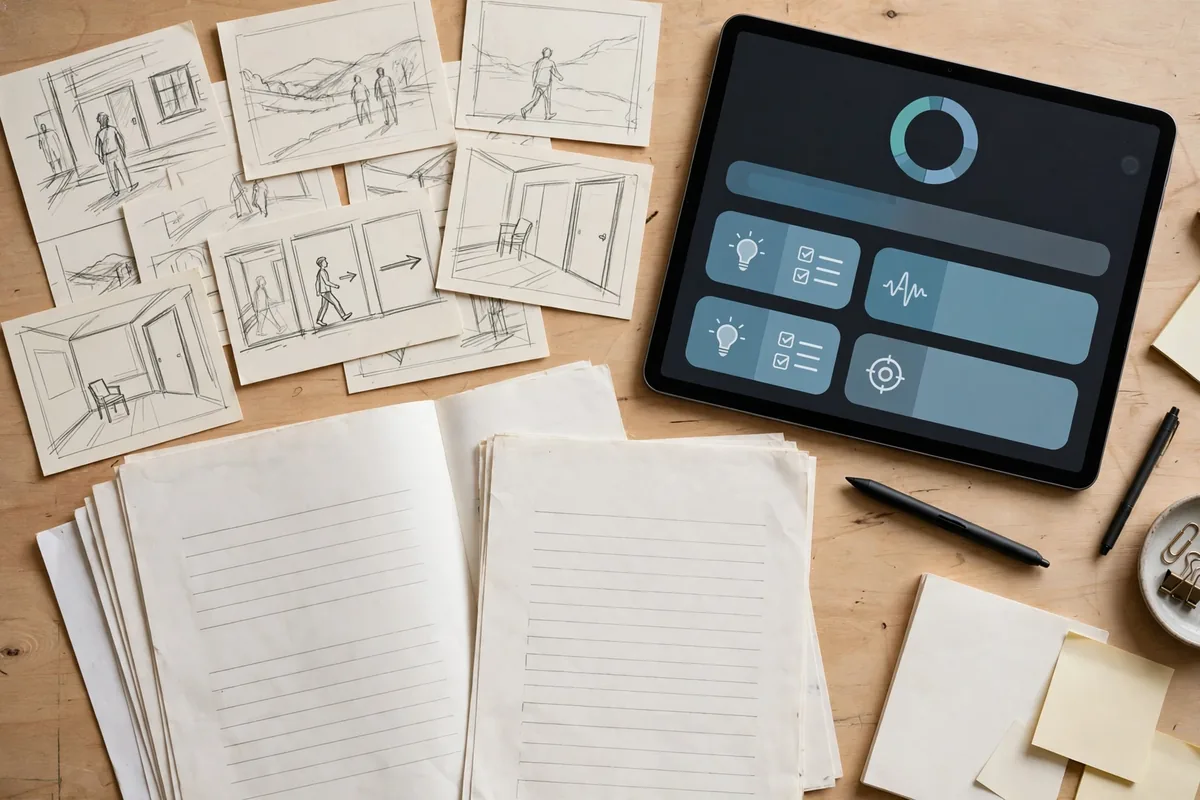
Not every screenwriter needs the same software. A TV staff writer, an indie feature writer, and a first-time spec writer all face different pressures. Use this checklist to match one of the best AI tools for screenwriters to your actual process:
- Start with your weakest link. If you lose scripts to bad formatting, pick a formatter-first tool like Final Draft. If you stall in the outline phase, pick a structure-first tool like Plottr or Arc Studio Pro.
- Match your budget to your output. A $10/month Sudowrite subscription is plenty if you write one script a year; a working professional will get more value from Arc Studio Pro’s yearly plan than from three overlapping cheap tools.
- Check the export path. Your tool must export cleanly to Final Draft (.fdx) or PDF. If it traps your work in a proprietary format, walk away.
- Test collaboration early. If you co-write, test the real-time collaboration in week one, not month three.
- Verify the privacy policy. If you are writing an original pilot you plan to shop, you need a tool that does not train on your scripts. Read the data policy before you paste a single scene.
The Honest Downsides of the Best AI Tools for Screenwriters
No roundup is complete without the caveats. First, pricing: the genuinely useful AI features sit behind subscriptions, and costs stack up fast if you run two or three tools at once. Second, data privacy: several general-purpose AI writing tools reserve the right to use your input for model training unless you opt out — unacceptable for unreleased original work. Third, the “sameness” problem: AI-generated dialogue defaults to competent but generic; if you accept every suggestion, your characters will start sounding like everyone else’s. And finally, the learning curve: structure-heavy tools like Plottr reward setup time, but that setup time is time you are not writing pages.
Tips to Get the Best Results
- Use AI for iteration, not first drafts. Write the scene yourself first, then ask the AI for three alternative versions of a single exchange. You stay in the driver’s seat.
- Feed it your voice. Paste a page of your own dialogue and ask the tool to match the rhythm before generating new lines. The best AI tools for screenwriters get dramatically better with a style sample.
- Build a beat sheet first. AI prose suggestions are far more useful when the tool knows your act breaks. A five-minute outline saves an hour of confused output.
- Keep a human pass last. Run a final read-aloud pass yourself. AI will not catch that your character would never say “furthermore” — you will.
If you want to visualize your script’s world beyond the page, our roundup of free AI image generation tools for 2026 can help you create mood boards and concept art for your pitch deck.
For the industry-standard reference on what a professional screenplay should look like on the page, the Academy’s own Academy of Motion Picture Arts and Sciences resources and the classic formatting guidance at Final Draft’s support pages remain the benchmarks every tool on this list is measured against.
FAQ
Are the best AI tools for screenwriters going to replace human writers?
No. The best AI tools for screenwriters are accelerators, not authors. They handle formatting, suggest alternatives, and flag structural problems, but the taste, lived experience, and emotional specificity that make a script worth producing still come from you. Studios buy a writer’s point of view, and no tool on this list has one.
Which of the best AI tools for screenwriters is best for beginners?
Arc Studio Pro or Sudowrite. Arc Studio Pro teaches structure while you write, which is exactly what a beginner needs, and its pricing is reasonable. Sudowrite is the gentler on-ramp if your main struggle is descriptive prose rather than structure.
Do I still need Final Draft if I use an AI screenwriting tool?
If you plan to submit to studios, agencies, or competitions, yes — Final Draft remains the industry standard, and most professionals keep it as the final export target even when they draft elsewhere. Think of the AI tools as the workshop and Final Draft as the delivery truck.
Can I use free AI tools for screenwriting instead of paid ones?
You can start with free tiers to learn the workflow, but every serious tool on this list keeps its best features — structural analysis, long-context memory, collaboration — behind a paywall. Budget for at least one paid subscription if you are writing more than a hobby script.
How do I protect my original script when using AI tools?
Use tools with explicit no-training data policies, opt out of data sharing wherever the setting exists, and avoid pasting unreleased original work into general-purpose chatbots. For maximum safety, keep your most sensitive drafts in tools built specifically for writers, like Highland 2 or Final Draft, rather than in browser-based general AI products.
Conclusion
The best AI tools for screenwriters in 2026 are not about writing the script for you — they are about removing everything that gets between you and the writing. Final Draft keeps you industry-compliant, Arc Studio Pro keeps your structure honest, Sudowrite keeps your prose vivid, and the rest fill the gaps in between. Pick the one that fixes your actual bottleneck, commit to it for one full draft, and judge it on pages finished, not features listed.
Your voice is still the product. These tools just make sure nothing technical stands in its way.



Join the discussion
Have a question or a perspective to share?