
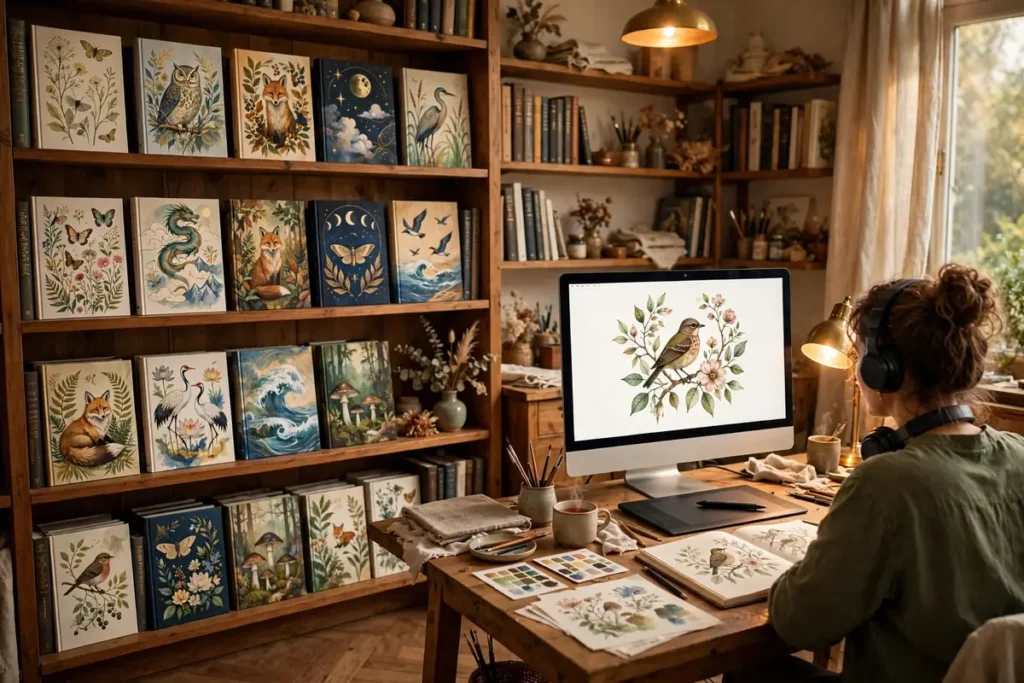
Elevating Book Cover Art in 2026
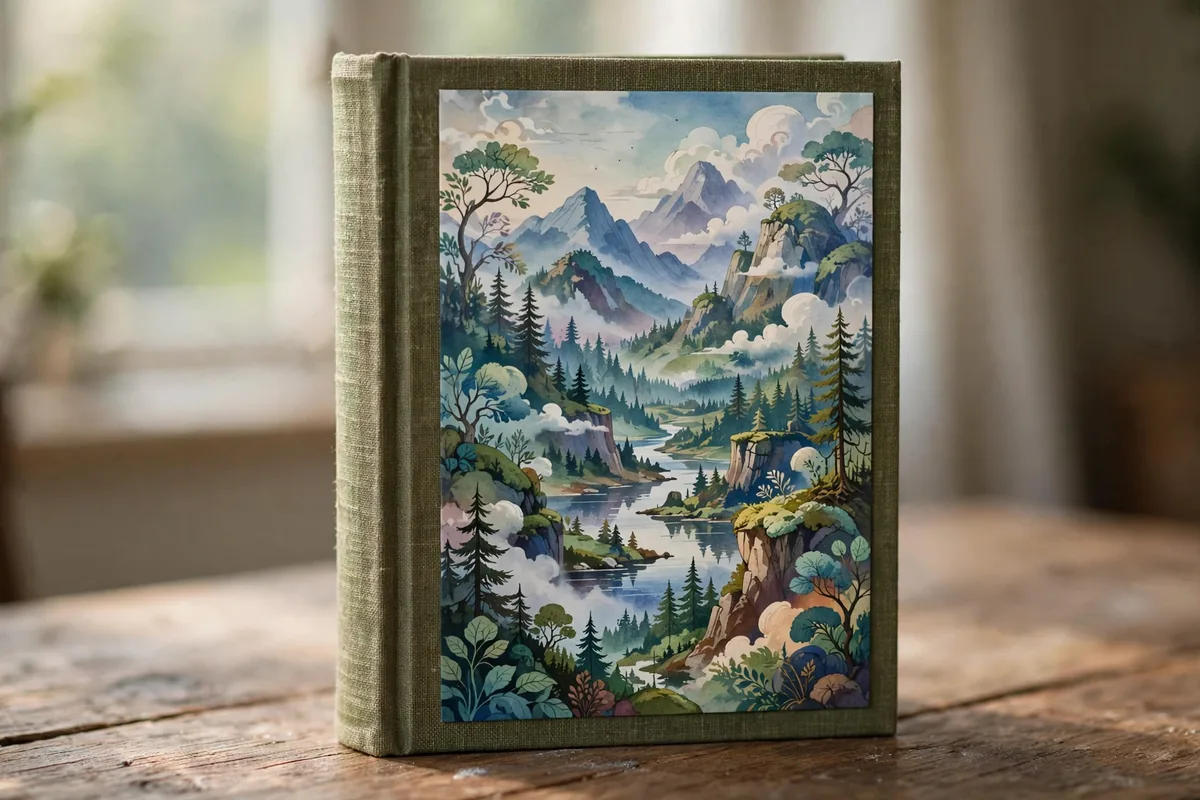
A reader decides in about three seconds whether your cover earns a second glance — and in 2026, independent authors finally have the tools to win those three seconds without a $2,000 designer. AI cover generators now handle composition, typography pairing, and genre-appropriate mood, leaving you the creative director instead of the production bottleneck.
As we move through 2026, the barrier to entry for high-end graphic design has vanished. The best AI tools for book cover design have evolved to provide sophisticated control over composition, lighting, and thematic consistency. What once required hours of manual manipulation or thousands of dollars in commission fees can now be achieved through iterative, prompt-driven workflows. Integrating these solutions into your process allows for rapid prototyping, enabling authors to test different visual hooks against their target audience before committing to a final, print-ready file.
Why AI is Transforming Book Cover Design This Year
The transformation we are witnessing in 2026 is rooted in three key technical pillars: prompt engineering, stylistic consistency, and resolution upscaling. Previous generations of AI often struggled with “hallucinations”—text artifacts or anatomical errors that made covers look amateurish. This year’s models, however, have introduced advanced coherence features.
“Style References” have changed the game for series branding, allowing authors to lock in a visual identity across multiple book volumes. Furthermore, the integration of high-fidelity upscaling modules directly within design suites means that your generated art is no longer limited to low-resolution previews. You can now output files that meet industry standards for print-on-demand services. By utilizing the best AI tools for book cover design, authors can iterate on complex visual concepts in minutes, ensuring that their cover art is not only striking but also highly relevant to the tropes expected by their specific genre readerships.
The 7 Best AI Tools for Book Cover Design
To identify the top performers, we evaluated these platforms based on aesthetic quality, ease of layout integration, and commercial licensing accessibility. Below are the first four of our seven picks for the best AI tools for book cover design.
1. Midjourney v7
Midjourney v7 stands as the industry leader for pure aesthetic excellence. Its new “Style Reference” feature is a breakthrough for authors, as it allows you to upload a base image and force the model to replicate its artistic style, color palette, and lighting in future generations—essential for keeping a series looking uniform.
- Standout Feature: Unrivaled photographic realism and artistic texture.
- Pricing: Subscription-based; no free tier.
- Limitation: The interface is hosted primarily on Discord, which can be unintuitive for non-technical users.
- Best for: Creators prioritizing high-end, gallery-quality art over built-in typography.
2. Adobe Firefly Image 4
Adobe has positioned Firefly as the “safe” choice for commercial authors. Because it is trained on Adobe Stock and public domain imagery, users face significantly fewer legal hurdles regarding copyright. It integrates directly into Photoshop, meaning you can generate an image and immediately mask, crop, or layer it within your existing design workflow.
- Standout Feature: Commercially safe models with seamless Creative Cloud integration.
- Pricing: Limited free web version; tiered subscription plans.
- Limitation: It is generally more conservative with stylization compared to its competitors.
- Best for: Professionals who need tight integration with industry-standard design software.
3. Canva Magic Studio
Canva has evolved into a powerhouse for the non-designer. Magic Studio isn’t just an image generator; it is a full-scale publishing suite. You can generate the art, then instantly use their layout tools to add professional typography, back-cover blurbs, and ISBN barcodes.
- Standout Feature: The “all-in-one” workflow—from generation to print-ready PDF export.
- Pricing: Robust free tier; advanced features require a Pro subscription.
- Limitation: The AI image generation quality is slightly less nuanced than specialized engines like Midjourney.
- Best for: Authors who need a one-stop-shop for layout, text, and graphics.
4. Leonardo.ai
Leonardo offers a more modular experience, allowing users to select “fine-tuned models” trained specifically on sci-fi, horror, or fantasy aesthetics. This is invaluable for authors who want a specific look without needing to master complex prompt engineering.
- Standout Feature: Specialized model training for specific fiction genres.
- Pricing: Generous daily free credit allowance.
- Limitation: Users must learn to navigate different model “presets” to get the best results.
- Best for: Genre fiction authors looking for highly specific, polished artistic themes.
Why AI is Transforming Book Cover Design This Year
The landscape of professional publishing has shifted dramatically in 2026. What was once a slow, iterative process requiring expensive freelance artists and weeks of back-and-forth communication has been revolutionized by rapid advancements in generative modeling. We have moved past the era of “glitchy” AI art; today’s tools offer unparalleled control over lighting, composition, and thematic cohesion. For indie authors, this means the barrier to entry has never been lower. You can now manifest professional-grade visuals that stand toe-to-toe with traditional publishing house releases, provided you choose the right software to match your vision.
The primary leap forward in 2026 involves two critical components: stylistic consistency and prompt adherence. Modern architectures now allow creators to lock in a specific visual language, ensuring that a book series maintains a unified look across multiple installments. Furthermore, high-resolution upscaling is no longer a separate, arduous task; it is now natively embedded in the workflow. If you are struggling with the final technical requirements for your files, check out our comprehensive guide on AI upscaling to ensure your artwork meets the 300 DPI standards required for high-quality physical printing.
The industry is also seeing a shift toward “hybrid workflows.” Authors are no longer just clicking a button and accepting the first result; they are utilizing sophisticated prompt engineering to iterate on character silhouettes, color palettes, and negative space. As you navigate the crowded marketplace, selecting from the best AI tools for book cover design allows you to focus on your narrative’s core themes while letting the algorithms handle the complex rendering of textures and environments.
The 7 Best AI Tools for Book Cover Design Compared

Selecting the right platform depends entirely on your technical proficiency and your specific genre requirements. To help you decide, we’ve organized the most capable options currently leading the market.
| Tool | Best for | Standout feature | Free tier |
|---|---|---|---|
| Midjourney v7 | High-concept art | Style Reference | No |
| Adobe Firefly 4 | Commercial polish | Integrated typography | Yes |
| Canva Magic Studio | Layout & Design | Print-ready templates | Yes |
| Leonardo.ai | Genre-specific niches | Fine-tuned models | Yes |
| Jasper Art | Marketing aesthetics | Speed & ease-of-use | No |
| Kittl | Vector-style typography | Asset-based editing | Yes |
| DALL-E 3 | Complex narratives | Natural language chat | Limited |
4. Leonardo.ai
Leonardo.ai has carved out a massive niche for authors who need hyper-specific stylistic outputs. Unlike generic models, Leonardo allows you to train and select from specialized models—such as “cinematic sci-fi” or “gothic horror.” This granular control is perfect for authors who need to avoid the “generic AI look.” It is easily one of the best AI tools for book cover design when your project demands a unique, non-formulaic aesthetic.
5. Jasper Art
Jasper Art is the Swiss Army knife for authors who prioritize marketing speed over technical complexity. If you need to generate a cover and accompanying promotional assets simultaneously, this is your go-to. It simplifies the design process so you can focus on the words inside. If you also need to learn the fundamentals of automated content generation to assist with your blurb or marketing copy, Jasper provides a seamless ecosystem for that transition.
6. Kittl
Kittl is a revelation for text-centric covers, such as those found in non-fiction or modern thrillers. While other tools excel at imagery, Kittl excels at composition. It offers a library of sophisticated, editable vector assets and industry-leading typography tools. By integrating AI-generated elements with their layout engine, Kittl makes it possible to create a complete, publication-ready cover in a single tab.
7. DALL-E 3 (via ChatGPT)
DALL-E 3 remains the king of accessibility. Because it operates through natural language conversation, you don’t need to learn “prompt-ese” to get a great result. You can describe a nuanced scene—like a Victorian-era detective standing under a gas lamp in the rain—and the model will interpret the composition with high accuracy. While it may require more post-processing for print-ready resolution, its ability to understand multi-element prompts makes it one of the best AI tools for book cover design for beginners who have a vivid vision but lack advanced technical skills.
Comparison: How to Choose the Right Tool for Your Genre
Choosing among the best AI tools for book cover design requires an honest assessment of your end goal. If you are producing a high-fantasy series, the artistic depth of Midjourney or the genre-specialized models in Leonardo.ai will serve you best. Conversely, if you are a non-fiction author writing business or self-help books, the clean, typography-heavy environment of Canva or Kittl is superior for creating professional, clear, and readable titles. Always prioritize the tool that simplifies the specific hurdle you struggle with most—whether that is visual generation, font pairing, or layout alignment.
How to Choose the Right Tool for You
Choosing among the best AI tools for book cover design depends on your technical expertise and the specific needs of your genre. Follow this checklist to narrow down your selection:
- Assess Your Design Experience: If you are a beginner, platforms like Canva provide drag-and-drop interfaces. If you are a pro, stick to the robust creative controls in Adobe Firefly or Midjourney.
- Define Your Genre: Are you writing high-fantasy or corporate non-fiction? Choose tools like Leonardo.ai for highly stylized, artistic generation or Firefly for cleaner, photorealistic compositions.
- Prioritize Workflow Integration: Consider if you need a “one-stop-shop” for both art and typography. Kittl and Canva excel here, while Midjourney requires external software like Photoshop for final layout.
- Check Print Requirements: Ensure your chosen tool can export at high DPI (300+). If the tool outputs lower resolutions, ensure you have an AI upscaler ready to handle the conversion for physical printing.
- Review Licensing Terms: Always verify that the commercial usage rights provided by the tool cover your publishing goals, especially for print-on-demand platforms.
Pricing and Free Tiers: What You Really Get
Navigating subscription models is crucial when selecting the best AI tools for book cover design. Most platforms utilize a “freemium” model that can be restrictive for professional authors.
- Free Tiers: Many tools like Canva and DALL-E 3 (via ChatGPT) offer limited daily credits. These are great for brainstorming, but rarely suffice for a full cover project.
- Credit Systems: Leonardo.ai and Midjourney often use monthly credit buckets. For a book launch, you may need to upgrade to a mid-tier plan for a single month to generate enough iterations without hitting a “paywall” mid-project.
- Commercial Rights: Be wary of “free” tools that do not explicitly grant you ownership of the commercial rights to the generated images. Always check the terms of service—platforms like Adobe Firefly provide models trained on licensed content, which is often safer for long-term commercial publishing.
For those looking to expand their toolkit beyond just visuals, explore these AI marketing tools for authors to help build your audience alongside your design work.
Tips to Get Professional Results
- Master Prompt Engineering: Be specific about lighting, camera angles, and textures. Avoid vague terms like “high quality,” and instead use descriptive identifiers like “cinematic lighting” or “hyper-detailed oil painting style.”
- Focus on Negative Prompts: Use negative prompts (if available) to remove unwanted elements like distorted text, extra limbs, or blurry backgrounds that often plague AI generation.
- Iterate, Don’t Settle: The first result is rarely the final cover. Use “seed” numbers to keep the composition the same while tweaking specific details across multiple generations.
- Typography is Key: AI-generated text is improving, but it remains a weak point. Use your AI tool to generate the background imagery, then bring it into a professional design suite for clean, readable typography.
Student illustrators building portfolios on a budget should check our free AI tools for students roundup.
FAQ
Can I copyright a book cover I made with AI?
In the United States, the Copyright Office currently holds that AI-generated content without sufficient human creative input cannot be copyrighted. However, the unique arrangement, typography, and human-added elements of the best AI tools for book cover design can often be protected.
Are these tools suitable for Amazon KDP?
Yes, but you must ensure your file meets KDP’s strict 300 DPI resolution standards. If your export is too small, use a professional upscaling tool before finalizing your cover for upload.
Will AI replace professional cover designers?
AI is a tool that enhances the workflow, but human designers still provide the necessary “editorial eye” for branding and marketability. The best AI tools for book cover design are best viewed as assistants rather than replacements.
Which tool is best for beginners?
Canva Magic Studio is generally considered the most accessible entry point because it combines image generation with a user-friendly layout editor, removing the need to jump between multiple software programs.
Conclusion: Empowering Your Creative Vision
The landscape of publishing is shifting rapidly, and the tools available in 2026 have turned the design process into an accessible, iterative, and highly efficient workflow. By leveraging the specific strengths of each engine—whether you need the artistic flair of Midjourney or the typography-centric environment of Kittl—you can create covers that stand out on any digital shelf.
Success in this new era doesn’t just come from the software itself, but from your ability to direct it. As you master these platforms, remember that the most successful covers remain those that balance the high-tech precision of AI with the intentionality of human storytelling. Embrace these tools to elevate your brand, keep your costs manageable, and push the boundaries of your creative vision.





Join the discussion
Have a question or a perspective to share?