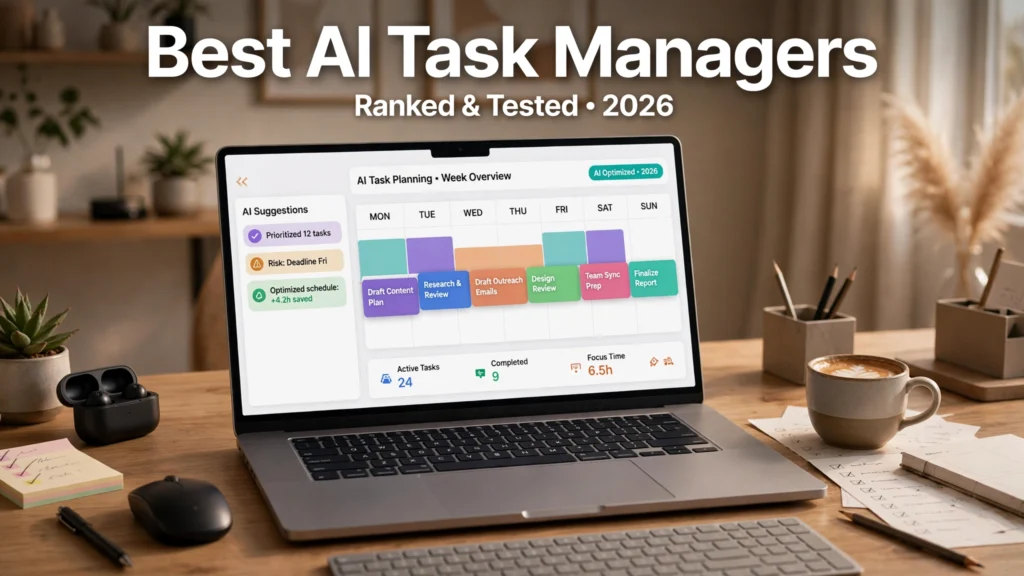
Modern knowledge workers, corporate executives, and remote professionals are experiencing an acute cognitive crisis. The modern workday has fractured into a chaotic blizzard of incoming Slack pings, emergency client emails, asynchronous project board updates, and back-to-back calendar meetings. To cope, ambitious professionals maintain elaborate digital to-do lists in tools like Todoist, Apple Reminders, or Notion. Yet, traditional to-do lists suffer from a fatal structural flaw: they exist completely detached from time. A user creates a list of 25 ambitious tasks for the day, but fails to realize their calendar is already booked with five hours of meetings, leaving barely two hours of fragmented focus time. By 5:00 PM, half the tasks sit unfinished, leading to guilt, cognitive overload, and administrative exhaustion as unfinished tasks are manually rescheduled to tomorrow.
In 2026, a revolutionary category of productivity software has eliminated this scheduling friction: AI task managers. Rather than functioning as passive digital paper lists, modern task managers operate as proactive algorithmic executive assistants. By combining automated calendar scheduling AI with real-time constraint satisfaction algorithms, these platforms treat time as a finite physical resource. When an unexpected emergency meeting lands on your calendar, the software automatically shuffles your tasks, reschedules low-priority items, protects uninterrupted deep-work focus blocks, and drafts realistic daily agendas. Whether you are searching for high-performing Motion app alternatives, evaluating intelligent smart to-do list apps for executive workflows, or seeking personal digital peace of mind, choosing the right platform can reclaim up to ten hours of lost productivity every week. This comprehensive, research-based benchmark reviews the premier AI task managers of 2026 based on scheduling intelligence, calendar interoperability, user friction, and commercial subscription models.
Commercial & Pricing Notice: Subscription pricing, team seat minimums, and free trial allowances referenced across this guide reflect public vendor terms at publication. Software providers adjust commercial tiers periodically; verify live subscription terms directly on provider official websites before procurement.
The Paradigm Shift: From Static To-Do Lists to Algorithmic Time Blocking
To understand why traditional task management fails, one must examine the difference between static task lists and dynamic algorithmic time blocking:
- Static To-Do Lists (The Delusion of Infinite Time): In apps like basic Todoist or Microsoft To Do, you can add 50 tasks to your "Today" view. The software allows this because text on a screen has zero physical constraints. However, because you cannot execute 50 tasks in an eight-hour day, the list creates a psychological phenomenon known as the Zeigarnik Effect—uncompleted mental loops that induce chronic background stress.
- Manual Time Blocking (High Administrative Drag): Productivity experts recommend dragging tasks directly onto your Google or Outlook calendar as discrete time blocks. While effective, manual time blocking requires continuous maintenance. If a meeting runs 30 minutes over, your entire afternoon schedule collapses, forcing you to spend 15 minutes manually dragging blocks around. Most people abandon manual time blocking within three weeks.
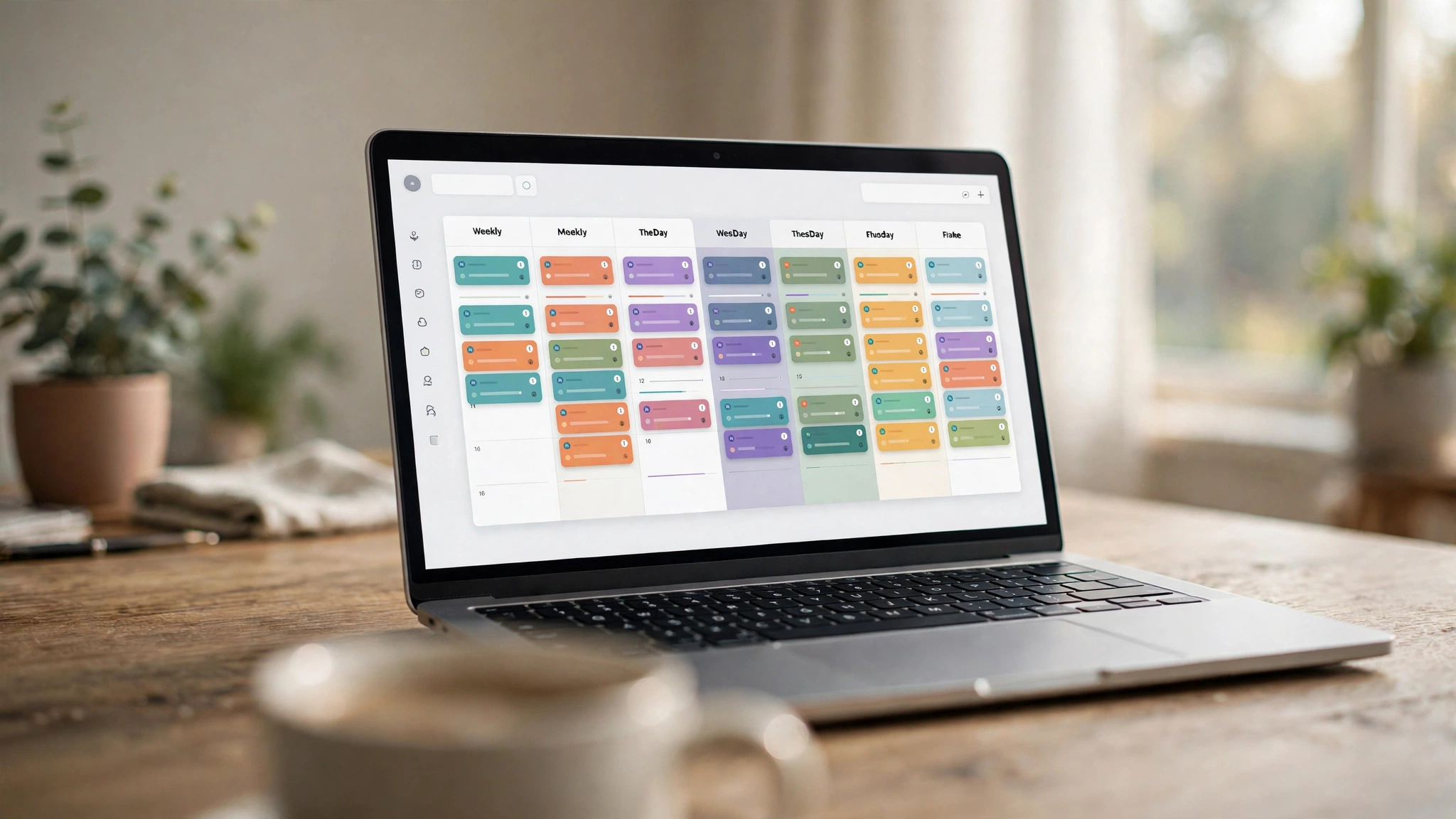
- Algorithmic AI Task Scheduling (Autonomous Optimization): An AI task manager bridges your to-do list and your calendar automatically. You input a task, specify its estimated duration (e.g., 45 minutes), assign a priority level (Critical, High, Medium, Low), and set a deadline. The algorithm’s constraint solver scans your calendar, finds an optimal open window between meetings, and schedules the task directly onto your calendar. If an emergency meeting is booked over that slot, the algorithm instantly reschedules the task to the next optimal opening with zero human intervention.
Comprehensive Feature Comparison Matrix: Leading AI Task Managers
The table below provides a structured technical comparison of the premier AI task managers and automated scheduling platforms in 2026, comparing their scheduling engines, meeting link integrations, project management depth, and starting pricing tiers based on published specifications.
Platform Name | Primary Focus | Core AI Scheduling Architecture | Calendar Integration Ecosystem | Project Management / Team Support | Meeting Booking Links Included | Starting Commercial Tier |
Motion (UseMotion) | Executive Autonomous Time Orchestration | Full algorithmic auto-scheduling of tasks, projects, & meetings | Google Calendar & Microsoft Outlook 365 | Comprehensive (Kanban, projects, team dependencies) | Yes (Smart personalized booking links) | Individual ~12/user/mo |
Reclaim.ai | Habit Tracking & Flexible Time Defense | Dynamic "Smart 1:1s", Habit time-defense, task auto-scheduling | Google Calendar (Outlook in beta/expansion) | Integrates bidirectionally with Jira, Asana, Linear, Todoist | Yes (High-customization scheduling links) | Free basic tier; Starter starts at ~$8/user/month |
Clockwise | Team Focus Time & Calendar Optimization | Multi-person meeting shuffling to create uninterrupted focus blocks | Google Workspace & Microsoft 365 | Team-wide calendar coordination and analytics | Yes (Clockwise Links with flexible holds) | Free basic tier; Teams tier starts at ~$6.75/user/month |
Sunsama | Mindful Daily Planning & Work-Life Balance | Guided morning planning ritual with manual drag-and-drop auto-assist | Google Calendar, Outlook, Apple Calendar | Integrates with Trello, Asana, Jira, Notion, GitHub, Slack | Basic availability sharing | 14-day free trial; Standard subscription ~$16/month (annual) |
Akiflow | Universal Task Inbox & High-Speed Consolidation | Centralizes tasks from email, Slack, Asana, and browser into calendar | Google Calendar & Microsoft Outlook | Focuses heavily on individual executive productivity | Yes (Fast availability sharing links) | Free trial; Pro plan starts at ~$19/month (billed annually) |
Todoist (with AI Assistant) | Natural Language Task Structuring | AI task breakdown and priority advice (Manual calendar sync) | Google Calendar, Outlook, iCal 2-way sync | Collaborative team projects, sub-tasks, and labels | No | Free basic tier; Pro plan starts at ~$4/month |
Note: Subscription pricing, annual prepay discounts, and enterprise seat minimums are subject to change. Consult vendor websites for live terms.
In-Depth Reviews of the Premier AI Task Platforms
1. Motion: The Complete Autonomous Executive Engine
Motion has established itself as the poster child of the automated scheduling revolution. Unlike apps that require you to plan your day, Motion boldly promises that you will never have to plan your day again. You treat Motion as a central brain: whenever a new deliverable arrives, you type the task, estimate the time required, assign a priority, and specify the deadline.
Motion’s mathematical constraint solver handles everything else. It builds a live, unified calendar that merges your external Google or Outlook meetings with your prioritized task blocks. If a client books an emergency 2:00 PM meeting on your calendar, Motion immediately analyzes your afternoon: it pushes non-urgent administrative tasks to tomorrow, protects critical deliverables, and recalculates whether any deadlines are at risk. If a deadline is mathematically threatened by an incoming meeting, Motion displays an alert: "Warning: Accepting this meeting will cause 'Q3 Budget Review' to miss its 5 PM deadline." Combined with its integrated project manager and personalized meeting booking links, Motion is an extraordinary weapon for executives and agency founders.
2. Reclaim.ai: The Ultimate Habit and Focus Defender
For knowledge workers who already love their existing task management tools (such as Asana, Jira, Linear, or Todoist) but struggle with calendar fragmentation, Reclaim.ai provides the ideal middleware solution. Rather than forcing you to abandon your current tools, Reclaim syncs with your project boards, turning external tickets into dynamic calendar blocks automatically.
Where Reclaim shines brightest is its Habit Protection and Smart 1:1s. You can configure recurring habits—such as "Exercise 45 minutes between 11 AM and 2 PM" or "30 minutes of Daily Catch-Up"—and mark them as Flexible. As long as your calendar has open space, Reclaim displays the habit to colleagues as "Free." The instant your calendar begins filling up with meetings, Reclaim automatically flips the habit block to "Busy," defending your focus time against aggressive meeting bookers. Its "Smart 1:1" feature coordinates recurring meetings between two busy executives, autonomously rescheduling the meeting to the best mutual open slot whenever conflicts emerge.
3. Sunsama: The Antidote to Toxic Productivity
While Motion and Reclaim focus on relentless algorithmic efficiency, Sunsama approaches task management from a humanistic philosophy of mindful digital wellbeing. Sunsama recognizes that overloading calendars with back-to-back blocks leads to burnout.
Sunsama enforces a guided, meditative Morning Planning Ritual: every morning, the app walks you through your open tasks, helps you review what you realistically have time to accomplish given today's meeting schedule, and encourages you to cap your workday at 6 to 8 hours of total planned effort. It integrates seamlessly with external tools (pulling starred Slack messages, GitHub pull requests, and Trello cards into a unified daily queue). At the end of the day, Sunsama guides you through a Shutdown Ritual, celebrating what you accomplished and cleanly deferring unfinished items so you can log off without work anxiety.
4. Clockwise: The Team-Wide Focus Coordinator
Most calendar tools optimize schedules for the individual. Clockwise was engineered specifically to solve calendar chaos across entire organizations (teams of 10 to 500 people). In typical corporate environments, fragmented 30-minute meetings scattered throughout the day destroy productivity, leaving engineers and designers with zero uninterrupted blocks for deep work.
Clockwise acts as a collective team coordinator. With team member consent, Clockwise identifies "Flexible Meetings" (such as routine internal 1:1s and weekly check-ins). It algorithmically shuffles these flexible meetings across the team's calendars, grouping them together into focused morning or afternoon blocks. This autonomous optimization creates continuous, two-to-four-hour stretches of uninterrupted "Focus Time" for everyone on the team. Enterprise engineering departments using Clockwise routinely report an average 30% increase in engineer focus time.
5. Akiflow: The High-Speed Executive Capture Hub
For high-velocity professionals whose primary bottleneck is capturing tasks scattered across dozens of disparate digital communication channels, Akiflow is a masterclass in speed. Akiflow features a universal global keyboard shortcut accessible anywhere on your computer (Alt + Space or Option + Space).
Whenever you are reading an email in Gmail, reviewing a comment in Slack, or browsing a web article, tapping the shortcut instantly captures the item into your centralized Akiflow Inbox, complete with a direct backlink to the original source. From the clean desktop interface, you can drag tasks onto your calendar timeline in seconds. While it relies more on human-guided time blocking than Motion's fully automated solver, its lightning-fast keyboard navigation makes it a favorite among venture capitalists, software leads, and executive assistants.
Best Practices: Implementing Automated Scheduling Without Feeling Trapped
Transitioning to an algorithmic calendar can feel intimidating if misconfigured. Implement these three foundational strategies to maintain flexibility and control:
1. Overestimate Task Durations by 30% to 50%
Humans suffer from the Planning Fallacy—we consistently underestimate how long tasks will take. If you think writing a report will take 60 minutes, schedule it for 90 minutes. Overestimating duration creates natural buffer time. If you finish early, the AI will pull forward subsequent tasks automatically; if you encounter unexpected delays, your schedule will not collapse.
2. Designate Strict "Buffer Times" and Task Windows
Never allow an AI algorithm to schedule tasks across all 24 hours of your day. In platforms like Motion and Reclaim, configure strict Work Hours (e.g., 9:00 AM to 5:00 PM) and set mandatory 15-minute buffer windows between meetings. This guarantees you have time to stretch, grab water, and decompress between appointments.
3. Use Priority Tiers Sparingly
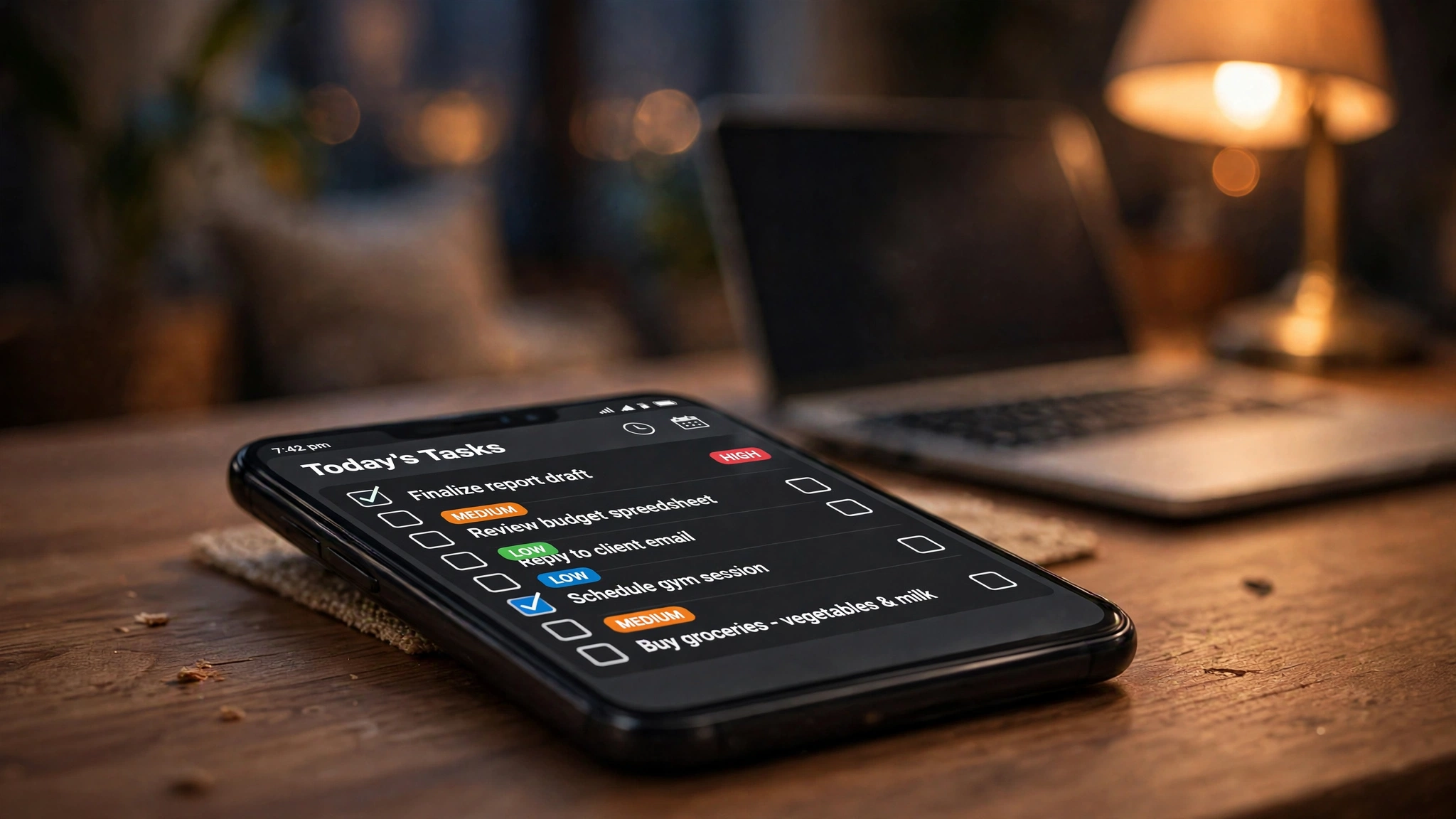
If you mark all 15 tasks on your to-do list as "Urgent / Critical", the algorithmic solver will run out of flexible variables, forcing it to schedule tasks at awkward times. Follow the 1-3-5 Rule: designate no more than one Critical task, three Medium-priority tasks, and five Low-priority tasks per day. The AI will defend the critical task with absolute priority while allowing the secondary tasks to flex gracefully around meetings.
Frequently Asked Questions (FAQ)
Will an AI task manager make my calendar look terrifyingly full?
It can feel visually overwhelming during your first week because empty calendar space is suddenly populated with task blocks. However, platforms like Reclaim and Motion allow you to mark task blocks as "Free" to external booking tools until the deadline approaches. Your colleagues will still see open availability for essential meetings, and the AI will shuffle your tasks into remaining open slots.
What happens if I don't finish a task during its scheduled time block?
Nothing is lost. In traditional calendars, a past event sits frozen in time. In an AI task manager like Motion or Reclaim, if a scheduled block ends and you have not checked off the task, the algorithm immediately reschedules the remaining time to your next open focus slot, ensuring no deliverable ever slips through the cracks.
Can AI task managers connect to multiple personal and work calendars simultaneously?
Yes! One of the greatest superpowers of platforms like Motion, Reclaim, and Clockwise is multi-calendar synchronization. You can connect your personal Google Calendar and your corporate Microsoft 365 Exchange calendar. The software automatically syncs busy blocks from your personal calendar (e.g., a dentist appointment) onto your work calendar as an anonymous "Busy" event, preventing colleagues from double-booking you while protecting your personal medical privacy.
Is Motion worth its premium price tag compared to free alternatives?
For busy executives, founders, and consultants whose billable hourly rate exceeds $100/hour, Motion easily pays for itself by reclaiming 4 to 8 hours of wasted scheduling and task-shuffling effort every month. However, for students or professionals with low meeting density (fewer than 5 meetings per week), lighter or free alternatives like Reclaim’s free tier or Todoist provide exceptional value without the premium subscription cost.
Do AI task managers work effectively on mobile smartphones?
Yes. Platforms like Motion, Sunsama, and Akiflow maintain polished mobile apps for iOS and Android. You can capture new tasks on the go via voice dictation, receive notifications when schedules shift, and view your synchronized daily timeline from your phone.
Can an AI task manager schedule tasks for team members automatically?
Yes. In Motion and Reclaim for Teams, a project manager can assign a deliverable to a colleague with task dependencies (e.g., "Engineer B cannot start Task 2 until Designer A completes Task 1"). The AI tracks both team members' calendars, scheduling the dependent task on Engineer B's calendar only after Designer A's block concludes.
Conclusion: Reclaiming Cognitive Sovereignty Over Your Time
Time is the only truly non-renewable resource in life. Continuing to manage complex, multi-stakeholder workdays using passive paper to-do lists that ignore calendar reality creates chronic stress, missed deadlines, and fractured attention.
By empowering your daily workflow with modern AI task managers—whether adopting the fully autonomous time-blocking engine of Motion, the habit-defending flexibility of Reclaim.ai, or the mindful grounding of Sunsama—you transform time from a relentless source of anxiety into a well-ordered canvas of productive focus. Step off the treadmill of reactive rescheduling, protect your deep-work hours, and experience the calm clarity of algorithmic task mastery throughout 2026.