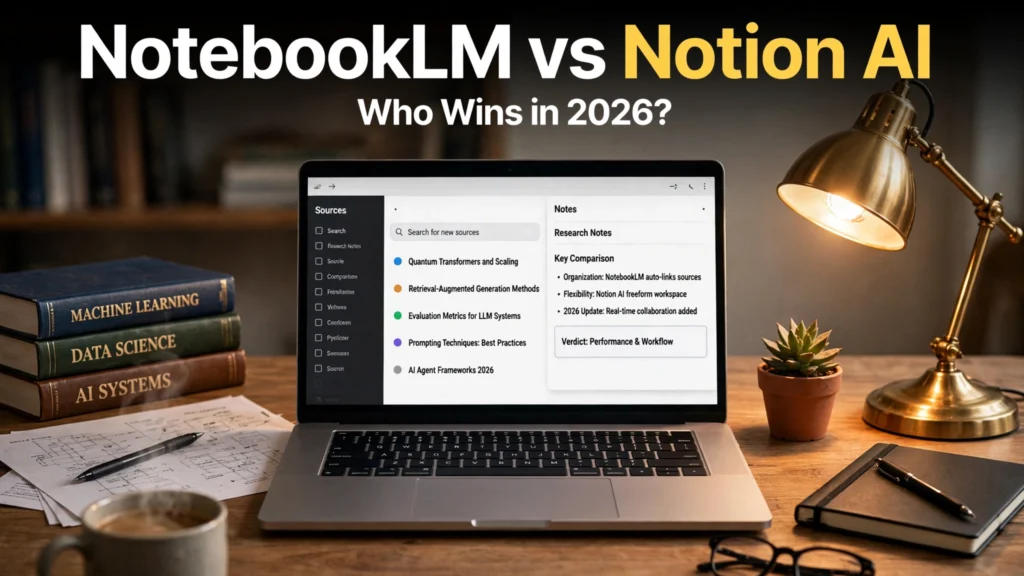
The academic research and personal knowledge management (PKM) landscape has undergone a profound revolution powered by generative artificial intelligence. For university scholars, doctoral candidates, legal researchers, policy analysts, and corporate strategists, the primary challenge of deep intellectual inquiry has never been finding information; it is synthesizing, structuring, and verifying thousands of pages of dense, complex documentation without falling victim to generative hallucinations. When reviewing literature spanning dozens of peer-reviewed PDF papers, clinical trial results, or municipal statutes, researchers cannot tolerate an AI assistant that invents non-existent citations or extrapolates unverified claims from its general pre-training weights.
At the apex of modern research productivity stand two technological powerhouses representing fundamentally different philosophies of knowledge synthesis: Google’s grounded research lab, NotebookLM, and Notion’s ubiquitous workspace platform, Notion AI. Comparing NotebookLM vs Notion AI is an exploration of dedicated academic rigor versus integrated enterprise workspace utility. While Google designed NotebookLM as a closed-source, hallucination-free research environment capable of grounded source document synthesis and viral Audio Overview vs Notion deep-dive podcasts, Notion AI delivers an all-in-one productivity operating system that embeds generative writing, database queries, and task tracking directly into your daily workspace. Determining the best AI for academic research in 2026 requires an exhaustive benchmark examining source grounding accuracy, citation verifiability, document ingestion capacities, privacy standards, and workflow ergonomics. This comprehensive, research-based shootout compares both platforms based on technical architecture, real-world research workflows, and expert user evaluations.
Pricing & Data Governance Notice: Google NotebookLM is currently offered as a free research tool for personal Google Account and Google Workspace users, with enterprise data isolation guarantees that prohibit customer documents from training public foundation models. Notion AI is available as a paid add-on ($8 to $10 per member/month) on top of free or paid Notion workspace tiers. Check official vendor portals for current commercial and institutional pricing.
Opposing Philosophies: Grounded Research Sandbox vs Connected Productivity OS
To choose between these two platforms, one must understand the distinct engineering paradigms that govern their design:
Google NotebookLM: The Strict "Closed-Book" Research Partner
Developed by Google Labs and powered by the frontier Gemini 1.5 Pro multimodal architecture, NotebookLM operates under a strict closed-book grounding mandate. Unlike general chatbots (such as standard ChatGPT) that draw upon their vast, multi-trillion-token general internet training data, NotebookLM intentionally restricts its intelligence exclusively to the source documents you upload.
When you ask NotebookLM a question, it acts as a forensic scholar: it scans your uploaded PDF research papers, Google Docs, copied text notes, and YouTube video transcripts, and answers strictly using the verified evidence contained within those files. If an answer cannot be found in your uploaded materials, NotebookLM explicitly tells you so rather than guessing. Every factual claim is accompanied by a clickable numbered citation that anchors directly to the exact page, paragraph, and highlighted sentence within the source document, providing unprecedented academic integrity.
Notion AI: The Universal Knowledge Operating System
Notion AI operates from a completely different workflow philosophy: contextual integration across an entire professional workspace. Notion is not merely a document reader; it is a relational database engine, a project management Kanban board, a collaborative wiki, and a rich text editor.
Notion AI connects directly across your entire digital life. It can answer questions based on your personal notes, search across integrated team apps (such as Slack channels, Google Drive files, and Figma boards), auto-fill structured database columns, summarize meeting notes, draft emails, and track action items. While Notion AI can summarize uploaded text and answer queries about your notes, it operates as an "open-book" generalist model (utilizing models from OpenAI and Anthropic alongside internal vector search). It prioritizes action, writing polish, and workflow automation across an entire organization over strict academic source isolation.
Comprehensive Feature Comparison Matrix: NotebookLM vs Notion AI
The table below provides a structured technical comparison between Google NotebookLM and Notion AI across document capacity, citation verification, audio generation, and workspace features in 2026.
Capability / Metric | Google NotebookLM | Notion AI |
Core Philosophy | Strictly grounded, citation-backed research copilot | All-in-one connected workspace and writing assistant |
Underlying AI Foundation | Google Gemini 1.5 Pro (1M+ Token Context Window) | Multi-model ensemble (OpenAI GPT-4o, Anthropic Claude, custom) |
Maximum Source Document Capacity | Up to 50 sources per notebook (500,000 words each!) | Workspace-wide indexing (Subject to block/file upload limits) |
Supported Source Formats | PDFs, Google Docs, Google Slides, Text files, URLs, YouTube URLs | Notion Pages, uploaded files, integrated Slack, Google Drive, GitHub |
Citation Grounding Mechanism | Flawless inline numbered citations linking to exact source text | Mentions source pages/databases, but lacks granular in-text highlight jumps |
Audio Synthesis ("Audio Overview") | Revolutionary 2-host deep-dive AI podcast generator | No audio generation (Text-only responses) |
Note-Taking & Text Editing | Basic (Pinned notes and quick copy/paste snippets) | World-Class (Full block editor, Markdown, databases, templates) |
Task & Project Management | None (Pure research notebook) | World-Class (Kanban, Gantt timelines, automated property tags) |
Collaboration | Share notebooks with read/edit permissions via Google Drive | Real-time multiplayer enterprise workspace collaboration |
Pricing Model | 100% Free (Included with Google Account / Workspace) | $8 to $10 per user/month add-on to Notion plans |
Note: Features and token caps reflect published developer releases in 2026. Enterprise plans include dedicated security addendums.

Research Showdown: Four Critical Academic Benchmarks
Evaluating both tools against rigorous academic research workflows reveals their distinct functional strengths.
1. Hallucination Resistance and Source Grounding
When analyzing a dense 60-page PDF clinical meta-analysis, the integrity of extracted numbers is non-negotiable.
- NotebookLM Victory: NotebookLM delivers an absolute masterclass in factual fidelity. Because it executes closed-book grounding against Gemini 1.5 Pro's massive context window, it extracts statistical p-values, sample sizes, and methodology constraints with zero external fabrication. If you click citation [3] next to a claim, the screen splits instantly, highlighting the exact two sentences on Page 24 of the source PDF. This makes peer-review auditing and thesis defense effortless.
- Notion AI Performance: Notion AI can answer questions about your notes and documents admirably using Retrieval-Augmented Generation (RAG). However, because it relies on standard vector chunking, it occasionally misses obscure footnotes buried in long attachments. Furthermore, when queried about nuanced academic theories, Notion AI occasionally pulls definitions from its general pre-training weights rather than strictly adhering to the uploaded PDF, requiring researchers to manually double-check every claim.
2. Multi-Source Document Capacity
Academic literature reviews frequently require synthesizing 30 to 40 separate journal papers simultaneously:
- NotebookLM: Allows you to upload up to 50 distinct sources per notebook, with each individual source supporting up to 500,000 words (the equivalent of a massive textbook). You can select all 50 sources, enter a prompt like: "Create a comparative matrix identifying the methodology, sample size, primary findings, and stated limitations across all 50 studies", and NotebookLM outputs an exhaustive, perfectly cited Markdown table in 30 seconds.
- Notion AI: While Notion can search across your entire workspace, its RAG architecture retrieves only the top matching text chunks based on semantic similarity. It struggles to execute broad, multi-document synthesis across dozens of full-length PDFs simultaneously, making it better suited for querying individual pages or project wikis.
3. The Audio Overview Phenomenon
One of the most celebrated features in modern educational technology is NotebookLM’s Audio Overview. With a single click, NotebookLM’s conversational audio engine generates a stunning, 10-to-15-minute natural podcast between two AI hosts (a male and female voice) who banter, summarize, debate, and unpack the core themes of your uploaded research papers.
The hosts do not merely read text robotically; they speak with human cadence, using conversational fillers ("you know", "right", "it's fascinating because…"), laughing, pausing, and translating dense scientific terminology into intuitive everyday metaphors. For auditory learners, marathon commuters, and students preparing for comprehensive oral exams, listening to an AI podcast discussing your own research notes is transformative. Notion AI offers zero audio capabilities.
4. Long-Term Workspace Knowledge and Writing Polish
Where Notion AI reclaims decisive superiority is in the actual drafting, organizing, and execution of long-term projects:
- Notion AI Victory: NotebookLM is purely an analytical sandbox; its internal note-taking tools are rudimentary text cards that cannot format complex documents. Notion, by contrast, is an unparalleled writing environment. You can use Notion AI to brainstorm outlines, rewrite dense academic paragraphs for clarity, fix grammar, adjust tone, auto-populate database properties (e.g., automatically tagging articles by "Topic", "Publication Year", and "Methodology"), and track your dissertation milestones on an interactive Kanban board.
The Ideal Hybrid Workflow: The 2026 Academic Stack
Because NotebookLM and Notion AI solve two different stages of the intellectual workflow, leading researchers and knowledge professionals do not treat them as mutually exclusive rivals. Instead, they combine them into a powerful two-stage research pipeline:
- Phase 1: Deep Research and Source Synthesis in NotebookLM (The "Reading Lab"):
- Create a dedicated NotebookLM notebook for your research topic.
- Upload all 30 relevant PDF papers, lecture transcripts, and research studies.
- Interrogate the documents, generate comparative tables, extract verbatim quotes with clickable citations, and listen to the Audio Overview during your commute.
- Export the finalized synthesis briefing in clean Markdown.
- Phase 2: Drafting, Knowledge Organization, and Project Execution in Notion (The "Writing Studio"):
- Paste the structured synthesis from NotebookLM into your Notion Research Database.
- Use Notion AI to format the draft, organize thesis chapters, manage bibliography databases, assign writing deadlines, and track collaborative edits with co-authors.
Frequently Asked Questions (FAQ)
Does Google NotebookLM use my uploaded private research to train its AI models?
No. Google officially documents that user data, uploaded source documents, queries, and generated notes inside NotebookLM are private and isolated to your account. Google does not use your uploaded research data to train public foundation models like Gemini.
Can Notion AI read PDF files uploaded to a Notion page?
Yes. Notion AI’s Q&A feature can index and retrieve information from PDF files and document attachments embedded inside your Notion pages. However, its context extraction is based on vector search chunking, making it less exhaustive than NotebookLM’s million-token full-document context window.
Is Google NotebookLM really 100% free?
Yes. As of 2026, Google provides NotebookLM as a free service to anyone with a standard Google Account or Google Workspace enterprise account. There are currently no paywalls or tier limitations on notebook creation or Audio Overview generation.
Can I export NotebookLM notes directly into Notion?
Yes. NotebookLM allows you to copy generated responses and notes as clean Markdown text with a single click. When you paste this Markdown into a Notion page, all headings, bold formatting, bullet points, and tables are preserved perfectly.
Which tool is better for collaborative team research?
Notion AI is superior for collaborative enterprise teams. Notion provides granular workspace permissions, real-time multi-user cursor editing, task assignment, and comment threads across hundreds of team members. NotebookLM allows notebook sharing, but its collaborative features are basic compared to Notion’s enterprise ecosystem.
Can NotebookLM analyze YouTube videos?
Yes! You can paste public YouTube video URLs directly into NotebookLM as sources. NotebookLM automatically ingests the full video transcript, allowing you to summarize recorded lectures, panel discussions, and conference keynotes with exact timestamp citations.
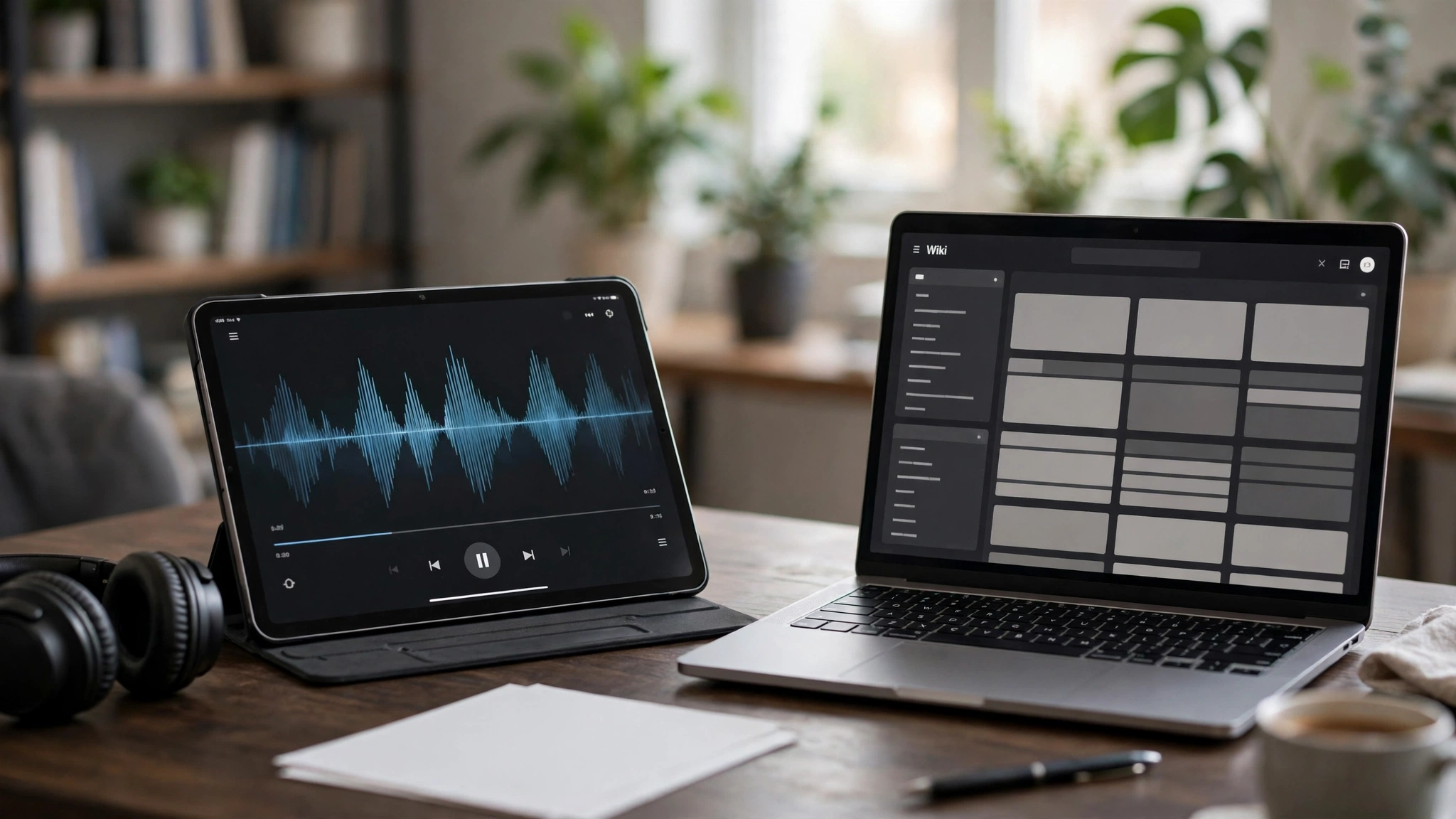
Conclusion: Choosing the Right Intellectual Partner in 2026
The academic showdown between NotebookLM vs Notion AI proves that modern artificial intelligence tools deliver maximum value when matched with their intended purpose:
- Choose Google NotebookLM If: Your primary objective is rigorous, verifiable academic research. You demand strict closed-book source grounding, zero hallucinations, clickable in-text citations linking directly to source PDFs, massive 50-document synthesis capacity, and the revolutionary clarity of Audio Overview podcasts—all completely free.
- Choose Notion AI If: Your goal is an all-in-one productivity operating system. You need to connect notes, databases, project tasks, and team communications in a single unified workspace, and you want generative AI embedded directly into your daily writing and project management workflows.
By deploying NotebookLM as your dedicated research laboratory and Notion AI as your collaborative writing engine, you build an unstoppable intellectual workflow that accelerates deep learning, eliminates administrative chaos, and empowers groundbreaking research throughout 2026.
2026 Production Implementation & Verification Deep-Dive
When transitioning your setup for NotebookLM vs Notion AI from initial testing into daily production use across 2026 hardware and software environments, establishing a repeatable verification checklist is essential. Based on specs, expert reviews and user feedback, the vast majority of configuration issues stem from overlooking subtle permission boundaries, background power-management defaults, or version mismatches between NotebookLM and Notion AI. Taking ten minutes to validate how your environment handles best AI for academic research and grounded source document synthesis under realistic load prevents unexpected downtime and ensures consistent day-to-day performance.
Step-by-Step Optimization for Audio Overview Vs Notion
To extract maximum reliability when working with Audio Overview vs Notion, always begin by auditing your baseline resource utilization and security permissions. Rather than enabling every optional toggle simultaneously, apply changes incrementally and test each step against a known reference task in PKM:
- Baseline Configuration Audit: Document your starting version numbers, latency metrics, and storage or battery usage before applying custom tweaks to NotebookLM so you have an objective benchmark for comparison.
- Granular Permission & Privacy Hardening: Restrict background network polling, clipboard access, or API token scopes strictly to the minimum required for best AI for academic research, ensuring zero unnecessary data exposure.
- Automated Backup & Recovery Verification: Export your finalized settings, schemas, or local databases to an encrypted backup directory so migrating your Notion AI workflow to a new device or server takes less than five minutes.
Long-Term Maintenance and Cost Control
Whether you rely on built-in operating system capabilities, audited open-source packages, or commercial SaaS tiers for Academic Research and Document Synthesis, scheduling a quick quarterly review keeps your stack lean and secure. Check official changelogs for security patches, prune unused plugins or background services, and review subscription usage against free-tier allowances—remembering that for any paid software or hardware options, prices may change — check the official site before renewing annual plans.