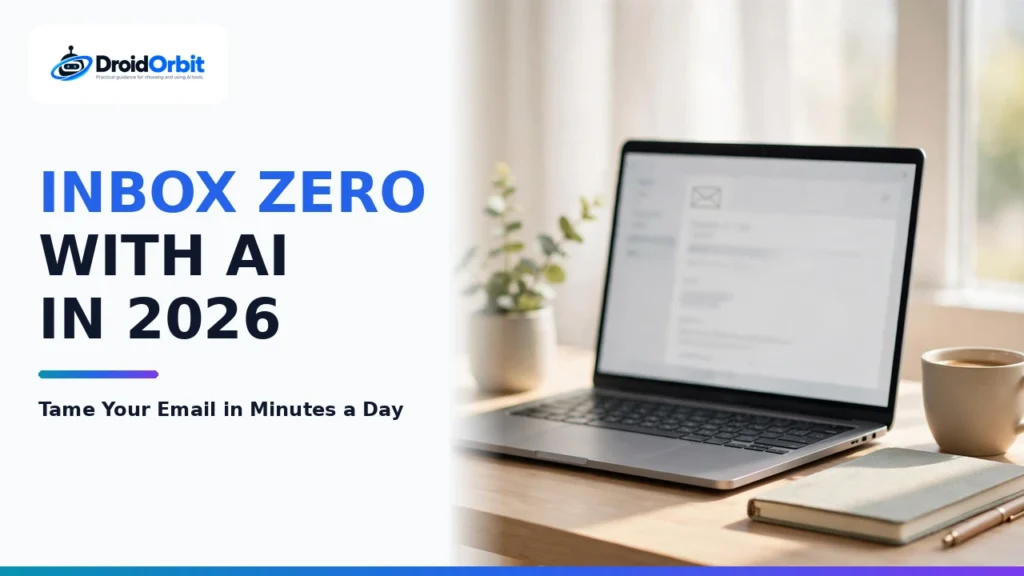
Electronic mail remains the foundational communication channel for modern enterprise commerce, professional networking, and organizational operations. However, the sheer volume of daily inbound correspondence has reached an unsustainable crisis point for knowledge workers, corporate executives, and entrepreneurs. According to contemporary workplace productivity studies, the average business professional spends over 3.1 hours every day sorting, reading, and composing emails. A mounting deluge of marketing newsletters, automated SaaS notifications, external vendor pitches, and sprawling multi-party reply chains creates persistent cognitive fatigue, turning the legendary ideal of "Inbox Zero" into an elusive fantasy.
To combat this cognitive overload, a sophisticated new ecosystem of AI email assistants has emerged throughout 2026. Going far beyond basic spam filters or primitive auto-responders, these intelligent systems integrate large language models directly into the message transport layer. Leveraging an automated email summarizer to condense 40-message email threads into three actionable bullet points, deploying an AI inbox triage tool to segregate urgent client inquiries from low-priority receipts, and harnessing smart email drafting software that matches an executive's authentic voice, these tools reclaim hundreds of wasted hours annually. This comprehensive, research-driven guide evaluates the leading AI email platforms of 2026, comparing their features, security protocols, email client integrations, and pricing models.
Commercial & Privacy Notice: Subscription prices, feature allowances, and security compliance tiers cited throughout this analysis reflect vendor documentation at the time of writing. Email software platforms update subscription tiers and API limits periodically; please verify exact terms directly on vendor official websites.
The Anatomy of Inbox Zero: How Intelligent Triage Solves Email Fatigue
The concept of "Inbox Zero," originally popularized by productivity expert Merlin Mann, was never about keeping an empty inbox 24 hours a day; it was about ensuring that email functions as a temporary processing queue rather than a perpetual to-do list. When emails pile up unread, users suffer from "open loops"—subconscious psychological anxiety caused by unfinished tasks lingering in their peripheral vision.
Traditional email clients (such as standard webmail interfaces) exacerbate this problem by treating every message identically. A critical contract negotiation from your largest enterprise client arrives with the exact same visual weight as a promotional coupon from an office supply vendor. Sorting through this flat list forces users into constant context switching.
Generative AI transforms inbox management by implementing four automated cognitive layers:
- Semantic Ingestion & Intent Classification: The system parses incoming messages upon arrival, categorizing them based on real operational intent: "Requires Direct Response," "FYI / Status Update," "Scheduling Request," "Invoice / Financial," or "Marketing Clutter."
- Contextual Thread Condensation: For sprawling multi-person email chains, an automated summarizer extracts the consensus decision, outstanding action items, and who owes what deliverable to whom, saving minutes of scroll-time per thread.
- Predictive One-Click Response Drafting: By learning your corporate context and prior communication habits, the assistant prepares contextual reply drafts. If a colleague asks, "Can we review the Q3 slide deck on Thursday at 2 PM?", the AI checks your calendar availability and drafts a polished confirmation before you even open the message.
- Autonomous Unsubscribe and Digest Rollups: Promotional newsletters and routine receipts are intercepted before they ever touch your primary inbox, bundled into an elegant once-daily or once-weekly executive digest.
Core Evaluation Criteria: Benchmarking Enterprise Email AI
When selecting an AI email assistant, knowledge workers and corporate IT administrators must evaluate solutions across five critical criteria:
- Data Privacy & LLM Training Isolation: Email contains proprietary contracts, sensitive financials, and confidential personal correspondence. Top-tier providers adhere to SOC 2 Type II compliance, support end-to-end encryption, and guarantee that corporate email bodies are strictly isolated and never utilized to train public foundation models.
- Integration Architecture: Does the solution operate as a standalone native email client (replacing Outlook or Apple Mail entirely), an unobtrusive browser extension, or a backend API bridge that works across all your existing devices?
- Tonal Personalization and Voice Adaptation: High-performing drafting engines adapt to the user's specific vocabulary, sign-off style, brevity preferences, and relationship context (casual with internal peers, formal with enterprise stakeholders).
- Calendar and Scheduling Automation: The ability to parse natural language scheduling requests, evaluate live calendar conflicts, and negotiate meeting windows without third-party scheduling links is a major differentiator.
- Cross-Platform Parity: Desktop speed is vital, but mobile triage is where Inbox Zero is won. Robust native apps for iOS and Android ensure unified filtering across workstations and smartphones.
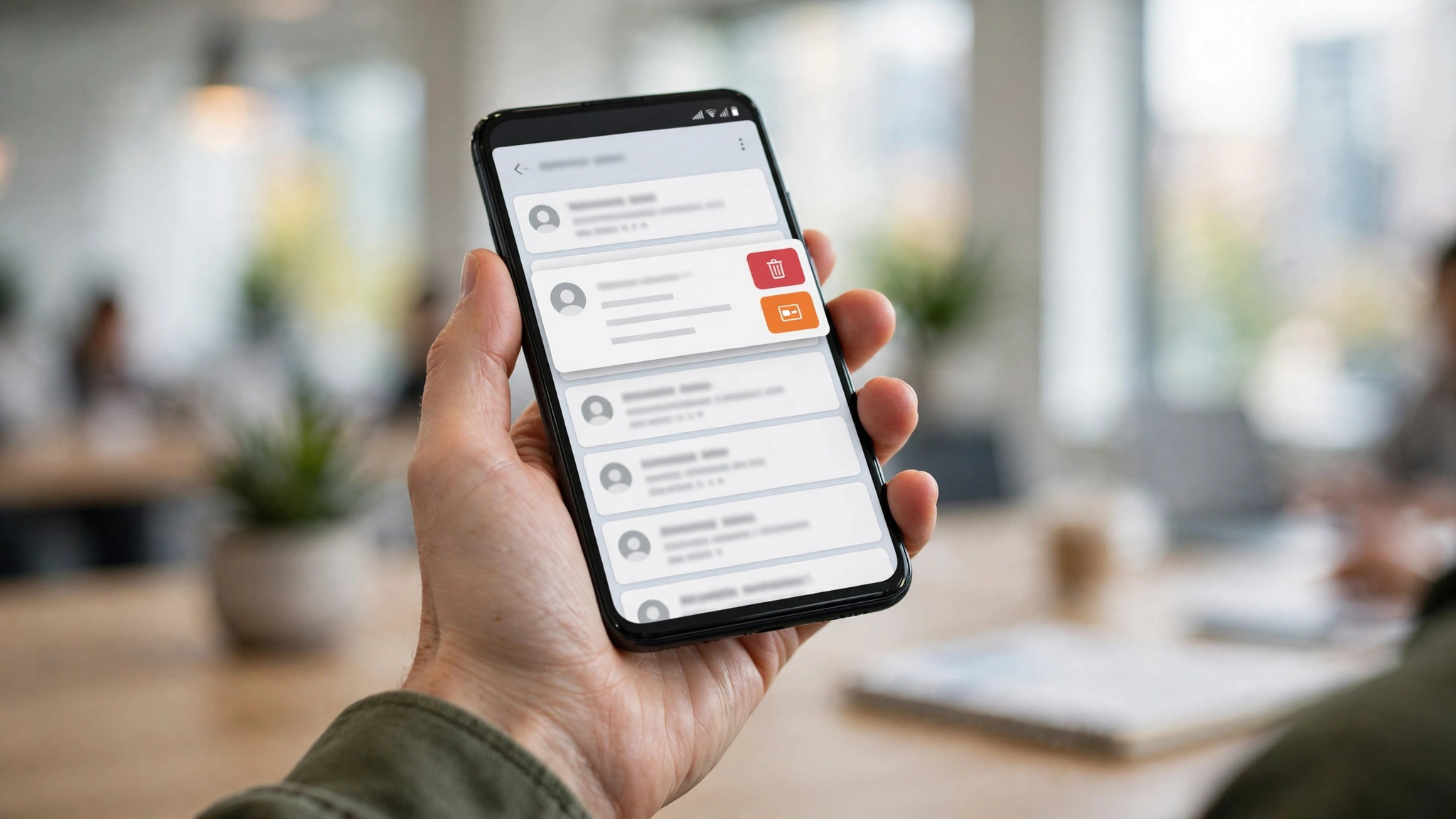
Comprehensive Comparison of the Top AI Email Assistants
The following table provides an objective comparison of the premier AI email assistants in 2026, comparing their core strengths, deployment models, mailbox compatibility, and pricing tiers based on published software specifications.
Platform Name | Architecture Style | Key Generative Superpower | Mailbox Support | Best Suited For | Entry Pricing Tier |
Superhuman AI | Native Desktop & Mobile Client | Sub-100ms keyboard navigation, instant voice-to-email drafting, smart auto-triage | Google Workspace & Microsoft 365 | High-growth founders, executives, venture capitalists, and sales leaders | Premium subscription starting at ~$30/user/month |
Shortwave | Web, Desktop, & Mobile Client | Deep conversational AI search over entire email history, AI ghostwriting in your voice | Google Workspace (Gmail) | Product managers, software engineers, and modern startup teams | Free basic tier; Personal tier starts at ~14/mo |
SaneBox | Backend IMAP Server Integration | Algorithmic inbox triage, SaneLater deferrals, automated digest newsletters | Any IMAP provider (Gmail, Outlook, iCloud, Yahoo, Fastmail) | Users who love their current email client and want zero interface changes | Free trial; Snack plan starts at ~59/year) |
Mailbutler | Add-in Extension for Existing Apps | Smart drafting, automated follow-up tasks, contact CRM notes directly inside inbox | Apple Mail, Microsoft Outlook, & Gmail | Professionals dedicated to Apple Mail or desktop Microsoft Outlook | Free tracking tier; Smart plans with AI start at ~$4.95/user/month |
Spike Magic AI | Conversational Chat-Style Client | Converts emails into conversational messaging bubbles, instant reply polish, meeting summaries | Google, Microsoft 365, IMAP, iCloud | Mobile-first communicators, creative agencies, and client service teams | Free tier available; Pro team plans start at ~$5/user/month |
Canary Mail | Security-First Native Client | On-device local AI processing option, PGP encryption, Copilot summarization | Gmail, Outlook, iCloud, Exchange, Yahoo | Privacy-conscious executives, healthcare workers, legal professionals | Free basic tier; Pro personal tier starts at ~$20/year |
Folk Email AI | Integrated Lightweight CRM Client | Hyper-personalized mass outreach drafting, pipeline tracking, deal status logging | Google Workspace & Outlook | B2B sales teams, recruiters, agency owners, and partnership leads | Free basic tier; Standard plans start at ~$18/user/month |
Note: Software subscription pricing, enterprise seat discounts, and annual billing terms are subject to publisher adjustments. Always confirm current rates directly with service providers.
Detailed Reviews of the Top 5 AI Email Platforms
1. Superhuman AI: The Gold Standard for High-Speed Executives
Superhuman built its reputation as the fastest email client ever created, engineering every interaction around sub-100-millisecond response times and universal keyboard shortcuts. With the introduction of Superhuman AI, the platform has elevated speed into an art form. Its drafting engine allows executives to type a two-word prompt—such as "accept, reschedule Friday"—and Superhuman generates a flawless, contextually appropriate email that references the sender’s initial proposal and your open calendar slots.
One of Superhuman’s most impressive capabilities is "Write with My Voice." Rather than sounding like generic, stilted AI prose, the model analyzes your historical sent folder to emulate your natural tone, greeting styles, sentence lengths, and closing signatures. Furthermore, its automated "Split Inbox" triage separates VIP client communications from operational notifications with pinpoint accuracy. While its $30 per month price point targets high-income professionals, the hours saved easily justify the investment for executives processing over 100 emails daily.
2. Shortwave: The Technical Knowledge Worker’s Powerhouse
Founded by former Google engineers who built the acclaimed (and discontinued) Google Inbox, Shortwave brings radical modern architecture to Gmail. Shortwave groups emails into intuitive task-oriented bundles, allowing users to sweep entire categories (like "Newsletters" or "Social Alerts") with a single keystroke. Its generative AI assistant functions like an intelligent chief of staff living inside your inbox.
Shortwave stands apart with its revolutionary conversational search. Instead of wrestling with clumsy search operators, you can ask Shortwave in plain English: "What was the final shipping price quoted by Acme Logistics last March?" The AI reads through months of nested email threads, extracts the exact figure, and links directly to the source email. Combined with its automated voice dictation and Markdown support, Shortwave is the definitive email solution for technical leaders and developers.
3. SaneBox: Algorithmic Triage Without Changing Your Email App
Many busy professionals resent the idea of learning a completely new email application. If you have spent decades mastering desktop Microsoft Outlook or customized Apple Mail, switching clients introduces unwelcome disruption. SaneBox provides the ideal solution by operating entirely at the server level via IMAP.
SaneBox's machine learning algorithms monitor your email interaction history in real time, automatically routing non-urgent messages into specialized sub-folders like @SaneLater, @SaneNews, and @SaneBlackHole. Only critical, high-priority correspondence from real human contacts lands in your primary inbox. At the end of the workday, SaneBox delivers a clean daily digest summarizing what was diverted, allowing you to review 50 low-priority emails in under 60 seconds. Because it works silently in the background across every device you own, SaneBox remains a timeless productivity staple.
4. Mailbutler: The Ultimate Power Plugin for Apple Mail & Outlook
For users committed to Apple Mail or Microsoft Outlook desktop environments, Mailbutler functions as a native, feature-rich sidebar. Its AI Smart Assistant reads incoming messages and automatically suggests actionable tasks, extracts contact information into an embedded CRM, and crafts context-aware email responses.
Mailbutler also includes indispensable commercial utilities, such as detailed read-receipt tracking, send-later scheduling, and customizable team email signatures. Its ability to summarize lengthy correspondence directly within Apple Mail’s native interface makes it an exceptional choice for Mac enthusiasts who demand advanced artificial intelligence without abandoning macOS system integration.
5. Canary Mail: Uncompromising Enterprise Security and Privacy
For legal practitioners, medical professionals, and enterprise compliance officers, sending unencrypted client emails to third-party cloud LLMs poses severe regulatory risks. Canary Mail addresses this vulnerability by offering a security-first email client featuring native end-to-end PGP encryption alongside on-device AI processing.
Canary's Copilot summarizes complex message threads, drafts professional replies, and highlights suspicious phishing vectors locally on your device without transmitting raw email bodies to external model servers. Combined with read-receipt detection, impersonation warnings, and zero-data-retention guarantees, Canary Mail proves that cutting-edge AI assistance does not have to compromise institutional privacy standards.
Actionable Best Practices: Reaching Inbox Zero Every Single Day
Deploying an AI email assistant is only half the battle; sustaining Inbox Zero requires disciplined operational habits. Implement these three daily practices:
1. Enforce the "One-Touch" Rule with AI Shortcuts
Never read an email and leave it sitting in your inbox "for later." When an email arrives, execute one of four immediate actions:
- Archive: If it requires no action, hit archive immediately.
- Delegate / Draft: If it requires a simple reply, use the AI assistant to generate a one-click draft, review it in five seconds, and send.
- Defer / Snooze: If it requires deep work, snooze the thread to a specific block on your calendar when you have allocated focus time.
- Delete: Send spam or useless notifications to the trash immediately.
2. Consolidate Routine Newsletters into a Single Daily Digest
Unsubscribe aggressively from marketing emails that provide zero value. For industry newsletters you genuinely enjoy, configure your AI tool (such as SaneBox or Shortwave) to bundle them into a single morning or evening digest. Reading your newsletters together in a dedicated reading session eliminates dozens of micro-distractions during peak work hours.
3. Train the AI Engine Actively
During your first two weeks with any AI email assistant, actively correct mistakes. If a low-priority notification lands in your VIP inbox, drag it to the low-priority folder immediately. Machine learning models adjust their Bayesian probability weights based on manual corrections, rapidly refining their accuracy to your exact preferences.

Frequently Asked Questions (FAQ)
Do AI email assistants read my private emails to train public AI models?
Reputable productivity platforms (such as Superhuman, Shortwave, and SaneBox) maintain strict enterprise privacy commitments. They utilize zero-data-retention APIs and enterprise cloud agreements that legally prohibit foundational model vendors (like OpenAI or Anthropic) from using customer email data to train public models. Always review a software provider’s privacy policy and security certifications prior to granting inbox permissions.
Can an AI email assistant send emails automatically without my review?
By default, no. Virtually all reputable AI email assistants operate on a "human-in-the-loop" model. The AI drafts the message, suggests calendar options, or formats links, but the user must click "Send." Certain tools allow automated out-of-office autoreplies, but standard interactive correspondence requires human verification to prevent awkward errors.
Will AI email assistants work on corporate Exchange or Microsoft 365 accounts?
Yes. Platforms like Superhuman, SaneBox, Mailbutler, and Canary Mail provide native integration with Microsoft 365 and Exchange mailboxes. However, if your organization enforces strict enterprise mobile device management (MDM) or conditional access policies, your corporate IT department may need to approve third-party OAuth application access.
How does an AI assistant know my schedule when drafting meeting replies?
When connected to your Google Calendar or Microsoft Outlook Calendar, the assistant reads your availability in real time. When someone asks if you are free next Tuesday morning, the AI identifies empty calendar slots and incorporates them directly into the drafted response.
Can I achieve Inbox Zero without paying for an expensive subscription?
Yes. Many tools, including Shortwave, Spike, and Canary Mail, offer robust free or budget-friendly tiers. Furthermore, standard Gmail and Outlook have introduced native AI summarization and smart reply tools. However, premium platforms like Superhuman provide specialized keyboard ergonomics, custom voice fine-tuning, and ultra-fast triage that power users find worth the subscription.
How long does it take for an AI email assistant to learn my writing style?
Most modern voice-adaptation models analyze your last 100 to 500 sent emails during initial account onboarding, allowing them to mirror your phrasing, typical greetings, and sign-offs within a few hours of installation.
Conclusion: Reclaiming Cognitive Freedom from the Modern Inbox
Email should be a productive tool that facilitates meaningful collaboration, not an overwhelming cognitive burden that drains your energy and focus. The rise of modern AI email assistants provides knowledge workers with the leverage needed to break the cycle of endless reactive sorting.
By delegating thread summarization, low-priority inbox filtering, and initial reply drafting to specialized artificial intelligence, you can transform your relationship with your inbox. Reclaiming two to three hours every single workday allows you to redirect your focus toward deep creative work, strategic leadership, and high-impact projects—making Inbox Zero not just a momentary victory, but a sustainable daily reality.