
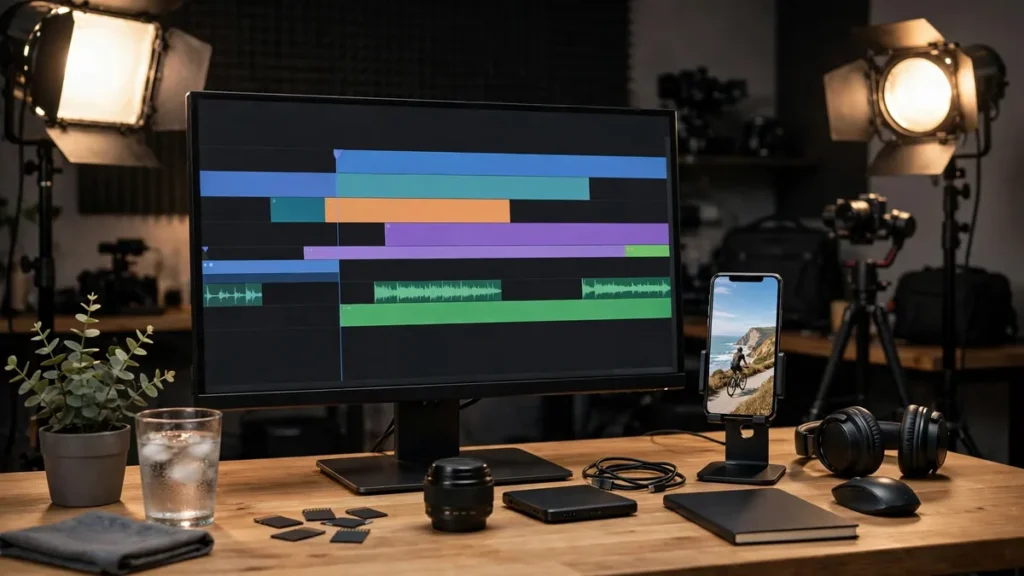
One long video should never be just one video. A 30-minute YouTube upload contains 10–15 short-form clips, a dozen quote graphics, several blog-ready transcripts, and weeks of social content — if you extract it systematically. An AI video repurposing workflow does exactly that in five steps: identifying clip-worthy moments with AI, auto-editing vertical cuts, captioning everything, distributing across platforms, and measuring what performs.
Short-form video dominates attention in 2026: Shorts, Reels, and TikTok drive discovery while long-form builds depth. Creators who repurpose systematically get both — multiplying every hour of recording into a content library. Those who do not leave most of their content’s value unharvested.
Why an AI Video Repurposing Workflow Beats Manual Clipping
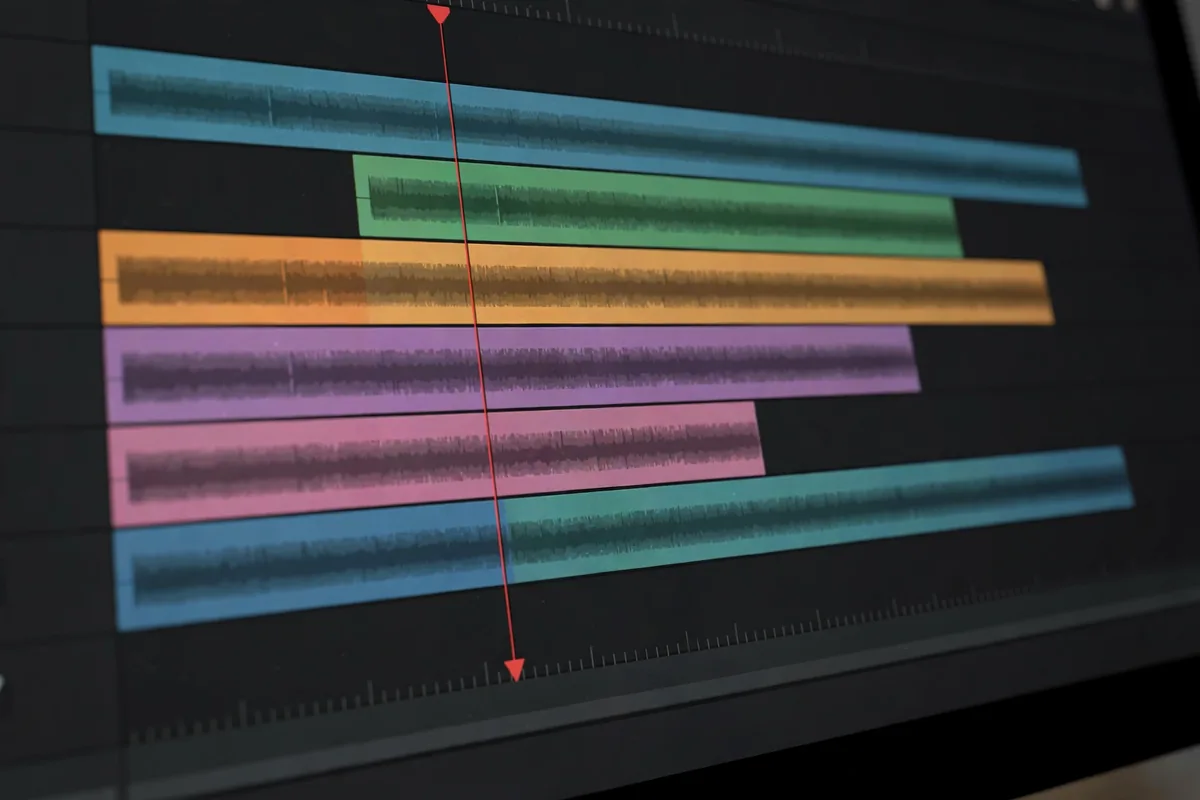
Manual repurposing is brutally time-intensive: rewatch the footage, note timestamps, edit each clip, reformat vertical, add captions, write platform-specific descriptions, post natively everywhere. Thirty minutes of source easily consumes 6–10 hours of editing. Nobody sustains that — so repurposing happens sporadically or not at all.
AI collapses the pipeline: transcription identifies quotable moments automatically, AI editors cut and reframe to vertical in minutes, auto-captioning is near-instant, and scheduling tools distribute everywhere. What took a full workday now takes under an hour of supervision. An AI video repurposing workflow does not just save time — it makes systematic repurposing sustainable, which is where the compounding returns live.
The strategic case: algorithms reward volume and consistency. Ten shorts from one recording give the algorithm ten chances to find your audience. One long video gives it one. Repurposing is how small creators achieve the output volume that growth requires without recording ten times more.
Step 1: Identify Clip-Worthy Moments With AI
Great clips start with great moments — AI finds them faster than humans.
Transcribe everything first
Run the full video through AI transcription immediately. The transcript becomes the searchable index of your content: every claim, story, joke, and insight as text. Most repurposing tools start here — the transcript is the raw material for moment detection, captioning, and derivative writing alike.
AI moment detection
AI analyzes the transcript plus audio/visual signals to score moments: emotional peaks (laughter, emphasis), informational density (the core teaching points), quotability (punchy standalone statements), question hooks (“the biggest mistake is…”), and engagement markers (where viewers rewatched or commented, if platform data is available). The top-scoring moments become your clip shortlist — typically 10–20 candidates from 30 minutes.
Curate with creator judgment
AI surfaces candidates; you select. Apply the clip test: does this moment work standalone (no missing context)? Does it hook in 3 seconds? Does it deliver value or emotion in under 60 seconds? Cut anything needing the full video to make sense. An AI video repurposing workflow respects that virality is a human judgment AI assists, not a metric AI decides.
Build the clip plan
For each selected moment: note timestamps, draft the hook text (the opening line), decide the format (talking head, b-roll overlay, text-on-screen), and assign target platforms. This plan — usually a simple spreadsheet or project board — turns editing from creative wandering into execution. Review the plan against your content pillars: do the selected clips cover the topics your audience cares about most? A balanced clip plan ensures your short-form presence represents your full expertise, not just the most entertaining 60 seconds.
Mine comments for clip ideas
Your audience tells you what resonated — read the comments on the long video before finalizing the clip plan. Questions asked repeatedly signal confusion worth addressing in a dedicated clip; enthusiastic reactions flag moments with proven appeal; timestamp comments (“12:34 changed my mind”) are direct clip nominations. The AI video repurposing workflow gets smarter when human audience signals join AI moment detection.
Step 2: Auto-Edit Vertical Cuts
With moments identified, AI editing produces platform-ready vertical video fast.
AI reframing and cutting
Upload the source and timestamps; AI tools cut the segments, reframe horizontal to vertical (with smart subject tracking that keeps the speaker centered), and assemble rough cuts in minutes. Tools like Opus Clip, Vizard, and built-in platform editors handle this increasingly well. Review every cut — AI reframing occasionally crops badly or cuts mid-sentence.
The 3-second hook rule
Each clip must hook immediately: start with the punchline, the surprising claim, or the provocative question — never with setup or introductions. If the AI cut starts with “so today I want to talk about,” re-cut to start three seconds later at the substance. The AI video repurposing workflow treats the opening frame as the highest-leverage edit decision.
Pacing for short-form
Short-form rewards density: cut pauses, tighten sentences, add jump cuts on thought transitions, overlay b-roll or graphics to maintain visual interest. A 45-second source moment often becomes a 30-second clip after pacing edits. Watch successful creators in your niche and match their rhythm — pacing conventions vary by platform and audience.
Batch the editing
Process all clips from one source video in a single editing session: consistent style, efficient review, momentum. Aim for a sustainable ratio — 8–12 finished shorts per long video is the sweet spot for most creators. More than that and quality dilutes; fewer and you are leaving reach on the table.
Step 3: Caption Everything
85% of short-form video is watched without sound. Uncaptioned clips lose most of their audience.
AI auto-captioning
Generate captions with AI (accuracy is excellent in 2026), then style them: word-by-word highlighting (the Hormozi style), punchy phrase timing, readable fonts, high-contrast colors. Styled captions are not accessibility afterthoughts — they are the primary viewing experience for most viewers and a major retention driver.
Verify caption accuracy
AI captions err on names, jargon, and homophones — exactly the words that matter. Quick verification pass per clip: fix errors, ensure timing matches speech, check that key terms display correctly. Five minutes per clip prevents the embarrassing mis-caption that undermines credibility.
Design the visual package
Consistent branding across clips: intro/outro bumpers (2 seconds max), lower-thirds for names and titles, progress bars, and end cards with CTAs. Templates make this fast — design once, apply to every clip. The AI video repurposing workflow produces recognizable content: viewers should identify your clips in half a second of scrolling.
Write platform-native descriptions
Each platform wants different metadata: TikTok rewards hashtags and trends, YouTube Shorts wants searchable titles, Instagram favors aesthetic descriptions, LinkedIn needs professional framing. AI drafts platform-specific descriptions from the clip transcript; you customize. Never cross-post identical descriptions — the algorithms notice, and audiences differ.
Step 4: Distribute Everywhere Strategically

Finished clips are inventory. Step four moves inventory.
The distribution sequence
Post natively to each platform (native uploads outperform cross-posted watermarks — strip TikTok watermarks before reposting elsewhere). Sequence strategically: premiere on your primary platform, then stagger across others over 48–72 hours to maximize each platform’s “new content” boost. Schedule via native schedulers or tools like Buffer and Later.
Platform-specific optimization
- TikTok: trend sounds, hashtags, post 1–3x daily, engage comments fast
- YouTube Shorts: searchable titles, strong first frame, link to the long video
- Instagram Reels: aesthetic consistency, story reshares, collab posts
- LinkedIn: professional framing, text-post companion, native video
The same clip performs differently per platform — the AI video repurposing workflow adapts packaging, not just posting.
Cross-promote the long-form
Every short should funnel toward depth: pinned comments linking the full video, end cards with “full breakdown on YouTube,” descriptions with timestamps. Shorts are discovery; long-form is conversion (subscribers, sales, authority). Design the funnel deliberately — viral shorts that lead nowhere waste their reach.
Repurpose beyond video
The transcript yields more: quote graphics for feeds, thread posts summarizing key points, newsletter sections, blog articles expanding the topic. One recording becomes a full content ecosystem. AI drafting from the transcript makes these derivatives fast — the marginal cost of each additional format approaches zero.
For business owners systematizing content, AI business automation and marketing toolkits provide the operational backbone for consistent publishing.
Step 5: Measure and Double Down
Repurposing without measurement is content roulette. Step five makes it strategic.
Track per-clip performance
Views, watch time/retention, engagement rate, follows generated, and click-through to long-form — per clip, per platform. Patterns emerge fast: certain topics, hooks, or formats consistently outperform. The AI video repurposing workflow is a learning system; the data tells you what your audience wants more of.
Identify your winners’ DNA
Analyze top-performing clips: what hooks worked, what topics resonated, what formats retained. Codify the patterns into your clip selection criteria (step one) and editing style (step two). Creators who systematize their winners’ DNA improve their hit rate every month — this is the compounding advantage of measured repurposing.
Feed insights back to long-form
Short-form performance is market research for long-form: the clip that explodes deserves a full video expanding the topic; the topic that flops in short form probably is not worth 30 minutes. Let the shorts audience vote on your content calendar — it is the cheapest focus group available.
Report ROI simply
For business creators: track cost per clip (time + tools), reach per clip, and attributed conversions (leads, sales, subscribers). Repurposing ROI is typically excellent — the content already exists, so every view is nearly pure margin. These numbers justify the workflow investment and guide resource allocation.
The small business owner toolkit covers the broader stack — repurposing is one system among several that compound together.
Common Video Repurposing Mistakes
- Clipping without hooks: great moments buried under slow openings
- Skipping captions: losing the silent majority of viewers
- Watermark cross-posting: algorithms deprioritize recycled content
- No funnel to long-form: viral clips that build no lasting asset
- Inconsistent posting: sporadic bursts instead of sustainable rhythm
Format Natively for Each Platform
A repurposed clip fails when it looks repurposed. Each platform has native grammar: vertical 9:16 with burned-in captions for Shorts and Reels, a hook in the first 3 seconds, and pacing that assumes the viewer will swipe. AI can reformat the aspect ratio and generate captions, but the edit decisions, what to cut and what to keep, need a human who knows the platform.
Build a repurposing template per platform: fixed intro style, caption font, and end card. Once the template exists, turning one long video into ten shorts becomes a 30-minute assembly job instead of a creative project. Consistency is what makes repurposing scalable.
FAQ
How many shorts should I make from one long video?
8–12 quality clips is the sweet spot for a 20–40 minute video. Fewer than 5 leaves value untapped; more than 15 usually means diluting quality. Let moment quality, not quotas, decide — but push yourself to find at least 8.
Do I need expensive editing software?
No — AI clipping tools ($15–$50/month) handle cutting, reframing, and captioning. CapCut (free) covers manual polish. The workflow matters more than the tool stack; start lean and upgrade when volume justifies it.
Should I post the same clip on all platforms?
Yes, but natively per platform (no watermarks) with platform-specific descriptions and posting times. The content can repeat; the packaging should adapt. Audiences overlap less than creators fear.
How long should repurposed clips be?
15–45 seconds performs best on most platforms; up to 90 seconds for substantive teaching moments. Shorter is generally better — every second must earn its place. If a moment needs 3 minutes, it is not a clip; it is a segment.
Can AI really pick viral moments?
AI is excellent at identifying candidate moments (engagement signals, quotability, structure) but imperfect at predicting virality — which depends on timing, trends, and intangibles. Use AI for the shortlist, human judgment for the final cut, and performance data to calibrate both over time. The creators with the best hit rates treat moment selection as a skill developed through dozens of cycles, with AI accelerating the learning by surfacing patterns across their clip performance history.
Conclusion
An AI video repurposing workflow turns every recording into a content library: AI-identified moments, auto-edited vertical cuts, styled captions, strategic multi-platform distribution, and measurement that sharpens every cycle. Five steps from one video to everywhere.
Start with your best-performing long video: transcribe it, let AI surface the top moments, and produce your first 8 clips this week. Once you see the reach multiplication of the AI video repurposing workflow in your own analytics, every future recording will be planned with repurposing in mind.





Join the discussion
Have a question or a perspective to share?