
AI Tools for Event Planning: 7 Proven Workflows
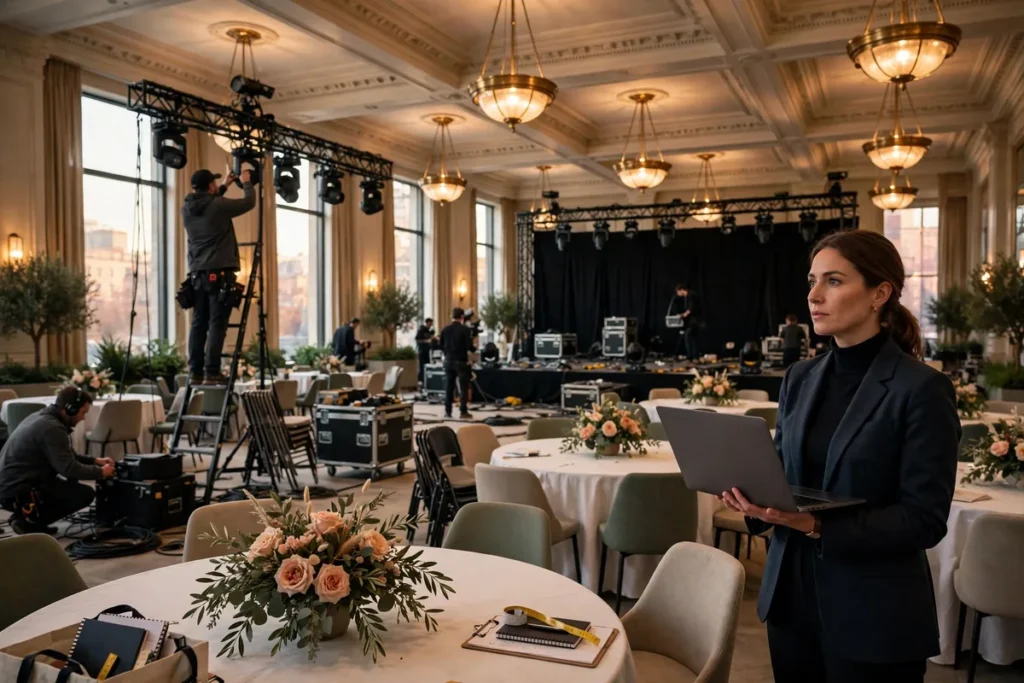
Event planning has always been a logistics marathon: venue contracts, headcounts that shift daily, catering numbers, speaker schedules, marketing calendars, and a hundred small decisions that compound into either a seamless experience or a stressful scramble. In 2026, AI tools for event planning have matured from novelty demos into genuine infrastructure — drafting run-of-show timelines, predicting no-show rates, generating marketing copy, transcribing sessions in real time, and turning attendee feedback into decisions you can act on before the next event.
The planners getting the most value are not the ones who bought the fanciest software. They are the ones who rebuilt their process around repeatable workflows: a clear input, a defined AI step, and a human review checkpoint. This guide maps seven such workflows — each one field-tested by working planners — so you can steal the structure and adapt it to conferences, corporate offsites, weddings, fundraisers, and meetups of any size.
Why AI Tools for Event Planning Save Hours Every Week
The average corporate event takes 150–300 hours of planning labor. AI does not eliminate that work, but it compresses the most time-consuming parts of it. Here is where the leverage actually sits:
- Research compression. Comparing venues used to mean calling twelve sales offices. AI assistants now summarize venue specs, capacity charts, and pricing grids from dozens of listings in minutes.
- Drafting at scale. Invitations, agendas, speaker briefs, catering emails, social posts, signage copy — AI generates first drafts of all of it, and humans edit for tone and accuracy.
- Predictive headcount math. RSVP lists lie. Machine-learning models trained on your past events estimate actual attendance far better than “yes minus 10%.”
- Day-of coordination. Run-of-show documents, staff briefing sheets, and contingency plans get assembled from your agenda automatically, so the team works from one shared source of truth.
- Feedback that becomes decisions. Instead of skimming 400 survey responses, AI clusters themes and flags the three issues worth fixing next time.
The honest caveat: AI tools for event planning are assistants, not planners. Contracts still need human eyes, vendor relationships still need human warmth, and a fire alarm during the keynote still needs a human with a plan. The winning pattern is AI for the paperwork, humans for the judgment.
The 7 Proven Event-Planning Workflows
Each workflow below follows the same shape: the problem it solves, the AI steps, the tools that fit, and the human checkpoint you should never skip.
1. Venue Research and Budget Modeling
Problem: Shortlisting venues across multiple cities means juggling capacity, pricing, AV packages, catering minimums, and date availability — usually in incompatible formats.
The workflow: Feed your requirements (city, dates, headcount range, budget ceiling, must-haves like natural light or a loading dock) into a conversational AI, and ask it to build a comparison matrix. Upload venue proposals as PDFs and have the AI extract line items into a consistent table: rental fee, AV costs, catering minimums, service charges, tax, and the true all-in number. Then ask it to model three budget scenarios — conservative, expected, stretch — with per-head costs.
Human checkpoint: Never sign a contract from an AI summary alone. Venue sales teams bury exclusivity clauses and attrition fees in paragraph 14; read the actual contract.
2. Guest List Building and RSVP Automation
Problem: Invitation lists live in spreadsheets, RSVPs trickle in through three channels, and the “final” headcount changes the morning of the event.
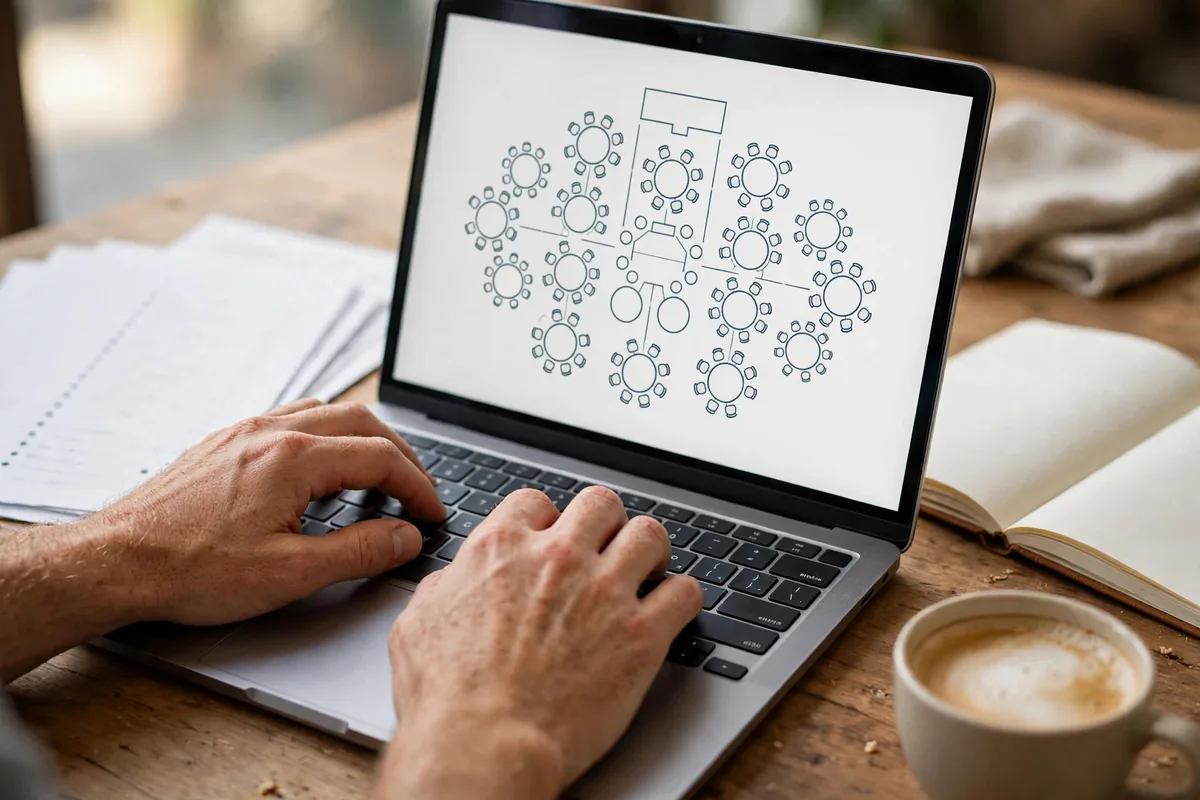
The workflow: Use AI-enhanced form tools (Google Forms with smart validation, or dedicated event platforms) to create RSVP flows that auto-categorize guests — VIP, speaker, press, plus-one — and route dietary restrictions and accessibility needs into separate lists. Connect the RSVP data to an AI that drafts seating plans based on your rules (mix departments, keep rivals apart, seat sponsors near leadership), then sends personalized confirmation and reminder sequences that adapt to each guest’s response history.
For guidance on setting up reliable RSVP forms, Google’s official Google Forms help center covers response collection and notifications that pair well with automated workflows.
Human checkpoint: Spot-check the seating plan. AI optimizes for your stated rules; it cannot see that two guests are going through an awkward divorce.
3. Event Marketing and Ticket Sales
Problem: Filling seats requires dozens of pieces of copy — landing pages, email sequences, social posts, paid ads — each tuned to a different audience.
The workflow: This is where AI tools for event planning shine brightest. Start with one strong event description, then have AI generate the full campaign kit: a landing-page headline and body, three email drips (save-the-date, early-bird reminder, last call), platform-specific social posts for LinkedIn, Instagram, and X, and ad variations for each audience segment. AI image generators produce the hero visuals and speaker quote cards; scheduling tools queue everything to your content calendar.
Solo planners running this entire stack alone should also read our guide on AI tools for freelancers — it covers how to run the business side of a one-person operation without drowning in admin.
Human checkpoint: Read every public-facing line. AI copy is grammatically fine and emotionally flat; add one specific, human detail per piece (a speaker’s real quote, a venue detail) and conversion jumps.
4. Agenda Design and Speaker Coordination
Problem: Building an agenda that balances content depth, energy, networking time, and logistics (room turns, AV setup) is a puzzle with too many variables.
The workflow: Give AI your session list, speaker bios, room capacities, and constraints (keynote at 9, lunch at 12:30, no two tech talks back-to-back). It proposes a timed agenda with buffers, flags conflicts, and drafts the speaker packet: confirmation email, logistics brief, AV requirements form, and deadline reminders — all personalized from a template. AI meeting assistants can even sit in on planning calls and produce action-item lists automatically; see our comparison of the best AI meeting assistants for the tools that do this well.
Human checkpoint: Speakers are people with egos and travel anxiety. Send the AI-drafted packet, then add one personal sentence. Relationships run on warmth, not automation.
5. Day-of Coordination and Staff Briefing
Problem: The day of the event, forty people need to know different versions of the same plan, and changes ripple constantly.
The workflow: From your final agenda, AI generates the run-of-show: minute-by-minute cues for AV, catering, registration, and the MC, each tagged with owner and backup owner. It produces role-specific briefing sheets (the registration team does not need the AV cue sheet), a one-page emergency contact card, and a change-log template. During the event, an AI scribe transcribes key sessions so the content team can clip highlights within hours instead of weeks.
For multi-step processes like this one, chaining prompts across tools works better than a single giant request — our breakdown of prompt chaining for multi-step AI workflows shows the pattern in detail.
Human checkpoint: Print the run-of-show on paper. Phones die; paper does not.
6. Live Engagement: Polls, Q&A, and Accessibility
Problem: Audiences zone out during long sessions, and organizers miss the questions people were too shy to ask aloud.
The workflow: AI generates poll questions and quiz rounds from your session outlines, timed to energy dips (the classic 2:30 PM slump). Live Q&A tools cluster incoming questions by theme and surface the most representative ones, so moderators address the room’s real curiosity instead of the loudest person’s. Real-time AI captioning makes sessions accessible to deaf and hard-of-hearing attendees — a genuine inclusion win that also produces searchable transcripts as a byproduct.
Human checkpoint: Pre-screen the AI-generated polls for tone. A jokey poll about layoffs at a company all-hands is the kind of mistake AI will happily make.
7. Post-Event Analytics and Follow-Up
Problem: Feedback surveys pile up unread, follow-up emails go out weeks late, and the lessons of each event evaporate before the next one.
The workflow: Within 24 hours, AI analyzes survey responses and session transcripts to produce a one-page debrief: attendance vs. RSVP, top three themes from open-ended feedback, speaker scores, and a prioritized fix list. It drafts segmented follow-ups — thank-yous to attendees, recap emails with session recordings, proposals to sponsors with their ROI numbers — and schedules a “lessons learned” summary into your planning doc for the next event.
Human checkpoint: Share the AI debrief with your team and ask “what did it miss?” Human memory catches what surveys never capture — the hallway conversations, the mood in the room.
Comparison: Popular AI Event-Planning Tools

| Tool | Best for | Standout feature | Starting price |
|---|---|---|---|
| ChatGPT / Claude | Copy, agendas, research | Flexible drafting and analysis | Free–$20/mo |
| Eventbrite AI features | Ticketed events | Smart event setup and promotion | Free tier; fees per ticket |
| Bizzabo AI | Conferences | Agenda builder and matchmaking | Custom/enterprise |
| Whova AI | Attendee engagement | Smart networking suggestions | Custom |
| Notion AI | Planning docs | Templates and summaries in your workspace | $10/mo add-on |
| Otter.ai / Fireflies | Meeting transcription | Auto action-items from planning calls | Free–$20/mo |
Prices change frequently and free tiers shift; always check current pricing before committing your budget.
Pricing and Cost Notes for AI Tools for Event Planning
One of the best-kept secrets of AI tools for event planning is how much of the stack is free. A solo planner can run workflows 1–4 entirely on free tiers: a conversational AI for research and copy, Google Forms for RSVPs, and a free transcription tool for planning calls. Paid tiers ($20–$30/month per seat) buy speed and volume — more document uploads, longer transcriptions, brand-voice consistency.
Dedicated event platforms (ticketing, engagement apps) are where real money enters: expect 3–6% per ticket in platform fees, or enterprise contracts in the thousands for conferences. The pragmatic approach is to prove the workflow on free tools, then buy the paid tier only for the one bottleneck that actually hurts — usually transcription volume or ticketing fees.
Mistakes to Avoid
- Automating the relationship. Vendors, speakers, and sponsors respond to humans. Use AI for the paperwork around the relationship, never as a substitute for the relationship itself.
- Trusting AI venue research blindly. AI does not know a venue renovated badly last year, or that the “great AV package” has one ancient projector. Verify with a site visit or a trusted local contact.
- Skipping the contingency plan. AI-generated run-of-show documents are optimistic. Add the pessimism yourself: what breaks, who decides, what is the backup.
- Collecting data you cannot protect. Dietary needs, accessibility requests, and contact details are sensitive. Keep guest data in tools with real privacy controls, and delete what you no longer need after the event.
- Letting copy go out unedited. AI marketing copy is competent and forgettable. One human pass — adding a real detail, a real voice — is the difference between an invitation and an invitation people open.
FAQ
Can AI plan an entire event by itself?
No — and you should be suspicious of any tool that claims otherwise. AI tools for event planning excel at research, drafting, scheduling, and analysis, but events involve contracts, negotiations, physical logistics, and human relationships. The realistic model is AI handling 60–70% of the desk work while a human planner makes the judgment calls and manages the people.
What is the best free AI tool for event planning?
There is no single winner, but a strong free stack is a conversational AI (ChatGPT or Claude free tier) for research and copy, Google Forms for RSVPs, and a free transcription app for planning meetings. That combination covers most of workflows 1–5 at zero cost. Paid tiers become worth it when volume grows — hundreds of attendees or dozens of sessions.
How do I use AI for RSVP tracking?
Connect an RSVP form to a spreadsheet, then use AI to categorize responses (VIP, speaker, dietary needs), draft seating arrangements, and generate personalized reminder sequences. The key is structured data in, automation out: clean form fields make everything downstream easier. Google’s Forms help documentation is a good starting point for building the collection side.
Can AI help with event budgets?
Yes. Upload venue proposals and vendor quotes, and AI extracts line items into a comparable format, flags hidden fees (service charges, attrition clauses), and models scenarios at different attendance levels. Always have a human review the final numbers before signing anything — AI is a second set of eyes, not an accountant.
Does AI-generated event marketing actually work?
It works when edited. AI produces solid first drafts of emails, social posts, and ad copy in minutes, and A/B testing different AI-generated variants often beats a single human-written version. But unedited AI copy tends to be generic, and generic does not sell tickets. The workflow that converts: AI drafts, human adds specificity and voice, AI generates variations of the winner.
Conclusion
The planners who thrive in 2026 are not the ones with the most tools — they are the ones with the clearest workflows. Start with one: pick the part of event planning that eats most of your week, build the AI-assisted version of it with a human checkpoint at the end, and run it on your next event. Then add the next one. AI tools for event planning reward this incremental approach far more than a big-bang software purchase, because every workflow you build teaches you where the real leverage is in your specific events.
The through-line of all seven workflows is simple: let AI do the paperwork, and spend your human hours on the things that actually make events memorable — the venue walk-through, the speaker who needed one reassuring call, the detail that made guests feel welcome. That division of labor is not going away. If anything, as the tools get better, the human parts become the differentiator.
Disclosure: This article was written by an AI assistant (self-authored text) and reviewed for accuracy before publication.



Join the discussion
Have a question or a perspective to share?