
The meeting ends, and the transcript lands in your inbox before you’ve refilled your coffee — searchable, with action items. That convenience is real; the difference between vendors is whether you can trust every word.
Best AI Transcription Tools Compared (2026)
AI transcription tools have quietly become some of the most-used software in knowledge work. The meeting that used to vanish into memory now arrives in your inbox as a searchable transcript with action items. The hour-long expert interview becomes a quotable document in minutes. The podcast episode becomes a blog post, a newsletter, and a dozen social clips. But the tools behind this transformation differ enormously in accuracy, pricing, language support, and how they fit into your workflow — and choosing badly means paying for transcripts you cannot trust.
This comparison evaluates the leading AI transcription tools of 2026 across the dimensions that actually matter: transcription accuracy and what drives it, speaker diarization (telling voices apart), real pricing per hour of audio, integrations with the apps you already use, and fit for three distinct use cases — meetings, interviews, and content repurposing. Every assessment below is based on published specifications, official pricing pages, and documented feature sets from the vendors themselves, not on claims of personal product testing. Where pricing is cited, treat it as a snapshot of publicly listed plans — transcription vendors adjust pricing regularly, so confirm current rates before committing.
How These Tools Were Compared
Because this is a research-based comparison rather than a lab test, the evaluation rests on verifiable, published criteria:
- Accuracy factors: the underlying speech-recognition engine, support for custom vocabularies and speaker training, and documented accuracy claims from vendors and independent benchmarks.
- Speaker diarization: whether the tool separates speakers automatically, how it labels them, and whether it learns to recognize named speakers over time.
- Pricing per hour: every plan converted to an effective cost per hour of transcribed audio, including free tiers and pay-as-you-go options, because “minutes per month” allowances are otherwise impossible to compare.
- Input flexibility: live meeting capture, uploaded audio/video files, and supported file formats and length limits.
- Language support: number of languages and how well non-English transcription is documented to perform.
- Integrations and export: native connections (Zoom, Google Meet, calendars, CRMs, editing tools) and export formats (SRT, VTT, DOCX, timestamps).
- Turnaround options: AI-only speed versus human-reviewed accuracy tiers where offered.
What Actually Determines Transcription Accuracy
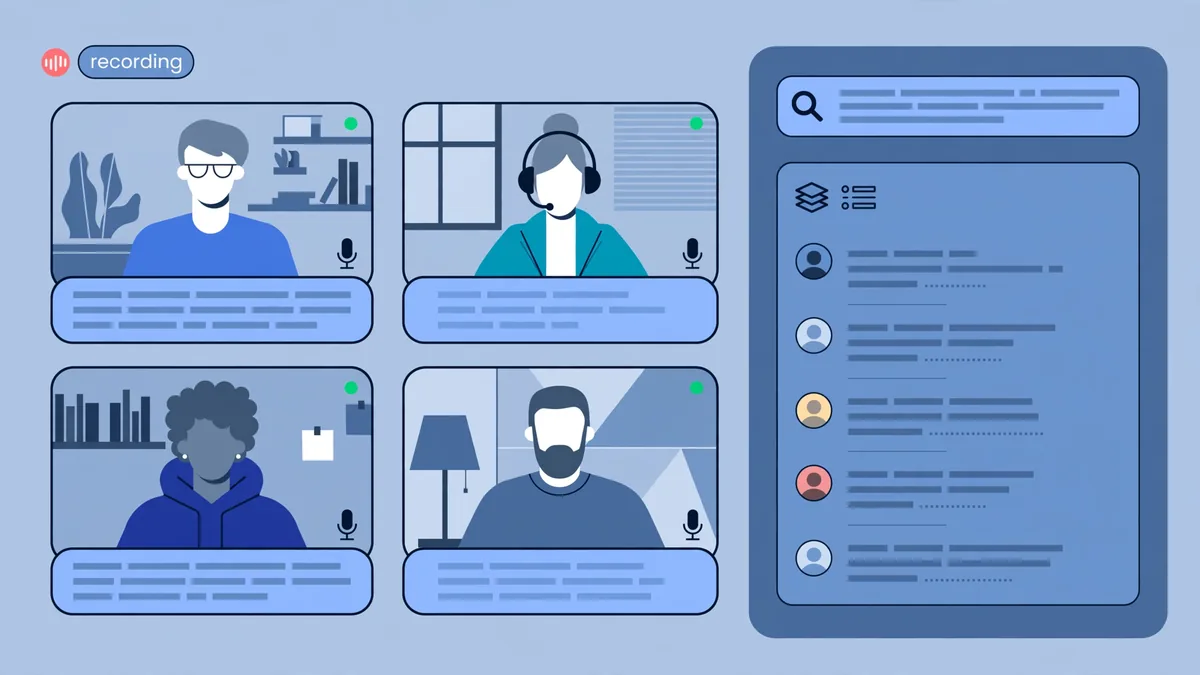
Before comparing tools, it helps to understand why two tools can transcribe the same recording with very different results. Accuracy is not a single number — it is the product of several factors:
- Audio quality dominates everything. A clean recording from a decent microphone will transcribe well on almost any modern engine; a conference-room speakerphone with crosstalk will defeat the best of them. Independent testing across the industry consistently shows that poor audio hurts accuracy more than the choice of vendor.
- The engine matters, but most vendors build on a few. Several leading tools use OpenAI’s Whisper models (or derivatives) under the hood, while others maintain proprietary engines. Engine choice affects baseline accuracy, especially for accented speech and technical vocabulary.
- Custom vocabulary and speaker training. Tools that let you add jargon, product names, and proper nouns — or that learn a speaker’s voice over time — pull ahead in specialized domains like medicine, law, and engineering.
- Overlapping speech. No AI transcriber handles two people talking at once reliably. Tools differ in how gracefully they fail: the best ones mark uncertain passages rather than inventing plausible-sounding text.
- Post-processing. Punctuation, paragraph breaks, and filler-word removal (“um,” “you know”) are applied after recognition. Good post-processing is what makes a transcript readable rather than merely accurate.
The practical takeaway: published accuracy figures (vendors often cite 90–99%) are measured under favorable conditions. Your real-world accuracy will depend mostly on your recordings and whether you use the tool’s vocabulary and speaker-training features.
The Best AI Transcription Tools of 2026
Otter.ai — Best All-Rounder for Teams
Otter.ai is the most established name in AI meeting transcription, and its positioning is squarely on the team workflow: an AI assistant joins your Zoom, Google Meet, or Microsoft Teams calls automatically, transcribes live, captures slides shared on screen, and generates a summary with action items afterward. Published plans include a free tier with limited monthly minutes and paid tiers (historically starting around $16–17 per user per month on annual billing) that raise minute allowances into the thousands. Otter’s differentiators are its deep calendar integration — it auto-joins scheduled meetings — and features like AI chat over your meeting history, which lets you ask questions across past conversations. Speaker identification improves as it learns participants’ voices.
Limitations to note: the free tier’s monthly minutes run out fast for heavy users, and live transcription quality depends on each participant’s audio, which you cannot control.
Rev — Best When Accuracy Is Non-Negotiable
Rev occupies a unique position: it offers both AI transcription and human transcription services under one roof. The AI tier (published pricing historically around $10 per month for a bundle of minutes, with pay-as-you-go options) delivers fast automated transcripts, while the human service — priced per audio minute at a premium rate — advertises accuracy around 99% with real transcriptionists, and is the standard choice for legal, medical, and broadcast work where errors are costly. This two-tier structure makes Rev the pragmatic pick when most of your volume can be AI-handled but a fraction needs guaranteed accuracy: run everything through AI, escalate selectively. Rev also offers AI-generated summaries, and its long history in the transcription industry shows in polished export and captioning workflows.
Descript — Best for Creators Who Edit Audio by Editing Text
Descript is not primarily a meeting tool — it is an audio and video editor built around the transcript. You upload or record, Descript transcribes, and then you edit the media by editing the text: delete a sentence from the transcript and it is cut from the audio. For podcasters and video creators, this is transformative, and its transcription quality (powered by a strong in-house engine with speaker labeling) is competitive on its own. Published plans have historically started with a free tier including limited transcription hours and paid plans from roughly $12–24 per month. Descript also includes Overdub (AI voice cloning for fixing flubbed words), studio-quality enhancement, and direct publishing. If your end goal is a finished audio or video product rather than meeting notes, Descript is in a class of its own — but it is overkill if you only need transcripts of meetings.
Fireflies.ai — Best Meeting Automation for Sales Teams
Fireflies.ai competes directly with Otter in the meeting-assistant space but leans harder into sales and CRM workflows. Its bot joins calls across all major conferencing platforms, transcribes with speaker separation, and pushes summaries, action items, and searchable transcripts into CRMs like Salesforce and HubSpot. Published pricing has historically included a generous free tier and paid plans starting around $18 per user per month. Standout features include topic tracking (e.g., automatically flagging when competitors or pricing are mentioned), sentiment analysis, and talk-time analytics for coaching. Teams choosing between Otter and Fireflies should decide based on workflow: Otter for general team knowledge management, Fireflies when call data needs to flow into a sales process.
Trint — Best for Journalists and Media Teams
Trint is built for newsrooms, documentary producers, and researchers working with large volumes of interview footage. Its editor is designed for story assembly: search across hundreds of hours of transcripts, tag key moments, and build selects for editing. Published pricing has historically been premium (plans starting around $48–60 per month on annual billing), reflecting its professional media positioning. Trint supports a wide range of languages, offers collaborative workspaces with role-based permissions, and exports caption formats broadcast workflows require. For a solo podcaster it is expensive overkill; for a production team logging interviews daily, the search-across-everything architecture pays for itself.
Sonix — Best Pay-As-You-Go Value
Sonix targets users with irregular transcription needs: upload audio or video, get a transcript in minutes, pay per hour of audio rather than committing to a monthly plan. Published pay-as-you-go rates have historically hovered around $10 per hour of audio, with subscription plans (from roughly $22 per month) bundling hours at a lower effective rate. Sonix supports 50+ languages, offers automated translation of transcripts, generates subtitles, and includes a browser-based editor with speaker labeling and custom dictionary support. For researchers, students, or freelancers who transcribe in bursts — ten hours this month, zero next month — the absence of a subscription treadmill is the core appeal.
Happy Scribe — Best for Multilingual Transcription and Subtitles
Happy Scribe combines AI transcription in 100+ languages with subtitling and translation services, making it a favorite among video producers serving international audiences. Published pricing has historically started around $17 per month for bundled hours, with pay-as-you-go transcription and human-reviewed tiers priced separately. Its subtitle editor — with automatic timing, styling, and burn-in export — is genuinely best-in-class among general transcription tools, and the translation workflow (transcribe in one language, translate the transcript, generate translated subtitles) is streamlined for localization work. If your output is video with captions in multiple languages, Happy Scribe deserves a serious look; if you only need English meeting notes, simpler tools will do.
Notta — Best Budget Option With Strong Language Coverage
Notta has grown quickly as a lower-cost alternative in the meeting-transcription space, supporting transcription in 50+ languages with live meeting bots, file upload, and Chrome extensions for capturing web audio. Published pricing has historically undercut the bigger names, with paid plans starting in the low teens per month and a functional free tier. It covers the essentials — speaker diarization, summaries, action items, calendar integration — without the deeper CRM analytics of Fireflies or the knowledge-base features of Otter. For individuals and small teams that want competent meeting transcription at the lowest sustainable price, Notta is the value leader, though its summary quality and integrations are less mature than the category leaders.
Pricing Compared: What Transcription Really Costs
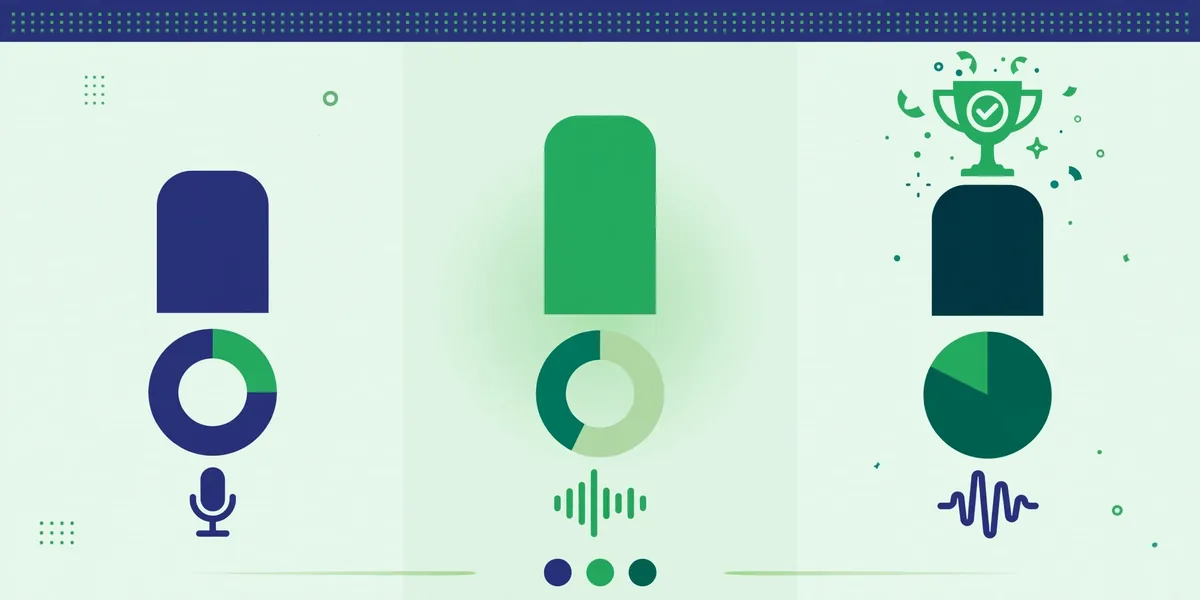
Transcription pricing is deliberately hard to compare — vendors quote “minutes per month,” “hours per year,” or per-minute rates across tiers. The table below converts published plan structures into approximate effective costs per hour of audio, based on publicly listed pricing. Treat these as directional; verify current plans before purchasing.
| Tool | Cheapest entry point (published) | Approx. cost per audio hour | Free tier |
|—|—|—|—|
| Otter.ai | ~$17/user/mo annual | ~$1–3/hr at Pro minute allowances | Yes, limited minutes |
| Rev (AI) | ~$10/mo plan | ~$2–4/hr bundled; human ~$90/hr | Limited trial |
| Descript | ~$12/mo | Bundled hours; overage per hour | Yes, limited hours |
| Fireflies.ai | ~$18/user/mo | ~$1–2/hr at scale | Generous free tier |
| Trint | ~$48–60/mo annual | ~$3–5/hr bundled | Trial only |
| Sonix | $10/hr pay-as-you-go | $10/hr PAYG; ~$4–6/hr on plans | Trial minutes |
| Happy Scribe | ~$17/mo | ~$3–6/hr bundled; PAYG available | Trial minutes |
| Notta | ~$13–14/mo | ~$1–3/hr bundled | Yes, limited minutes |
Three patterns emerge. First, subscriptions reward volume: if you transcribe 20+ hours a month, a bundled plan cuts your per-hour cost to a few dollars. Second, pay-as-you-go wins for bursty use: Sonix’s $10/hour with no subscription beats a $48/month plan you use twice. Third, human transcription is an order of magnitude pricier (~$90/hour of audio) — worth it for legal or broadcast deliverables, unjustifiable for internal meeting notes.
Watch for the hidden cost drivers: overage rates when you exceed bundled minutes (often steep), per-seat pricing that multiplies across teams, and add-ons like AI summaries or translation sold separately on some plans.
Speaker Diarization and Languages: The Key Differentiators
Two capabilities separate adequate tools from excellent ones for most buyers:
Speaker diarization — automatically detecting “who spoke when” — is now table stakes, but quality varies. The best implementations (Otter, Fireflies, Descript) learn individual voices over time, so “Speaker 2” becomes “Priya Sharma” in future meetings. Weaker implementations relabel the same person mid-call when audio conditions change. If your use case involves multi-person discussions, prioritize tools with voiceprint learning and check whether speaker identification works on uploaded files, not just live meetings — some tools only train on live-captured audio.
Language support ranges from English-only excellence to 100+ language adequacy. Whisper-based engines tend to handle dozens of languages competently; specialized tools go deeper on fewer. Happy Scribe and Sonix lead on breadth (50–100+ languages); Trint covers major media languages well; Otter and Fireflies have expanded beyond English but remain strongest there. For non-English transcription, look for published word-error-rate data or trial the tool on your actual audio — vendor language counts say nothing about quality per language.
Choosing the Right Tool for Your Use Case
Integrations and Workflow Fit
A transcript that sits in a silo is a transcript nobody reads. Evaluate integrations against where your transcripts need to land:
- Meeting platforms: Otter, Fireflies, and Notta field bots that auto-join Zoom, Google Meet, and Teams. Descript and Sonix are upload-first — better for recorded content than live capture.
- Calendars: Auto-join depends on calendar access (Google Calendar, Outlook). If your organization restricts third-party calendar access, bot-based tools lose their main convenience.
- CRM and sales: Fireflies leads with native Salesforce/HubSpot sync, logging calls and pushing AI-extracted fields. Rev and Otter offer CRM connections with less sales-specific depth.
- Editing and publishing: Descript is itself the editor. Happy Scribe and Rev export caption files (SRT/VTT) that drop into Premiere, Final Cut, or YouTube. Trint’s selects workflow feeds directly into documentary editing.
- Storage and search: Otter’s cross-meeting AI chat and Trint’s multi-hour search treat your transcript archive as a queryable knowledge base — valuable if you will accumulate hundreds of hours.
For Meetings
If the goal is “never take meeting notes again,” choose between Otter.ai and Fireflies.ai. Both auto-join calls, identify speakers, and produce summaries with action items. Pick Otter for general team knowledge and its AI chat across meeting history; pick Fireflies when transcripts must feed a sales pipeline or coaching workflow. Notta is the budget alternative that covers the basics. All three depend on calendar integration, so confirm your IT policies allow it.
For Interviews (Journalism, Research, Hiring)
Interviews need accurate speaker separation, easy navigation of long recordings, and often multiple languages. Trint is the professional choice for media teams handling high volumes. Sonix and Happy Scribe suit freelancers and researchers with pay-as-you-go flexibility and strong multilingual support. Rev’s human tier is the answer when the transcript is a legal record or a published Q&A where errors have real consequences — budget roughly $1.50 per audio minute for that guarantee.
For Content Repurposing
When the transcript is raw material for blog posts, newsletters, clips, and captions, the tool should sit inside your production workflow. Descript wins outright for podcasters and video creators: transcription is the editing interface. Happy Scribe is the pick for multilingual subtitles and translated captions. Rev covers captioning with a human-accuracy option for broadcast. Here, export formats and editor quality matter more than meeting-bot features.
Privacy and Data Handling
Transcripts contain everything said in your meetings — salaries, strategy, health details, customer data. Before granting a tool access to your calls:
- Check data retention and training policies. Some vendors retain audio to improve models; enterprise tiers typically offer zero-retention or no-training-on-your-data options. The published privacy policy and DPA (data processing agreement) are the documents that matter, not marketing copy.
- Mind regulated industries. Healthcare (HIPAA), legal (attorney-client privilege), and EU operations (GDPR) may require specific compliance attestations — several vendors offer HIPAA-compliant tiers at higher price points.
- Note consent requirements. Recording meetings triggers two-party consent laws in several US states and disclosure obligations elsewhere. Most tools display recording notices, but legal responsibility remains yours.
- Control bot access. A meeting bot that auto-joins every calendar event sees every meeting. Restrict auto-join to appropriate calendars and review which integrations can read your schedule.
Frequently Asked Questions About Best AI Transcription Tools
How accurate is AI transcription in 2026?
Under good audio conditions, leading engines achieve word accuracy in the mid-90s percent range; vendors often cite 95% or higher. Real-world accuracy with accents, jargon, crosstalk, and poor microphones is lower — commonly 85–92%. The honest answer: AI transcription is excellent for search, summaries, and drafts, and needs human review for published or legal deliverables.
Is Otter.ai or Fireflies.ai better for meetings?
For general team use — searchable meeting history, summaries, action items — Otter.ai’s knowledge-base features and AI chat have the edge. For sales teams that need transcripts, analytics, and AI-extracted fields flowing into a CRM, Fireflies.ai is purpose-built for that workflow. Both offer free tiers, so the practical answer is to trial each on your actual meetings.
Can I get transcripts without a monthly subscription?
Yes. Sonix, Happy Scribe, and Rev all offer pay-as-you-go transcription priced per hour or per minute of audio, and several tools offer free tiers with limited monthly minutes. If you transcribe irregularly, pay-as-you-go is almost always cheaper than a subscription.
Do these tools work for languages other than English?
Most major tools support dozens of languages, with Happy Scribe (100+) and Sonix (50+) leading on breadth. Quality varies by language — high-resource languages like Spanish, French, and German transcribe well; lower-resource languages are less reliable. Always test with your actual audio before committing.
Should I pay for human transcription instead?
Pay for human transcription when errors are expensive: legal proceedings, medical records, broadcast captions, or published interviews. At roughly $1.50 per audio minute, it costs 10–30x AI transcription — so the economical pattern is AI for everything, human review for the critical fraction.
How do I improve transcription accuracy?
Use a decent microphone, record in a quiet room, ask participants to avoid talking over each other, add custom vocabulary (product names, jargon, proper nouns) in the tool’s settings, and let speaker-identification features train on your team’s voices over several meetings. Audio quality improvements help more than any settings change.
For real-time meeting transcription, Otter.ai remains the best-known dedicated option.
Keep exploring: If you found this guide to best ai transcription tools useful, read AI for Podcasters: Editing to Show Notes in 2026, Best AI Meeting Assistants: Otter vs Fireflies vs Fathom, 7 Best AI Voice Generators and Text-to-Speech Tools in 2026 for more practical ways to use best ai transcription tools.
How accurate are the best AI transcription tools?
The best AI transcription tools hit 95%+ accuracy on clear audio, dropping with accents, crosstalk, or background noise. For critical work, the best AI transcription tools with speaker diarization and custom vocabularies outperform generic options — always spot-check proper nouns.
Can the best AI transcription tools handle multiple speakers?
Yes — the best AI transcription tools include speaker diarization that labels who said what. Accuracy improves when speakers don’t overlap. The best AI transcription tools also let you assign real names to speakers after the fact, which is essential for meeting notes.
Are the best AI transcription tools good for podcasts?
Podcasting is a sweet spot: the best AI transcription tools turn episodes into show notes, quotes, and blog posts automatically. Creators use the best AI transcription tools to repurpose one recording into a week of content, with timestamps making editing far faster.
Conclusion
There is no single best AI transcription tool — there is a best tool for your volume, use case, and workflow. Otter.ai and Fireflies.ai lead for automated meeting capture, split by general knowledge work versus sales pipelines. Descript is unmatched for creators who edit audio through text. Rev remains the accuracy backstop with its human tier. Trint serves media professionals, Sonix and Happy Scribe cover flexible and multilingual needs, and Notta delivers the essentials at a budget price. Start from your use case — meetings, interviews, or content production — convert pricing to cost per hour of your actual volume, trial two finalists on your real recordings, and check the privacy terms before any bot joins a sensitive call. Do that, and you will end up with transcripts you can actually trust.
What’s the biggest mistake with the best AI transcription tools?
Trusting proper nouns blindly. The best AI transcription tools nail common speech but mangle names, brands, and jargon. Run a find-and-replace pass on key terms after the best AI transcription tools finish — it takes minutes and prevents embarrassing errors.
Disclosure: this article contains affiliate links. If you purchase through them, we may earn a commission at no extra cost to you. See our Affiliate Disclosure.





Join the discussion
Have a question or a perspective to share?