
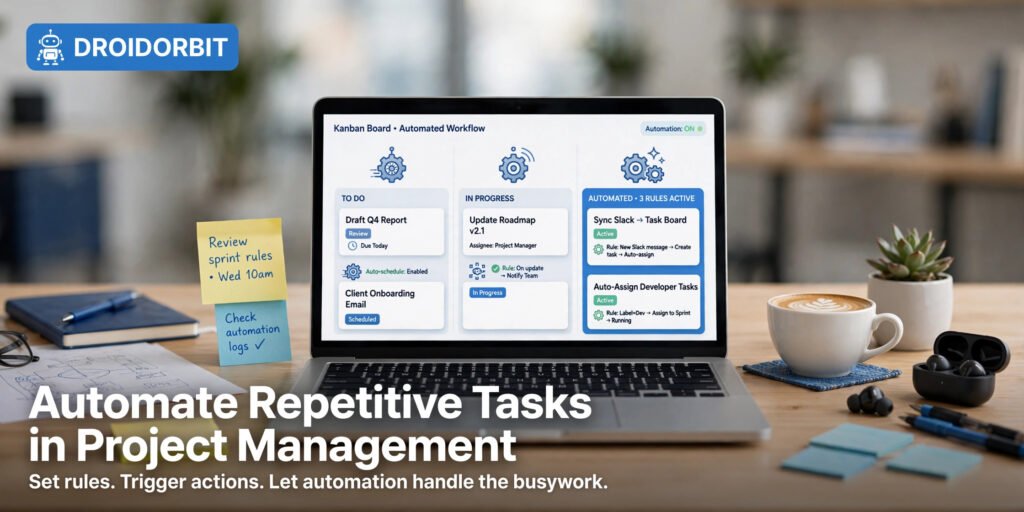
How to Automate Repetitive Tasks in Project Management: 7 Proven Workflows
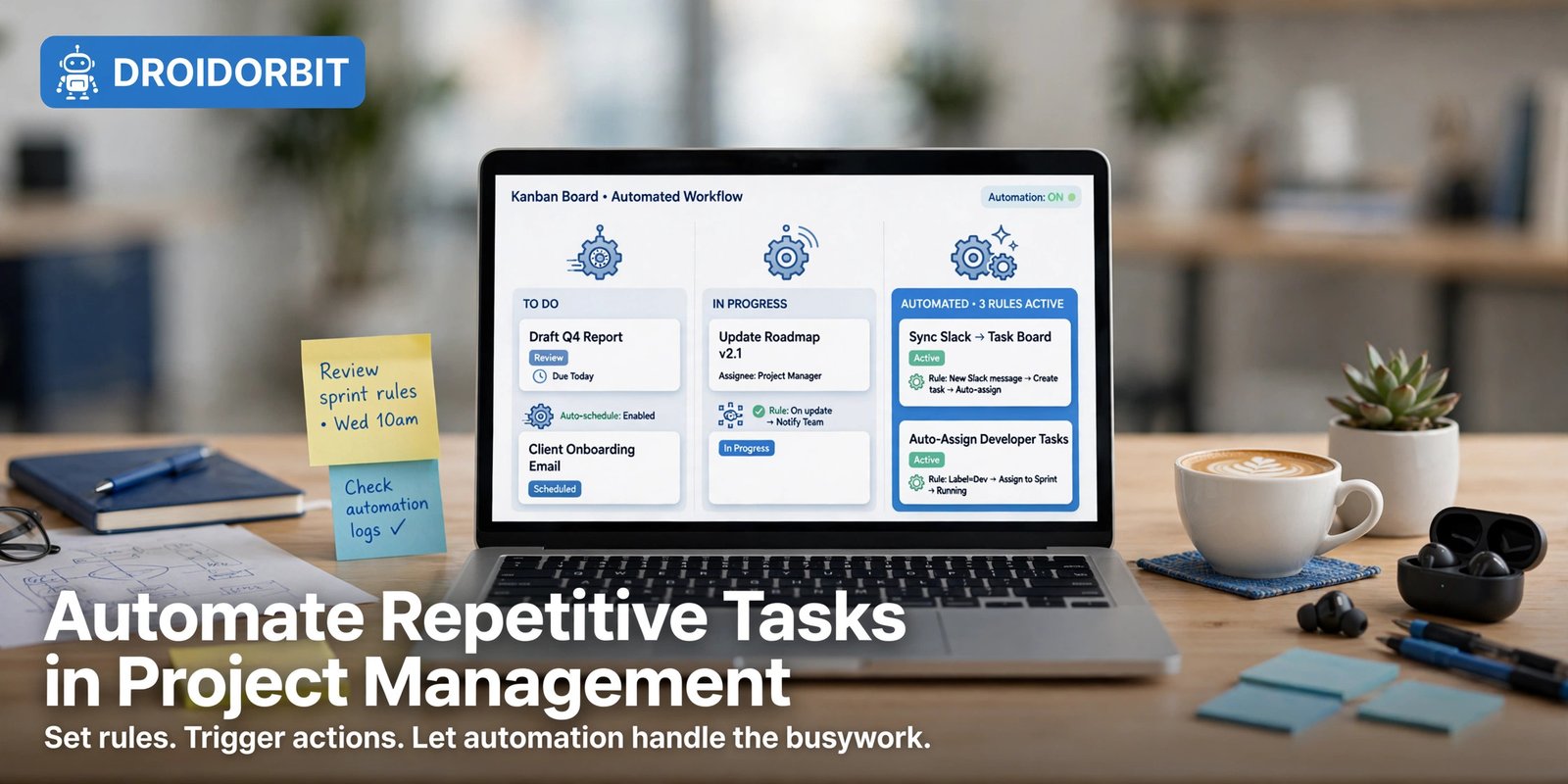
Learning how to automate repetitive tasks in project management is one of the highest-leverage skills a modern team can build. Status meetings, manual task assignment, copy-pasting updates between tools, chasing overdue work — these repetitive chores quietly consume hours every week. The good news is that nearly every major project management platform now ships built-in automation, and connector tools like Zapier, Make, and n8n cover everything else. In this guide, you will learn seven proven workflows that show you how to automate repetitive tasks in project management starting this week, a side-by-side tool comparison, and a step-by-step rollout plan.
Why Automating Repetitive PM Tasks Pays Off
Project management is full of predictable, rule-based work: a task moves to “Done,” so someone should be notified; a due date passes, so the assignee should get a nudge; a bug arrives, so it should be triaged to the right engineer. Humans doing this work are slow, inconsistent, and expensive — not because they are careless, but because the work is boring, and boring work gets skipped. This is exactly the kind of toil that disappears once you learn how to automate repetitive tasks in project management properly.
Automation flips that dynamic. When a workflow is encoded as a rule, it runs the same way every time, at any hour, without anyone remembering to do it. Teams that figure out how to automate repetitive tasks in project management report fewer slipped deadlines, cleaner boards, and — most importantly — project managers who spend their time actually managing instead of doing data entry.
There is also a consistency argument. A rule that auto-assigns every design request to the same queue behaves identically on a calm Tuesday and on the busiest Friday of the quarter. That reliability is what turns a messy board into a system you can trust. If you are new to automation in general, our guide on how to automate repetitive tasks covers the fundamentals before you dive into the PM-specific workflows below.
How to Automate Repetitive Tasks in Project Management: 7 Proven Workflows
These seven workflows are ordered roughly by impact and ease of setup. Each one names the tools it works best with, the exact trigger-and-action logic, and the pitfalls to avoid.
Workflow 1: Auto-Assign and Route Incoming Tasks with Asana Rules
Best tools: Asana (Rules), ClickUp (Automations)
Every team has intake: support tickets, design requests, content briefs, bug reports. Manually reading each one and assigning it to the right person is pure overhead — and intake routing is usually the first place teams discover how to automate repetitive tasks in project management.
In Asana, create a Rule on your intake project: when a task is added to this project, check its custom field value, and assign it accordingly. For example, a “Request type” custom field with the value “Design” triggers assignment to your lead designer and adds the task to the Design board. A value of “Bug” routes it to engineering with high priority. Asana’s rule builder supports multi-step actions, so you can also set a due date (e.g., three business days out), add collaborators, and post an automatic comment explaining next steps — all from a single trigger. This single pattern answers how to automate repetitive tasks in project management for any team buried in intake triage.
The key to making routing rules work is disciplined intake. Rules can only route on structured data, so pair the automation with a required form: request type, urgency, and team must be filled in before the task lands. Garbage in means misrouted work, so spend ten minutes designing the form before you build the rule.
Workflow 2: Deadline Reminders and Escalations with Monday Automations
Best tools: Monday.com (Automations), Asana (Rules)
Overdue tasks are the classic repetitive-management chore. If you are learning how to automate repetitive tasks in project management, deadline chasing is the highest-ROI place to start. Instead of manually scanning for red dates, let the platform do the chasing.
Monday’s automation recipes make this trivial: “When due date arrives and status is not Done, notify assignee.” Add a second recipe for escalation: “When due date has passed by 2 days and status is not Done, notify the team lead.” That two-tier structure is important — the first nudge goes to the owner, and only genuinely stuck work escalates upward, which keeps managers out of the weeds while nothing slips.
A refinement worth adding: exclude tasks explicitly marked “Blocked” or “Waiting on client” from escalation. Otherwise your lead gets pinged about items nobody can act on, and the notification loses its signal value. Most platforms let you add these conditions to the rule in one screen, which is why deadline automation is often the first answer teams find for how to automate repetitive tasks in project management.
Workflow 3: Recurring Task Templates and Status Sync with ClickUp Automations
Best tools: ClickUp (Automations, recurring tasks), Notion (recurring templates)
Weekly reports, sprint retros, monthly invoicing checklists — recurring work should never be created by hand, and it is one of the easiest places to start when learning how to automate repetitive tasks in project management. ClickUp’s recurring tasks handle the scheduling, but the automation layer is what makes them smart: when the new instance is created, auto-assign it based on a rotation, set the priority from a template, and link it to the current sprint.
Status sync is the other half of this workflow. In ClickUp, you can build an automation like “When a subtask’s status changes to Complete, update the parent task’s progress custom field.” This keeps rollup fields accurate without anyone doing mental math. If your team lives in Notion instead, database automations can mirror this: a template button that spawns the week’s tasks, with relations and rollups updating automatically as subtasks complete. Recurring work is a quiet time sink, so templating it is a core part of how to automate repetitive tasks in project management.
Workflow 4: Bug Triage and Sprint Hygiene with Jira Automation
Best tools: Jira (Automation), Linear (workflows)
Engineering teams drown in triage — and triage is a textbook example of how to automate repetitive tasks in project management with a rule engine. Jira’s built-in Automation engine — available on Jira Cloud — is purpose-built for this. A classic triage rule: when an issue is created with the “Bug” issue type, look at the Component field, assign it to the component lead, set priority from the severity custom field, and add it to the current sprint if the sprint has capacity. What used to be a daily 30-minute triage meeting becomes a rule that runs in seconds.
Sprint hygiene automations are equally valuable. Examples that work well:
- Auto-close stale issues: when an issue sits in “Waiting for customer” for 14 days with no update, transition it to “Resolved” and comment explaining why.
- WIP limits: when a developer already has three issues in progress, flag new assignments or route them to the next available teammate.
- Release notes drafts: when issues move to “Done” in a release version, append their summaries to a linked Confluence or Notion page.
One caution with Jira Automation: it is powerful enough to create loops (a rule that triggers itself). Always add guard conditions — e.g., “only if the assignee field was empty” — and test rules on a sandbox project first. For engineering teams, mastering how to automate repetitive tasks in project management inside Jira alone can eliminate the daily triage meeting entirely.
Workflow 5: Meeting Notes to Action Items with Notion and AI
Best tools: Notion (AI, database automations), ClickUp Docs
The meeting ends, someone promises to “send around the action items,” and it never happens. Automate the handoff — meetings are a goldmine for anyone figuring out how to automate repetitive tasks in project management, because the notes-to-tasks pipeline repeats every single week. Keep meeting notes in a Notion database with a template that includes an “Action items” section. Notion AI can summarize the notes and extract tasks; a database automation then creates those tasks in your Tasks database, assigns owners based on @-mentions, and sets due dates from the dates mentioned in the text.
If your team prefers docs elsewhere, the same pattern works with ClickUp Docs or even a Zapier flow: new meeting transcript in a folder → AI summarization step → tasks created in your PM tool. The principle is identical — never let decisions evaporate. Someone still needs to review the extracted items (AI occasionally invents a deadline), but reviewing a draft list takes two minutes versus writing one from scratch.
For teams that produce a lot of written process docs alongside their tasks, pairing this with the best AI for creating documents can further cut the time spent turning meetings into usable artifacts — another practical answer to how to automate repetitive tasks in project management.
Workflow 6: Cross-App Status Updates with Zapier and Make
Best tools: Zapier, Make, n8n
No team lives in a single app. Developers work in Jira, marketers in Asana, leadership in Slack, clients in email. Manually cross-posting status updates is the definition of repetitive PM busywork — and it is exactly what integration platforms were built to kill. Cross-app sync is the advanced chapter of how to automate repetitive tasks in project management.
The highest-value recipe: when a task’s status changes to “Done” in your PM tool, post a formatted update to the relevant Slack channel and log it to a Google Sheet for reporting. A second recipe handles intake: when a client emails a dedicated address, create a task in the right project with the email body as the description.
Make (formerly Integromat) shines when the logic gets branching — e.g., different Slack channels for different project tags, or digesting five completions into one summary message instead of five pings. Zapier wins on breadth of app support and simplicity. Either way, start with two or three recipes; integration sprawl becomes its own maintenance burden, so document each one (trigger, action, owner) in a single page. Cross-app glue is often the missing piece when teams learn how to automate repetitive tasks in project management but still copy updates by hand.
If you want a personal AI agent that handles tasks end-to-end — chasing down updates, drafting the status messages, and filing them where they belong — Muse (https://muse.ai/join, use code 1AR2WH) can take on the follow-ups and busywork that even rule-based automations can’t reach. Think of it as the layer above Zapier: instead of wiring triggers yourself, you describe the outcome and the agent does the clicking, writing, and checking. Our overview of what is Muse AI explains how it fits alongside traditional automation tools.
Workflow 7: Self-Hosted Custom Pipelines with n8n
Best tools: n8n, Make (for non-technical teams)
Built-in rules cover perhaps 80% of PM automation. The remaining 20% — syncing your PM tool with an internal database, enriching tasks with data from your CRM, running custom approval chains — needs a real workflow engine, and that is the power-user tier of how to automate repetitive tasks in project management. n8n is the standout here: open-source, self-hostable, with a visual node editor and JavaScript escape hatches when you need them.
A concrete example: when a deal moves to “Closed Won” in your CRM, an n8n workflow creates an onboarding project from a template in ClickUp, assigns tasks based on deal size, invites the client to a shared portal, and posts to Slack — one trigger, a dozen coordinated actions, zero manual setup per client. Self-hosting means your task data never transits a third-party automation vendor, which matters for teams with strict compliance requirements.
The tradeoff is maintenance: you own the server, the updates, and the debugging. For non-technical teams, Make delivers most of the same power without the ops burden. For a broader look at no-code options beyond PM tools, see our roundup of the best browser automation tools. When native rules run out of steam, a workflow engine is the advanced tier of how to automate repetitive tasks in project management.

How to Automate Repetitive Tasks in Project Management: Tool Comparison
Not every automation belongs in the same tool. Use this table to decide where each of the seven workflows should live when you learn how to automate repetitive tasks in project management for your own stack — matching the right automation style to each chore is half the battle.
| Tool | Automation style | Best for | Learning curve | Watch out for |
|---|---|---|---|---|
| Asana Rules | Trigger → action rules | Task routing, auto-assignment, due-date nudges | Low | Advanced rules need paid plans; intake forms must be disciplined |
| Monday Automations | Prebuilt recipes + custom | Deadline reminders, escalations, status changes | Low | Recipe count can balloon; audit quarterly |
| ClickUp Automations | Flexible rule engine | Recurring templates, status sync, rollups | Medium | So many options it is easy to over-engineer |
| Jira Automation | Powerful rule engine | Bug triage, sprint hygiene, release workflows | Medium–High | Rule loops possible; always test in sandbox |
| Notion Automations + AI | Database triggers, AI actions | Meeting notes → tasks, doc-driven workflows | Low–Medium | Weaker for cross-app work without integrations |
| Zapier | Thousands of app integrations | Cross-app updates, email-to-task intake | Low | Per-task pricing adds up at scale |
| Make | Visual branching scenarios | Complex multi-path cross-app flows | Medium | Steeper than Zapier, but far more expressive |
| n8n | Self-hosted workflow engine | Custom pipelines, CRM sync, compliance-sensitive data | High | You own hosting, updates, and debugging |
The pattern to notice: use built-in rules (Asana, Monday, ClickUp, Jira, Notion) for anything that stays inside one tool, and reach for Zapier, Make, or n8n only when work crosses app boundaries. That single principle prevents most automation messes — and it is the decision framework behind how to automate repetitive tasks in project management without creating a maintenance nightmare.
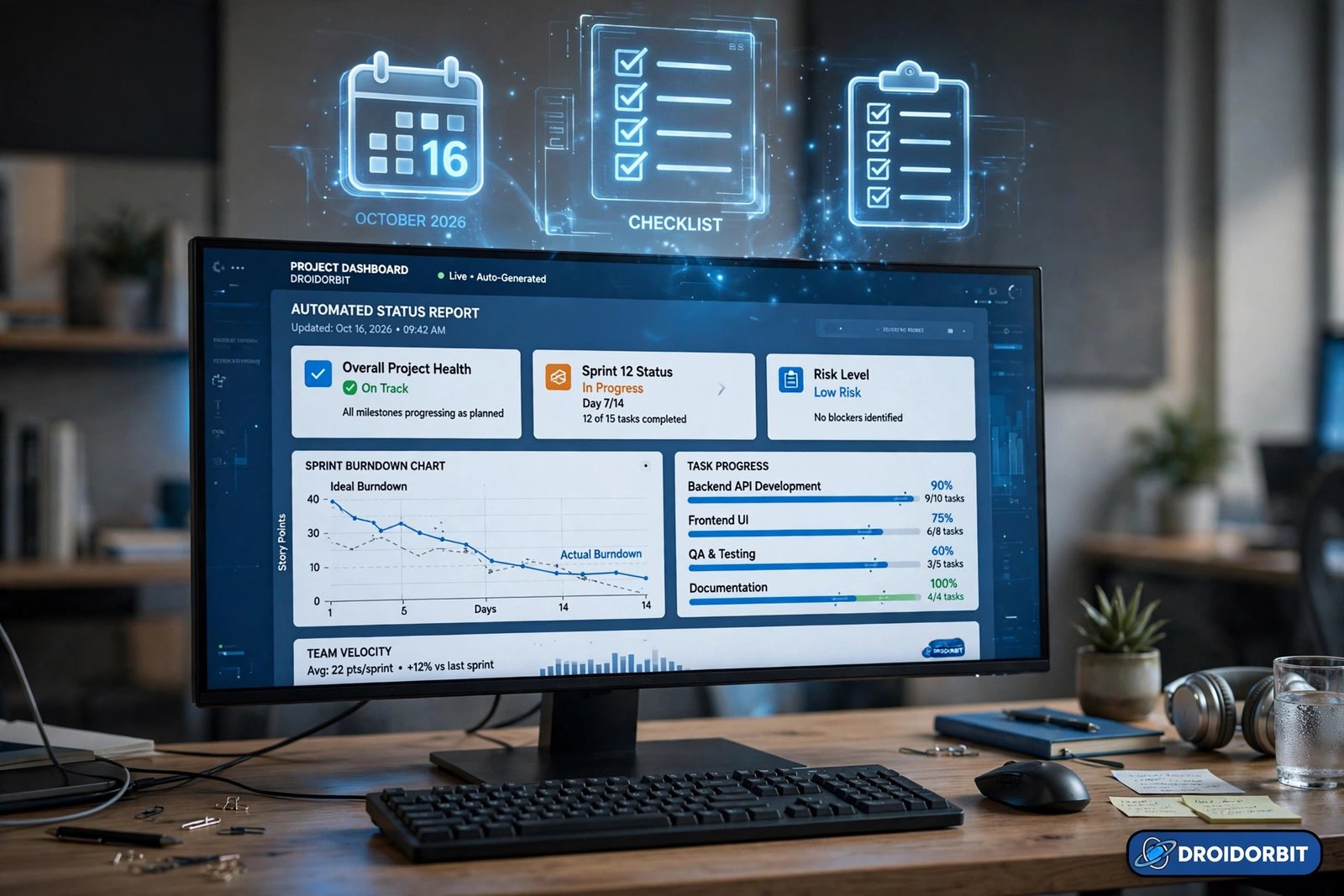
Implementation Steps: Rolling Out PM Automation in 5 Phases
Knowing how to automate repetitive tasks in project management is only half the battle — rolling it out without breaking existing workflows is the other half. Follow these five phases to go from zero to a reliable automation system.
Phase 1: Audit and Pick Three Wins (Day 1)
List every repetitive PM chore your team does weekly: assignments, reminders, status posts, triage, reporting. Rank them by frequency × pain. Pick exactly three — the ones everyone agrees are annoying. Resist the urge to automate everything at once; three working automations beat ten half-built ones. This audit is the unglamorous first step of how to automate repetitive tasks in project management, and skipping it is why most automation projects stall.
Phase 2: Map Trigger, Condition, and Action (Days 2–3)
For each win, write one sentence in this format: “When [trigger], if [condition], then [action].” Example: “When a task is added to Intake, if Request type is Design, then assign to the design lead and set a due date three days out.” If you cannot write the sentence cleanly, the process is not understood well enough to automate — fix the process first. This trigger-condition-action discipline is the grammar of how to automate repetitive tasks in project management.
Phase 3: Build in a Sandbox (Days 4–5)
Build each rule in a test project with fake tasks. Fire every trigger, including edge cases: empty fields, blocked statuses, weekend due dates. Check for loops (rules triggering each other) and notification spam. This is also where you confirm plan limits — built-in automation on free tiers is often capped, so verify your three rules fit before going live. Sandbox testing is a non-negotiable part of how to automate repetitive tasks in project management safely.
Phase 4: Launch with an Owner per Rule (Week 2)
Move the tested rules to production and assign each one a named owner — the person who gets pinged if it misbehaves and who reviews it quarterly. Document every automation on a single page: name, trigger, action, owner, date created. Undocumented automations become mystery behavior six months later when someone asks “why did this task get reassigned?” Ownership is what separates teams that truly know how to automate repetitive tasks in project management from teams with a pile of forgotten rules.
Phase 5: Measure and Expand (Ongoing)
After a month, check the basics: are deadlines slipping less, are boards cleaner, did the team actually stop doing the manual chore? Then add the next two or three workflows from the list above. Automation compounds — each new rule is cheaper to build because the intake discipline and documentation habits are already in place. That compounding effect is the real payoff of learning how to automate repetitive tasks in project management.
For authoritative background on structuring this kind of rollout, Asana’s own guide to workflow automation is a solid reference for rule design patterns that transfer to other platforms.
Frequently Asked Questions About How to Automate Repetitive Tasks in Project Management
Which project management tool has the best built-in automation?
It depends on your stack. Asana Rules and Monday Automations are the easiest to learn and cover most common needs (routing, reminders, status changes). ClickUp’s automation engine is the most flexible of the all-in-one tools. Jira Automation is the strongest for engineering-heavy workflows like bug triage and sprint hygiene, but it has a steeper learning curve. If your team already lives in one of these tools, start with its built-in automation before adding anything external — native rules are faster, cheaper, and easier to maintain than cross-app integrations. Whichever you choose, start inside the tool you already use: that is the fastest path to learning how to automate repetitive tasks in project management.
Can I automate project management tasks for free?
Partially. Most major platforms include some automation on free plans, but with caps on the number of rule runs or available triggers — enough to automate one or two high-value workflows, but not a full system. Zapier’s free tier covers a small number of simple cross-app recipes. n8n is open-source and free to self-host, though you pay in server costs and maintenance time. A practical approach: prove value with free-tier rules on your three biggest time sinks, then justify a paid plan with the hours saved. Budget is a real constraint in how to automate repetitive tasks in project management, so proving ROI on the free tier first is the smart move.
How do I avoid creating an unmaintainable mess of automations?
Four habits keep automation clean. First, one rule per clearly named purpose — never stack unrelated actions into a mega-rule. Second, document every automation (trigger, condition, action, owner) on a single page the whole team can see. Third, assign a named owner to each rule who reviews it quarterly. Fourth, add guard conditions so rules only fire when they should (e.g., only escalate if the task is not marked Blocked). Review the full list twice a year and delete anything nobody remembers creating. These habits are as important as the tools themselves when you learn how to automate repetitive tasks in project management.
Should I use built-in PM automation or tools like Zapier and n8n?
Use built-in automation for anything that happens inside a single tool — it is faster to build, runs more reliably, and costs nothing extra. Reach for Zapier, Make, or n8n when work crosses app boundaries (PM tool to Slack to email to CRM) or needs logic too complex for native rules, like branching paths or custom data transformations. Most mature teams end up with both: a foundation of native rules plus a handful of cross-app workflows, each documented with an owner. That hybrid setup is the end state most teams reach when they master how to automate repetitive tasks in project management.
Conclusion
Learning how to automate repetitive tasks in project management comes down to a simple loop: find the chore everyone dreads, express it as trigger-condition-action, build it in a sandbox, launch it with an owner, and expand from there. The seven workflows above — auto-assignment in Asana, deadline escalations in Monday, recurring templates in ClickUp, bug triage in Jira, meeting-notes-to-tasks in Notion, cross-app updates in Zapier or Make, and custom pipelines in n8n — cover the vast majority of repetitive PM work. Start with three, measure the hours you get back, and let the compound effect do the rest. That is how to automate repetitive tasks in project management the sustainable way.
SPONSORED PICK
🏆 Best Pick for Project Task Automation: Muse AI
Stop doing everything manually — meet Muse, your personal AI agent that handles tasks end-to-end so you can focus on work that matters.
Join in the next 48 hours with my code 1AR2WH and YOU unlock 1 BILLION Muse tokens.





Pingback: Best Browser Automation Tool: 7 Top Picks Under $500 (2026)