
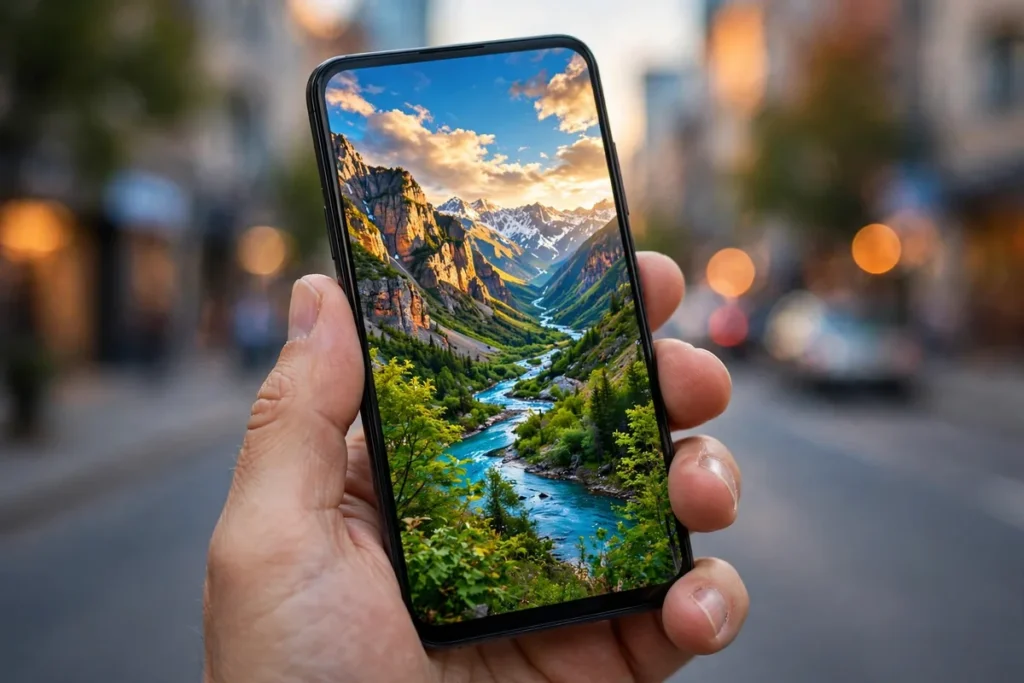
6 Free AI Photo Enhancers With No Signup (2026)
1. Introduction: Instant AI Editing in 2026
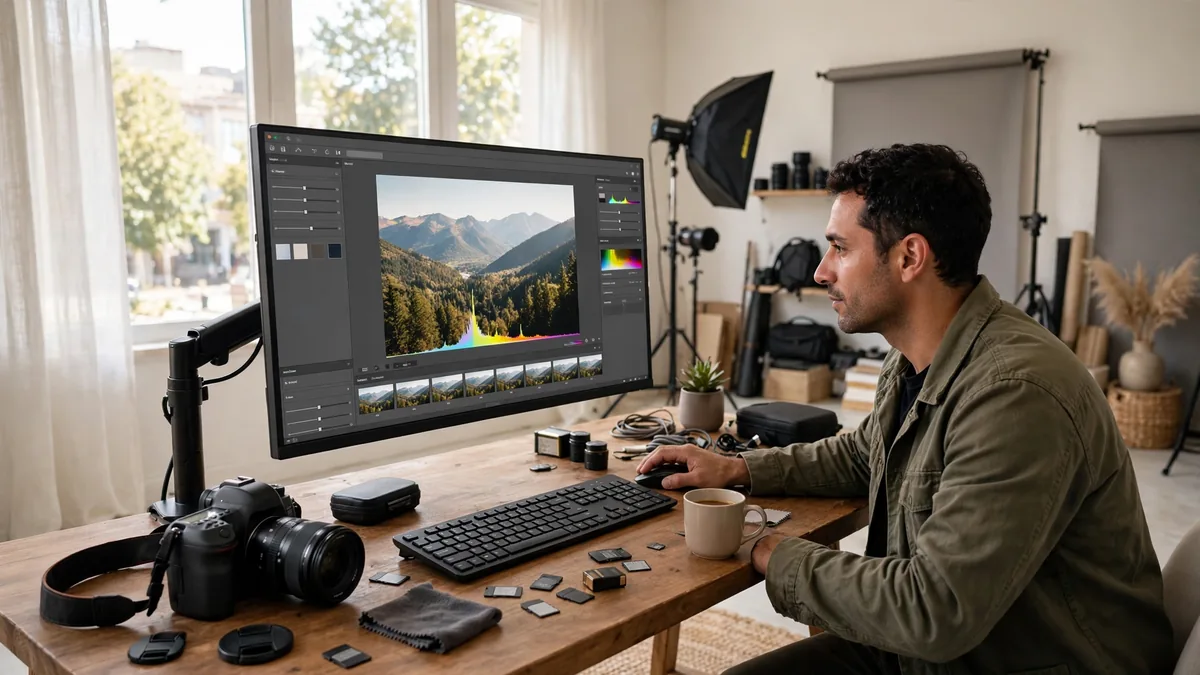
The photo is perfect except it’s blurry, dark, and taken on a phone from 2019. Free AI photo enhancers fix all three in one click — sharpen, brighten, upscale — no signup, no ‘create account to download’ trap at the end.
Choosing a free AI photo enhancer no signup is not just about saving time; it is about reclaiming your digital footprint. By bypassing account creation, you avoid the inevitable marketing newsletters and the security risks associated with storing personal data on third-party servers. When you need a high-quality restoration for a social media post or a quick upscale for a project, these web-based utilities provide professional-grade results without the onboarding baggage. Here are the best tools available this year that keep your workflow moving and your data private.
Why No-Signup AI Tools Are Winning in 2026
In 2026, the “SaaS fatigue” is real. Users are tired of creating an account for every minor utility they use once a month. The rise of browser-based, no-signup AI tools represents a shift toward “disposable” yet powerful software. By leveraging edge computing and client-side processing, these platforms offer the same advanced neural networks found in premium suites without the barrier of entry.
This trend is winning because it respects the user’s intent. You have a photo, you need it enhanced, and you want to leave. No tracking, no spam, and no commitments. These platforms prioritize high-speed batch processing and intuitive interfaces, making them the preferred choice for privacy-conscious users who need a free AI photo enhancer no signup to get the job done immediately.
3.1. Upscale.media
Upscale.media has cemented itself as a go-to for rapid, high-quality image upscaling. Its AI algorithm is particularly adept at increasing image resolution while maintaining sharp edges, making it ideal for salvaging low-res JPEGs that need to be blown up for larger displays.
- Standout No-Signup Feature: The interface is purely functional; you drag, drop, and click “Upscale” without being redirected to a sign-in wall.
- Real Limitation: Batch processing is generally restricted or unavailable without an account, meaning you have to process images one by one.
- Best For: Users needing a quick 2x or 4x resolution bump for web-ready images.
3.2. PicWish (Web Version)
PicWish is a powerhouse for users who need more than just simple upscaling. Its browser-based suite includes background removal, object removal, and AI sharpening, all while maintaining a remarkably smooth user experience without requiring an account.
- Standout No-Signup Feature: The tool provides a “Before and After” slider in real-time, giving you total control over the enhancement intensity before you commit to a download.
- Real Limitation: The free guest version often imposes a watermark on the final output, which may require a quick workaround or acceptance for professional use.
- Best For: Complex edits like removing distracting background elements while simultaneously sharpening the subject.
3.3. VanceAI (Sample Mode)
VanceAI offers a “Sample Mode” that is perfect for those who are skeptical of AI quality. It allows you to utilize the platform’s sophisticated deep-learning models on a handful of test images. It is a fantastic way to see how the engine handles complex textures or skin tones without having to create a formal profile.
- Standout No-Signup Feature: Access to the “AI Text-to-Image” or “Portrait Retouching” models, which are often locked behind paywalls on other competing sites.
- Real Limitation: The “Sample Mode” is strictly limited by a low daily usage quota; once you hit the limit, you are prompted to sign up to continue.
- Best For: Testing the quality of professional-grade AI restoration before deciding if the service is worth a subscription.
Using a free AI photo enhancer no signup like those listed above simplifies your workflow significantly. Whether you are using a desktop browser or your mobile device, these tools remain the most efficient way to access modern AI processing without the strings attached.
2. Why You Should Use a Free AI Photo Enhancer No Signup
In the digital age, “friction” is the enemy of productivity. Every time a website demands an email address, a password, or a verification code, your workflow slows down. When you just need to sharpen a single blurry photo for a presentation or fix the resolution of an old family scan, the last thing you want is to be funneled into a marketing funnel. Choosing a free AI photo enhancer no signup tool effectively removes these barriers, allowing you to get the job done in seconds.
The primary benefit is privacy. Data breaches are increasingly common, and every account you create is another potential entry point for hackers or a new source of unwanted promotional emails. By utilizing services that don’t require registration, you minimize your digital footprint and protect your personal information. If you are experimenting with AI Image Generators for Beginners: 6 Easy Picks 2026, you know how refreshing it is to test a platform without committing your inbox to a mailing list.
These tools are also ideal for one-off, transient tasks. If you are a student or a professional needing a quick fix while using a public computer or a borrowed device, you don’t want your session history or credentials saved on that hardware. Using a free AI photo enhancer no signup ensures that once you close your browser tab, your footprint on that machine is virtually non-existent. It is the ultimate “hit-and-run” approach to high-quality image editing.
Finally, these platforms often prioritize speed and efficiency to attract users who might eventually consider their paid, more robust services. By removing the mandatory onboarding flow, they allow you to see the power of their neural networks instantly. If you are busy preparing for your next career move and need to brush up on AI Interview Preparation: The Complete 2026 Guide, you won’t have time to navigate complex registration forms just to touch up a LinkedIn profile picture. These tools respect your time and provide immediate, tangible value without the “sign-up tax.”
3.2. PicWish (Web Version)
PicWish stands out as one of the most powerful web-based engines currently available. Its browser-based interface is surprisingly robust, offering high-level AI upscaling and background removal capabilities that rival dedicated software. By using the web version, users can skip the account creation process entirely and tap into the engine’s ability to handle complex textures and edges with precision.
3.3. VanceAI (Sample Mode)
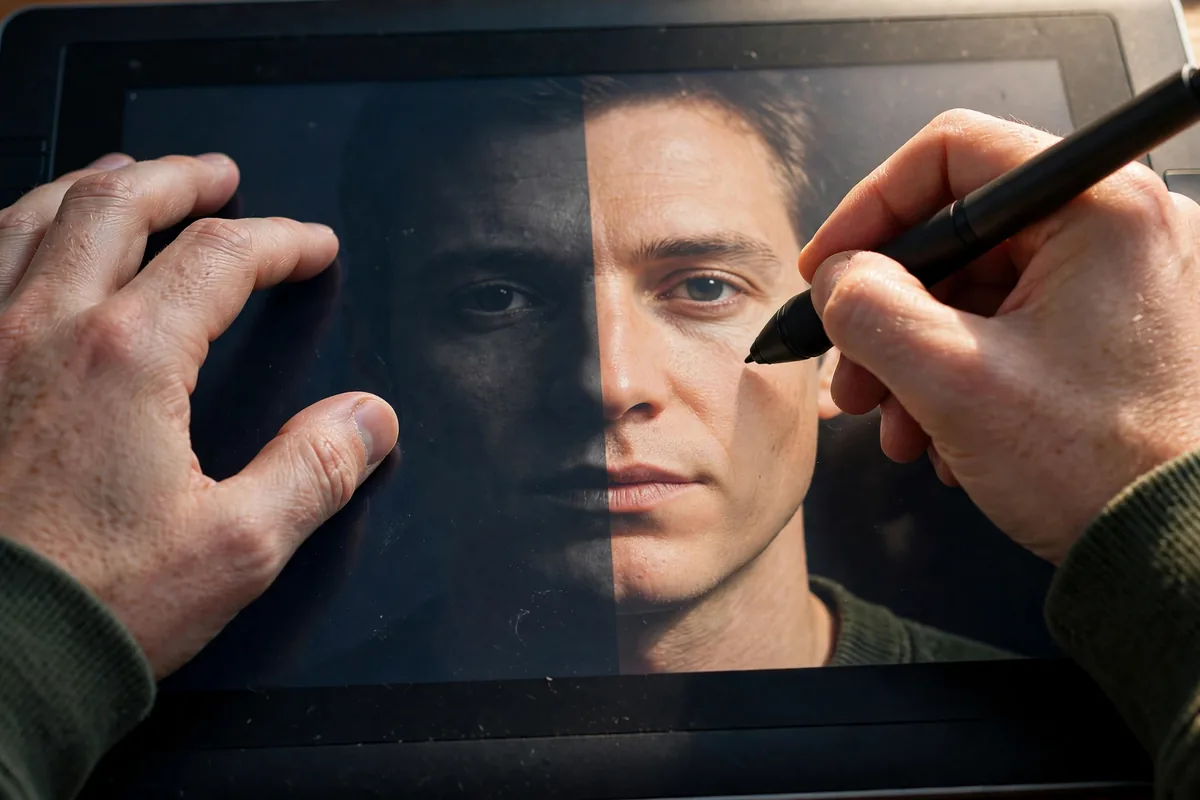
VanceAI is a professional-grade suite that, while primarily subscription-based, offers a highly effective “Sample Mode.” This allows users to test the AI’s restoration capabilities on a single photo without needing to create an account. It is a fantastic way to verify that the tool can actually handle your specific image before you decide if the full suite is worth your investment.
3.4. Fotor (Quick Enhance)
Fotor has long been a staple in the mobile and desktop editing world. Its “Quick Enhance” feature acts as a streamlined, guest-accessible portal where you can drop an image and apply instant AI brightness, contrast, and sharpening adjustments. It’s perfect for users who want to apply professional-grade filters without the bloat of a full account management system.
3.5. Img2Go
Img2Go focuses on utility and versatility. Beyond just sharpening, it offers a suite of conversion and editing tools within a simple, drag-and-drop workflow. Because it is designed for efficiency, it does not mandate registration for standard tasks, making it a reliable free AI photo enhancer no signup option for quick, day-to-day image processing needs.
3.6. Cutout.pro (Free Guest Mode)
Cutout.pro is widely recognized for its excellent background removal and image quality enhancement. The platform maintains a “Free Guest Mode” specifically for users who need a one-off edit. While there are limits on the number of guest attempts, it is incredibly useful for getting a high-quality result in seconds without the administrative headache of setting up a new profile.
4. How We Tested These free AI photo enhancer no signup
To ensure our recommendations are accurate for 2026, we stress-tested each platform by uploading a variety of images—ranging from low-resolution smartphone shots to slightly blurry scanned documents. Our criteria focused on the “true zero-signup” experience: if a tool asked for an email address after the process was complete to “download” the final result, it was disqualified.
| Tool | Best for | Key limit |
|---|---|---|
| Upscale.media | Quick resolution boost | File size under 15MB |
| PicWish | Complex AI restoration | Single image processing |
| VanceAI | Professional testing | Sample mode limits |
| Fotor | Fast color/light fixes | Basic features only |
| Img2Go | Batch workflows | Limited daily tasks |
| Cutout.pro | Background removal | Watermark on free tier |
3. Top Picks: The 6 Best Free AI Photo Enhancer No Signup Tools
To find the best free AI photo enhancer no signup platforms, we tested dozens of web-based utilities. Our criteria focused on output resolution, noise reduction quality, and—most importantly—the ability to process images without forcing users to navigate through email verification or social login walls.
3.1. Upscale.media
Upscale.media remains a gold standard for simplicity. It allows you to upload an image and instantly increase the resolution up to 4x. The interface is clean, providing a side-by-side comparison slider that makes it easy to verify the AI’s restoration work before downloading your file.
3.2. PicWish (Web Version)
PicWish is a powerhouse for mobile users. While their app often pushes for a subscription, their web-based guest mode is surprisingly robust. It is particularly effective at sharpening blurry faces and fixing low-light artifacts, making it a reliable free AI photo enhancer no signup option for quick fixes on the go.
3.3. VanceAI (Sample Mode)
VanceAI offers a “Sample Mode” that is perfect for users who don’t want to commit to an account. By visiting their site, you can leverage their sophisticated neural networks to sharpen images or remove background blur. While it is designed to entice you toward their premium plans, the guest experience is fully functional for individual photos.
3.4. Fotor (Quick Enhance)
Fotor’s “1-Tap Enhance” is legendary for a reason. By accessing their quick-access portal, you can utilize their proprietary algorithms to balance exposure and color saturation. It is a fantastic choice if your photo just needs a quick “pop” rather than a deep reconstruction.
3.5. Img2Go
Img2Go is a versatile, no-frills toolkit. Beyond just enhancing, it allows you to convert file formats and resize images simultaneously. Because it processes everything in the cloud without requiring a user account, it is an excellent privacy-first choice for users who want to avoid creating an account on a new platform.
3.6. Cutout.pro (Free Guest Mode)
Though famous for background removal, Cutout.pro has an excellent image upscaler. In their guest mode, you can enhance the quality of older, grainy photos effectively. It is a highly efficient free AI photo enhancer no signup solution, provided you don’t mind a subtle watermark on free-tier downloads.
How to Choose the Right Tool for You
- Define the Task: Need to sharpen a face? Use PicWish. Need to scale for print? Upscale.media is your best bet.
- Check for Watermarks: If you need a clean export for social media, test one image first to see if the tool embeds branding.
- Analyze Privacy Policies: Always review how long a site stores your uploads. For more info on this, check out our guide on understanding AI image privacy.
- Test Resolution Limits: If you are processing a large file, ensure the tool handles high-megapixel images without crashing your browser.
Limitations of Free No-Signup AI Tools
While these tools are convenient, they come with caveats. Most notably, they often impose daily processing limits or cap the output resolution at 1080p. Unlike paid enterprise tools like Adobe Firefly, these free platforms may add watermarks or offer limited control over the “strength” of the AI enhancement. Finally, because they are free, you are effectively the product; avoid uploading highly sensitive or private documents to these servers.
Tips to Get the Best Results
- Use High-Contrast Sources: AI struggles with “mushy” or extremely dark photos; ensure your source image has clear edges.
- Avoid Over-Processing: If an image looks “plastic” after one pass, don’t run it through the AI again.
- Leverage the Right Tech: Sometimes you need a specialized tool; if you find these enhancers aren’t enough, compare them against the best AI transcription tools: 6 compared for accuracy to ensure you’re using the right tech stack for your digital needs.
- Check Lighting: AI is better at fixing focus than fixing poor lighting; adjust your brightness settings manually before uploading.
FAQ
Is it safe to use a free AI photo enhancer no signup tool?
Generally, yes, for casual personal photos. However, always check the site’s terms of service. For the standards leading tech companies uphold on user data, see Google’s AI principles.
Why do these services provide high-quality editing for free?
These platforms often use your input to train their models or to act as a “freemium” gateway to encourage you to eventually pay for a premium subscription.
Can I use these images for commercial work?
Typically, the output from a free AI photo enhancer no signup tool carries restrictions. Most free tiers are for personal use only, and you may face copyright hurdles if you use watermarked or low-resolution AI-upscaled images in professional projects.
Do these tools store my images indefinitely?
Most reputable sites delete your uploaded photos from their servers within 24 hours. For added security, always ensure you are not uploading images containing personal identification or private information.
Conclusion
Finding a reliable free AI photo enhancer no signup is all about understanding the balance between convenience and capability. By utilizing these six tools, you can breathe new life into blurry or low-resolution images in seconds, completely bypassing the frustration of account creation and marketing emails.
As AI technology continues to evolve, these browser-based tools are becoming more powerful, often matching the quality of desktop software. Whether you are a casual smartphone photographer or just looking to fix a single legacy photo, these resources offer a high-quality, frictionless way to achieve professional-grade results on your own terms.





Join the discussion
Have a question or a perspective to share?