

6 Free AI Grammar Checkers That Work Without Signup (2026)
Why Use a No-Signup AI Grammar Checker?
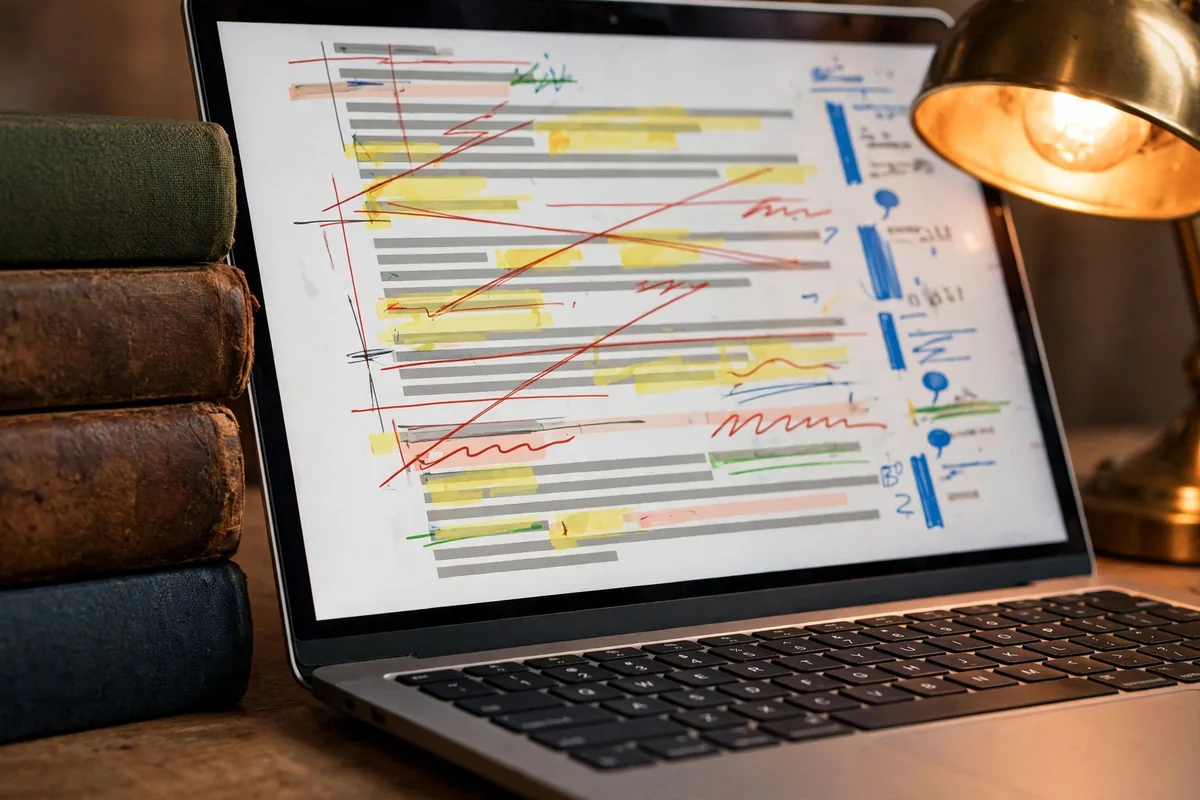
You hit send and then see the typo — in the email to the client. Free AI grammar checkers catch it before that moment: paste, polish, send with confidence, no account required and no writing sample stored anywhere.
Privacy-conscious users prefer these tools because they minimize digital footprints. By avoiding accounts, you ensure that your writing samples are not stored on company servers for long-term profiling. This approach is ideal for professional workflows where security and efficiency are paramount. Understanding how AI helps small businesses often starts with choosing the right tools that don’t add friction to your daily productivity.
A high-quality free AI grammar checker no signup allows you to paste, analyze, and copy back your work in seconds. While these tools lack advanced long-term features like personal dictionaries or saved projects, they are excellent for one-off corrections. This guide evaluates six tools that prioritize accessibility without forcing you into a registration flow.
LanguageTool: The Best All-Rounder
LanguageTool is arguably the most robust tool for users who want a free AI grammar checker no signup that handles multiple languages. It functions as a web-based editor that cleans up punctuation, spelling, and basic grammatical errors with high accuracy.
Key features
LanguageTool is known for its ability to detect errors beyond simple spell-checking. It identifies split infinitives, inconsistent capitalization, and misused words. Its browser-based interface includes a clean sidebar that categorizes suggestions into grammar, punctuation, and style. The tool is particularly strong at identifying nuanced issues that simple spellcheckers miss.
Free plan and limits
The anonymous, account-free version allows for checks of up to 10,000 characters per request. While it does not offer the “AI-powered rephrasing” found in its premium tier, the grammar and spelling correction engines are fully active. You can paste your text, accept or ignore suggestions, and copy the results immediately.
Best for
This tool is best for writers who need a reliable, multilingual proofreader. It excels for students and professionals drafting essays or technical documents who need to ensure grammatical correctness without committing to a platform account.
QuillBot: Top Choice for Rewriting and Fluency
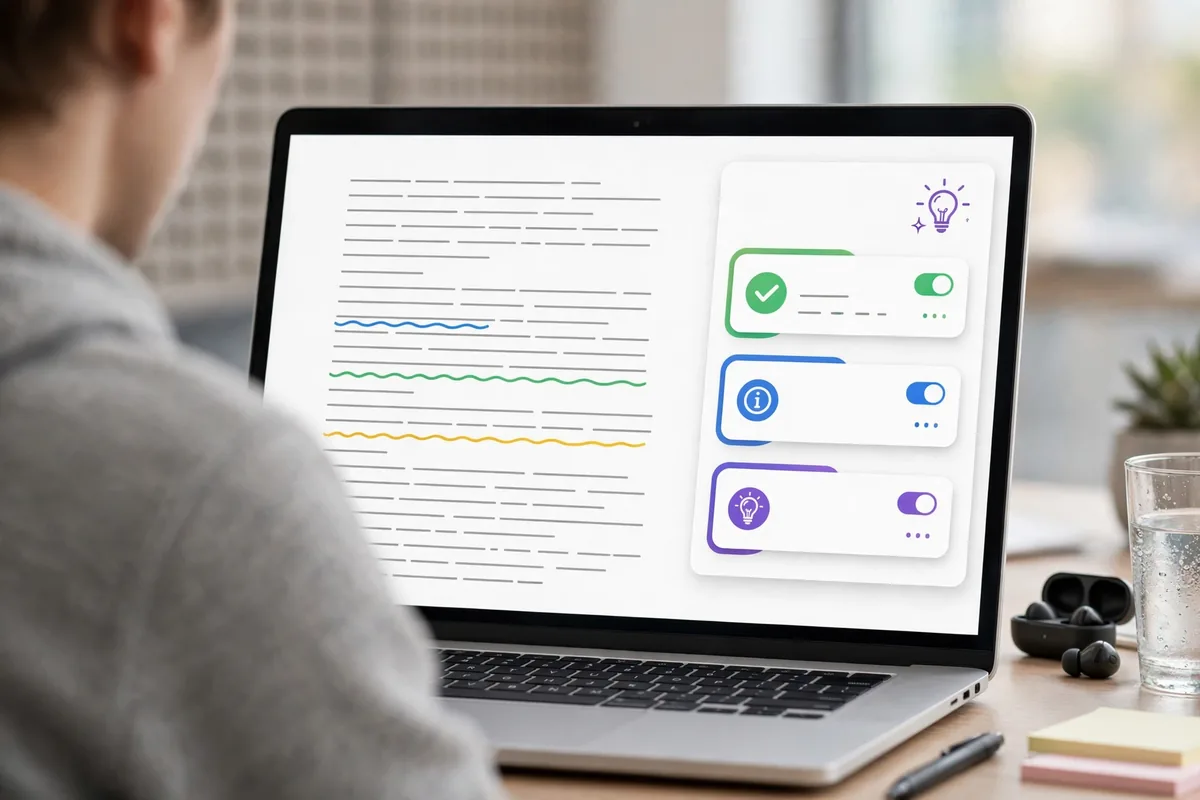
If your goal is to change the tone or structure of your sentences rather than just fixing commas, QuillBot serves as an excellent free AI grammar checker no signup. It is best known for its paraphrasing engine, which helps improve the flow of clunky sentences.
Key features
The primary strength here is the fluency mode. Beyond standard grammar checks, QuillBot allows you to see how a sentence can be rephrased for better clarity. The interface is intuitive, offering a split-screen view where your original text is compared against the suggested corrections. It provides instant feedback on readability and sentence structure.
Free plan and limits
You can access the grammar checker and the standard paraphraser without creating an account. The limitation is the character count, which is typically capped at 125 words for the paraphraser tool in the anonymous mode. For pure grammar checking, you can process larger chunks, but the advanced “AI rewrite” suggestions are restricted after a certain volume of usage.
Best for
QuillBot is best for writers struggling with sentence variety. It is a preferred solution for non-native English speakers who want to polish their writing to sound more natural. Using a free AI grammar checker no signup like this allows you to test the rewriting quality before deciding if a full subscription is worth the investment.
Hemingway Editor: Polishing Style and Readability
Hemingway Editor is a classic in the writing world because it ignores basic typos to focus on high-level style. It highlights sentences that are too complex, too long, or too dense, forcing you to write with more precision.
Key features
The editor uses a color-coded system to mark passive voice, overly complex phrases, and excessive use of adverbs. Its most unique feature is the readability score, which tells you the grade level of your writing. The interface is distraction-free, stripping away everything except the text you are editing.
Free plan and limits
The web version is a completely free AI grammar checker no signup. There are no strict character limits in the browser, as the tool processes your text locally in your web browser. You can use it as long as you want without being prompted to log in. The trade-off is that it does not offer cloud storage or document history.
Best for
This tool is best for content creators, bloggers, and copywriters. If you are aiming for punchy, impactful writing that avoids unnecessary filler, Hemingway is the gold standard. It is not designed to catch every single typo, but it is the best tool for improving the overall structure and flow of a draft.
PaperRater: Deep Analysis Without the Login Wall

PaperRater stands out because it focuses on academic and stylistic feedback rather than just simple typos. When you need a free AI grammar checker no signup that provides a broader look at your text’s quality, this is a top contender. It processes your text through a cloud-based engine that checks for plagiarism and passive voice usage alongside standard grammar.
Key features
The tool performs a granular analysis of your writing. It provides a vocabulary score, a sentence variety rating, and identifies overused words. It also includes an automated essay scoring feature, which is unique for a browser-based tool. It helps writers understand how their prose might be perceived by an instructor or a general reader.
Free plan and limits
The free version allows you to check up to 5 pages per submission. While it includes most of the advanced feedback features, it does not offer the premium automated vocabulary builder or the ad-free interface found in the subscription tier. You can use it as a free AI grammar checker no signup indefinitely, provided you stay within these per-document constraints.
Best for
This tool is best for students and academics who need to tighten up the flow of a paper before submission. If you are learning how to improve your sentence structure, the diagnostic data is highly practical. For professional settings, you might want to look at our AI Business Documents Guide: 5 Workflows That Work to see how these checks fit into a broader corporate environment.
GrammarCheck.me: Simple and Fast Corrections
Sometimes you do not need an analysis of your stylistic choices; you just need to fix a handful of glaring errors quickly. GrammarCheck.me serves this purpose. It is a streamlined free AI grammar checker no signup that prioritizes speed over deep linguistic insights.
Key features
The interface is a minimalist text box. Once you paste your content, the tool highlights errors in red and provides a brief suggestion for correction. It is essentially a fast-action proofreader. It focuses on punctuation, spelling, and basic grammatical agreement, making it ideal for quick emails or short social media posts.
Free plan and limits
There is no “premium” version of the core interface. The tool is free to use, though it is supported by display ads on the site. There is a soft limit on the number of words you can check at one time—usually around 500 to 1,000 words. If your document is longer, you will need to paste it in sections.
Best for
This tool is best for users who are in a hurry. It is perfect for cleaning up a quick message or a short paragraph before hitting send. Because it functions as a free AI grammar checker no signup, it is often the preferred choice for users who want to avoid the friction of account creation and multi-step verification.
Reverso Context: Perfect for Nuanced Corrections
Reverso is fundamentally a translation and context tool, but its grammar checking capabilities are excellent for non-native speakers or those working with complex, multi-language nuances. If you are trying to find the right tone in a professional email, it offers suggestions based on massive linguistic datasets.
Key features
Unlike basic spellcheckers, Reverso identifies if a sentence sounds unnatural, even if it is technically grammatically correct. It highlights phrases that could be improved to sound more native or idiomatic. It is particularly useful for finding the right preposition or the proper verb conjugation in specific contexts.
Free plan and limits
The free tier allows for a generous amount of text checking, though it does not offer the advanced browser integration or unlimited offline access found in the paid apps. You can use it as a free AI grammar checker no signup by simply navigating to their official website, reverso.net, and using the grammar tab.
Best for
Reverso is best for non-native English speakers or anyone writing in a second language. It helps bridge the gap between “correct” grammar and “natural-sounding” prose. If you frequently find yourself struggling to express a specific idiom or complex thought, this tool provides the necessary context to do it effectively.
How to Choose the Right Free AI Grammar Checker No Signup
Selecting the right tool depends on your specific writing constraints. Not every writer has the same pain points, and because you are avoiding the registration process, you should prioritize tools that respect your workflow efficiency.
Assessing your privacy needs
When using a free AI grammar checker no signup, remember that your text is being processed by a server. While these tools generally do not store your data for long periods, you should avoid pasting highly sensitive or proprietary information into any free browser-based grammar tool. Always check the privacy policy on the official website to ensure your content is not being used to train the underlying models.
Balancing depth versus speed
If you are writing a long-form report, you need a tool like PaperRater that handles longer text blocks. If you are drafting a quick email, a tool like GrammarCheck.me is better because it avoids the overhead of complex analysis. Choosing the right tool comes down to how much “help” you actually want: do you want a simple spellcheck, or do you want a critique of your writing style?
| Tool | Free plan limits | Standout feature | Best for |
|---|---|---|---|
| PaperRater | 5 pages per check | Academic analysis | Students/Essays |
| GrammarCheck.me | ~1,000 words | Minimalist interface | Quick emails |
| Reverso | Generous word count | Idiomatic suggestions | Non-native writers |
Frequently Asked Questions
Are these tools actually free?
Most providers operate on a “freemium” model. When you use a free AI grammar checker no signup, the tool usually covers basic spelling, punctuation, and syntax errors without a paywall. However, features like advanced style suggestions, tone adjustments, or plagiarism detection are often gated behind a subscription. These tools are free for casual use, but power users or professional writers will likely hit character limits or feature restrictions quickly.
How does an AI grammar checker no signup protect data?
Privacy remains a significant concern when you do not create an account. Most reputable services use session-based processing, meaning your text is analyzed in your browser memory and discarded once the tab is closed. Avoid pasting sensitive personal or corporate data into these tools, as they do not provide the same legal protections or data retention policies as enterprise-grade software like OpenAI or Anthropic. Always check the individual privacy policy on the official website before pasting proprietary information.
Do these tools replace human editors?
No AI tool can fully replace a skilled human editor. While a free AI grammar checker no signup is excellent for catching mechanical errors and repetitive phrasing, it often struggles with nuance, cultural context, and complex structural flow. These tools are best viewed as a first line of defense for proofreading. If you are preparing high-stakes documents, you should view these tools as a starting point, not the final authority on clarity or voice.
Is the quality consistent across browsers?
Performance can vary depending on your browser’s local storage and processing capabilities. Because a free AI grammar checker no signup often relies on JavaScript running locally, your results might differ if you are using an outdated browser or aggressive privacy extensions that block certain scripts. For the best experience, use a modern, up-to-date browser like Chrome, Firefox, or Safari, and ensure you are not running concurrent extensions that might interfere with the tool’s interface.
Conclusion
Finding the right utility for quick edits doesn’t require handing over your email address or committing to a recurring monthly subscription. The options detailed in this series provide immediate, accessible ways to clean up your writing without the friction of account creation. Whether you are drafting a quick email or polishing a blog post, a free AI grammar checker no signup is an essential part of a modern writer’s toolkit.
However, remember that these tools are best used for rapid correction. As your writing tasks become more complex, you may find that manual editing or specialized workflows become necessary to maintain quality. If you find yourself spending more time fixing grammar than generating content, it may be time to streamline your output. For those looking to optimize their professional operations, exploring AI Business Automation Tools: 7 Workflows That Pay can help you reclaim hours in your workweek.
Ultimately, these grammar checkers serve as a bridge between a rough draft and a polished final version. They are most effective when paired with your own critical eye. By utilizing a free AI grammar checker no signup regularly, you can improve your writing habits over time, effectively teaching yourself to avoid common pitfalls before they even hit the page. Choose the one that fits your specific workflow needs and keep it bookmarked for when you need a fast, reliable sanity check on your prose.





Join the discussion
Have a question or a perspective to share?