

How to Use AI to Write Product Descriptions That Convert
Product descriptions are the hardest-working copy in ecommerce: they have to rank on Google, answer buyer objections, and close the sale — often in under 150 words. Learning how to use AI to write product descriptions that actually convert is the difference between a catalog that sits and a catalog that sells.
The stakes are real. Most stores carry hundreds or thousands of SKUs, and writing unique, persuasive descriptions for each one by hand is economically impossible. That is why so many product pages ship with manufacturer boilerplate — the same text as fifty competitors, which Google ignores and shoppers skim past. AI breaks this bottleneck, but only if you know how to use AI to write product descriptions with a conversion-first process rather than a “generate and publish” reflex.
This guide covers the full 2026 workflow: the description formula that converts, the exact prompt architecture, how to inject brand voice and SEO, the bulk-generation system for large catalogs, and the quality checks that keep AI output honest.
The Anatomy of a Product Description That Converts
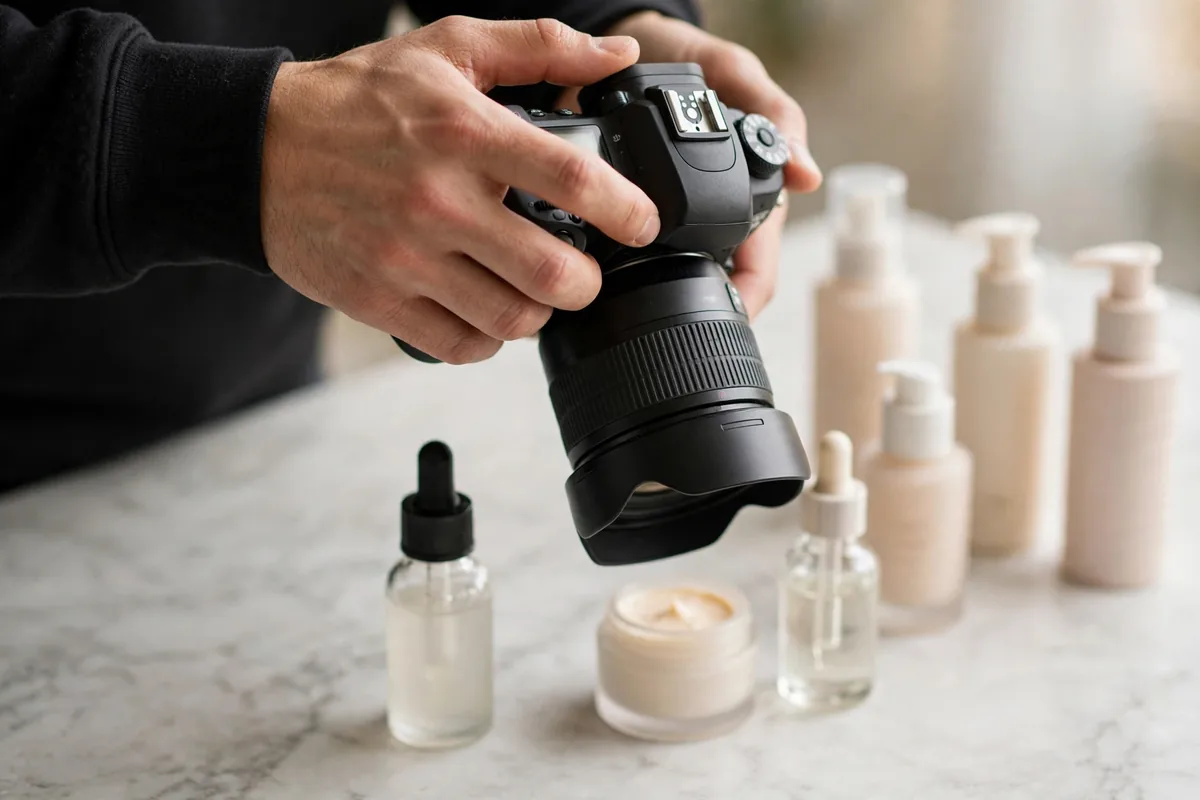
Before prompting anything, understand what the AI needs to produce. High-converting descriptions share five elements:
- Hook (1–2 lines). The outcome or transformation, not the product. “Fall asleep 20 minutes faster” beats “premium memory foam pillow.”
- Key benefits (3–5 bullets). Each bullet pairs a feature with its benefit: “12-inch display → edit spreadsheets without scrolling.”
- Objection handling. Quietly answer the top 2–3 reasons someone would not buy: fit, compatibility, durability, returns.
- Sensory and specific detail. Materials, dimensions, weight, what’s in the box. Specifics build trust; adjectives do not.
- Call to action. A low-pressure nudge: “Add to cart” framing around risk reversal (free returns, warranty).
Notice what is missing: keyword stuffing, hype adjectives, and paragraphs about your company’s founding story. Shoppers scan; give them scannable value.
Step 1: Build the Product Brief (Your Most Important Input)
AI output quality is capped by input quality. For each product, assemble a 10-line brief before generating anything:
- Product name, category, price
- Target buyer (one sentence: who, what situation)
- 3–5 key features with specs
- The #1 problem it solves
- Top 2 customer objections (from reviews or support tickets)
- 2–3 differentiators vs. the best-known competitor
- Brand voice notes (3 adjectives + one “we never say” rule)
- SEO keyword for this product page
“Using this product brief: [paste]. Write a 130-word product description following this structure: hook line, 4 benefit bullets (feature → benefit), one objection-handling sentence, specs line, soft CTA. Voice: [adjectives]. Never use these words: [list].”
This single prompt, fed with a real brief, outperforms 90% of AI product copy in the wild — because most people skip the brief entirely.
Step 2: How to Use AI to Write Product Descriptions at Scale

Writing one great description is a craft problem. Writing 500 is a systems problem. Here is how to use AI to write product descriptions across a whole catalog without quality collapse:
Batch by template, not by product. Group SKUs into 5–10 description templates (e.g., “apparel,” “electronics accessory,” “supplement”). Perfect one prompt per template, then run every product in that group through it.
Use a spreadsheet pipeline. Columns: SKU, brief fields, generated draft, editor status, SEO keyword, published URL. AI fills the draft column; a human moves rows through review. This is unglamorous and it works.
Generate variants, not single drafts. For hero products, ask for three versions — benefit-led, story-led, spec-led — then combine the best lines. The marginal cost of two extra generations is near zero; the quality gain is real.
Lock the voice with examples. Few-shot prompting beats adjectives: “Here are 3 descriptions that nail our voice: [paste]. Match their rhythm, sentence length, and attitude for this new product: [brief].” Update the examples quarterly as your voice evolves.
For broader ecommerce AI strategy, see our guide to AI for ecommerce product content and support.
Step 3: Inject SEO Without Killing Conversion
Product pages need to rank and sell. The SEO layer goes on after the conversion draft exists:
- One primary keyword per product page — usually “[product type] + [key attribute]” (e.g., “organic cotton crewneck sweater”).
- Prompt: “Naturally work the exact phrase ‘[keyword]’ into this description twice — once in the first 40 words, once in the bullets — without changing the meaning or flow: [draft].”
- Unique content per SKU. Never let AI generate near-identical descriptions for product variants. Add a variant-specific sentence (color story, size note, bundle difference) to each.
- Structured data. Ask AI to draft the schema.org Product JSON-LD (name, description, price, availability, reviews) for each page — then validate it.
Manufacturer descriptions duplicated across the web are an SEO dead end. Unique AI-assisted copy, reviewed by a human, is exactly what Google wants to rank. Our AI writing tools roundup covers the editors that make this review loop fast.
Adapting the Formula by Product Type

The five-element anatomy holds everywhere, but the emphasis shifts by category. Tune your template prompts accordingly:
Apparel and fashion. Shoppers cannot touch the fabric, so sensory language carries the sale: weight, drape, stretch, lining, true-to-size guidance. Add a “fit notes” line generated from review data (“runs small — size up if between sizes”). Lifestyle imagery cues in the prompt help: “describe how it looks worn, not flat.”
Electronics and accessories. Lead with compatibility and specs — the top objections are “will it work with my device” and “is it actually faster/better.” Include a compatibility line and a specs table. AI is good at turning a spec sheet into benefit bullets; it is bad at knowing which specs matter, so tell it: “prioritize battery, compatibility, and warranty; deprioritize packaging details.”
Consumables (food, supplements, skincare). Ingredients, usage instructions, and trust signals dominate. Prompt for: “ingredients highlights in plain language, how to use in 3 steps, and one trust line (third-party tested, dermatologist reviewed, etc. — only if true).” Never let AI invent certifications or health claims — this is the highest-risk category for hallucinations, and regulators notice.
High-consideration products (furniture, equipment). Dimensions, materials, assembly, and shipping details answer the objections. Add a “what to expect on delivery day” line. Longer descriptions (250–350 words) are fine here because the purchase is researched.
Build one tuned template per category you sell in, and the bulk pipeline from Step 2 runs cleanly.
Step 4: The Quality-Control Checklist
Run every AI-generated description through this checklist before publishing:
- [ ] Fact check. Every spec, material, dimension, and compatibility claim verified against the real product. AI invents specs confidently.
- [ ] Voice match. Read it next to three existing descriptions. Same rhythm? Same attitude?
- [ ] Objection coverage. Does it answer the top 2 objections for this product?
- [ ] Scannability. Can a shopper get the gist in 10 seconds? (Hook + bullets do the work.)
- [ ] No banned phrases. Run a find for your forbidden list (“revolutionary,” “game-changer,” “unleash,” etc.).
- [ ] Keyword present. Primary keyword in first 40 words, once more naturally.
- [ ] Different from competitors. Search the hook line — if three competitors say the same thing, rewrite.
The most common failure mode is publishing the first draft. AI gives you a strong 70%; the checklist and a 5-minute human edit supply the remaining 30% that actually converts.
Advanced: Personalization and A/B Testing
Once the baseline catalog is strong, AI unlocks two advanced plays:
Segment-specific variants. “Rewrite this description for [gift buyers / bargain hunters / premium buyers], emphasizing what that segment cares about: [draft].” Route traffic segments to the matching variant and measure.
Systematic A/B testing. Test one variable at a time: hook line, bullet count, CTA framing, social proof placement. Ask AI to generate the challenger variant with only that variable changed, so results are interpretable. Log winners in your template prompts — your prompts should get smarter every quarter.
Review mining for copy. Feed the AI your 4- and 5-star reviews: “Extract the 10 most common phrases customers use to describe why they love this product, then suggest 3 hook lines using their language.” Customer words convert better than marketing words, and AI is excellent at finding the patterns.
Refreshing Descriptions for Seasons and Promotions
Product descriptions decay. A description written in March undersells the same product in November. Build refresh cycles into your system:
- Seasonal passes. Twice a year, prompt: “Rewrite this description for [holiday season / summer], keeping all facts identical but reframing the hook and use cases seasonally: [current description].” Facts frozen, framing fresh.
- Promotion overlays. For sales events, generate a promo variant rather than editing the core description: “Write a 40-word promotional overlay for this product for a 20%-off sale, urgency without hype: [description].” Swap it in and out without touching the evergreen copy.
- Underperformer rewrites. Quarterly, pull the 10 product pages with the highest traffic and lowest conversion. For each, prompt: “Here is the current description and the top 3 customer objections from reviews: [paste]. Rewrite addressing those objections directly.” This is the highest-ROI copy work in most stores.
- New-review infusion. Every quarter, feed fresh reviews back into the review-mining prompt from the Advanced section. Customer language evolves; your copy should evolve with it.
Treat descriptions as living assets with a maintenance calendar, not one-and-done tasks. The AI makes each refresh a 10-minute job instead of a rewrite project.
Your 7-Day Quick-Start Plan
If the full system feels like a lot, start here:
- Day 1–2: Write product briefs for your 10 best sellers and generate 3 variants each. Pick winners.
- Day 3: Build one prompt template per product category you sell in, using the winners as few-shot examples.
- Day 4: Run the quality checklist on 20 descriptions and publish the batch.
- Day 5: Mine reviews for your top 5 products; rewrite their hooks in customer language.
- Day 6: Add the SEO layer — primary keyword placement and JSON-LD schema — to the published batch.
- Day 7: Measure: compare conversion rate on rewritten pages vs. the prior 30 days. Use the lift to justify rolling out the template pipeline to the full catalog.
One focused week takes you from theory to a working system with measured results — and the templates you build become the engine for everything that follows.
How to Use AI to Write Product Descriptions for Marketplaces
Selling on Amazon, Walmart, or Etsy adds a second audience: the marketplace algorithm. Knowing how to use AI to write product descriptions for these platforms means writing for two readers at once. Start with the marketplace’s own rules — Amazon, for example, restricts certain phrases and formatting in bullet points, so prompt with the constraints included: “Write 5 Amazon-compliant bullet points (no promotional phrases, no subjective claims like ‘best-selling’ unless verified): [brief].” Front-load the primary search term in the title, since marketplace search weighs titles heavily: “Write 3 title options under 200 characters with the exact phrase ‘[keyword]’ in the first 60 characters: [brief].” The description body can then follow the standard conversion formula from this guide. One more marketplace-specific tactic: generate a backend search-terms list with AI (“suggest 20 backend search terms for this product, no duplicates of title words, no brand names I don’t own”), because discoverability there depends on hidden keywords as much as visible copy. Mastering how to use AI to write product descriptions for both your own store and marketplaces from one brief doubles the return on every product you list.
FAQ
Can AI write product descriptions better than a human copywriter?
For catalog scale, AI plus a human editor beats either alone: AI produces strong drafts in seconds, and a human applies the judgment, brand feel, and fact-checking that close sales. For a handful of hero products, a great human copywriter still wins — use AI to draft, humans to perfect.
How do I stop AI product descriptions from sounding generic?
Three fixes: feed a real product brief (not just a product name), use few-shot examples of your best existing copy, and ban generic adjectives explicitly in the prompt. Then do a 5-minute human edit focused on adding one specific, true detail per description.
Will Google penalize AI-written product descriptions?
Google penalizes unhelpful content, not AI content. Unique, accurate, buyer-focused descriptions — however drafted — are exactly what product pages should have. What gets penalized is thin, duplicated manufacturer copy, which is what most stores have without AI.
How many words should a product description be?
For most products: 100–180 words plus scannable bullets. Complex or expensive products earn 250–400 words. Mobile shoppers see roughly the first 3 lines before scrolling — make the hook and first bullets count.
Can I use the same AI prompt for my entire catalog?
Use one prompt template per product category, not one prompt for everything. Apparel, electronics, and food need different structures, objection handling, and spec formats. Five to ten tuned templates cover most catalogs.
Conclusion
For the latest model capabilities, check vendor documentation such as OpenAI and the Google AI blog.
Learning how to use AI to write product descriptions that convert comes down to process, not prompts alone: build a real product brief, generate from a tuned template with voice examples, layer SEO onto the conversion draft, run the quality checklist, and then compound the wins with personalization and testing. Stores that treat AI as a draft engine inside a human-led system ship unique, persuasive descriptions for every SKU — and watch both rankings and conversion rates climb. The merchants who truly master how to use AI to write product descriptions keep refining their templates every quarter, because each cycle’s winners make the next cycle stronger. Start with your ten best-selling products this week; the template you perfect on them becomes the engine for the other thousand.




Join the discussion
Have a question or a perspective to share?