
Best AI Voice Cloning Tools: 6 Top Picks Ranked
Your voice is becoming one of your most valuable digital assets. Podcasters clone their voices to edit episodes without re-recording. YouTubers dub videos into five languages overnight. Audiobook authors narrate entire books without a studio. The technology making this possible — ai voice cloning tools — went from research curiosity to mainstream creator infrastructure in just a few years, and the 2026 generation is startlingly realistic.
But this is also one of the AI categories where choosing the right tool genuinely matters. Voice cloning quality varies enormously: the best tools capture the subtle textures of a real voice — the breath, the emphasis, the warmth — while weaker ones produce flat, robotic output that listeners reject in seconds. And because cloning raises real ethical and legal questions, the best ai voice cloning tools also build in consent verification and watermarking.
We tested the leading platforms on voice realism, ease of cloning, language support, pricing, and safety features. Here are the six best ai voice cloning tools ranked for 2026, plus how to choose the right one for your project and how to use the technology responsibly.
What Is AI Voice Cloning?
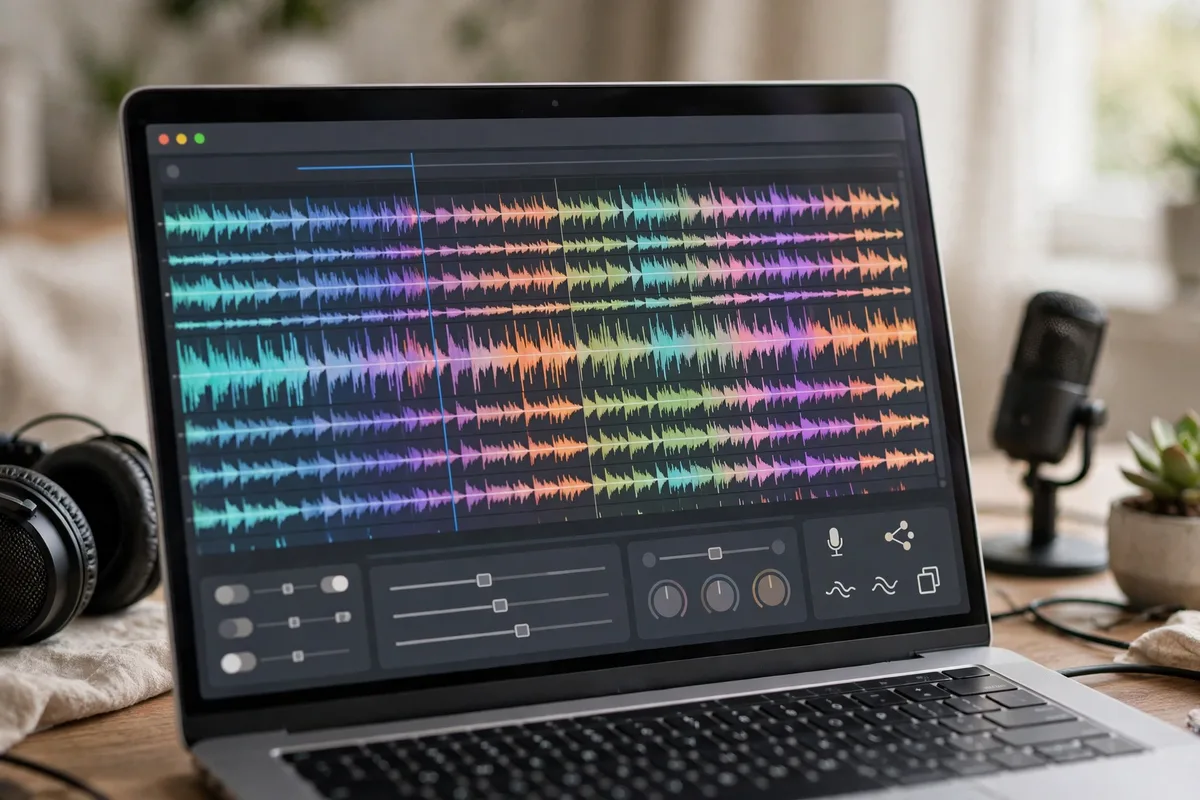
AI voice cloning creates a synthetic copy of a specific person’s voice from audio samples. You upload or record a few minutes of speech, the AI learns the voice’s unique characteristics — pitch, timbre, rhythm, accent, emotional range — and then you can type any text and hear it spoken in that voice.
Modern ai voice cloning tools need surprisingly little source audio. The best can build a convincing clone from 30 seconds of clean speech, though 3–10 minutes produces noticeably better results. Output quality is now good enough that many listeners cannot distinguish a clone from the original in casual listening — which is exactly why the safety discussion in this guide matters.
Common use cases
- Content creators: Narrate videos, dub into other languages, fix flubbed lines without re-recording.
- Podcasters: Edit episodes, generate ad reads, create consistent intros across shows. (See our guide to AI for podcasters for the full workflow.)
- Authors: Produce audiobook versions without studio time or narrator fees.
- Businesses: Build branded voice assistants, IVR systems, and consistent voiceovers for training content.
- Accessibility: Give people losing their speech a synthetic version of their own voice.
The 6 Best AI Voice Cloning Tools
1. ElevenLabs — Best overall realism
ElevenLabs remains the benchmark that every other entry on this list is measured against. Its voice clones capture nuance that competitors miss — the slight rasp, the way emphasis shifts meaning, the natural pauses. The “Professional Voice Cloning” tier produces results that routinely fool listeners in blind tests, and its multilingual support (30+ languages) keeps the voice’s character across languages rather than resetting to a generic accent.
Standout features: Industry-leading realism, 30+ languages, voice design from text descriptions, projects workflow for long-form audio, and a voice library for licensing.
Pricing: Free tier with limited characters; paid plans from ~$5/month (Starter) to ~$99/month (Pro) based on character volume.
Best for: Creators who need the most convincing clone available and are willing to pay for quality. Learn more at ElevenLabs.
2. Murf — Best for business and marketing teams
Murf positions itself as the professional’s choice, and it shows in the workflow: team workspaces, brand voice controls, pronunciation libraries, and straightforward commercial licensing. The clones are very good — not quite ElevenLabs-level on emotional nuance, but excellent for narration, explainer videos, and corporate training where consistency matters more than artistry.
Standout features: 120+ AI voices plus cloning, team collaboration, Canva integration, API access, and clear commercial usage terms.
Pricing: Free trial; Creator from ~$19/month, Business from ~$66/month.
Best for: Marketing teams and agencies producing client voiceovers at volume. Details at Murf.
3. PlayHT — Best for ultra-realistic conversational voices
PlayHT carved out its niche with conversational realism — its clones handle dialogue, back-and-forth pacing, and emotional shifts better than most. Podcasters and audiobook producers gravitate to it because long-form listening fatigue is lower; the voices stay natural across 30-minute stretches where weaker tools start to sound mechanical.
Standout features: Excellent long-form consistency, 140+ languages and accents, voice cloning from short samples, podcast hosting integrations, and a robust API.
Pricing: Free tier available; Creator from ~$19/month.
Best for: Podcasters, audiobook creators, and anyone generating long audio where listener fatigue matters. Pairs well with AI voice generator tools for non-cloned narration needs.
4. Resemble AI — Best for developers and real-time use
Resemble AI is the developer’s pick among ai voice cloning tools. Its API is the most mature, with real-time voice conversion, low-latency streaming, and fine-grained emotion controls you can trigger programmatically. If you are building a voice product — a game, an app, an interactive experience — this is the platform built for you.
Standout features: Real-time API, emotional and emphasis controls, rapid custom voice building, deepfake detection tools, and strong documentation.
Pricing: Pay-as-you-go from ~$0.006/second; subscription plans for volume.
Best for: Developers embedding cloned voices into products, games, and interactive applications.
5. Descript (Overdub) — Best for editing workflows
Descript’s Overdub takes a different approach: instead of a standalone cloning tool, it is a voice clone inside a full audio/video editor. Record your podcast, and when you flub a word, you just type the correction — Overdub speaks it in your voice. For creators already editing in Descript, the workflow is unbeatable: no exporting, no separate tool, no re-recording sessions.
Standout features: In-editor voice correction, automatic transcription, filler-word removal, and seamless integration with video editing. Combines naturally with AI transcription tools for full post-production.
Pricing: Free tier; Creator from ~$24/month (Overdub included in higher tiers).
Best for: Podcasters and video creators who want cloning as part of editing, not as a separate step.
6. Speechify Voice Cloning — Best for simplicity
Speechify built its reputation on text-to-speech for reading, and its voice cloning extends that simplicity. Record a short sample on your phone, and within minutes you have a clone you can use to read articles, documents, and books aloud. The quality is solid for personal use though not quite at ElevenLabs’ level for professional publishing.
Standout features: Fastest setup (minutes, from a phone recording), excellent mobile apps, reading-focused workflow, and affordable pricing.
Pricing: Free tier; Premium from ~$12/month.
Best for: Individuals who want their own voice reading content back to them — accessibility, studying, and personal productivity.
AI Voice Cloning Tools Compared
| Tool | Best for | Starting price | Clone quality |
|---|---|---|---|
| ElevenLabs | Overall realism | Free / ~$5/mo | Exceptional |
| Murf | Business teams | ~$19/mo | Very good |
| PlayHT | Long-form audio | Free / ~$19/mo | Excellent |
| Resemble AI | Developers | Pay-as-you-go | Very good |
| Descript Overdub | Editing workflow | ~$24/mo | Good |
| Speechify | Simplicity | Free / ~$12/mo | Good |
How to Choose the Right Tool
Start with your use case, not the feature list. A podcaster fixing flubbed lines needs Descript, not an API. A developer building a voice app needs Resemble’s API, not an editor. A YouTuber dubbing into Spanish needs ElevenLabs’ multilingual cloning, not a reading app.
Test with your own voice before paying. Every tool on this list offers a free tier or trial. Clone your voice, generate the same paragraph in each, and listen blind — have a friend play them back without telling you which is which. Your ears are the only benchmark that matters for your audience.
Check the commercial terms. Cloned voices have licensing implications that standard text-to-speech does not. Read the terms: who owns the clone, can you use it in client work, what happens if you cancel? Murf and Resemble are the clearest here; always verify before commercial use.
Consider your volume. Character-based pricing (ElevenLabs, PlayHT) favors occasional long-form projects. Subscription seats (Murf, Descript) favor teams producing constantly. Estimate your monthly characters before committing — most creators overestimate by 3–5x.
The Ethics and Safety Rules You Must Follow
Voice cloning is powerful enough to be dangerous, and the best ai voice cloning tools know it. Here is the responsible-use framework:
- Only clone voices with explicit consent. Your own voice, a hired voice actor’s (with a contract), or a team member who agreed in writing. Never clone a voice you do not have rights to — not a celebrity, not a stranger, not an ex-partner.
- Use the built-in verification. Reputable tools require consent recordings or verification steps. Do not circumvent them, and prefer tools that have them.
- Disclose AI-generated audio. Tell your audience when content uses a cloned voice, especially for news, testimonials, or anything where authenticity matters. Disclosure builds trust; discovery destroys it.
- Watermark where possible. Some platforms embed inaudible watermarks identifying audio as synthetic. Enable this wherever offered.
- Know the law. Several US states now have specific laws against unauthorized voice cloning, and the FCC has moved against AI voice robocalls. The legal landscape is tightening — stay on the right side of it.
The technology itself is neutral; the application is what matters. Used with consent and disclosure, voice cloning is a genuine creative superpower.
Getting the Best Results: Practical Tips
- Record clean source audio. A quiet room, a decent microphone, and 3–10 minutes of varied speech (not just reading one paragraph on loop) produce dramatically better clones than 30 seconds of noisy audio.
- Include emotional range. Read something happy, something serious, and something conversational in your sample. Clones trained only on monotone narration sound monotone forever.
- Mind your pacing settings. Most tools let you adjust stability, expressiveness, and pacing. For narration, favor stability; for dialogue and ads, push expressiveness up.
- Post-process lightly. A touch of compression and EQ on cloned audio helps it sit in a mix like a real recording. Do not over-process — artifacts compound.
- Regenerate problem words. Clones occasionally mispronounce names or stumble on unusual words. Most tools let you regenerate single sentences — use phonetic spelling (“re-ZEM-bull”) as a workaround for stubborn pronunciations.
Consent First: The Rules for Cloning a Voice
Every reputable voice cloning tool now requires a consent recording from the person being cloned, and you should treat that as the floor, not the ceiling. Get written permission that specifies where the clone will be used, for how long, and whether the person can revoke it. If you are cloning your own voice for content, record the consent sample yourself and keep a copy of the terms you agreed to.
Disclosure matters too. Listeners deserve to know when a voice is synthetic, and several platforms now watermark AI audio or require a spoken disclaimer. Beyond the legal side, there is a trust angle: audiences who discover a voice was cloned without disclosure tend to assume the worst about everything else you publish. A one-line note in your description costs nothing and protects everything.
FAQ
How much audio do I need to clone a voice?
The best ai voice cloning tools can produce a recognizable clone from as little as 30 seconds, but 3–10 minutes of clean, varied speech gives noticeably better results — more natural pacing, better emotional range, and fewer artifacts.
Is AI voice cloning legal?
Cloning your own voice or a voice you have licensed is legal. Cloning someone else’s voice without consent can violate right-of-publicity laws, and several US states have passed specific anti-impersonation statutes. Always get written consent and check your jurisdiction’s rules.
Can people tell a cloned voice from a real one?
The best clones fool most listeners in casual contexts — background narration, short clips, phone-quality audio. In careful A/B listening with high-quality headphones, trained ears can still catch subtle artifacts. Disclosure remains the right practice regardless.
What is the cheapest good voice cloning tool?
ElevenLabs’ Starter plan (~$5/month) offers the best quality-per-dollar for cloning. Speechify’s free tier is the cheapest entry point overall, though with lower fidelity than the paid leaders.
Can I clone my voice for free?
Yes — ElevenLabs, PlayHT, Murf, and Speechify all offer free tiers that include basic voice cloning with limited monthly characters. Enough to test thoroughly before spending anything.
Conclusion
The best ai voice cloning tools of 2026 — led by ElevenLabs, with strong showings from Murf, PlayHT, Resemble AI, Descript, and Speechify — have made synthetic voices a practical tool for everyday creators, not just studios with big budgets. The technology is ready; the question is whether your workflow and your ethics are.
Choose based on your actual use case, test with your own voice before paying, read the commercial terms, and follow the consent-and-disclosure rules without exception. Do that, and voice cloning becomes what it should be: your voice, working for you, even when you are not in the studio.



Join the discussion
Have a question or a perspective to share?