
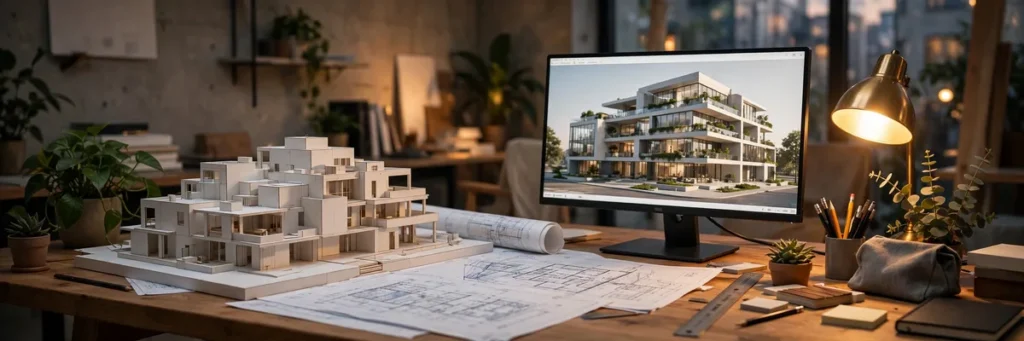
Best AI Tools for Architecture: 7 Modern Picks
Architecture has always been a race between imagination and iteration speed. The architect who can explore fifty massing options before lunch beats the one who can explore five — and that is exactly the race the best ai tools for architecture are built to win. In 2026, AI has moved past the novelty phase in architecture: it now generates code-compliant floor plans, renders photorealistic visuals from napkin sketches, runs energy simulations in seconds, and tests site feasibility before you have even hired a surveyor.
But the field is crowded and confusing. Some ai tools for architecture are genuinely production-ready; others are impressive demos that collapse the moment a real project — with real zoning codes, real clients, and real deadlines — touches them. To cut through the noise, we evaluated tools on design quality, BIM integration, output usability, learning curve, and price, drawing on documented firm workflows and hands-on testing.
Here are the seven ai tools for architecture that modern firms are actually using to win work in 2026.
What AI Tools for Architecture Can (and Can’t) Do
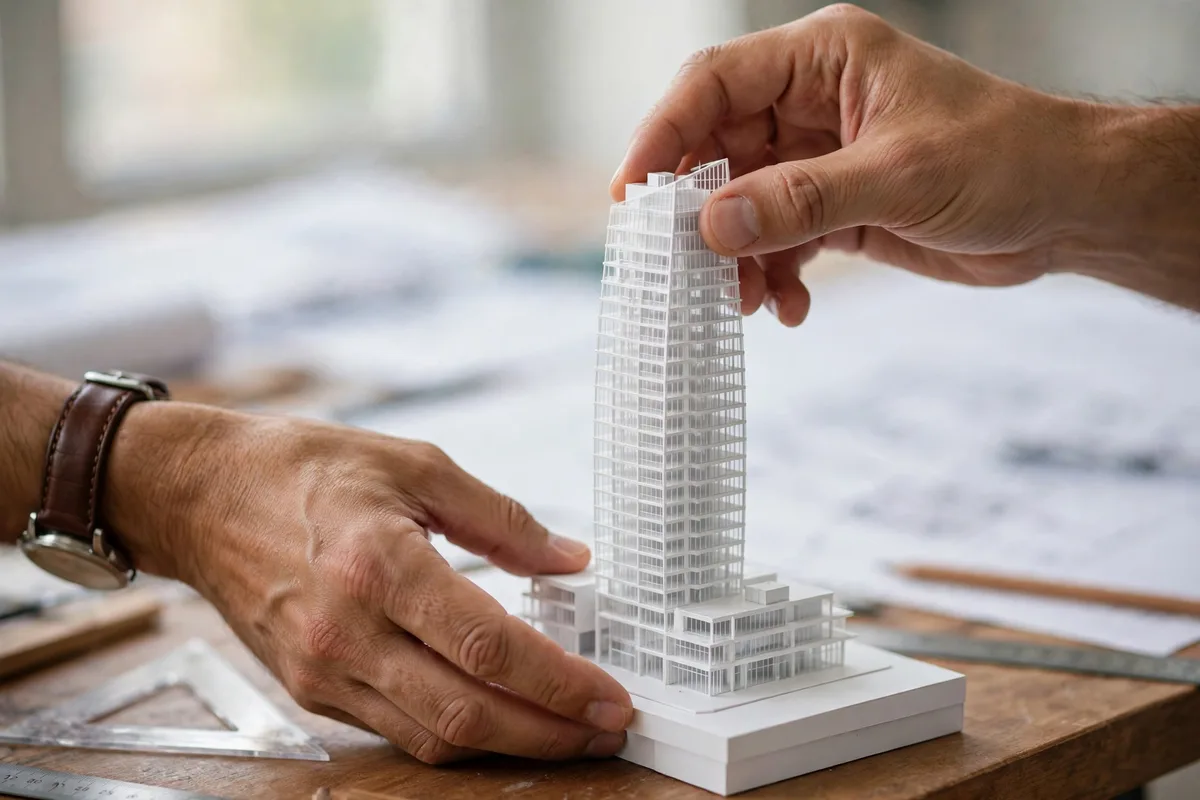
A realistic picture first. The best ai tools for architecture excel at four jobs: generative exploration (producing dozens of design options from constraints), visualization (turning rough models into presentation-ready renders), analysis (energy, daylight, code compliance, feasibility), and documentation assistance (drafting schedules, annotating drawings, catching clashes).
What they cannot do: stamp drawings, exercise professional judgment, or understand the unspoken things — the client’s budget anxiety, the neighborhood politics, the way light actually feels in a courtyard at 5pm. Every tool below is a force multiplier for a licensed architect, not a replacement for one. Firms getting the most value use AI to compress the boring middle of the process — options, iterations, analysis — and spend the saved hours on design thinking only humans do.
The 7 Best AI Tools for Architecture
1. Autodesk Forma — Best for early-stage planning and feasibility
Forma (formerly Spacemaker) is Autodesk’s AI-powered planning tool, and it remains the most serious of the ai tools for architecture for site analysis. Feed it a site boundary and it generates massing options optimized for daylight, noise, wind, and views — with real-time environmental analysis that used to require a consultant and two weeks. The “what-if” speed is the killer feature: move a tower, and the sunlight, density, and unit-mix numbers update live.
Integration with Revit and the broader Autodesk ecosystem makes it the natural choice for firms already on Autodesk. Pricing is project-based and not cheap, but for developers and firms doing feasibility work, it pays for itself on the first site study. Learn more at autodesk.com.
Best for: site feasibility, massing studies, environmental analysis.
Price: project-based subscription; contact Autodesk.
2. TestFit — Best for rapid pro-forma feasibility
TestFit answers the developer’s first question — “what can I actually build here?” — in minutes. Input zoning parameters (setbacks, height limits, parking ratios) and it generates code-aware building configurations with unit counts, parking layouts, and financial pro-formas. It is less about beautiful design and more about buildable math, which is why development-focused firms swear by it.
The AI does the tedious constraint-solving: fitting maximum leasable area into an irregular lot while respecting every setback. Architects use it to arrive at client meetings with three credible options instead of one sketch and a promise. Pricing starts around $500/month per seat — steep, but trivial against a single landed project.
Best for: developers and architects doing feasibility math.
Price: from ~$500/month per seat.
3. Veras — Best AI renderer for SketchUp, Revit, and Rhino
Veras (by EvolveLAB) is the render tool that broke the “AI viz looks fake” barrier for working architects. It takes your actual 3D model — from SketchUp, Revit, Rhino, or Vectorworks — plus a text prompt describing materials and mood, and produces photorealistic renders in under a minute. Because it renders your geometry rather than inventing a building, the outputs are presentable to clients, not just mood boards.
The workflow integration is the point: stay in your modeling tool, iterate with prompts, and generate presentation images at every design stage instead of saving rendering for the end. Subscription pricing is accessible (~$50–$90/month), making it one of the easiest ai tools for architecture to justify.
Best for: fast, model-accurate rendering inside your existing workflow.
Price: from ~$50/month.
4. D5 Render — Best real-time visualization with AI assists
D5 Render combines a real-time ray-traced viewport with AI-powered features — AI atmosphere matching, auto material enhancement, and one-click lighting scenarios. Walk a client through the model live, change the time of day, and watch global illumination update in real time. For client presentations, nothing on this list beats the “wow” of live navigation.
The learning curve is gentle for anyone coming from Lumion or Enscape, and the asset library is deep. The free community version handles smaller projects; the Pro subscription (~$38/month) unlocks the full AI feature set and higher output resolutions.
Best for: live client walkthroughs and real-time presentation.
Price: free tier; Pro from ~$38/month.
5. Midjourney — Best for concept ideation and competitions
Midjourney is not architecture software — it has no idea what a building code is — but it remains the most powerful ideation engine available to architects. For competitions, early concepts, and breaking out of a design rut, nothing generates evocative architectural imagery faster. The trick is using it correctly: generate for mood, massing language, and material palettes, then translate the ideas into real models yourself.
Serious firms pair it with prompt discipline — our guide to writing effective AI image prompts applies directly — and treat outputs as inspiration, never as deliverables. At $10–$30/month, it is the cheapest creativity unlock on this list. Beginners should also see our roundup of AI image generators for beginners.
Best for: concept imagery, competitions, creative unblocking.
Price: from $10/month.
6. Finch — Best for generative floor plans
Finch (formerly Finch 3D) generates floor plans from high-level input — building outline, unit mix, target areas — and produces editable, BIM-compatible layouts in seconds. Unlike generic image generators, Finch understands walls, doors, and circulation; its outputs are starting points a human architect refines, not pretty pictures.
Early adopters report cutting schematic design time dramatically on residential and hospitality projects, where unit-plan repetition makes generative layout especially powerful. It is still maturing, and complex programs need heavy human refinement, but the trajectory is clear: layout generation is becoming a commodity, and Finch is leading it.
Best for: residential and hospitality schematic design.
Price: subscription; pilot pricing varies.
7. Cove.tool — Best for AI-driven sustainability analysis
Cove.tool brings AI to the performance side: energy modeling, daylight analysis, and carbon calculations that run fast enough to inform design decisions instead of merely documenting them afterward. Its automation draws geometry from your Revit or Rhino model and returns optimization suggestions — glazing ratios, shading strategies, system choices — with cost implications attached.
With building performance standards tightening worldwide, analysis tools are shifting from nice-to-have to must-have. Cove.tool’s per-project pricing makes it accessible for firms that cannot justify a full-time sustainability consultant, and the AI-driven optimization finds savings human modelers often miss.
Best for: energy modeling, daylight, and carbon optimization.
Price: per-project pricing; subscription tiers available.
Quick Comparison: The 7 Best AI Tools for Architecture

| Tool | Category | Best for | Starting price |
|---|---|---|---|
| Autodesk Forma | Planning / feasibility | Site analysis, massing | Project-based |
| TestFit | Feasibility | Pro-forma math | ~$500/mo |
| Veras | Rendering | Model-accurate AI renders | ~$50/mo |
| D5 Render | Real-time viz | Live walkthroughs | Free / ~$38/mo |
| Midjourney | Ideation | Concept imagery | $10/mo |
| Finch | Generative design | Floor plan generation | Pilot pricing |
| Cove.tool | Analysis | Energy / carbon | Per-project |
How Modern Firms Actually Use AI Tools for Architecture
The marketing shows a single magical button. The reality in productive firms is a pipeline, and it looks like this:
Week 1 — Feasibility: TestFit or Forma generates code-aware options; the team picks two directions. What used to take three weeks of junior-architect time takes three days.
Weeks 2–4 — Design development: Finch generates plan options for the repetitive parts (unit layouts, parking); architects focus on the public spaces and details that define the project. Midjourney runs in parallel for facade and material studies.
Throughout — Visualization: Veras or D5 produces client-ready images at every milestone instead of one big render push at the end. Clients react to real options earlier, which kills the expensive late-stage redesign.
Throughout — Performance: Cove.tool checks energy and daylight at each major iteration, so sustainability is designed in rather than value-engineered out.
The pattern: AI compresses iteration cycles, humans spend the saved time on judgment. Firms report 30–50% time savings on early phases — not by working less, but by exploring more.
What to Look for When Choosing AI Tools for Architecture

BIM compatibility. A tool that cannot talk to Revit, Rhino, or ArchiCAD creates a parallel workflow that dies at documentation. Veras, Cove.tool, and Forma integrate; pure image generators do not — use those only for ideation.
Output ownership and licensing. Check who owns AI-generated outputs and whether training data licensing creates liability for commercial work. This matters more in architecture than in most fields because buildings are high-liability deliverables.
Geometry fidelity. For anything client-facing, the tool must respect your actual model. Tools that “reimagine” your building (looking at you, generic image generators) are for mood boards only.
Learning curve vs. team reality. The best tool is the one your team will actually use. A $500/month seat that sits idle loses to a $38/month tool the whole office adopted. Pilot with two or three licenses before firm-wide rollout.
For the visual side of practice — logos, presentations, marketing — our comparison of AI logo design tools covers the branding stack many firms need alongside project work. And Chaos, makers of V-Ray and Enscape, remains the reference for production rendering pipelines that AI tools complement rather than replace.
FAQ
Will AI replace architects?
No — and the firms using these tools most heavily are hiring, not firing. AI compresses drafting, iteration, and analysis, but licensure, liability, client judgment, and the thousand small decisions that make a building work remain human. The architects at risk are not those competing with AI, but those competing with architects who use AI.
Which AI tool is best for floor plans?
Finch leads for generative floor-plan creation, producing editable layouts from high-level inputs. For feasibility-stage planning with unit counts and pro-formas, TestFit is stronger. Neither replaces an architect’s spatial judgment — treat their outputs as fast first drafts.
Can AI generate construction documents?
Not reliably yet. Current ai tools for architecture assist with documentation — drafting schedules, annotating, clash detection — but full construction document sets still require human authorship and professional review. This is the frontier every vendor is chasing, and the hardest problem on this list.
How much do AI tools for architecture cost?
It ranges enormously: Midjourney starts at $10/month, D5 Render Pro is ~$38/month, Veras ~$50/month, while TestFit runs ~$500/month per seat and Forma is project-priced. Most firms spend $100–$600/month per power user across a small stack of complementary tools.
Do I need to know how to code to use these tools?
No. Every tool on this list is built for architects, not programmers — visual interfaces, natural-language prompts, and model-native workflows. The skill that matters is the one you already have: knowing what good design looks like, so you can judge AI output critically.
Conclusion
The best ai tools for architecture in 2026 are not science projects — they are production tools that serious firms use to explore more options, present better, and analyze deeper. Start with the bottleneck: if feasibility is slow, pilot TestFit or Forma; if rendering eats your week, try Veras or D5; if early concepts feel stale, spend $10 on Midjourney. The firms winning work right now are not the ones with the most AI — they are the ones that integrated one or two ai tools for architecture deeply into a real pipeline, measured the time saved, and reinvested it in design quality.
Pick the tool that attacks your biggest bottleneck, run a real project through it, and judge by the hours saved. That is the only benchmark that matters.




Join the discussion
Have a question or a perspective to share?