

Every business runs on processes — but most of them live in people’s heads. When the person who “just knows how” goes on vacation, gets sick, or quits, the process breaks. An AI SOP creation workflow fixes this with five steps: capturing the process as it happens, drafting the SOP with AI, adding visuals and checklists, validating it with the people who do the work, and keeping it alive as the process evolves.
Standard operating procedures are the difference between a business that depends on heroes and one that runs on systems. They make onboarding faster, quality consistent, and delegation safe. And with AI, documenting a process no longer takes longer than doing it — the biggest historical barrier to SOPs is gone.
Why SOPs Fail — and How an AI SOP Creation Workflow Changes the Equation
Traditional SOP projects fail for three reasons. First, documentation takes longer than the task itself, so nobody does it. Second, the resulting documents are walls of text nobody reads. Third, processes change and documents rot — within months, the SOP describes a workflow that no longer exists.
An AI SOP creation workflow attacks all three. AI transcription captures a process walkthrough automatically. AI drafting turns that raw capture into a structured procedure in minutes. And because updating is cheap, SOPs stay current — the maintenance burden that killed old SOP programs largely disappears.
The stakes go beyond convenience. Documented processes are what make a business sellable, franchisable, and scalable. They reduce training time for new hires from weeks to days. They are the foundation of quality certifications. And they free founders from being the bottleneck for every decision — when the process is documented, the team can execute without asking.
Step 1: Capture the Process as It Happens
Do not start by writing. Start by doing — and recording.
Record a walkthrough
Have the person who knows the process perform it while narrating: what they are doing, why, and what to watch out for. Screen-record digital processes; phone-record physical ones. A 15-minute narrated walkthrough contains more usable detail than an hour of interviews, because experts forget the micro-steps they do automatically until they are doing them.
Transcribe automatically
AI transcription converts the narration to text with timestamps. Clean up the transcript lightly — remove filler, fix terms — but do not rewrite yet. The goal of step one is a faithful raw capture: every step, every decision point, every exception the expert mentions.
Capture the edge cases
During the walkthrough, explicitly ask: “What goes wrong? What do you do when X happens?” Edge cases are where undocumented processes fail — the happy path everyone knows, but the refund exception, the system outage workaround, or the VIP customer variation lives only in someone’s head. A good AI SOP creation workflow treats edge cases as first-class content, not footnotes.
Gather existing materials
Collect whatever already exists: old checklists, training slides, email instructions, screenshots. AI can consolidate these fragments into the draft later. Do not throw anything away at this stage — even a messy checklist reveals the process’s skeleton.
This capture-first approach mirrors effective business automation — understand the real process before systematizing it.
Step 2: Draft the SOP With AI

Now turn the raw capture into a structured document.
Generate the structured draft
Feed AI the transcript plus existing materials and ask for an SOP with this structure:
- Purpose: what this process achieves and when to use it (2–3 sentences)
- Scope: what is covered and what is explicitly out of scope
- Prerequisites: access, tools, and information needed before starting
- Procedure: numbered steps in execution order
- Decision points: if/then branches for variations
- Quality checks: how to verify the work was done right
- Troubleshooting: common problems and fixes
- Owner and review date: who maintains this SOP and when it is next reviewed
Write steps as commands
Weak: “The invoice should be checked.” Strong: “Open the invoice in the billing system. Verify the PO number matches the purchase order. If it matches, click Approve; if not, email procurement with the discrepancy.” Each step starts with a verb, names the exact tool or location, and covers the decision. AI drafts often need this tightening — the structure will be right, but the verbs need sharpening.
One SOP per process
Resist the urge to document five processes in one file. One process, one SOP, one owner. Short SOPs get read; 40-page manuals get archived. If a procedure has more than 20 steps, it is probably two processes — split it.
Version from day one
Date every SOP and keep a simple changelog at the bottom: what changed, when, and why. This takes thirty seconds per update and prevents the “which version is current?” confusion that plagues shared drives. Teams already using AI marketing tools will recognize the pattern — versioned, owned assets beat scattered files.
Step 3: Add Visuals, Checklists, and Decision Trees
Text-only SOPs get skimmed; visual SOPs get followed.
Screenshots for every critical step
For digital processes, annotate screenshots showing exactly where to click. AI tools can generate annotated screenshots from screen recordings automatically. Mark the click target, the expected result, and common misclick areas. Five annotated screenshots beat five paragraphs of “navigate to the settings panel.”
Checklists for execution
Convert the procedure into a one-page checklist for daily use. The full SOP is the reference; the checklist is the tool. Pilots use checklists for a reason — they prevent skipped steps under time pressure. Print checklists for physical processes; embed digital ones in your task manager.
Decision trees for branches
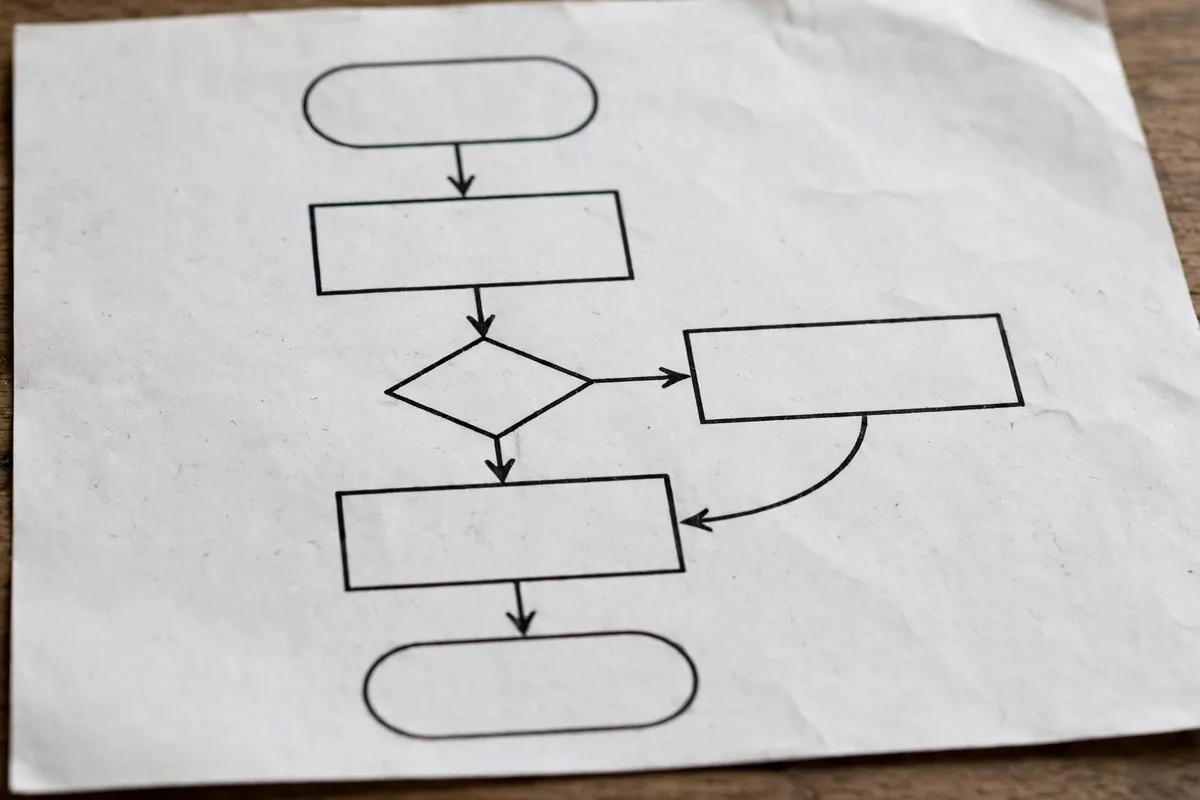
When a process has significant if/then branches, draw a simple flowchart. “If the customer is on Plan A, do X; if Plan B, do Y; if neither, escalate to support lead.” Visual branches are dramatically easier to follow than nested bullet points. Free diagramming tools make this a ten-minute job.
Video for complex processes
For processes with physical components or complex software flows, a 3–5 minute narrated screen recording attached to the SOP is worth a thousand screenshots. AI can chapter the video by step and generate a text summary — making video skimmable, which was historically its weakness.
A well-known starter resource for organizing all of this is Notion, where SOPs, checklists, and videos live together in a searchable team wiki.
Step 4: Validate With the People Who Do the Work
An SOP written by one person and never tested is fiction. Validation is the quality gate of the AI SOP creation workflow.
The naive-user test
Hand the SOP to someone who has never done the process and watch them follow it — without helping. Everywhere they hesitate, ask a question, or go wrong is a defect in the document. Fix the document, not the person. Two rounds of naive-user testing catch 90% of issues.
Expert review
Have the original process expert review the draft for accuracy: missed steps, wrong order, outdated exceptions. Also ask: “What would you do differently now?” Processes evolve, and the expert often knows improvements that never made it into practice.
Stakeholder sign-off
Get explicit approval from the process owner and any dependent teams. Sign-off is not bureaucracy — it is commitment. When the support lead signs off on the refund SOP, they own its accuracy going forward.
Pilot before publishing
Run the SOP live for one week with the team using it for real work. Collect friction points daily. Then finalize. This pilot week is the difference between documentation that describes work and documentation that improves it.
Step 5: Keep SOPs Alive
A published SOP starts decaying immediately. Step five makes maintenance automatic.
Assign owners and review dates
Every SOP has one owner and a review date — quarterly for fast-changing processes, annually for stable ones. The owner does not rewrite from scratch; they spend 15 minutes confirming accuracy or updating what changed. Put review dates on a shared calendar with reminders.
Make updating frictionless
The update process must be easier than the original creation, or it will not happen. Allow comments and suggested edits directly on the SOP. Empower anyone who spots an inaccuracy to flag it — the best SOP improvements come from the people doing the work daily.
Track usage and effectiveness
If your wiki shows analytics, check which SOPs get read and which gather dust. Unread SOPs are either unnecessary, undiscoverable, or unusable — diagnose and fix. For critical processes, tie SOP compliance to quality metrics: did error rates drop after the SOP published?
Retire ruthlessly
Processes die. When a process is replaced or automated away, archive its SOP immediately with a note pointing to the replacement. Dead SOPs are worse than no SOPs — they actively mislead. A quarterly archive review keeps the library trustworthy.
Dedicated SOP platforms like Trainual bake this lifecycle in with assigned ownership, review reminders, and completion tracking — worth evaluating once your library passes twenty documents.
Measuring Whether Your SOPs Work
Documentation for its own sake is waste. Measure the outcomes your AI SOP creation workflow is supposed to produce.
Metrics that matter
- Onboarding time: days for a new hire to perform the process independently — should drop 30–50%
- Error rates: defects or rework on documented processes versus before
- Support questions: “how do I…” tickets about documented processes should decline
- Process cycle time: documented processes get faster as waste becomes visible
- Bus factor: how many processes still depend on a single person (target: zero critical ones)
Review metrics quarterly
Pull these numbers in the same quarterly review where SOP owners confirm accuracy. If onboarding time is not dropping, the SOPs are not being used — investigate whether they are undiscoverable, unusable, or simply ignored. Metrics turn SOP maintenance from a chore into a visible win, which is what keeps owners engaged year after year.
Common SOP Mistakes
- Documenting before understanding: writing the SOP from memory instead of capturing the real process
- No owner: “everyone” owns it means no one maintains it
- Text-only walls: procedures nobody can scan at a glance
- Skipping validation: publishing untested documentation
- Never retiring: libraries full of dead processes nobody trusts
For owners building their first systems library, the small-business starter approach applies: start with your five most painful processes, not all fifty.
Keeping SOPs Alive: The Quarterly Review Habit
An SOP that nobody updates becomes a liability within months. The fix is a lightweight review ritual: every quarter, the person who owns the process reads the SOP while doing the task and notes every step that no longer matches reality. Fifteen minutes, four times a year, keeps documentation honest.
Version your SOPs visibly. Put the last-reviewed date and the owner’s name at the top of every document, and set a calendar reminder for the next review. When someone finds an outdated step, the rule should be simple: fix it in the document the same day you found it, or the rot spreads.
FAQ
How long should an SOP be?
As short as possible while remaining complete. Most good SOPs run 1–3 pages plus a one-page checklist. If yours exceeds five pages, split it into smaller procedures.
Who should write SOPs?
The people who do the work, with AI assistance — not managers guessing from above. The process expert captures and validates; AI drafts and formats; the owner maintains.
How often should SOPs be reviewed?
Quarterly for processes involving software, vendors, or regulations that change often. Annually for stable physical processes. And immediately whenever the process actually changes — do not wait for the review date.
What is the best format for SOPs?
A searchable team wiki for the library, with each SOP as a structured page plus an attached one-page checklist for execution. Avoid PDFs as the primary format — they cannot be easily updated or searched.
Can AI keep SOPs updated automatically?
AI can flag likely-stale SOPs (detecting process changes from tickets or transcripts) and draft updates, but a human owner should always approve changes. The AI SOP creation workflow makes maintenance cheap, not ownerless.
Conclusion
An AI SOP creation workflow turns tribal knowledge into company assets: capture the process as it happens, draft with AI structure, add visuals people actually follow, validate with real users, and maintain on a rhythm. Five steps that convert “only Sarah knows how” into systems anyone can run.
Start with your most painful undocumented process this week. Record a 15-minute walkthrough, generate the draft, and run one naive-user test. You will have your first real SOP by Friday — and an AI SOP creation workflow for documenting everything else.





Join the discussion
Have a question or a perspective to share?