

Expanding into new markets means translating everything: the website, help docs, contracts, marketing, product UI. Professional translation is excellent and expensive; pure machine translation is cheap and risky. An AI document translation workflow hits the sweet spot in five steps: preparing source documents for translation, running AI translation with the right tools, human post-editing where it matters, QA-ing terminology and consistency, and publishing with a maintenance plan.
This workflow — often called machine-translation post-editing (MTPE) — delivers near-human quality at a fraction of traditional cost and time. For teams shipping in multiple languages, it is the difference between localizing everything and localizing almost nothing.
Why Translation Needs an AI Document Translation Workflow, Not Just a Tool
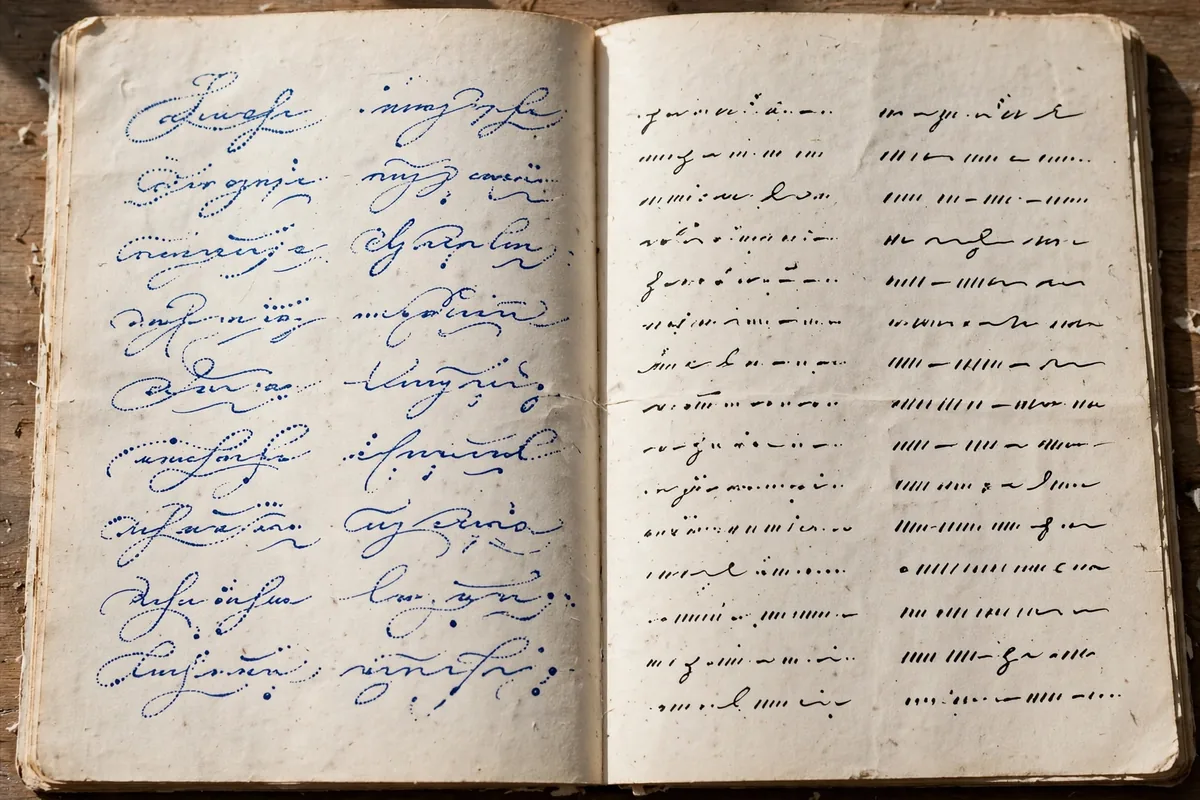
Pasting paragraphs into a translation tool produces translated words, not translated documents. Real document translation involves formatting preservation, terminology consistency, tone matching, legal accuracy, and review cycles. Without a workflow, teams get inconsistent quality, duplicated effort, and embarrassing errors — the mistranslated button, the contract clause that changed meaning, the help article that contradicts itself across languages.
An AI document translation workflow systematizes the decisions: which content gets full human review versus light post-editing, how terminology stays consistent across hundreds of pages, who approves what, and how updates propagate when the source changes. The AI does the heavy lifting of first-draft translation; humans add judgment where judgment matters most.
The business case is straightforward: companies that localize effectively see higher conversion in target markets, fewer support tickets from confused users, and faster market entry. The workflow makes comprehensive localization affordable enough to actually do.
Step 1: Prepare Source Documents
Translation quality is capped by source quality. Step one happens before any AI touches the text.
Write translation-friendly source text
Short sentences. One idea per sentence. No idioms, slang, or culture-specific jokes. Consistent terminology — pick one term per concept and use it everywhere. This “controlled language” approach can improve machine translation quality by 30%+ and it improves the source document for native readers too.
Structure for translation
Use styles and structure, not manual formatting: real headings, real lists, real tables. Tag content that should NOT be translated: brand names, code snippets, URLs, proper nouns. Extract text from images into captions or alt text — text baked into images is untranslatable without redesign.
Build your terminology base
Create a glossary of key terms with approved translations per language: product names, feature terms, industry jargon, and terms with specific legal or technical meanings. This is the single highest-value asset in the AI document translation workflow — it ensures “dashboard” does not become three different words across your help center. Start with 50–100 terms; grow organically.
Version and freeze the source
Translation against a moving target wastes effort. Freeze the source document version being translated, track changes after, and plan for update cycles. AI makes re-translation cheap, but human review of changes still costs — batch source updates rather than trickling them. A practical rhythm: freeze at release, collect changes for two weeks, then run one update cycle covering everything. This batching keeps translators focused and costs predictable.
Audit for untranslatable content
Scan the source for embedded text in images, text in videos, hardcoded strings in UI mockups, and idioms that will not survive translation. Each instance needs a plan: extract to translatable format, redesign, or rewrite. Catching these before translation starts prevents the mid-project discovery that derails timelines. The AI document translation workflow runs smoothest when the source is truly translation-ready, not just translation-adjacent.
Good knowledge management practices apply directly: versioned sources, defined terminology, and structured content are the foundation.
Step 2: Run AI Translation

With prepared sources, step two produces the first draft at machine speed.
Choose the right engine per language pair
| Engine | Strengths | Best for |
|---|---|---|
| DeepL | European languages, nuance | Marketing, general business |
| Google Translate | Language coverage (130+) | Broad coverage, APIs |
| Microsoft Translator | Enterprise integration | Office/Teams ecosystems |
| Custom NMT | Domain-specific accuracy | Technical, legal, medical |
Test 2–3 engines on sample passages of YOUR content in YOUR language pairs — generic benchmarks do not predict domain performance. The AI document translation workflow deserves an engine chosen on evidence, not reputation.
Preserve formatting end-to-end
Use tools that translate the document, not just the text: DOCX/XLSX/PPTX translation that preserves layout, or CAT (computer-assisted translation) tools that segment while keeping structure. Rebuilding formatting after translation doubles the work — choose tools with native document support from the start.
Leverage translation memory
Translation memory (TM) stores previously translated segments and reuses them automatically. Combined with AI, the workflow becomes: TM match → reuse; fuzzy match → AI-adapted; no match → fresh AI translation. Over time, TM handles an increasing share — your per-word costs fall while consistency rises. Every translated document should feed the TM.
Batch and prioritize
Translate in priority order: revenue-adjacent content first (landing pages, pricing, checkout), then support content (help docs, FAQs), then everything else. AI speed tempts teams to translate everything at once — resist; human review capacity is the bottleneck, so sequence work to match it.
Step 3: Human Post-Editing
Raw machine output ships for low-stakes content; everything else gets human review. This step calibrates effort to risk.
The two post-editing levels
- Light post-editing: fix only errors that impede understanding or embarrass the brand. Suitable for internal docs, user-generated content, high-volume low-visibility text. Target: 2–3x faster than human translation.
- Full post-editing: bring output to publishable quality indistinguishable from human translation — style, tone, cultural adaptation. Required for marketing, legal, and customer-facing content. Target: still 30–50% faster than translating from scratch.
Assign by risk, not by habit
Map content types to editing levels explicitly: contracts → full (+ legal review); marketing site → full; help center → light or full by article importance; internal wikis → light; changelogs → light. The AI document translation workflow document should contain this matrix — it prevents both under-reviewing (risk) and over-reviewing (waste).
Brief your post-editors
Post-editors need context: the audience, the tone (formal/informal per language norms), the glossary (mandatory terms), and known AI weaknesses in the language pair. A 30-minute briefing prevents hours of corrections. Treat post-editors as quality partners, not proofreaders — their feedback improves your glossaries and engine choices.
Measure quality systematically
Sample and score: accuracy, fluency, terminology compliance, style. Track error categories — if the engine consistently mangles product names, that is a glossary or preprocessing fix, not a post-editor problem. Quality data drives workflow improvements; without it, you are guessing.
For teams producing video content multilingually, the same post-editing discipline applies to subtitles and scripts.
Step 4: QA Terminology and Consistency
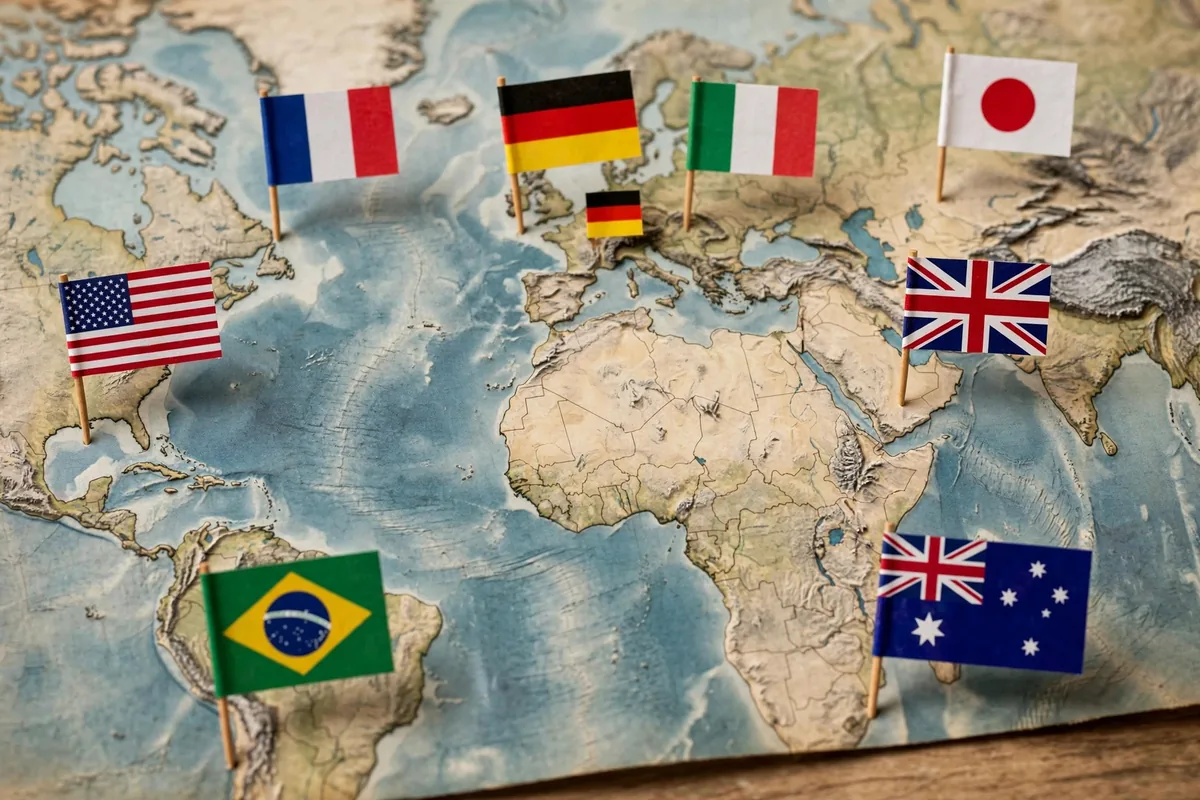
Translation done right is consistent. Step four verifies it systematically.
Terminology compliance check
Run automated terminology checks: every glossary term must appear with its approved translation, no exceptions. CAT tools flag violations automatically. This check catches the errors human reviewers miss when tired — and tired reviewers miss terminology constantly.
Cross-document consistency
When translating document sets (a help center, a contract package), verify consistent translation of recurring phrases across documents. Translation memory helps; a final consistency pass across the set catches what TM missed. Inconsistent translations of the same UI term across help articles is a classic support-ticket generator.
Functional QA
For translated UI, websites, and formatted documents: check layout (German expands ~30%, Chinese contracts), verify links and references still work, confirm images and screenshots match the translated context, and test any interactive elements. Linguistic QA without functional QA ships broken pages in perfect grammar.
The native-speaker sanity read
For high-visibility content, one native speaker reads the final version purely for “does this sound like us?” — not word-checking, but tone and naturalness. This 15-minute read catches the subtle awkwardness that passes every formal check. Budget it for landing pages, campaigns, and executive communications. It is the cheapest quality insurance in the entire workflow, and skipping it is how brands end up as cautionary tales on social media.
Developers localizing technical docs can cross-reference AI coding assistant comparisons for tooling that handles code-adjacent translation well.
Step 5: Publish and Maintain
Translation is not a project; it is a process. Step five keeps every language current.
Publish with language parity checks
Before launch, verify each language version is complete: no untranslated segments, no placeholder text, no mixed-language pages. Automated checks catch most; a quick human skim of each language’s key pages catches the rest. Launching a half-translated site is worse than launching late.
Handle source updates
Source documents change — features ship, policies update, prices move. The workflow: detect source changes, machine-translate only the changed segments (TM handles the rest), post-edit the deltas, QA, republish. AI makes this incremental update cycle cheap enough to run continuously rather than in painful annual batches.
Monitor in-language feedback
Support tickets, user comments, and bounce rates per language reveal translation problems the QA missed. A spike in German support tickets after a help-center launch is data — investigate the translations, not just the product. Feed corrections back into the TM and glossary so errors do not recur.
Review the workflow annually
Language needs evolve: new markets, dropped languages, content types that changed priority. Annually review the engine choices (the field moves fast), glossary coverage, post-editing level assignments, and cost per word. The AI document translation workflow should get cheaper and better every year — if it is not, something needs attention.
Common Document Translation Mistakes
- Translating without glossaries: terminology chaos across documents
- Skipping post-editing on customer-facing content: brand damage at scale
- Ignoring text expansion: broken layouts in German, Finnish, and Russian
- One-and-done mentality: stale translations worse than no translations
- No permission tracking: publishing quotes or content beyond agreed usage
Build a Glossary Before You Translate
The fastest way to wreck a multilingual document is inconsistent terminology: the same product feature called three different things across three languages. Before translating, build a glossary of 20 to 50 key terms with their approved translations, and feed it to your AI translation tool as reference. Most professional tools accept a term base; even a simple spreadsheet pasted into the prompt works.
Have a native speaker review the glossary first, not the full document. Catching a wrong term at the glossary stage fixes it everywhere at once; catching it in the finished translation means hunting through every page. Glossary first, translation second, full review third.
FAQ
How good is AI translation in 2026?
For major language pairs and straightforward content, AI plus light post-editing reaches near-human quality. For creative marketing, legal nuance, and low-resource languages, human expertise remains essential. The workflow’s job is routing each content type to the right level.
What does the AI document translation workflow cost?
AI translation itself costs fractions of a cent per word (or flat subscriptions). The real costs are human: post-editing ($0.03–$0.08/word vs. $0.15–$0.30 for full human translation) and QA. Expect 40–60% savings over traditional translation with comparable quality for most content.
Which languages work best with AI translation?
Spanish, French, German, Italian, Portuguese, Dutch, Chinese, and Japanese are excellent. Quality drops for low-resource languages — increase human review accordingly and consider full human translation for critical content in those pairs.
How do I keep translations updated when sources change?
Translation memory plus change detection: only new or modified segments need fresh translation and review. Modern TMS (translation management system) platforms automate this pipeline — connect your CMS or docs repo and updates flow through with minimal manual handling.
Can AI handle legal or medical documents?
AI can produce the first draft, but legal and medical content requires expert human review — and often certified translators for regulatory compliance. Never ship unreviewed AI translation where errors carry legal, financial, or health consequences. The liability math is simple: the cost of expert review is trivial compared to the cost of a mistranslated dosage instruction or contract clause.
Conclusion
An AI document translation workflow makes multilingual reach affordable: prepare sources for translation, run AI engines chosen on evidence, post-edit calibrated to risk, QA terminology and consistency systematically, and maintain every language as a living process. Five steps from single-language limitation to global readiness.
Start with your glossary and one high-value document: build the 50-term terminology base, translate the pricing page, run full post-editing, and QA it properly. That first success becomes the template — and the AI document translation workflow scales from there to everything else, one language and one document at a time.





Join the discussion
Have a question or a perspective to share?