

The average professional spends 3+ hours a day on email — and most of it is triage, not communication. An AI inbox zero workflow reclaims those hours in five steps: AI-assisted triage that sorts the urgent from the ignorable, automation that files and routes without you, batch processing that contains email to fixed windows, ruthless unsubscribing that stops the flood at its source, and maintenance habits that keep the system running.
Inbox zero does not mean answering every email instantly. It means every email has been processed — replied, delegated, filed, or deleted — so the inbox holds zero undecided items. With AI doing the heavy lifting of categorization and drafting, this state becomes maintainable rather than mythical.
Why Email Eats Your Day (And How an AI Inbox Zero Workflow Takes It Back)
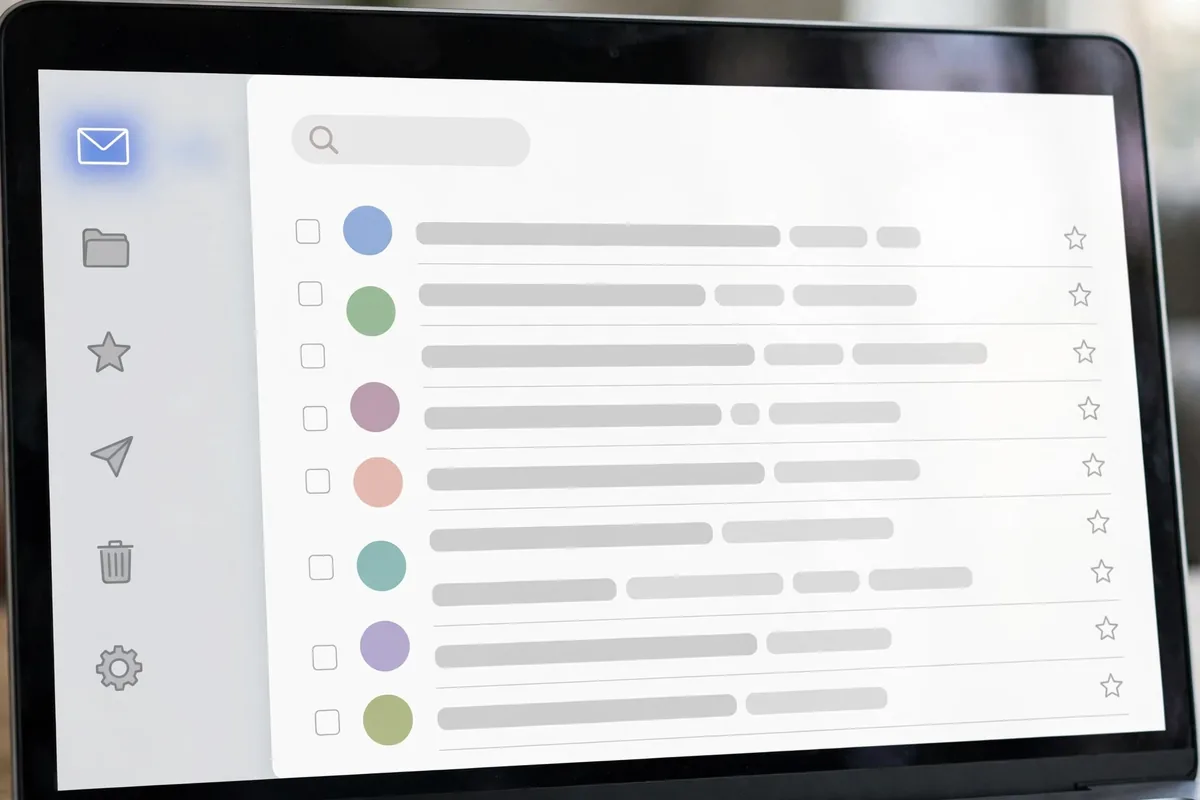
Email is the ultimate context-switching machine. Every notification yanks attention from deep work; every “quick check” becomes a twenty-minute detour. The cost is not just the minutes spent reading — it is the refocus time after each interruption, which research pegs at 20+ minutes per switch.
Worse, most email is not worth your attention at all. Newsletters you never read, notifications better served by dashboards, CCs where your input was never needed, threads that should have been a two-minute call. The inbox is a to-do list that anyone in the world can add to — and they do, constantly.
An AI inbox zero workflow attacks this on three fronts: reducing what arrives (unsubscribe, filter), accelerating what must be processed (AI triage and drafting), and containing when processing happens (batching). Together, they turn email from an all-day ambient tax into a contained, manageable task.
Step 1: Triage With AI Assistance
Triage is deciding what each email needs — and it is where AI saves the most time.
Let AI categorize incoming mail
Modern AI email tools classify messages automatically: urgent (needs you today), important (needs you this week), FYI (read when convenient), actionable-by-others (delegate), and noise (archive or delete). Train the system by correcting its classifications for a week; accuracy climbs fast. The AI inbox zero workflow starts here because triage is the bottleneck — once every email arrives pre-sorted, processing becomes mechanical.
The 4D decision framework
For each email, make one of four decisions:
- Do: if it takes under two minutes, handle it immediately
- Delegate: forward with clear instructions and a deadline
- Defer: schedule it (snooze to a specific time, add to task list)
- Delete: archive or trash without guilt
AI assists each D: drafting the quick reply, suggesting the right delegate, proposing the defer time based on your calendar, and confidently identifying the deletable.
Process, do not just read
The cardinal sin of email is reading without deciding. Every opened email must leave the inbox transformed — replied, delegated, scheduled, or archived. “I will deal with this later” without a specific later is how inboxes grow to 10,000. AI reduces the friction of deciding by pre-drafting responses and suggesting actions, so the decision takes seconds.
Clear the backlog once
Before the system runs, clear the existing mountain. Sort by sender, bulk-archive newsletters and notifications older than a week, search for the genuinely important threads (boss, clients, money), and declare email bankruptcy on the rest — archive everything older than 30 days that is not from a key person. Starting from zero makes the workflow maintainable; starting from 8,000 makes it hopeless. If the thought of archiving thousands of unread emails terrifies you, remember: you have already been ignoring them for months. The archive is searchable — nothing is truly lost, and the psychological relief of a clean slate is worth more than the theoretical value of that backlog.
Step 2: Automate Sorting and Filing

Once triage works, automate everything that does not need judgment.
Build filter rules for the predictable
Newsletters → read-later folder. Receipts → finance folder. Notifications (social, tools, alerts) → skip inbox entirely. Project emails → project folders via sender or subject rules. Aim to auto-file 60–80% of incoming volume before you ever see it. The AI inbox zero workflow treats the inbox as a VIP lane: only mail needing your judgment should land there.
AI-powered labeling and priority
Beyond static rules, AI learns your patterns: which senders you always answer fast, which threads you ignore, which topics correlate with important outcomes. Tools like Shortwave and Superhuman build these models into the client — priority inboxes that genuinely reflect your priorities, not just recency.
Auto-draft responses
For common email types — meeting scheduling, status requests, introductions, follow-ups — AI drafts complete responses from context. You review and send (or edit and send). This collapses the most common email task from five minutes to thirty seconds. Build a library of your recurring email patterns and let AI handle the first draft every time.
Template the recurring
Beyond AI drafts, maintain text templates for your ten most-sent emails. AI personalizes the template per recipient; you approve. The combination of templates plus AI personalization produces emails that feel hand-written at machine speed.
This automation mindset mirrors good AI preparation practices — systematize the repeatable, reserve judgment for what matters.
Step 3: Batch Process in Fixed Windows
Even with AI triage, email expands to fill available time. Batching contains it.
The 3-batch schedule
Process email three times daily: morning (triage + urgent), midday (batch replies), late afternoon (clear to zero). Outside these windows, the email tab stays closed and notifications stay off. This is the single hardest step of the AI inbox zero workflow — and the highest-leverage one. Most people fail here not because batching does not work, but because the first week feels uncomfortable; push through, and by week two the calm focus between batches becomes something you will fiercely protect.
Timebox each batch
Give each session a hard limit: 25 minutes for morning triage, 30 for midday, 20 for the evening clear-out. The timebox forces fast decisions and prevents email from colonizing the hour. When the timer ends, the inbox closes — whatever remains waits for the next batch (it almost always can).
Clear to zero every time
Each batch ends with an empty inbox — every message decided. This is non-negotiable. An inbox that ends the day at zero starts tomorrow clean; one that ends at 47 starts tomorrow behind. AI assistance makes the clear-out achievable: pre-sorted categories, drafted replies, and one-click filing turn the final sweep into minutes.
Handle the truly urgent separately
Genuine emergencies should not come by email — establish alternate channels (phone, messaging) for true urgencies and tell your team. This gives you permission to ignore email between batches without anxiety. If everything is urgent, nothing is; the batching system forces the distinction.
Step 4: Unsubscribe and Filter Ruthlessly

The cheapest email to process is the one that never arrives.
The unsubscribe blitz
Search for “unsubscribe” in your inbox and work through every result. Be brutal: if you have not opened the last five issues of a newsletter, you will not miss it. If a store emails you weekly and you buy quarterly, unsubscribe and visit the site when you need something. Most people can eliminate 30–50% of incoming volume in one focused hour.
Kill notification email
Product notifications, social alerts, “someone liked your post” — these belong in the apps, not your inbox. Turn off email notifications for every tool that has an in-app alternative. What remains should be communication from humans, not machines talking to machines.
Filter aggressively going forward
New newsletter? It goes to the read-later folder by rule, never the inbox. New tool? Notifications off by default. New project? Folder and filter created at kickoff. The AI inbox zero workflow includes a standing rule: every new recurring email source gets a filter within 24 hours of first appearance.
Curate instead of accumulating
Keep 3–5 newsletters you genuinely read; everything else is noise you have mistaken for signal. Your information diet deserves the same curation as your food diet. The goal is an inbox where every arrival is plausibly worth your attention — a radical but achievable standard.
Step 5: Maintain With Daily and Weekly Habits
Systems decay without maintenance. Step five keeps the AI inbox zero workflow running indefinitely.
The daily shutdown clear
End each workday with the evening batch: inbox to zero, tomorrow’s email-derived tasks captured, urgent items flagged. Five to twenty minutes. This is the daily heartbeat of the system — skip it and the backlog starts compounding immediately.
The weekly filter audit
Once a week, scan what landed in the inbox that should not have: new newsletters, notification creep, senders who need rules. Create the filters. This ten-minute audit prevents the slow re-flooding that kills most inbox-zero attempts within a month.
Monthly unsubscribe pass
New subscriptions accumulate — free trials, event lists, project updates that outlived the project. Monthly, search “unsubscribe” again and purge. Also review your folders: archive completed projects, delete what you will never reference.
Measure and adjust
Track two numbers weekly: emails received and time spent processing. If volume climbs, find the source and filter it. If processing time climbs, check whether you are slipping back into continuous checking. The AI inbox zero workflow is a system with metrics — treat it like one.
For the visually inclined, AI image tools can even create custom inbox-zero wallpapers and dashboard art that keep the system top of mind — small environmental nudges that reinforce the habit.
Common Inbox Zero Mistakes
- Confusing zero with instant replies: zero means processed, not answered in 30 seconds
- Continuous checking: the workflow requires batches; peeking between them breaks it
- No unsubscribe discipline: optimizing processing while the flood grows is futile
- Keeping “maybe later” in the inbox: later needs a date or a task, not inbox limbo
- Perfectionism: an occasional 12-email evening is fine; the trend is what matters
And for those managing a public-facing inbox or personal brand, AI avatar tools help keep profile visuals as clean and professional as your newly tamed inbox.
The 30-Minute Unsubscribe Audit
Before building elaborate filters, do the brutal version: search your inbox for “unsubscribe”, sort by sender, and unsubscribe from everything you have not opened in the last month. Most people cut 30 to 50% of their incoming mail in half an hour. It is the highest-ROI email task that exists.
Then set up two rules that prevent the pile from returning. First, a filter that auto-archives newsletters into a “Read Later” label, skipping the inbox entirely. Second, a standing calendar block of 10 minutes each Friday to unsubscribe from anything new that slipped through. Inbox zero is a maintenance habit, not a one-time project.
FAQ
Is inbox zero actually achievable?
Yes — with AI triage and batching, most professionals reach daily zero within two weeks. The key is the backlog clear-out first and the unsubscribe discipline ongoing. It is a maintained state, not a one-time achievement.
What about emails I am waiting on from others?
Use a “waiting for” folder or snooze them to the expected reply date. They leave the inbox (zero maintained) but resurface automatically if no reply arrives. Never leave them sitting in the inbox as implicit reminders.
How do I handle a shared team inbox?
Apply the same workflow with assignment rules: AI triages, team members claim, SLA timers track. The principles scale — triage, automate, batch, reduce, maintain — whether the inbox is yours or the team’s.
Should I use AI to write all my replies?
AI drafts, you decide. Use AI heavily for routine replies and scheduling; write personally for sensitive, important, or relationship-critical messages. Recipients can sense fully-automated important emails, and it costs trust.
What if my job requires instant email response?
Few jobs truly do. Negotiate the real SLA — often “within the hour” suffices, which batching handles. For genuinely real-time roles, designate the urgent channel (phone/chat) and keep email batched; instant-everything is a recipe for burnout, not performance.
Conclusion
An AI inbox zero workflow turns email from an all-day tax into a contained task: AI triage that pre-sorts everything, automation that files the predictable, batching that protects your attention, ruthless unsubscribing that shrinks the flood, and maintenance habits that keep it working. Five steps to an inbox that serves you instead of ruling you.
Start today: run the unsubscribe blitz and clear the backlog this week. By next Monday, the AI inbox zero workflow will be processing a fraction of today’s volume — and you will wonder how you ever worked any other way.



Join the discussion
Have a question or a perspective to share?