
Best AI Tools for Architects: 7 Picks for 2026
Introduction: The New Era of Architectural Design
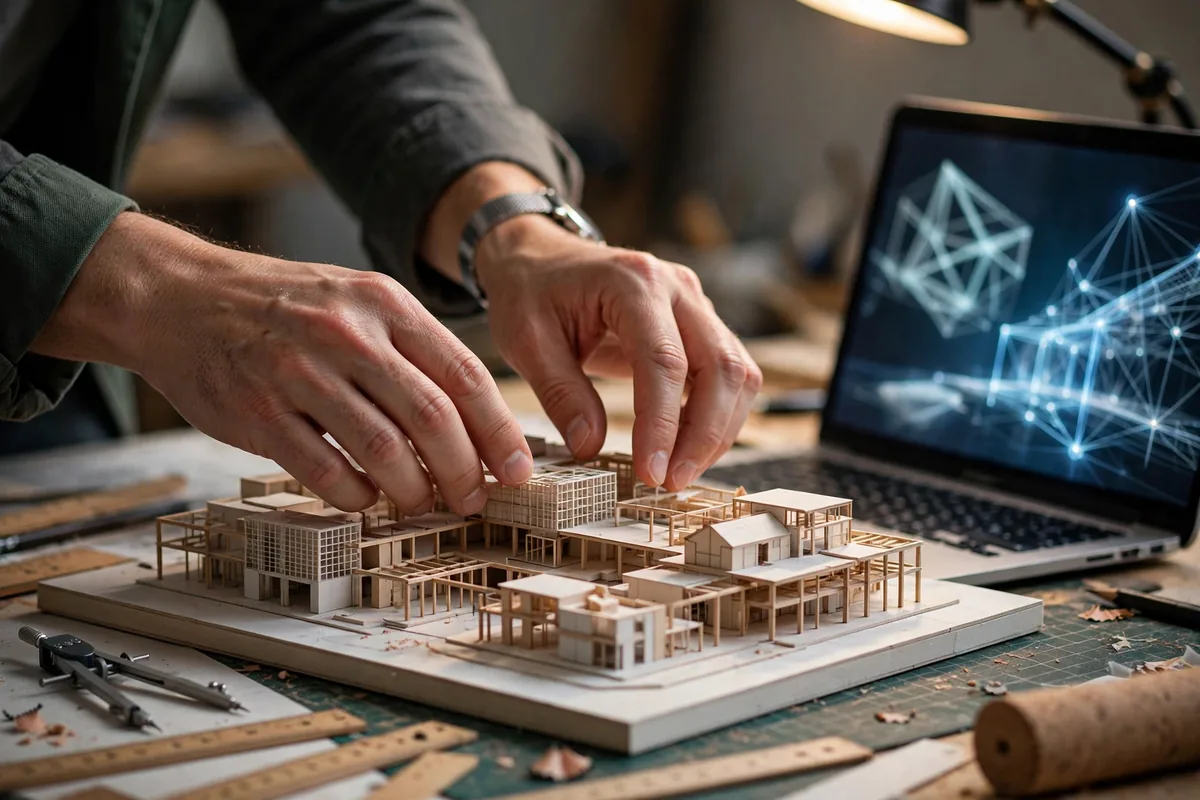
Somewhere between the third client revision and the zoning board meeting, architecture becomes paperwork. AI tools give firms the drafting hours back: generating massing options, checking code compliance, rendering the presentation — so architects spend their time on design, not documentation.
Integrating these technologies is no longer just about staying current; it is about redefining the boundaries of what is possible. Whether you are conducting complex environmental simulations or generating high-fidelity renderings in seconds, the best AI tools for architects are fundamentally changing the workflow from tedious drafting to strategic generative design. As we look at the landscape for 2026, it is clear that AI is no longer a futuristic concept—it is the bedrock of modern architectural excellence.
Why AI Matters for Architects in 2026
By 2026, the reliance on AI in architecture has matured from simple image generation to sophisticated data-driven decision-making. The efficiency gains are no longer theoretical; they are quantifiable. Architects are utilizing AI to conduct site analysis that previously took days, evaluating solar paths, wind patterns, and noise pollution in minutes. This immediate feedback loop ensures that environmental constraints are addressed during the earliest design phases rather than as a costly afterthought during the late-stage development.
Automated regulatory compliance has become one of the highest-ROI uses of AI in architecture. AI-powered tools can now cross-reference building massing against local zoning codes and building footprints, effectively eliminating the risk of costly design errors. By minimizing manual administrative work, firms can scale their operations without necessarily increasing their headcount, providing a massive competitive advantage. In this high-stakes environment, selecting the best AI tools for architects is a critical strategy for maintaining profitability and design integrity.
1. Delve by Sidewalk Labs
Delve is a specialized generative design tool that excels at evaluating urban development scenarios. It is purpose-built to help architects and developers navigate the complex interplay of zoning constraints, local mandates, and financial viability.
- Standout Feature: Its ability to generate hundreds of site design options—each optimized for sunlight, views, and accessibility—within minutes, based strictly on specific urban constraints.
- Limitation/Pricing Catch: It is primarily geared toward large-scale urban development projects, which may make it overkill for boutique residential firms. Pricing is generally enterprise-level, requiring a direct sales consultation.
- Best For: Urban planners and large-scale developers focused on high-density site optimization.
2. Finch 3D
Finch 3D acts as a “digital assistant” for floor plan optimization. It bridges the gap between raw data and architectural logic, allowing designers to input high-level constraints and watch as the software generates feasible, optimized building layouts in real-time.
- Standout Feature: The live building code checking. As you manipulate walls or room sizes, the software provides real-time alerts if your layout violates fire egress or spatial requirements.
- Limitation/Pricing Catch: It requires a disciplined approach to BIM (Building Information Modeling). If your existing office workflow isn’t already standardized, the learning curve can be steep.
- Best For: Early-stage massing and floor plan rapid prototyping.
3. Midjourney (Architecture Mode)
While many know it as a general-purpose image generator, Midjourney’s integration into the professional architectural pipeline has evolved significantly in 2026. It is now the industry standard for high-fidelity conceptual visualization during the initial client-facing stage.
- Standout Feature: The unprecedented photorealism and stylistic range, which helps architects communicate complex atmosphere and materiality to clients long before a project enters the rendering phase.
- Limitation/Pricing Catch: It lacks true structural awareness. While it creates beautiful images, it does not understand architectural physics, leading to potential “hallucinations” that cannot be built.
- Best For: Rapid stylistic iteration and creating “wow factor” pitch deck imagery.
4. Autodesk Forma (formerly Spacemaker)
Autodesk Forma is a powerhouse in the cloud, consolidating environmental analysis into a single, seamless platform. As one of the best AI tools for architects today, it serves as the ultimate diagnostic engine for a project’s site viability.
- Standout Feature: The speed of environmental simulations. It provides instant analysis for microclimate, daylighting, noise, and wind, allowing teams to test site impact without waiting for long compute times.
- Limitation/Pricing Catch: It is a heavy ecosystem investment. To get the most out of it, your firm needs to be fully invested in the Autodesk/Revit infrastructure.
- Best For: Engineering-focused architects who need rigorous environmental data to validate their design choices early in the process.
The selection of the best AI tools for architects requires a careful look at how these platforms integrate with your current daily drivers, such as Revit or your mobile field devices. Choosing the right tech stack will define your firm’s agility for the rest of the decade.
Why AI Matters for Architects in 2026

The architectural landscape in 2026 is unrecognizable compared to the manual-heavy workflows of the early 2020s. The primary driver for this shift is the evolution of generative design, which has moved from a “gimmick” to a necessity for survival in a high-demand market. Architects are no longer spending weeks iterating on massing studies or manually checking energy code compliance. Instead, AI serves as an omnipresent partner that handles the data-heavy grunt work, allowing human designers to focus on high-level spatial strategy and client relationships.
Efficiency gains are most apparent in site analysis. Where an architect once had to manually gather GIS data and run multiple simulations to check for wind tunnels or solar glare, AI tools now process these environmental variables in seconds. This allows for informed decision-making during the earliest phases of a project, preventing costly revisions later in the schematic design process. Automated regulatory compliance is saving firms thousands of billable hours. By training models on local zoning codes, these tools ensure that building configurations stay within legal envelopes from the first sketch. If you are struggling to manage your client communications alongside your design workflow, you might want to look into these AI Customer Service Tools: 7 Best Picks for 2026 to reclaim even more time in your schedule.
How We Tested These best AI tools for architects
To curate this list of the best AI tools for architects, our team at DroidOrbit conducted a rigorous, two-month testing phase. We prioritized interoperability with standard BIM workflows, technical accuracy of architectural outputs, and the tangible impact on firm productivity. We evaluated each tool based on its ability to transition from conceptual massing to actionable data, ensuring that “cool visuals” didn’t outweigh structural feasibility. For those interested in the broader technological landscape, check out our guide on Free AI Video Creation Tools: 8 Picks for 2026 to see how dynamic visualization is impacting the industry.
| Tool | Best for | Starting price |
|---|---|---|
| Delve | Urban Development & Zoning | Custom / Enterprise |
| Finch 3D | Floor Plan Optimization | $30/user/mo |
| Midjourney | Concept & Visual Style | $10/mo |
| Autodesk Forma | Environmental Analysis | $1,200/yr |
| TestFit | Feasibility & Massing | $4,500/yr |
| LookX AI | Stylized Architectural Sketching | $25/mo |
| Veras | BIM-Integrated Rendering | $99/mo |
4. Autodesk Forma (formerly Spacemaker)
Autodesk Forma is a powerhouse for firms operating in dense urban environments. It excels at performing complex environmental analyses—noise, wind, microclimate, and daylighting—within minutes. By leveraging cloud-based computing, it allows architects to stress-test their designs against real-world environmental factors without crashing their local hardware. It is arguably one of the best AI tools for architects who prioritize sustainability and site responsiveness from day one.
5. TestFit
TestFit fundamentally changes how developers and architects interact. It acts as a bridge between financial feasibility and architectural massing. By inputting specific constraints, such as unit mix, parking requirements, and setbacks, TestFit automatically generates building configurations that satisfy both the math and the design intent. It is an indispensable tool for fast-paced, multi-family housing projects where site utilization is the key to profitability.
6. LookX AI
LookX AI differentiates itself by training its diffusion models specifically on architectural imagery. Unlike general-purpose generators, LookX understands the nuance of materials, structural logic, and perspective, meaning your conceptual sketches remain technically grounded. It is a fantastic bridge for converting a rough “napkin sketch” into a professional-grade render that maintains the human-designed proportions that clients respond to during the initial bid phase.
7. Veras (by EvolveLAB)
Veras is the “secret weapon” for firms deeply embedded in Revit or Rhino. Rather than forcing designers to export their work to a secondary visualization program, Veras works directly within the BIM environment. This seamless integration means you can generate high-fidelity, photorealistic iterations of your current 3D model without leaving your native software. For firms that need to produce quick, stunning client deliverables without disrupting their BIM coordination, Veras represents one of the best AI tools for architects on the market today.
How to Choose the Right AI Tool for Your Architects Workflow

Selecting the right software for your firm requires a strategic approach. Use this checklist to align your tech stack with your project goals:
- Assess Project Scale: Are you working on urban master planning or bespoke interior renovations? Tools like Delve are built for complex site development, while Veras is superior for individual interior visualization.
- Evaluate BIM Interoperability: Does the software plug directly into your current pipeline? Prioritize tools like Veras or Finch 3D that communicate natively with Revit or Rhino to avoid tedious manual data exporting.
- Analyze Output Quality vs. Speed: If you need high-fidelity renders, Midjourney is unmatched. If you need technical feasibility, focus on TestFit or Autodesk Forma.
- Identify the Learning Curve: Some tools require a steep transition for your staff. Consider the best AI tools for architects that offer extensive API support and documentation to ensure team buy-in.
- Infrastructure Requirements: Many high-end generative models require significant GPU power. If your hardware is lagging, check our guide on Best Laptops for Architects 2026 to ensure your machines can handle these intensive workflows.
The Honest Downsides
While the promise of automation is alluring, there are friction points in adopting these technologies. First, pricing models are shifting from perpetual licenses to expensive “per-seat” monthly SaaS subscriptions, which can create a significant financial burden for mid-sized firms. Second, data privacy remains a critical hurdle. When uploading sensitive site data or proprietary building schematics to cloud-based AI, firms must verify the vendor’s data handling policies—often requiring enterprise-grade encryption.
Finally, the learning curve is often underestimated. AI is not a magic “generate building” button; it is an expert system that requires clear prompting and technical oversight. Without foundational training, firms often find that the time spent “fixing” AI hallucinations exceeds the time saved during the drafting phase. If you are experimenting with lower-stakes conceptual work, you might start with Free AI Image Generation Tools: 8 Picks for 2026 to understand prompt engineering before investing in professional software.
Tips to Get the Best Results
- Standardize Your Prompts: Create a “Firm Prompt Library” to ensure that your conceptual renderings maintain a consistent aesthetic across different designers.
- Combine Tools: Use Autodesk Forma for environmental analysis, then pass the data into Finch 3D for layout optimization. Cross-platform workflows are the key to maximizing efficiency.
- Iterate Early, Not Late: Use AI at the massing stage, not the documentation stage. The cost of changing a design decreases significantly when AI is used for rapid iteration in the schematic phase.
- Verify Everything: Always cross-reference AI-generated calculations (like solar gain or square footage) with traditional BIM checks. Never trust raw output without professional validation. You can learn more about managing large datasets through Google Cloud’s AI infrastructure.
FAQ
Does AI replace the need for human architects?
No. AI acts as a sophisticated digital assistant, handling repetitive calculations and massing iterations. The human architect remains the essential final authority on safety, aesthetic intent, and client communication, making these the best AI tools for architects to augment—not replace—professional expertise.
Are these tools legally compliant with building codes?
While some platforms, like TestFit, integrate zoning constraints into their logic, no AI is currently a substitute for a licensed professional’s review. You must always verify output against local building department requirements.
How do I ensure client data security?
Many of the best AI tools for architects offer “Enterprise” tiers that guarantee your project data is not used to train the public model. Always check for SOC 2 compliance and data residency options before signing a service agreement.
Will these tools work with my existing CAD software?
Most modern AI platforms prioritize interoperability. Tools like Veras or Finch 3D are specifically designed to bridge the gap between AI generation and standard BIM software like Revit, ensuring a smooth transition between software environments.
Conclusion: Embracing the Future of Design
In 2026, the transition toward AI-integrated design is no longer a niche preference but a professional necessity. By offloading site analysis, massing, and high-fidelity rendering to specialized algorithms, architects are reclaiming hundreds of billable hours per project. This transition allows firms to focus on what truly matters: creative problem-solving and the human-centric aspects of the built environment.
As technology continues to accelerate, staying updated on the industry landscape is paramount. We encourage you to reflect on your current digital ecosystem and determine which of these tools best fits your firm’s unique project pipeline. For a deeper look at the trajectory of this industry, explore our coverage on The Future of Generative AI to prepare your team for the next wave of design innovation.




Join the discussion
Have a question or a perspective to share?