
Best AI Tools for Fashion Designers: 7 Picks for 2026
Introduction: The Future of Fashion Design
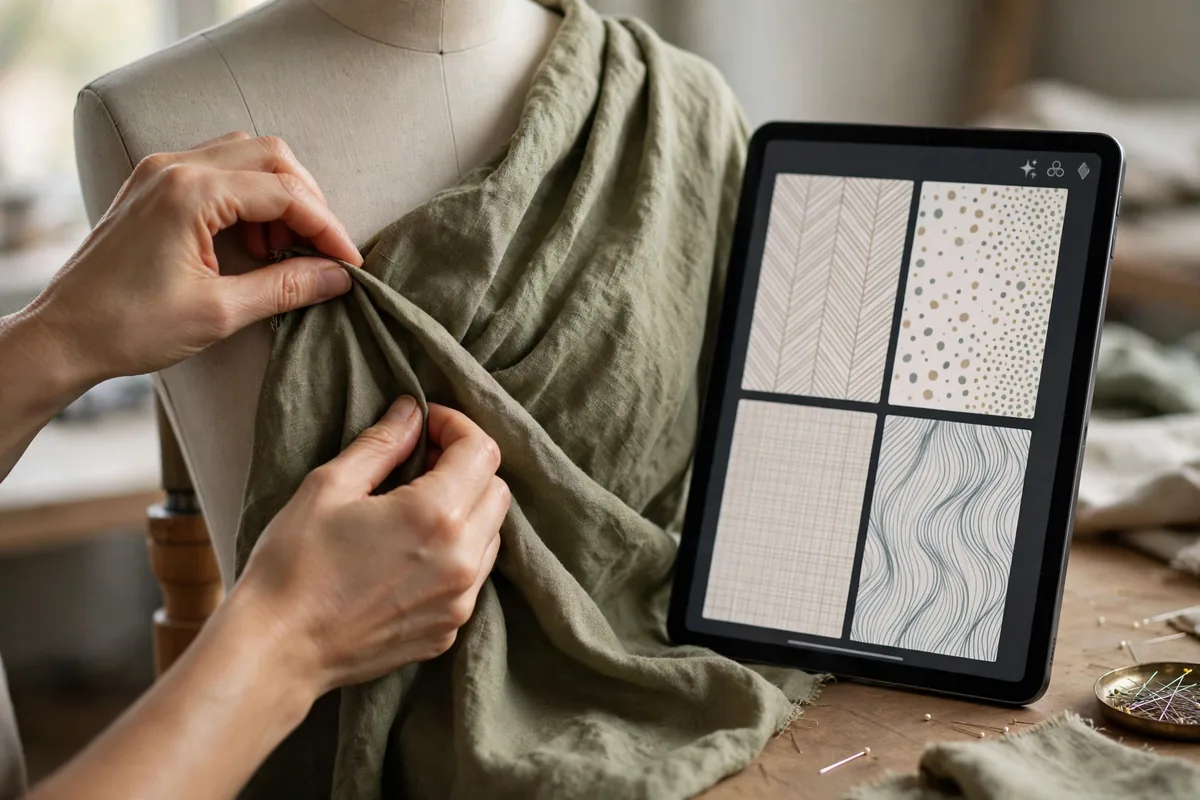
A fashion collection used to need months and a sample room. Now a designer can generate 50 print concepts before lunch, visualize them on 3D avatars by dinner, and only cut fabric for the three worth making. The atelier didn’t disappear — it moved into software.
By embracing these sophisticated platforms, designers are successfully bridging the gap between abstract concepts and production-ready garment files. Integrating the best AI tools for fashion designers into your daily creative process allows you to iterate endlessly without the prohibitive costs of physical material waste. From hyper-realistic 3D prototyping to predictive trend analysis, the digital atelier is open for business.
Why AI Matters for Modern Fashion Designers
In 2026, the traditional fashion calendar—defined by sluggish sampling and reactive trend forecasting—is officially obsolete. AI has fundamentally shifted the paradigm, moving the industry toward a proactive model where productivity and precision reign supreme.
For the modern US-based designer, the primary impact of these tools is twofold: drastic waste reduction and lightning-fast prototyping. By moving the “trial and error” phase into a virtual environment, studios are slashing material costs and carbon footprints, all while keeping pace with a hyper-competitive market that demands new drops in weeks rather than seasons. AI also acts as a creative force multiplier, letting a small team produce the output of a design house five times its size. By automating the technical heavy lifting, designers are liberated to focus on high-level artistic direction and brand identity, ensuring they remain relevant in an era where AI-assisted competition is the new industry standard.
The Best AI Tools for Fashion Designers in 2026
To help you navigate the crowded software market, our team has tested and ranked the top solutions currently powering the industry. Here are the first three of our expert-tested best AI tools for fashion designers.
1. Adobe Firefly (Generative Fill for Textiles)
Adobe Firefly has moved beyond simple photo editing to become an indispensable asset for textile surface design. By leveraging Generative Fill directly within Photoshop, designers can create custom, high-resolution seamless patterns, textures, and prints in seconds.
- Standout Feature: The “Text to Pattern” integration allows you to generate complex, production-ready textile prints simply by describing the aesthetic, color palette, and motif.
- Limitation/Pricing: While it is included in most Adobe Creative Cloud plans, commercial use rights can sometimes be restricted depending on your enterprise tier.
- Best For: Surface pattern designers and print-on-demand creators.
2. CLO 3D (AI-Enhanced Digital Tailoring)
CLO 3D remains the gold standard for virtual garment construction. By utilizing machine learning algorithms to simulate fabric physics—such as tension, weight, and elasticity—it allows designers to see exactly how a garment will drape on a moving avatar before a single piece of fabric is cut.
- Standout Feature: AI-driven “Avatar Fit Mapping,” which provides real-time thermal and pressure heat maps, showing exactly where a garment might be too tight or restrictive on a specific body type.
- Limitation/Pricing: The learning curve is notoriously steep; it requires a high-performance workstation, which you can read more about in our guide to the Top Laptops for Graphic Designers 2026.
- Best For: Technical designers and pattern makers focused on high-fidelity virtual sampling.
3. Midjourney (V6.5 Concept Art Suite)
Midjourney continues to be one of the best AI tools for fashion designers when it comes to the earliest stages of the creative process. Version 6.5 offers unparalleled photorealistic rendering, making it the go-to engine for mood boarding, silhouette exploration, and conceptual fashion illustration.
- Standout Feature: The “Style Reference” (sref) functionality, which allows designers to upload a specific brand aesthetic or runway look and force the AI to generate new concepts that strictly adhere to that visual DNA.
- Limitation/Pricing: Midjourney does not output vector files or manufacturing-ready patterns; it remains a visualization tool. If you aren’t sure how to prompt for professional results, check out our guide on How to Use Midjourney for Professional Design.
- Best For: Creative directors and fashion illustrators looking for rapid ideation and mood board synthesis.
As you explore these best AI tools for fashion designers, remember that the goal is to augment your unique human perspective, not replace it. The second half of this list covers supply chain management and automated manufacturing workflows.
The Best AI Tools for Fashion Designers in 2026
To help you navigate the rapidly evolving landscape of digital couture, we have evaluated the current software market. The best AI tools for fashion designers are those that bridge the gap between abstract creativity and technical execution. Below are our expert-tested picks for the latter half of our list.
4. Browzwear (V-Stitcher Automation)
Browzwear has evolved significantly, moving beyond simple 3D modeling into true AI-driven supply chain integration. Its “V-Stitcher” feature now utilizes machine learning to automate the grading process, allowing designers to instantly resize patterns across an entire product line. By predicting how a garment will react to specific fabrics before a single thread is cut, Browzwear helps designers minimize physical sampling, which drastically reduces textile waste. For mid-sized US studios, this efficiency matters enormously, slashing production timelines by weeks.
5. Cala (AI-Driven Supply Chain Management)
Cala stands out by acting as an end-to-end bridge between digital imagination and physical manufacturing. While many platforms stop at the concept stage, Cala uses AI to convert your digital sketches directly into detailed tech packs and manufacturing specifications. It also provides real-time cost estimations based on current market labor and material rates. If you are looking to streamline your workflow, integrating AI customer service tools can further help manage your client communications alongside these production workflows.
6. Designovel (Trend Forecasting Engine)
Designovel functions as the “brain” behind the design process. It utilizes deep learning to parse thousands of global runway images, social media sentiment, and historical sales data to predict the next wave of micro-trends. Instead of guessing what color palettes or silhouettes will land for the next season, designers can use Designovel to justify their creative direction with hard data. This makes it one of the best AI tools for fashion designers who operate in fast-fashion environments where market timing is everything.
How We Tested These Best AI Tools for Fashion Designers
To compile this list, our team at DroidOrbit stress-tested these platforms against three core metrics: ease of integration into existing Adobe or CAD workflows, accuracy of textile simulation, and overall cost-efficiency for US-based independent designers. We examined how each platform handles the complexity of fabric physics and how well they translate conceptual art into a format ready for a factory floor. If you find yourself needing to showcase your designs via dynamic media, you might want to look into free AI video creation tools to supplement your portfolio presentation.
| Tool | Best for | Starting Price |
|---|---|---|
| Adobe Firefly | Rapid Texture/Print Design | $4.99/mo |
| CLO 3D | Digital Tailoring & Fit | $50/mo |
| Midjourney | Mood Boarding & Ideation | $10/mo |
| Browzwear | Virtual Sampling/Supply Chain | Custom Pricing |
| Cala | Manufacturing Tech Packs | Free (Usage Fees) |
| Designovel | Data-Backed Trend Analysis | $99/mo |
The best AI tools for fashion designers are ultimately those that allow the creator to focus on their unique vision while offloading the repetitive, time-consuming tasks of grading, technical specification, and trend research to the cloud. Whether you are a solo freelancer or part of a larger design team, integrating these technologies is no longer optional if you intend to maintain a competitive edge in the 2026 US market.
How to Choose the Right AI Tool for Your Fashion Designer Workflow
Selecting the right software for your studio requires a strategic approach. Use this checklist to ensure your investment aligns with your production goals:
- Assess Your Production Stage: Are you in the ideation phase (concepting) or the technical execution phase (pattern grading)? Tools like Midjourney are ideal for creative exploration, whereas CLO 3D is a requirement for technical garment construction.
- Define Your Tech Stack Integration: Does the tool import directly into your existing Adobe Creative Cloud or CAD software? A seamless workflow is vital; ensure your hardware can handle the rendering load by checking our top laptops for graphic designers 2026 guide.
- Evaluate Scalability: If you are a solo designer, start with subscription-based SaaS platforms like Cala. If you are part of a larger house, you may need enterprise-level tools like Browzwear that support team collaboration.
- Hardware Requirements: Before subscribing, verify if your system meets the minimum GPU specifications. AI rendering often requires high-VRAM machines; you can find more information on official hardware optimization documentation at NVIDIA to ensure your workstation is up to the task.
- Review Data Sovereignty: For professional studios, ensure the platform offers private cloud options so your proprietary design sketches remain secure.
The Honest Downsides
While the best AI tools for fashion designers are revolutionary, they are not without hurdles. First, the cost of ownership can scale rapidly. Many tools charge “per seat” or “per generation,” which can break a startup budget if you aren’t careful. Additionally, the learning curve for 3D simulation tools like CLO 3D is significant, often requiring weeks of training compared to simple generative art apps.
Data privacy is another persistent concern. Professional designers should be wary of uploading sensitive concept art to public-facing AI engines that might use your inputs to train their next model. Finally, the “hallucinations” of AI—where textures or fabric physics appear photorealistic but are physically impossible to sew—require a human expert to correct, meaning you can never fully remove the designer from the loop. If you are just starting out and need to experiment without the high cost of enterprise software, you might want to look into our guide on Free AI Image Generation Tools: 8 Picks for 2026.
Tips to Get the Best Results
- Master Your Prompts: When using image generators, be specific about textiles (e.g., “heavyweight raw silk, matte finish, 20gsm”) rather than just describing the garment shape.
- Layer Your Workflows: Use one AI for mood boarding, then transfer those textures to Adobe Firefly for pattern scaling, and finish with a technical suite for fit.
- Iterative Refining: Treat AI output as a draft. Always cross-reference AI-generated garment layouts with OpenAI’s resource center or similar developer guides to understand how to optimize your prompts for better accuracy.
- Balance Data with Intuition: Don’t let trend forecasting engines dictate your entire brand identity; use them to inform your design, not replace your creative vision.
FAQ
Is it legal to use AI-generated prints in commercial fashion?
Generally, yes, but copyright laws are evolving. In the US, you cannot copyright an image created entirely by an AI without significant human intervention. To ensure your intellectual property is protected, use the best AI tools for fashion designers to create assets that you then modify heavily in Photoshop.
Do I need a powerful computer to use these AI tools?
It depends on the tool. Cloud-based platforms like Cala run in your browser, but 3D modeling tools like CLO 3D require a high-end GPU. Many designers looking for the best AI tools for fashion designers find that investing in a workstation with at least 16GB of VRAM is essential for seamless 3D rendering.
Will AI replace fashion designers?
No. AI is a co-pilot, not a replacement. While it handles the tedious tasks of rendering, draping, and pattern generation, the human designer remains the final arbiter of taste, brand direction, and emotional storytelling.
How do I protect my designs from being “scraped” by AI?
Always use platforms that offer private workspaces. Avoid uploading your most sensitive, unreleased designs to open-source or community-based AI platforms that may use user uploads for model training.
Conclusion: Embracing the Digital Atelier
The transition toward a tech-driven studio is no longer a luxury; it is a necessity for remaining competitive in a fast-paced US market. By integrating the right suite of software, you can significantly reduce the time between initial sketches and final production. While the initial investment in training and subscriptions may seem daunting, the long-term gains in efficiency and waste reduction are undeniable.
Choosing the best AI tools for fashion designers is about finding a balance between creative freedom and technical precision. As we move through 2026, those who master these digital tools will be the ones setting the trends rather than just following them. Stay curious, keep iterating, and view these AI advancements as an extension of your own hand—the ultimate digital atelier is yours to command.

Join the discussion
Have a question or a perspective to share?