
7 Free AI Background Removers That Work Without Signup (2026)
Introduction: The Best Tools for Instant Image Editing

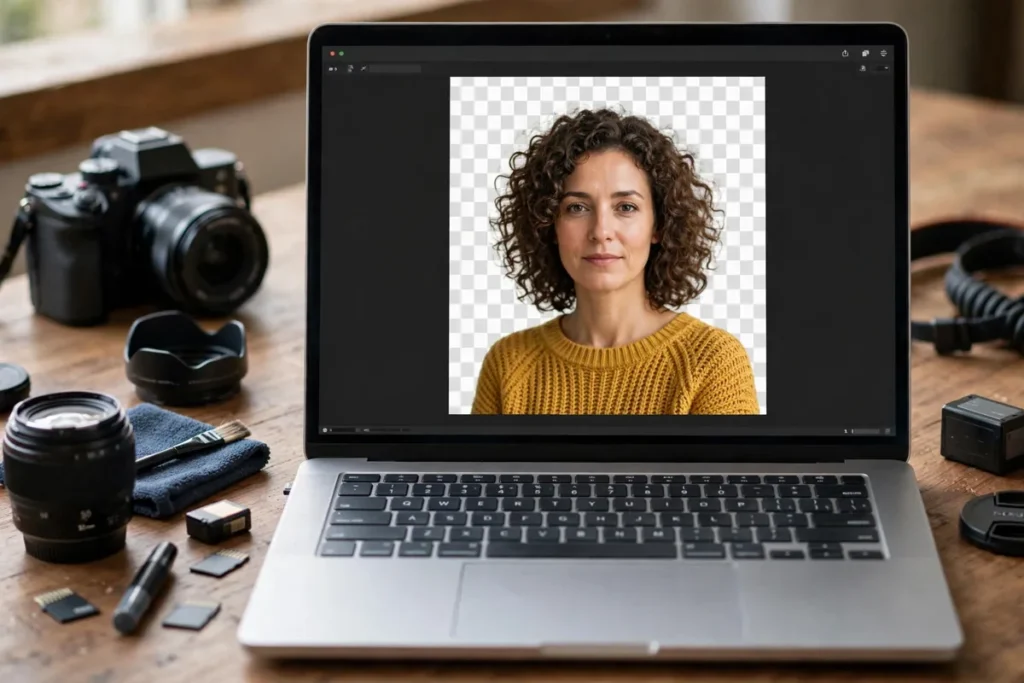
The product photo is great; the messy bedroom behind it is not. Free AI background removers cut the subject out cleanly in seconds — transparent PNG, no signup — so your listing looks like it was shot in a studio.
If you are looking for more advanced control, be sure to check out our list of the Best Android Photo Editing Apps 2026 to complement your desktop workflow. By utilizing a high-quality free AI background remover no signup, you can maintain a lean, efficient design process that keeps your creative momentum moving forward without ever needing to save a password or confirm an inbox link.
Why No-Signup AI Background Removers Are Winning in 2026
The trend toward “ephemeral” utility tools is booming this year. Users are increasingly wary of “account bloat”—the phenomenon where every minor task requires a permanent digital footprint. By choosing a free AI background remover no signup, you maintain a superior level of data privacy. You aren’t handing over your email address, consenting to marketing newsletters, or leaving behind a history of your edited projects on a third-party server.
Beyond privacy, these tools offer unmatched speed. When you only need to process one or two images, the friction of “Sign In with Google” or password recovery is a workflow killer. These platforms offer an anonymous, high-speed pipeline that is ideal for professionals who value security and efficiency above all else.
1. Adobe Express Background Remover
Adobe remains the industry titan, and their web-based utility brings the same professional-grade AI precision found in Photoshop to a browser-accessible interface. It is exceptionally good at handling edge cases, such as wispy hair or complex semi-transparent objects, thanks to its underlying Sensei AI technology.
- Standout No-Signup Feature: The processing speed is incredibly fast, and the cutout quality is consistently among the best in the industry.
- Real Limitation: While it is powerful, Adobe often pushes you to sign in to access higher-resolution downloads or advanced post-processing tools.
- Best For: Designers who need high-precision cutouts for professional-grade projects.
2. Remove.bg
As the industry pioneer, Remove.bg set the blueprint for the free AI background remover no signup category. It is the go-to tool for developers and casual users alike because it is relentlessly reliable. You simply drag, drop, and download. It’s an “it just works” solution that rarely falters, even when dealing with high-contrast backgrounds.
- Standout No-Signup Feature: An intuitive drag-and-drop interface that makes the entire process take less than five seconds.
- Real Limitation: Without an account, the resolution of your free download is significantly reduced, which can be an issue for print media.
- Best For: Quick, high-contrast subject isolation when you are in a massive hurry.
3. Photoroom Background Remover
Photoroom has become the secret weapon for e-commerce sellers globally. Their AI is specifically tuned to recognize products, apparel, and jewelry. It understands the context of a product photo, ensuring that the shadows and reflections look natural even after the background is stripped away.
- Standout No-Signup Feature: Excellent edge detection that handles messy backgrounds or complicated product silhouettes with ease.
- Real Limitation: It focuses heavily on “clean” aesthetic results, which sometimes means it removes parts of an image it perceives as “noise” but which you might actually want to keep.
- Best For: Professional product photography where you need consistent, studio-quality results.
4. Slazzer
Slazzer is the workhorse of the bunch. It is built for efficiency and handles high-volume tasks surprisingly well. If you are handling a batch of product photos for an online storefront, Slazzer’s algorithms are designed to provide a clean, uniform output that makes your website look cohesive and professional.
- Standout No-Signup Feature: Exceptional handling of busy or patterned backgrounds, making it a reliable free AI background remover no signup for challenging stock photography.
- Real Limitation: The interface is somewhat basic, offering fewer “creative” customization options compared to its competitors.
- Best For: E-commerce businesses needing a standardized, automated look for their product inventory.
Why Use a Free AI Background Remover No Signup?
In an era where digital agility defines professional productivity, the friction of mandatory account registration—verifying emails, setting passwords, and managing unwanted marketing newsletters—is often the biggest bottleneck in a creative workflow. When you have a single high-priority graphic to edit, you don’t need an account; you need an instant result. Using a free AI background remover no signup provides a frictionless path from raw file to transparent PNG, allowing you to bypass unnecessary data collection.
Privacy is a primary concern for professionals. Many users hesitate to upload proprietary business images or sensitive documents to platforms that require persistent profiles and data tracking. By opting for a no-signup tool, you minimize your digital footprint. Most of these services process images in-memory and delete them from their servers shortly after the session ends, offering a level of “disposable” utility that is perfect for those who prioritize data security. If you are integrating these workflows into your broader tech stack, you might also find utility in exploring efficient AI customer service tools to further streamline your digital operations.
Furthermore, these tools are built for speed. Whether you are prepping a product listing for eBay, cleaning up a team member’s headshot for a Slack profile, or removing a cluttered background from a quick reference photo, the time saved by avoiding the “Sign Up/Log In” cycle is non-trivial. It allows you to integrate image manipulation into your current tasks without breaking your focus. Whether you are a marketer on a deadline or a developer looking to quickly test assets, having a reliable free AI background remover no signup ready in your bookmarks is a superpower for daily efficiency.
4. Slazzer
Slazzer is a powerhouse for professionals who need to move quickly. While many tools are optimized for single-image processing, Slazzer’s engine is specifically tuned for e-commerce workflows. Its ability to handle complex foregrounds—such as vehicles or intricate retail products—is notable. For users who need to process multiple images rapidly, the interface is clutter-free and highly responsive. If you are interested in how automation is evolving, consider how AI-powered meeting assistants can similarly save hours in your administrative schedule.
5. Fotor Background Remover
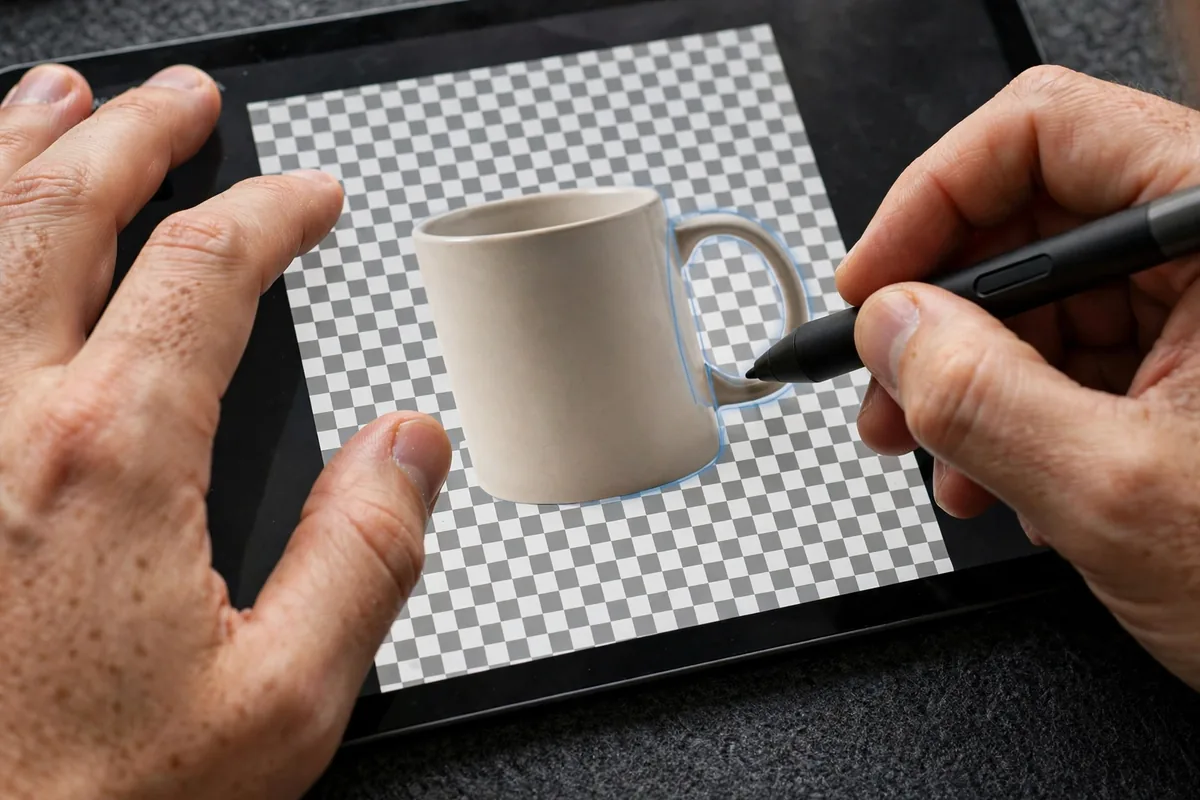
Fotor acts as more than just a background stripper; it is a full-featured browser-based editor. After the AI isolates your subject, you are immediately presented with options to add new backgrounds, apply filters, or resize the image for specific social media platforms. It’s an ideal choice for a user who needs to turn a raw photo into a polished social media post without switching between three different applications.
6. PhotoAiD
PhotoAiD is a specialized utility that leans heavily into document-standardization tasks. If you need to produce a passport photo, visa image, or professional headshot with a compliant background, this tool is the gold standard. It doesn’t just remove the background; it ensures the resulting dimensions and lighting balance meet strict international requirements, making it a unique niche player among the typical creative-focused removers.
7. Erase.bg
Erase.bg excels where others struggle: intricate patterns. When your subject has stray hair, complex accessories, or busy backgrounds that bleed into the foreground, Erase.bg uses advanced algorithms to maintain edge integrity. It minimizes the “halo” effect often found in automated cutouts, providing a clean mask that is ready for professional composite work.
How We Tested These free AI background remover no signup
To ensure these recommendations meet professional standards, we evaluated each tool based on its processing speed, edge precision, and the “no-signup” guarantee. We tested each free AI background remover no signup using a standardized set of high-resolution stock images, including challenging subjects like textured fabrics and low-contrast landscapes.
| Tool | Best for | Key limit |
|---|---|---|
| Adobe Express | Professional precision | Low-res download on free tier |
| Remove.bg | Speed and simplicity | Limited free high-res credits |
| Photoroom | Complex hair masking | Watermarks on free exports |
| Slazzer | E-commerce batching | Limited max resolution |
| Fotor | Integrated editing | Requires “Pro” for premium assets |
| PhotoAiD | ID/Passport photos | Highly specific use-case |
| Erase.bg | Intricate foregrounds | Daily processing caps |
When choosing your tool, consider your final output destination. If you require print-quality assets, tools like Adobe Express offer superior resolution but may throttle high-definition downloads for guest users. Conversely, if you are simply looking for a quick web-ready thumbnail, the speed and efficiency of Remove.bg or Slazzer will likely serve your needs better than a more feature-heavy suite. Always verify the output resolution before processing your entire project queue to ensure the resulting file meets your specific resolution requirements.
How to Choose the Right Tool for You
When selecting a free AI background remover no signup, the best choice often depends on the specific nature of your project. Follow this checklist to ensure you select the right utility for your workflow:
- Assess Subject Complexity: If your image features intricate details like messy hair or complex transparent objects, prioritize tools like Photoroom or Adobe Express, which excel at edge detection.
- Evaluate Resolution Requirements: Not all tools output at full resolution. If you need a print-ready file, check if the tool provides a high-quality download or if it downscales your image.
- Check for Batch Capabilities: If you have a collection of product images for an online storefront, prioritize tools like Slazzer that support faster, continuous processing.
- Consider Post-Processing Needs: Do you need to add a new background immediately? Fotor is excellent if you prefer an all-in-one suite where you can swap the background and adjust lighting in the same session.
- Review the Privacy Policy: Even when you don’t sign up, your images are being processed on a server. If you are dealing with sensitive data, read the Google Cloud Privacy Center to understand how data handling typically works for professional-grade AI services.
Limitations of Free No-Signup AI Tools
While using a free AI background remover no signup is incredibly convenient, there are inherent trade-offs. The most common limitation is the restriction on output resolution; many free tiers provide a “preview” size that may be too small for professional printing or high-resolution web banners.
Additionally, you may encounter strict daily usage caps. Once you process a certain number of images, the service may block your IP address or require you to switch to a paid account. Some tools also embed watermarks on free downloads, necessitating manual cropping or subscription-based removal.
Privacy is another significant concern. Because you aren’t logging in, you cannot “delete” your history or request the removal of your data from the server-side logs. Before using these tools for proprietary or personal photos, refer to our guide on top privacy-focused AI tools for professionals to ensure your workflow remains secure. For more advanced tasks, you can also explore how OpenAI’s latest research is shaping the future of image recognition and safety.
Tips to Get the Best Results
- Prioritize High Contrast: AI models perform significantly better when there is a clear distinction between the subject and the background.
- Ensure Proper Lighting: Images with soft, even lighting are easier for the algorithm to segment than photos with harsh shadows or blown-out highlights.
- Mind the Edges: Avoid busy, cluttered backgrounds; a solid wall or a simple backdrop helps the AI identify foreground edges more accurately.
- Reference Expert Guidance: For those looking to master mobile-based editing, check out our insights on how AI is changing mobile photography to further refine your technique.
FAQ
Are these tools truly private?
Using a free AI background remover no signup offers a layer of anonymity because you aren’t linking personal data to an account. However, always assume the images you upload are being processed on external servers.
Can I use these for commercial projects?
Most services allow commercial use, but you should check the terms of service for each specific tool, as some prohibit commercial redistribution of images processed via their free tier.
Do these tools work on mobile devices?
Yes, because they are browser-based, you can access any free AI background remover no signup via your mobile browser just as easily as you would on a desktop.
Why is my download resolution so low?
Many services restrict the file size of the download to encourage users to sign up for a subscription or premium credits.
Does the AI handle transparency correctly?
Most professional tools will automatically output a PNG with a transparent background, but some may default to a white background if you don’t select the transparent option.
Conclusion
Finding the right free AI background remover no signup can transform your creative process, saving you hours of tedious manual masking. By understanding the specific strengths of tools like Adobe Express, Photoroom, and Slazzer, you can produce professional-grade visuals without the friction of account creation or login prompts.
We encourage you to bookmark your favorite tools from this list to keep them handy for your daily design tasks. As AI continues to evolve, these browser-based utilities will only become more precise, making them essential assets for anyone working with digital imagery in 2026.





Join the discussion
Have a question or a perspective to share?