
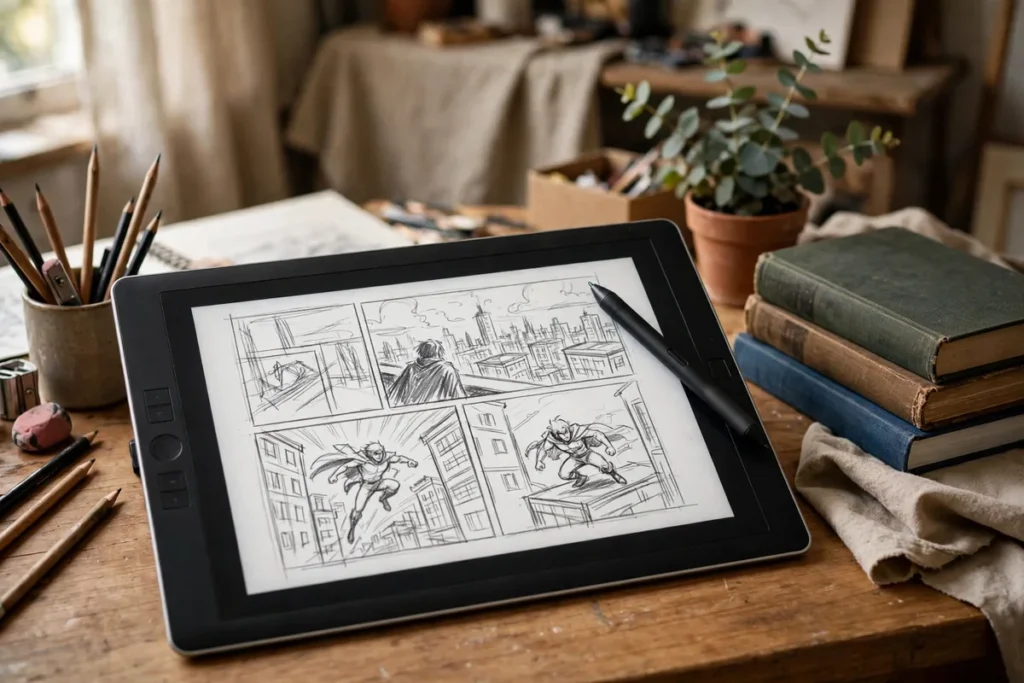
Introduction: From Blank Page to Finished Panel
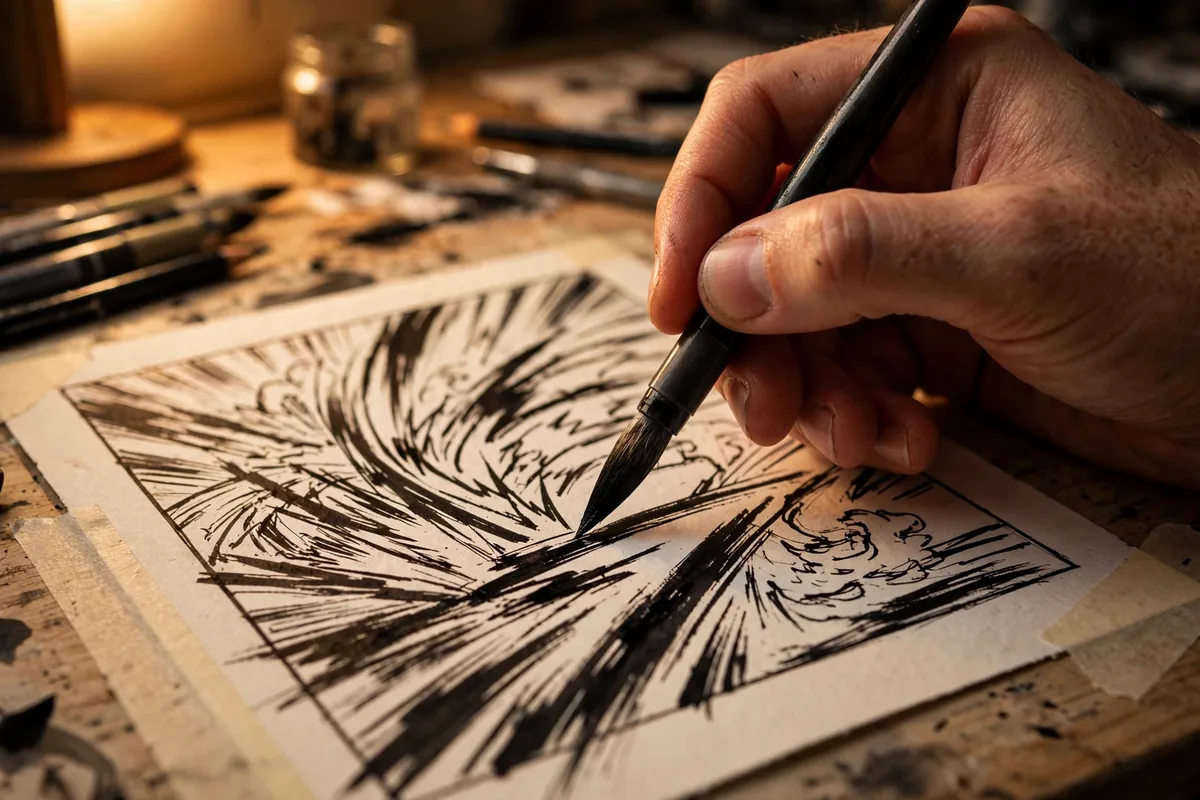
Making comics and manga has always been a marathon — penciling, inking, toning, lettering, and coloring can consume hundreds of hours per chapter. The best AI tools for comic creators are rewriting that math: generating character concepts in minutes, auto-coloring line art, producing consistent backgrounds, and even helping with panel composition.
This guide covers the seven best AI tools for comic creators working in 2026 — from pure image generators for concept art to specialized tools for coloring, inking assistance, and character consistency. Whether you draw shonen-style manga or Western graphic novels, these tools handle the labor-intensive parts so you can focus on story.
Why AI Is Changing Comic and Manga Creation in 2026
Manga assistants in Japan once numbered in the dozens per series; AI now does the work of background artists and tone-appliers overnight. The breakthroughs that matter for comics are character consistency (the same face across 200 pages), style-locked generation (your style, not a generic anime look), and line-art-aware coloring that respects your inks instead of painting over them.
Crucially, the best AI tools for comic creators in 2026 work with traditional workflows rather than replacing them. Most professionals use AI for backgrounds, crowds, and color flats while keeping character acting and key storytelling moments hand-drawn. The result: solo creators shipping at studio pace.
Midjourney
The concept-art king. Midjourney generates the most visually striking character designs, environments, and key visuals of any tool here — the starting point for countless comic projects.
- What it does: Text-to-image generation with best-in-class aesthetics, style references, and character reference features.
- Standout feature: Character Reference (
--cref) keeps your protagonist’s face consistent across generations — essential for comics. - Pricing: From $10/month; no free tier.
- Limitation: Sequential storytelling (exact poses across panels) still needs manual guidance and editing.
- Best for: Character design, cover art, and key visual development.
Stable Diffusion XL
The open-source powerhouse. SDXL and its ecosystem of fine-tuned anime/manga models (trained by the community) offer unlimited, private, free generation with total control.
- What it does: Local or cloud text-to-image generation with thousands of community models, LoRAs, and ControlNet for pose control.
- Standout feature: ControlNet — feed it your rough sketch and get finished art following your exact composition. No other tool matches this for panel-accurate work.
- Pricing: Free (run locally with a decent GPU or cheap cloud).
- Limitation: Setup complexity; quality depends on picking the right model and settings.
- Best for: Technical creators who want maximum control and zero subscription cost.
Leonardo AI
Leonardo blends Midjourney-style quality with production features comics need: canvas editing, consistent characters, and trained style models.
- What it does: Image generation with a real canvas editor, character consistency tools, and transparent PNG output.
- Standout feature: Canvas Editor — inpaint and outpaint directly on your panel, fixing hands, backgrounds, and composition without regenerating everything.
- Pricing: Free tier with daily tokens; paid from $12/month.
- Limitation: Anime/manga styles are good but the community leans Western illustration.
- Best for: Creators who want an all-in-one generation + editing workspace.
Adobe Firefly
Firefly’s killer advantage is commercial safety — trained on licensed content, making it the choice for creators who plan to publish and sell their work.
- What it does: Text-to-image generation integrated with Photoshop, plus Generative Fill for editing existing panels.
- Standout feature: Generative Fill in Photoshop — select a panel region and type what should be there; perfect for fixing backgrounds and adding effects.
- Pricing: Included with Creative Cloud; standalone from $10/month with generative credits.
- Limitation: Stylized anime output lags behind Midjourney and community SDXL models.
- Best for: Professional creators who need commercially safe, Photoshop-integrated AI.
Clip Studio Paint (AI Features)
The industry-standard manga software now ships with AI assistance built in — colorization, pose tools, and background generation that understand comic production.
- What it does: Full comic/manga studio (drawing, inking, toning, lettering) plus AI auto-coloring, pose scanner, and background tools.
- Standout feature: AI auto-colorize respects your line art and applies flat colors with shading hints you can refine — trained on real manga workflows.
- Pricing: One-time purchase or subscription from about $25/year (remarkably cheap).
- Limitation: AI features assist rather than generate; you still draw the art.
- Best for: Traditional manga artists who want AI speed without leaving their drawing app.
NovelAI
Born from the anime community, NovelAI’s image generation is fine-tuned specifically on anime aesthetics — and its text generation helps with story and dialogue too.
- What it does: Anime-specialized image generation plus AI writing assistance for scripts and stories.
- Standout feature: The anime-tuned model understands manga visual language (screentones, speed lines, chibi) better than general tools.
- Pricing: From $10/month; no free tier.
- Limitation: Image resolution and anatomical accuracy trail the leaders; best for drafts and inspiration.
- Best for: Anime-style creators who want image + story assistance in one subscription.
Artbreeder
Artbreeder’s gene-mixing approach is uniquely suited to character design: blend faces, iterate traits, and evolve the perfect cast member.
- What it does: Collaborative image evolution — mix and remix portraits to design characters.
- Standout feature: “Genes” sliders for age, style, and features make exploring character variations intuitive and fun.
- Pricing: Free tier available; paid from $9/month.
- Limitation: Output is portrait-focused; not a full scene or panel generator.
- Best for: Casting your comic — designing consistent, distinctive character faces.
The Best AI Tools for Comic Creators Compared

Here is how the best AI tools for comic creators compare at a glance:
| Tool | Best for | Standout feature | Free tier |
|---|---|---|---|
| Midjourney | Character & cover art | Character Reference consistency | No |
| Stable Diffusion XL | Full control, panel accuracy | ControlNet pose control | Yes (free) |
| Leonardo AI | Generate + edit workflow | Canvas Editor inpainting | Yes |
| Adobe Firefly | Commercial-safe pro work | Photoshop Generative Fill | Trial |
| Clip Studio Paint | Traditional manga pipeline | AI auto-colorize | Cheap paid |
| NovelAI | Anime-specific generation | Anime-tuned models + writing | No |
| Artbreeder | Character face design | Gene-mixing sliders | Yes |
Your choice depends on your pipeline stage: ideation favors Midjourney and Artbreeder, production favors SDXL with ControlNet and Clip Studio Paint. Creators documenting their process often pair these with AI-assisted writing tools for scripts and dialogue. And if you are a student building a portfolio on a budget, the free tiers here stretch far — see our guide to free AI tools for students for more.
How to Choose the Right Tool for You
- Decide your art style first. Photorealistic Western comics and anime/manga need different models — pick tools strong in your lane.
- Prioritize character consistency. For series work, Character Reference (Midjourney), trained LoRAs (SDXL), or consistent-character features (Leonardo) are non-negotiable.
- Check commercial terms. Publishing plans demand commercially safe training data — Firefly and properly licensed tools win here.
- Match your hardware. SDXL free is amazing if you have a GPU; otherwise budget $10–30/month for cloud tools.
- Test the full pipeline. Generate a character, then a background, then combine them — the tool that handles all three smoothly is your winner.
- Keep your drawing hand in. AI assists; your draftsmanship is still the differentiator readers feel.
Pricing and Free Tiers: What You Really Get
Comic AI is affordable: $10–30/month covers most creators, and the free options are genuinely strong (SDXL free forever, Leonardo’s daily tokens, Artbreeder’s free tier, Clip Studio Paint’s tiny annual price). Paid plans buy consistency features, higher resolution, and commercial licenses. For a working creator, one $10–25 subscription usually replaces what used to be hundreds in assistant hours.
Tips to Get Professional Results
- Train a LoRA on your characters. A dozen images of your protagonist fine-tuned into SDXL gives you on-model generations forever.
- Generate backgrounds separately. AI backgrounds composited behind hand-drawn characters is the current pro standard.
- Use ControlNet for panel composition. Sketch the panel layout roughly, let AI finish it — you keep the storytelling, AI does the rendering.
- Build a style bible. Save prompts, seeds, and settings per project; consistency across 200 pages is a system, not luck.
- Letter by hand (or with comic fonts). AI still garbles text — do dialogue and SFX with proper comic lettering tools, a craft detail that separates pros, much like strong AI writing workflows separate good scripts from great ones.
For official learning resources, Adobe’s Firefly guides and Clip Studio’s official tips document production-ready AI comic workflows.
Building Your AI Comic Pipeline: A Practical Setup
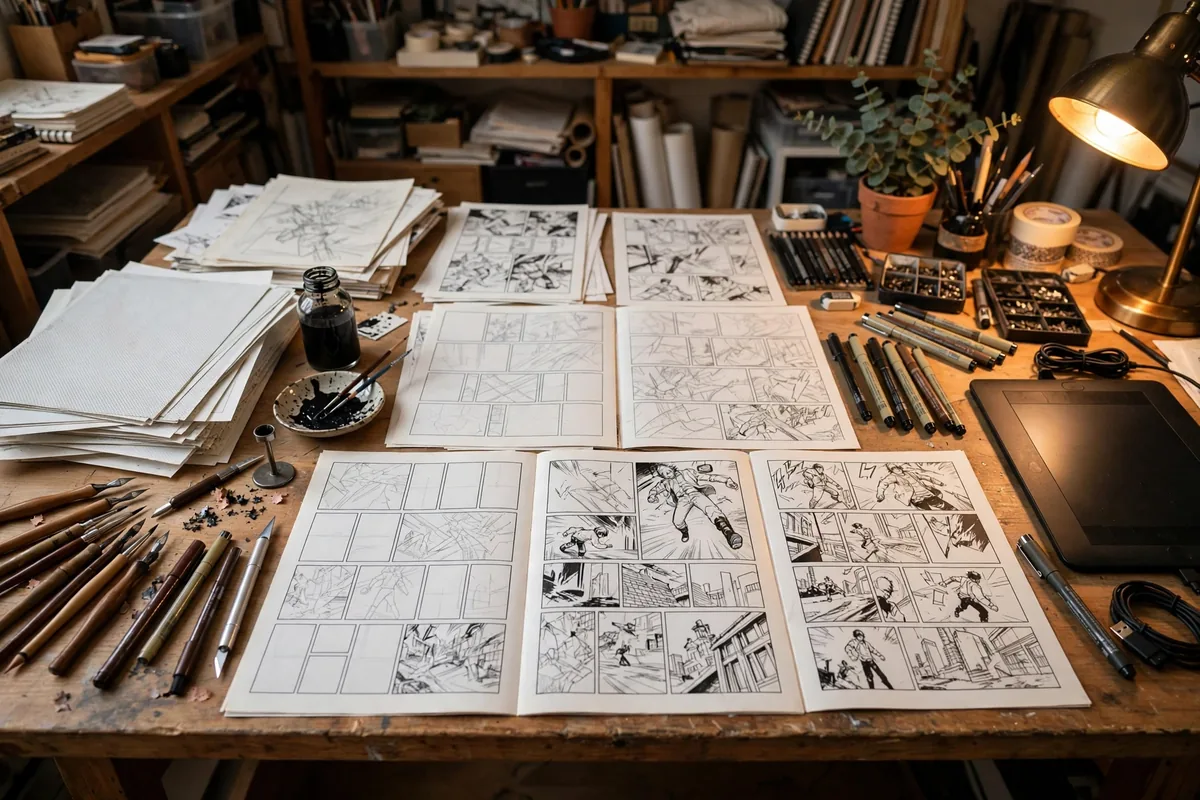
A workable weekly pipeline with the best AI tools for comic creators looks like this: Monday, generate character sheets and environment concepts in Midjourney or Leonardo; Tuesday, lock compositions with ControlNet sketches in Stable Diffusion; Wednesday through Friday, draw key character acting by hand while AI fills backgrounds and applies color flats in Clip Studio Paint; weekend, letter and assemble. The critical discipline is versioning — save every prompt, seed, and LoRA with the project files, because chapter twelve must match chapter one. Creators who treat AI as a department (with its own folder structure and naming conventions) instead of a toy produce visibly more consistent books. Start small: pick one chapter, run it through this pipeline, and compare the hours against your old method — most creators report cutting production time by half while improving background richness.
Panel Pacing and Page Turns
Comics live and die on pacing, and AI art tools do not understand it. Plan your page turns deliberately: end right-hand pages on a beat that pulls the reader forward, and give big reveals a full splash or a left-hand landing. Generate more panels than you need, then cut ruthlessly in the layout phase.
Keep character models consistent with reference sheets. Generate a turnaround of each main character first and feed it back as reference for every subsequent panel. Without that anchor, the same character drifts across pages, and readers notice immediately even if they cannot name why.
FAQ
What are the best AI tools for comic creators in 2026?
The best AI tools for comic creators are Midjourney (best art quality), Stable Diffusion XL (best control via ControlNet), Leonardo AI (best generate-and-edit workflow), Adobe Firefly (safest for commercial publishing), Clip Studio Paint (best for traditional manga pipelines), NovelAI (best anime-tuned), and Artbreeder (best character design).
Can AI draw an entire manga chapter?
Not yet at professional quality. AI excels at backgrounds, concepts, and coloring assistance; sequential character acting, panel flow, and dialogue still need human creators. The winning workflow is hybrid.
Is it legal to sell AI-assisted comics?
Generally yes if you substantially create and direct the work, but terms vary by tool and jurisdiction. Use commercially-licensed tools (like Firefly) for published work and keep records of your creative process.
How do I keep my character looking the same?
Use Character Reference in Midjourney, train a LoRA in Stable Diffusion, or use Leonardo’s character consistency features. Generate a model sheet first, then reference it for every subsequent generation.
Will readers reject AI-assisted comics?
Readers reject bad comics, not tools. Transparency about your process and maintaining high craft standards — especially in writing and character acting — is what earns an audience.
Remember that the audience connects with characters and story long before they notice production technique. Use the hours AI saves you to write better dialogue, stage bolder panel transitions, and revise — the craft advantages compound, and they are entirely yours.
The creators thriving in 2026 are not debating whether to use AI — they are too busy shipping chapters with it. Join them.
Experiment boldly, keep what serves the story, and let the tools handle the rest — your next chapter is closer than you think.
Start with one tool this week.
Conclusion
The best AI tools for comic creators have collapsed the distance between imagination and finished pages. Start with one tool that matches your style, master character consistency, and build a hybrid pipeline where AI handles volume and you handle soul.
Your stories deserve to exist at the pace you can imagine them. Pick a tool from this guide, generate your first character sheet today, and see how far a single weekend can take you.

Join the discussion
Have a question or a perspective to share?