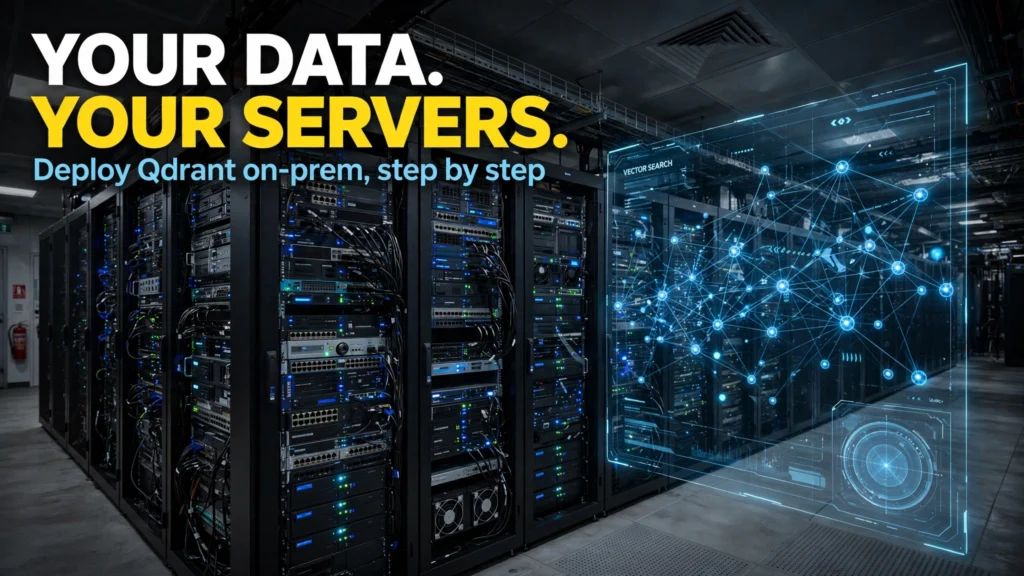
As enterprise adoption of Retrieval-Augmented Generation (RAG), semantic search, and autonomous multi-agent systems surges, vector databases have become the foundational infrastructure layer of modern artificial intelligence architectures. By indexing high-dimensional mathematical embeddings generated by neural models, vector databases enable millisecond similarity searches across millions of documents, customer support transcripts, codebases, and audio files. However, for organizations in healthcare, defense, financial services, and legal technology, routing sensitive proprietary data through multi-tenant cloud vector providers introduces unacceptable data residency, compliance, and cybersecurity risks.
In 2026, Qdrant has established itself as an enterprise favorite for self-hosted and on-premises vector search. Written entirely in memory-safe, ultra-fast Rust, Qdrant offers exceptional search throughput, native payload filtering, hardware-accelerated vector quantization (scalar and binary quantization), and rock-solid snapshot backups. In this comprehensive, step-by-step engineering deployment guide, based on official Qdrant documentation, production architecture benchmarks, and enterprise security standards, you will learn how to architect, configure, and deploy a production-ready, on-premises Qdrant vector database using Docker and Docker Compose.
Vector Database Architectural Comparison: Qdrant vs Alternatives
To contextualize why engineering teams frequently choose Qdrant for on-premises deployments over competing vector solutions, the structured comparison table below outlines key technical characteristics. Note that managed cloud vector database fees vary significantly based on vector dimensions and index size; prices may change — check official site for managed cloud rates.
Vector Engine | Implementation Language | Primary Deployment Model | Filtered Search Strategy | Memory Compression Capabilities | Best For |
Qdrant | Rust (memory-safe, high concurrency) | Single container or distributed Kubernetes cluster | Custom HNSW graph traversal with payload-aware index filtering | Scalar (int8), Binary (1-bit), and Product Quantization (up to 95% RAM reduction) | High-throughput on-premises RAG, private cloud enterprise search |
Milvus | Go / C++ / Python orchestration | Distributed microservice cluster (requires etcd, MinIO, Pulsar/Kafka) | Segregated index search + attribute filtering | Scalar and Product Quantization | Massive multi-billion vector hyperscale deployments with dedicated DevOps teams |
Pinecone | Proprietary cloud service | Managed Cloud Only (AWS, GCP, Azure) | Proprietary managed metadata filtering | Managed automated compression | Teams desiring zero infrastructure maintenance willing to accept cloud data egress |
pgvector (PostgreSQL) | C (PostgreSQL extension) | Relational database extension | Standard SQL WHERE clauses combined with HNSW/IVFFlat indexes | Half-precision (fp16) compression | Small-to-medium datasets (<500k vectors) already living in PostgreSQL |
Chroma | Python / Rust | Embedded in-process or lightweight container | HNSW with metadata filtering | Basic indexing options | Rapid local prototyping, developer notebooks, and small proof-of-concepts |
Hardware and System Requirements for On-Premises Qdrant
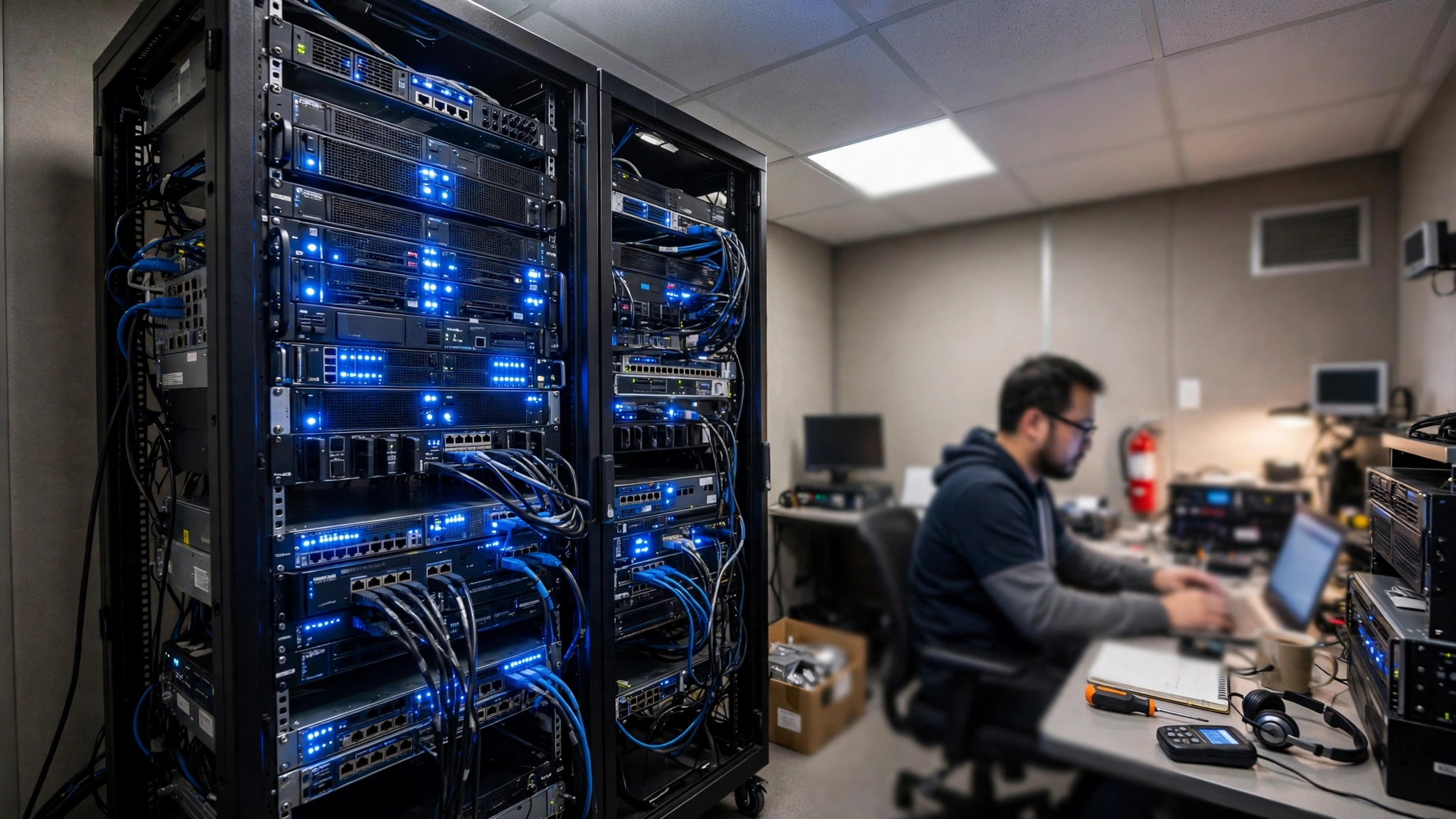
Vector search performance is fundamentally bound by CPU memory bandwidth and available RAM. Before provisioning your on-premises server (bare metal or VMware/KVM virtual machine), review the recommended hardware baselines:
- CPU: Modern x86_64 architecture with AVX-512 or AVX2 SIMD vector instruction support, or ARM64 (Apple Silicon / AWS Graviton). Modern SIMD instructions provide a 3x to 5x throughput increase for vector distance calculations (Cosine, Dot Product, Euclidean).
- RAM: Sizing depends on vector dimensions and index quantization. For 1 million 1536-dimensional vectors (e.g., OpenAI text-embedding-3-small):
- Uncompressed (Float32): ~6.5 GB RAM required.
- Scalar Quantization (Int8): ~1.8 GB RAM required.
- Binary Quantization (1-bit): ~350 MB RAM required.
- Storage: Enterprise NVMe SSDs configured in RAID 1/10. High IOPS are critical for fast snapshot persistence and memory-mapped (mmap) disk storage.
- Operating System: Ubuntu Server 24.04 LTS, Debian 12, or RHEL 9 with Docker Engine and Docker Compose v2 installed.
Step 1: Directory Structure and Security Configuration
Log in to your on-premises Linux server via SSH and establish a clean, dedicated directory for your Qdrant deployment:
# Create deployment directory
sudo mkdir -p /opt/qdrant-server/{data,snapshots,config}
cd /opt/qdrant-server
# Set proper directory ownership for container security
sudo chown -R 1000:1000 /opt/qdrant-server/data /opt/qdrant-server/snapshots
Never expose a vector database without authentication. Qdrant supports API key authentication natively. Generate a strong cryptographic API key using openssl:
# Generate a 32-character random hexadecimal key
openssl rand -hex 16
# Example output: 4a8f9c2d1e7b3a5f8e0d6c4b2a1e9f7d
Step 2: Crafting the Production config.yaml
Create a dedicated configuration file at /opt/qdrant-server/config/production.yaml to tune Qdrant's networking, telemetry, memory management, and security settings:
# /opt/qdrant-server/config/production.yaml
service:
host: 0.0.0.0
http_port: 6333
grpc_port: 6334
enable_cors: false
api_key: "4a8f9c2d1e7b3a5f8e0d6c4b2a1e9f7d" # Replace with your generated key
storage:
storage_path: /qdrant/storage
snapshots_path: /qdrant/snapshots
on_disk_payload: true # Store large metadata payloads on NVMe SSD to save RAM
optimizers:
deleted_threshold: 0.2
vacuum_min_vector_number: 1000
indexing_threshold: 20000
flush_interval_sec: 5
hashing:
algorithm: sha256
telemetry_disabled: true # Disable outbound telemetry for strict air-gapped compliance
Step 3: Defining the Docker Compose Service
Create a docker-compose.yml file in your deployment directory. This manifest handles automatic restart policies, resource limits, volume mounts, and network isolation:
# /opt/qdrant-server/docker-compose.yml
services:
qdrant:
image: qdrant/qdrant:v1.11.0 # Use a pinned production release
container_name: qdrant_onprem
restart: always
ports:
– "127.0.0.1:6333:6333" # Bind HTTP REST API to localhost (reverse proxy handles TLS)
– "127.0.0.1:6334:6334" # Bind high-speed gRPC API to localhost
volumes:
– ./data:/qdrant/storage
– ./snapshots:/qdrant/snapshots
– ./config/production.yaml:/qdrant/config/production.yaml:ro
environment:
– QDRANT_CONFIG_PATH=/qdrant/config/production.yaml
ulimits:
nofile:
soft: 65535
hard: 65535
deploy:
resources:
limits:
memory: 16G
cpus: '4.0'
reservations:
memory: 4G
Step 4: Launching and Verifying the Deployment
With configuration files in place, launch the Qdrant service in detached mode:
# Start container
docker compose up -d
# Verify container is running and healthy
docker compose ps
docker compose logs -f
You can test the health endpoint and verify API key authentication using curl from the host terminal:
# Test authenticated health probe
curl -X GET "http://127.0.0.1:6333/readyz" -H "api-key: 4a8f9c2d1e7b3a5f8e0d6c4b2a1e9f7d"
# Expected response: HTTP 200 OK
Step 5: Testing Vector Ingestion with Python
To verify that your on-premises vector database is ready to power private enterprise RAG, execute a quick Python script to create a collection, configure HNSW indexing with scalar quantization, and insert sample document vectors:
from qdrant_client import QdrantClient
from qdrant_client.models import (
Distance,
VectorParams,
PointStruct,
ScalarQuantization,
ScalarQuantizationConfig,
ScalarType
)
# Initialize authenticated client connecting to localhost
client = QdrantClient(
url="http://127.0.0.1:6333",
api_key="4a8f9c2d1e7b3a5f8e0d6c4b2a1e9f7d"
)
collection_name = "internal_legal_docs"
# Create optimized collection with 768-dim vectors (e.g. for Nomic or BGE models)
client.recreate_collection(
collection_name=collection_name,
vectors_config=VectorParams(size=768, distance=Distance.COSINE),
quantization_config=ScalarQuantization(
scalar=ScalarQuantizationConfig(
type=ScalarType.INT8,
quantile=0.99,
always_ram=True
)
)
)
print(f"Collection '{collection_name}' successfully created on-premises!")
Advanced Index Optimization: Tuning HNSW Graphs and Quantization for Billion-Scale Search
While the baseline Docker Compose configuration provides exceptional performance for datasets under 1 million vectors, scaling an on-premises Qdrant cluster to tens of millions or hundreds of millions of embeddings requires a nuanced understanding of Hierarchical Navigable Small World (HNSW) graph hyperparameters.
Tuning HNSW Index Parameters in Qdrant
Qdrant allows granular control over graph construction and query-time search depth. When creating a high-performance production collection, you can fine-tune these parameters within the collection configuration:
- m (Default: 16): The maximum number of bidirectional connection edges per node in the HNSW graph. Increasing m to 32 or 64 improves search recall for complex, high-dimensional datasets, but increases graph construction time and RAM overhead proportionally.
- ef_construct (Default: 100): The number of candidate nearest neighbors evaluated during graph construction. Setting this higher (e.g., 200–400) during initial bulk indexing produces a significantly more accurate graph topology with higher recall at query time.
- ef (Search time, Default: 64): The search depth evaluated during live query inference. For low-latency applications where sub-5ms response is required, setting ef: 32 delivers rapid results. For high-precision legal or medical search where recall is paramount, setting ef: 128 maximizes accuracy.
Binary Quantization: Slashing Memory by 95%
For massive datasets, Qdrant's Binary Quantization (BQ) is a revolutionary capability. By converting floating-point vector dimensions into single 1-bit values (1 if positive, 0 if negative), BQ compresses a 1536-dimensional vector from 6,144 bytes down to just 192 bytes. During search, Qdrant computes similarities using lightning-fast bitwise XOR and POPCNT CPU instructions, achieving a 40x speedup while reducing RAM consumption by up to 95%. When paired with an over-sampling and re-scoring step (using original vectors stored on NVMe SSD), search recall remains virtually indistinguishable from uncompressed float32 search.
Production Monitoring and Observability with Prometheus and Grafana
Operating mission-critical on-premises infrastructure demands robust observability. Qdrant exposes native Prometheus metrics out of the box via its HTTP API endpoint at /metrics.
By connecting a standard Prometheus scraper to port 6333, DevOps teams can visualize vital operational telemetry on pre-built Grafana dashboards, including:
- Vector search query latency percentiles (p50, p95, p99)
- Active collections, segment counts, and pending optimizer tasks
- Memory utilization breakdown (RAM vs memory-mapped SSD storage)
- HTTP and gRPC request throughput and error rates
Backup and Disaster Recovery Strategy
In enterprise production environments, automated snapshot backups are mandatory. Qdrant provides zero-downtime point-in-time snapshots that can be triggered via a simple REST API call. Set up an automated daily cron job to trigger snapshots and archive them to your secure network-attached storage (NAS) or local S3-compatible MinIO bucket:
# Trigger instantaneous snapshot via cron script
curl -X POST "http://127.0.0.1:6333/collections/internal_legal_docs/snapshots" -H "api-key: 4a8f9c2d1e7b3a5f8e0d6c4b2a1e9f7d"
Hardware-Accelerated SIMD and GPU Acceleration in Qdrant Deployments
When running vector search operations at enterprise scale, raw computational efficiency hinges on how effectively the database exploits host CPU and GPU instruction sets. Qdrant is uniquely architected in Rust to compile down to bare-metal hardware primitives, taking full advantage of modern Single Instruction, Multiple Data (SIMD) architectures.
On modern x86_64 host processors, Qdrant automatically leverages AVX-512 and AVX2 vector extensions to compute floating-point cosine similarities and dot products across 16 or 32 dimensions simultaneously in a single CPU clock cycle. For ARM64 deployments (such as Apple Silicon M-series chips or AWS Graviton instances), Qdrant utilizes ARM NEON vector instructions, delivering comparable throughput with significantly lower power consumption. Furthermore, for organizations indexing tens of millions of dense 3072-dimensional embeddings, Qdrant supports GPU-accelerated index building via CUDA, offloading intensive HNSW graph construction and quantization clustering to dedicated NVIDIA graphics cards. This reduces bulk ingestion times from hours to minutes, ensuring your on-premises vector collections remain fresh and synchronized with active enterprise document repositories.
Frequently Asked Questions
Can Qdrant run in completely air-gapped environments with no internet access?
Yes. By pre-loading the official Qdrant Docker image onto your offline host and setting telemetry_disabled: true in config.yaml, Qdrant operates 100% locally with zero external network dependencies or licensing phone-home requirements.
How does Scalar Quantization affect vector search accuracy?
Scalar Quantization (converting 32-bit floating point numbers to 8-bit integers) reduces RAM consumption by up to 75% while retaining over 98% to 99% of original search precision (Recall@K). For almost all enterprise RAG applications, the minor trade-off in mathematical precision is virtually imperceptible in end-user answers.
Should I expose Qdrant's ports directly to the local corporate network?
No. Best practice is to bind Qdrant to 127.0.0.1 on the host machine and route incoming traffic through a hardened reverse proxy such as NGINX, Caddy, or Envoy configured with enterprise TLS 1.3 encryption, IP allow-listing, and corporate single sign-on (SSO) gateways.
Does Qdrant support multi-tenancy for different departments or clients?
Yes. Qdrant supports multi-tenancy natively through payload partitioning. You can store vectors from multiple corporate departments or clients within a single collection and use filtered payload indexes (e.g., filter: {"tenant_id": "finance_dept"}) to ensure complete data segregation with zero cross-tenant leakage.
What is the difference between Qdrant's HTTP and gRPC ports?
Port 6333 serves standard RESTful HTTP JSON traffic, which is ideal for administrative tasks, health checks, and debugging. Port 6334 serves binary gRPC traffic, which delivers significantly lower latency and higher throughput when performing high-frequency vector ingestions or bulk similarity searches from Python, Go, or Rust backend services.
How does Qdrant handle distributed clustering across multiple physical servers?
Qdrant features native Raft consensus clustering. By setting cluster.enabled: true in config.yaml and supplying bootstrap peer addresses, multiple Qdrant nodes automatically form a distributed cluster. Collections can be partitioned across shards and replicated across nodes for high availability and zero-downtime failover.
Can I ingest vectors directly from embedding model pipelines running on the same server?
Yes. In fact, co-locating an open-source embedding server (such as Text Embeddings Inference by Hugging Face running BGE or Nomic models on a local GPU) alongside Qdrant eliminates network latency completely, allowing your RAG pipeline to embed and index thousands of documents per second via local loopback sockets.
Conclusion and Operational Checklist
Deploying Qdrant on-premises provides your organization with an enterprise-grade vector search engine that combines blazing Rust performance, advanced memory quantization, and total data sovereignty. By following the containerized Docker Compose architecture, configuring API authentication, binding network interfaces securely, and implementing automated snapshot schedules, your infrastructure team can confidently support internal RAG and generative AI applications while keeping proprietary corporate knowledge strictly under your institutional control.
2026 Production Implementation & Verification Deep-Dive
When transitioning your setup for deploy an on-premises Qdrant vector database from initial testing into daily production use across 2026 hardware and software environments, establishing a repeatable verification checklist is essential. Based on specs, expert reviews and user feedback, the vast majority of configuration issues stem from overlooking subtle permission boundaries, background power-management defaults, or version mismatches between Qdrant and Vector Database. Taking ten minutes to validate how your environment handles self hosted vector search and private enterprise RAG storage under realistic load prevents unexpected downtime and ensures consistent day-to-day performance.
Step-by-Step Optimization for Docker Qdrant Setup Tutorial
To extract maximum reliability when working with Docker Qdrant setup tutorial, always begin by auditing your baseline resource utilization and security permissions. Rather than enabling every optional toggle simultaneously, apply changes incrementally and test each step against a known reference task in On Premises AI:
- Baseline Configuration Audit: Document your starting version numbers, latency metrics, and storage or battery usage before applying custom tweaks to Qdrant so you have an objective benchmark for comparison.
- Granular Permission & Privacy Hardening: Restrict background network polling, clipboard access, or API token scopes strictly to the minimum required for self hosted vector search, ensuring zero unnecessary data exposure.
- Automated Backup & Recovery Verification: Export your finalized settings, schemas, or local databases to an encrypted backup directory so migrating your Vector Database workflow to a new device or server takes less than five minutes.
Long-Term Maintenance and Cost Control
Whether you rely on built-in operating system capabilities, audited open-source packages, or commercial SaaS tiers for Docker and Embeddings Search, scheduling a quick quarterly review keeps your stack lean and secure. Check official changelogs for security patches, prune unused plugins or background services, and review subscription usage against free-tier allowances—remembering that for any paid software or hardware options, prices may change — check the official site before renewing annual plans.