

Best AI Tools for UX Designers: 8 Picks for 2026
The Evolving Landscape of UX Design

The unglamorous truth of UX work: half of it is production — resizing, redlining, rewriting the same empty states. AI design tools compress that half dramatically, which is why the designers shipping fastest in 2026 all have the same secret: they stopped doing robot work.
Whether you are building for desktop or mobile, the best AI tools for UX designers act as force multipliers. By automating the grunt work—like pixel-pushing, responsiveness checks, and user journey mapping—these platforms empower designers to focus on high-level strategy and user empathy. At DroidOrbit, we’ve spent months testing these platforms to determine which ones actually save time versus those that complicate your stack. Our curated guide identifies the best AI tools for UX designers to help you streamline your creative process while maintaining the human-centric focus that defines great product work.
Why AI Matters for UX Designers in 2026
In 2026, the argument for AI in UX design has evolved from “efficiency” to “survival.” We are seeing a paradigm shift where AI-integrated workflows are becoming the industry standard, significantly lowering the barrier to entry for rapid prototyping while raising the bar for final output quality. By offloading repetitive tasks to algorithms, designers can dedicate more bandwidth to complex problem-solving and ethnographic research.
The financial impact is equally significant. Teams utilizing AI-driven design systems report a 40% reduction in time-to-market, allowing for more frequent A/B testing and faster iteration cycles. This productivity boost is crucial as the competition for user attention becomes more aggressive. Furthermore, AI tools are now capable of real-time accessibility auditing, identifying contrast issues or non-compliant navigation flows long before a human reviewer ever opens the file. For those interested in the broader ecosystem of tech, check out our insights on The Future of Generative AI in Creative Tech to see how these models are reshaping design logic.
Top 8 Picks: The Best AI Tools for UX Designers
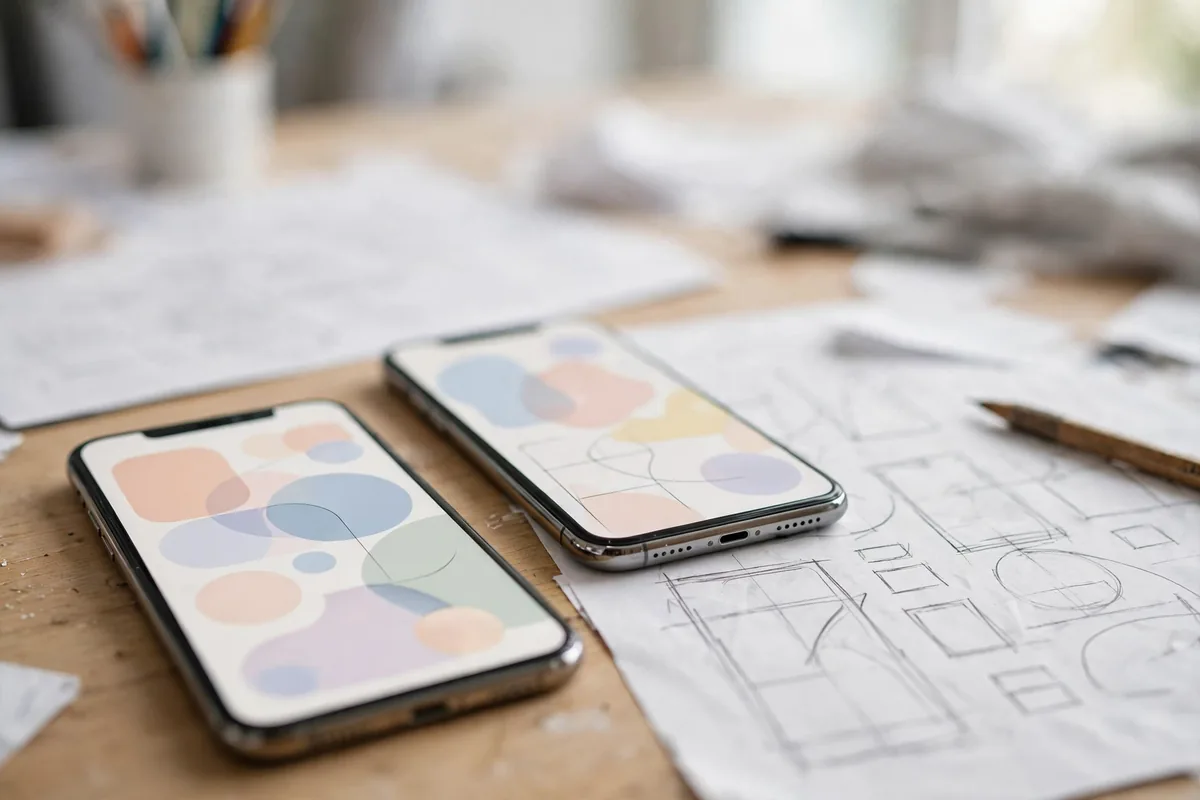
To find the best AI tools for UX designers, our team evaluated dozens of platforms based on output fidelity, integration capabilities, and the learning curve required for professional teams. Below are the first four picks from our 2026 roundup.
1. Uizard
Uizard has solidified its reputation as the go-to for rapid ideation. Its standout feature is the “Autodesigner,” which allows you to describe an app or website in plain English and watch as it generates a full multi-screen prototype. It can even transform hand-drawn sketches on a napkin into high-fidelity editable components.
* Standout Feature: Text-to-prototype generation that handles complex layouts surprisingly well.
* Limitation: The design output often requires significant manual cleanup if your project has a highly specific or unique design system.
* Best For: Rapid wireframing and early-stage product validation.
2. Framer AI
Framer has moved from a prototyping tool to a full-blown AI web builder. It excels at creating responsive layouts that adapt perfectly to different viewport sizes without manual tweaking. For those interested in how this integrates with mobile platforms, see our guide on How to Use AI in Android App Development.
* Standout Feature: Prompt-to-web capabilities that generate clean, production-ready code alongside visual layouts.
* Limitation: It is heavily focused on marketing and landing page aesthetics, sometimes lacking the complex state-management features required for heavy enterprise applications.
* Best For: Designers who want to bridge the gap between design and development by publishing live sites instantly.
3. Galileo AI
Galileo acts as a design system architect. It is arguably the most powerful tool for generating complex UI screens based on text prompts. By using a massive library of high-quality design patterns, it constructs entire screens that feel cohesive and professional from the start.
* Standout Feature: Its ability to interpret intricate user intent to generate functional UI that follows existing design system guidelines.
* Limitation: The subscription costs can be prohibitive for freelancers or solo designers working on small-budget projects.
* Best For: Enterprise UX teams needing to scale design output without manual component assembly.
4. Visily
Visily shines in its ability to convert static screenshots—or even hand-drawn whiteboard notes—into editable digital files. It is a fantastic bridge for teams that are migrating legacy applications to a modern look and feel.
* Standout Feature: Screenshot-to-design conversion that accurately identifies UI components like buttons, nav bars, and input fields.
* Limitation: The editing tools are less robust than industry heavyweights like Figma, often requiring an export to finalize complex high-fidelity work.
* Best For: Rapidly digitizing legacy interfaces or converting ideas from collaborative whiteboarding sessions into usable mockups.
Why AI Matters for UX Designers in 2026
By 2026, the divide between traditional design workflows and AI-augmented processes has widened significantly. For the modern UX professional, the shift isn’t just about faster output; it’s about higher-level cognitive leverage. AI has moved beyond simple automation to become a critical partner in the research-to-delivery pipeline. By offloading the “grunt work”—such as manual layout shifts, repetitive accessibility checks, and raw data synthesis—designers can reclaim time to focus on complex user journey strategy and empathetic innovation.
The primary value proposition of AI in UX today lies in iterative speed. Where a wireframe iteration might have previously taken hours of drag-and-drop adjustments, generative models now handle responsive constraints in seconds. Furthermore, AI has become the gold standard for bridging the gap between design and development. By generating clean, component-based code structures, these tools ensure that handoffs are no longer a source of friction, but a seamless transition. As you explore the best AI tools for UX designers, you will notice that the most effective platforms are those that integrate deeply with existing ecosystems like Figma and Adobe XD, rather than forcing teams into isolated silos.
Accessibility, a once tedious manual audit process, has also been revolutionized. With AI, designers can now run simulated vision tests and contrast audits against WCAG 2.2+ standards in real-time. This proactive approach ensures that inclusive design is baked into the foundation of a product, rather than bolted on as an afterthought. If you are also interested in the broader ecosystem of creative automation, you might find our guide on Free AI Video Creation Tools: 8 Picks for 2026 helpful for generating high-fidelity prototypes that include motion design elements.
Evaluating the Best AI Tools for UX Designers

To ensure we provided an accurate assessment, our team at DroidOrbit put each candidate through a rigorous testing cycle. We measured them against three core metrics: architectural accuracy (how well the tool handles design systems), speed of generation (how quickly a prompt becomes a workable layout), and export utility (the quality of the CSS or component output). When searching for the best AI tools for UX designers, it is essential to remember that no single tool replaces the designer; rather, these tools scale your existing output. If you are also exploring how to augment your visual assets alongside UI design, check out our recent breakdown of Free AI Image Generation Tools: 8 Picks for 2026 to supplement your high-fidelity asset creation.
| Tool | Best for | Starting Price |
|---|---|---|
| Uizard | Rapid Prototyping | Free |
| Framer AI | Responsive Web Design | $10/mo |
| Galileo AI | UI/Design Systems | $19/mo |
| Visily | Screenshot Conversion | Free |
| Attention Insight | Predictive UX Research | $22/mo |
| Relume | Sitemap/Architecture | $38/mo |
| Adobe Firefly | Asset Creation | $4.99/mo |
| FigJam AI | Collaboration/Brainstorming | $5/mo |
5. Attention Insight
Attention Insight solves the “guesswork” problem in UX. By utilizing predictive eye-tracking heatmaps, it allows designers to validate visual hierarchy without waiting for expensive, time-consuming user testing sessions. It is a vital asset for designers who need to back up their layout choices with hard data before the development phase.
6. Relume
Relume dominates the structural phase of UX design. Its prowess lies in AI-driven sitemap creation and wireframe generation for large-scale digital products. By automating the site structure, it allows UX leads to visualize complex information architectures in minutes rather than days, making it one of the best AI tools for UX designers handling enterprise-grade projects.
7. Adobe Firefly (for UX)
Adobe Firefly serves as the creative engine for UX teams. It allows for the integration of generative image and asset creation directly into the Creative Cloud ecosystem. Rather than scouring stock photo sites, designers can generate context-aware imagery that matches their specific brand guidelines, ensuring consistency across all user touchpoints.
8. FigJam AI
FigJam AI is the ultimate utility for collaborative UX sessions. It excels at summarizing chaotic brainstorm sessions and automating the creation of empathy maps and user journeys. By condensing hours of whiteboard exploration into actionable insights, it keeps teams aligned and focused on the user’s needs, serving as an essential component for any modern design workflow.
How to Choose the Right AI Tool for Your UX Designers Workflow
Selecting the right software depends heavily on where you are in the product lifecycle. Use this checklist to align your needs with the current market offerings:
- Identify the Bottleneck: Are you struggling with ideation, or is it production velocity? If it’s ideation, FigJam AI is your best bet. If it’s high-fidelity layouts, prioritize tools like Framer AI or Galileo AI.
- Compatibility Matters: Ensure the tool integrates with your existing tech stack (e.g., Figma or Adobe CC). If your team relies on Android app development, check if the tool exports compatible assets.
- Check Output Fidelity: Do you need a quick wireframe or a production-ready component? Tools like Uizard are perfect for lo-fi testing, whereas Relume excels at structural planning.
- Evaluate Team Scalability: For agency work, look for robust collaboration features. If you are a solo freelancer, prioritize tools with flexible pay-as-you-go pricing models.
- Analyze Integration Ease: Don’t pick a tool that requires a two-month onboarding process. Look for intuitive UI that mimics the behavior of software you already use.
The Honest Downsides
While the best AI tools for UX designers offer significant speed advantages, they are not without friction. First, many of these platforms operate on “freemium” models that can become prohibitively expensive once you reach enterprise scale. Always calculate the ROI against the time saved. Second, data privacy remains a critical concern; feeding proprietary user research into public models can be risky. Always check the vendor’s OpenAI Enterprise privacy policies to ensure your client data isn’t being used to train third-party models. Finally, the learning curve is often underestimated. While AI automates tasks, it also requires “prompt engineering” skills to get high-quality results, which can be a hurdle for traditional designers.
Tips to Get the Best Results
- Refine Your Prompts: Treat AI like a junior designer. Be specific about constraints, user personas, and accessibility requirements in your prompts.
- Keep the Human in the Loop: Never push AI-generated designs straight to development. Always perform a manual accessibility audit to ensure the outputs adhere to WCAG standards.
- Curate Your Training Data: If a tool allows for custom design system uploads, prioritize consistency by feeding it your established style guides.
- Stay Updated on Ethics: As The Future of Generative AI in Creative Tech evolves, copyright laws are shifting. Keep informed about who owns the intellectual property of AI-generated assets.
FAQ
Will these AI tools replace human UX designers?
No. While these are the best AI tools for UX designers, they function as assistants rather than replacements. AI lacks the empathy and complex problem-solving capabilities required to navigate nuanced stakeholder relationships and user behavior.
Do I need to learn to code to use these AI platforms?
Not at all. The primary value of the best AI tools for UX designers is their ability to bridge the gap between design and development by generating code-ready components, allowing you to stay focused on visual design and user flow.
Can I use these tools for sensitive enterprise projects?
You should exercise caution. Always verify if the provider offers a private environment where your input data is excluded from global training sets, a standard requirement in Google’s AI security guidelines.
Is there a copyright risk when using AI-generated UI elements?
Copyright laws regarding generative AI are still evolving in the US. Currently, works generated entirely by AI without human intervention may not qualify for full copyright protection, so it is best to view AI output as a starting point that you significantly refine.
Conclusion: Embracing the AI-Enhanced Design Era
The landscape for design is undergoing a tectonic shift, and those who adopt these technologies early will gain a distinct competitive advantage. By offloading repetitive tasks—like sitemap generation, eye-tracking simulations, and basic layout building—you free up mental bandwidth to focus on what truly matters: understanding the human behind the screen. The integration of AI into your workflow isn’t just about productivity; it’s about elevating the quality of user experiences through data-backed decisions.
As we look toward the remainder of 2026, the distinction between a “designer” and an “AI-augmented designer” will only grow. By experimenting with these tools today, you ensure that your design practice remains relevant, efficient, and deeply human-centered. Whether you are building complex applications or simple mobile interfaces, the right AI tools act as a force multiplier, enabling you to deliver sophisticated digital products in a fraction of the traditional time.




Join the discussion
Have a question or a perspective to share?