
Every film, commercial, animation, and YouTube video begins as a sequence of images in someone's head — and translating those mental images into a storyboard has traditionally required drawing skill, time, or a hired artist. In 2026, knowing how to use AI for storyboarding gives creators a faster path: describe a shot in words, get a visual frame back in seconds, iterate freely, and walk into production with a clear visual plan.
This guide covers the full workflow for how to use AI for storyboarding — from breaking a script into shots, to generating consistent frames with AI image tools, to assembling boards that directors, clients, and crews can actually use. It is written for filmmakers, video creators, advertisers, and animators, and it is honest about where AI previz shines and where traditional craft still wins.
What AI Storyboarding Is (and Isn't)
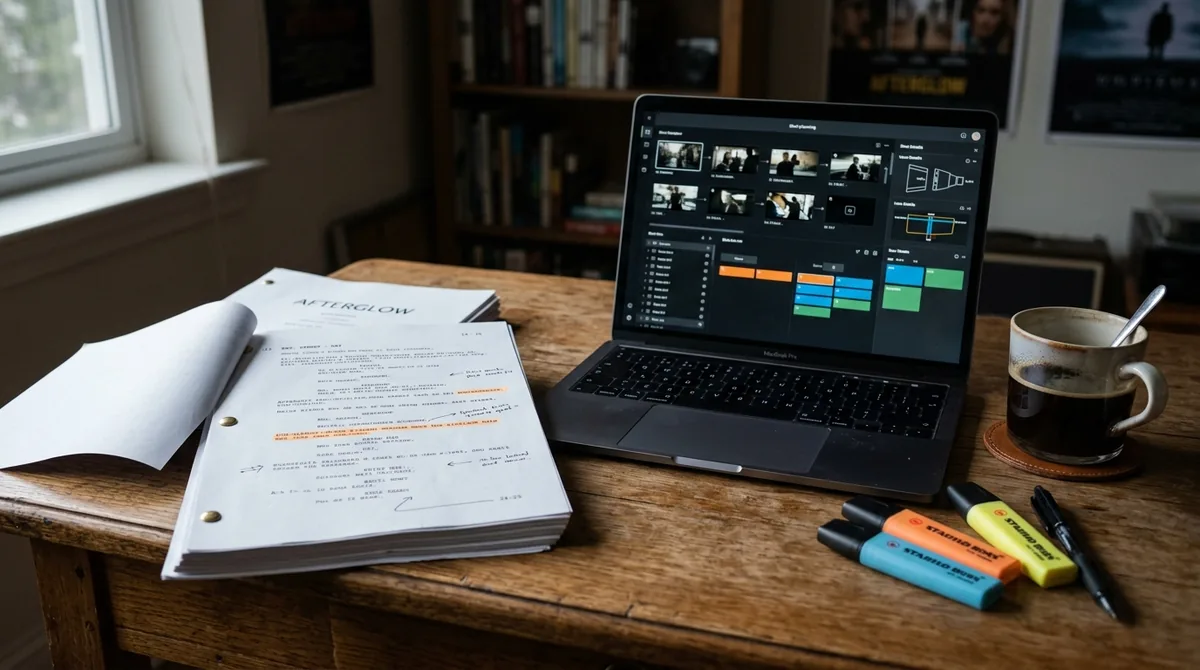
AI storyboarding means using generative AI — primarily text-to-image models, sometimes with video-generation tools for motion tests — to create the panels of a storyboard from written shot descriptions. Instead of sketching each frame by hand, you write what the camera sees, and the AI renders it.
What it is: a speed and iteration tool. You can explore ten versions of a key scene in the time it once took to draw one. You can show a client a photorealistic vision of the commercial before spending a dollar on production. You can previsualize camera angles, lighting moods, and compositions to make better decisions on set.
What it isn't: a replacement for the storyboard artist's craft in high-end production, or a guarantee of character and continuity consistency. AI image models famously struggle to keep the same character looking identical across frames, and they interpret prompts with their own quirks. Professional productions still use human artists for hero boards; AI dominates the fast, iterative, budget-conscious middle — indie films, ads, YouTube content, pitches, and animatics.
The AI Storyboarding Toolkit
A practical AI storyboarding setup combines a few categories of tools:
- Text-to-image generators (Midjourney, DALL-E, Stable Diffusion, and similar): the core frame generators. Each has a different "look" — some lean cinematic, some lean illustrative. Pick the aesthetic that matches your project.
- AI storyboard-specific tools: a growing category for anyone learning how to use AI for storyboarding — apps built around shot lists and panels — some generate frames from script input, maintain character references across panels, and export presentation-ready boards. Evaluate them on consistency features and export options.
- AI video generators: for animatics and motion tests — generating short clips to test whether a sequence flows before committing to full production.
- Chatbots (ChatGPT, Claude): for the verbal half of the job — breaking scripts into shot lists, writing detailed shot descriptions, and maintaining a "character bible" of visual descriptions to paste into image prompts for consistency.
- Layout and assembly tools: digital whiteboards or presentation software for arranging panels, adding dialogue, camera notes, and timing. The board is a communication document, not just a pile of images.
You do not need all of these on day one. A chatbot plus one image generator covers the core workflow — see our AI Tools for Content Creators (2026 Guide) for the full creator toolkit; add specialized tools as your needs grow.
Step 1: Break Your Script Into Shots
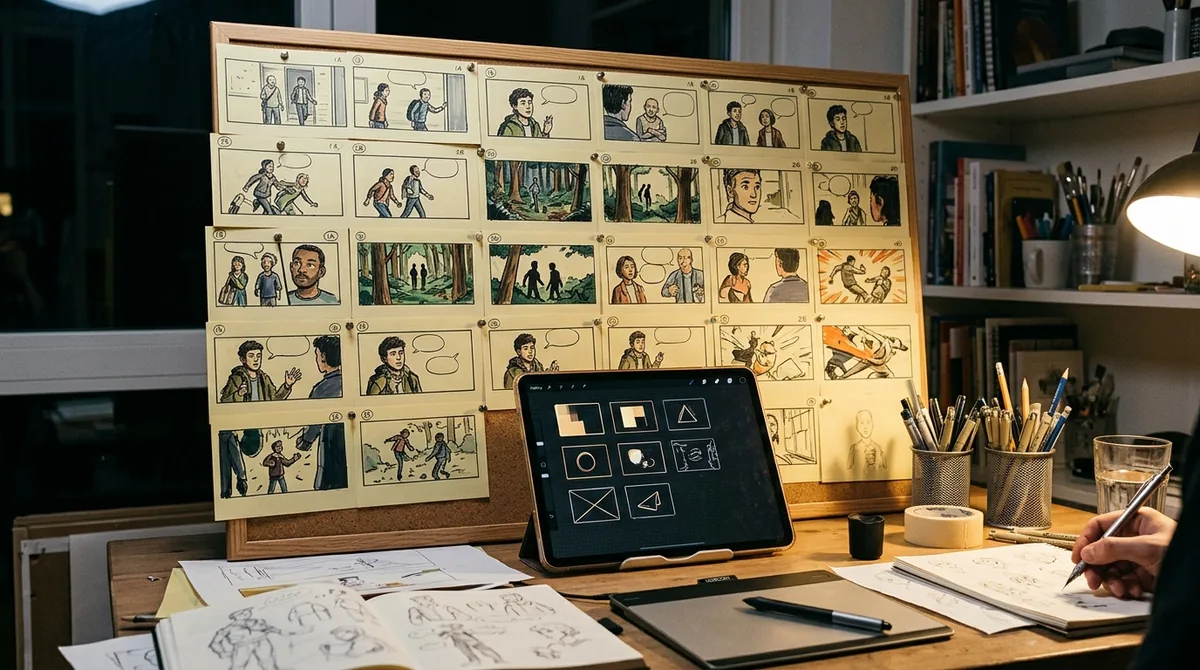
Storyboarding starts with the script, not the image generator. Feed your script (or scene description) to a chatbot and ask for a shot list: "Break this scene into individual shots. For each shot, specify: shot size (wide/medium/close-up), camera angle, camera movement, what's in frame, and the key action or dialogue."
Review and adjust the shot list before generating anything. This is the creative directing step — deciding coverage, pacing, and emphasis — and it is yours, not the AI's. A good rule of thumb: most scenes need fewer shots than beginners think. Start with the essential storytelling beats (establish, develop, pay off), then add cutaways and reaction shots where the edit needs them.
For each shot, also note the emotional purpose: "this close-up sells her realization." That purpose will guide both your image prompts and your on-set decisions later.
Step 2: Build a Visual Bible for Consistency
The biggest technical challenge in AI storyboarding is consistency — the same character, location, and style across dozens of frames. The fix is a visual bible: a written reference you reuse in every prompt.
Create it with your chatbot: "Write a detailed visual description of my protagonist: a woman in her 30s, [appearance details], wearing [specific outfit]. Write it as a reusable prompt fragment under 60 words." Do the same for key locations, important props, and the overall visual style ("cinematic, muted teal-and-orange grade, 35mm film look, shallow depth of field").
Then paste these fragments into every image prompt. It will not produce perfect consistency — faces will still drift — but it dramatically narrows the variation. For hero characters, some tools let you upload a reference image to anchor the generation; use that feature wherever available.
Additional consistency tactics: generate all frames for one scene in the same session with identical style fragments; use seed values (where the tool supports them) to keep compositions related; and generate establishing shots first, then use them as image references for subsequent frames.
How to Use AI for Storyboarding: Write Shot Prompts That Work
An effective storyboard frame prompt has a predictable structure. A template:
[Shot size and angle], [subject with visual-bible description], [action], [setting with visual-bible description], [lighting/mood], [style fragment], [technical: aspect ratio, lens feel]
Example: "Wide shot, low angle, a woman in her 30s with short black hair wearing a worn denim jacket (standing at the edge of a foggy pier at dawn), dramatic backlighting, mist over dark water, cinematic, muted teal-and-orange grade, 35mm film look, 16:9."
Tips that improve results:
- One clear subject per prompt. Crowded prompts produce muddled frames.
- Specify what you don't want with negative prompts where supported ("no text, no watermark, no extra limbs").
- Aspect ratio matters. Generate at your delivery aspect ratio (16:9 for film/YouTube, 9:16 for vertical) so compositions are honest.
- Iterate on the winners. When a frame is close but not right, vary it (most tools offer variation buttons) rather than rewriting the prompt from scratch.
- Keep a prompt log. Save the exact prompt for each approved frame — you will need it when a frame needs regeneration later.
Step 4: Assemble the Board
A storyboard is a communication tool, and assembly is where scattered frames become one. Arrange panels in sequence using a whiteboard app, slideshow, or dedicated storyboard software. Under each panel, add:
- Shot number and shot size
- Camera movement (static, pan, dolly, handheld)
- Key dialogue or sound cues
- Action notes ("she turns toward camera on the line")
- Estimated duration
This annotation layer is what makes the board usable by a crew. An unlabeled row of pretty images is a mood board, not a storyboard — the labels are the difference.
For client or stakeholder presentations, add a cover page with the project title, the scene's dramatic purpose in one sentence, and total estimated runtime. Present boards at a readable size; tiny thumbnails hide the composition decisions you need feedback on.
Step 5: From Boards to Animatics
An animatic — the storyboard cut to timing with scratch audio — is where AI storyboarding pays off most visibly. Options in 2026:
- Simple animatics: drop panels into a video editor, set each panel's duration to match the intended shot length, add temp dialogue (recorded on a phone or generated with text-to-speech) and temp music. This takes an hour and reveals pacing problems instantly.
- AI-assisted motion: use image-to-video tools to add subtle motion to key frames — a slow push-in, drifting fog, a character's head turn — our Best AI Video Editors in 2026: 8 Top Picks covers the tools for the next step. Even minimal motion transforms how a sequence reads.
- AI voiceover for timing: text-to-speech narration at the right pace gives you accurate dialogue timing before you hire voice talent.
Watch the animatic straight through, ideally with someone unfamiliar with the project. Where they get confused or bored, your board has a problem — fix it now, when changes cost nothing, rather than on set or in the edit.
Storyboarding for Different Formats
- Narrative film: focus on coverage and emotional beats. AI boards excel at testing whether your shot plan actually tells the story — run the animatic test ruthlessly.
- Commercials: clients buy confidence. Photorealistic AI frames that match the final look sell concepts far better than rough sketches. Generate a few "hero frames" at maximum quality for the pitch, standard frames for the rest.
- Animation: AI frames work as style and composition guides for animators, not as final art. Be explicit with your team about which frames are "look targets" vs. "composition guides."
- YouTube and social video: speed matters most. A 6–12 panel board per video, generated in under an hour, is enough to plan b-roll, talking-head framing, and graphic moments. Perfect consistency matters less here than clear planning.
- Music videos: AI storyboarding is ideal for the highly visual, treatment-driven pitching process — generate striking frames for each section of the song to sell the concept.
Common Problems and Fixes
- Character drift: tighten the visual bible, use reference images, regenerate outliers, and accept that background characters matter less than principals. For critical close-ups, consider generating the face separately at higher fidelity.
- Wrong era or details: AI models have biases toward generic "movie looks." Specify period details explicitly ("1990s, no smartphones visible, boxy cars") and check backgrounds for anachronisms.
- Text in frames: models often render gibberish text on signs and screens. Use negative prompts ("no text") or plan to paint it out; never leave AI-gibberish text in a client-facing board.
- Extra limbs and anatomy errors: regenerate; these are still common in complex poses. Simpler, clearer action descriptions reduce them.
- Samey compositions: vary your shot-size and angle specifications deliberately. If every frame is a medium shot at eye level, the problem is your shot list, not the model — direct it like a cinematographer.
- Over-polished frames: hyper-detailed frames can mislead stakeholders into thinking decisions are final. For early-stage boards, a slightly sketch-like style communicates "work in progress" more honestly.
The Human Touch: What AI Can't Storyboard
AI renders frames; it does not direct. The decisions that make storyboards great — which moment deserves the close-up, when to withhold the wide shot, how to pace a reveal — remain human creative judgments. The best AI storyboarding workflow keeps you firmly in the director's chair: you decide the shots, the AI draws them fast, you react and revise.
Similarly, the board's purpose is communication with humans — the DP, the actors, the client. Clarity, annotation, and the ability to explain why each shot exists matter more than the beauty of any individual frame. An AI can generate a gorgeous image; only you can make it mean something in sequence.
FAQ
Can AI completely replace a storyboard artist?
For quick previz, pitches, indie productions, and content planning — often yes, practically speaking. For high-end film, animation, and advertising where precise character acting, complex action choreography, and exact continuity matter, human storyboard artists remain the standard. Most professionals in 2026 use a hybrid: AI for speed and exploration, human artists for hero sequences and final boards.
How do I keep characters consistent across AI storyboard frames?
Build a written "visual bible" with detailed, reusable descriptions of each character, location, and the overall style, and paste those fragments into every prompt. Where tools support it, upload reference images to anchor generation. Generate related frames in the same session, use seed values when available, and regenerate outliers. Expect good — not perfect — consistency, and plan manual fixes for hero close-ups.
What aspect ratio should I generate storyboard frames in?
Match your delivery format: 16:9 for film, TV, and YouTube; 9:16 for vertical video; 1:1 or 4:5 for social feeds. Generating at the real aspect ratio keeps your compositions honest — a frame composed square will not survive a crop to widescreen without losing something.
Is it okay to show AI-generated storyboards to clients?
Yes — with transparency about what they are. AI boards are previz, not final frames; make sure clients understand the finished product will be real photography or final animation, not the AI images. Many creators label boards "AI previz — for planning only." Clients generally love them because they can finally see the vision clearly.
How long does AI storyboarding take compared to traditional?
A rough rule of thumb: what took a day of sketching can take one to two hours with AI, including iteration — once you have your visual bible and prompt templates set up. The first project is slower as you build those assets; subsequent projects get dramatically faster. The animatic step adds time but saves far more in production.
Do I need drawing skills to use AI storyboarding?
No — that is the point. You need directing skills: understanding shot sizes, camera language, pacing, and visual storytelling. If you can describe what the camera sees and why the shot matters, AI handles the rendering. A basic grasp of film grammar (which you can learn in a weekend) matters far more than draftsmanship.
Conclusion
Learning how to use AI for storyboarding in 2026 means adding a previz superpower to your creative process: break the script into shots, build a visual bible for consistency, write structured frame prompts, assemble annotated boards, and test everything as an animatic before spending a dollar on production. Respect the limits — character drift, gibberish text, the need for human directing judgment — and AI becomes the fastest iteration partner a visual storyteller has ever had. The goal was never prettier pictures; it is better decisions, made earlier, when they are still cheap. Start with one scene, build your prompt templates, and watch your next production walk onto set already knowing exactly what it is shooting.

Pingback: Best AI Video Editors in 2026: 8 Top Picks - DroidOrbit