
AI Tools for Podcasters: Editing, Show Notes & Growth (2026)
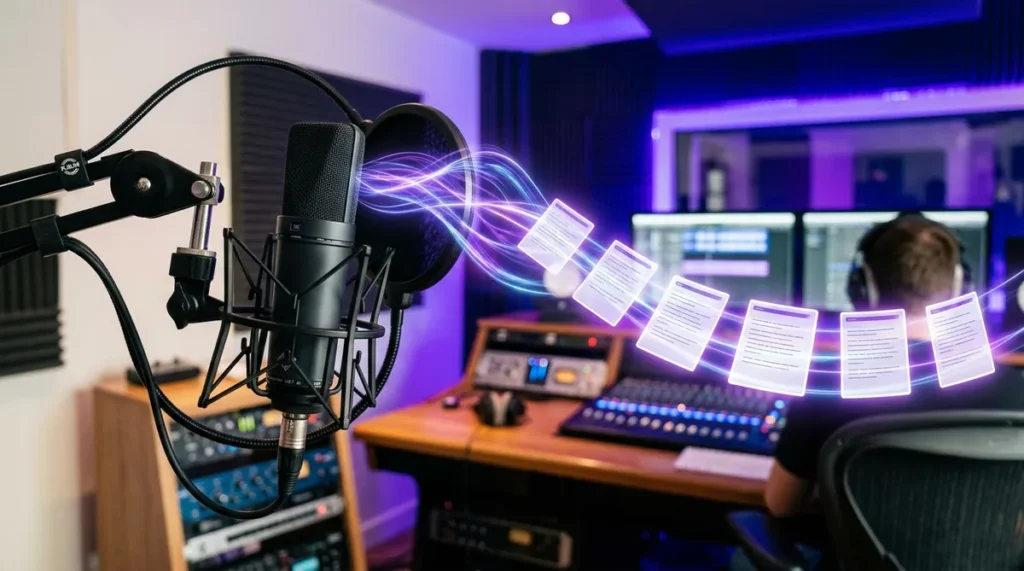
Ask podcasters what eats their time and you will hear the same answer: not the recording — the everything after. Editing out ums and dead air, writing show notes, cutting clips for social media, transcribing for accessibility and SEO, scheduling promotion. A single one-hour episode can easily generate four to six hours of post-production work. AI tools for podcasters now handle large parts of that pipeline: transcription in minutes, filler-word removal in one click, draft show notes from the transcript, and vertical clips cut automatically around the most quotable moments.
This guide covers the full AI-assisted podcast workflow in 2026: which tools handle editing, how to generate show notes and transcripts that actually help discoverability, how to turn one episode into a week of promotional content, and — just as important — what AI cannot do for your show. The goal is not a fully automated podcast. It is a sustainable one, where the host spends time on content and conversation instead of drowning in post-production.
What AI Tools for Podcasters Can Do Across the Workflow
It helps to see podcast production as a pipeline with distinct stages, because different AI tools specialize in different stages:
- Recording. AI noise removal and voice enhancement clean up imperfect recording environments — helpful, though no substitute for a decent microphone and a quiet room.
- Transcription. Speech-to-text converts your episode into an accurate transcript in minutes, with speaker labels. This is the foundation nearly every other AI podcast feature builds on.
- Editing. Text-based editing lets you edit audio by editing the transcript — delete a sentence in the text and it disappears from the audio. Filler words and silences can be removed automatically.
- Show notes and chapters. AI summarizes the transcript into episode descriptions, chapter markers with timestamps, and key takeaways.
- Clipping and repurposing. AI identifies quotable moments and cuts them into short vertical videos with captions for social platforms.
- Distribution support. Title and description optimization, audiogram generation, newsletter drafts, and scheduling assistance.
The transcript is the key insight: once you have an accurate transcript, nearly everything downstream — notes, chapters, clips, quotes, blog posts — can be generated from it. So the single most impactful AI upgrade for most podcasters is simply getting fast, accurate transcription into their workflow.
AI Tools for Podcasters Compared: Editing and Production

| Tool category | Core strength | Best for | Limitation to know |
|---|---|---|---|
| Text-based editors | Edit audio by editing the transcript; one-click filler removal | Interview and solo shows with heavy editing needs | Learning curve; over-editing can sound unnatural |
| Browser-based recording studios | Remote recording with separate tracks plus AI cleanup | Remote interviews and co-hosted shows | Dependent on guests’ internet and microphones |
| Audio enhancement tools | Noise removal, leveling, and voice isolation | Fixing imperfect recordings | Cannot rescue truly bad audio; artifacts possible |
| Transcription services | Fast, accurate transcripts with speaker labels | Foundation for notes, SEO, and accessibility | Accuracy drops with crosstalk, accents, and jargon |
| AI clip generators | Auto-cut shareable video clips with captions | Social media promotion | Chosen moments may miss context; review before posting |
| All-in-one podcast platforms | Hosting plus AI notes, transcripts, and distribution | Beginners wanting one subscription | Individual features often weaker than specialists |
Text-based editing, explained
The biggest editing innovation of the AI era is text-based editing: the tool transcribes your recording, and you edit the audio by deleting, moving, or rewriting text. Removing a rambling tangent is as easy as highlighting a paragraph and pressing delete. Filler words — ums, uhs, you-knows — can be stripped across an entire episode in one action, with the gaps closed automatically.
The caution: aggressive filler removal can make speech sound robotic. Natural conversation includes pauses and the occasional um. A good rule is to remove the distracting clusters and leave the natural rhythm alone. Listen to the result on headphones before publishing — always.
Audio enhancement: rescue, not resurrection
AI noise removal and voice enhancement are genuinely impressive: hum, echo, background chatter, and inconsistent levels can be cleaned up dramatically. But there are limits. Enhancement cannot fix clipping (distortion from recording too loud), cannot separate two people talking over each other cleanly, and occasionally introduces watery artifacts into the voice. The hierarchy of audio quality remains: good recording first, enhancement second. A modest USB microphone in a quiet, soft-furnished room still beats the best AI processing applied to a bad recording.
Show Notes, Chapters, and Transcripts: The Discoverability Engine
Show notes are where many podcasters leave growth on the table. A two-sentence description and no chapters is a missed opportunity: detailed show notes with timestamps help listeners navigate, help search engines understand your episode, and give you material to share. AI makes thorough show notes nearly free to produce. Here is a workflow:
- Generate the transcript first. Use your editor or a transcription service. Review it for name spellings and technical terms — AI transcription commonly mangles proper nouns.
- Draft the episode description from the transcript. Ask your AI tool for a 150–200 word description written for a potential listener, not a summary for someone who already heard it. It should answer: what is this episode about, who is it for, and what will the listener take away?
- Generate chapter markers. Ask for topic segments with timestamps and short titles. Chapters dramatically improve the listening experience for long episodes and are supported by major podcast apps.
- Pull key quotes and takeaways. Ask for five to ten quotable lines and three to five key takeaways. These become social posts, newsletter content, and website material.
- Write the title last, with help. Generate five to ten title options, then pick or combine. Good podcast titles are specific and curiosity-driving without being clickbait: they name the topic and hint at the payoff.
- Publish the transcript on your episode page. Full transcripts make episodes accessible to deaf and hard-of-hearing audiences and give search engines indexable text — two real, compounding benefits for the cost of a copy-paste.
One caution on tone: AI-drafted show notes tend toward the same breathless marketing voice (“In this AMAZING episode…”). Edit for your show’s actual personality. Listeners can smell generic copy, and your show notes are often the first impression a new listener gets.
Growth: Turning One Episode into a Week of Content
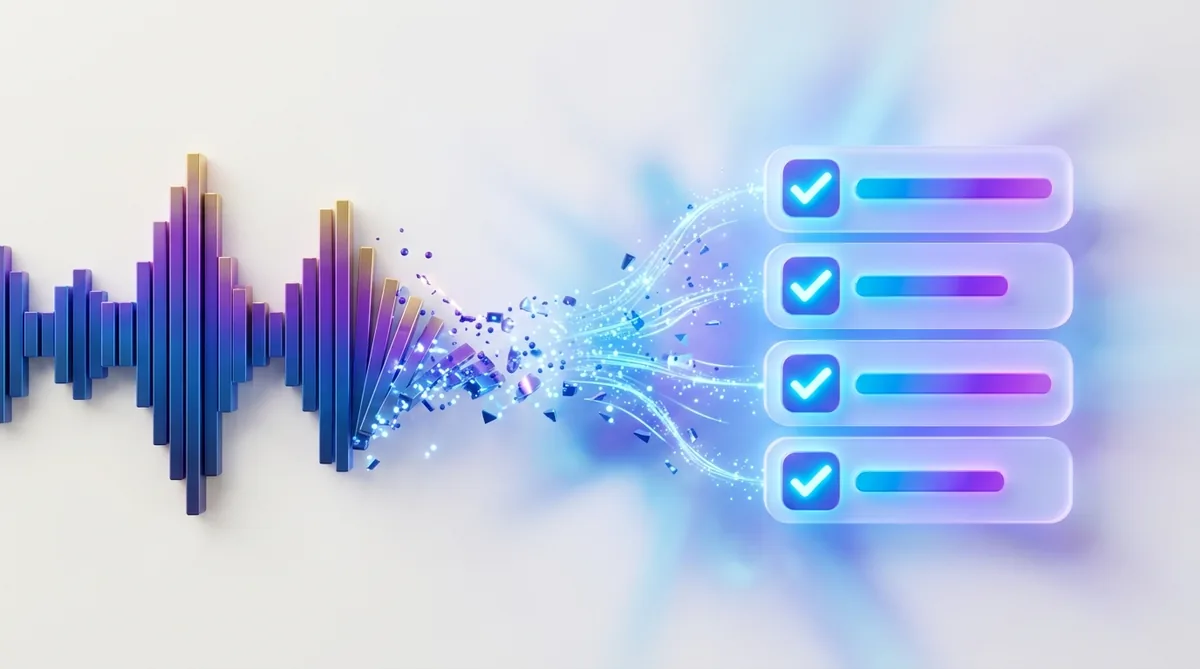
The most underused capability of AI tools for podcasters is repurposing. One recorded hour can fuel a full week of promotion if you systematize it:
- Video clips. AI clip tools find the most engaging 30–90 second moments and format them vertically with captions. Review the selections — the algorithm optimizes for energy, which is not always the same as substance — and post the best two or three.
- Quote graphics. Pull the strongest lines from your transcript and turn them into branded graphics. These perform well on image-friendly platforms and are nearly free to produce.
- Newsletter or blog version. Expand the key takeaways into a short article for your site or email list. This serves the audience that prefers reading and creates searchable content that keeps working for months.
- Discussion prompts. Generate three to five questions from the episode to post in your community or social channels. Conversation in the comments signals engagement to platform algorithms.
- Next-episode teasers. If you record in batches, cut a 30-second teaser for the next episode while the current one is fresh.
The key discipline: batch the repurposing. Do it in one sitting right after editing, while the episode is fresh in your mind. Podcasters who “will get to promotion later” usually never do.
A note on discoverability reality
AI can optimize your titles, descriptions, and clips, but it cannot manufacture an audience. Podcast growth in 2026 still comes from the unglamorous fundamentals: a clear premise, consistent publishing, genuinely good conversations, and being findable where your potential listeners already spend time. Treat AI as a force multiplier on a good show, not a substitute for one. A mediocre show with perfect AI-optimized metadata is still a mediocre show.
What AI Cannot Do for Your Podcast
Honesty requires a clear-eyed list of the limits, because vendors will not give you one:
- It cannot make boring conversations interesting. Editing can tighten; it cannot create chemistry, insight, or entertainment value that was not in the recording.
- It cannot replace editorial judgment. AI summaries sometimes emphasize the wrong point or flatten a nuanced discussion. The host must decide what the episode is really about.
- AI voices are not a shortcut to content. Fully AI-generated podcasts — synthetic hosts reading generated scripts — exist, but audiences can tell, and the format raises disclosure and trust questions. For most shows, your human voice is the product.
- It cannot fix a broken premise. If the show’s concept is unclear or the target listener is “everyone,” no amount of AI optimization will fix the underlying positioning problem.
- Automation needs oversight. Every AI output in your pipeline — transcript, notes, clips, titles — needs a human review pass. The review is fast, but skipping it is how errors and off-brand content reach your audience.
Building Your AI Podcast Stack: A Sensible Setup
You do not need six subscriptions. For most independent podcasters, a sensible stack has three layers:
- Recording and editing core. One tool that handles remote recording (if needed) and text-based editing with transcription built in. This is the subscription worth paying for, because you use it every episode.
- Enhancement on demand. An audio cleanup tool for episodes recorded in imperfect conditions. Many podcasters need this only occasionally — a pay-per-use or free-tier option often suffices.
- Repurposing workflow. A clip generator plus your AI assistant of choice for show notes, titles, and social copy. Free tiers are often adequate here until your publishing volume justifies more.
Start with the editing core, add repurposing once your publishing rhythm is stable, and only then consider extras. The most common mistake is buying the full stack before having ten episodes published — tools do not create consistency; systems do.
Frequently Asked Questions

How much time can AI tools really save podcasters?
It varies by show, but the biggest savings are in transcription (hours become minutes), filler-word and silence removal (a tedious manual task becomes nearly automatic), and first-draft show notes and clips. Many podcasters report cutting post-production time roughly in half. The remaining time is review and creative judgment, which should not be automated away.
Will listeners notice if I use AI to edit my podcast?
Not if you use it well. Removing filler words, tightening pauses, and cleaning up noise are inaudible improvements when done with restraint. What listeners do notice is over-editing — speech that sounds unnaturally dense or rhythmically wrong. When in doubt, leave more in.
Should I disclose AI use in my podcast?
For production assistance — editing, transcription, show notes — disclosure is generally not expected, any more than disclosing that you used a spell-checker. For AI-generated content that audiences might mistake for human — synthetic voices, generated interviews — disclosure is the ethical standard and, in some jurisdictions, a legal one.
Can AI help my podcast get more listeners?
Indirectly, yes. Better show notes and transcripts improve search discoverability, clips expand your reach on social platforms, and consistent publishing — made sustainable by AI — compounds over time. But AI cannot substitute for a clear show premise, good conversations, and genuine audience engagement.
What is the single most impactful AI tool for a new podcaster?
Fast, accurate transcription integrated into editing. It unlocks text-based editing (the biggest time saver) and feeds everything downstream: show notes, chapters, quotes, clips, and SEO. If you add one AI capability to your workflow, make it this one.
Are free AI podcast tools good enough?
For starting out, usually yes. Free tiers of transcription, editing, and clip tools are genuinely capable for low-volume publishing. Upgrade when you hit a concrete limit — episode length caps, monthly transcription minutes, or watermarked exports — not before. Let your publishing volume justify the spending.
The through-line for AI tools for podcasters is simple: let AI absorb the mechanical workload — transcription, cleanup, first drafts, clipping — and reinvest that time where it compounds: better preparation, better conversations, and more consistent publishing. Review every output, keep your human voice at the center of the show, and build the stack gradually as your volume grows. The podcasters winning in 2026 are not the ones with the most AI tools. They are the ones with the most sustainable workflow.




Join the discussion
Have a question or a perspective to share?