
AI Demand Planning for Small Business: A Practical 2026 Guide
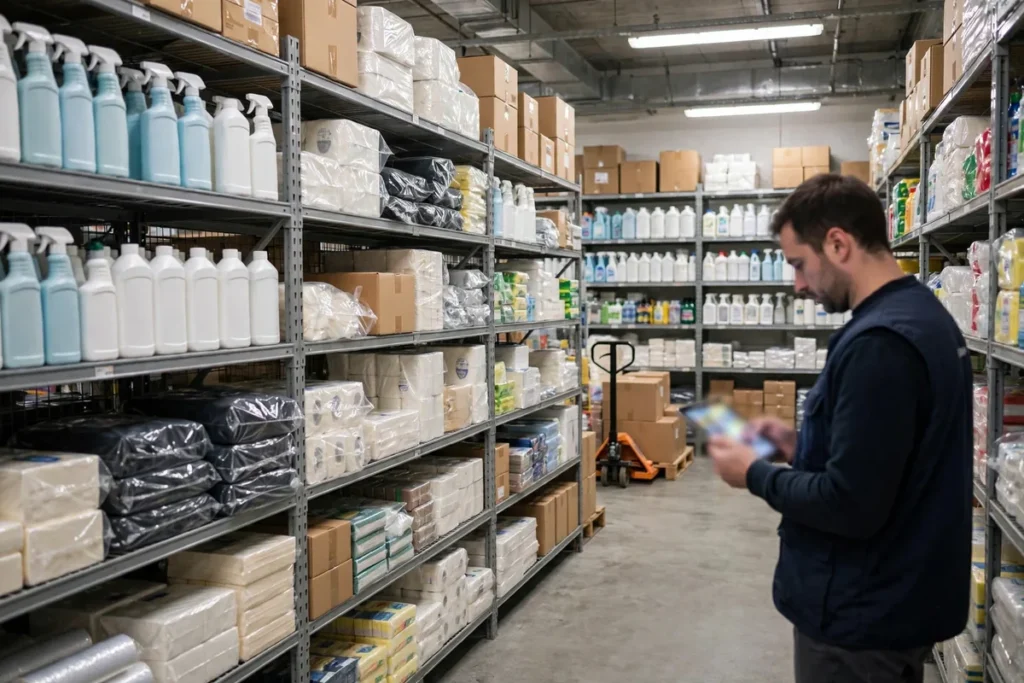
How much will you sell next month? Get it wrong high and cash sits dead on shelves; wrong low and customers bounce to competitors. For decades, demand planning meant a manager squinting at last year’s spreadsheet and guessing. AI for demand planning small business tools replace guessing with learning: algorithms that ingest your sales history, seasonality, promotions, local events, weather, and market trends to predict demand per product, per week, with accuracy no human planner can match.
This guide is practical, not theoretical. Whether you run a retail shop, an ecommerce store, a wholesale distributorship, or a restaurant group, you’ll learn what AI demand planning actually does, what data it needs, which tools fit small businesses, and how to implement it in 60 days without hiring a data scientist.
What Demand Planning Actually Means (No Jargon)

Demand planning answers one question: what will customers want, when, and how much? Everything else — purchasing, staffing, production, marketing spend — flows from that answer. Good demand planning means:
- The right products in stock when customers want them (availability).
- The right quantities — enough to meet demand, not so much that cash rots on shelves (efficiency).
- At the right time — accounting for lead times, seasons, and events (timing).
Traditional small-business planning does this by feel: “we sold 200 units last March, order 220.” AI does it by finding patterns across hundreds of variables simultaneously — discovering, for example, that your umbrella sales spike not when it rains but three days before forecasted storms, or that a local festival doubles demand for specific SKUs every October. These are patterns humans sense vaguely but can’t quantify; AI quantifies them precisely.
Why AI Beats Spreadsheets at Demand Planning
Spreadsheets fail at demand planning for structural reasons:
- Too few variables. A human planner tracks 3–5 factors (last year, trend, gut feel). AI models weigh dozens: day-of-week effects, pay cycles, weather, promotions, competitor moves, search trends, social buzz.
- No learning. Spreadsheets don’t get smarter when they’re wrong. ML models recalibrate with every week of new data, compounding accuracy over time.
- No uncertainty handling. A spreadsheet gives one number. AI gives a range with confidence intervals — letting you plan for the likely case while hedging the extremes.
- Can’t scale across SKUs. Planning 50 SKUs by spreadsheet is tedious; planning 5,000 is impossible. AI handles unlimited SKUs with equal attention.
The result: businesses using AI demand planning typically cut forecast error 20–50% versus manual methods, which translates directly into less overstock, fewer stockouts, and freed working capital. If you sell online, pair this with our AI for ecommerce strategies.
The 5-Step AI Demand Planning Process
Step 1: Gather your data (Week 1–2)
The AI needs history to learn from. Assemble:
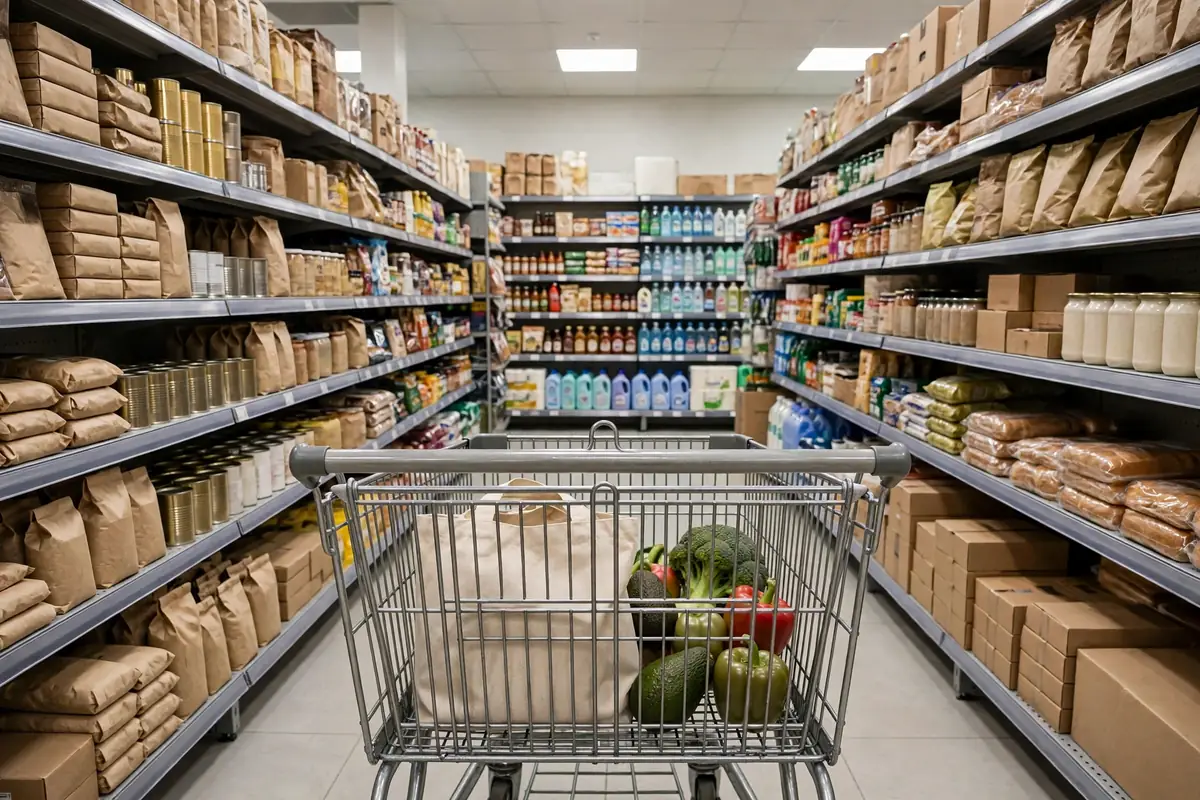
- Sales history: 12–24 months of unit sales per SKU per week (minimum 12 months to capture seasonality).
- Product data: categories, suppliers, lead times, costs, shelf life.
- Event calendar: promotions, holidays, local events, and any demand shocks you remember.
- External signals: most tools pull weather, economic, and trend data automatically.
Don’t wait for perfect data — 12 months of decent POS exports beats 24 months you’re still cleaning. Start with what you have.
Step 2: Choose your planning scope (Week 2)
Decide what you’re forecasting: by SKU, by category, by location, by channel? Start narrow — your top 20% of SKUs (which usually drive 80% of revenue) — and expand once the process works. Trying to plan everything on day one is the classic implementation killer.
Step 3: Generate and review forecasts (Week 3–4)
Run the AI and review its predictions against your intuition. Where it disagrees with you, dig in — sometimes the AI sees something you missed (a subtle trend), sometimes your local knowledge beats the model (a road closure the AI doesn’t know about). The best process is collaborative: AI proposes, human disposes, and the differences get logged for learning.
Step 4: Convert forecasts to actions (Week 4–6)
Forecasts are useless without execution. Translate them into purchase orders (respecting lead times and MOQs), staffing schedules, and marketing plans. Most tools generate recommended orders automatically — review and approve them in a weekly 30-minute session.
Step 5: Measure and refine (Ongoing)
Track forecast accuracy weekly (MAPE — mean absolute percentage error — is the standard metric). Investigate big misses: was it a data issue, an unknown event, or a model blind spot? Feed the learning back. Accuracy compounds — month 6 forecasts will embarrass month 1.
5 AI Demand Planning Tools for Small Business
1. NetSuite Demand Planning — Best for Growing Businesses
Oracle NetSuite’s demand planning module brings enterprise-grade ML forecasting to businesses outgrowing QuickBooks. It learns from your full operational history and handles multi-location, multi-channel complexity.
- Strengths: Deepest models here; unified with financials and inventory.
- Watch out: Implementation is measured in months; priced for $2M+ businesses.
- Best for: Scaling wholesalers and retailers. Background at NetSuite.
2. Cin7 — Best Mid-Market All-Rounder
Cin7 combines demand forecasting with inventory, POS, and warehouse management — the operational hub for product businesses doing $500K–$10M.
- Strengths: Forecasting tied directly to purchasing and warehousing; 700+ integrations.
- Watch out: ~$349/month starting price; implementation needs commitment.
- Best for: Retailers and wholesalers wanting one system.
3. Inventory Planner by Sage — Best Forecasting Specialist
Inventory Planner focuses purely on predicting what to order: replenishment reports, overstock alerts, and open-to-buy planning, fed by your Shopify, Amazon, or QuickBooks data.
- Strengths: Best-in-class purchase recommendations; fast setup.
- Watch out: Forecasting layer only — needs your POS/ERP underneath.
- Best for: Ecommerce sellers living in spreadsheets today. Platform context at Shopify.
4. Zoho Inventory — Best Budget Start
Zoho’s demand insights and reorder automation give small businesses a genuine AI starting point at minimal cost — free for up to 50 orders/month.
- Strengths: Affordable, clean, integrates with Shopify and Zoho CRM.
- Watch out: Forecasting simpler than dedicated tools; best for straightforward assortments.
- Best for: Small retailers taking their first AI step.
5. Lokad — Best for Quantitative Teams
Lokad is the specialist’s choice: probabilistic forecasting (full probability distributions, not point estimates) for businesses with complex, high-SKU assortments. It’s powerful but demands more analytical maturity.
- Strengths: Most statistically rigorous option; handles uncertainty explicitly.
- Watch out: Steeper learning curve; priced per project.
- Best for: Data-comfortable teams with 1,000+ SKUs.
Demand Planning Tools Compared
| Tool | Starting price | Best for | Forecasting strength |
|---|---|---|---|
| NetSuite | Custom | Scaling past $2M | Enterprise ML, unified ERP |
| Cin7 | ~$349/mo | Mid-market all-rounder | Forecast-to-purchase automation |
| Inventory Planner | ~$99/mo | Ecommerce sellers | Purchase recommendations |
| Zoho Inventory | Free–$49/mo | Budget start | Affordable reorder intelligence |
| Lokad | Custom | Quantitative teams | Probabilistic forecasting |
Implementation: Your 60-Day Plan
Days 1–14: Data assembly. Export 12+ months of sales by SKU by week from your POS. List your top 20% SKUs. Document known demand events (promotions, stockouts that suppressed sales, local events). Clean obvious errors — returns recorded as sales, test transactions, duplicates.
Days 15–30: Tool setup and first forecasts. Connect your chosen tool, configure lead times and safety stock policies, and generate your first forecast cycle. Review every significant disagreement between AI and gut — log your reasoning for each override.
Days 31–45: Parallel planning. Run AI recommendations alongside your traditional ordering. Don’t fully commit yet — compare, learn, build trust. Most teams find the AI right more often than expected, especially on seasonal items.
Days 46–60: Go live on top SKUs. Switch your top 20% SKUs to AI-driven ordering with weekly review. Keep the rest manual for now. Measure forecast accuracy and stockout rates against your baseline.
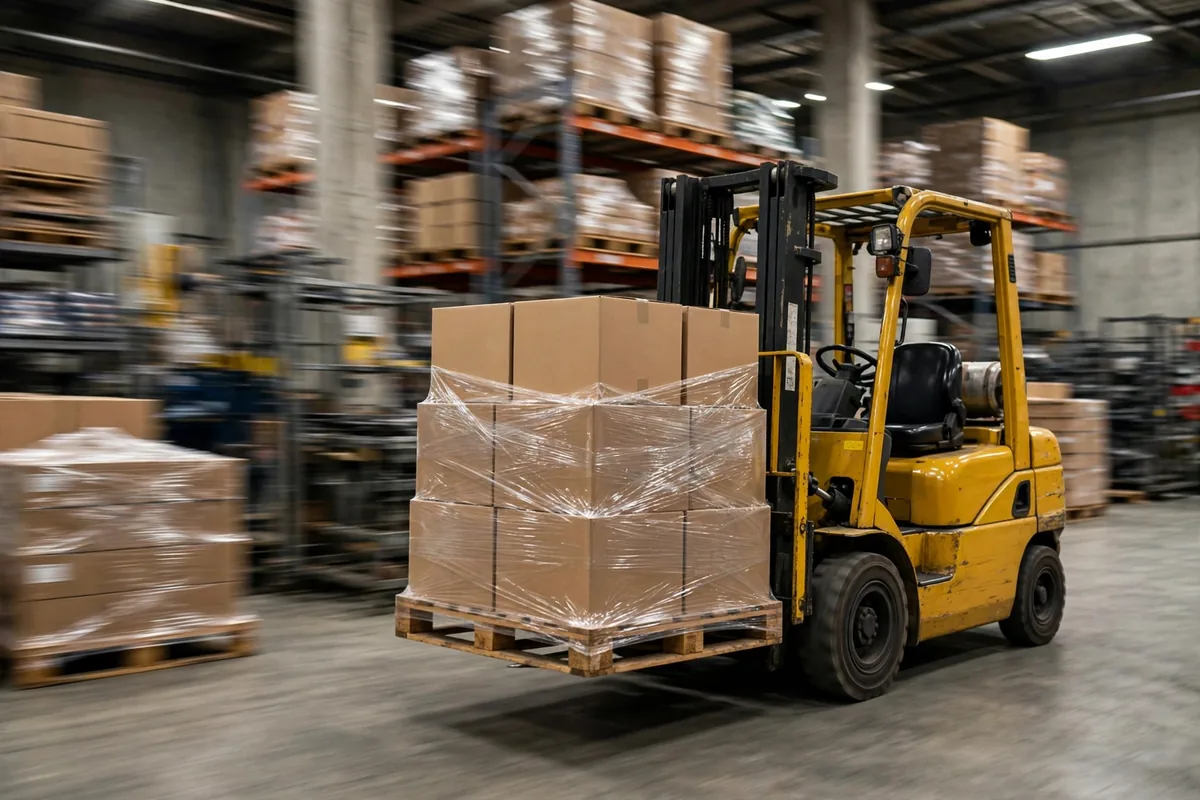
Day 60+: Expand SKU coverage quarterly. By month six, most businesses run 80%+ of purchasing on AI recommendations with a weekly 30-minute review. The time savings alone — no more spreadsheet marathons — justify the investment.
6 Demand Planning Mistakes to Avoid
- Forecasting without clean history. Stockouts in your historical data look like low demand to the AI. Annotate known stockout periods so the model doesn’t learn the wrong lesson.
- Ignoring lead time variability. The AI’s order timing assumes your lead-time data is accurate. A supplier who delivers in 2 weeks sometimes and 6 weeks others needs variability modeled, not averaged.
- Planning SKUs in isolation. Products cannibalize each other (new flavor vs. old flavor). Good tools model these interactions; make sure yours does for key product families.
- No promotion planning. The AI can’t predict promotions you haven’t told it about. Feed every planned promotion into the system — uplift modeling depends on it.
- Overriding without logging. Every human override should record a reason. Otherwise you can’t distinguish “AI was wrong” from “I was nervous” when reviewing accuracy.
- Treating the forecast as truth. It’s a probability distribution, not a prophecy. Plan the likely case, hedge the extremes, and keep safety stock for critical items.
For broader operational automation, see how to automate repetitive tasks with AI across your business.
Getting Started with AI for Demand Planning Small Business Tools
If you’re convinced but not sure where to begin, here’s the simplest possible start with AI for demand planning small business software:
- This week: Export 12 months of sales by SKU from your POS into a spreadsheet. You don’t need a tool yet — just look at your top 20 SKUs and note which ones surprised you (overstocked or stocked out). That surprise list is your AI business case.
- Next week: Trial one tool from the list above on those 20 SKUs. Most offer free trials or free tiers. Connect your sales data and generate your first AI forecast.
- This month: Order once using the AI’s recommendations for those SKUs (keeping safety stock). Compare the outcome to your gut-based orders.
- Next quarter: Expand to your full assortment and make the weekly forecast review a standing 30-minute meeting.
The biggest risk with AI for demand planning small business projects isn’t the technology — it’s waiting for perfect data or the perfect tool. Start imperfect, iterate monthly, and let the compounding accuracy do the rest. Your future self, looking at fuller shelves and a fatter bank balance, will thank you for starting today.
FAQ
How is AI for demand planning small business different from regular inventory software?
Inventory software tracks what you have; AI demand planning predicts what you’ll need. Traditional systems reorder based on fixed rules (reorder when stock hits X). AI forecasts future demand from dozens of signals and recommends orders accordingly — it’s predictive rather than reactive.
How much historical data do I need?
Twelve months minimum to capture seasonality; 24 months is ideal. Less than 12 months still works for trend-based forecasting, but seasonal accuracy suffers. Start with what you have — the AI improves as history accumulates.
Can AI demand planning handle promotions and new products?
Promotions: yes, if you feed promotion calendars into the system — uplift modeling is a core strength. New products (no history): the AI uses analogous products (similar items’ launch curves) for initial forecasts, then calibrates rapidly once sales begin.
What’s a good forecast accuracy target?
For stable SKUs, aim for MAPE under 15%; for promotional or seasonal items, under 25% is solid. But the metric that matters is business impact: fewer stockouts, less overstock, freed cash. A “70% accurate” forecast that prevents your two biggest stockouts paid for itself.
Do I need a data scientist to run these tools?
No. All five tools are built for business users — the AI handles the statistics. You need someone who understands your products and customers to review forecasts and log overrides intelligently. That person is usually you or your operations manager, not a PhD. Our data analysis tools guide covers going deeper when you’re ready.
Conclusion
AI for demand planning small business adoption isn’t about fancy algorithms — it’s about never again ordering blind. Start with your data, pick the tool matching your scale, run parallel for a month to build trust, then let the AI drive your top SKUs.
The businesses that plan demand best in 2026 won’t have the smartest planners. They’ll have planners armed with AI that sees patterns no human can — and the discipline to act on what it finds. Your shelves (and your cash flow) will show the difference.


Join the discussion
Have a question or a perspective to share?