
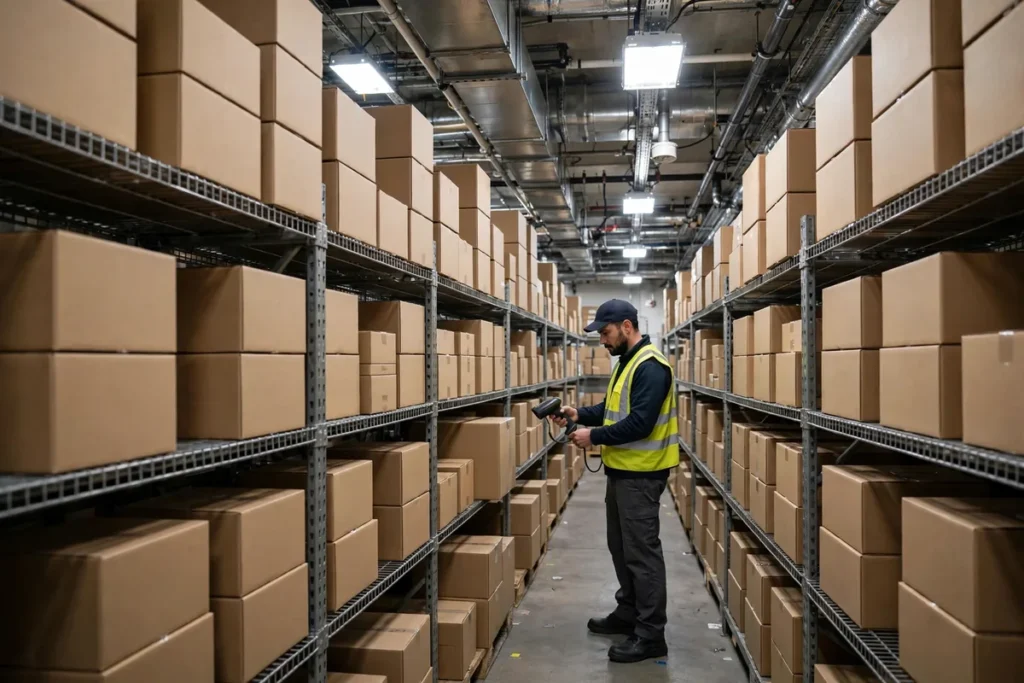
How AI Inventory Management Helps Small Businesses Cut Waste
Dead stock sitting on shelves. Bestsellers out of stock on your busiest weekend. Perishables expiring in the back room. For small retailers, restaurants, and wholesalers, inventory waste isn’t a minor leak — it’s often 5–10% of revenue evaporating quietly. AI for inventory management small business tools attack exactly this problem: they predict what you’ll sell, order it at the right time, and flag what’s about to go stale before it costs you money.
You don’t need an enterprise supply chain team. Modern AI inventory tools start under $50/month, connect to Shopify, Square, or QuickBooks in an afternoon, and begin cutting waste within the first quarter. Here’s how they work and which ones deserve your attention.
The Hidden Cost of Inventory Waste
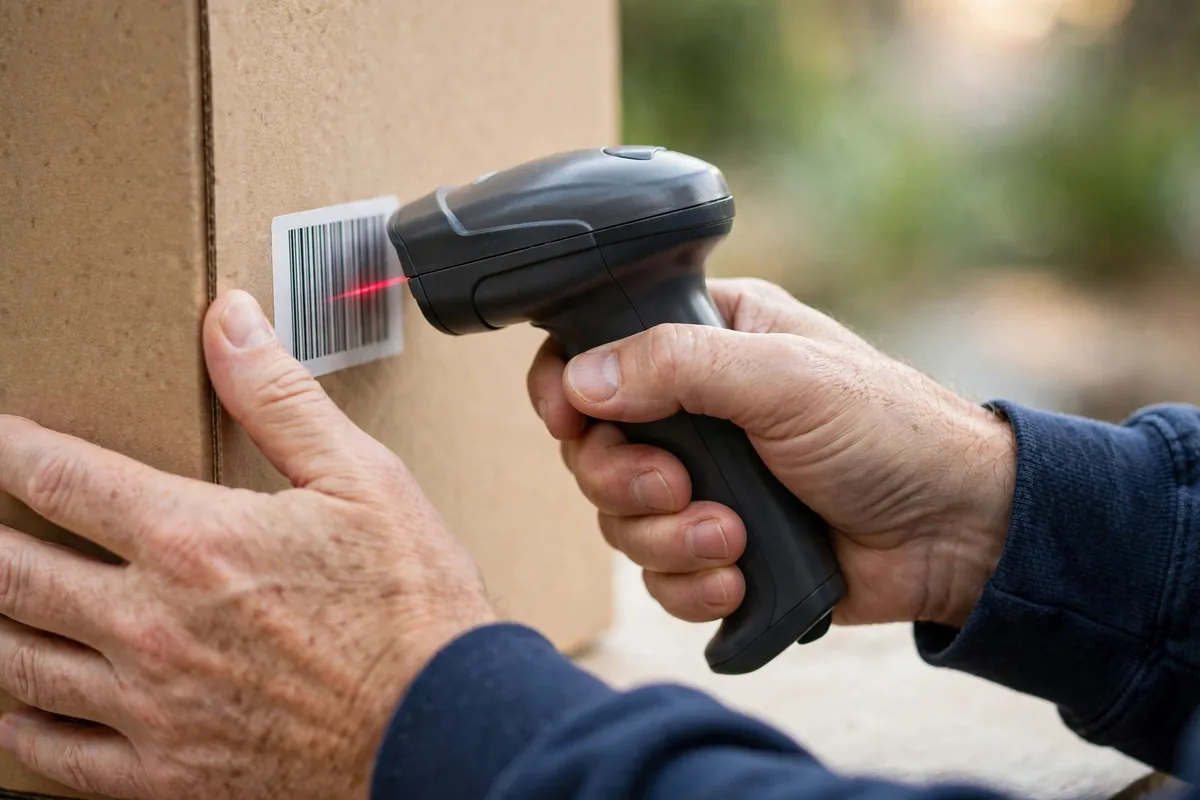
Most small business owners underestimate how much poor inventory management costs them. Consider the math for a typical $1M-revenue retailer:
- Overstock: Capital locked in slow-moving products that could be earning returns elsewhere. Industry data suggests small retailers carry 20–30% more inventory than they need.
- Stockouts: Every “sorry, we’re out” moment sends a customer to a competitor — and many don’t come back. Lost sales from stockouts routinely exceed the cost of carrying extra stock.
- Spoilage and obsolescence: Restaurants throw away food; fashion retailers markdown seasonal items at 70% off; electronics shops watch last year’s models gather dust.
- Manual counting errors: Spreadsheet inventory drifts from reality by 5–15%, causing phantom stockouts and surprise shortages. Every hour your team spends recounting shelves is an hour not spent selling.
Add it up, and a $1M retailer can easily lose $50K–$100K a year to inventory inefficiency — most of it invisible in day-to-day operations because it shows up as “just the cost of doing business.” It isn’t. It’s a solvable data problem, and it’s exactly where AI for inventory management small business tools earn their keep.
AI doesn’t eliminate these problems by magic — it eliminates them with better predictions and earlier warnings. If you’re selling online too, our guide to AI for ecommerce covers the storefront side of the equation.
How AI for Inventory Management Small Business Tools Work
At its core, AI inventory management does three things humans do poorly at scale:
1. Demand forecasting
The AI analyzes your sales history alongside external signals — seasonality, local events, weather, promotions, even social trends — to predict demand per product per week. A beach shop’s AI learns that sunscreen sales spike two weeks before spring break, not during it, and orders accordingly. Traditional reorder-point formulas can’t see around corners like this.
2. Automated replenishment
Instead of a manager eyeballing shelves and guessing order quantities, the AI calculates optimal reorder points and quantities continuously, factoring in supplier lead times and shipping variability. Many tools auto-generate purchase orders for your approval — or send them automatically once you trust the system.
3. Waste and anomaly detection
The AI flags products approaching expiry, identifies slow movers before they become dead stock, and spots shrinkage patterns that suggest theft or damage. One restaurant owner we spoke with cut food waste 30% in three months just from expiry alerts.
Together, these capabilities typically reduce carrying costs 15–25% and cut stockouts in half — numbers that show up directly in your cash flow.
5 AI Inventory Tools Worth Your Money

1. Cin7 (formerly DEAR) — Best All-Rounder
Cin7 combines inventory, POS, and basic manufacturing in one platform with AI-driven demand forecasting. It’s the most complete option for product businesses doing $500K–$10M.
- Strengths: Demand forecasting, multi-warehouse support, 700+ integrations including Shopify and QuickBooks.
- Watch out: Implementation takes real effort; pricing starts around $349/month, which prices out the smallest shops.
- Best for: Growing retailers and wholesalers with complex inventory.
2. Zoho Inventory — Best Budget Pick
Zoho brings AI-assisted reorder points and demand insights at a price small businesses can actually afford — free for up to 50 orders/month.
- Strengths: Affordable, clean interface, integrates with the Zoho ecosystem and Shopify.
- Watch out: Forecasting is simpler than Cin7 or NetSuite; multi-warehouse features need higher tiers.
- Best for: Small retailers and Amazon sellers starting out. See Shopify’s inventory resources for platform-specific guidance.
3. NetSuite (Oracle) — Best for Scaling Businesses
NetSuite’s demand planning module uses machine learning on your full financial and operational history. It’s overkill under $2M revenue, but businesses outgrowing QuickBooks find it transformative.
- Strengths: Deepest forecasting models here, unified with accounting and CRM.
- Watch out: Enterprise pricing and implementation measured in months, not days.
- Best for: Businesses scaling past $2–5M with multi-channel complexity. Background at Oracle NetSuite.
4. Square for Retail — Best for Brick-and-Mortar
If you already run Square POS, its inventory features with smart alerts deserve a look before buying a separate system. Low-stock alerts, vendor management, and purchase orders are built in.
- Strengths: Zero new hardware, staff already knows it, solid basics.
- Watch out: Forecasting is rule-based more than AI-driven; limited for multi-location complexity.
- Best for: Single-location shops already on Square.
5. Inventory Planner by Sage — Best Forecasting Specialist
Inventory Planner (now part of Sage) focuses obsessively on one thing: predicting what to order. It connects to Shopify, Amazon, and QuickBooks, then generates purchase recommendations with confidence intervals.
- Strengths: Best-in-class replenishment reports, open-to-buy planning, overstock alerts.
- Watch out: It’s a forecasting layer, not a full inventory system — you still need your POS/ERP underneath.
- Best for: Ecommerce sellers drowning in spreadsheets.
AI Inventory Tools Compared
| Tool | Starting price | Best for | AI strength |
|---|---|---|---|
| Cin7 | ~$349/mo | Growing product businesses | Demand forecasting + multi-warehouse |
| Zoho Inventory | Free–$49/mo | Budget-conscious retailers | Affordable reorder intelligence |
| NetSuite | Custom | Scaling past $2M | Deepest ML models, unified ERP |
| Square for Retail | Included w/ POS | Brick-and-mortar | Smart low-stock alerts |
| Inventory Planner (Sage) | ~$99/mo | Ecommerce sellers | Purchase recommendations |
Implementation: Your First 60 Days
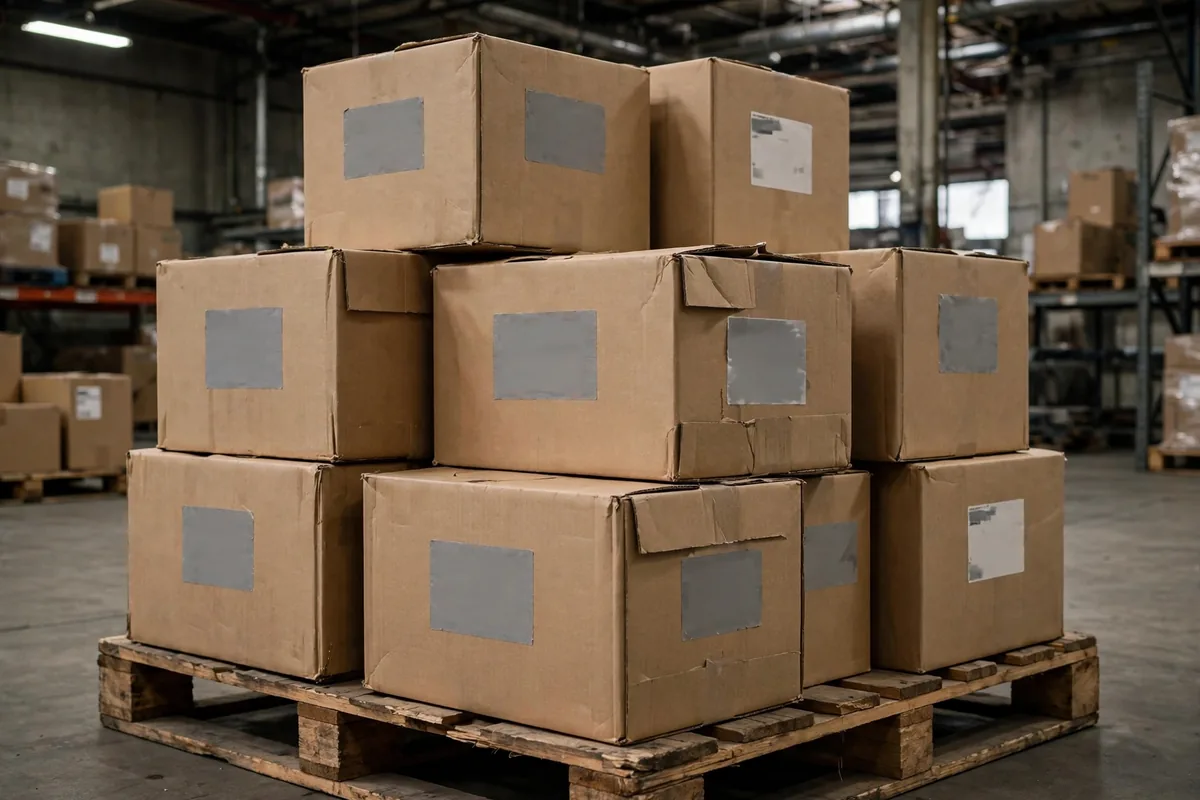
Rolling out AI for inventory management small business software doesn’t have to disrupt operations. Follow this sequence:
Days 1–14: Clean your data
The AI is only as good as your product catalog. Standardize SKUs, merge duplicates, and make sure every product has a category and supplier. Count your top 50 SKUs by hand to establish a true baseline — most businesses find 5–10% discrepancies on day one.
Days 15–30: Connect and observe
Integrate your POS and sales channels, then let the AI observe for 2–4 weeks without acting on its recommendations. Compare its demand forecasts against your actual orders. You’ll quickly see where your gut was wrong — that’s the learning that pays.
Days 31–60: Automate gradually
Start with low-risk automation: expiry alerts, low-stock notifications, overstock warnings. Once you trust the forecasts, enable auto-generated purchase orders (with your approval required). Full auto-ordering comes last, and only for your most predictable products.
Businesses that follow this phased approach typically see measurable waste reduction by day 60 and full ROI within two quarters. Those that skip straight to automation often revert to manual ordering within a month — trust is earned, not installed.
5 Inventory Mistakes AI Can’t Fix Alone
- Dirty product data. Duplicate SKUs and missing categories confuse every algorithm. Clean first, automate second.
- Ignoring supplier lead times. The AI’s reorder math assumes your lead-time data is accurate. Update it when suppliers slip.
- No cycle counts. AI reduces full physical inventories but doesn’t eliminate spot-checking. Count A-items monthly.
- Overriding every recommendation. If you second-guess the AI on every order, you’ll never learn whether it works. Trial it on 20% of SKUs with discipline.
- Forgetting seasonality setup. Tell the system about your promotions and local events — it can’t predict what it doesn’t know. Our small business automation guide covers connecting these workflows.
Real-World Results: What Small Businesses Actually Save
Skeptical that AI for inventory management small business software pays off at your scale? Consider these realistic scenarios drawn from common industry outcomes:
The boutique clothing store. Carrying $200K in inventory with 25% tied up in slow movers. AI overstock alerts plus markdown timing suggestions free up $30K in working capital in the first two quarters — money that funds the next season’s winners instead of gathering dust.
The specialty food shop. Throwing away 8% of perishable stock weekly. Expiry alerts and demand-tuned ordering cut waste to under 4%, saving roughly $15K a year on a $750K-revenue shop. The owner checks a 5-minute morning dashboard instead of walking every aisle.
The multi-channel electronics seller. Constant stockouts on Amazon during promotions while the warehouse held the units — a listing-sync problem. AI inventory tools with multi-channel allocation ended the phantom stockouts, recovering an estimated 12% in lost promo-weekend sales.
The pattern across all three: the software didn’t just cut waste, it changed behavior. Owners started trusting data over gut feel for reorders, and the compounding effect showed up in cash flow within months. That’s the real promise of AI for inventory management small business adoption — not a dashboard, but better decisions made automatically, every day.
Identifying Dead Stock Before It Costs You
Dead stock is cash sitting on shelves. Run a quarterly report ranking every SKU by days since last sale; anything over 180 days with no movement is a candidate for clearance, bundling, or discontinuation. AI inventory tools generate this report automatically, but the decision of what to do with each item needs your margin judgment.
Act on the report within two weeks or it becomes wallpaper. Mark down aggressively: recovering 50% of cost beats holding 100% of nothing, and shelf space has an opportunity cost. The discipline is in the follow-through, not the analysis.
FAQ
How much does AI for inventory management small business software cost?
Entry-level tools (Zoho Inventory, Square) start free to $49/month. Serious forecasting platforms (Cin7, Inventory Planner) run $99–$349/month. Enterprise ERP (NetSuite) is custom-priced. Most small businesses land in the $50–$150/month range — trivial against typical waste savings.
Will AI inventory tools work with my Shopify or Square store?
Yes — Shopify, Square, WooCommerce, and Amazon all have native integrations with the tools above. Data syncs automatically: sales decrement stock, and forecasts update daily.
How long until I see waste reduction?
Expect early wins (expiry alerts, overstock flags) within 30 days. Meaningful forecast-driven reduction typically appears in 60–90 days as the AI learns your patterns. Full ROI commonly lands within two quarters.
Do I still need physical inventory counts?
Yes, but fewer. AI plus cycle counting (a few SKUs daily) replaces most full-wall inventories. High-value or theft-prone items still deserve regular hands-on counts.
Can AI handle perishable inventory like food?
This is actually where AI shines brightest. Expiry-date tracking, FEFO (first-expired-first-out) picking suggestions, and demand forecasting tuned to shelf life can cut food waste 25–40% in restaurants and grocers. If you’re weighing broader AI investments, see how AI helps small businesses overall.
What if my suppliers are unreliable — can AI still help?
Yes, and this is an underrated use case. AI inventory tools model lead-time variability, not just averages. If a supplier delivers in 5 days sometimes and 15 days others, the AI carries appropriate safety stock automatically and flags the supplier’s inconsistency with hard data you can use in negotiations.
Is my business too small for AI inventory management?
If you carry more than ~100 SKUs or lose sleep over stockouts, you’re big enough. Even single-location shops benefit from reorder alerts and expiry tracking. The free tiers of tools like Zoho Inventory exist precisely for this segment — AI for inventory management small business adoption starts at zero cost.
Conclusion
AI for inventory management small business isn’t about replacing your judgment — it’s about giving your judgment better data. Start with clean SKUs, pick the tool that matches your size, phase in automation over 60 days, and watch waste shrink while availability improves.
The businesses that win on inventory in 2026 won’t be the ones with the biggest warehouses. They’ll be the ones that know exactly what’s selling, what’s stalling, and what to order next — before their competitors figure it out.
Your quick-start checklist: clean up SKUs this week, trial one tool from the list above with your real sales data, run forecasts in parallel with your gut for 30 days, then automate reorders for your top 20% of products. Measure waste monthly. Most owners who follow these steps wonder why they waited so long — the savings start showing up faster than the learning curve.


Join the discussion
Have a question or a perspective to share?