

How to Use AI to Create SOPs Your Team Will Actually Follow
Every business has processes living in people’s heads — and every business pays for it when those people are sick, quit, or just inconsistent. Learning how to use AI to create SOPs (standard operating procedures) removes the reason SOPs never get written: the brutal tedium of documenting step-by-step what everyone “just knows.”
Here’s the paradox: SOPs are most valuable for exactly the teams too busy to write them. The traditional documentation process — shadowing, note-taking, formatting, screenshotting, reviewing — takes hours per procedure, so the docs never exist, knowledge stays tribal, and every onboarding reinvents the wheel. AI collapses the documentation labor to minutes. But knowing how to use AI to create SOPs that people actually follow requires more than transcription — it demands structure people can use under pressure, visuals where words fail, and a rollout that earns adoption rather than eye-rolls.
This guide gives you the complete 2026 system for how to use AI to create SOPs: capturing tribal knowledge, the SOP structure that gets followed, AI-assisted drafting from multiple input types, visual and video SOPs, rollout and training, and the maintenance loop that keeps procedures alive.
Why SOPs Fail (It’s Not the Writing)
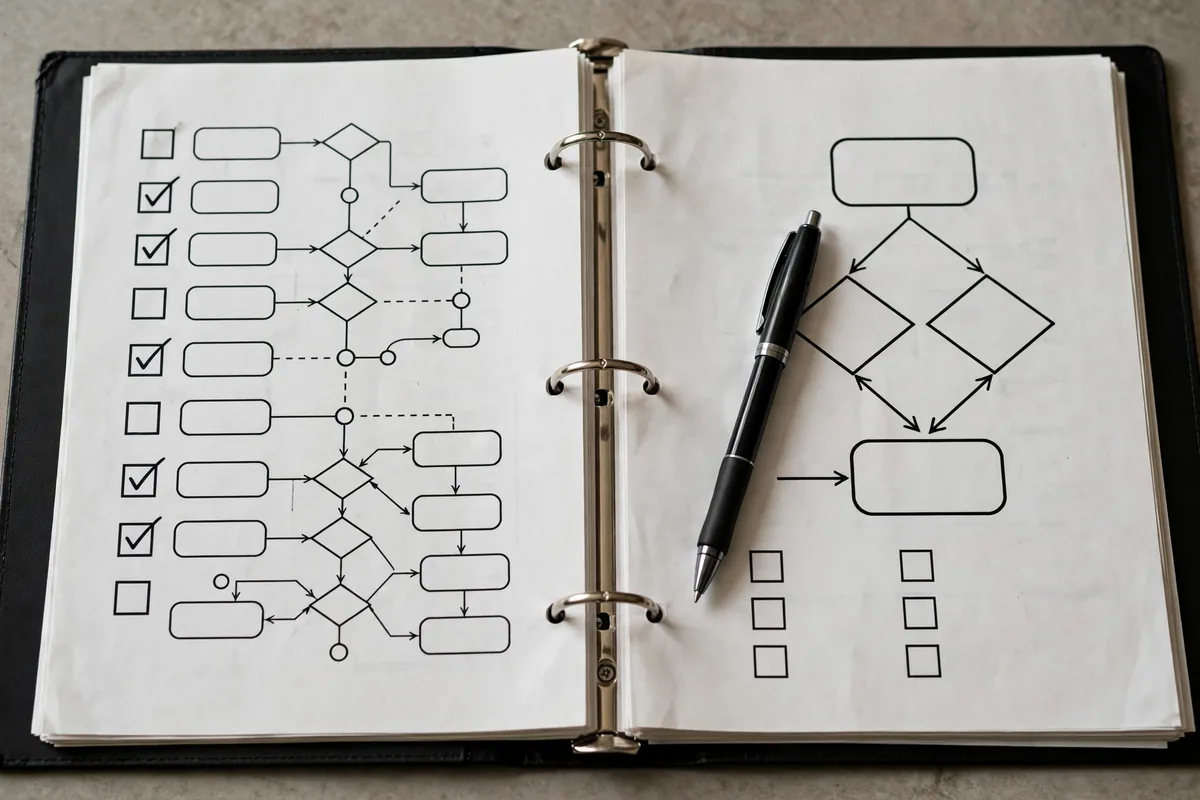
Most SOPs fail before anyone reads them. The failure modes:
- Written for auditors, not doers. Dense paragraphs describing the process in abstract terms nobody consults mid-task.
- Too long to use. A 20-page SOP for a 10-minute task gets ignored; people ask a colleague instead.
- Outdated on arrival. Written once, never updated — the team learned three better ways since, and the doc is fiction.
- No ownership. Nobody maintains it, so nobody trusts it.
- Buried. Stored in a folder nobody opens, in a format nobody searches.
AI fixes the production bottleneck completely — but adoption is a design problem. When you know how to use AI to create SOPs properly, you design for the person doing the task at 4 PM on a Friday: scannable, visual, current, and findable in 30 seconds. Mastering how to use AI to create SOPs is really about respecting that person’s time and attention. Every section below serves that person.
Step 1: Capture the Tribal Knowledge (3 Input Methods)
AI can only document what you feed it. Capture the process in whichever way is fastest:
Method A — Narrate and transcribe. Have the expert do the task while narrating: “I’m clicking X because Y…” Record, transcribe, feed the transcript to AI. This captures the why behind steps — the judgment calls that written procedures usually miss. 15 minutes of narration beats an hour of interviewing.
Method B — Brain-dump interview. Prompt the expert with: “Explain [process] as if training a smart new hire on their first day. Include: what triggers this process, each step in order, what ‘done right’ looks like, common mistakes and how to avoid them, and what to do when something unusual happens.” Record or have them write it; AI structures it next.
Method C — Artifact reverse-engineering. Feed AI the existing artifacts: “Here are 3 completed examples of [process output], the checklist someone scribbled, and the email thread where it went wrong last time: [paste]. Reverse-engineer the SOP: reconstruct the steps, identify the quality bar from the good examples, and extract the failure mode from the bad thread.”
Whichever method, capture the exceptions — the “usually X, but when Y happens, do Z” knowledge is the most valuable part of any SOP and the part experts forget to mention. Prompt explicitly: “What are the 3 most common exceptions or edge cases in this process, and how should each be handled?”
Step 2: The SOP Structure People Actually Use

Forget the corporate template. The structure that gets followed:
The one-page format (for tasks under 30 minutes):
– Title + purpose (1 line): what and why
– Trigger: when to use this SOP
– Prerequisites: what you need before starting (access, tools, info)
– Steps: numbered, each starting with a verb, one action per step — with a screenshot or visual every 3–4 steps
– Quality check: how to verify it worked (the 30-second test)
– Troubleshooting: the 3 most common things that go wrong + fixes
– Owner + last updated: who maintains it, when it was last verified
The modular format (for complex processes): overview page linking to one-page SOPs per phase. Nobody reads a 40-page SOP; everybody reads eight 1-page SOPs linked in sequence.
The drafting prompt:
“Turn this process capture into an SOP: [paste transcript/notes]. Format: one-page structure (title, trigger, prerequisites, numbered verb-led steps, quality check, troubleshooting x3, owner/last-updated placeholders). Rules: one action per step, reading level simple, no jargon without definition, flag any step where the capture was ambiguous with [VERIFY]. Total under 500 words. Write for someone doing this task for the first time, alone, under time pressure.”
The [VERIFY] flags are crucial — AI marks what it couldn’t confidently structure, and the expert resolves those in a 10-minute review instead of rewriting the whole doc.
Step 3: Visuals and Video — Where SOPs Come Alive
Text SOPs fail at visual tasks (“click the third icon from the left in the panel that…”). Layer visuals:
- Screenshots with annotations. Take screenshots during the narration capture; prompt AI for the annotation guide: “For step 4 of this SOP: [paste], describe exactly what to highlight in the screenshot and write the 8-word caption.”
- Decision trees for branching processes. “Convert this SOP’s exception handling into a decision tree: [paste]. Format as nested if/then bullets I can turn into a flowchart.”
- Video SOPs. Record the narration session as video; AI generates the chaptered outline: “Create timestamped chapters for this process video: [transcript]. Each chapter: timestamp, title, 1-line description.” Video + chapters beats text for physical or UI-heavy tasks.
- Checklists as the daily interface. From every SOP, generate the pocket checklist: “Distill this SOP to a 10-item checklist for daily use — just the verifications, no explanations.” Laminated, taped to monitors, actually used.
The rule: the SOP is the reference; the checklist is the tool. People follow checklists mid-task and consult SOPs when confused. Generate both from the same capture, and adoption doubles.
Step 4: Organize for Findability (30-Second Rule)

An SOP nobody can find in 30 seconds doesn’t exist. The organization system:
- Single source of truth. One wiki, one Notion database, one shared drive — not three. Migrate or link; duplicates kill trust.
- Naming convention: “[Department] – [Process] – [v1.2]”. Searchable, sortable, versioned.
- Index page per department: the 10 SOPs a new hire needs, in onboarding order.
- Search-optimized titles: name SOPs the way people ask: “How to process a refund” not “Refund Processing Procedure v3.”
Prompt for the migration audit: “Here is our current SOP inventory across 3 locations: [paste lists]. Identify duplicates, outdated versions, and gaps (processes everyone does but nobody documented). Propose a consolidated structure with naming.” Most teams discover they’re maintaining 2–3 versions of the same procedures — consolidation alone is a win.
For the knowledge-base layer underneath, our AI knowledge management guide covers keeping it all current.
Step 5: Rollout That Earns Adoption
Publishing SOPs isn’t adoption. The rollout sequence:
- Pilot with the skeptics. Give the SOP to someone who’s never done the task: “Follow this exactly and mark every confusing step.” Their confusion is your revision list — run it through AI: “A first-timer flagged these steps as confusing: [paste]. Rewrite them with more specific verbs and add the missing context.”
- Train to the SOP, not around it. The training session walks through the SOP live. If the trainer improvises deviations, the SOP loses authority on day one.
- Make it the path of least resistance. Link SOPs from where work happens: the project template, the Slack channel topic, the onboarding checklist. An SOP three clicks away loses to asking a colleague.
- Require it for handoffs. “Before you go on vacation, verify your SOPs are current” — nothing motivates documentation like being the person who’ll be called during PTO.
- Celebrate catches. When someone follows an SOP and avoids an error, say so publicly. When someone improves an SOP, credit them. Culture eats documentation for breakfast — feed the culture.
The adoption metric: “could a new hire do this from the SOP alone?” Test quarterly with real new hires on real tasks. That’s the only audit that matters.
Step 6: The Maintenance Loop (SOPs Are Living Documents)
The #1 SOP killer is staleness. The maintenance system:
- Owner per SOP. Every procedure has a named human owner. No owner = no updates = dead doc.
- Review triggers: calendar (quarterly for critical SOPs, annually for stable ones), event-driven (process changed, tool changed, error occurred), and usage-driven (the troubleshooting section keeps growing — the process needs redesign, not more patches).
- The update workflow: “This SOP is 6 months old. Here is the current version and notes on what changed in the process: [paste]. Update the SOP: revise changed steps, add new edge cases to troubleshooting, keep everything else identical. Bump version and date.”
- Deprecation discipline: “Audit these 20 SOPs: [list with last-updated dates and usage stats]. Flag candidates for archival (process retired) vs. refresh (still used, stale content).” Dead SOPs cluttering search results erode trust in the live ones — archive aggressively.
AI makes maintenance a 15-minute task instead of a rewrite project, which is precisely why the loop actually runs. When you truly know how to use AI to create SOPs, the creation is the easy part — the compounding value is a procedure library that stays true because staying true is cheap.
Measuring SOP ROI
Track what the system earns:
| Metric | Before SOPs | After | How to Measure |
|---|---|---|---|
| Onboarding time to productivity | Weeks of shadowing | Days of guided SOPs | Manager assessment |
| Error rate on routine tasks | Tribal-knowledge variance | Consistent execution | QA sampling |
| Key-person dependency | “Only Maria knows” | Documented + cross-trained | Bus-factor audit |
| Time to answer “how do I…?” | Interrupt a colleague | 30-second search | Survey |
Run the bus-factor audit annually: “If [person] left tomorrow, which processes would break? Cross-check against our SOP library: [paste].” The gaps become next quarter’s documentation priorities. For broader operational AI, our small business automation guide covers what to systematize next.
Common Mistakes
- Documenting everything at once. Start with the 5 processes that hurt most (onboarding bottlenecks, frequent errors, key-person risks). Momentum beats completeness.
- Perfectionism. A good SOP today beats a perfect SOP next quarter. Ship, then refine from real usage.
- No owner. The most common cause of SOP death. Name names.
- Writing for the wrong reader. The reader is a stressed first-timer, not a compliance auditor. Write accordingly.
- Skipping the pilot test. Untested SOPs contain the expert’s blind spots. The skeptic pilot catches them cheap.
- Letting AI invent steps. The [VERIFY] flags exist for a reason — every flagged step needs human confirmation before the SOP goes live.
If prompting is new to your ops team, our 12 prompt techniques cover the fundamentals.
FAQ
How long does it take to create an SOP with AI?
30–60 minutes per SOP: 15 minutes capturing (narration or brain-dump), 5 minutes generating, 10–20 minutes expert review and [VERIFY] resolution. Versus 3–6 hours the manual way. A 20-SOP library is a few focused days, not a quarter-long project.
What processes should I document first?
The 5 that hurt most: onboarding tasks every new hire needs, processes with frequent errors, anything only one person knows how to do, customer-facing procedures where inconsistency shows, and compliance-required processes. Ask the team “what do you get interrupted to explain?” — that’s your priority list.
How do I get employees to actually follow SOPs?
Design for the doer (scannable, visual, findable in 30 seconds), pilot with skeptics, train to the SOP, make it the path of least resistance, and celebrate improvements. Adoption is 20% documentation quality and 80% rollout culture.
Should SOPs be text, video, or checklists?
All three from one capture: the SOP as reference, the checklist as the daily tool, video for visual/physical tasks. Generate all three with AI from the same transcript — the marginal cost is minutes. Teams that commit to learning how to use AI to create SOPs in all three formats see the fastest adoption, because every learning style is covered.
How often should SOPs be updated?
Critical SOPs quarterly, stable ones annually, and event-driven whenever the process, tool, or team changes. The owner plus the AI-assisted update workflow makes this a 15-minute task per SOP — cheap enough to actually happen.
Conclusion
For the latest model capabilities, check vendor documentation such as OpenAI and the Google AI blog.
Knowing how to use AI to create SOPs your team will actually follow means solving the whole problem, not just the writing: capture tribal knowledge in the fastest format, structure for the stressed first-timer, add visuals where words fail, organize for 30-second findability, roll out with pilot testing and cultural reinforcement, and maintain with owned, AI-assisted updates. The businesses that do this stop losing knowledge every time someone goes on vacation — and onboarding transforms from tribal apprenticeship to systematic ramp-up. Pick your five most painful undocumented processes this week, capture one per day, and by Friday you’ll have the beginnings of a procedure library. Your future self — the one not answering the same question for the tenth time — will thank you.




Join the discussion
Have a question or a perspective to share?