
Introduction: Edit Audio Like a Document
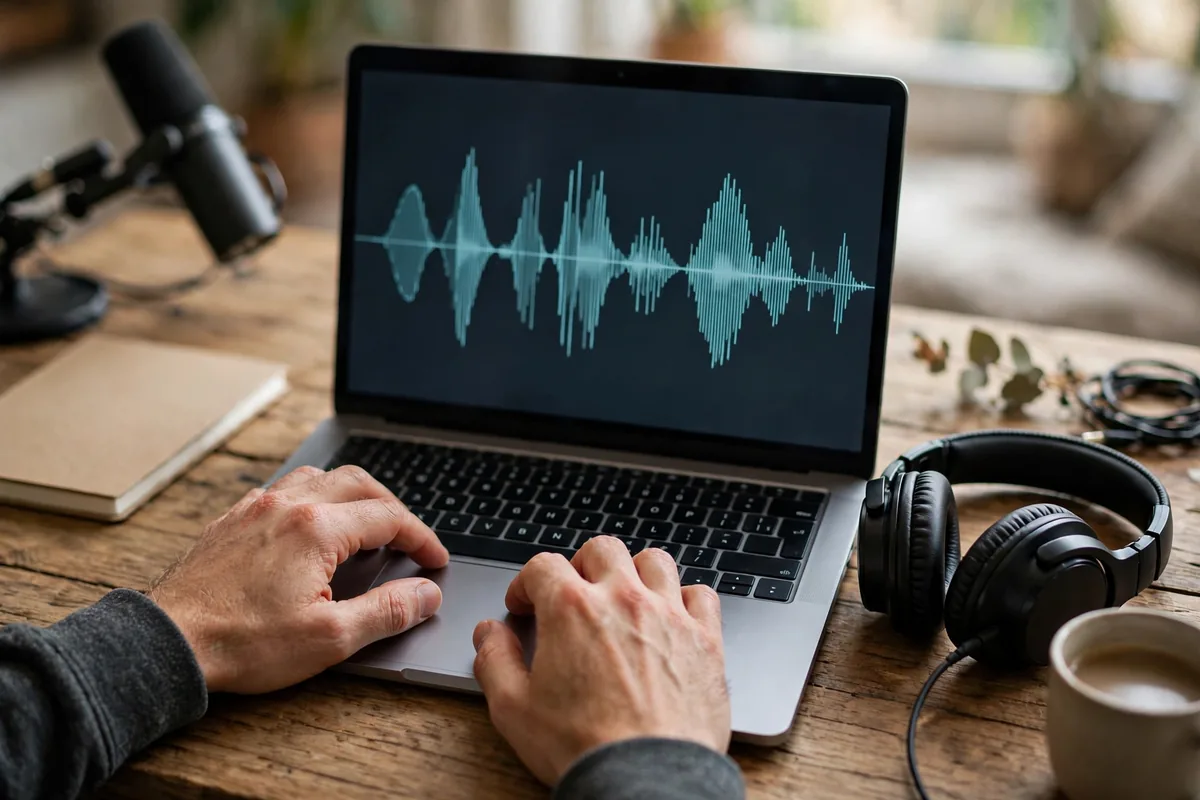
Podcast editing used to mean scrubbing waveforms for hours — cutting ums, leveling guests, removing noise. The best AI podcast editing tools turned audio into text: delete a sentence in the transcript and it disappears from the recording. What took an afternoon now takes twenty minutes.
This guide covers the seven best AI podcast editing tools in 2026 — from full production studios to surgical cleanup utilities. Whether you record solo monologues or multi-guest interviews, these tools give you broadcast-quality audio without an engineer.
Why AI Took Over Podcast Editing in 2026
Podcasting’s bottleneck was never recording — it was post-production. AI attacked every tedious step: transcription-based editing (Descript’s breakthrough), studio-quality enhancement from bad recordings (Adobe’s magic), automatic filler-word removal, and one-click leveling and mastering. The result is that a solo podcaster with a $100 mic now ships audio rivaling studio productions.
The best AI podcast editing tools in 2026 share a philosophy: the creator directs, the AI executes. You make the editorial decisions; the software handles the waveform surgery.
Descript
The tool that redefined podcast editing — edit audio and video by editing text, with AI voices and studio sound built in.
- What it does: Transcription-based editing, Overdub voice cloning, Studio Sound enhancement, and full multitrack editing.
- Standout feature: Edit-the-transcript workflow — cut, rearrange, and clean audio by editing words; filler-word removal in one click.
- Pricing: Free tier available; Creator from $24/month.
- Limitation: Heavy projects can feel sluggish; Overdub needs voice training.
- Best for: Podcasters who think in words and want the fastest edit possible.
Riverside
Riverside records studio-quality remote interviews and now edits them with AI — the complete remote-podcast pipeline.
- What it does: 4K/local recording of remote guests plus AI editing: text-based cuts, automatic highlights, and Magic Clips for social.
- Standout feature: Local recording means guest audio is pristine regardless of internet — then AI edits it like Descript.
- Pricing: Free tier available; paid from $24/month.
- Limitation: Editing features trail Descript’s depth; best as a record-first platform.
- Best for: Interview shows with remote guests.
Adobe Podcast Enhance
Adobe’s free AI enhancer that rescues terrible recordings — echoey rooms become studios.
- What it does: AI speech enhancement: removes noise, echo, and room tone from recordings.
- Standout feature: Miraculous cleanup quality for free — genuinely transforms phone recordings.
- Pricing: Free (Adobe account).
- Limitation: It is an enhancer, not an editor — pair it with a real DAW or Descript.
- Best for: Every podcaster’s toolkit as the free rescue step.
Podcastle
The all-in-one AI podcast studio — record, edit, enhance, and publish from the browser.
- What it does: Browser-based recording, text-based editing, AI voice cloning, background noise removal, and hosting.
- Standout feature: Revoice — clone your voice to fix flubbed lines by typing the correction.
- Standout pricing: Generous free tier; paid from $12/month.
- Limitation: Advanced audio routing and effects lag desktop DAWs.
- Best for: Beginners who want one tab for the entire podcast workflow.
Alitu
Alitu automates the technical side of podcasting — upload raw audio, get a polished episode.
- What it does: Automatic cleanup, leveling, music/transition insertion, and publishing.
- Standout feature: True automation — the closest thing to “edit my podcast for me” for standard formats.
- Pricing: From $38/month; free trial available.
- Limitation: Less editorial control than Descript; best for consistent formats.
- Best for: Solo podcasters with a repeatable format who want minimum hands-on time.
Cleanvoice AI
The surgical cleanup specialist — removes filler words, stutters, and mouth sounds automatically.
- What it does: AI detection and removal of filler words, repetitions, and background noise.
- Standout feature: Multilingual filler detection with timeline markers showing every edit before you commit.
- Pricing: Pay-per-minute; subscriptions from about $10/month.
- Limitation: Single-purpose — it cleans, it does not edit or produce.
- Best for: Polishing recordings before the main edit in any DAW.
Auphonic
The mastering engineer in the cloud — intelligent leveling, loudness normalization, and noise reduction.
- What it does: Automatic post-production: leveling, loudness targets, noise/hum removal, and encoding.
- Standout feature: Broadcast-standard loudness compliance (-16 LUFS for podcasts) applied automatically.
- Pricing: Free 2 hours/month; paid from $13/month.
- Limitation: It masters; editorial decisions remain yours.
- Best for: The final polish step every podcast needs.
The Best AI Podcast Editing Tools Compared
The best AI podcast editing tools at a glance:
| Tool | Best for | Standout feature | Free tier |
|---|---|---|---|
| Descript | Fastest full editing | Edit-the-transcript | Yes |
| Riverside | Remote interviews | Local recording + AI edit | Yes |
| Adobe Podcast Enhance | Free rescue | Studio-quality cleanup | Yes (free) |
| Podcastle | All-in-one beginners | Browser studio + Revoice | Yes |
| Alitu | Hands-off automation | Automatic episode assembly | Trial |
| Cleanvoice AI | Surgical cleanup | Filler-word removal | Pay-per-use |
| Auphonic | Mastering | Loudness compliance | 2h free/mo |
Most podcasters combine two: an editor (Descript or Riverside) plus a finisher (Auphonic). Creators repurposing episodes into articles pair these with AI document tools for show-note generation, and students starting a show on zero budget should see our free AI tools for students roundup.
How to Choose the Right Tool for You
- Start with your format. Solo monologue: Descript or Alitu. Remote interviews: Riverside. Quick cleanup: Adobe Enhance + Auphonic.
- Test the transcript workflow. If editing text feels natural, Descript will 10x your speed; if not, stick with assisted traditional tools.
- Check multitrack needs. Multi-guest shows need real multitrack handling — verify before committing.
- Budget for the year. $12–38/month is typical; free tiers cover testing and light publishing.
- Verify export quality. Confirm WAV/MP3 export at proper bitrates and loudness standards.
- Plan the repurposing. If you turn episodes into clips and posts, Riverside’s Magic Clips or Descript’s publishing features save hours.
Pricing and Free Tiers: What You Really Get
Podcast AI is fairly priced: free tiers are genuinely useful (Adobe Enhance free forever, Auphonic’s 2 free hours monthly, Descript/Riverside trials). Paid plans $12–38/month suit serious publishers. The value math is simple — if AI saves you three editing hours per episode, it pays for itself immediately.
Tips to Get Professional Results
- Record clean, enhance later. AI rescue is miraculous but not magic — a $100 mic in a quiet room beats a $500 mic in an echo chamber.
- Edit content before polish. Cut the boring parts first, then run cleanup and mastering — never polish audio you will delete.
- Level before you master. Get guest volumes roughly matched before Auphonic; automation works best on sane inputs.
- Keep the ums that matter. Removing every filler word sounds robotic — keep the ones carrying conversational warmth.
- Publish a consistent loudness. -16 LUFS stereo for podcasts is the standard; Auphonic handles it automatically, a finishing discipline as important as strong AI writing workflows are for show notes.
For official guidance, Descript’s creator guides and Riverside’s blog document professional AI podcast workflows in depth.
The 30-Minute Episode Workflow
Here is the exact routine power users follow with the best AI podcast editing tools. Minutes 0–5: import your recording into Descript or Riverside and let transcription finish while you grab coffee. Minutes 5–15: edit the transcript — delete tangents, tighten answers, remove filler words with one click; this is where the episode actually gets made. Minutes 15–20: run Adobe Podcast Enhance on any rough segments and Cleanvoice for surgical filler removal. Minutes 20–25: add intro/outro music and transitions, check levels between host and guests. Minutes 25–30: export through Auphonic for loudness normalization and publish. Thirty minutes from raw recording to published episode is not a fantasy — it is the standard workflow for thousands of shows in 2026, and it frees creators to focus on booking better guests and asking better questions instead of babysitting waveforms.
Growing Your Podcast With AI Repurposing
Editing is only half the value of the best AI podcast editing tools — the other half is content multiplication. Every episode contains five to ten shareable moments; Riverside Magic Clips and Descript publishing turn them into vertical videos for TikTok, Reels, and Shorts in minutes. Transcripts become blog posts and newsletters with light editing. Key quotes become audiograms and quote cards. Creators who systematize this repurposing routinely 3–5x their content output without recording more, and each format feeds the others: clips drive podcast discovery, the podcast drives newsletter signups, the newsletter drives episode listens. Build the repurposing checklist into your publishing routine from episode one — retrofitting it later is ten times harder.
Recording Habits That Make AI Editing Shine
AI editing works best on good raw material, and a few habits multiply its effectiveness. Record a few seconds of room tone before speaking — noise-reduction tools use it as a profile for cleaner removal. Keep microphones at consistent distances; AI leveling handles small variations but not dramatic ones. Clap or say “marker” before segments you know you will cut, giving yourself searchable landmarks in the transcript. Record guests on separate tracks whenever possible — isolated tracks let AI process each voice optimally instead of compromising on a mixed file. Finally, back up raw recordings before any AI processing; non-destructive workflows are standard, but storage is cheap and regret is expensive. Creators who treat recording discipline as part of the craft find the best AI podcast editing tools feel almost magical — because the AI is amplifying good habits, not rescuing bad ones.
Room Tone and Noise Profiles
AI editing tools remove noise impressively, but they work best when you give them something to work with. Record 10 seconds of room tone, silence in your recording space, at the start of every session. Noise reduction tools use that sample as a fingerprint for what to remove, and the results are dramatically cleaner than guessing.
Keep your recording chain consistent: same mic, same distance, same room. AI tools learn your voice profile over time, and changing the setup resets that learning. Creators who record in the same treated corner every week get noticeably better automated edits than those who record wherever is convenient.
FAQ
What are the best AI podcast editing tools?
The best AI podcast editing tools are Descript (fastest transcript editing), Riverside (best remote interviews), Adobe Podcast Enhance (best free cleanup), Podcastle (best all-in-one), Alitu (best automation), Cleanvoice AI (best filler removal), and Auphonic (best mastering).
Can AI edit my podcast automatically?
Largely yes for technical work — cleanup, leveling, filler removal, and mastering are highly automatable. Editorial decisions (what to cut for story) still benefit from human judgment, though AI highlights help.
How much does AI podcast editing cost?
$0–38/month. Free tools cover cleanup and light editing; $12–38/month buys full AI editing suites. Most podcasters need just one paid subscription.
Will AI editing make my podcast sound robotic?
Only if over-applied. Keep natural speech rhythms, remove only the distracting fillers, and always listen to the final pass with fresh ears.
Do I still need to learn audio editing?
Basics, yes — mic technique, levels, and room treatment. AI handles the tedious middle; the fundamentals remain yours.
The shows winning in 2026 are not necessarily the best-recorded — they are the best-edited and most consistently published, and consistency is exactly what AI editing buys you. Remove the post-production bottleneck and watch your publishing cadence, quality, and audience all climb together.
Start with the free cleanup tools today, add a full editor when you are ready, and never let editing delay an episode again.
Your next hundred episodes will thank you for the workflow you build this week.
The barrier between your ideas and your audience has never been thinner — record, let AI handle the rest, and keep publishing.
Press record with confidence.
Your audience is waiting for your next episode — make it your best-sounding one yet.
Start now and hear the difference.
Happy podcasting, fellow creator.
Conclusion
The best AI podcast editing tools turned post-production from a chore into a twenty-minute task. Record clean, edit by transcript, enhance free, master automatically — then spend your saved hours on better content.
Your ideas deserve professional sound. Pick a tool from this guide, process your next episode with it, and hear the upgrade for yourself.





Join the discussion
Have a question or a perspective to share?