

Introduction: Look Into the Lens, Not at Your Notes
The difference between amateur and professional video often comes down to eye contact. Reading from notes breaks it; memorizing wastes hours. The best AI teleprompter apps solve this elegantly — your script scrolls invisibly near the lens while AI listens to your voice and paces the scroll to your actual speaking speed.
This guide covers the six best AI teleprompter apps for creators in 2026 — from voice-tracking prompters that follow your pace to full production suites with AI script polishing. Whether you film talking-head YouTube videos, online courses, or corporate presentations, these apps make you look effortlessly fluent.
Why AI Teleprompters Beat Classic Prompters in 2026
Traditional teleprompters scroll at a fixed speed — pause to think and the text runs away; rush and you are left waiting. AI changed the game with voice recognition: the app hears where you are in the script and scrolls accordingly, pausing when you pause and catching up when you ad-lib. The result feels like conversation, not recitation.
The best AI teleprompter apps in 2026 go further: AI script analysis suggests where to pause and emphasize, automatic formatting turns rambling drafts into speakable scripts, and some suites even generate the script for you. For creators, the compound benefit is enormous — fewer takes, faster shoots, and on-camera confidence that used to require years of practice.
BIGVU
The creator’s teleprompter suite — AI script writing, voice-tracked prompting, and automatic captions in one app.
- What it does: Teleprompter with voice recognition, AI script generator, automatic subtitles, and video editing.
- Standout feature: The complete pipeline — generate a script with AI, read it on the prompter, and publish with auto-captions without leaving the app.
- Pricing: Free tier available; paid from $16/month.
- Limitation: Video editing features are basic compared to dedicated editors.
- Best for: Solo creators who want script-to-published-video in one app.
PromptSmart Pro
The original voice-tracking teleprompter — it listens and follows, the gold standard for natural delivery.
- What it does: Teleprompter with VoiceTrack voice recognition that scrolls as you speak and pauses when you pause.
- Standout feature: VoiceTrack accuracy — the most natural-feeling scroll of any prompter, refined over a decade.
- Pricing: One-time purchase around $20 (iOS); subscription options on other platforms.
- Limitation: Focused on prompting only — no script generation or editing features.
- Best for: Presenters and educators who want the most natural prompter experience.
Teleprompter Pro
The professional’s choice for multi-device shoots — control the prompter from your phone while it displays on a tablet or monitor.
- What it does: Feature-rich teleprompter with remote control, multi-device sync, and rich text formatting.
- Standout feature: Remote control ecosystem — run the prompter from across the room, mirror to external displays, manage scripts in the cloud.
- Pricing: Free tier; Pro from about $16/month.
- Limitation: Voice tracking is good but not quite PromptSmart-level.
- Best for: Studio setups and teams with dedicated camera operators.
Elegant Teleprompter
The minimalist speed demon — beautiful, fast, and dead simple, with AI pacing that just works.
- What it does: Clean teleprompter with voice-following scroll, floating widget mode, and script import.
- Standout feature: Floating mode — the script hovers over your camera app so you can prompt while recording in any app.
- Pricing: Free with premium upgrade around $8/month.
- Limitation: Fewer production features than BIGVU; it is a prompter, not a suite.
- Best for: Mobile creators who film in their native camera app.
Speaktor Teleprompter
Speaktor brings its text-to-speech AI expertise to prompting — with AI script polishing that turns rough notes into speakable scripts.
- What it does: Teleprompter plus AI script enhancement: paste rough notes, get a natural spoken-word script.
- Standout feature: Script polishing AI that fixes awkward phrasing and adds natural pauses and emphasis markers.
- Pricing: Free tier; paid from about $10/month.
- Limitation: Newer entrant; smaller user base and fewer integrations.
- Best for: Creators who write rough and want AI to make it speakable.
Nano Teleprompter
The lightweight browser-based option — no install, works everywhere, surprisingly capable.
- What it does: Web-based teleprompter with adjustable speed, mirroring for hardware prompters, and voice control.
- Standout feature: Zero-install universality — open a URL on any device and prompt, including dedicated prompter hardware via mirroring.
- Pricing: Free tier; Pro around $6/month.
- Limitation: Browser-based voice tracking is less robust than native apps.
- Best for: Quick shoots, guest presenters, and hardware prompter setups.
The Best AI Teleprompter Apps Compared
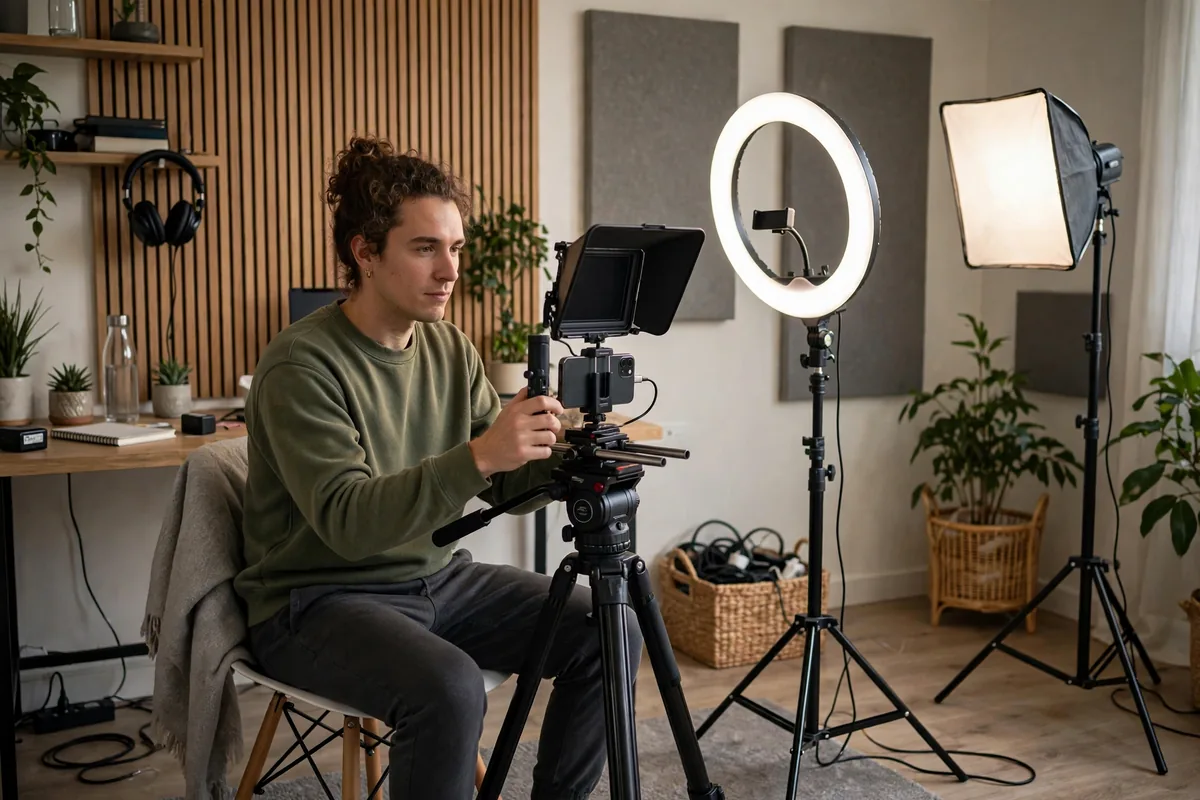
The best AI teleprompter apps compared:
| Tool | Best for | Standout feature | Free tier |
|---|---|---|---|
| BIGVU | All-in-one creators | Script-to-video pipeline | Yes |
| PromptSmart Pro | Natural delivery | VoiceTrack accuracy | Paid |
| Teleprompter Pro | Studio/team shoots | Remote control ecosystem | Yes |
| Elegant Teleprompter | Mobile creators | Floating widget mode | Yes |
| Speaktor | Rough-note writers | AI script polishing | Yes |
| Nano Teleprompter | Universal access | Browser-based, no install | Yes |
Choose by shoot style: solo mobile creators love Elegant or BIGVU; studio setups need Teleprompter Pro’s remote control; perfectionists want PromptSmart’s voice tracking. Creators scripting lots of content pair these with AI document assistants for draft writing, and students filming presentations on a budget will appreciate the free tiers — see our free AI tools for students guide.
How to Choose the Right Tool for You
- Test voice tracking first. The whole point of AI prompting is scroll-that-follows-you — try it with your natural speaking pace before committing.
- Match your camera setup. Phone-only creators need floating widget modes; studio cameras need external display mirroring.
- Check script import. You will write scripts elsewhere — confirm easy import from docs, notes apps, or AI writers.
- Consider the suite vs. specialist tradeoff. BIGVU does everything adequately; PromptSmart does one thing brilliantly. Pick based on whether you need an ecosystem or excellence.
- Mind the platform. iOS, Android, desktop, and web all differ — verify your OS is fully supported.
- Budget realistically. $6–24/month is typical; several excellent free tiers exist for light use.
Pricing and Free Tiers: What You Really Get
Teleprompter apps are among the cheapest creator tools: $6–24/month, with genuinely useful free tiers (Nano, Elegant, BIGVU all prompt for free). Paid plans unlock voice tracking refinements, cloud scripts, and production features. For the on-camera confidence they deliver, the ROI is instant — one saved reshoot pays for a year.
Tips to Get Professional Results
- Write for the ear. Short sentences, contractions, spoken transitions — prompter scripts are not essays. Read every script aloud once before filming.
- Mark your beats. Add [PAUSE] and emphasis markers in the script; the best AI teleprompter apps respect them and your delivery improves dramatically.
- Position the lens close. The farther the prompter text from the lens, the more your eyes wander — keep text tight and near the camera.
- Rehearse the scroll. Do one dry run to let voice tracking learn your pace; the second take is always better.
- Look past the lens. Imagine one person, not an audience — combined with a prompter, this trick produces the intimate delivery top creators are known for, a performance skill as valuable as strong AI writing workflows are for scripting.
For official how-tos, BIGVU’s academy and PromptSmart’s guides cover professional prompting technique in depth.
Writing Scripts That Sound Natural on Camera
The best AI teleprompter apps can only deliver what you write, so scriptwriting is half the skill. Write exactly how you speak — read each line aloud as you draft, and if a sentence feels awkward in your mouth, rewrite it on the spot. Favor short paragraphs of two to three sentences; long blocks on a prompter cause the monotone “reading voice” that kills engagement. Open with a hook written as a direct address (“Here is the mistake costing you views”) rather than throat-clearing (“In this video we will discuss”). Build in deliberate pauses before key points — silence creates emphasis that no delivery trick can fake. End sections with spoken transitions (“Now that the setup is clear, here is the part that matters”) that carry viewers forward. Creators who script conversationally find voice tracking works better too, because natural speech patterns are easier for AI to follow than stilted formal prose. Keep a swipe file of openers, transitions, and closers that worked; great scripting is a reusable asset.
Teleprompter Hardware: When to Upgrade
Apps are the starting point, but serious creators eventually add hardware. A phone-based beam-splitter rig ($100–200) reflects prompter text over the lens for true eye contact — the single biggest upgrade for talking-head quality. Tablet rigs ($200–500) suit studio cameras, while professional 15-inch prompters serve multi-person productions. You do not need hardware to start: the floating-widget mode in apps like Elegant Teleprompter delivers 80% of the benefit free. Upgrade when your channel revenue justifies it, or when you film long scripts where eye drift becomes noticeable. Whichever setup you choose, keep the text size large and the scroll speed slightly slower than comfortable — rushing the read is the most common beginner mistake, and the best AI teleprompter apps make it easy to find your natural pace.
Rehearsal Routines of Confident Creators
Professionals rarely nail it on take one — they just rehearse smarter. Run the script once at half speed to internalize the structure, then once at full speed for delivery; the third run is usually the keeper. Record rehearsals and watch specifically for eye drift, rushed transitions, and energy dips — the camera reveals habits you cannot feel. Vary your energy deliberately across sections: open bright, settle into authority for the substance, and lift again for the close. Keep water nearby and pause the prompter between sections rather than powering through fatigue; a two-minute reset beats ten bad takes. Over weeks, this routine builds genuine on-camera fluency that persists even when the prompter is off — the ultimate payoff of training with the best AI teleprompter apps.
Eye Line and Pacing Tricks
The teleprompter gives away its users through the eyes: the telltale left-right scan. Fix it by placing the prompter text as close to the camera lens as physically possible and reducing the text width so your eyes travel less. On a phone setup, that means the smallest comfortable font in a narrow column, not a full-width wall of text.
Pace yourself with punctuation. Mark pause points in the script with slashes where you want a beat, and rehearse once at 80% speed before recording. AI teleprompter apps with voice-follow scrolling help, but they follow you; they cannot set your rhythm. The rhythm comes from the rehearsal.
FAQ
What are the best AI teleprompter apps?
The best AI teleprompter apps are BIGVU (best all-in-one), PromptSmart Pro (best voice tracking), Teleprompter Pro (best for studios), Elegant Teleprompter (best mobile), Speaktor (best script polishing), and Nano Teleprompter (best free browser option).
Do AI teleprompters really follow my voice?
Yes — voice recognition tracks your position in the script and adjusts scroll speed in real time, pausing when you pause. It takes one rehearsal to calibrate to your pace.
Can viewers tell I am reading?
Not with good technique: keep text near the lens, write conversationally, and mark pauses. Most viewers cannot distinguish skilled prompter delivery from memorized performance.
How much do teleprompter apps cost?
$0–24/month. Excellent free tiers exist; paid plans add voice tracking polish, cloud sync, and production features.
Should I memorize instead of using a prompter?
For most creators, no — prompting saves hours and reduces errors. Memorization suits theatrical performance; prompting suits consistent content production.
Fluency is a trainable skill, and these apps are the training wheels that eventually come off — leaving a confident creator behind.
Download one today, script your next video for the ear, and deliver it like you mean it — because now you can.
The camera is waiting, and your audience is ready to listen right now.
Conclusion
The best AI teleprompter apps give every creator the superpower of fluent, confident delivery. Pick the app matching your setup, write scripts for the ear, and let voice tracking handle the pace.
Your next video can sound like your tenth take on the first try. Install one of these apps today and feel the difference.





Join the discussion
Have a question or a perspective to share?