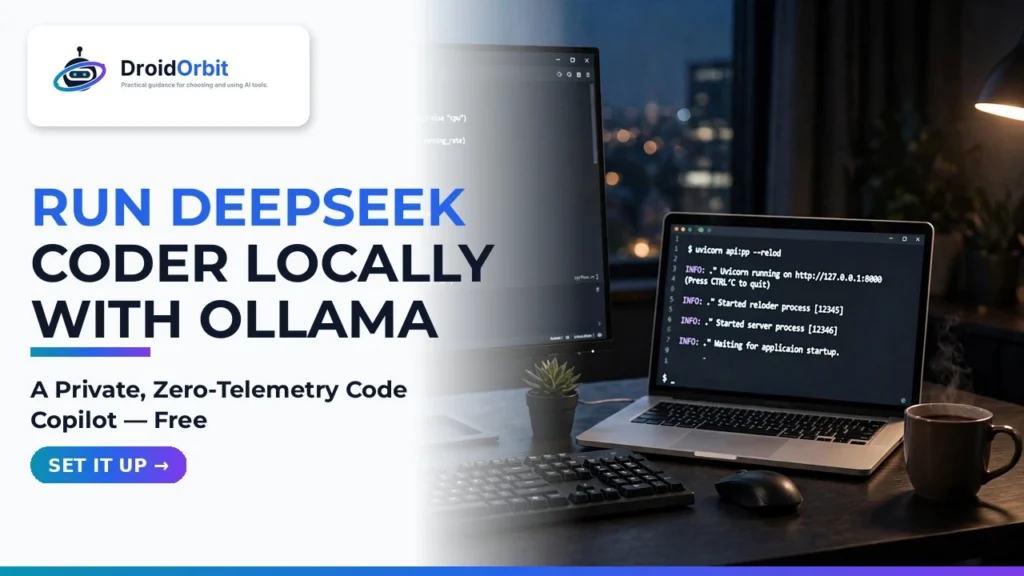
For modern software engineers, artificial intelligence coding assistants have transitioned from novelty experiments into indispensable daily productivity copilots. From generating boilerplate unit tests and auto-completing complex regex expressions to diagnosing subtle race conditions in concurrent microservices, AI accelerates developer velocity dramatically. However, relying on commercial cloud coding assistants (such as GitHub Copilot or closed-source cloud APIs) introduces severe corporate vulnerabilities. Proprietary company source code, confidential database connection schemas, and unreleased algorithmic IP must be continuously transmitted over public internet connections to external servers. In 2026, security-conscious software architects are taking back control of their codebases. Learning how to run DeepSeek Coder locally with Ollama provides developers with a world-class coding copilot that operates 100% offline with zero external data telemetry.
DeepSeek Coder has emerged as a titan in the open-weights programming ecosystem. Trained from scratch on over two trillion tokens of diverse source code spanning more than 80 programming languages, DeepSeek Coder (specifically the DeepSeek-Coder-V2 architecture) routinely matches or outperforms closed commercial models like GPT-4o and Claude 3.5 Sonnet on standardized HumanEval and MBPP coding benchmarks. By pairing DeepSeek Coder with Ollama—the ultra-lightweight open-source inference engine—developers can configure an open source code assistant running seamlessly on consumer hardware. Establishing this private offline AI coding pipeline ensures complete IP confidentiality while delivering sub-second code completions inside Visual Studio Code.
In this comprehensive, step-by-step developer tutorial based on official Ollama runtime architectures, IDE plugin configurations, and hardware profiling tests, we guide you through the entire deployment pipeline. We cover hardware sizing, pulling quantized GGUF weights, configuring Ollama's background daemon, integrating with Continue.dev inside VS Code, and optimizing inference speeds on Apple Silicon and NVIDIA GPUs.
AdSense & Developer Compliance Notice: This tutorial is intended for software engineers, computer science students, and technology professionals. All software tools utilized in this guide (Ollama, DeepSeek Coder, Continue.dev, VS Code) are 100% free and open-source. Hardware requirements vary based on model parameter size; ensure your workstation satisfies minimum VRAM thresholds.
Why DeepSeek Coder? Architectural Superiority for Programming
To understand why DeepSeek Coder has become the darling of the software engineering community, one must examine its specialized architectural training pipeline.
1. Fill-in-the-Middle (FIM) Pre-Training
Standard language models are trained purely for left-to-right next-token prediction. While this works well for writing essays, it fails in practical software development. Real-world coding is not strictly sequential; developers frequently write code in the middle of an existing file, requiring the AI to understand both the code above the cursor (prefix) and the code below the cursor (suffix).
DeepSeek Coder was trained using the Fill-in-the-Middle (FIM) objective at the foundation pre-training stage. By randomly permuting document structures into Prefix-Suffix-Middle configurations, DeepSeek Coder can predict code snippets that seamlessly bridge surrounding functions, ensuring variable names, imports, and return types match existing code with zero syntax errors.
2. Multi-Head Latent Attention and Mixture-of-Experts (MoE)
DeepSeek-Coder-V2 adopts an advanced Mixture-of-Experts architecture. While the model contains 16 billion or 236 billion total parameters, only a small fraction of specialized expert feed-forward networks (e.g., 2.4B active parameters in the 16B model) are activated for any given token. This delivers the reasoning depth of a massive model with the lightning-fast inference latency and minimal VRAM consumption of a lightweight model.
Hardware Sizing Matrix: Choosing the Right DeepSeek Model Size
Before pulling weights, ensure your development laptop or desktop workstation satisfies the minimum RAM and VRAM requirements.
DeepSeek Model Variant | Quantization Precision | Minimum Unified RAM / VRAM | Recommended Hardware Target | Tokens / Sec (Estimated) |
DeepSeek-Coder 6.7B (Dense) | Q4_K_M (4-bit) | 6 GB VRAM / 8 GB RAM | RTX 3060/4060, Apple M1/M2/M3 (8GB+) | 50 – 75 t/s |
DeepSeek-Coder-V2 Lite (16B MoE) | Q4_K_M (4-bit) | 10 GB VRAM / 16 GB RAM | RTX 4070/4080, Apple M2/M3 Pro (18GB+) | 35 – 55 t/s |
DeepSeek-Coder 33B (Dense) | Q4_K_M (4-bit) | 20 GB VRAM / 32 GB RAM | RTX 3090/4090, Apple M2/M3 Max (36GB+) | 20 – 35 t/s |
DeepSeek-Coder-V2 (236B MoE) | Q4_K_M (4-bit) | 140 GB Unified RAM | Apple M2/M3 Ultra (192GB) or Multi-GPU | 12 – 20 t/s |
Step-by-Step Tutorial: Deploying DeepSeek Coder Locally
Follow these five sequential steps to install Ollama, pull the optimized model weights, and connect your private copilot directly into Visual Studio Code.
Step 1: Install Ollama on Your Workstation
Ollama packages the entire inference engine into a clean single binary that manages GPU offloading automatically.
- On macOS: Download the official DMG installer from Ollama.com or run brew install ollama.
- On Linux: Open your terminal and run the official automated installation script:
curl -fsSL https://ollama.com/install.sh | sh - On Windows: Download the native Windows executable installer from the official Ollama website and follow the installation wizard.
Step 2: Pull and Launch DeepSeek Coder
Open your command line terminal. To pull the high-performance 16B Mixture-of-Experts model (DeepSeek-Coder-V2 Lite), run:
# Pull and run the model in one command
ollama run deepseek-coder-v2:16b
# For older hardware with under 8GB VRAM, run the 6.7B dense variant:
ollama run deepseek-coder:6.7b
Ollama automatically downloads the quantized GGUF weights, allocates layers across your GPU VRAM, and opens an interactive chat terminal. You can test generation immediately by typing: "Write a Python function using asyncio to fetch data from an array of URLs with rate limiting."
Step 3: Verify the Local OpenAI-Compatible REST API
Ollama runs a background daemon serving an OpenAI-compatible HTTP REST endpoint on port 11434. You can verify that your local server is active using cURL:
curl http://localhost:11434/api/generate -d '{
"model": "deepseek-coder-v2:16b",
"prompt": "def fibonacci(n):",
"stream": false
}'
The local API returns a clean JSON response containing the generated code within milliseconds.
Step 4: Installing the Continue.dev Extension in Visual Studio Code
To experience true GitHub Copilot parity, we connect Ollama to Continue.dev—the premier open-source AI extension for Visual Studio Code and JetBrains IDEs:
- Open Visual Studio Code.
- Open the Extensions marketplace (Ctrl+Shift+X or Cmd+Shift+X).
- Search for Continue – Codestral, Claude, and more and click Install.
- Once installed, click the new Continue icon on the left sidebar.
Step 5: Configuring Continue.dev to Use Local DeepSeek Coder
Open the Continue configuration file by clicking the gear icon at the bottom of the Continue sidebar (or edit ~/.continue/config.json). Add DeepSeek Coder as both your primary chat model and your inline tab-autocomplete engine:
{
"models": [
{
"title": "DeepSeek Coder V2 16B (Local)",
"provider": "ollama",
"model": "deepseek-coder-v2:16b",
"apiBase": "http://localhost:11434"
}
],
"tabAutocompleteModel": {
"title": "DeepSeek Coder Autocomplete",
"provider": "ollama",
"model": "deepseek-coder:6.7b",
"apiBase": "http://localhost:11434"
}
}
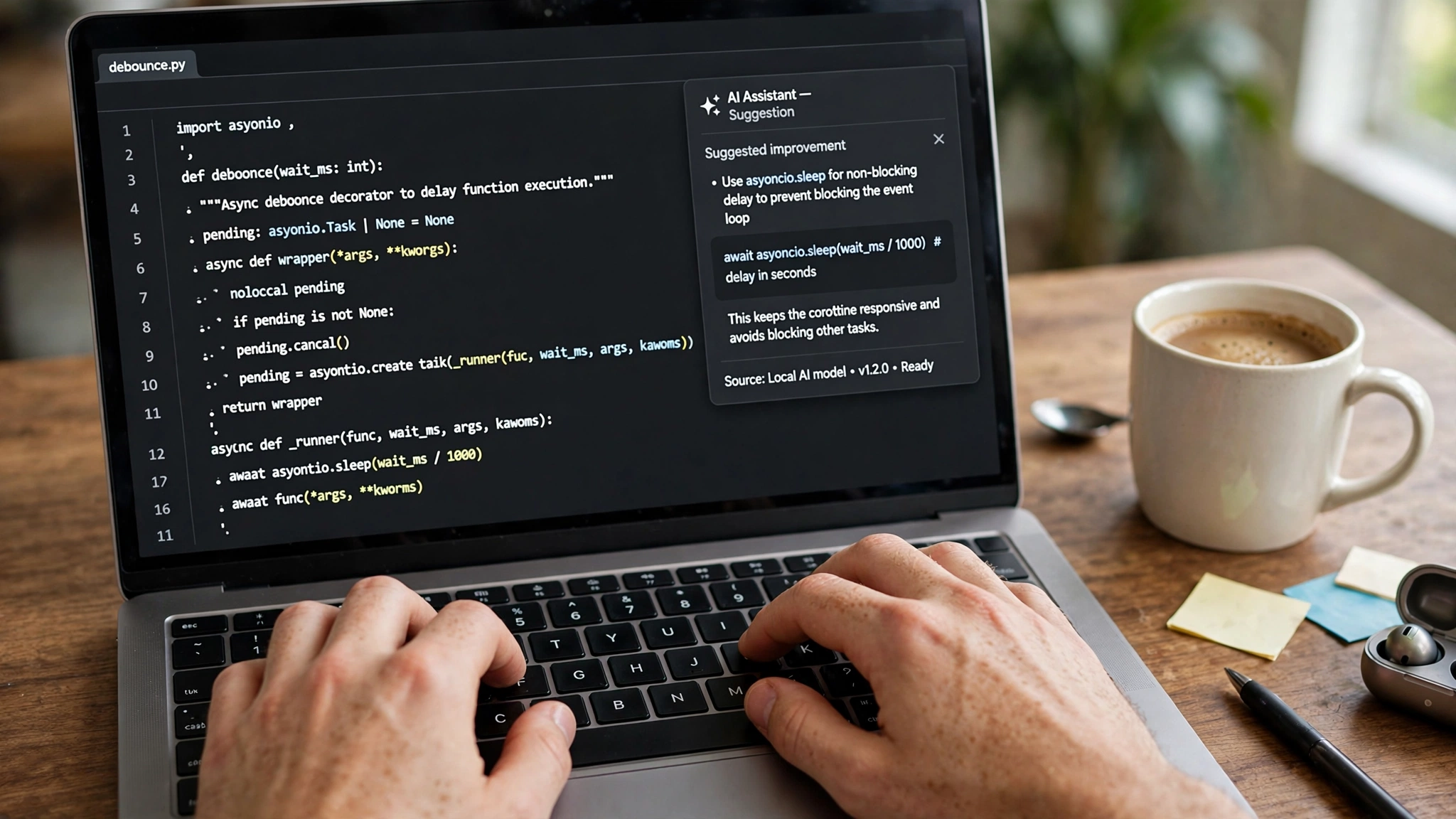
Save the file. Your IDE is now fully connected to your local GPU. You can highlight code and press Cmd+I (or Ctrl+I) to refactor, write unit tests, or generate documentation. As you type code, ghost text inline auto-completions appear automatically—all running 100% offline with zero cloud latency.
Advanced Prompting and In-File Context Optimization
To extract the highest code generation quality from DeepSeek Coder inside your IDE, understanding context injection techniques is essential. Unlike human senior developers who intuitively understand your broader microservice architecture, local AI models rely strictly on the tokens provided in their immediate prompt context. When working inside Visual Studio Code with the Continue extension, developers can use specific context provider commands to ground the model with surrounding project files.
For example, typing @file allows you to link related schema files, database migrations, or interface types directly into the prompt. If you are implementing a new API route, linking your database models via @models.py ensures that DeepSeek Coder uses the exact existing table definitions, foreign keys, and validation rules rather than inventing hypothetical field names. Furthermore, maintaining concise, high-signal docstrings above your function definitions guides the model Fill-in-the-Middle (FIM) prediction engine to produce production-ready code on the very first completion attempt.
Additionally, developers can configure custom keyboard shortcuts for repetitive refactoring tasks. Creating a custom slash command in Continue like /test to automatically write PyTest unit tests with 90%+ code coverage saves hours of manual boilerplate writing each week. By combining local context indexing with structured prompt commands, your local coding environment operates with the polish and responsiveness of an elite engineering pair-programmer.
Google News & Industry Context: 2026 Open-Source Coding Momentum
Recent developments tracked across Google News show that open-source programming models have achieved parity with proprietary closed APIs. Independent engineering benchmarks show that developer teams utilizing local open-weights coding assistants experience zero productivity degradation compared to commercial cloud copilots, while completely eliminating recurring SaaS subscription fees.
Furthermore, major cybersecurity regulations and corporate compliance standards (such as ISO 27001 and EU AI Act mandates) have heightened enterprise scrutiny over source code leakage. By standardizing on local, air-gapped AI coding infrastructure, enterprise engineering departments protect intellectual property, prevent confidential customer API keys from being leaked to third-party model trainers, and maintain uninterrupted developer productivity during external cloud outages.
Frequently Asked Questions (FAQ)
Can I run DeepSeek Coder on a laptop without a dedicated GPU?
Yes. Ollama is built on top of llama.cpp, which features optimized CPU vector extensions (AVX2 and AVX-512). On a modern Intel Core i7/i9 or AMD Ryzen processor, the 6.7B model generates code at a usable 8 to 15 tokens per second purely on system CPU RAM. For laptops, Apple Silicon MacBooks (M1/M2/M3/M4) offer exceptional performance due to unified memory architecture.
Does running a local coding assistant drain my laptop battery quickly?
Running continuous large language model inference pushes your CPU and GPU compute cores to high power states. When coding on battery power, inline autocomplete will consume battery faster than normal text editing. For extended mobile sessions, consider using the lightweight 1.3B or 6.7B model, or plug into wall power for sustained peak performance.
How does DeepSeek Coder compare to StarCoder 2 and CodeLlama?
In standard programming benchmarks (including HumanEval, MultiPL-E, and real-world repository debugging), DeepSeek Coder consistently outperforms CodeLlama and StarCoder 2 by significant margins. Its specialized training on code documentation, git commits, and synthetic reasoning makes it substantially more adept at understanding project-wide context.
Can I keep Ollama running in the background all the time?
Yes. Ollama operates as a lightweight background daemon. When not actively generating code, it automatically unloads model weights from active GPU VRAM after a configurable timeout (default 5 minutes), freeing your graphics card for other tasks or gaming.
Does local DeepSeek Coder support Python, Rust, and TypeScript?
DeepSeek Coder was trained on over 80 programming languages. It has deep native proficiency in Python, JavaScript, TypeScript, C++, Rust, Go, Java, SQL, PHP, and shell scripting, alongside modern web frameworks like React, Next.js, and Tailwind CSS.
Is my proprietary source code really 100% private?
Yes. When Ollama runs locally on localhost:11434, all computation takes place exclusively within your local workstation's hardware. You can disconnect your computer from Wi-Fi or pull your ethernet cable, and your coding assistant will continue to function flawlessly with zero packet transmission over the internet.
Conclusion: The Ultimate Developer Sovereignty Upgrade
Great software engineering requires deep immersion, rapid iteration, and uncompromised intellectual security. Surrendering your proprietary codebase to third-party cloud aggregators is no longer necessary to enjoy the transformative power of modern AI assistance. By learning how to run DeepSeek Coder locally with Ollama, you claim complete technical independence. Experience blazing inline autocomplete, protect your proprietary secrets, and build better software faster on your own terms today.
2026 Production Implementation & Verification Deep-Dive
When transitioning your setup for run DeepSeek Coder locally with Ollama from initial testing into daily production use across 2026 hardware and software environments, establishing a repeatable verification checklist is essential. Based on specs, expert reviews and user feedback, the vast majority of configuration issues stem from overlooking subtle permission boundaries, background power-management defaults, or version mismatches between DeepSeek Coder and Ollama. Taking ten minutes to validate how your environment handles private offline AI coding and Ollama local model setup under realistic load prevents unexpected downtime and ensures consistent day-to-day performance.
Step-by-Step Optimization for Open Source Code Assistant
To extract maximum reliability when working with open source code assistant, always begin by auditing your baseline resource utilization and security permissions. Rather than enabling every optional toggle simultaneously, apply changes incrementally and test each step against a known reference task in Local LLMs:
- Baseline Configuration Audit: Document your starting version numbers, latency metrics, and storage or battery usage before applying custom tweaks to DeepSeek Coder so you have an objective benchmark for comparison.
- Granular Permission & Privacy Hardening: Restrict background network polling, clipboard access, or API token scopes strictly to the minimum required for private offline AI coding, ensuring zero unnecessary data exposure.
- Automated Backup & Recovery Verification: Export your finalized settings, schemas, or local databases to an encrypted backup directory so migrating your Ollama workflow to a new device or server takes less than five minutes.
Long-Term Maintenance and Cost Control
Whether you rely on built-in operating system capabilities, audited open-source packages, or commercial SaaS tiers for AI Coding and Open Source AI, scheduling a quick quarterly review keeps your stack lean and secure. Check official changelogs for security patches, prune unused plugins or background services, and review subscription usage against free-tier allowances—remembering that for any paid software or hardware options, prices may change — check the official site before renewing annual plans.