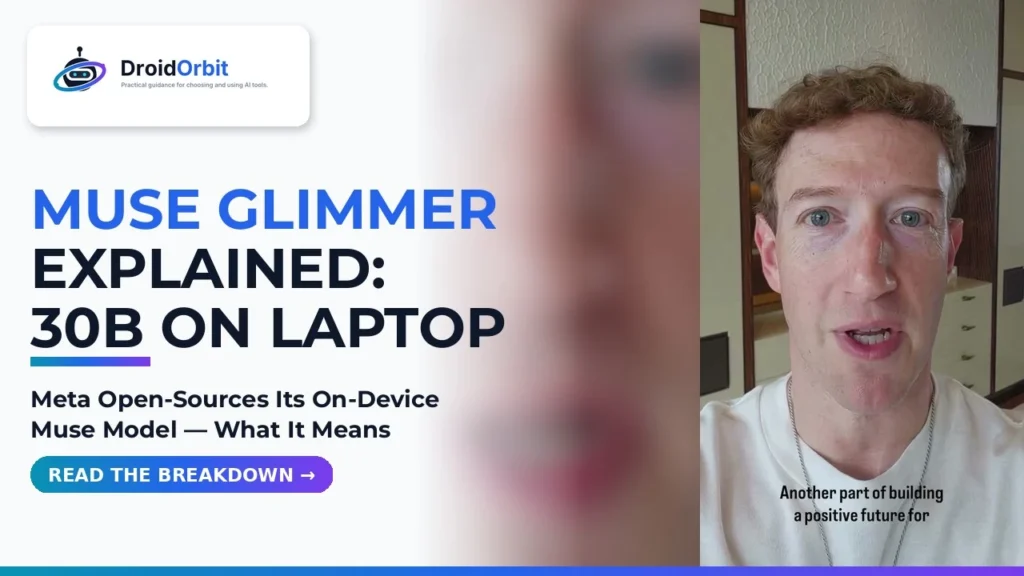
Meta has made its biggest Muse announcement yet. In a recent announcement video, Mark Zuckerberg said Meta is open-sourcing a new class of on-device models called Muse Glimmer — a 30 billion parameter dense model designed to run on a laptop — and that the open weights for Muse Spark 1.2, Meta’s latest foundation model, will follow in the coming weeks. He also said even bigger models are on the way.
That marks a significant shift. Until now, Muse reached people only through Meta’s own surfaces — you joined, signed in, and used it there. If you are new to it, our explainer on what Muse AI is and how it works covers the basics. Glimmer breaks that pattern: download it, run it on hardware you own, and keep every prompt on your own desk instead of a remote server farm.
This article breaks down exactly what was announced, what was not announced, what it could mean in practice for small business owners and creators, and — just as importantly — the honest hardware reality. A 30 billion parameter model is not a lightweight app, and it will not run well on every laptop. We will cover who should run it locally, who should stick with the Meta AI app instead, and what to watch for next.
What Mark Zuckerberg Actually Announced
The announcement was built around one idea: personal superintelligence for everyone. Zuckerberg framed access to a powerful personal AI as the key to a positive future, and then laid out several concrete steps Meta is taking toward that goal. It helps to separate the announcements into what is available, what is coming, and what is broader context.
- Muse Glimmer is being open-sourced. It is described as a new class of on-device models: a 30 billion parameter dense model that runs on a laptop. Zuckerberg called it the highest-performing model of its size.
- Muse Spark 1.2 open weights are coming in the coming weeks. Spark 1.2 is Meta’s latest foundation model, and its weights — not just access through an app — will be opened. Note the timing carefully: this is a promise for the coming weeks, not a download that is live today.
- Bigger models are coming. Zuckerberg said Meta has even bigger models on the way, without naming them or giving dates.
- The latest models can be used in the Meta AI app. For people who do not want to run anything locally, the app remains the simple route to Meta’s newest Muse models.
- A 24/7 personal agent is the long-term goal. Meta is working on a personal superintelligence agent that works around the clock on your behalf — across health, relationships, career, finances and more.
- Two community programs were announced alongside the models: America’s Workforce Academy and a new Future is for Everyone Fund, both tied to the communities where Meta builds its infrastructure. We cover those in their own section below.
Just as important is what the announcement did not include. There was no exact release date for the Spark 1.2 weights beyond “coming weeks,” no download link for Glimmer in the video, no published system requirements, and no pricing discussion — open-source models are typically free to download, but the video did not spell out license terms. Anyone quoting you an exact date, an exact minimum RAM figure from Meta, or a confirmed license today is adding details that Meta has not announced in this video. This article sticks to what was actually said, and flags general technical guidance as general guidance where it appears.
What Is Muse Glimmer?
Glimmer is the part of the announcement aimed at your own hardware. Three words in its description matter most: on-device, 30 billion parameters, and dense.
On-device means the model runs locally — on your laptop — rather than in a data center. Your prompts are processed by your machine. That brings two practical advantages. First, privacy: work you do with a local model does not need to leave your computer, which matters if you are drafting contracts, handling customer details, or working on unreleased creative projects. For a wider look at how Muse handles data in its hosted form, see our Muse privacy explainer. Second, independence: a local model keeps working without an internet connection and does not depend on a subscription tier or a server queue.
30 billion parameters is the model’s size class. Parameters are the learned values that make up the model’s knowledge and skill. Thirty billion puts Glimmer in a serious capability class — far above the tiny models that ship inside phones and browser demos — while still being small enough, in principle, to fit on a well-equipped laptop rather than requiring a server rack.
Dense means all of those parameters are active when the model generates a response, as opposed to mixture-of-experts designs that activate only a fraction of a larger total. Dense models are simpler to run and their behavior is more predictable for developers, though they use the full memory footprint of their size on every token.
Zuckerberg’s performance claim was direct: Glimmer is, in his words, the highest-performing model of its size. That is Meta’s claim for its own model, and independent benchmarks will be the real test once the model is in developers’ hands. But even before benchmarks, the strategic point is clear. Meta is putting a Muse-branded model into the open ecosystem, where developers can download it, fine-tune it, build products on it, and run it inside their own tools — the same open playbook Meta used to make its earlier open models an industry standard.
Muse Spark 1.2 Open Weights: Coming in Weeks, Not Today
The second model announcement is easy to misread, so it deserves its own short section. Muse Spark 1.2 is Meta’s latest foundation model — the flagship line behind the Muse agent experience. If you have followed our guide on how to join Muse AI and sign up for early access, Spark is the class of model you have been using through Meta’s own product.
Zuckerberg said Meta will open the weights for Spark 1.2 in the coming weeks, and described it as one of the leading models in the world. “Open weights” means the trained model files themselves will be released, so researchers and companies can run, study and build on the model directly — a much deeper level of openness than using it through an app or an API.
Two cautions belong here. First, timing: “coming weeks” is all Meta has committed to. It is not out today, and planning a project around a specific date would be premature. Second, scale: a flagship foundation model is a very different animal from a 30B on-device model. Even after its weights open, a model of that class will realistically be something companies and researchers run on serious hardware — not something an ordinary laptop loads for casual chat. Glimmer is the announcement for your laptop; Spark 1.2 is the announcement for the wider AI industry.
| Muse Glimmer | Muse Spark 1.2 | Meta AI App | |
|---|---|---|---|
| What it is | New on-device model, open-sourced by Meta | Meta’s latest foundation model | Meta’s app for using its latest models |
| Size | 30 billion parameters, dense | Not stated in the announcement | Runs in the cloud, not on your device |
| Runs where | On your laptop | Weights opening for others to run; built for serious hardware | On Meta’s servers; you just open the app |
| Availability | Announced as being open-sourced | Open weights in the coming weeks | Available now as the simple route to the latest models |
| Best for | Developers, creators and businesses wanting local, private AI | Researchers and companies building on a leading foundation model | Everyone who wants Muse with zero setup |
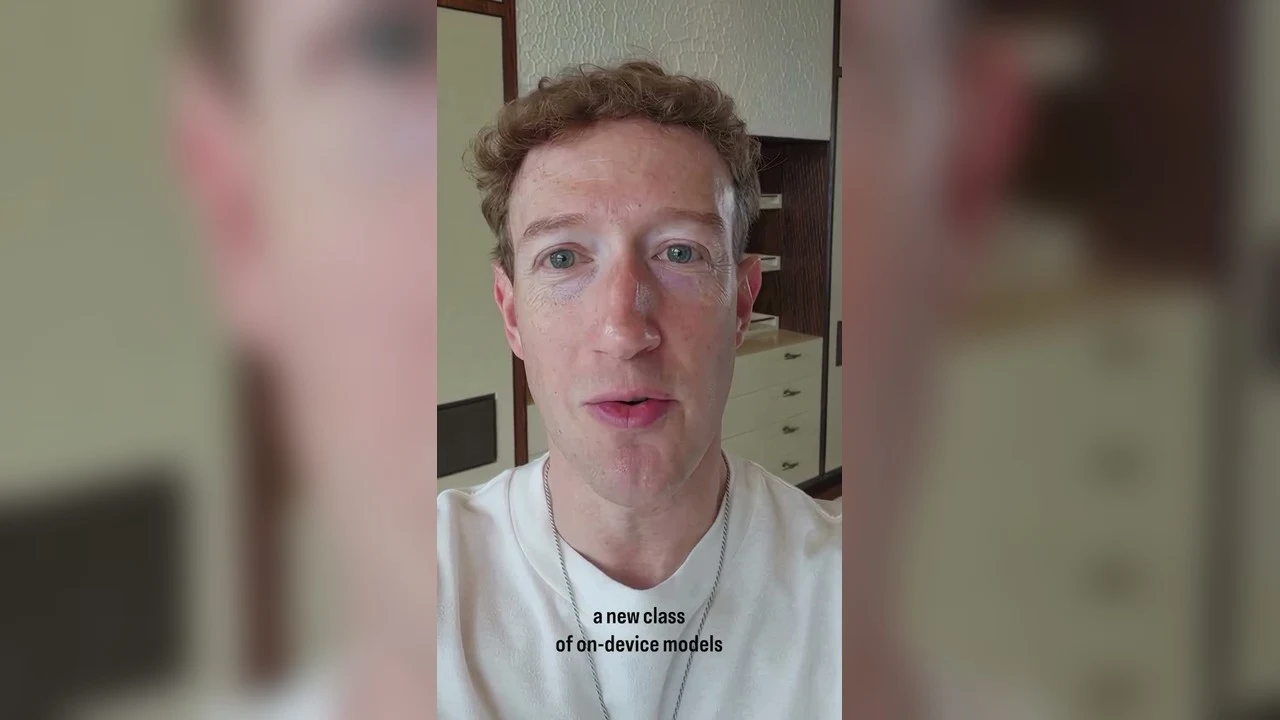
What “Personal Superintelligence” Means in Practice
“Personal superintelligence” was the phrase Zuckerberg returned to throughout the announcement. Stripped of the keynote language, the idea is simple: instead of AI being a tool you occasionally visit, it becomes an agent that knows your goals and works on them continuously — in his words, an agent that works 24/7 on your behalf to improve your health, your relationships, your career, your finances and more.
That framing matches Muse’s existing design: an agent that does, not merely a chatbot that answers. You describe an outcome — plan this launch, compare these suppliers, chase those follow-ups — and it decomposes the job into steps, works through them via the services you connect, then reports back. Because Muse also lives inside chat and messaging apps, including WhatsApp, that help sits where your day already unfolds; our guide on how to use Muse on WhatsApp walks through that side of it.
Glimmer adds a fresh dimension here. An agent earns the word “personal” only when it can handle sensitive material comfortably. With capable weights on your own machine, plenty of that work — documents, drafts, business figures — never has to leave the room. Expect a hybrid pattern to become normal: local handling for private, everyday chores; the heavy cloud agent reserved for the largest jobs.
None of this requires waiting, either. Habits that make an agent genuinely useful — clear outcomes, real constraints, explicit approval points — already pay off today for existing members. Our roundup of Muse tips and tricks collects the ones that matter most.
Practical Benefits for Small Business Owners and Creators
Big model announcements are usually aimed at developers and researchers, but an open, laptop-class Muse model has unusually direct implications for small businesses and independent creators. Here is where the practical value sits.
- A private AI workstation with no per-seat bill. An open-source model you run yourself does not charge per user or per message. A small team can give every staff member a capable local assistant for drafting, summarizing and research without adding a subscription line for each person — the cost moves to hardware you already own.
- Customer data stays in the building. Support drafts, order questions, booking details and client notes are exactly the material small businesses hesitate to paste into cloud tools. A local model lets you summarize tickets, draft replies and clean up records on your own machine, which makes it far easier to use AI on real business data responsibly.
- Content production without the queue. Creators can draft scripts, repurpose one video into posts for several platforms, generate title and hook variations, and summarize research locally — at midnight, on a train, or anywhere else the cloud is slow, expensive or simply unavailable.
- Offline and travel-friendly work. On-device means the model travels with the laptop. Field work, client sites, flights and areas with poor connectivity stop being dead zones for AI help.
- A base you can specialize. Because Glimmer is open, developers can fine-tune or adapt it — a agency could tune a copy assistant on its own style guide; a shop could build a product-question assistant on its own catalog. That kind of specialization is something a closed app rarely offers a small business.
- No lock-in to one app’s roadmap. Open weights mean the model keeps working even if a hosted product changes its pricing, limits or features. For a business building a workflow on top of AI, that stability has real value.
Keep the expectations calibrated, though. Glimmer is a model, not a finished business app. Turning it into a support assistant or a content pipeline still takes setup — an interface to run it in, your documents organized, and someone to check its output. The realistic reading is this: Meta just removed the model cost and the privacy objection from local AI. The remaining work is integration, and that is where small, fast teams often beat big ones.
The Honest Catch: A 30B Model Will Not Run Well on Every Laptop
Now the part that most coverage will skip. “Runs on a laptop” is true — but which laptop matters enormously, and this is where honest expectations will save you frustration.
A model’s memory footprint is roughly its parameter count multiplied by the size of each parameter. As general guidance for any 30 billion parameter model — Meta has not published Glimmer-specific system requirements in this announcement — the math looks like this. At full 16-bit precision, 30 billion parameters need around 60 GB of memory just for the model itself. Nobody runs models that way on a laptop. Instead, local models are usually quantized — compressed to fewer bits per parameter. At 8-bit, a 30B model needs roughly 30 GB. At the popular 4-bit quantization, it needs roughly 17–20 GB, plus extra memory on top for the conversation context and the software running it.
Read those numbers against real laptops. A laptop with 8 GB of RAM cannot hold even a heavily quantized 30B model in memory — it will either refuse to load or swap to disk so aggressively that responses crawl. A 16 GB machine is, at best, borderline: a 4-bit version might load with the operating system and everything else closed, but headroom will be tight and speed modest. The comfortable territory for a model of this class is 32 GB of RAM or more, ideally paired with a modern processor or a GPU with generous video memory, which is where generation speed becomes pleasant rather than patient.
So, plainly: there is no guarantee — and no good reason to expect — that a 30B model will run smoothly on a modest 8 GB RAM laptop. That is not a flaw in Glimmer; it is physics that applies to every model in this size class from every company. If your machine is in that category, the right conclusion is not “this announcement is not for me.” It is “the local route is not for my current machine” — and the cloud route below was designed exactly for you.
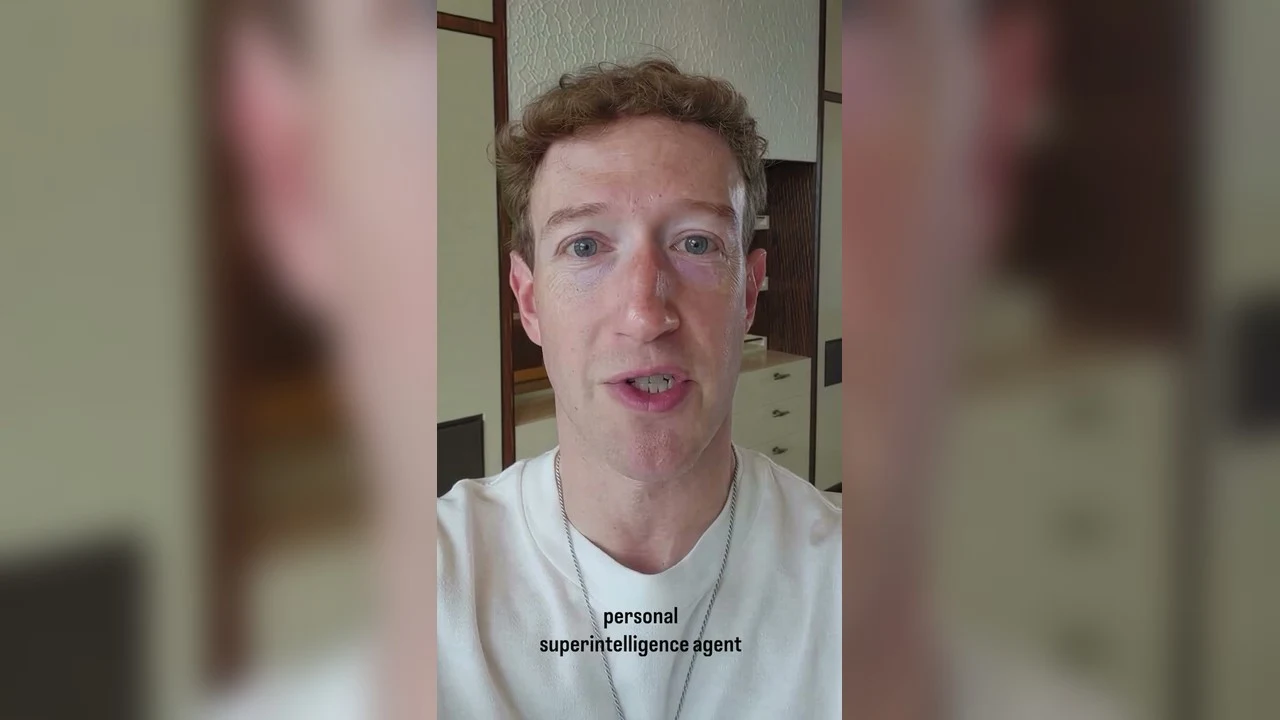
Who Should Use the Cloud Route Instead
Meta said it directly in the announcement: you can use the latest models in the Meta AI app. For a large share of readers, that is the correct choice, and it is worth saying without any sense that it is a consolation prize.
- Your laptop has 8–16 GB of RAM. The app runs the models on Meta’s hardware, so your machine’s limits do not matter. A five-year-old laptop or a basic Chromebook-class device gets the same responses as a workstation.
- You want the agent, not the model. The 24/7 personal agent vision — working across your health, career, finances and connected services — is a hosted product experience. Running Glimmer locally gives you a model; it does not by itself give you Muse’s connected agent features.
- You use Muse mainly through chat and WhatsApp. If your workflow already lives in messaging apps, the hosted route keeps everything in one place, on every device, with nothing to install or maintain.
- You do not want maintenance. Local models mean downloads measured in tens of gigabytes, updates, storage management and the occasional troubleshooting session. The app has none of that.
The sensible strategy for most people is both, in the right order. Start with the Meta AI app and Muse itself — that is where the agent features and the newest foundation models live today. Then, if you later have a machine with 32 GB of RAM or more and a real reason to keep work local — privacy, offline use, or building something of your own — Glimmer will be waiting, free to download, whenever you are ready for it.
The Community Side: Workforce Academy and the Future Is for Everyone Fund
The model announcements shared the stage with two programs aimed at the American communities where Meta builds its data centers and infrastructure. They do not change what Muse does, but they were a major part of the announcement and worth understanding for what they are — and what they are not.
Zuckerberg pointed to teachers in Richland Parish who received $50,000 bonuses funded by extra tax revenue from Meta’s investment there, and presented that as the model for how local communities should benefit when Meta builds. On top of that, Meta has launched America’s Workforce Academy, which provides free training and guaranteed jobs for infrastructure roles at its infrastructure sites. And it is starting a new Future is for Everyone Fund to invest in communities’ teachers, first responders, energy and water infrastructure, and other direct support for those communities.
Honest framing matters here too. Both initiatives are tied to specific US localities hosting Meta facilities — not worldwide schemes, not grants readers elsewhere can claim through Muse, and not product features. If you live in one of those towns, the impact could be substantial. For everyone else it is context: a public promise that the places powering AI expansion share in its rewards.
Frequently Asked Questions
Is Muse Glimmer free?
Meta announced that Glimmer is being open-sourced. Open-source model releases are, by nature, free to download and use under their license. Meta did not detail the specific license terms in this announcement video, so the exact permissions — particularly for commercial use — are something to confirm from the official release materials when you download it, rather than assuming them today.
Can I run Muse Glimmer on my laptop?
It depends on the laptop. Glimmer is a 30 billion parameter dense model designed to run on a laptop, but as general guidance for any model of this class, even a 4-bit quantized version typically needs roughly 17–20 GB of memory for the model alone, plus headroom for your system. Machines with 32 GB of RAM or more are the comfortable target. An 8 GB RAM laptop is not a realistic fit, and a 16 GB machine is borderline at best. Meta has not published official minimum requirements in this announcement.
When will the Muse Spark 1.2 open weights be released?
Zuckerberg said the weights will open in the coming weeks. No exact date was given in the announcement, and any specific date you see quoted elsewhere today is speculation until Meta publishes one.
What is the difference between Glimmer and Spark 1.2?
Glimmer is the on-device release: a 30B dense model sized to run on a laptop, aimed at developers, creators and businesses who want local AI. Spark 1.2 is Meta’s latest foundation model — the flagship class behind Muse itself — whose weights are being opened for the wider industry. In short, Glimmer is the one meant for your hardware; Spark 1.2 is the one meant for the ecosystem.
Do I need Glimmer to use Muse?
No. Muse remains available as Meta’s personal AI agent product, and the latest models can be used in the Meta AI app with no local installation at all. Glimmer is an additional option for people who specifically want to run a Muse model on their own machine. If you do not have access yet, our step-by-step guide on joining Muse AI covers the sign-up process.
Are the Workforce Academy and the Future Is for Everyone Fund part of Muse?
No. They are separate Meta programs announced in the same video, focused on the US communities where Meta builds infrastructure. America’s Workforce Academy offers free training and guaranteed infrastructure jobs at those sites, and the Future is for Everyone Fund invests in teachers, first responders, and energy and water infrastructure in those communities. Neither is a Muse feature or a program Muse users join.
🚀 Try Muse Yourself — Claim 1 Billion Free Tokens
Stop doing everything manually — meet Muse, your personal AI agent. Join in the next 48 hours with my code 1AR2WH and YOU unlock 1 BILLION Muse tokens. All yours 👇
Claim your 1 billion free tokens with code 1AR2WH →
Disclosure: 1AR2WH is this site’s referral code — when you join with it, both you and the referrer receive 1 billion tokens.