For most knowledge workers, the slowest part of writing is not thinking. It is typing. Most people type far slower than they speak, and every email, brief and document waits on a keyboard. That gap is why dictation software has become one of the most useful AI categories of the last two years.
It is also a different product from the speech-to-text tools of a decade ago. Old dictation gave you a raw transcript: every "um", false start and missing comma included. The new generation treats dictation as an AI writing layer: it removes filler words, applies mid-sentence self-corrections, formats for the app you are in, and learns your names and jargon.
This guide compares the best AI dictation tools in 2026: Wispr Flow, Superwhisper, Willow Voice, Aqua Voice, Dragon Professional, MacWhisper and Otter.ai, plus the free dictation built into your operating system. Prices were checked on official pricing pages on 27 October 2026.
The Short Verdict
- Best overall: Wispr Flow. The most polished dictate-anywhere experience across Mac, Windows, iPhone and Android.
- Best free: Willow Voice. Its free plan has no word cap, rare in this category, though the free model is the lighter one.
- Best for privacy and offline use: Superwhisper. Local models keep your audio on your own machine.
- Best for professionals who dictate notes: Dragon Professional. The deepest voice-command system on Windows, fully offline. Clinicians should look at Dragon Medical One instead.
Best AI Dictation Tools Compared
Starting prices below come from each vendor's official pricing page, checked 27 October 2026, using the cheapest paid tier for an individual in the vendor's own billing terms.
Tool | Platforms | Starting price (verified) | Works offline? | Key limitation |
Wispr Flow | Mac, Windows, iOS, Android | Free; Pro $15/mo or $144/yr | No | Cloud-only; free tier capped at 2,000 words/week on desktop |
Superwhisper | Mac, Windows, iOS, Android | Free; Pro $8.49/mo or $249.99 lifetime | Yes, with local models | Setup and model choices take some configuration |
Willow Voice | Mac, Windows, iOS | Free; Individual $15/mo or $144/yr | Partial (offline mode on Mac/iOS) | Best model and full Scribe features are paid only |
Aqua Voice | Mac, Windows, iOS, Android | Free 1,000 words; Pro $10/mo billed annually | No | Free tier is a one-time 1,000-word taste |
Dragon Professional | Windows | $699 one-time | Yes | Windows-only, expensive, dated interface |
MacWhisper | Mac | Free; Pro one-time (about $59-$69) | Yes | Built for transcribing recordings, not live dictation |
Otter.ai | Web, iOS, Android, desktop apps | Free; Pro $8.33/mo billed annually | No | Meeting-first; minutes capped per month |
Built-in dictation (Apple / Windows / Google) | Mac, iOS, Windows, Android, ChromeOS | Free, included with the OS | Partial (Apple on-device; Windows needs internet) | Raw transcription only, no AI cleanup layer |
The cost maths is simpler than the plan pages suggest. Built-in dictation costs $0. Superwhisper Pro costs $84.99 a year on annual billing, and its $249.99 lifetime license pays for itself in just under three years. Aqua Voice Pro costs $120 a year. Wispr Flow Pro and Willow Voice Individual both land at $144 a year on annual billing, or $180 at the $15 monthly rate. Dragon Professional's $699 one-time price equals roughly five years of Wispr Flow Pro.
Wispr Flow: Best Overall
Wispr Flow is the benchmark this category is measured against. Hold a key, speak, and text appears in whatever app is focused. It does not paste a raw transcript. Its AI removes filler words, applies corrections you make as you talk (restart a sentence and it keeps the better version), and adjusts formatting and tone to the app.
A personal dictionary handles your names and jargon, snippets expand spoken shortcuts, and Command Mode on paid plans lets you select existing text and rewrite it by voice. One subscription covers Mac, Windows, iOS and Android, in 100+ languages. Wispr cites SOC 2 Type II and ISO 27001 certification, HIPAA-ready plans and a training opt-out.
Pricing (checked 27 October 2026): free includes 2,000 words per week on desktop. Pro costs $15 per user per month, or $144 per year on annual billing, and removes the limits. The honest limitation is architectural: Flow is cloud-only, so no internet means no dictation, and the free cap runs out fast.
Pick it if: you dictate across devices and apps all day and want the least friction.
Not for: offline work, or anyone unwilling to send voice audio to the cloud.
Superwhisper: Best for Privacy and Offline Dictation
Superwhisper takes the opposite bet. Instead of sending your voice to a server, it runs speech models, including Whisper and Parakeet models, directly on your Mac, Windows PC or iPhone. Dictation works on a plane, and audio never has to leave the device. Cloud models are an option, never a requirement.
Its standout feature is Modes: per-app AI instructions that shape the output, so one spoken thought can become a formal email, a chat message or a coding prompt. The free tier allows unlimited dictation with the smaller local models. Pro ($8.49/mo, $84.99/yr or $249.99 lifetime, one license for all devices) unlocks larger models, unlimited modes, file transcription and meeting recording.
The honest limitation is effort. Configuration takes effort, the fully local cleanup path is narrower than the cloud one, and local accuracy scales with your hardware. Superwhisper states your data is not used to train AI models, and HIPAA arrangements are available.
Pick it if: privacy, offline reliability or a lifetime license matters more than zero-setup polish.
Not for: anyone who wants to install an app and never open its settings.
Willow Voice: Best Free Plan, Built for Teams and Developers
Willow Voice is a YC-backed dictation app for Mac, Windows and iOS; Willow's pricing page lists Android as coming soon. Dictation Mode lands cleaned, formatted text in any app, filler words removed. Willow Scribe treats voice as instructions: dictate a prompt, get a drafted email back, or edit selected text by voice.
Willow leans into context. Its auto-dictionary learns project terms, names and jargon as you correct it, a pitch aimed squarely at developers and teams. Team plans add shared dictionaries and admin controls; Business adds enforced zero data retention. Willow states SOC 2 Type II and HIPAA compliance, and advertises an offline mode on Mac/iOS and 100+ languages, though dictation is cloud-first.
Pricing (checked 27 October 2026): the free plan is unusual: unlimited dictation, no word cap, on the lighter Frontier Mini model, plus limited Scribe uses per week. Individual is $15/mo or $144/yr billed annually, unlocking the stronger model and unlimited Scribe. Team: $10/user/month billed annually. Limitation: the free model is the junior product; Willow's best features sit behind the paywall.
Pick it if: you want to test AI dictation properly for free, or your team shares technical vocabulary.
Not for: strict offline workflows, or Android users today.
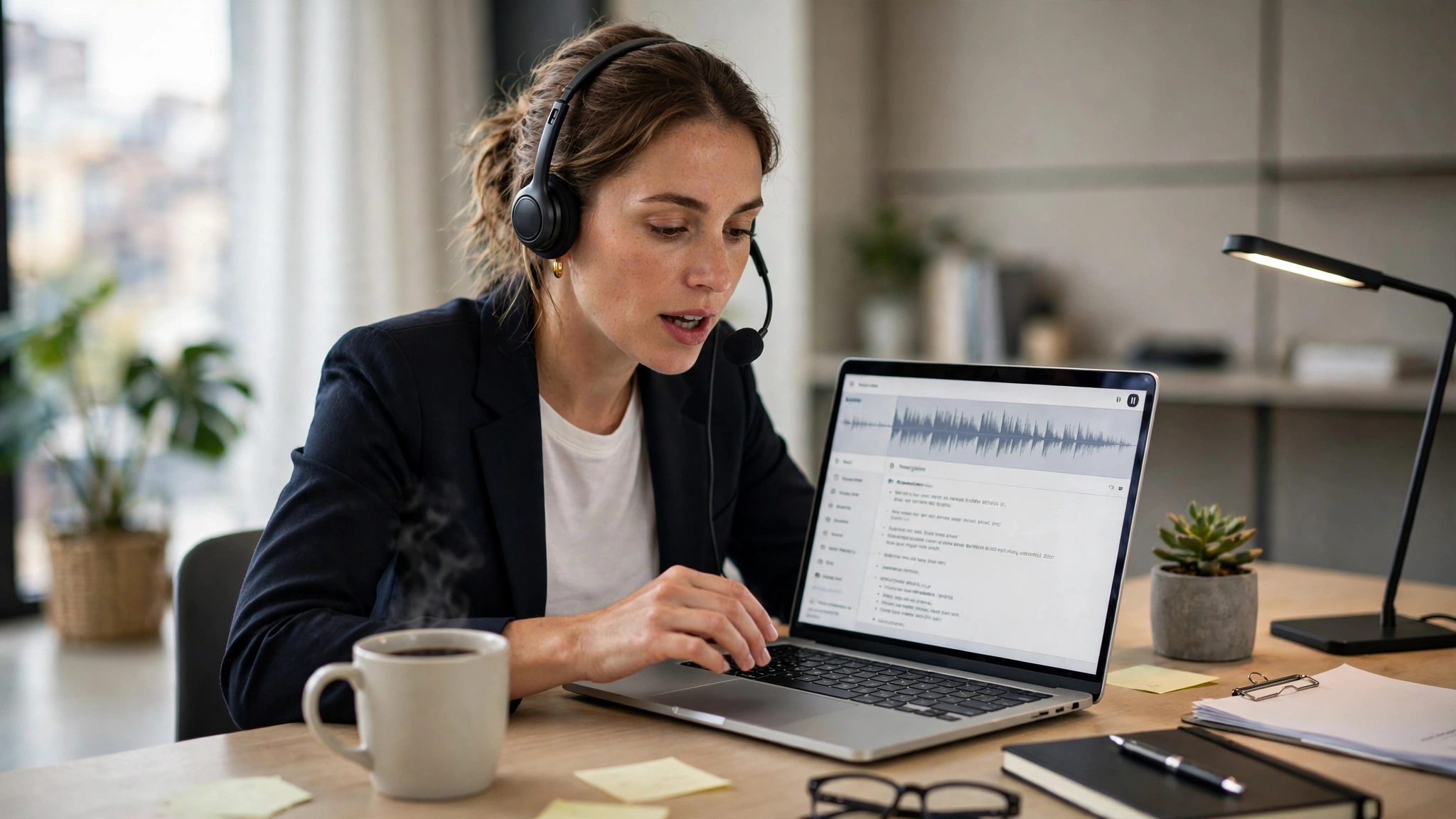
Aqua Voice: Best for Technical Dictation and Editing by Voice
Aqua Voice is built around a problem general-purpose tools handle badly: technical language. Its Avalon model is tuned for code-adjacent speech, specs and API names, with app-aware formatting. Paid plans add custom writing instructions.
Its signature feature is Edit Mode. Select text anywhere on your Mac or PC, hold the Aqua key and say the change: shorten this, make it warmer, turn it into bullets. If you draft fast and polish heavily, polishing by voice is a real workflow difference. Standard plans show text after a short buffer; word-as-you-speak Realtime Mode is a Max-plan feature.
Pro costs $10 a month billed annually ($120 a year) or $12 month to month. Max ($19/mo billed annually, $24 monthly) adds Realtime Mode. Aqua states it is SOC 2 Type II audited and ISO 27001 certified. Limitations: cloud-only, and the tiny free allowance blocks serious pre-purchase testing.
Pick it if: most of what you dictate is technical and you revise as much as you draft.
Not for: offline use, or careful shoppers who want a long free trial.
Dragon Professional: Best for Professionals Who Dictate Notes on Windows
Dragon is the old name in this category, and on Windows it still does things the newcomers do not. Dragon Professional v16 is installed locally and works fully offline. Beyond transcription, it offers deep voice control: navigate apps, control the mouse, and run custom commands and macros. For lawyers, consultants and anyone billing by the note, that command layer is the product.
Microsoft, which owns Nuance, now puts most of its energy into healthcare. Dragon Medical One, its clinical subscription, is sold through resellers with no public list price; Dragon Copilot is its newer ambient clinical assistant. Clinicians should evaluate those instead.
Pricing (checked 27 October 2026): Dragon Professional v16 is a one-time purchase of $699, with a Legal edition above it. There is no Mac version: Nuance discontinued it in 2018, with no successor since. Limitations: price, Windows-only availability, and a decade-old-feeling interface.
Pick it if: you dictate professional notes on Windows all day, need full voice control, or dictate as an accessibility requirement.
Not for: Mac users, casual dictation, or anyone who balks at a $699 entry price.
MacWhisper: Best for Transcribing Recordings on a Mac
MacWhisper is the odd one out here, deliberately. It is not mainly a type-with-your-voice app. It is a transcription tool: drag in an audio or video file, a meeting recording, a lecture or an interview, and it produces an editable transcript on your Mac using local Whisper and Parakeet models. Nothing is uploaded. Exports cover text and subtitles (SRT, VTT); Pro adds speaker recognition, batch processing and meeting recording.
Pricing (checked 27 October 2026): a capable free version covers the smaller models. Pro is a one-time purchase through the developer's store, at roughly $59 to $69 depending on store and region, with no subscription. The honest limitation follows from its design: for typing in Slack and email, it is simply the wrong tool.
Pick it if: you regularly turn recordings into text on a Mac and want it private, once-paid and offline.
Not for: live, dictate-into-any-app workflows.
Otter.ai: Best When Your Dictation Is Really Meetings
Otter.ai is a meeting assistant first. It joins or records your Zoom, Google Meet and Microsoft Teams calls, produces a live transcript with speaker identification, and follows up with summaries and action items. Its mobile apps record in-person conversations too, suiting interviews and lectures. But it is not a system-wide typing layer: you get transcripts inside Otter, not cleaned text in every app.
Pricing (checked 27 October 2026): Basic is free: 300 minutes a month, a 30-minute cap per conversation, three lifetime file imports. Pro costs $16.99/user/month, or $8.33 billed annually (about $100/year), for 1,200 minutes a month and a 90-minute cap per conversation. Limitations: the minute caps, and the fit — a meeting tool is the wrong purchase for drafting documents by voice.
Pick it if: the voice you need captured belongs to meetings and interviews, not your own drafting.
Not for: replacing your keyboard in documents, email and chat apps.
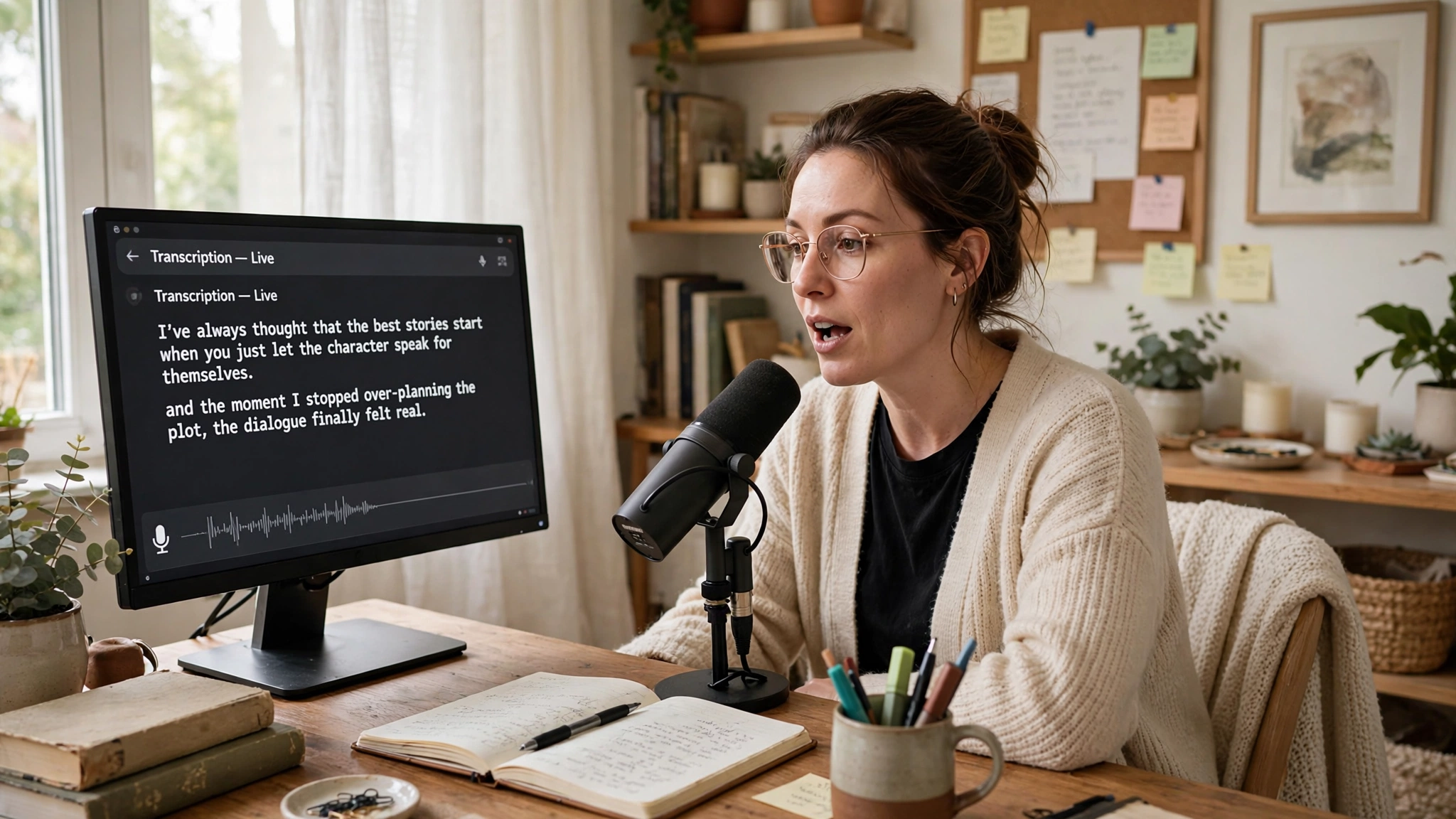
The Free Baseline: Built-In Dictation
Before paying for anything, try what you already own. Apple Dictation is built into macOS and iOS and, on Apple Silicon devices, can process speech on-device for many languages, so it works offline and costs nothing. Windows Voice Typing (Win+H) is free but requires an internet connection. Google voice typing in Docs and Gboard is free and mostly cloud-based.
None of them offers the AI layer this article is about: no filler cleanup, no app-aware reformatting, no learned dictionary of your project names, no voice rewriting. For occasional short notes that is enough. For daily drafting, the gap between a raw transcript and cleaned text is what the paid tools sell.
How to Choose the Right Dictation Tool
Start from the work, not the feature list:
- Writers and heavy drafters: prioritize cleanup quality and a good personal dictionary. Wispr Flow is the safest default; Aqua Voice earns a look if you revise by voice.
- Developers: you need a tool that respects code vocabulary and prompts. Willow Voice and Aqua Voice aim at technical speech; Superwhisper's modes can format prompts differently from prose.
- Doctors, lawyers and other professionals dictating notes: compliance comes first. Dragon (or Dragon Medical One for clinicians) is the specialist option; Wispr Flow and Superwhisper also offer HIPAA arrangements.
- Accessibility users: if voice is your primary input, full computer control matters as much as transcription; start with Dragon or Apple's Voice Control.
- Privacy-first users and frequent travelers: local processing is the deciding feature. Superwhisper for dictation, MacWhisper for recordings.
Then run the only test that matters: dictate the same 300 words of real work into two or three finalists and count the corrections. The winner on your voice and vocabulary is the right tool, whatever reviews say.
Realistic Expectations Before You Switch
Vendors advertise accuracy figures measured in their own best conditions, so treat every percentage as marketing. In a quiet room with a decent microphone, modern tools are genuinely good. With background noise, a strong accent, or a paragraph dense with product names, errors climb and every tool here will hand you wrong words.
Two habits make dictation work in practice. First, fix the microphone before the software: a basic USB headset beats any model upgrade. Second, keep proofreading: cleanup can occasionally smooth a sentence into something slightly different from what you meant. For contracts, medical notes and anything legal, read the final text.
Frequently Asked Questions
How accurate are AI dictation tools, really?
Accurate enough to draft with, not accurate enough to trust blindly. Vendor figures come from their own testing on clean audio. Your results depend on your microphone, background noise, accent and jargon; names, numbers and technical terms are where errors concentrate, which is why personal dictionaries matter. Expect a short correction pass on anything important.
Is my voice data private?
It depends on the architecture. Cloud tools such as Wispr Flow, Willow Voice and Aqua Voice process audio on their servers; all publish security documentation and offer retention controls and training opt-outs, but their strongest guarantees (zero retention, a signed BAA) sit on business tiers. Local tools (Superwhisper in local mode, MacWhisper) keep audio on your machine. For regulated work, check the plan's terms first.
How many languages do these tools support?
Wispr Flow and Willow Voice both advertise more than 100 languages, and Superwhisper's coverage follows its models, with Whisper-based models covering around 100 languages. Quality varies: English is strongest; smaller languages are far worse served. If you dictate in two languages, check whether the tool switches automatically or makes you change manually.
Do I need a special microphone?
No. A modern laptop or phone microphone is enough to start, and most people should test with the hardware they already own. In a noisy room or shared office, an inexpensive USB headset worn consistently is the cheapest accuracy upgrade there is.
Can dictation fully replace typing?
For first drafts, messages and notes, largely yes. For editing, formatting, spreadsheets and code syntax, no. Most users end up hybrid: voice to produce text, keyboard to shape it. Voice-editing features (Aqua's Edit Mode, Wispr Flow's Command Mode) narrow the gap but do not close it.
How We Put This Guide Together
This is a desk audit, not a hands-on lab test. We compared vendor documentation, official pricing pages and reputable public reviews. Prices are US list prices checked on official sites on 27 October 2026 and can change; where a vendor publishes no price (Dragon Medical One is reseller-sold), we say so rather than guess. Vendor accuracy, latency and language claims are reported as claims; recommendations weight architecture, pricing transparency and platform coverage.