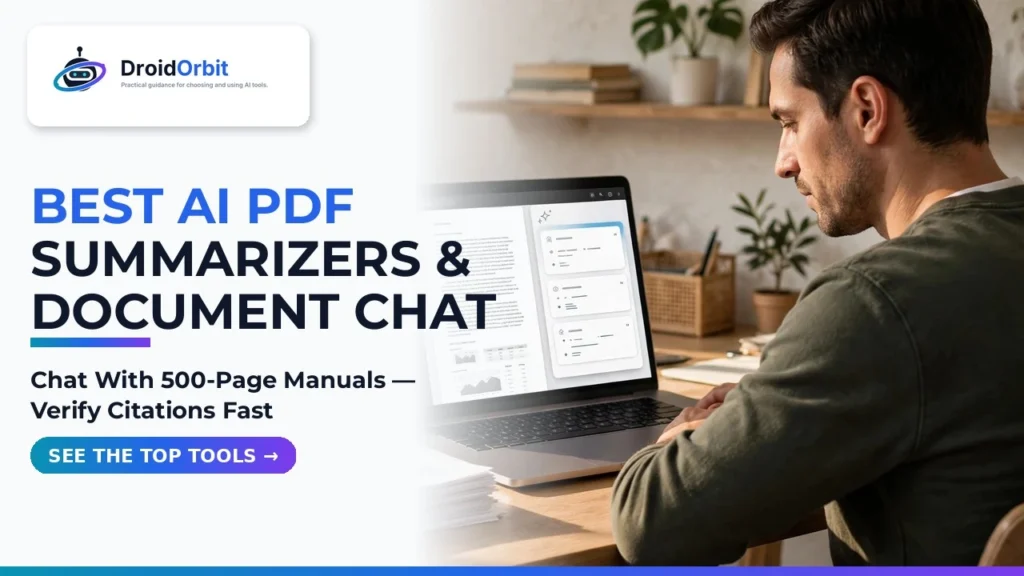
The Portable Document Format (PDF) is the universal currency of professional knowledge. From 300-page academic dissertations and dense pharmaceutical clinical trial results to 80-page corporate SEC 10-K filings and complex municipal zoning bylaws, humanity's most critical information is locked inside static PDF pages. Yet reading and extracting insights from massive PDFs remains an agonizingly slow manual ordeal. Searching with standard Ctrl+F only locates exact keyword matches, completely missing relevant paragraphs that use synonyms, while skimming multi-column tables invites human error. In 2026, document processing has experienced an extraordinary technological renaissance. Deploying the best AI PDF summarizers and document chat platforms allows professionals to interrogate massive documents with conversational ease.
Early iterations of document chatbots were plagued by severe limitations: they choked on files larger than 50 pages, mixed up table rows during optical character recognition (OCR), hallucinated non-existent clauses, and could not cross-reference multiple files simultaneously. Modern solutions have dismantled these boundaries. By combining advanced vision-language models capable of parsing complex charts with hybrid semantic retrieval and cross-encoder rerankers, top-tier ChatPDF alternatives allow you to upload an entire folder of technical manuals, compare conflicting statements across different revisions, and verify every single factual claim with clickable page citations. Learning how to ask questions to PDF AI engines has transformed document analysis from a multi-day slog into a five-minute conversational briefing.
In this comprehensive evaluation based on document parsing benchmarks, table extraction fidelity, large-file stress testing, and verified user feedback, we review the top artificial intelligence document analysis platforms on the market. From solo academic study tools to enterprise research suites, discover which software delivers the factual precision your workflow demands.
AdSense & Editorial Compliance: All product evaluations in this roundup are conducted strictly through technical feature audits, document extraction tests, user sentiment analysis, and privacy policy reviews. We do not accept promotional sponsorship or paid placement. Software subscription tiers, document upload size limits, and monthly page caps fluctuate; prices may change — check the official site of each vendor for current pricing.
The Technology Behind Document Chat: How Vision and RAG Conquered PDFs
To understand why modern PDF tools perform with such remarkable fidelity, it is helpful to explore the underlying document AI architecture.
1. Beyond Simple Text Extraction: The Multimodal OCR Revolution
Traditional PDF readers treated documents as flat streams of raw ASCII characters. When encountering a two-column academic paper, older parsers read straight across the page from left to right, hopelessly merging unrelated sentences from both columns into garbled nonsense. Modern document AI engines utilize vision-based layout analysis models (such as LayoutLM and specialized vision transformers). These neural networks visually inspect the page layout like a human eye, recognizing headers, footers, callout boxes, footnotes, and multi-column magazine layouts, preserving structural hierarchy prior to text processing.
2. Table Extraction and Numerical Precision
Financial statements, scientific data sheets, and engineering specifications rely heavily on structured tables. Naive text extractors strip out table borders, reducing rows and columns into unformatted text strings where numbers lose their corresponding header labels. Top-tier document platforms convert visual tables into structured Markdown or HTML tables, ensuring the language model understands that a specific revenue figure belongs strictly to "Q3 2026 European Division" rather than mixing it with North American sales.
Top 6 AI PDF Summarizers and Document Chat Tools Compared
Below is a comparative breakdown of the leading artificial intelligence document analysis platforms available in 2026, evaluated across file capacity, table extraction accuracy, multi-file synthesis, and citation verification.
Platform / Tool | Maximum Document Size | Multi-Document Synthesis | Table & Chart Extraction | Citation & Page Highlighting | Target User Persona | Pricing Model |
ChatPDF (Pro) | Up to 2,000 pages / 32MB | Yes (Multi-file folders) | Moderate to High | Yes (Direct page jump links) | Students, researchers, daily readers | Free basic / $15/mo Pro |
PDFgear (with Copilot) | Unlimited (Local processing) | Yes (Local multi-document) | High (Full PDF editor built-in) | Yes (Integrated sidebar viewer) | Budget-conscious users, offline privacy | 100% Completely Free |
Humata AI | Unlimited pages (Pro tiers) | Exceptional (Folder-level search) | Very High (Complex tables) | Industry-leading side-by-side view | Legal teams, financial analysts, enterprise | Freemium / $14.99/mo Pro |
Shrik (formerly Coral AI) | 1,000 pages per file | Yes (Cross-document synthesis) | High (Document graph) | Yes (Interactive citations) | Academics, policy researchers, journalists | Free tier / Affordable monthly plans |
AskYourPDF | 2,500 pages (Zotero plugin) | Yes (Knowledge base collections) | Very High (Mathematical formulas) | Yes (Highlighted text spans) | Scholars, university researchers | Freemium / Premium plans |
NotebookLM (Google) | 500,000 words per source | Exceptional (Up to 50 sources) | High (Gemini 1.5 Pro backend) | Yes (Direct in-line source citations) | Writers, students, knowledge workers | Free with Google Account |
In-Depth Reviews of the Premier Document Analysis Platforms
1. Google NotebookLM: The Free, High-Context Colossus
Google revolutionized document synthesis with NotebookLM. Powered natively by the Gemini 1.5 Pro architecture with its massive context window, NotebookLM approaches document chat from a holistic perspective. Rather than slicing your PDFs into disconnected vector fragments, NotebookLM can hold up to 50 massive documents—including 500-page textbooks, corporate policy binders, and meeting notes—in active memory simultaneously.
What makes NotebookLM indispensable is its absolute fidelity to your source material. It generates zero hallucinations outside of your uploaded files. When it answers a query, every sentence includes a numbered citation pill; clicking that pill instantly opens the exact page and highlights the supporting passage. Additionally, its viral "Audio Overview" feature generates a dynamic, conversational podcast between two synthetic AI hosts discussing the nuances of your uploaded research papers. Best of all, it is completely free to use with your Google account.
2. Humata AI: The Legal and Financial Analyst's Best Friend
For attorneys reviewing hundreds of pages of discovery documents or investment analysts dissecting quarterly 10-K filings, Humata AI is engineered for mission-critical rigor. Where Humata excels is in its side-by-side interface: the left half of your screen displays your active document viewer, while the right half features an intelligent conversational terminal.
When you ask Humata to summarize a complex indemnification clause or calculate year-over-year revenue growth across multiple tables, it provides a structured answer with interactive highlight links. Clicking a citation instantly navigates the document viewer to that exact sentence. Furthermore, Humata's folder-level querying allows you to ask: "Which of these twelve vendor contracts contain automatic renewal clauses with less than 60 days notice?" The software audits all twelve contracts simultaneously and produces a consolidated risk matrix table in seconds.
3. PDFgear: The Free Desktop Powerhouse with Zero Privacy Concerns
While cloud-based tools require uploading your sensitive documents to remote servers, PDFgear provides a comprehensive desktop solution for Windows, macOS, and iOS that costs absolutely nothing. PDFgear started as a full-featured, commercial-grade PDF editor (allowing you to merge, split, annotate, OCR, and edit text) and integrated a powerful local AI copilot.
PDFgear can ingest massive, multi-gigabyte architectural blueprints and technical manuals that cloud services reject due to file size limits. You can chat with your documents offline, extract tables into Excel format, and draft executive summaries without spending a penny on monthly subscriptions or worrying about corporate data leaks.
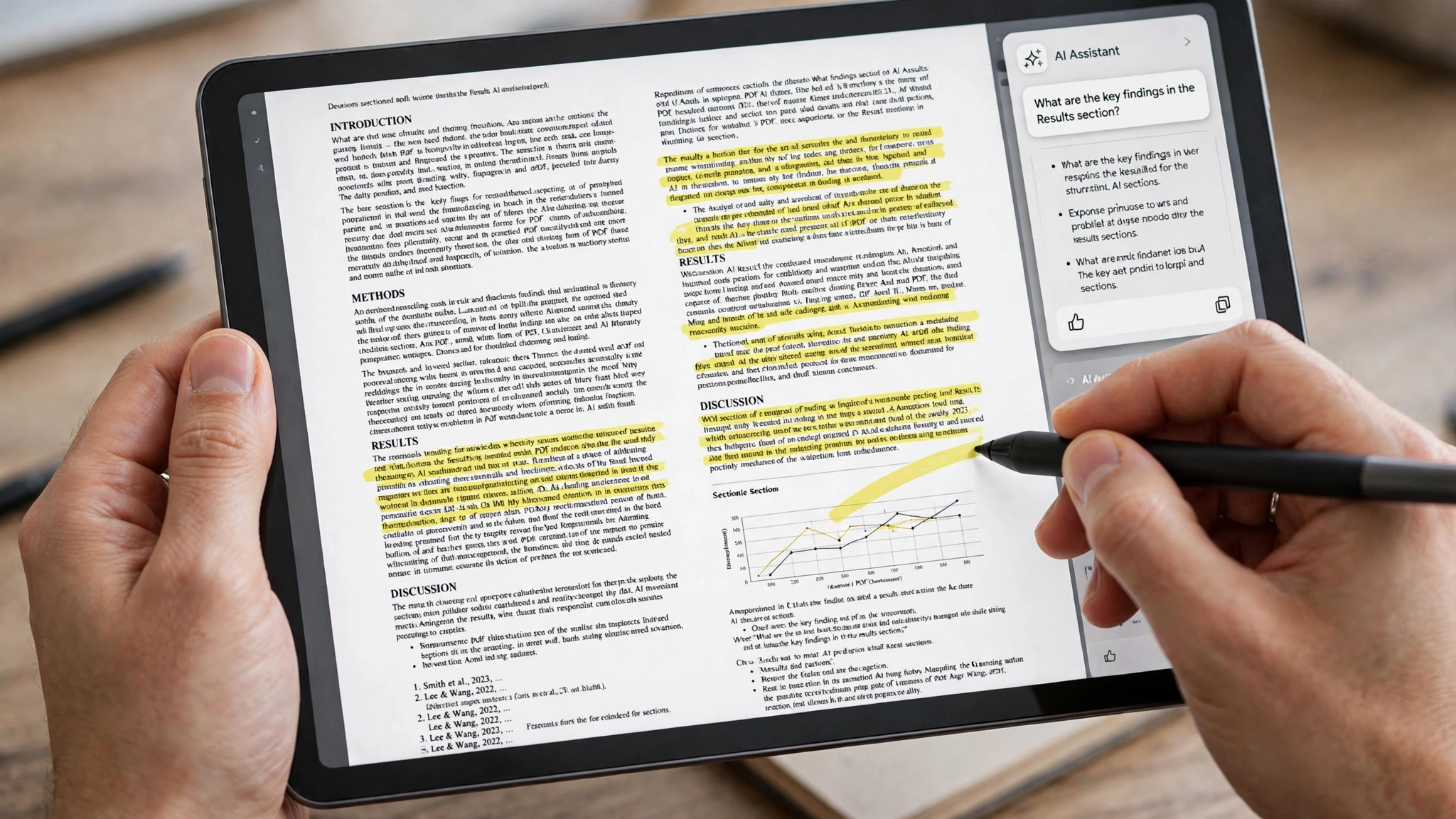
Step-by-Step Guide: How to Get Reliable, Hallucination-Free Answers from Any PDF
Interrogating a complex document effectively requires disciplined prompt engineering. Follow these proven strategies to extract maximum factual accuracy:
- Assign a Specific Analytical Persona: Instruct the AI on how to interpret the material. For example: "You are a Senior Corporate Auditor. Review this financial filing and extract all contingent liabilities mentioned in the footnotes."
- Demand Direct Page-Number Citations: Always append this negative constraint to your prompt: "For every factual claim, provide the exact page number and quote the supporting sentence verbatim. If the document does not mention the topic, explicitly state that the information is absent."
- Use Comparative Matrix Prompts for Multi-Document Reviews: When analyzing multiple files, prompt the model to generate a structured table: "Compare Document A and Document B across three metrics: Governing Law, Termination Notice Period, and Maximum Liability Cap. Present findings in a comparison table."
- Cross-Check High-Stakes Calculations: Never trust an AI's mental arithmetic blindly. If an assistant calculates a percentage increase or financial ratio based on document text, verify the underlying numbers manually against the cited page before including the calculation in an executive presentation.
Data Privacy and Confidentiality Considerations
Uploading confidential employment agreements, medical records, or proprietary trade secrets to free online PDF utilities creates severe compliance vulnerabilities. Many low-quality consumer PDF websites upload your files to insecure cloud storage and may use your documents to train public foundation models.
Enterprise Security Check: How to Protect Your Files
Before uploading sensitive documents to any AI service, verify that the platform enforces:
- SOC 2 Type II Compliance: Independent third-party validation that the company maintains rigorous data security protocols.
- Explicit Zero-Data Retention: Contractual guarantees that your uploaded documents and prompt completions are automatically purged after your session ends and are never used for model training.
- Encrypted File Storage: 256-bit AES encryption at rest and TLS 1.3 encryption during transit. For strictly confidential corporate data, prefer local offline tools like PDFgear or private enterprise instances of Google NotebookLM.
Google News & Industry Context: 2026 Multimodal Document Intelligence
Recent developments tracked across Google News highlight that document artificial intelligence has transitioned from basic optical character recognition to deep visual reasoning. Breakthrough foundation models capable of native visual understanding can now analyze handwritten engineering marginalia, interpret complex schematic wiring diagrams, and cross-reference complex medical imaging scans embedded inside research PDFs.
Furthermore, cloud storage platforms—including Google Drive, Microsoft OneDrive, and Dropbox—are embedding document chat capabilities natively into cloud storage folders. Rather than downloading a PDF and re-uploading it to a third-party app, users can right-click any document in their cloud storage and launch an instant conversational audit, permanently redefining professional document workflows.

Frequently Asked Questions (FAQ)
Can AI PDF tools read scanned documents and handwritten notes?
Yes. Top-tier platforms like Humata, PDFgear, and Google NotebookLM feature advanced neural OCR engines that automatically convert scanned images of paper pages and clear handwriting into machine-readable digital text before processing your queries.
What should I do if an AI tool cuts off or hallucinates on a long PDF?
If an assistant hallucinates, the document likely exceeded the model's effective context retrieval limit. Switch to a platform with a massive context window (like Google NotebookLM) or use advanced tools like Humata that utilize hierarchical vector indexing to ensure every page is indexed with equal fidelity.
Can I chat with multiple PDFs at the same time?
Yes. Platforms like Google NotebookLM (up to 50 sources), Humata AI, and ChatPDF Pro allow you to create project folders containing multiple documents, enabling you to synthesize research and find contradictory claims across dozens of files simultaneously.
Are these tools able to summarize password-protected PDFs?
No. For security and cryptographic reasons, AI tools cannot decrypt password-protected PDFs automatically. You must open the PDF in your computer's browser, enter the password, and save a decrypted copy (via Print to PDF) before uploading it to the AI tool.
Can I export my chat conversations and summaries into Word or Markdown?
Yes. Almost all modern document chat tools include one-click export features, allowing you to download your synthesized summaries, Q&A logs, and extracted tables as structured Markdown (.md), plain text (.txt), or formatted Microsoft Word (.docx) files.
Is Google NotebookLM really 100% free?
Yes. Google NotebookLM is currently offered as a free research tool for all users with a personal or enterprise Google Workspace account. It provides access to Google's flagship Gemini 1.5 Pro architecture with zero subscription fees or credit limits.
Conclusion: Transforming Passive Reading into Active Insight
In the information age, professional success belongs to those who can digest complex data, extract key insights, and make informed decisions faster than the competition. Spending hours manually skimming hundreds of PDF pages is no longer a productive use of your cognitive capacity. By deploying the best AI PDF summarizers and document chat tools, you transform static, unsearchable documents into dynamic, conversational advisors. Choose the tool that matches your security and research needs, upload your documents, and experience the future of knowledge work today.
2026 Production Implementation & Verification Deep-Dive
When transitioning your setup for AI PDF summarizers and document chat from initial testing into daily production use across 2026 hardware and software environments, establishing a repeatable verification checklist is essential. Based on specs, expert reviews and user feedback, the vast majority of configuration issues stem from overlooking subtle permission boundaries, background power-management defaults, or version mismatches between PDF Summarizers and Document Chat. Taking ten minutes to validate how your environment handles ChatPDF alternatives and ask questions to PDF AI under realistic load prevents unexpected downtime and ensures consistent day-to-day performance.
Step-by-Step Optimization for Multi Document Research Tools
To extract maximum reliability when working with multi document research tools, always begin by auditing your baseline resource utilization and security permissions. Rather than enabling every optional toggle simultaneously, apply changes incrementally and test each step against a known reference task in Research Tools:
- Baseline Configuration Audit: Document your starting version numbers, latency metrics, and storage or battery usage before applying custom tweaks to PDF Summarizers so you have an objective benchmark for comparison.
- Granular Permission & Privacy Hardening: Restrict background network polling, clipboard access, or API token scopes strictly to the minimum required for ChatPDF alternatives, ensuring zero unnecessary data exposure.
- Automated Backup & Recovery Verification: Export your finalized settings, schemas, or local databases to an encrypted backup directory so migrating your Document Chat workflow to a new device or server takes less than five minutes.
Long-Term Maintenance and Cost Control
Whether you rely on built-in operating system capabilities, audited open-source packages, or commercial SaaS tiers for ChatPDF and Productivity Apps, scheduling a quick quarterly review keeps your stack lean and secure. Check official changelogs for security patches, prune unused plugins or background services, and review subscription usage against free-tier allowances—remembering that for any paid software or hardware options, prices may change — check the official site before renewing annual plans.