

Manual data entry is the tax every organization pays on its own inefficiency: humans retyping information from one system to another, from paper to screen, from email to database. It is slow, error-prone (1–4% error rates are typical), soul-crushing work that nobody was hired to do. An AI data entry automation workflow eliminates it in five steps: mapping every manual entry point, capturing data with OCR and AI extraction, validating automatically, integrating systems so data flows, and monitoring the pipeline continuously.
The goal is not faster typing — it is zero typing. Every manual entry point is a process failure waiting to be engineered away. Organizations that systematically eliminate data entry free hundreds of staff hours monthly while simultaneously improving data accuracy.
Why Manual Data Entry Persists — and Why an AI Data Entry Automation Workflow Ends It
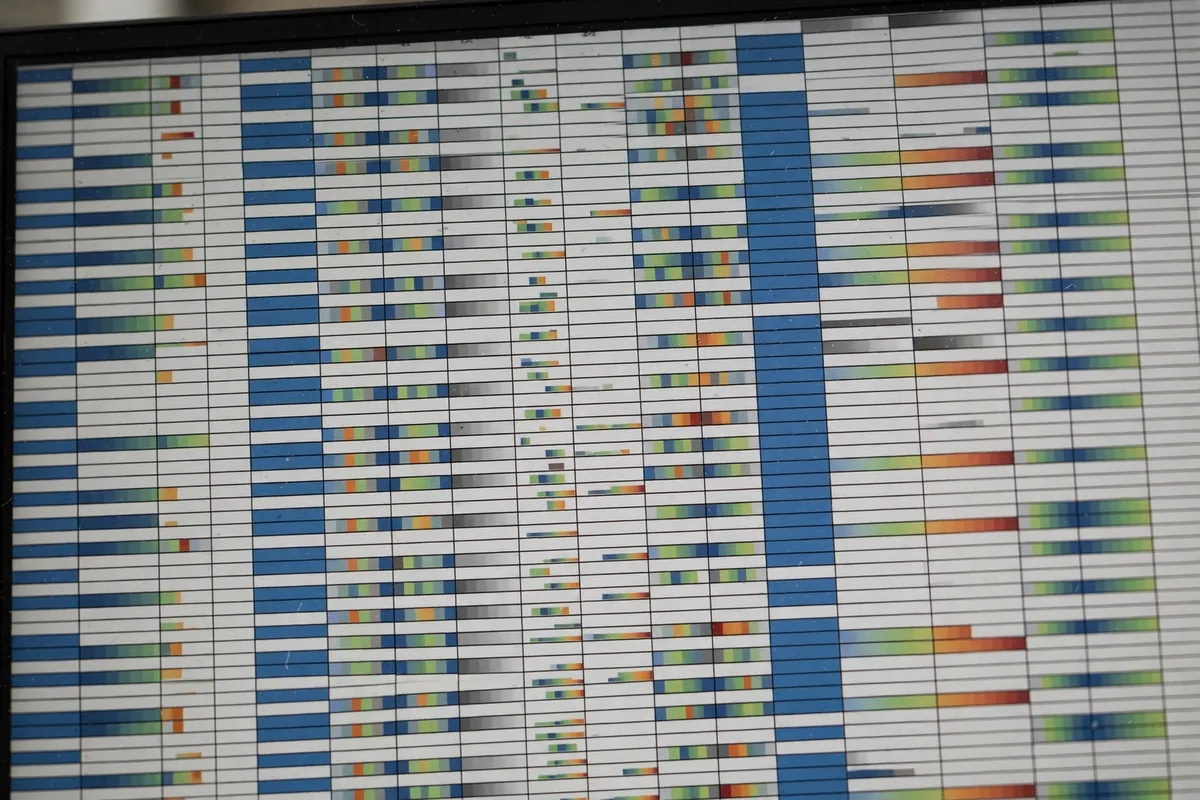
Manual entry survives because it is the path of least resistance: connecting systems takes effort, so people become the integration layer. The invoice arrives by email; someone retypes it into accounting. The web form submits; someone copies it into the CRM. The paper application arrives; someone transcribes it. Each instance seems small; collectively they consume enormous human capacity.
The hidden costs go beyond labor. Manual entry errors corrupt downstream decisions — the mistyped quantity that breaks inventory, the transposed digits that misdirect payment, the misread name that creates a duplicate record. Error correction often costs more than the original entry. And the human cost matters: talented people spending hours on robotic work disengage, make more errors, and eventually leave.
An AI data entry automation workflow attacks the root cause directly: disconnected systems and unstructured inputs. AI reads documents, extracts structured data, validates it, and routes it — the human role shifts from typing to exception-handling, which is both more valuable and more engaging.
Step 1: Map Every Manual Entry Point
You cannot automate what you have not inventoried. Step one is a ruthless audit.
Shadow the work
For one to two weeks, track every instance of manual data entry: who enters what, from which source, into which system, how often, and how long it takes. Include the invisible ones — the copy-paste between tabs, the retyping from PDFs, the spreadsheet consolidation. Most organizations discover 2–3x more manual entry than they estimated.
Score each entry point
For each, estimate: volume (transactions per week), time cost (minutes per transaction × volume), error rate and error cost, and automation difficulty. This scoring prioritizes the work — the AI data entry automation workflow starts where volume × cost is highest and difficulty is lowest, building momentum with quick wins.
Identify the patterns
Entry points cluster into types: document-to-system (invoices, applications, forms), system-to-system (CRM to billing, web to database), email-to-system (orders, requests, inquiries), and paper-to-system (the last holdouts). Each type has a standard automation pattern — which the following steps implement.
Set the elimination target
Define success concretely: “reduce manual entry hours from 120/week to under 10/week within 6 months.” Public targets create accountability and let you measure ROI. The goal is elimination, not improvement — 50% faster typing is the wrong victory. Share the target with the teams doing the entry work; they should see automation as liberation from drudgery, with redeployment plans communicated upfront to prevent fear-driven resistance.
Interview the entry-doers
The people currently doing manual entry know every quirk: which vendor’s invoices always need fixing, which form field breaks the import, which system times out on large batches. Interview them during the audit — their knowledge becomes your exception-handling rules and validation logic. Excluding them guarantees your automation misses the edge cases they handle daily.
Step 2: Capture Data With OCR and AI Extraction

Unstructured inputs — PDFs, scans, photos, emails — need AI to become structured data.
OCR for documents
Modern OCR handles far more than clean scans: handwriting (with good accuracy on structured forms), photos of documents, multi-page PDFs, and mixed layouts. Tools with AI-powered OCR understand document structure — distinguishing the invoice number from the PO number, the line items from the totals. For document-heavy entry points, OCR is the front door of the AI data entry automation workflow.
Intelligent email parsing
Orders, applications, and requests arriving by email get parsed automatically: AI extracts the relevant fields (customer, items, quantities, dates) from message bodies and attachments, creating structured records without human reading. Train the parser on your email patterns; accuracy climbs quickly with examples.
Form and web capture
Replace manual web-to-system copying with direct integrations or intelligent form processing: webhooks from forms straight into systems, browser automation for portals without APIs, and AI field-mapping that adapts when source layouts change. Every web form submission should flow to its destination untouched by human hands.
Voice and audio inputs
Field teams, call centers, and note-takers generate audio that someone transcribes. AI transcription plus extraction converts calls, voicemails, and dictated notes directly into structured records. Paired with AI voice tools, the entire audio pipeline — capture, transcribe, extract, file — runs without typing.
Platforms like ABBYY specialize in intelligent document processing — evaluate their extraction accuracy against your specific document types before committing.
Step 3: Validate Automatically
Extracted data is guilty until proven innocent. Step three builds the proof.
The validation layers
- Format validation: dates are dates, emails match patterns, numbers are numeric
- Range validation: quantities positive, amounts within expected bounds, dates sensible
- Cross-field validation: totals match line items, state matches ZIP, end after start
- Reference validation: customer exists, product code valid, account active
- AI anomaly detection: this invoice is 10x the vendor’s average — flag it
Confidence scoring and routing
AI assigns extraction confidence per field. High-confidence extractions flow straight through; medium-confidence get quick human confirmation (one click); low-confidence route to full manual review with the source document attached. This triage means humans touch only the exceptions — typically 5–15% of volume — while the rest flows untouched.
The human-in-the-loop interface
Design exception handling for speed: source document and extracted fields side by side, keyboard shortcuts for approve/correct, bulk actions for common corrections. A well-designed review interface processes exceptions in seconds each. The AI data entry automation workflow succeeds when exception handling is fast enough that reviewers do not dread it.
Learn from corrections
Every human correction trains the system: the parser learns the new invoice layout, the validator learns the legitimate edge case, the anomaly detector calibrates. Track correction rates over time — they should fall steadily. Corrections that do not decrease signal a broken feedback loop, not a broken AI.
Step 4: Integrate Systems End-to-End

Extraction without integration just moves the manual work downstream. Step four connects everything.
API-first integration
Where systems offer APIs, connect directly: extracted data writes to the CRM, ERP, or database via API with full error handling and retry logic. API integrations are the gold standard — reliable, fast, and auditable. Prioritize them for high-volume entry points.
RPA for the API-less
Some systems lack APIs — legacy software, vendor portals, government sites. Robotic process automation (UiPath and equivalents) drives these interfaces like a human would, but tirelessly and accurately. RPA is more brittle than APIs (UI changes break bots), so reserve it for stable interfaces and monitor closely.
The integration architecture
Design the data flow explicitly: sources → extraction → validation → transformation (format mapping between systems) → destination writes → confirmation/audit. Each stage logs successes and failures. This pipeline architecture makes the AI data entry automation workflow debuggable — when something breaks, you know exactly which stage failed.
Handle the failures gracefully
Integrations fail: APIs go down, credentials expire, formats change. Build: automatic retries with backoff, dead-letter queues for failed transactions, alerts on failure spikes, and manual replay tools. A pipeline without failure handling is a pipeline that silently loses data — the worst possible outcome.
Step 5: Monitor and Optimize Continuously
Automation is not install-and-forget. Step five keeps the pipeline healthy and expanding.
The operations dashboard
Monitor in real time: volume processed, straight-through rate (no human touch), exception rate by type, average processing time, error rate, and cost per transaction. These metrics prove ROI and surface degradation early. A straight-through rate that drops from 92% to 78% means something changed upstream — investigate before the exception queue drowns.
Expand systematically
After the first entry points run cleanly, attack the next tier: the medium-volume processes, the trickier document types, the edge-case integrations. Each expansion reuses the established patterns — extraction, validation, integration, monitoring. Organizations typically automate 70–80% of manual entry within a year of starting, with the remainder being genuinely judgment-dependent.
Calculate and communicate ROI
Track the numbers: hours eliminated, error reduction, processing speed improvement, and staff redeployed to higher-value work. Report quarterly. ROI communication sustains executive support for continued investment — and the AI data entry automation workflow’s returns compound as each new automation builds on the platform.
Maintain the automation
Assign ownership: someone monitors the dashboards, handles vendor relationships, updates parsers for new document layouts, and manages credential rotation. Automation needs gardeners, not just builders. Budget 10–15% of initial implementation effort annually for maintenance.
Students and researchers dealing with data-heavy projects can apply the same principles at smaller scale — AI tools for students include extraction and organization aids that eliminate manual drudgery.
Common Data Entry Automation Mistakes
- Automating broken processes: digitizing chaos produces faster chaos — simplify first
- Skipping validation: extraction without verification ships errors at machine speed
- No exception design: humans drowning in poorly-designed review queues
- Big-bang implementation: boiling the ocean instead of sequencing quick wins
- Ignoring maintenance: parsers decay as document layouts evolve
The extracted data often feeds analysis — AI data analysis workflows pick up where entry automation leaves off, turning clean data into decisions.
Auditing Error Rates After Automation
Automating data entry does not eliminate errors; it changes their shape. Manual entry produces random typos. Automated entry produces systematic errors, like a misconfigured mapping that corrupts the same field on every record. The latter is more dangerous because it is invisible until someone looks.
Build a weekly audit into the workflow: pull a random sample of 50 automated entries and verify them against the source. Track the error rate over time. If it spikes, the mapping or the source format changed, and you want to catch it in week one, not quarter three. Automation without auditing is just faster mistakes.
FAQ
How accurate is AI data extraction?
Field-level accuracy of 95–99% on structured documents (invoices, forms); 85–95% on unstructured or handwritten inputs. Validation layers catch most residual errors. Combined pipeline accuracy typically exceeds manual entry (which runs 96–99% per keystroke-compounded field).
What is the typical ROI timeline?
High-volume entry points often pay back in 2–4 months. Full workflow implementations typically break even in 6–9 months. The math: (hours saved × loaded labor cost) + (errors avoided × error cost) vs. implementation and licensing.
Do we need RPA or will APIs suffice?
APIs where available — always. RPA fills the gaps for legacy systems and portals without APIs. Most organizations end up with a hybrid: API-first for modern systems, RPA for the stubborn remainder.
What happens to the data entry staff?
Redeploy to exception handling, quality assurance, customer-facing work, or higher-value operations. Frame automation as promotion from robot-work, not elimination — and mean it. Organizations that handle this transition well retain institutional knowledge; those that do not lose it.
How do we handle handwritten documents?
Modern AI OCR handles structured handwriting (forms, applications) at 85–95% accuracy — good enough with validation layers and human review of low-confidence fields. Unstructured handwriting (freeform notes) remains challenging; consider redesigning the capture (digital forms) rather than perfecting handwriting recognition. For legacy paper archives, batch scanning plus AI extraction typically processes thousands of pages weekly with minimal supervision.
Conclusion
An AI data entry automation workflow eliminates the most wasteful work in modern organizations: map every manual entry point, capture with AI-powered extraction, validate automatically with intelligent exception routing, integrate systems end-to-end, and monitor continuously. Five steps from human copy-paste to zero-touch data flow.
Start this week: audit your manual entry points and score them by volume × cost. Pick the highest-scoring one and pilot the AI data entry automation workflow on it. That first win — measured in hours reclaimed and errors eliminated — will fund and justify everything that follows, building organizational momentum for the full transformation.





Join the discussion
Have a question or a perspective to share?