
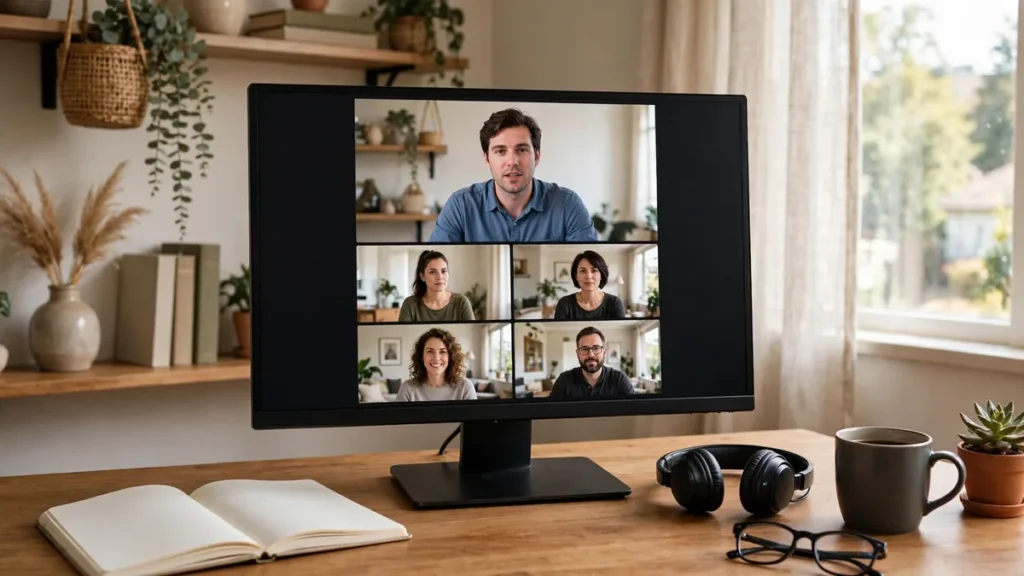
Webinars generate some of the warmest leads in B2B marketing — people who voluntarily spent 45 minutes with your content. Yet most companies squander them with a single generic “thanks for attending” email. An AI webinar follow-up workflow converts that attention into pipeline in five steps: segmenting attendees by behavior, personalizing outreach at scale, automating multi-touch sequences, scoring engagement to prioritize sales, and closing the loop with analytics.
The difference between generic and systematic follow-up is stark: segmented, behavior-based follow-up converts 2–4x better than one-size-fits-all blasts. With AI handling the segmentation, personalization, and sequencing, every webinar’s audience gets the follow-up it deserves — automatically.
Why Webinar Leads Go Cold (And How an AI Webinar Follow-Up Workflow Fixes It)
The webinar ends, the team celebrates the attendance number, and then… a thank-you email goes out three days later, identical for the engaged prospect who asked four questions and the registrant who never showed. Both get the same nurture sequence. Sales gets a list of 500 names with no prioritization. Within two weeks, the webinar’s pipeline impact is near zero.
This happens because follow-up is treated as an afterthought rather than the main event. The webinar itself is just the top of the funnel — the conversion happens in the days after, through relevant, timely, personalized outreach. An AI webinar follow-up workflow treats post-webinar as a designed process: every attendee behavior triggers the right next step, every segment gets appropriate messaging, and sales focuses on the hottest prospects first.
The opportunity cost is enormous. Webinar attendees have demonstrated interest, invested time, and self-identified their pain points through their questions and poll responses. No other lead source hands you this much intelligence — wasting it with generic follow-up is marketing malpractice.
Step 1: Segment Attendees by Behavior
Not all attendees are equal. Step one sorts them by what they actually did.
The behavioral segments
- Hot: attended live 30+ minutes, asked questions, answered polls, clicked CTAs, downloaded resources
- Warm: attended live but passively, or watched significant replay portions
- Lukewarm: registered but did not attend; opened the replay email
- Cold: registered, no-showed, ignored replay — or attended under 5 minutes
- Customers: existing clients attending (different goal: expansion, not acquisition)
AI-powered segmentation
AI analyzes the full behavioral dataset: attendance duration, engagement events, question topics, poll answers, resource downloads, chat activity, and firmographic data. It clusters attendees into actionable segments automatically — including nuanced ones humans miss, like “engaged on pricing questions but left before the demo” (high intent, specific objection). The AI webinar follow-up workflow segments on behavior, not just demographics.
Enrich with context
Layer firmographic and technographic data onto segments: company size, industry, tech stack, and role. A hot attendee from a target account gets different treatment than a hot attendee from a student email. Enrichment turns behavioral segments into prioritized action lists.
Route immediately
Segmentation must trigger routing within hours, not days. Hot prospects flow to sales with full behavioral context; warm prospects enter accelerated nurture; lukewarm get the replay plus light nurture; cold get standard nurture or suppression. Speed matters — engagement decays fast, and the first follow-up within 24 hours dramatically outperforms day-three outreach.
Step 2: Personalize Outreach at Scale
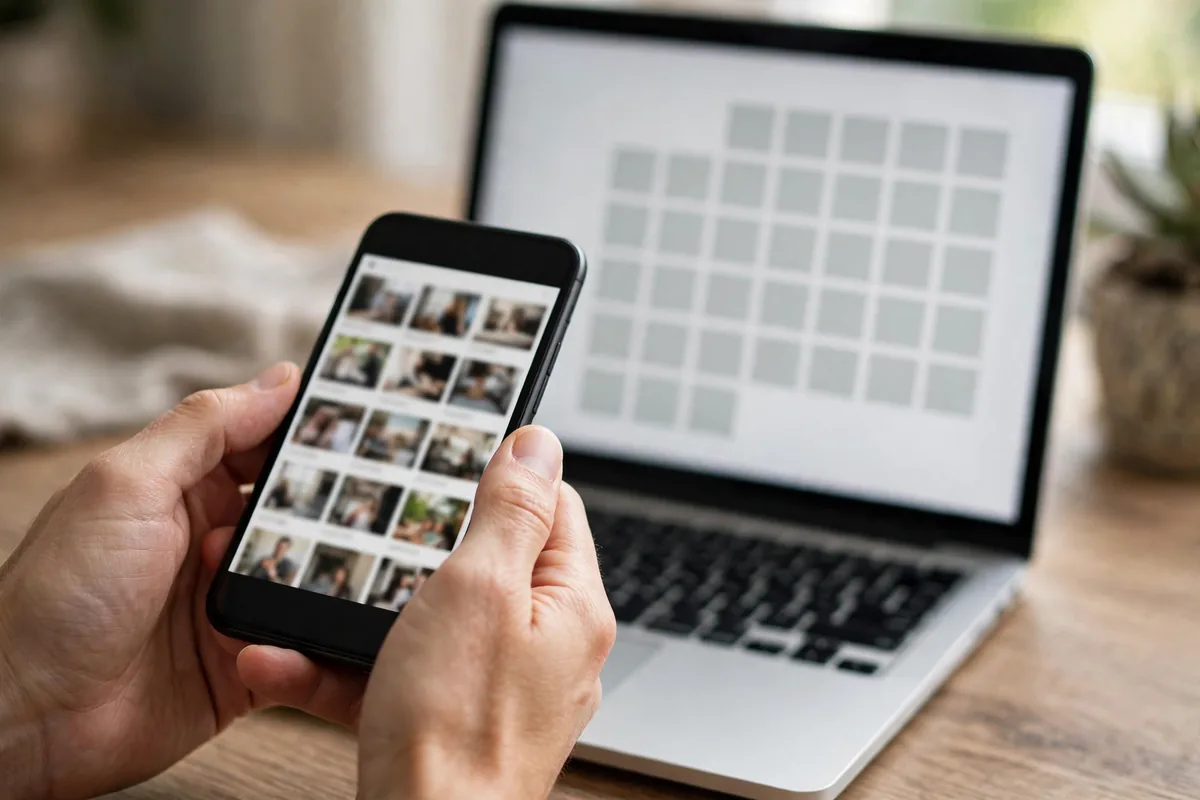
Generic follow-up converts generically. Step two makes every message feel personal — automatically.
Reference actual behavior
“Thanks for your question about Salesforce integration — here is the detailed guide I promised” beats “Thanks for attending!” by orders of magnitude. AI drafts personalized follow-ups referencing each attendee’s specific actions: their questions, poll answers, download choices, and attendance pattern. This is the core personalization that the AI webinar follow-up workflow delivers at scale.
Tailor content to segment
Hot prospects get: direct sales outreach with a customized demo offer referencing their interests. Warm get: a curated content package (the recording timestamped to relevant sections, related case studies, the slides). Lukewarm get: the replay highlights reel (5-minute version) plus one compelling CTA. Cold get: light nurture or re-engagement later. Each segment’s content matches its demonstrated intent.
Personalize the sender
Hot prospect emails come from the assigned AE (with AI-drafted personalization the AE approves). Warm nurture comes from the webinar host (the familiar face). This sender-matching increases open and reply rates significantly — people respond to people they have “met,” even virtually.
Scale without spamming
Personalization at scale requires guardrails: frequency caps per segment, suppression lists (unsubscribes, competitors, existing open opportunities), and quality sampling (humans review a sample of AI-drafted messages weekly). The goal is relevance, not volume — every message should earn its send.
Platforms like Zoom and GoToWebinar provide the engagement data that powers this personalization — ensure your integration captures the full behavioral feed, not just registration lists.
Step 3: Automate Multi-Touch Sequences
One email is not follow-up. Step three builds the sequences that convert over time.
The post-webinar sequence framework
- Hour 0–4: thank-you + recording + resources (all attendees)
- Day 1: personalized follow-up per segment (behavioral references)
- Day 3: value-add content (case study matching their interests)
- Day 7: the soft CTA (assessment, trial, consultation — matched to intent)
- Day 14: social proof (customer story in their industry)
- Day 21: final CTA with urgency (limited slots, expiring offer)
- Day 30+: merge into standard nurture for non-converters
Branch on behavior
Sequences must react: opened but did not click → different day-7 message than clicked-but-did-not-convert. Replied with a question → human takes over immediately. Visited pricing page → sales alert. AI manages these branches automatically, moving prospects between tracks based on real-time behavior. Static drip sequences are obsolete; the AI webinar follow-up workflow is responsive.
Coordinate sales and marketing touches
Define the handoff rules explicitly: marketing owns days 0–7 (nurture), sales engages hot prospects within 24 hours (parallel track), and unresponsive hot prospects return to marketing nurture after 14 days. Document who does what — the classic failure is both teams assuming the other followed up, or both spamming simultaneously.
Test and optimize continuously
A/B test subject lines, CTAs, send times, and content offers per segment. Webinar follow-up is highly testable — every webinar is a new experiment cohort. Track open, click, reply, meeting-booked, and pipeline rates per variant. Small systematic improvements compound across webinars into major conversion gains.
Step 4: Score Engagement and Prioritize Sales

Sales time is precious. Step four ensures it goes to the right prospects.
Build the webinar engagement score
Score each attendee: attendance duration (weight heavily), questions asked (especially buying-signal questions), poll participation, resource downloads, CTA clicks, replay behavior, plus firmographic fit. AI models trained on historical webinar-to-close data weight these factors optimally — far better than gut-feel scoring.
Deliver actionable sales intelligence
Sales should not get a list — they should get a briefing per hot prospect: who they are, what they engaged with, what questions they asked (with suggested answers), what content they consumed, and the recommended talk track. “Call Sarah — she asked about enterprise SSO, downloaded the security whitepaper, and attended 52 minutes. Open with the compliance angle.” This is the AI webinar follow-up workflow at its most valuable.
Set the speed-to-lead standard
Hot prospects get contacted within 4 business hours of the webinar ending — with full context. Every hour of delay decays conversion measurably. Automate the alerting; hold sales accountable to the SLA. The fastest follow-up often wins against better competitors — speed is a feature.
Recycle intelligently
Not-now prospects are not never prospects. Warm non-converters enter long-term nurture with webinar-topic tagging — when you host a related webinar, they get priority invites. Track re-engagement: prospects who attend multiple webinars are exhibiting a buying pattern; escalate them even without explicit hand-raises.
For small businesses building their webinar engine, AI workflows for SMBs cover the foundational automation that makes sophisticated follow-up affordable.
Step 5: Close the Loop With Analytics
Follow-up without measurement is superstition. Step five makes it science.
The webinar attribution dashboard
Track per webinar: registrations, attendance rate, engagement distribution, follow-up sequence performance (per email, per segment), meetings booked, pipeline generated, and closed revenue. Attribute pipeline and revenue back to the webinar and its follow-up — this is the ROI story that justifies the program.
Analyze segment performance
Which segments convert best? Which sequences underperform? Where do prospects stall? Segment-level analysis reveals whether your segmentation is right and your content resonates. If “warm” prospects never convert, either the segment definition or the nurture content needs rethinking.
Feed insights forward
Every webinar teaches: topics that draw crowds, formats that engage, questions that signal buying intent, follow-up messages that convert. Document these learnings and apply them to the next webinar’s content AND follow-up design. The AI webinar follow-up workflow improves with every cycle — the tenth webinar’s follow-up should dramatically outperform the first’s. Build a simple playbook document capturing what worked: best-performing subject lines, highest-converting CTAs, optimal send times per segment. This institutional knowledge compounds across quarters.
Report to stakeholders simply
Marketing leadership needs: pipeline and revenue per webinar, cost per qualified lead, and trend lines. Sales leadership needs: lead quality scores and conversion rates. One dashboard, two views. Regular reporting sustains investment in the webinar program and the follow-up infrastructure.
Customer service teams can apply similar behavioral segmentation to support interactions — AI customer service tools cover the parallel discipline of response prioritization.
Common Webinar Follow-Up Mistakes
- The single generic blast: one “thanks for attending” email for everyone
- Slow follow-up: day-three outreach to day-zero intent
- No segmentation: hot prospects and no-shows treated identically
- Sales without context: handing over names instead of intelligence
- No measurement: running webinars without attribution or optimization
When evaluating the broader toolkit, best AI tools roundups help identify the platforms that integrate cleanly with webinar systems.
The 24-Hour Follow-Up Sequence
Webinar attendees are warmest in the first 24 hours. Send the replay and slides within 2 hours of the event ending, while the content is fresh. The next morning, send a segmented follow-up: attendees get the offer or next step, no-shows get the replay with a shorter highlight reel, and engaged question-askers get a personal note.
Track two numbers: replay view rate and the conversion rate of attendees versus no-shows. Most teams discover that live attendees convert at 3 to 5 times the rate of replay watchers, which changes how you promote the next webinar. AI can draft all three follow-up emails from your webinar transcript in minutes.
FAQ
How quickly should webinar follow-up go out?
The thank-you + recording within 4 hours; personalized segment follow-up within 24 hours; sales outreach to hot prospects within 4 business hours. Speed is the single biggest lever — every day of delay measurably reduces conversion.
What about registrants who did not attend?
They get the replay plus a lighter sequence — many no-shows convert on replay viewing. Do not write them off; “registered but busy” is still demonstrated interest. Track replay engagement and escalate re-engaged no-shows into warmer segments.
How do we handle existing customers who attend?
Separate track: no sales pitch. Focus on product education, expansion use cases, and advocacy (reviews, referrals, case study participation). Customers attending webinars are engagement signals — nurture the relationship, not the transaction.
What is a good webinar-to-pipeline conversion rate?
Varies by industry and offer, but 5–15% of attendees becoming sales-accepted leads is healthy; 2–5% of attendees becoming customers is strong. Benchmark against your own history first — systematic follow-up typically doubles baseline conversion within 2–3 webinars.
Should sales attend the webinar live?
Yes — at least monitoring chat and Q&A. Live presence lets sales engage hot prospects in real time (“great question — I will send you the detailed breakdown right after”), which converts better than any post-event email. It also gives sales firsthand context for follow-up.
Conclusion
An AI webinar follow-up workflow turns webinar attendance into pipeline systematically: behavioral segmentation within hours, personalized outreach referencing actual actions, multi-touch sequences that branch on behavior, engagement scoring that focuses sales, and analytics that improve every cycle. Five steps from wasted attention to converted revenue.
Start with your next webinar: implement behavioral segmentation and the 24-hour personalized follow-up. That single change — the heart of the AI webinar follow-up workflow — will lift conversion immediately, and the full system compounds from there.


Join the discussion
Have a question or a perspective to share?